Google released Nano Banana 2.1 (model ID gemini-nano-banana-2.1) on October 6, 2026 as the upgrade to Nano Banana 2. You can use it online here, in an independent Image to Layers workspace, with no API key. Type a prompt or upload up to 14 reference images, pick one of 14 aspect ratios, and render at 1K, 2K, or 4K from 8 credits per image.
Create or edit with Nano Banana 2.1
Text-to-image or up to 14 references · 14 aspect ratios · 1K / 2K / 4K · one image per run
Model
Describe the image you want
Resolution
Aspect ratio
Nano Banana 2.1
Nano Banana 2.1 at a glance
Released by Google: October 6, 2026
Model ID: gemini-nano-banana-2.1
1K, 2K, or 4K, with 14 aspect ratios from 1:8 to 8:1
Up to 14 reference images per request
8 / 12 / 25 credits per image at 1K / 2K / 4K
Your result appears here. Each run returns one image.
1 AI image modelText & reference workflowsModel-aware settings
Updated
Independent third-party workspace, not affiliated with Google. Generations run on Google's gemini-nano-banana-2.1 model through an API provider.
Nano Banana 2.1 example images
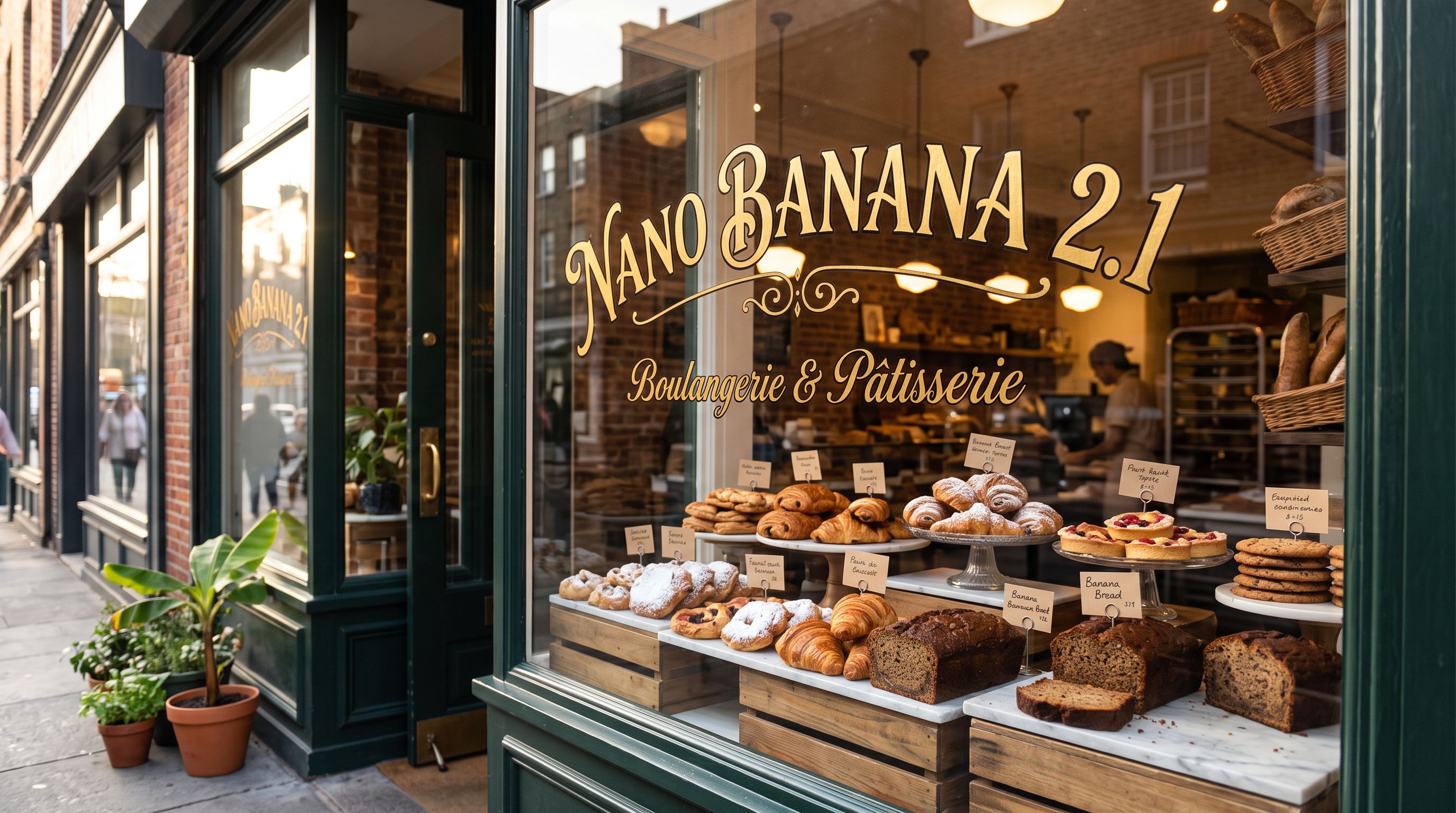
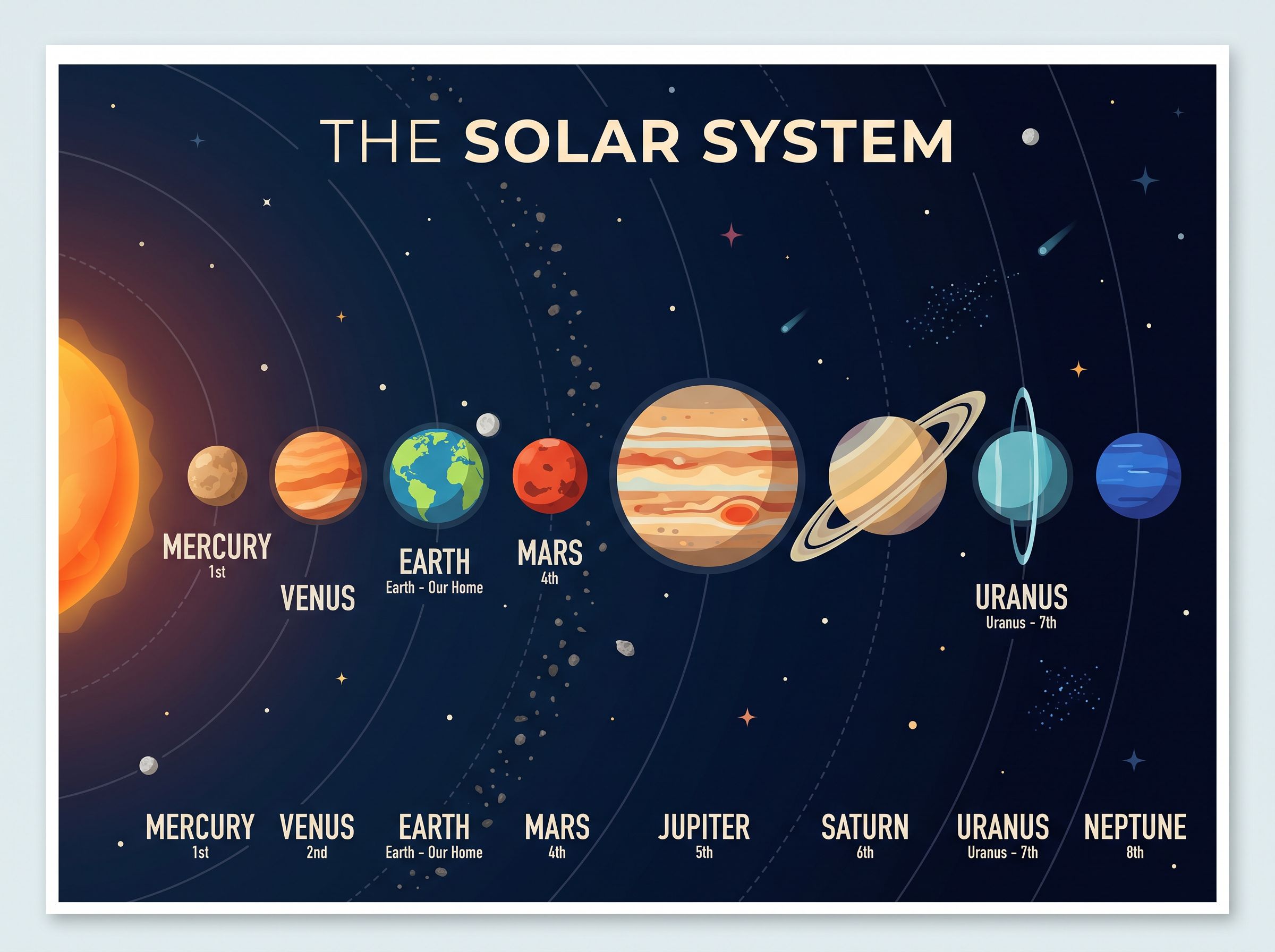
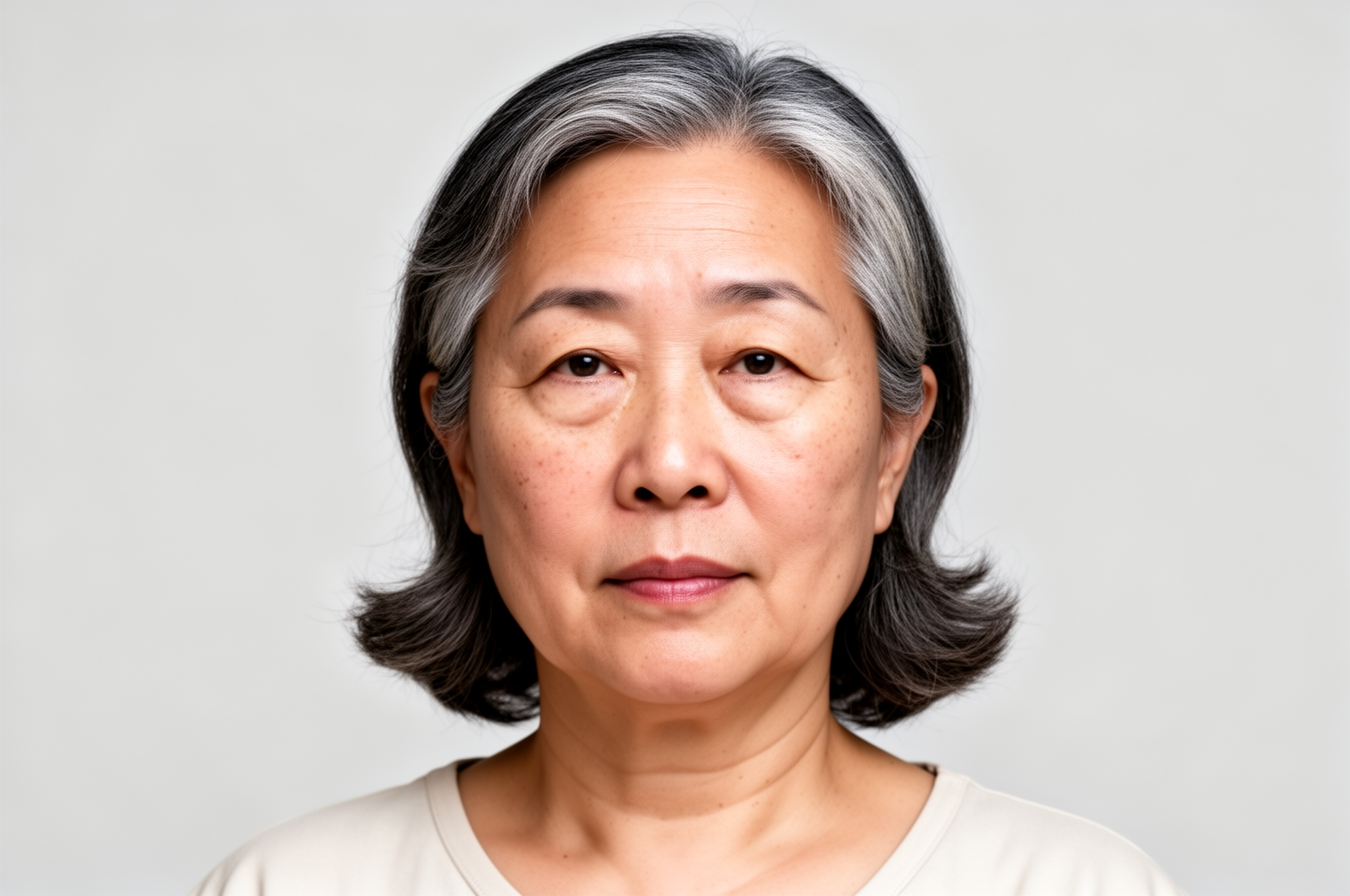
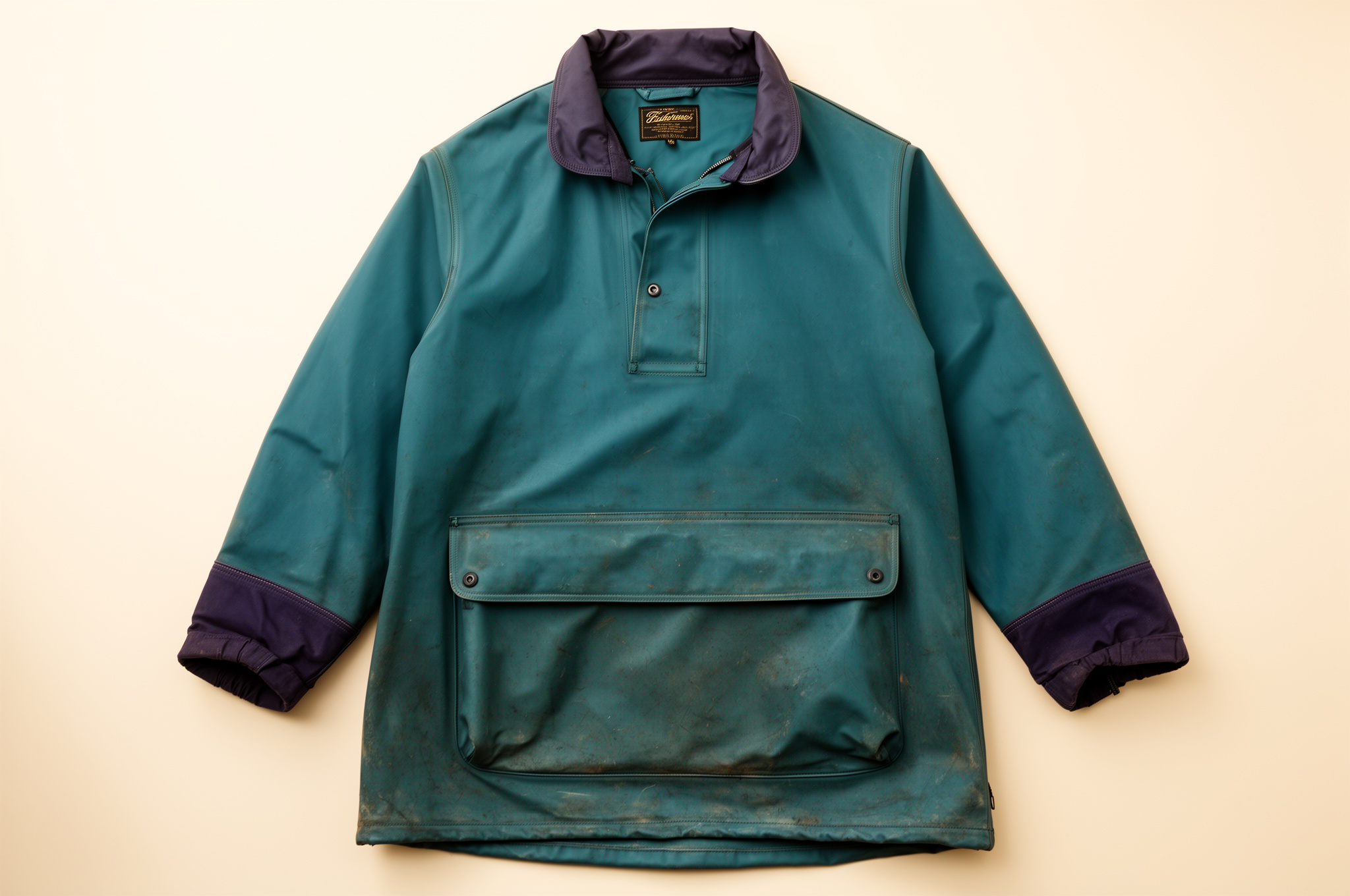
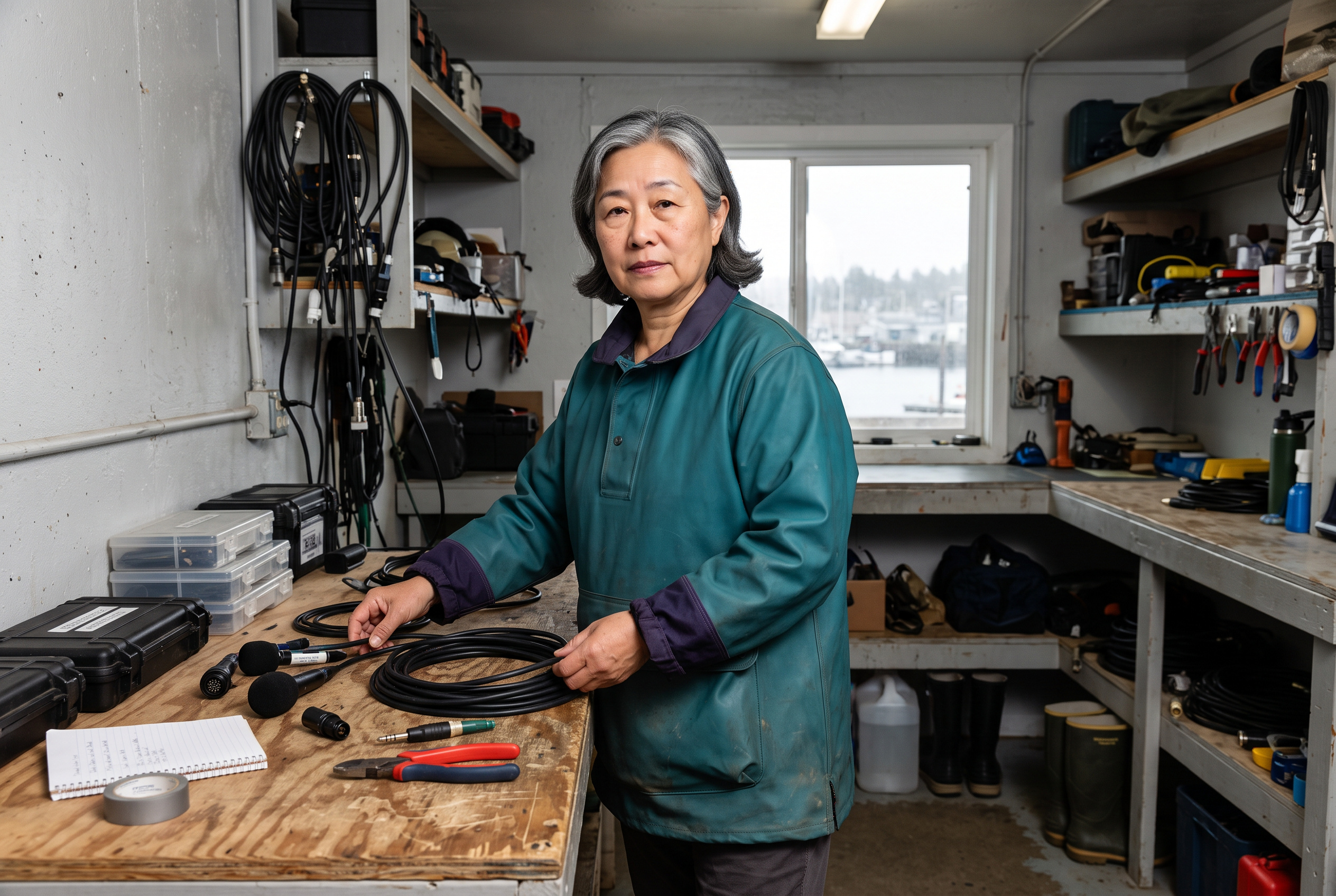
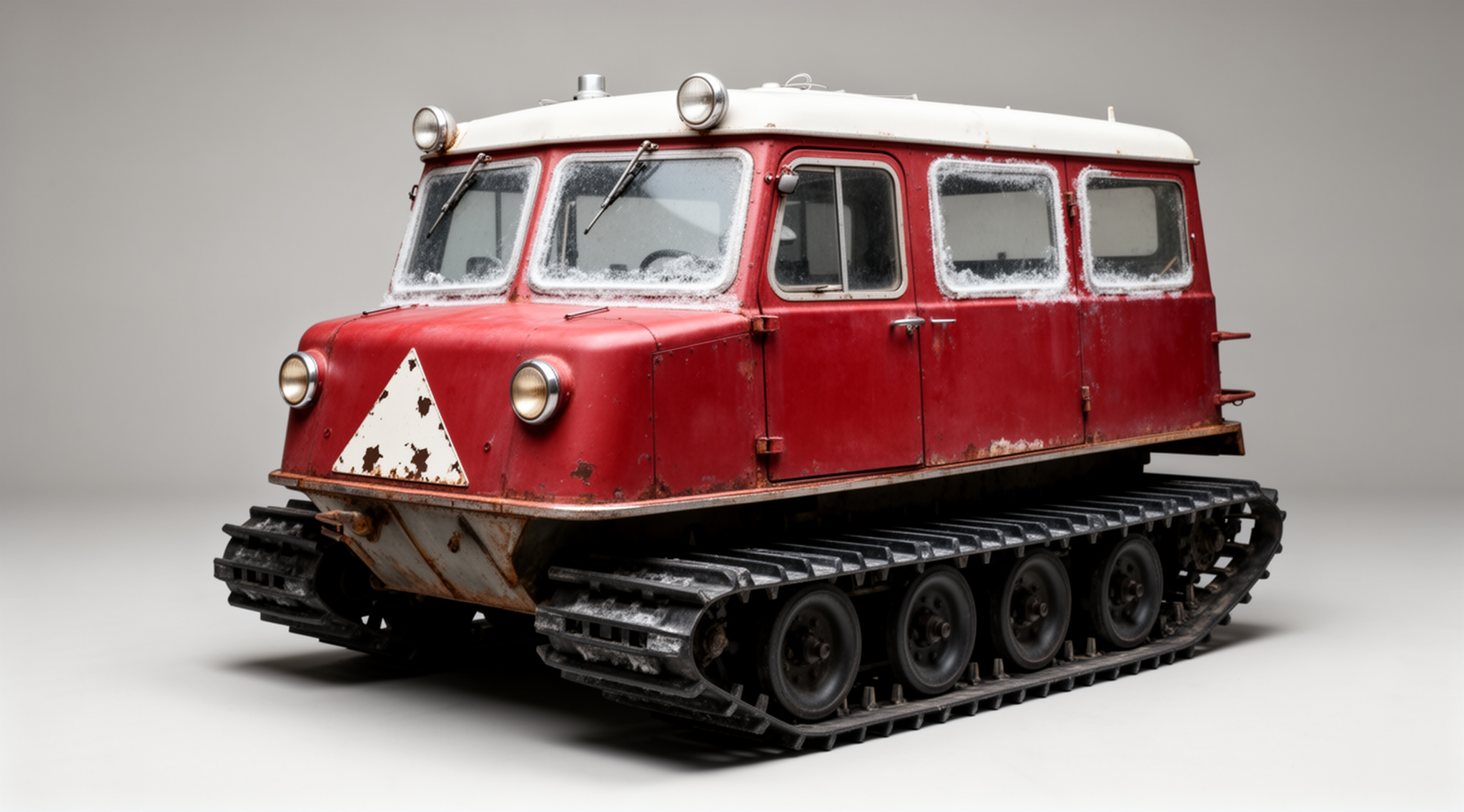
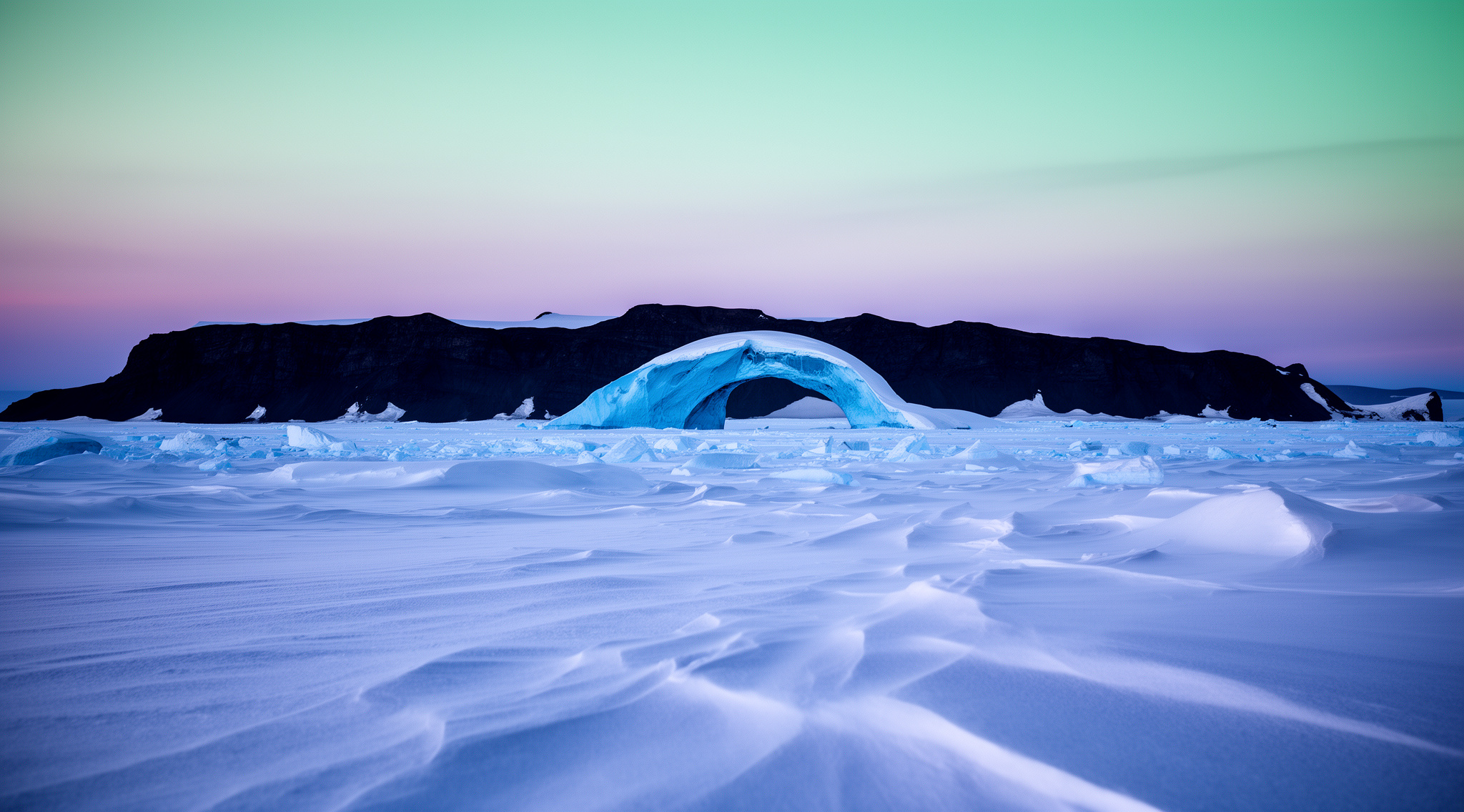
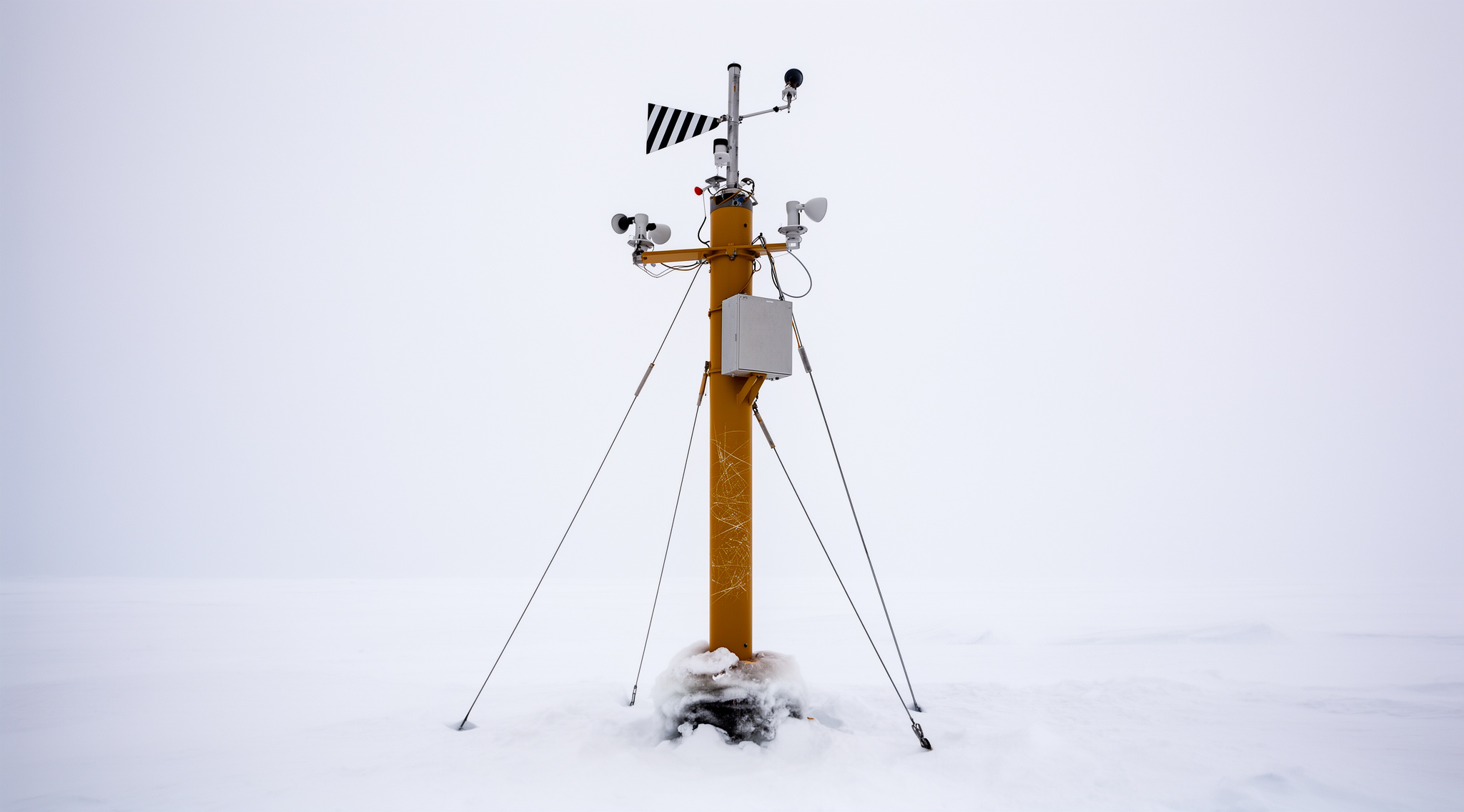
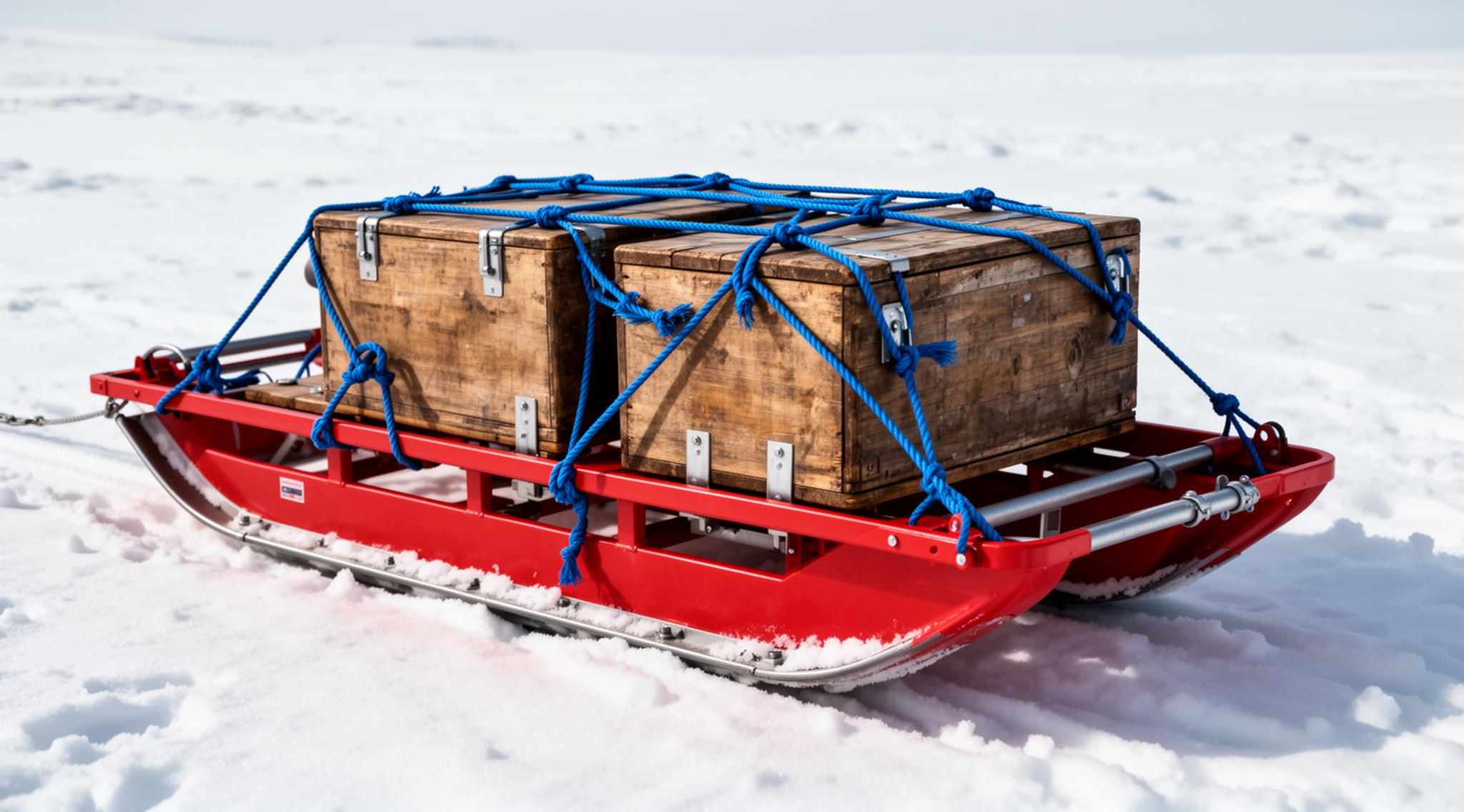
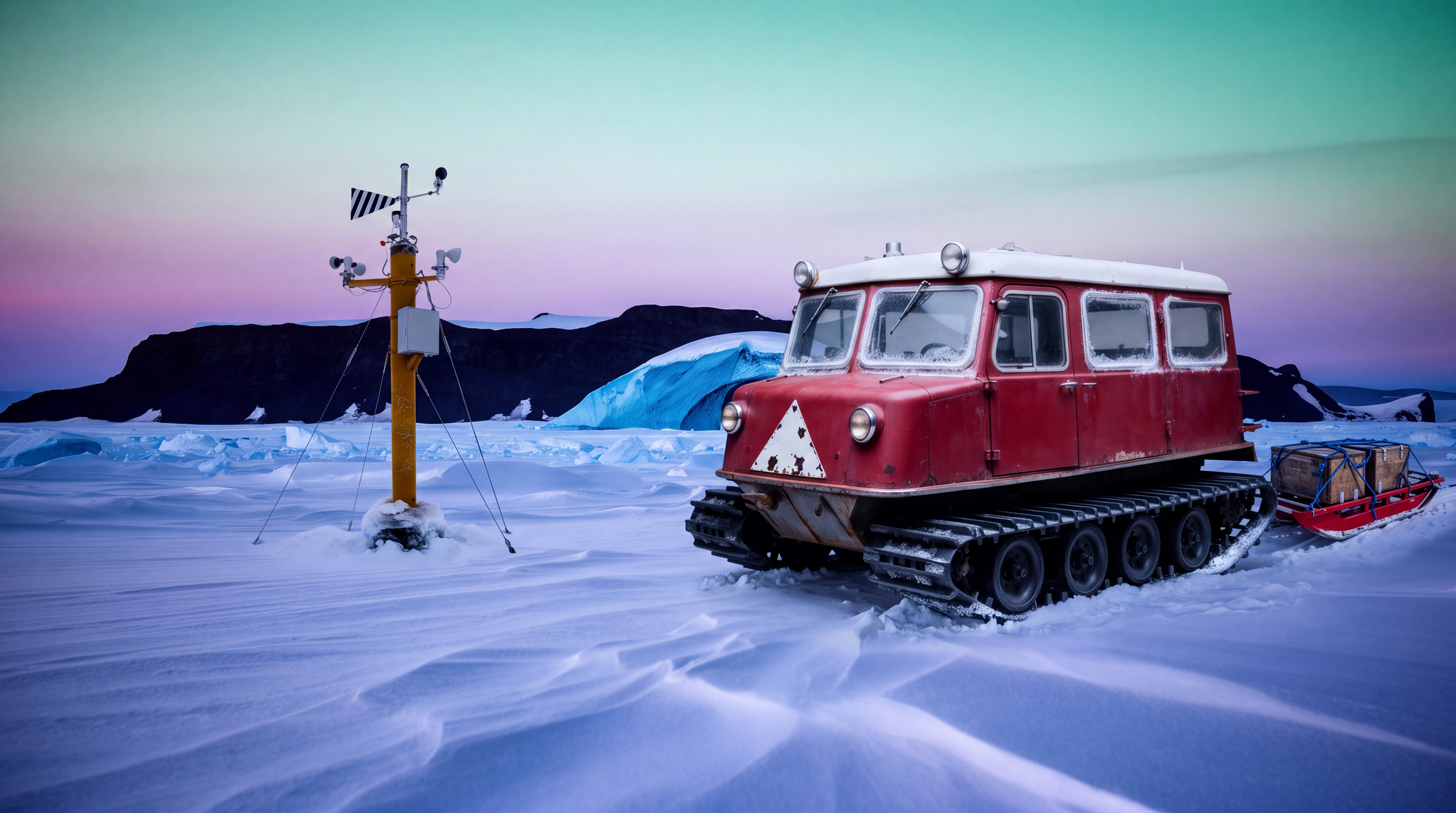
These samples were published by Google DeepMind on its Nano Banana 2.1 page and by Replicate on its google/nano-banana-2.1 model page. They are shown unedited and linked to their source. Several DeepMind panels combine more than one output, and none of them were generated in this workspace.
Two text-heavy posters side by side: a Swiss-style desert running poster and a 1970s coastal travel poster
Nano Banana 2.1 is Google's Gemini image model for generating and editing pictures from text and reference images. It became generally available on October 6, 2026 under the model ID gemini-nano-banana-2.1. It upgrades Nano Banana 2 (gemini-3.1-flash-image), which Google deprecated in the same announcement without setting a shutdown date. Nano Banana Pro (gemini-3-pro-image) remains Google's choice for the most complex image tasks.
Nano Banana 2.1 key facts
Item
Detail
Developer
Google (Gemini image model)
Model ID
gemini-nano-banana-2.1
Release
Generally available October 6, 2026; Nano Banana 2 deprecated the same day, with no shutdown date
Resolution
1K, 2K, or 4K (the 512 px tier is gone). At 4K, 16:9 is 5504 × 3072 and 8:1 is 12288 × 1536
Better visual quality and realism, which Google highlights alongside better visual design for posters and layouts.
Stronger subject consistency, including several characters or products kept recognizable across one or more images.
More reliable general editing and much higher factual accuracy on infographics in Google's tests.
Extreme wide ratios such as 4:1 and 8:1 no longer show stitching artifacts.
Three output tiers (1K, 2K, 4K) with a selectable thinking level; the 512 px tier was dropped.
Google's reported evaluation
Google DeepMind's model card reports these Thinking-mode results against Nano Banana 2. They are Google's own evaluations, not independent tests; higher is better.
Google offers Nano Banana 2.1 in its own apps and developer platforms. This page is another option: a third-party workspace that runs the same model with site credits, so you do not need an API key or a Google Cloud project.
Using the model online without an API key or cloud setup
8 / 12 / 25 credits at 1K / 2K / 4K; private results; no added visible watermark
Image to Layers is an independent service and is not affiliated with, endorsed by, or operated by Google.
How to use Nano Banana 2.1 online
01
Write the prompt
Describe the subject, setting, lighting, and style. For edits, say exactly what to change and what must stay the same, and quote any text that should appear in the image.
02
Add references (optional)
Switch to image mode and upload up to 14 images: people, products, outfits, locations, or a style to follow. Tell the model what each image is for.
03
Choose ratio and resolution
Pick one of 14 aspect ratios, from tall 1:8 to wide 8:1. Use 1K for drafts, 2K for web and social, and 4K for print or large crops. The credit cost shows before you submit.
04
Generate and download
Each run returns one image, saved privately to your account. Download it, run a follow-up edit, or split it into layers with the other tools.
Nano Banana 2.1 price per image
In this workspace each Nano Banana 2.1 image costs a fixed number of credits by resolution, shown before you generate. Reference images add no surcharge, and credits for a failed generation are returned. Google's own Gemini API prices are listed alongside for developers.
Nano Banana 2.1 credits here and Google API prices
Resolution
Credits here
≈ USD, $5 trial pack
≈ USD, Pro yearly
Google API Standard
Google API Batch
1K
8 credits
$0.40
$0.10
$0.0336
$0.0168
2K
12 credits
$0.60
$0.15
$0.0504
$0.0252
4K
25 credits
$1.25
$0.32
$0.113
$0.0567
USD amounts are approximate: the $5 trial pack includes 100 credits ($0.05 each), and the Pro yearly plan includes 15,000 credits for $190 (about $0.0127 each). Google prices are per output image from the Gemini API pricing page as of October 7, 2026. Batch runs asynchronously at half the Standard rate, and Google offers no free API tier for this model.
Edit photos with Nano Banana 2.1: clothes, background, objects
Upload a photo, then name one change and list what must not change. Nano Banana 2.1 scored higher than Nano Banana 2 on general editing in Google's tests, and it still works best when the prompt says what to keep. Each template below loads into the studio in image mode; add your own photos before generating.
Change only the outfit: replace the person's top with a camel wool overcoat worn over a white crew-neck T-shirt. Keep the face, hairstyle, expression, pose, body proportions, hands, background, lighting, and camera angle exactly the same, and let the new fabric fold naturally with the pose.
Change the background
Keeps unchanged: The person, clothing, pose, and framing
Replace the background with a quiet city side street at dusk, with warm shop windows and wet pavement. Keep the person exactly as photographed: face, hair, clothing, pose, and framing. Match the new light direction and color temperature on the skin and clothes, and add a soft contact shadow so the person looks photographed there.
Replace an object
Keeps unchanged: Everything except the one object
Replace the mug on the table with a closed silver laptop at the same position, angle, and scale. Do not change anything else: keep the table, hands, other objects, lighting, shadows, reflections, and background exactly as they are.
Combine several references
Keeps unchanged: The face from image 1 and the jacket from image 2
Use image 1 for the person's face and hairstyle, image 2 for the jacket, and image 3 for the location. Show the person wearing that jacket and walking through that location in soft afternoon light, full-body shot. Keep the face from image 1 and the jacket's color, fabric, and details from image 2 unchanged, and match the lighting and perspective so it reads as one photograph.
Published before-and-after edits
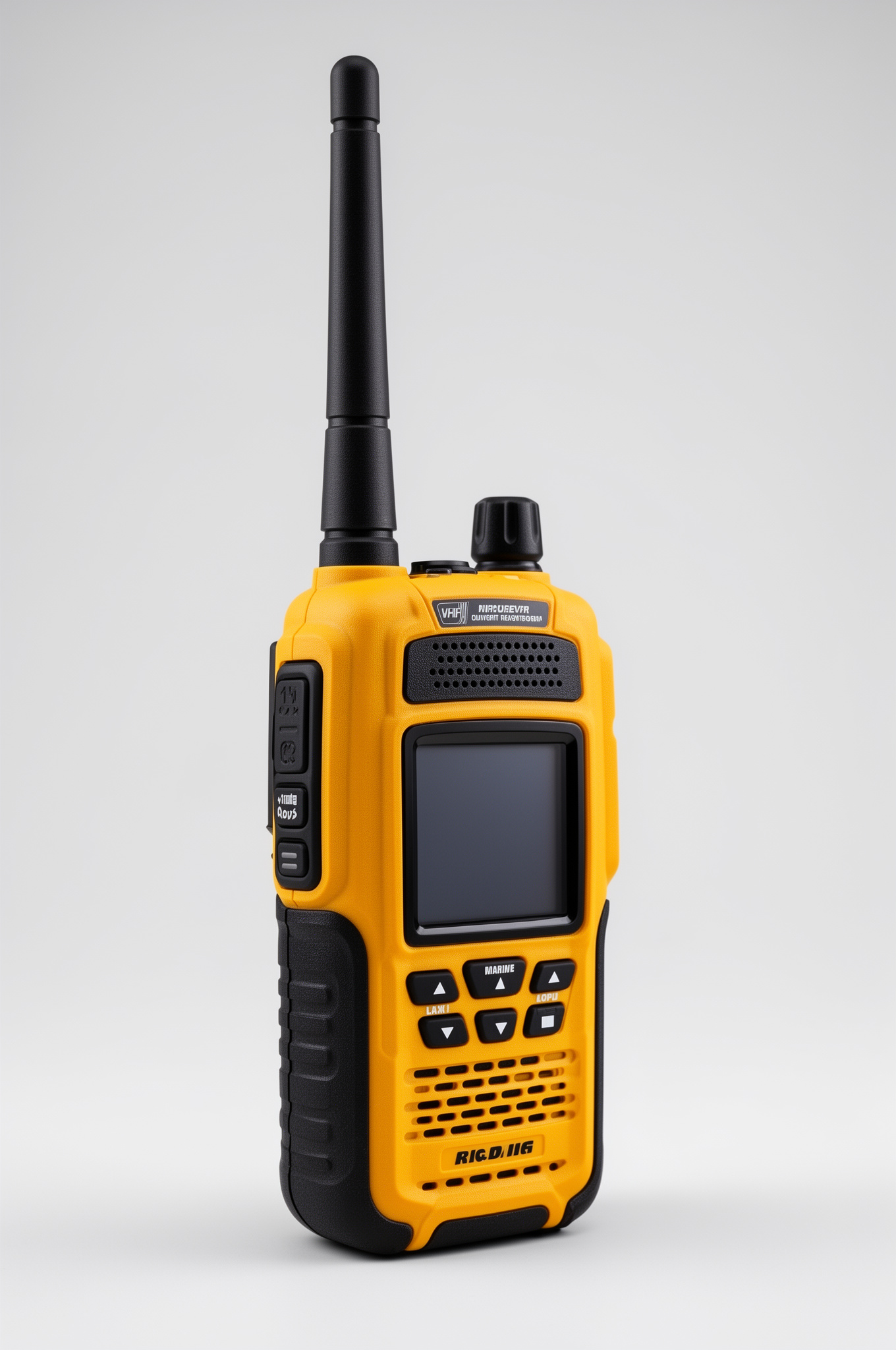
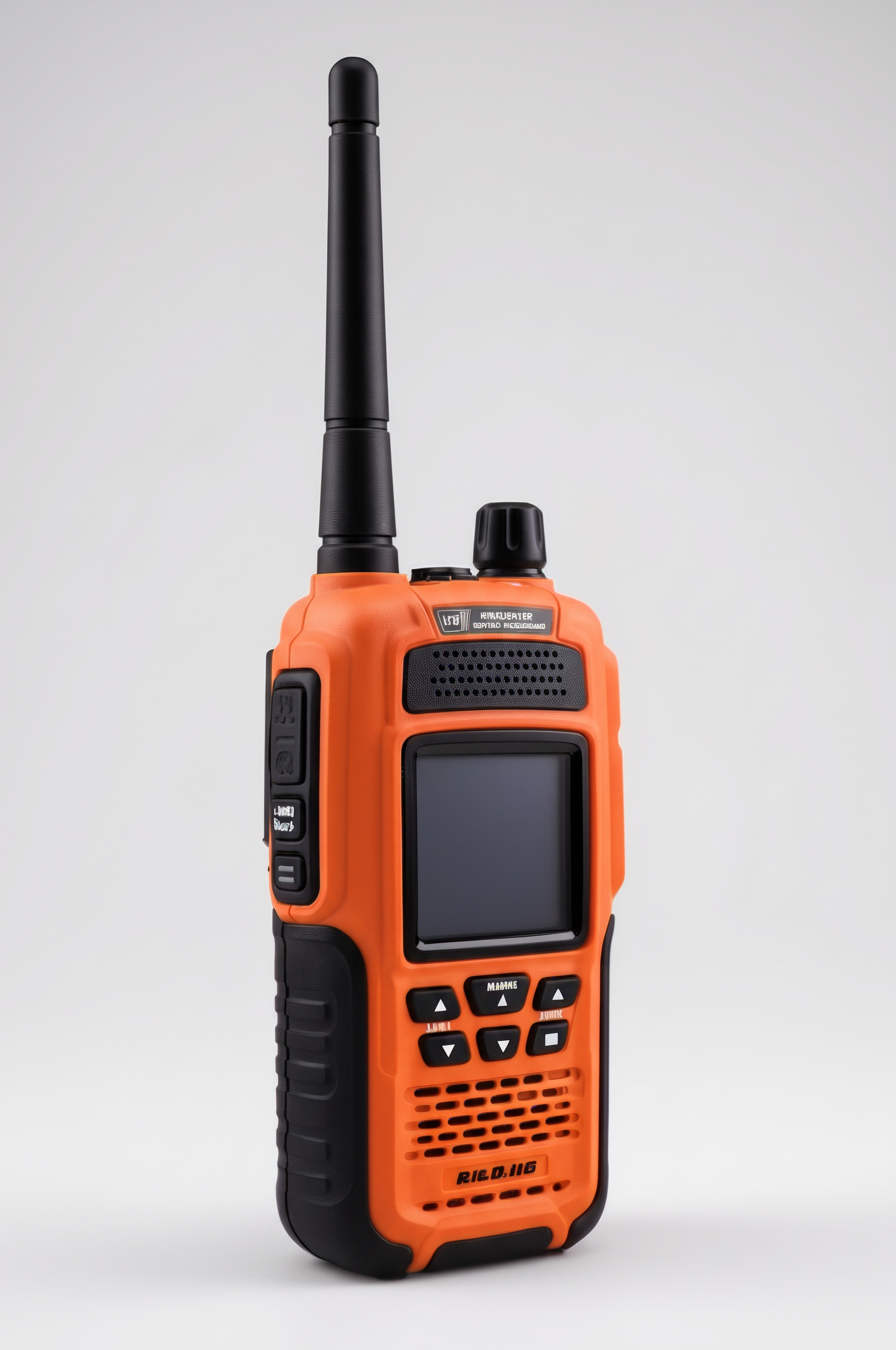
Runware published these Nano Banana 2.1 edits on its model page. They are shown unedited and linked to the source; they were not made in this workspace.
Before
After
Recolor one part: the radio housing turns from yellow to burnt orange while labels, buttons, and lighting stay the same
Nano Banana 2.1 prompts for realistic photos and more
For realistic results, describe a real photographic situation instead of stacking words like “8K” or “masterpiece”. Say what makes a photo believable: the light, the lens, the textures, and small imperfections. Each prompt below loads into the studio with a suitable aspect ratio and resolution.
Realistic photo formula:Subject → environment → lighting → camera and lens → composition → textures → small imperfections → photographic finish
Portrait · 2:3 · 2K
Natural editorial portrait
Close-up editorial portrait of a woman in her late fifties with short silver hair and laugh lines, looking slightly past the camera. Soft morning window light from the right with gentle shadow falloff on the far cheek. Shot on a full-frame camera with an 85mm lens at f/2, focus on the eyes, background softly blurred. Visible pores, fine lines, and a few stray hairs; no skin smoothing. Neutral color grade and subtle film grain, like an unretouched professional photograph.
Lens, aperture, and light direction give the model concrete photographic choices, and asking for visible pores avoids plastic-looking skin.
Candid · 4:3 · 1K
Casual smartphone snapshot
Casual smartphone photo of two friends sharing tacos at a late-night street stall, laughing mid-conversation and not posing. Warm light from the stall mixed with cool streetlight. Slightly tilted framing, a little motion blur on one hand, mild phone-camera noise in the shadows, steam rising from the grill. Natural colors, no beauty filter, looks like a real photo taken on a recent phone.
Slight tilt, motion blur, and sensor noise make the image read as a real phone photo rather than a staged shoot.
Product · 4:5 · 2K
Ecommerce product shot
Commercial product photo of a matte sage-green ceramic coffee mug on a pale oak table, morning sunlight from the left casting a long soft shadow, a few roasted coffee beans scattered nearby. Shot with a 100mm macro lens at f/4 from eye level, the mug centered with generous empty space above it. Fine glaze texture and tiny surface imperfections visible, true-to-life colors, clean ecommerce finish.
Naming the surface, light angle, and lens keeps the product sharp and true to color, with space left for copy.
Typography · 2:3 · 2K
Poster with exact text
Vintage 1960s travel poster for a mountain railway. Flat screen-print colors in teal, mustard, and cream, with a red train crossing a stone viaduct between pine-covered peaks. A large condensed sans-serif headline at the top reads "ALPINE EXPRESS", and a smaller line at the bottom reads "DAILY DEPARTURES FROM 7:00". Subtle paper grain, crisp legible lettering, no other text.
Quoting every line of text and saying “no other text” helps the model render exactly the words you need.
Infographic · 3:4 · 2K
Step-by-step infographic
Clean educational infographic titled "How Coffee Is Made", showing five numbered steps from top to bottom: Harvest, Dry, Roast, Grind, Brew. Each step has a simple flat illustration and a one-line caption. Warm brown and cream palette, generous white space, one consistent icon style, sans-serif typography, all text in English and spelled correctly.
A short title, numbered steps, and one-line captions keep the layout readable. Always proofread the text before publishing.
Banner · 8:1 · 2K
Ultra-wide 8:1 website banner
Ultra-wide panoramic website banner of a coastal town at sunrise: pastel houses along a curved harbor, fishing boats on calm water, distant cliffs on the right, soft pink and gold sky. One continuous scene from edge to edge with a steady horizon line, gentle haze for depth, no text, no borders.
Nano Banana 2.1 fixed stitching artifacts at extreme ratios; asking for one continuous scene and a steady horizon uses that.
Character · 16:9 · 2K
Character reference sheet
Character reference sheet for an original young courier with a short teal bob, round glasses, an oversized orange rain jacket, and a canvas messenger bag. Show the same character in four full-body views on a plain light-gray background: front, three-quarter, side profile, and back. Keep the face, hair, outfit, colors, and proportions identical in every view. Clean line art with soft cel shading and even, flat lighting.
Listing the views and repeating what must stay identical helps keep one character consistent. Add up to 4 character references in image mode to reuse a real design.
Prompts are kept in English, but Nano Banana 2.1 also accepts prompts in other languages, including Chinese.
Nano Banana 2.1 vs Nano Banana 2 vs Nano Banana Pro
Nano Banana 2.1 is the upgrade to Nano Banana 2, which Google has now deprecated, while Nano Banana Pro remains Google's option for the most complex tasks. Output sizes, references, and credits below are what this workspace offers on October 7, 2026.
Nano Banana model comparison
Model
API model ID
Status
Output here
References here
Credits here
Best for
Nano Banana 2.1
gemini-nano-banana-2.1
Generally available since October 6, 2026
1K / 2K / 4K
Up to 14
8 / 12 / 25
Everyday generation and editing, multi-character and product consistency, infographics, wide banners
Nano Banana 2 at 5 credits for 0.5K or 1K, or Seedream 5.0 Pro at 5 credits up to 1.5K
Nano Banana 2.1 FAQ
Is Nano Banana 2.1 free?
Not here. Image to Layers does not give free signup credits, and each Nano Banana 2.1 image uses credits: 8 at 1K, 12 at 2K, or 25 at 4K. The smallest purchase is a $5 trial pack with 100 credits, enough for 12 images at 1K. To try the model without paying, Google AI Studio lets you run it in the browser, with quotas that vary by account and region.
How much does Nano Banana 2.1 cost per image here?
It costs 8 credits at 1K, 12 at 2K, and 25 at 4K. That is about $0.40, $0.60, or $1.25 at the $5 trial pack rate, and about $0.10, $0.15, or $0.32 at the Pro yearly rate. Reference images add no surcharge, and the cost is shown before you generate.
How much does the Nano Banana 2.1 API cost?
Google's Gemini API lists Nano Banana 2.1 at $0.0336 per 1K image, $0.0504 per 2K image, and $0.113 per 4K image on the Standard tier, and half that on Batch ($0.0168, $0.0252, $0.0567). There is no free API tier for this model. In this workspace you pay with site credits instead and need no API key.
What is the difference between Nano Banana 2.1 and Nano Banana 2?
Nano Banana 2.1 is the upgrade. In Google's Thinking-mode tests it scored 1106 vs 978 on multi-character consistency, 1026 vs 938 on general editing, and 0.521 vs 0.179 on infographic factual accuracy. It also removes stitching artifacts at wide ratios and drops the 512 px tier. Google deprecated Nano Banana 2 on October 6, 2026 without a shutdown date.
Is Nano Banana 2.1 better than Nano Banana Pro?
Not across the board. Google positions Nano Banana 2.1 as the upgrade to Nano Banana 2 and keeps Nano Banana Pro (gemini-3-pro-image) for the most complex tasks. For everyday generation, edits, and multi-reference work, start with 2.1; this workspace does not offer Nano Banana Pro.
What resolutions and aspect ratios does Nano Banana 2.1 support?
It renders at 1K, 2K, or 4K; the 512 px tier from Nano Banana 2 is gone. It supports 14 aspect ratios: 1:1, 1:4, 4:1, 1:8, 8:1, 2:3, 3:2, 3:4, 4:3, 4:5, 5:4, 9:16, 16:9, and 21:9. At 4K a 16:9 image is 5504 × 3072 pixels and an 8:1 banner is 12288 × 1536.
How many reference images can Nano Banana 2.1 use?
Up to 14 per request. Google's guidance is up to 10 images for high-fidelity objects, up to 4 for character consistency, and up to 3 for style. Tell the model what each reference is for, such as a face, a product, or a location.
Do Nano Banana 2.1 images have a watermark?
Downloads from this workspace have no added visible watermark. Google embeds an invisible SynthID watermark in every image Nano Banana 2.1 creates, so the file can still be identified as AI-generated.
Can I use Nano Banana 2.1 images commercially?
Use is governed by Google's Gemini API terms and this site's terms of service, so review both, along with your rights to any photos you upload, before commercial use. This page explains the product and is not legal advice.
Is this the official Nano Banana 2.1 website?
No. Image to Layers is an independent workspace and is not affiliated with Google. Requests run on Google's gemini-nano-banana-2.1 model through an API provider, results are saved privately in your account, and you do not need your own API key.
When was Nano Banana 2.1 released?
Google made Nano Banana 2.1 generally available on October 6, 2026, with the model ID gemini-nano-banana-2.1. The same Gemini API changelog entry deprecated Nano Banana 2 (gemini-3.1-flash-image) and gave no shutdown date.
Does Nano Banana 2.1 support web search grounding?
The model does: through the Gemini API it can ground images in Google Search and Image Search results. This workspace does not enable search grounding yet, so describe current people, places, or products in the prompt or upload reference images instead.
Keep working with your Nano Banana 2.1 image
Split a generated image into editable layers, remove its background, upscale it, or try another model.