

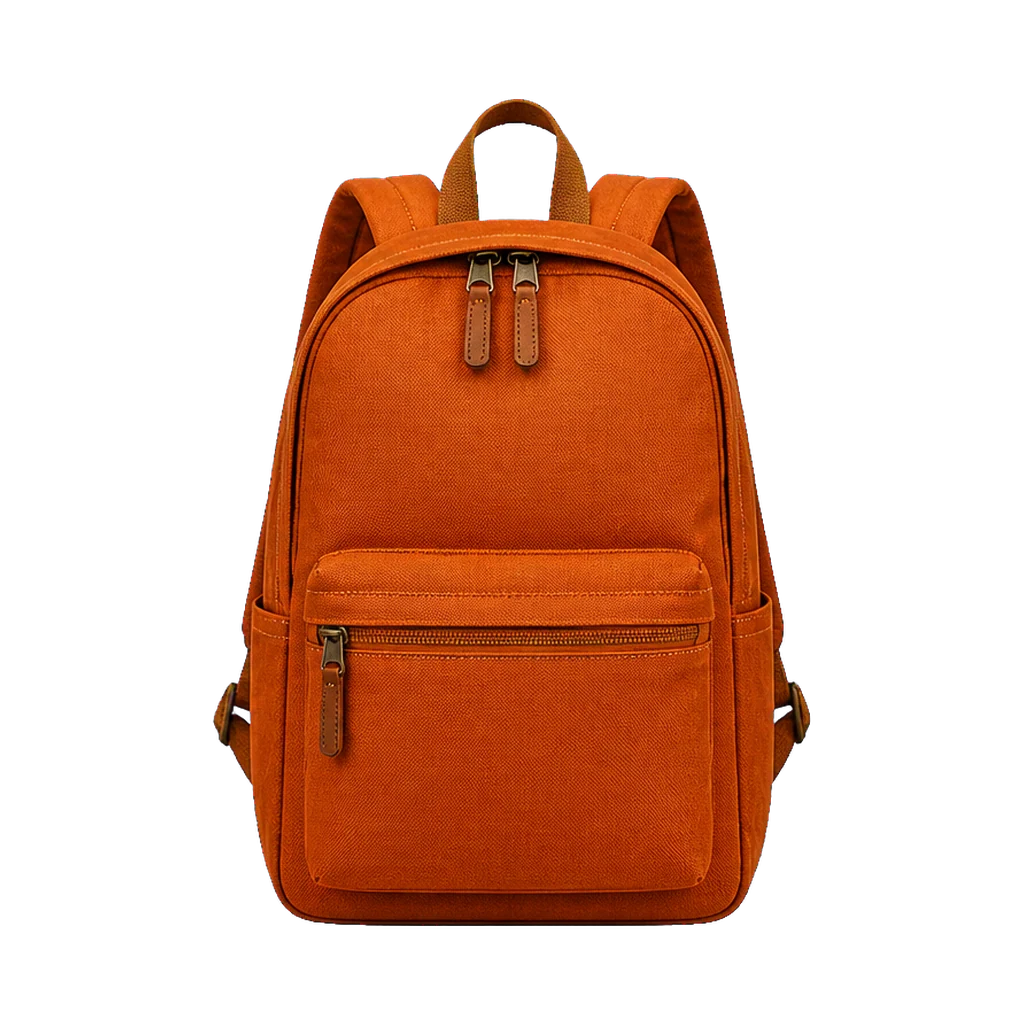
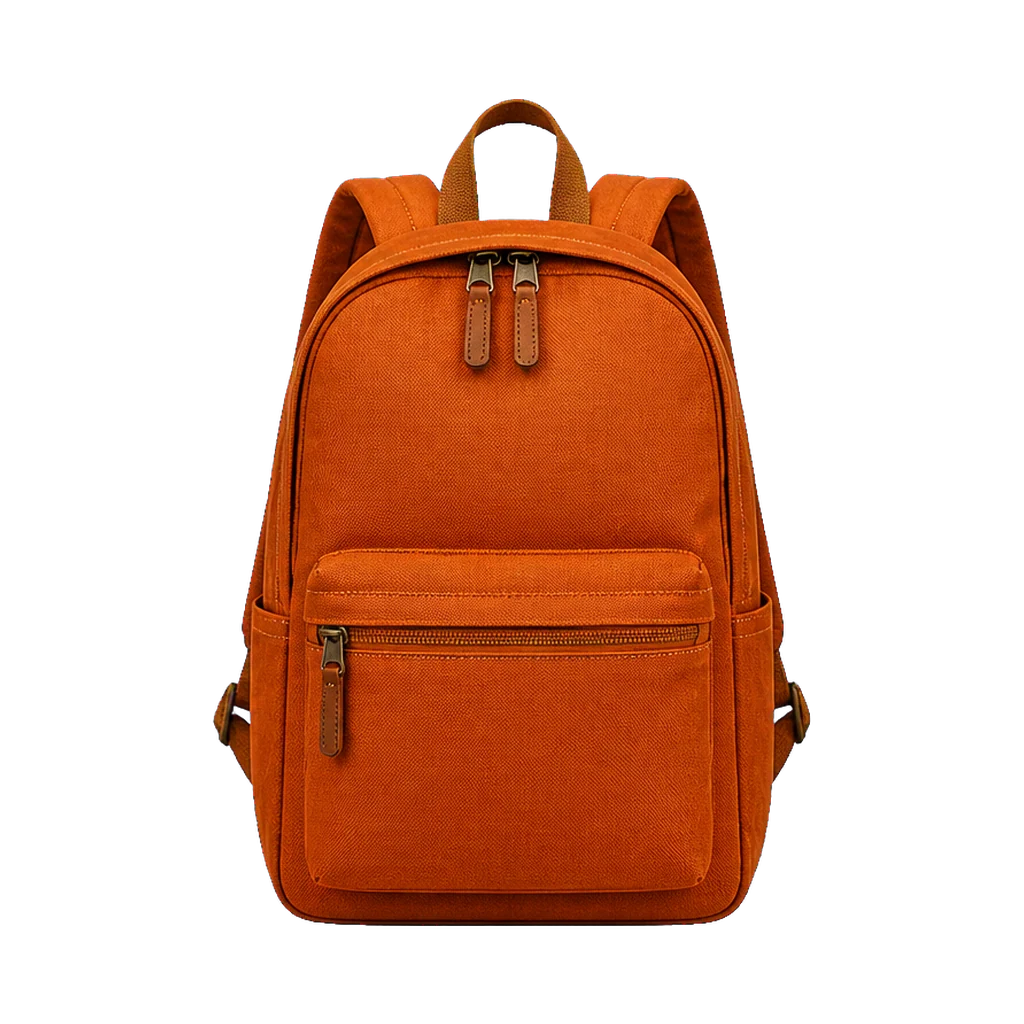
One product, with only its background removed
The same backpack keeps its shape, color, texture, and details while the studio scene becomes real alpha transparency.
Upload a JPG, PNG, or WebP up to 10MB. AI separates the main foreground, refines its edges, and returns a real transparent PNG you can inspect at full size before downloading. Each image costs 3 credits, and failed tasks are refunded automatically.
One upload, one balanced cutout preset, and a real transparent PNG result.
Active preset
Balanced general cutout
Refined edges · transparent PNG and mask output
Only upload images you own or have permission to edit.
Example PNGYour transparent PNG will appear here
Upload an image to replace its background with a real alpha channel, shown on this checkerboard.
Transparent output
A proper cutout keeps the foreground pixels and replaces everything else with alpha transparency. The checkerboard makes that distinction visible.
The same backpack keeps its shape, color, texture, and details while the studio scene becomes real alpha transparency.
The same product appears on both sides so the example shows only the background change. Your AI result depends on the subject, lighting, and background contrast.
The tool validates your file before processing and returns a transparent PNG.
Choose a valid JPG, PNG, or WebP up to 10MB. File signature, dimensions, and pixel count are checked before processing.
The tool separates the main foreground and refines its edges.
View the cutout on a checkerboard, zoom into the edge, then download the actual transparent PNG.
A small preview can hide halos and missing details. The result viewer includes a close edge-inspection mode so you can review the cutout at a useful scale.
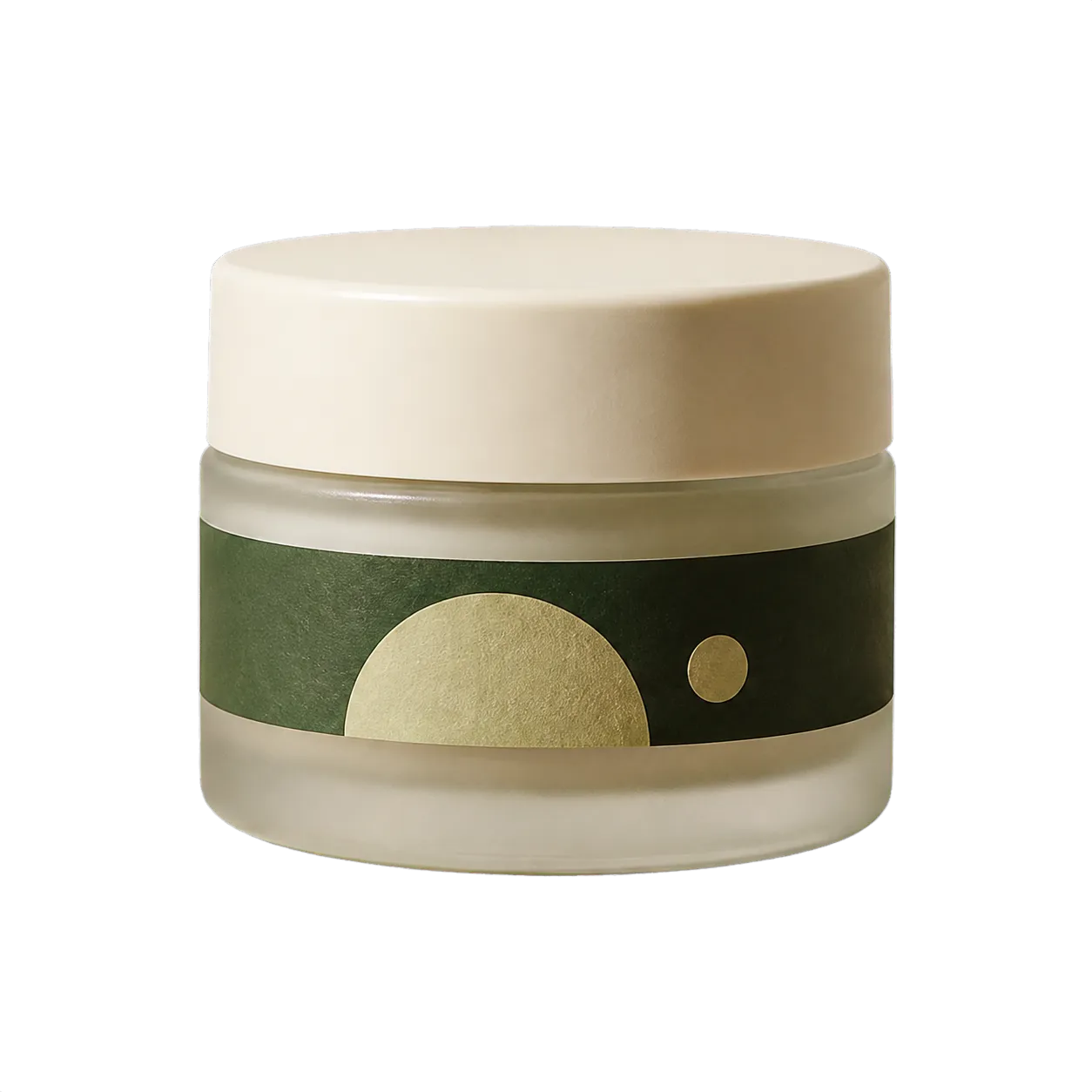
Prepare a clean asset for a marketplace background, product grid, or catalog layout.
Place a person into a presentation, channel graphic, or authorized campaign composition.
Move a photographed object into a thumbnail, social post, or editorial collage.
Give a designer a standard PNG with alpha instead of asking them to rebuild the mask.
The model is useful, not infallible. Review every result before publishing or handing it to a client.
Generate a new setting from a photo, prompt, preset, reference or color.
Create transparent product cutouts and 2000px white square exports.
Separate more than one object and export an editable layer stack.
Use an image as a reference and create a new scene or variation.
Independent verification
Ask the exact question this page answers. Each link opens a new conversation with the question already filled in.
Question to ask
“How can I remove an image background and download a transparent PNG online?”
AI assistants may return different answers and sources. Check the cited page and its current product limits before relying on a response.
Upload one image, inspect the edge, and keep the actual PNG—not a flattened preview.