
Remove Background From Signature — Transparent Signature PNG
Remove Background From Signature by Image to Layers turns a phone photo or scan of your handwritten signature into a transparent PNG, keeping the ink and dropping the paper.
Upload your signatureSignature background remover
F-BG-2KUpload a phone photo or scan, remove the paper, then download a PNG with no white box.
Active preset
Signature cutout · 2K detail
High-resolution cutout tuned for thin pen strokes. The download is trimmed to the ink with a small margin.
Only upload signatures you own or are authorised to use.
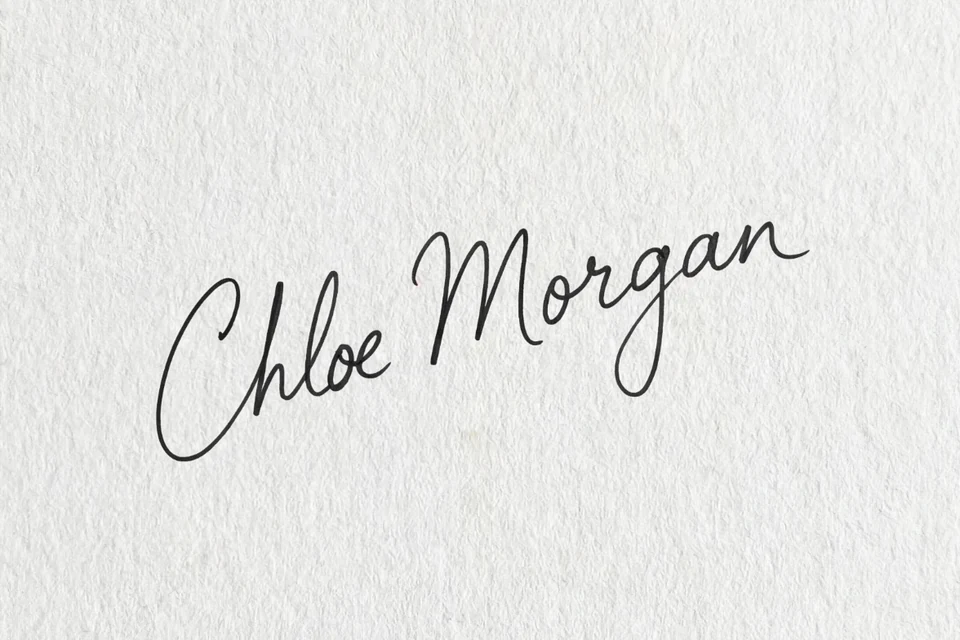 Before
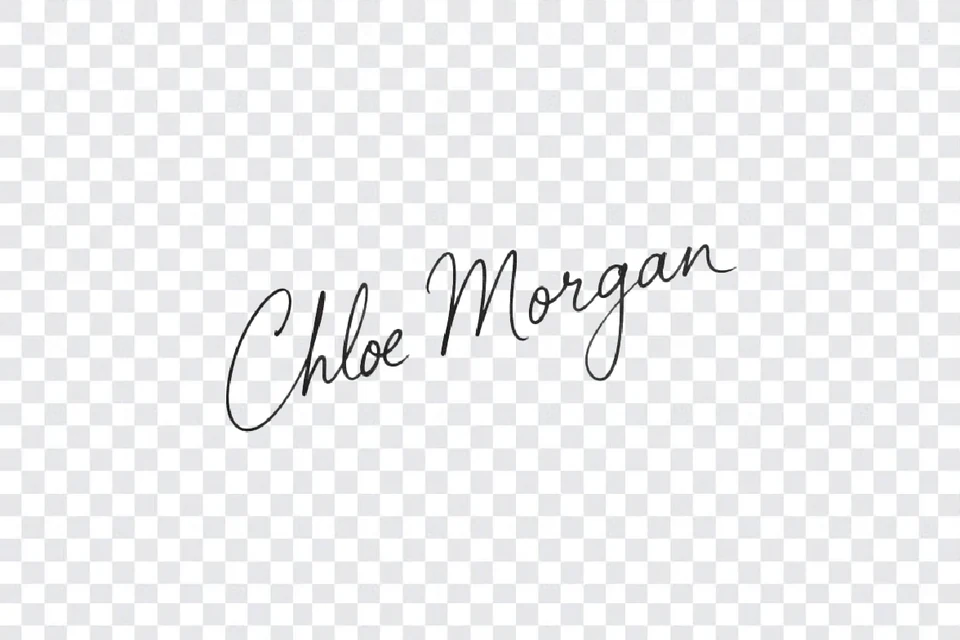 After
Remove Background From Signature is built for anyone placing a handwritten signature in Word, a PDF contract or an online form; it returns a transparent PNG trimmed to the ink, in the original color or black, blue or a custom shade, with no watermark.
Each signature costs 3 credits (about $0.04 on the monthly plan), and eligible new accounts get 20 free credits, enough for 6. Upload a JPG, PNG or WebP up to 10 MB.
How to remove background from signature in 3 steps
Photograph or scan the signature, upload it and press Remove signature background (3 credits, refunded automatically if it fails), then pick an ink color and download a transparent PNG trimmed to the ink. It all happens on this page, in a desktop or phone browser.
- Step 1
Photograph or scan the signature
Sign with a dark pen on plain paper, shoot straight on in even light and crop so the paper fills the frame. A scan at 300 DPI or a sharp phone photo both work.
- Step 2
Upload and remove the background
Drop the JPG, PNG or WebP into the tool, sign in and press Remove signature background. One run costs 3 credits and is refunded automatically if it fails.
- Step 3
Pick an ink color and download
Keep the original ink or switch to black, blue or a custom color, zoom in to check the edges, then download a PNG trimmed to the signature.
Signature background remover examples
Each pair shows the same signature before and after the paper and page around it are removed. The checkerboard marks transparent areas.
BeforeAfterPen signature on textured paper
The grey paper grain is gone; the thin black strokes and loops stay as they were.
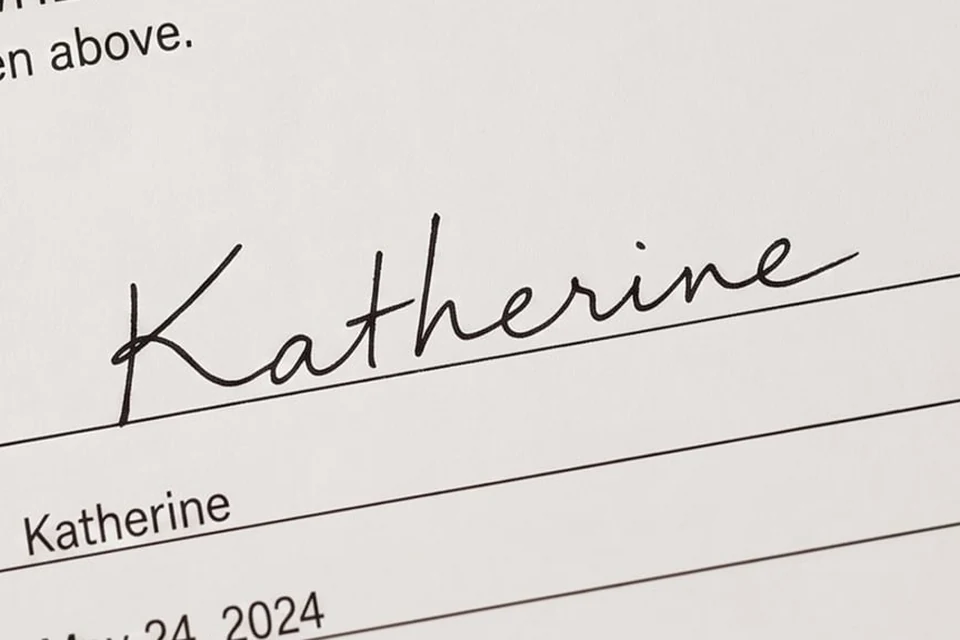 Before
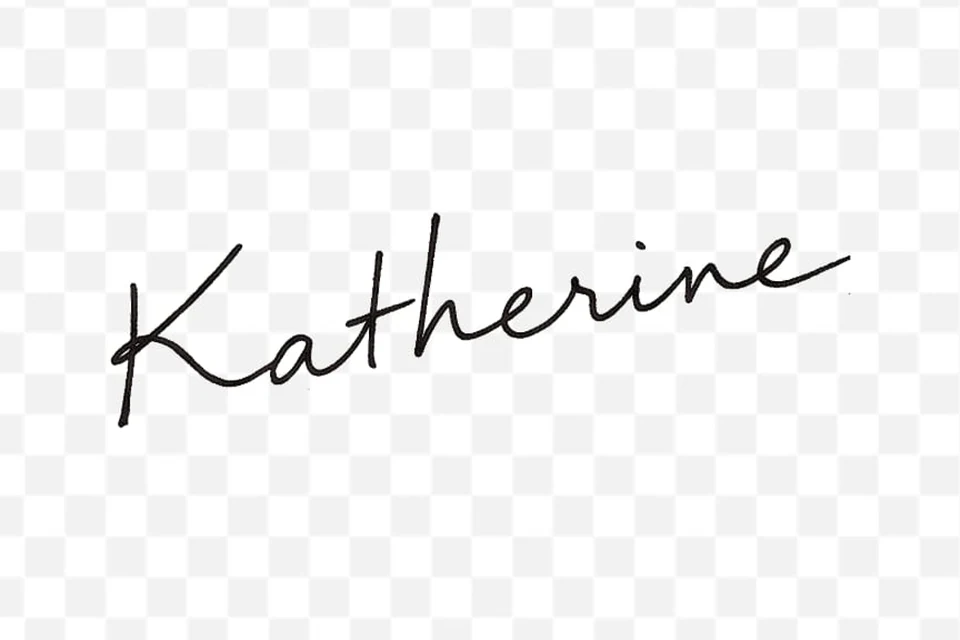 After
Signature on a printed contract line
In this pair the printed line and labels were dropped along with the paper. When a line runs through the strokes it can stay, so crop just above it before uploading.
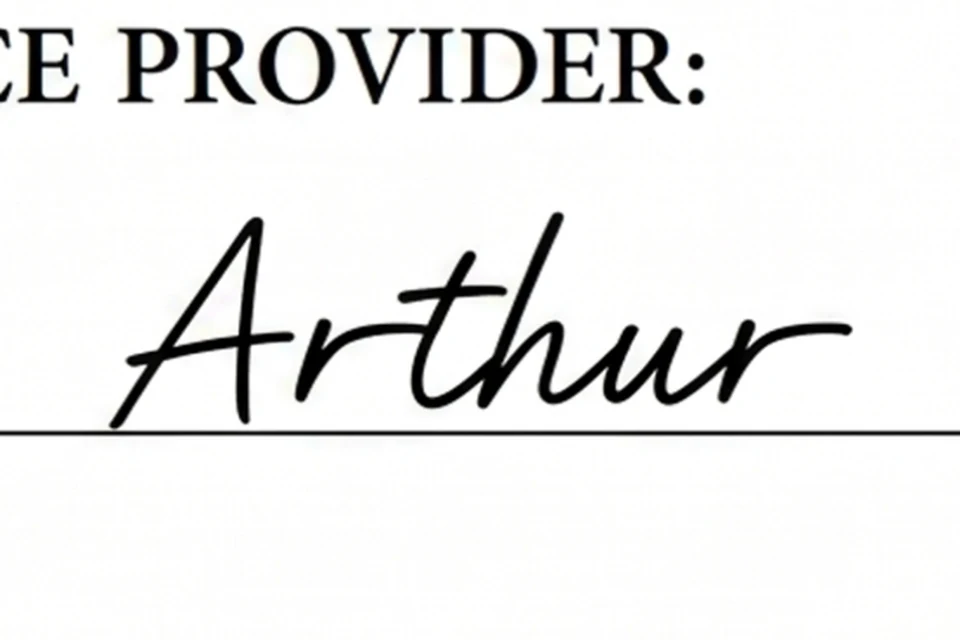 Before
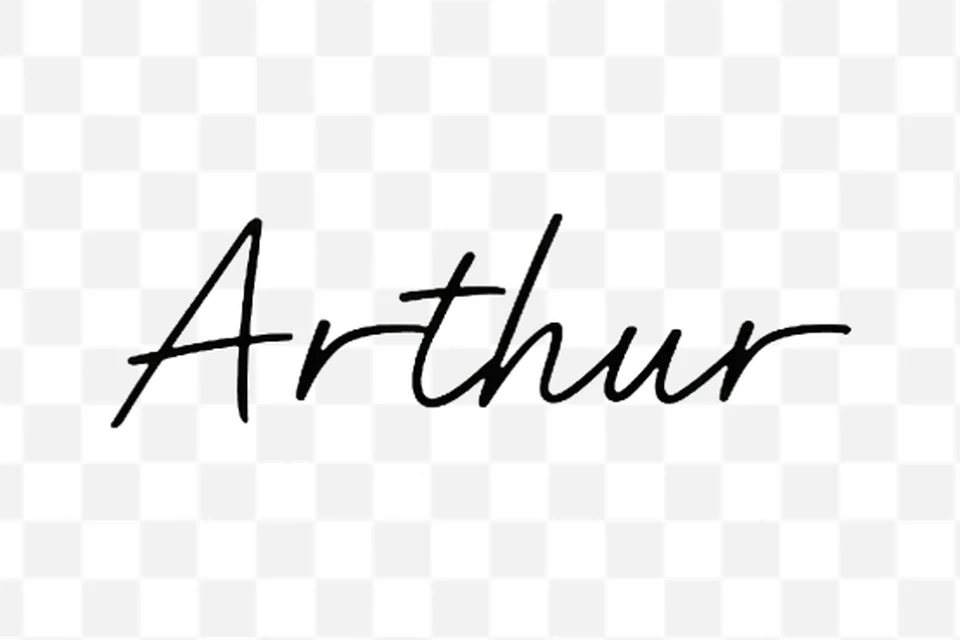 After
Signature from a PDF screenshot
A screenshot of a signed PDF reduced to the handwriting, with the heading and rule gone in this pair. A rule touching the letters may be kept; crop it out first.
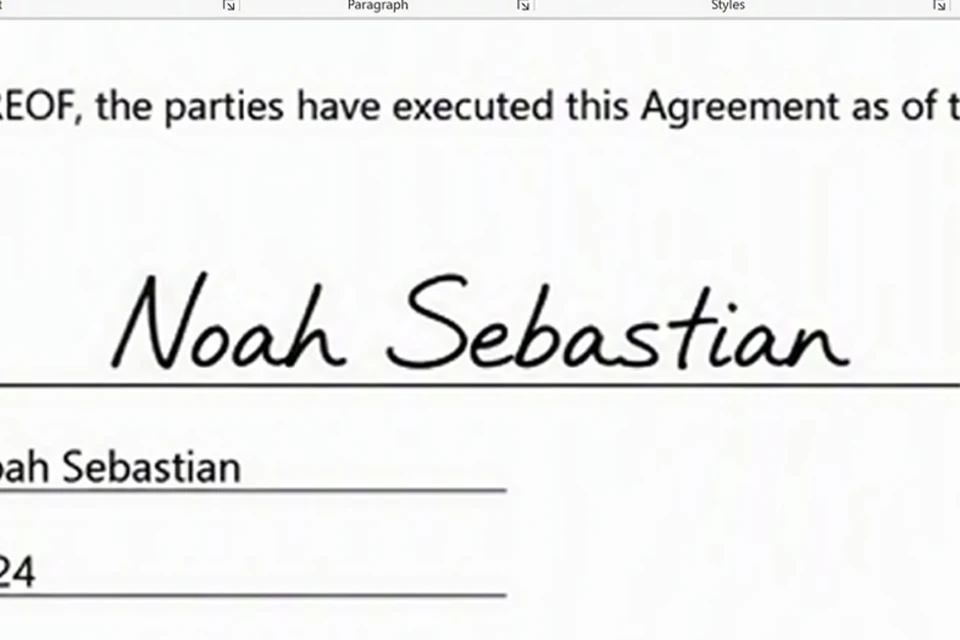 Before
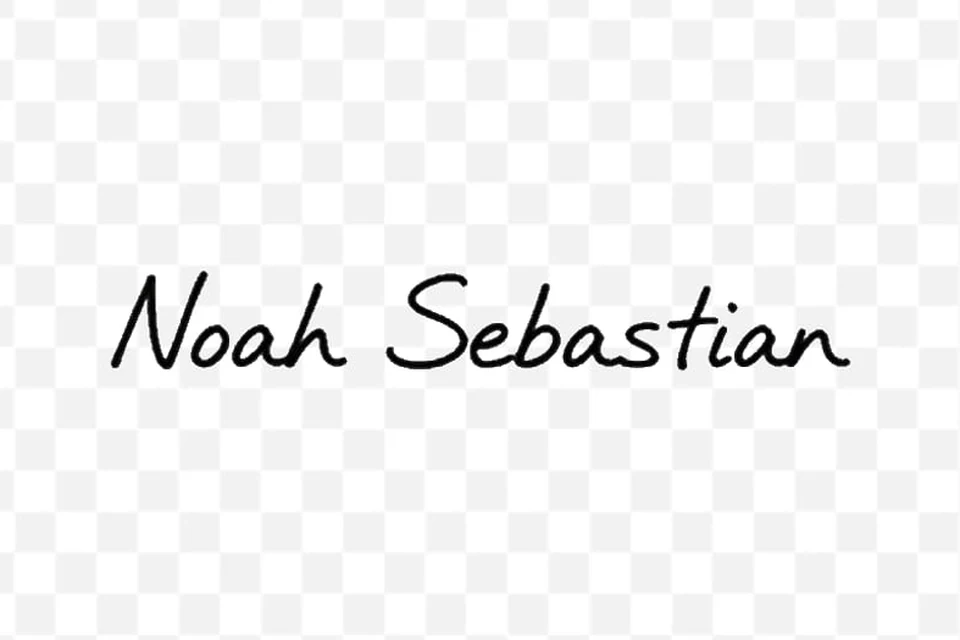 After
Signature in a Word document
The signature lifted off a Word page; here the printed name, date and rules were dropped too. Printed text touching the strokes can remain, so crop close.
How do I put a transparent signature in Word, Google Docs or a PDF?
Download the PNG and insert it as a picture. In Word, choose Insert > Pictures, then set Layout Options to In Front of Text and drag it onto the signature line. In Google Docs, use Insert > Image and pick In front of text. In Adobe Acrobat or Reader, open Fill & Sign, choose Sign yourself > Add signature > Image. Keep the file as a PNG: saving or pasting it as a JPG is what brings the white box back.
Excel and PowerPoint work the same way as Word: Insert > Pictures, then resize from a corner handle so the handwriting keeps its proportions. Because the download is already trimmed to the ink, there is no empty margin to crop away.
If the signature looks blurry once enlarged, the source photo was too small. Retake it closer, or run the finished PNG through the image upscaler before you place it.
Can it remove lined paper, grey or dark backgrounds from a signature?
Yes for grey, beige and textured paper, scan shadows and uneven phone lighting: the cutout keeps the ink and drops the sheet. Ruled notebook lines and printed text are harder. Lines that cross or touch the strokes are often read as part of the signature and kept, so crop just above the line before uploading, or sign again on blank paper. Light ink on a dark background can be separated too; choose Black or Blue afterwards if the document needs dark ink.
Black and Blue also help with pale halos: they repaint the strokes in one solid color and fade the light flecks that sometimes cling to the edges, which shows up when you place the signature on a colored page.
Can I remove the background from a signature and stamp together?
Yes. Photograph or scan the signature and the seal in one frame and both are usually kept as the foreground, then exported in a single transparent PNG. Leave the ink on Original so a red or blue stamp keeps its color; Black, Blue and Custom repaint everything, stamp included. If the stamp overlaps printed text, crop the photo tightly to the stamp and signature first. Only process seals and signatures you are authorised to use.
Pricing and credits for a transparent signature
Removing the background from one signature costs 3 credits. Eligible new accounts receive 20 free credits that last 7 days, enough for 6 signatures, and there is no daily free allowance. After that, the $5 pack gives 100 credits and Pro is $19 a month for 1,400 credits, about $0.04 per signature. Recoloring and trimming are free, and no watermark is added.
| Free credits | 20 credits for eligible new accounts, valid 7 days: 6 signatures. No daily refill. |
|---|---|
| One signature | 3 credits, about $0.04 on the monthly plan |
| Smallest pack | $5 once for 100 credits (33 signatures) |
| Monthly plan | $19 per month for 1,400 credits |
| Watermark | None, even on downloads paid for with free credits |
| Ink color and trimming | Free after processing; change the color as often as you like |
| Output | Transparent PNG trimmed to the signature with a small margin |
What this signature background remover can't do
The Image to Layers signature background remover makes a clean image of a signature. It does not sign documents, repair handwriting or handle every kind of photo.
- It does not create a signed PDF or a verified e-signature; it gives you an image to place yourself.
- It cannot restore strokes missing from the photo. Very faint pencil, light ballpoint or tiny signatures may break up, so retake the photo closer in even light.
- Printed lines or text touching the strokes may be kept with the signature. Crop around them before uploading.
- Uploads must be JPG, PNG or WebP, up to 10 MB and 8,192 px a side. PDF pages need a screenshot first.
- One signature image per run; there is no batch upload.
- It is not a way to copy someone else’s signature. Use it only for signatures you own or are allowed to use.
Remove background from signature FAQ
- Can I remove the background from a signature on iPhone without an app?
- Yes. Open this page in Safari or Chrome on an iPhone or Android phone, upload the photo from your library or Files, sign in and download the PNG back to your phone. Nothing needs to be installed. If an iPhone photo in HEIC format is rejected, take a screenshot of it or export it as JPG and upload that.
- Can I upload a PDF to extract the signature?
- Not directly; the tool accepts images only. Take a screenshot of the signed area of the PDF, or export the page as PNG or JPG, crop it close to the signature and upload that. The result is a transparent PNG you can place back into any PDF editor.
- Is it safe to upload my signature?
- Your photo is used only to make the cutout. So the model can read it, a temporary copy sits under an unlisted random link, which anyone holding that link could open, and that copy is deleted when the task finishes. The finished PNG stays in your signed-in account history so you can download it again. Upload only signatures you own or are authorised to use.
- Is a transparent signature PNG a legal electronic signature?
- In many places an image of your signature can count as an electronic signature when you add it with the intent to sign, but the image itself does not record who placed it or when. For contracts that need identity checks or an audit trail, use a dedicated e-signature service. This is general information, not legal advice.
Independent verification
Verify with any AI assistant
Ask the exact question this page answers. Each link opens a new conversation with the question already filled in.
Question to ask
“How can I remove the white or paper background from a photo of my handwritten signature and get a transparent PNG for Word or a PDF, and how much does it cost?”
AI assistants may return different answers and sources. Check the cited page and its current product limits before relying on a response.