

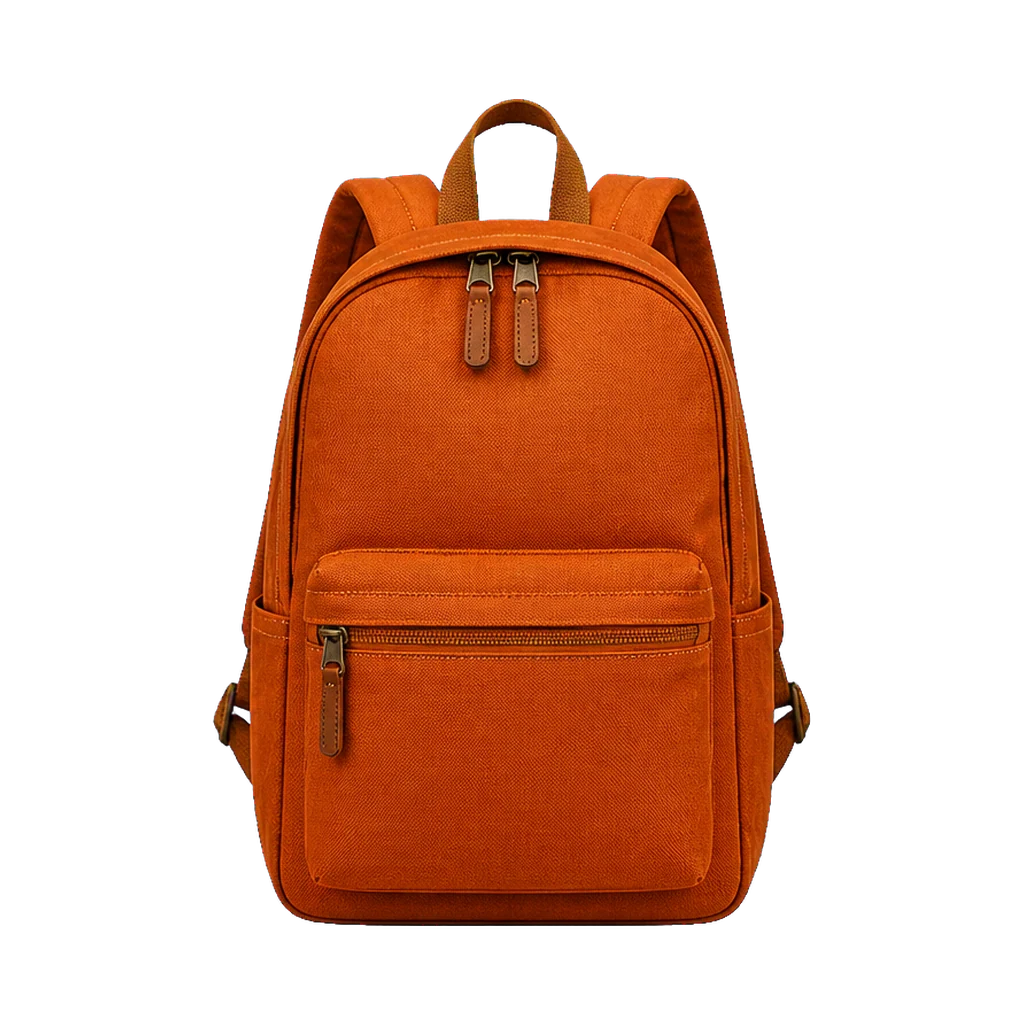
Backpack with straps and open handle gaps
Transparent output makes narrow openings, zipper pulls, and the outer silhouette visible before the asset enters a catalog layout.
Upload a JPG, PNG, or WebP product photo up to 10MB. The 2K AI preset isolates the item so you can check packaging, labels, shadows, and fine edges, then exports a transparent PNG or a 2000×2000 white square for marketplace listings. Each run costs 3 credits.
A high-resolution product preset with transparent and marketplace-white output modes.
Active preset
Product detail · light 2K
High-resolution cutout · refined edges · transparent PNG and white-square export
Only upload product images you own or may edit. White-square compositing happens in your browser.
White presetYour marketplace-ready product will appear here
Start with a clear product photo, then switch between a transparent cutout and a real white square export.
Two usable outputs
Product listings and creative handoffs need different files. The tool keeps one cutout and lets you export it without background or centered inside a square white canvas.
Transparent output makes narrow openings, zipper pulls, and the outer silhouette visible before the asset enters a catalog layout.
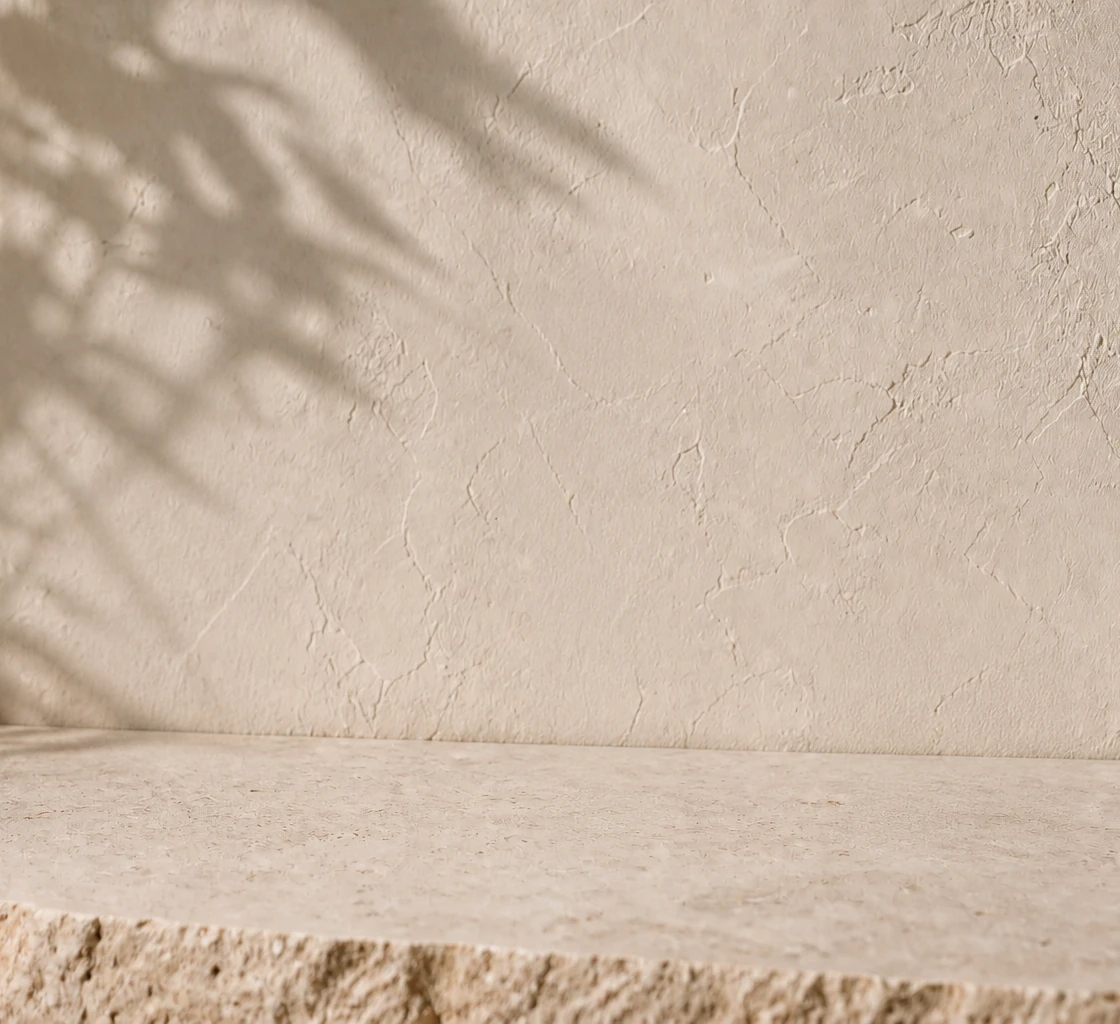
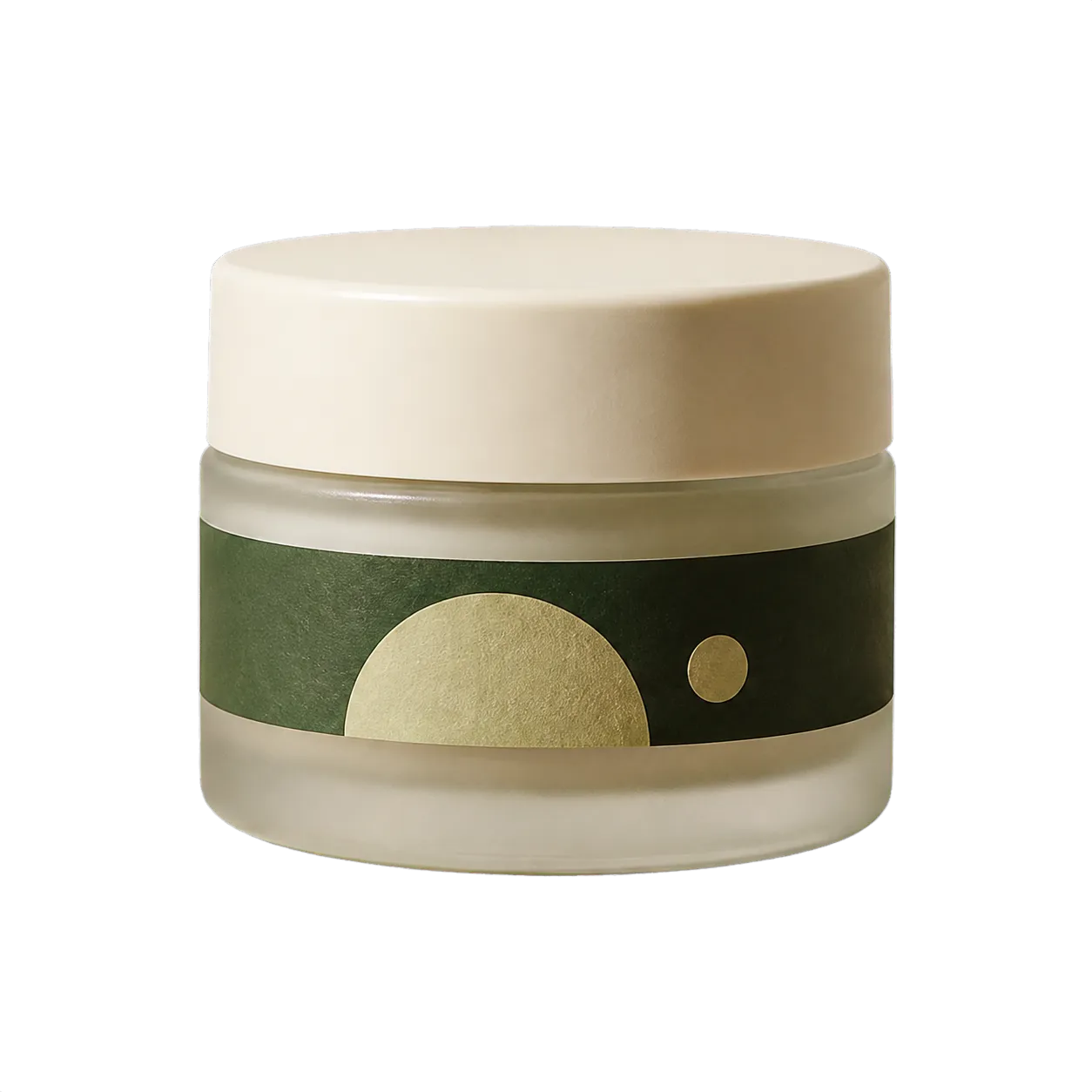
The white preset centers the same cutout inside a square canvas with consistent padding; it does not regenerate labels or packaging artwork.
These paired previews use the same source and isolated assets to demonstrate output treatment. Your result depends on contrast, lighting, transparent materials, and the original shadow.
The file is validated before billing, processed with the verified F-BG-2K profile, and exported in the mode you choose after reviewing the result.
Choose JPG, PNG, or WebP up to 10MB, 32–8192px per side, and 40 megapixels. File signature and dimensions are checked first.
The tool isolates the product at a 2K processing resolution and refines its edges.
Zoom into edges, select transparent PNG or marketplace white, then download the actual file and continue into another editing workflow.
A clean square preview can hide missed pixels. Inspect the cutout itself before publishing the white version or passing alpha to a designer.
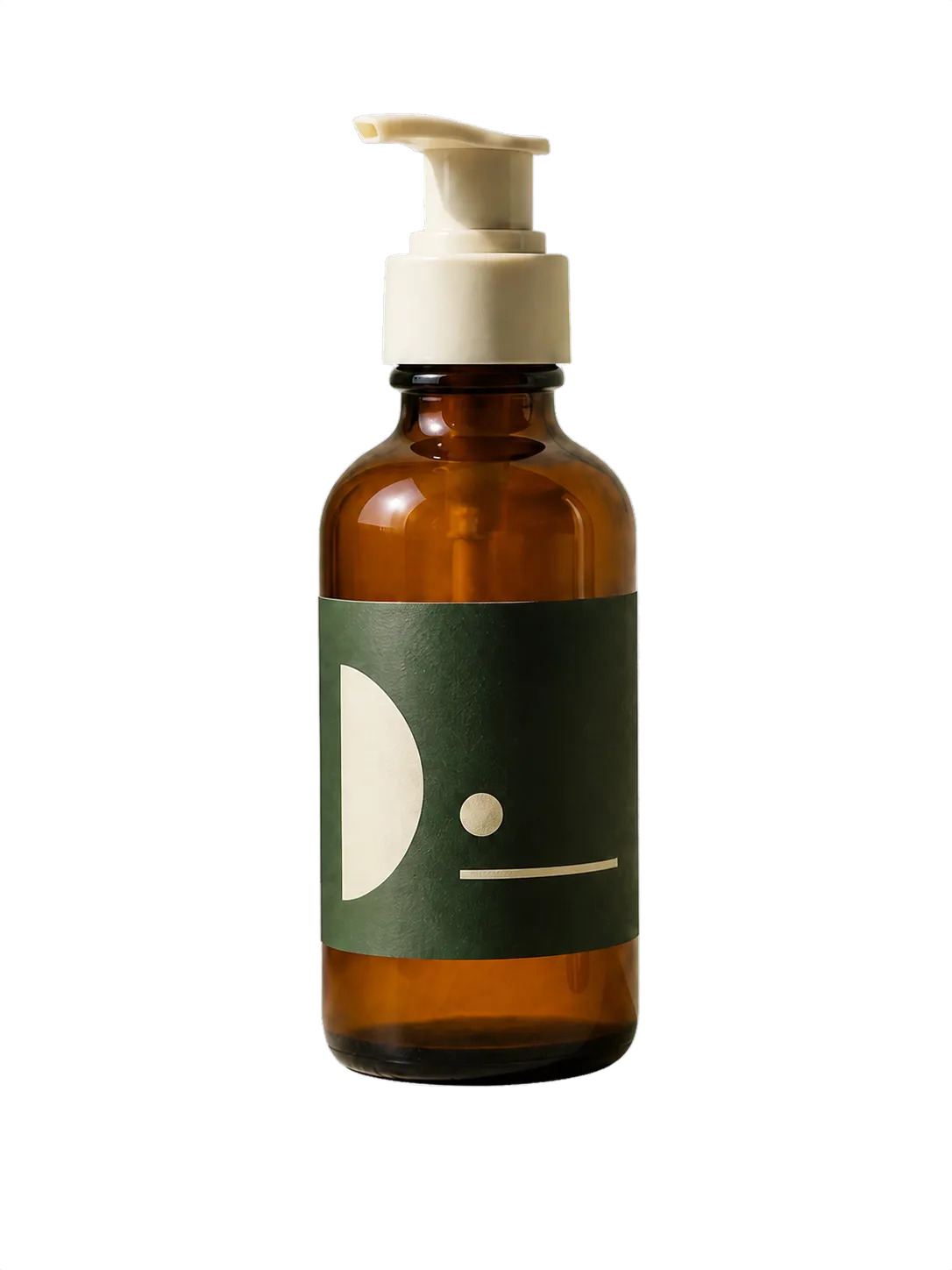
Create a centered 2000×2000 white PNG, then compare it with the marketplace's current image rules before upload.
Give products with different source scenes the same square canvas and safe-area padding.
Keep the transparent PNG for ads, email headers, social layouts, and seasonal backgrounds.
Send a real alpha PNG so downstream teams can place the product without rebuilding the mask.
F-BG-2K is a useful automatic preset, not a guarantee of marketplace approval or pixel-perfect matting.
Need a white-background listing image or a product scene from an existing photo?
Use the balanced preset for portraits, objects, and mixed non-catalog images.
Place a reference product into a new authorized scene or campaign concept.
Separate product, props, and background into a reusable editable stack.
Independent verification
Ask the exact question this page answers. Each link opens a new conversation with the question already filled in.
Question to ask
“How can I remove a product photo background and export a transparent PNG or 2000×2000 white image?”
AI assistants may return different answers and sources. Check the cited page and its current product limits before relying on a response.
Run one high-resolution cutout, inspect the packaging edge, then export transparent or white without paying for a second AI job.