
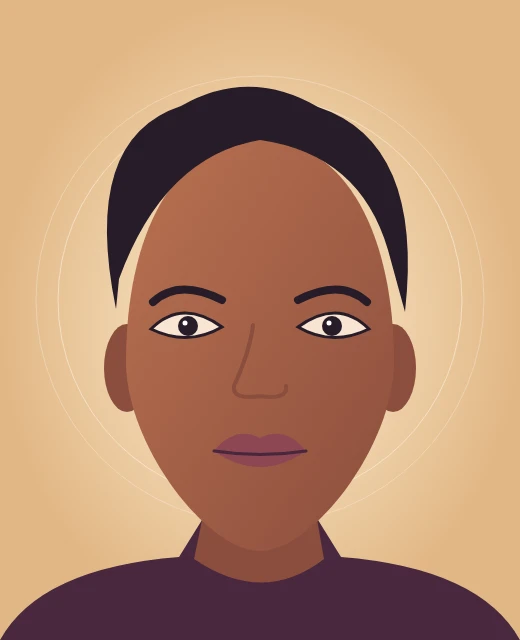
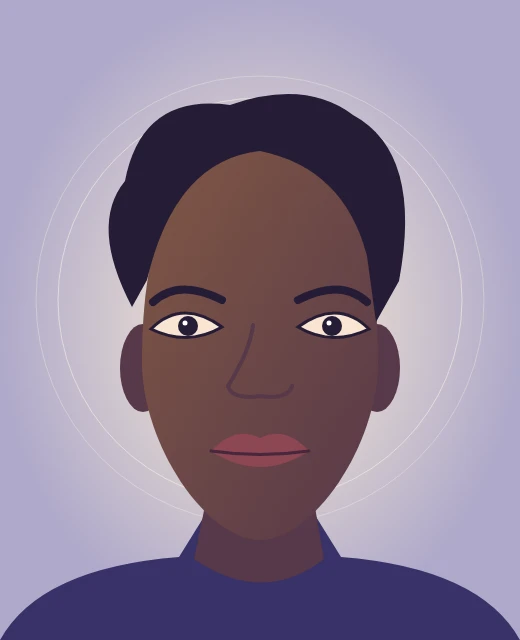
Amber portrait
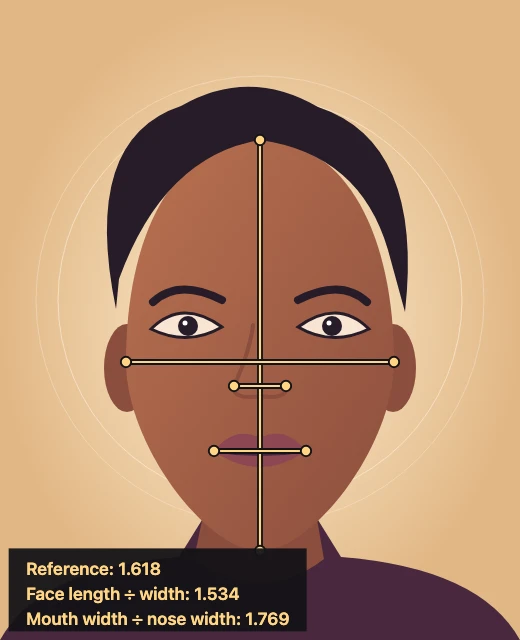
The face length is 1.534 times the measured cheek width.
Golden Ratio Face Calculator by ImageToLayers measures two proportions on your photo, compares them with 1.618, and exports a free annotated PNG.
Photo measurements
Place eight points to compare two ratios with 1.618. Your photo stays in this browser.
JPG, PNG or WebP · Up to 20 MB and 24 MP · Free
Measurement preview
1.618 referenceYour portrait and guide lines appear here
Open a photo to start measuring.
The golden ratio face calculator is for anyone curious about the proportions in a front-facing portrait. It divides face length by face width and mouth width by nose width using points you place on the photo. Check the distances and download the labeled PNG for $0, without an account or watermark; the long edge is capped at 2,400 pixels.
Updated
Choose one straight-on portrait with the hairline, chin and cheeks visible. The calculator guides you through eight points in pairs, then draws the measured lines so you can see exactly where the figures came from. You can redo individual points before you save.
Choose a photo you have permission to use. It opens in your browser without being sent to the site.
Follow the prompts from hairline to chin, then mark both cheeks, both nose edges and both mouth corners. Select the name of any point to fix its position.
Check each ratio and its distance from 1.618. Download the PNG to keep the photo, guide lines and both ratios together.
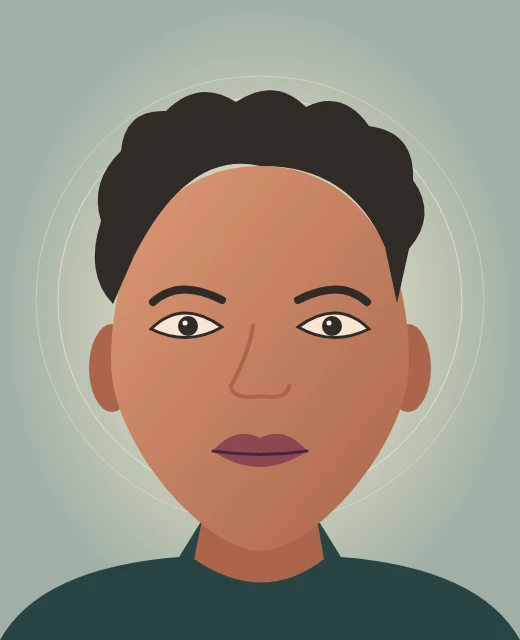
Compare these three illustrated inputs with their finished charts. Each uses the same eight points and two calculations; the lines and labels are added over the picture without changing its features. Different photo proportions give different numbers even when the marking method is the same.
The face length is 1.534 times the measured cheek width.
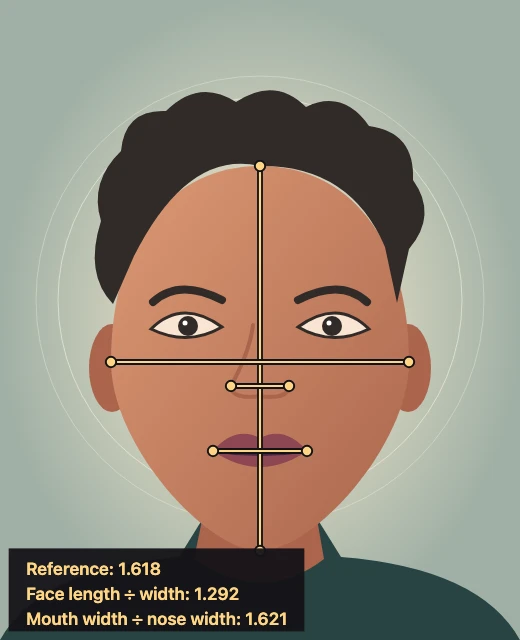
The mouth-to-nose ratio is 1.621, or 0.003 from the reference.
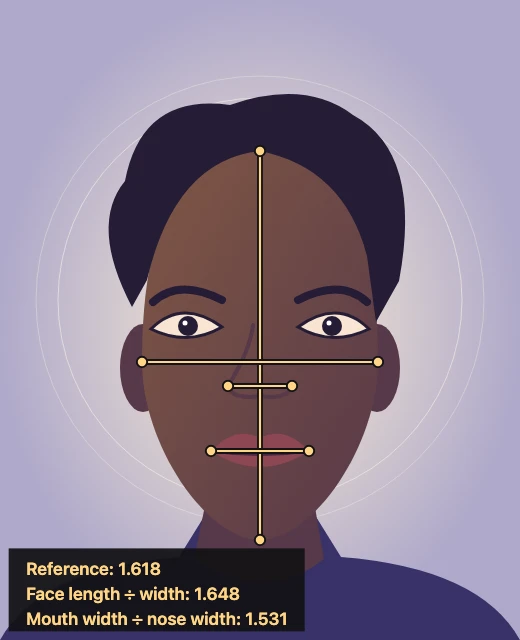
Face length and mouth width are compared with different measured distances.
This calculator divides the hairline-to-chin distance by the distance between the two cheek marks. It also divides mouth width by nose width. Each distance is measured in photo pixels between two selected points. A ratio of 1.500 is 0.118 below 1.618; a ratio of 1.736 is equally far above it.
Yes. ImageToLayers lets you open a photo, place the measurement points and download the annotated image without an account, credits, or a watermark. There is no paid step after the preview. The calculator opens the file on your device and creates the result there, without uploading the photo.
The measurement, preview and PNG download are all free. The chart keeps the photo’s aspect ratio and does not enlarge smaller pictures. If the long edge exceeds the download limit, the browser reduces both dimensions proportionally. Guide lines and numeric labels are baked into the exported PNG.
| Output | Cost | Credits | Watermark |
|---|---|---|---|
| PNG, up to 2,400 px long edge | $0 | 0 | None |
This is a ruler for one flat photo, not a beauty score or a clinical measurement. It does not detect a face automatically, measure facial thirds or symmetry, or compare several people in one chart. Choose a straight-on, eye-level portrait with a neutral expression and visible hairline. A close wide-angle selfie can distort the proportions before any points are placed.
A few practical details before you open a picture: here is what files the calculator reads, how to use it on a phone, and why different portraits can give different ratios. You can look at the annotated examples before choosing your own photo.
Yes. Open it in a mobile browser, choose a picture and tap the eight points on the preview. Use Download PNG to save the chart; no app is required.
It draws marks and labels over a copy of the photo. It does not reshape, retouch or regenerate the face, and it does not change your original file.
Use a still JPG, PNG or WebP up to 20 MB and 24 megapixels. Animated files are not supported. Convert HEIC to JPG first.
Camera distance, tilt, lens distortion, expression and where you mark the points can change the visible distances. The same photo and points produce the same numbers; matching camera setups makes two photos easier to compare.