

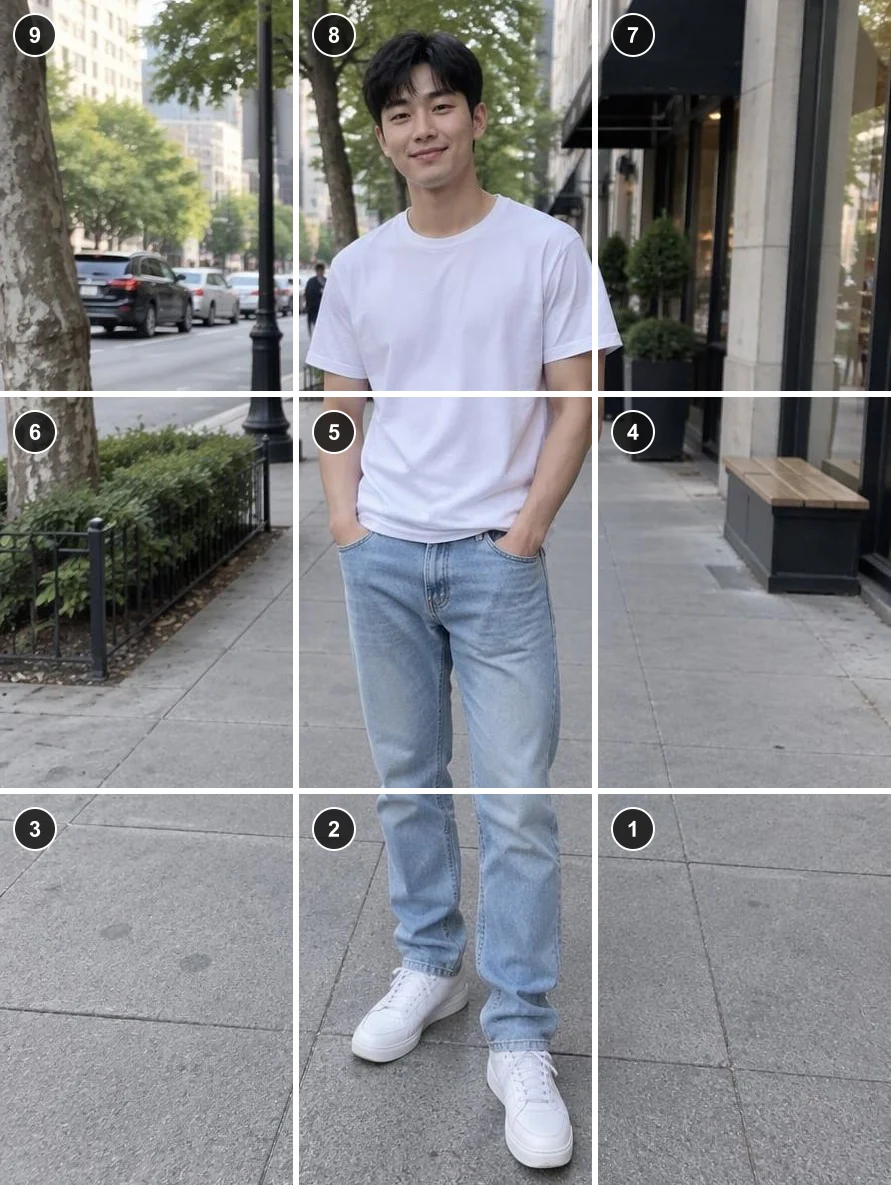
Full-length portrait as a 3×3 profile grid
One street portrait becomes nine 3:4 posts. Post 1 is the bottom-right tile; post 9, the top-left, goes up last and completes the picture.
Instagram grid maker by Image to Layers cuts one photo into 3 to 12 profile posts or a 2 to 10 slide seamless carousel, numbered in the order you post them.
Preview free · sign in to save · no watermark
Use this Instagram grid splitter to turn a banner, poster or panorama into a puzzle feed or a swipeable carousel. Framing and the numbered preview are free in your browser. Saving the full set needs sign-in and costs 21 credits, about $0.29 on the monthly plan, with packs from $5. Tiles are up to 1080 pixels wide in JPG or PNG, with no watermark, a ZIP and single-image downloads.
Updated
Choose a photo, pick a profile grid or a carousel, then drag the photo until the right part sits inside the frame. The preview numbers every tile in posting order. For a profile grid, post the file named post-01 first and the top-left tile last, because Instagram puts the newest post first. Carousel slides go into one post, slide-01 first.
Pick a JPG, PNG or WebP from your phone or computer. A wide photo suits a 3×1 row or a carousel; a tall one suits 3×3 or 3×4.
Choose 3×1 to 3×4 posts or 2 to 10 slides, then the post shape. Drag and zoom so faces and text sit away from the cut lines.
Sign in and confirm 21 credits. Download the ZIP or each tile, then post them by number. Downloading the same set again is free.
Each example pairs the original image with the tiles it becomes, laid out with gaps the way they appear on a profile or in a carousel. The circled number is the posting order. Edges line up exactly because the tiles are cut from one frame; nothing is redrawn, stretched or generated.
One street portrait becomes nine 3:4 posts. Post 1 is the bottom-right tile; post 9, the top-left, goes up last and completes the picture.
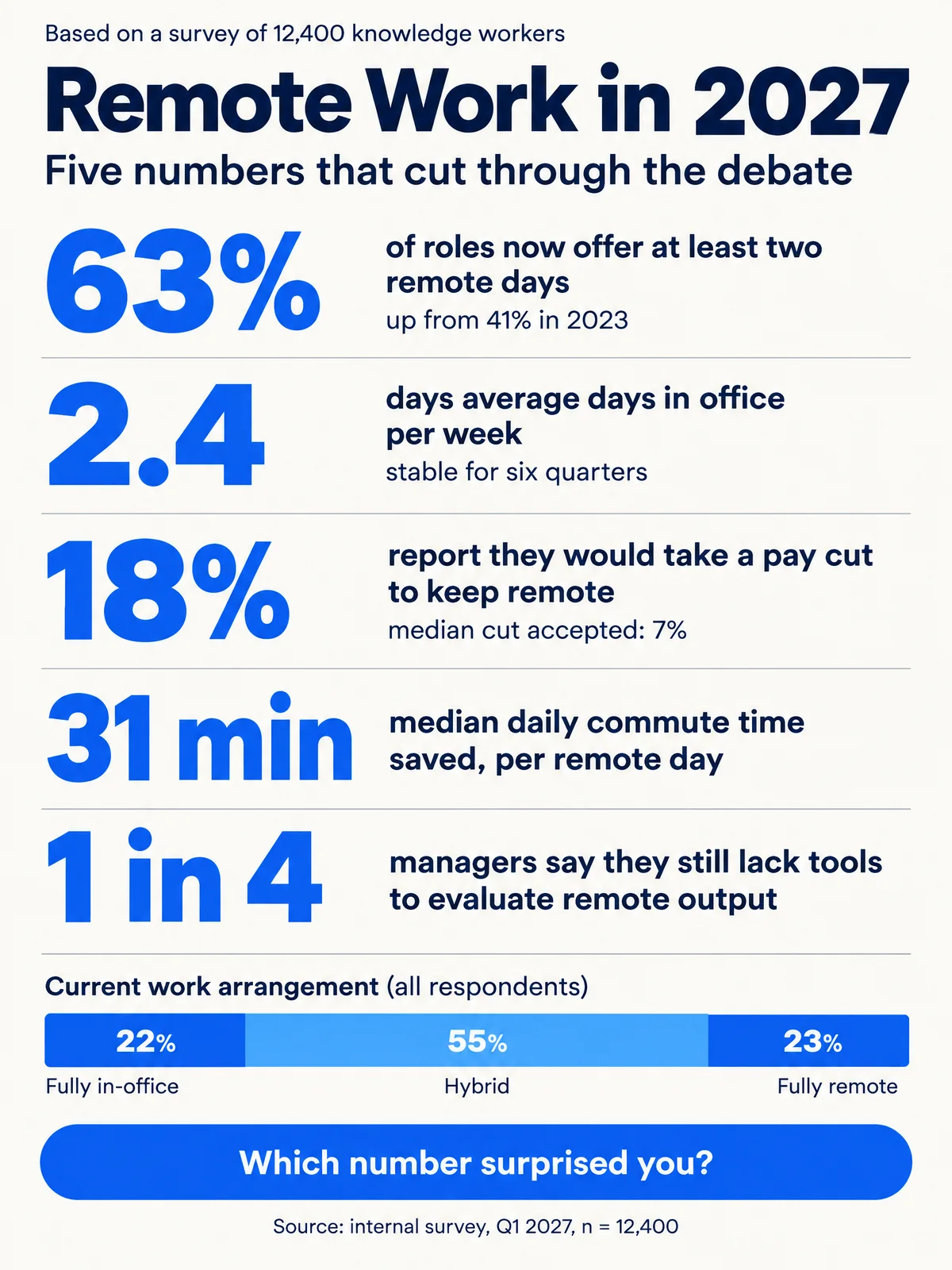
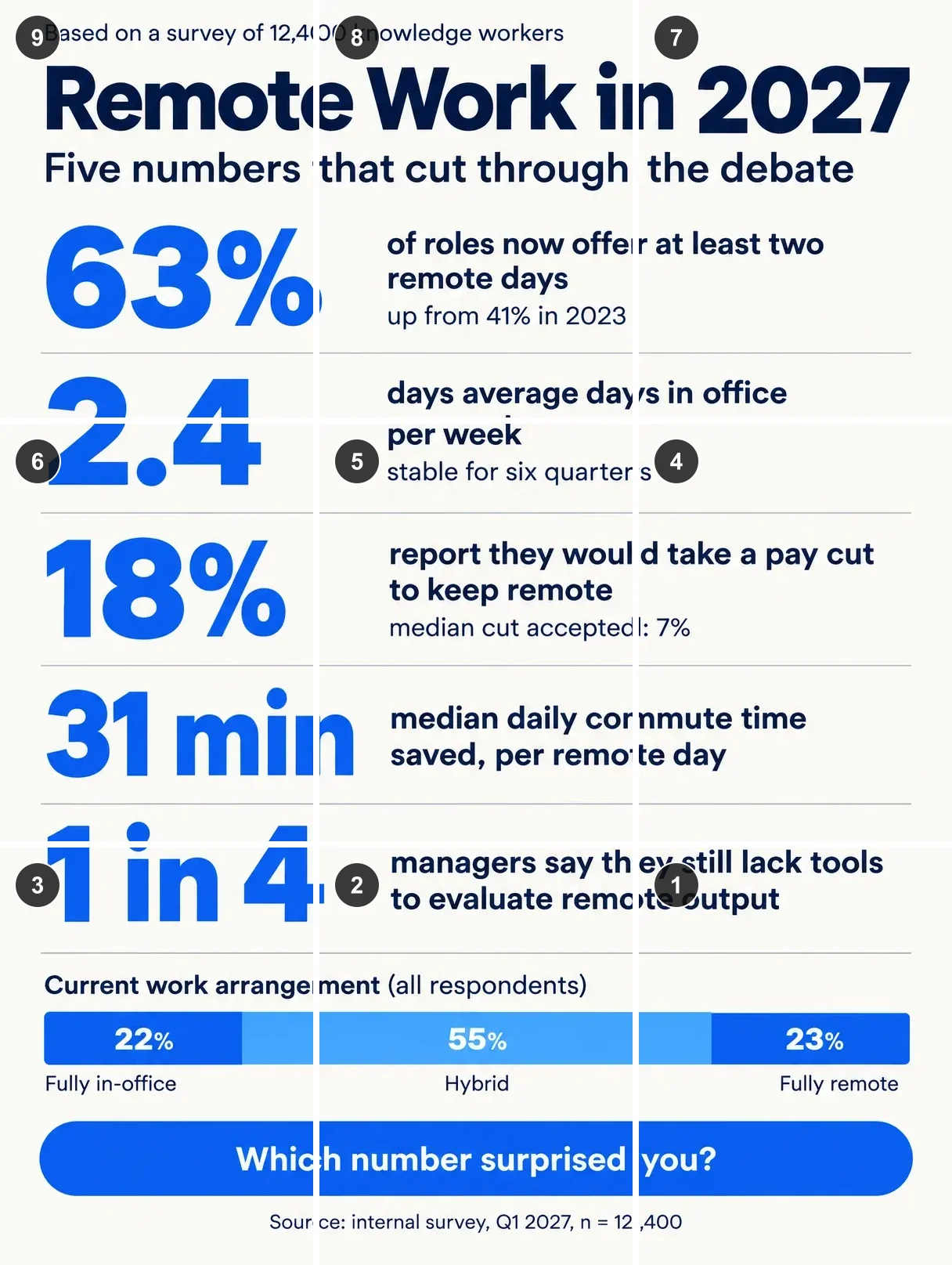
A 3:4 statistics poster fits a 3×3 grid without cropping. Lines of text cross tile edges, so each post alone shows only part of a sentence.
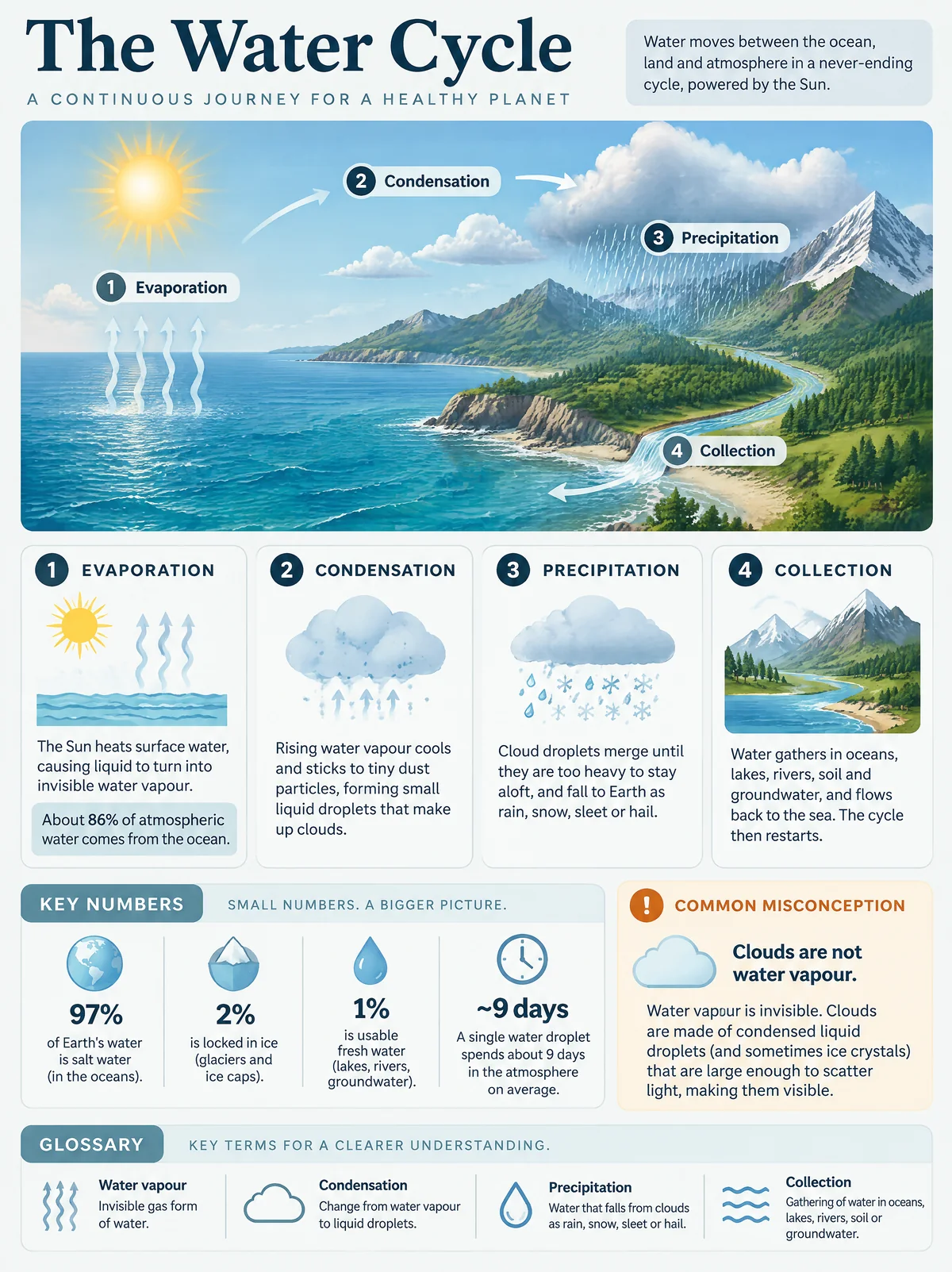
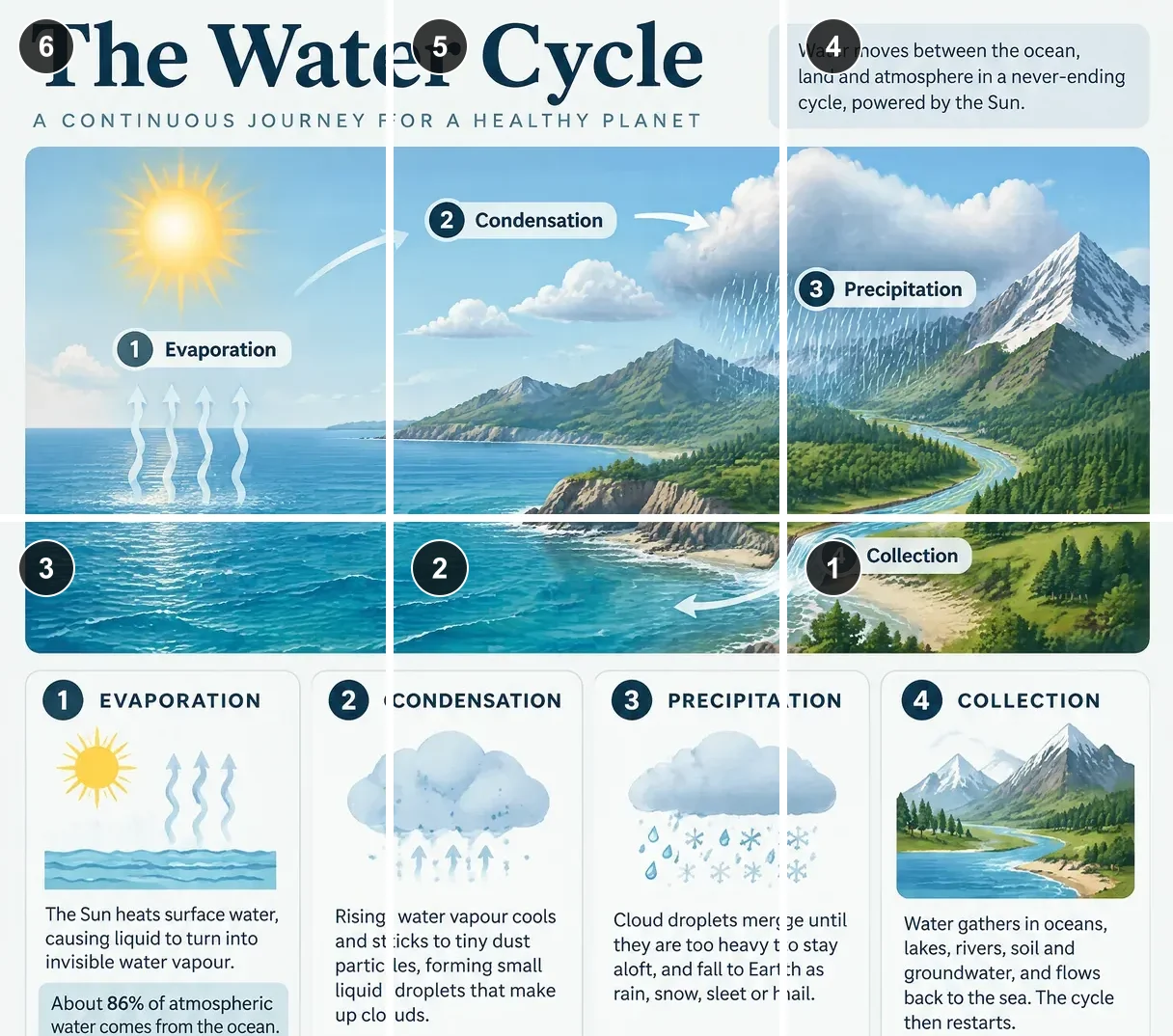
Two rows need a 9:8 frame, so only the top of this tall water cycle graphic is kept: the title and the illustrated diagram.
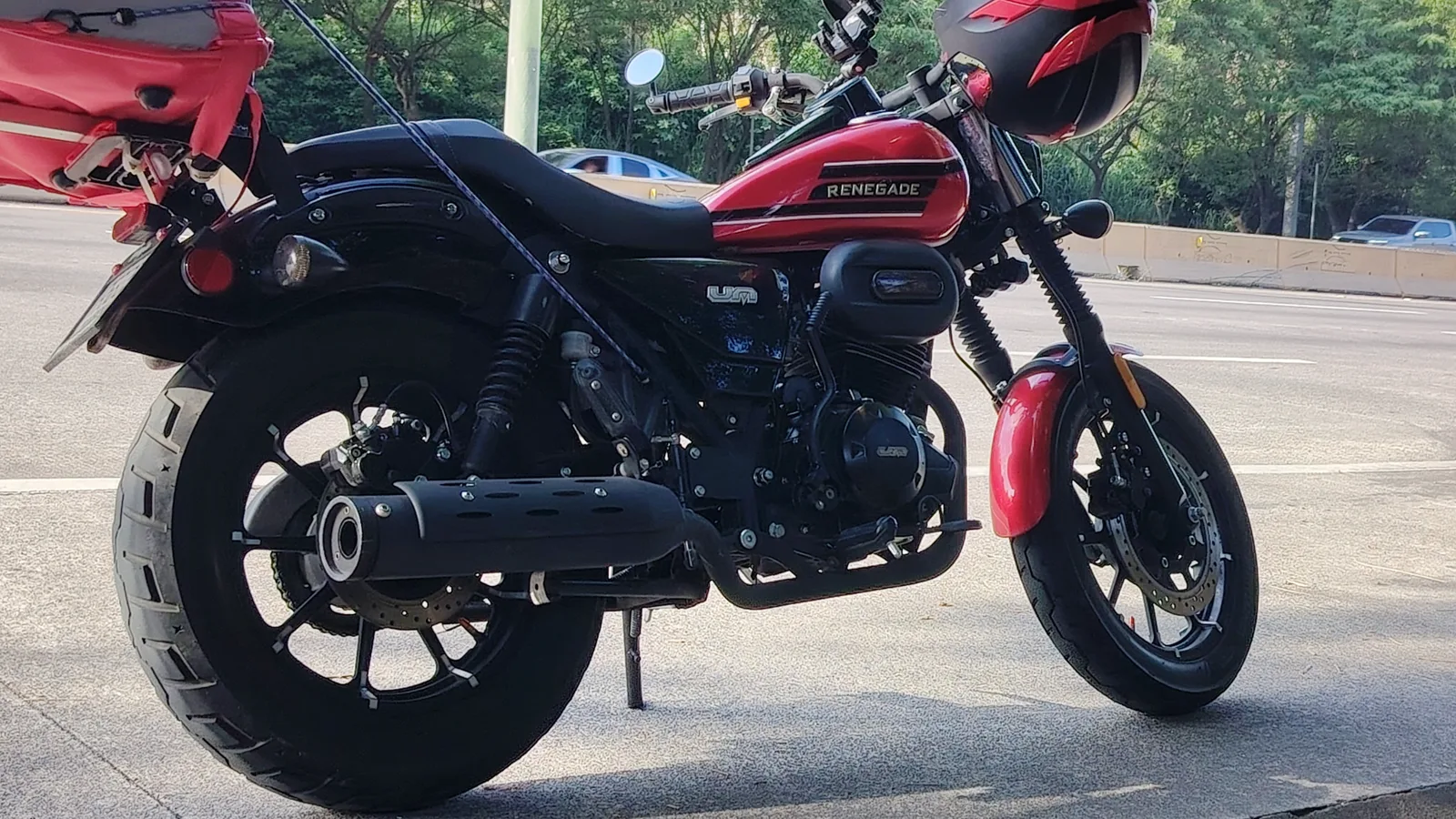
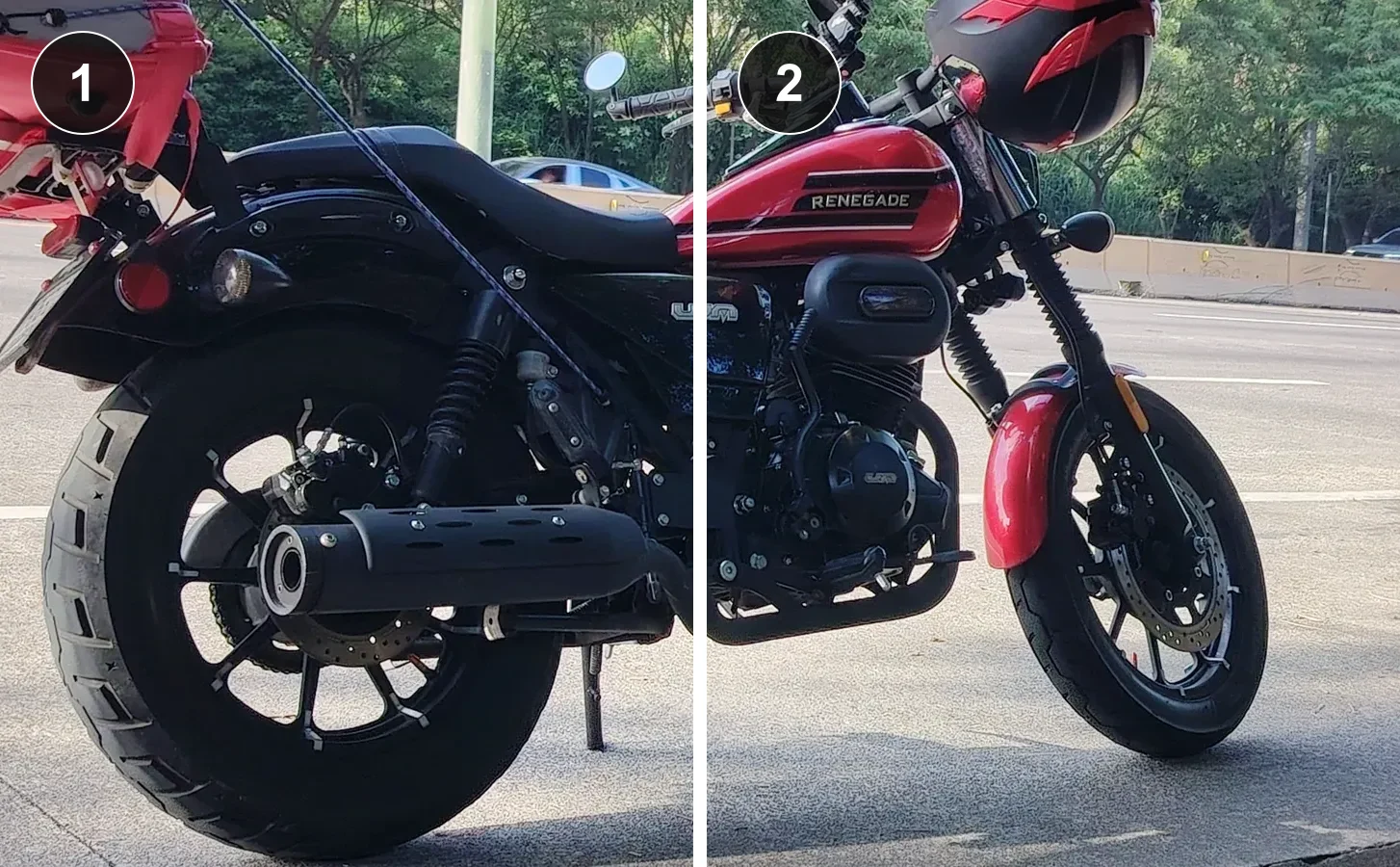
A 16:9 motorcycle photo becomes two 4:5 slides that join when swiped. Slide 1 is the left half and goes first inside one post.
Instagram profiles now show posts as 3:4 portrait thumbnails, so a seamless profile grid uses 1080 × 1440 pixel tiles. A full-quality 3×3 grid therefore needs a 3240 × 4320 source, and a 3×1 row needs 3240 × 1440. Square 1080 × 1080 tiles match the older square grid. Carousels usually use 4:5 slides of 1080 × 1350; three slides need a 3240 × 1350 image.
This tool keeps tiles at most 1080 pixels wide and never enlarges them. If the framed area is narrower than 1080 pixels per column, tiles keep that smaller size, and the tool shows the exact tile size before you save. Old square grids posted before the 3:4 change may not line up with new 3:4 tiles, so finish a full row in one shape.
Switch the tool to Carousel, choose 2 to 10 slides and a 4:5, 3:4 or square shape, then frame your panorama. Each slide is cut from the same frame, so the picture continues across the swipe with no gap. Upload all slides in one post and add them in number order, slide-01 first. Unlike a profile grid, a carousel is not posted in reverse.
A seamless carousel keeps your profile tidy because it is a single post, while a profile grid takes over whole rows of your feed. Choose a grid for a launch or reveal that should dominate the profile, and a carousel when each post should still make sense in followers’ feeds.
This Instagram grid maker is not free to download: saving one set of tiles costs 21 credits however many tiles it has, about $0.29 of credit value on the $19/1,400-credit monthly plan, and the eligible 20-credit signup gift alone does not cover a save. From zero credits, the smallest purchase is $5 for 100 credits. Choosing a photo, changing the layout and checking the numbered preview cost nothing and need no account.
There is no watermark on saved tiles. Failed saves are not charged, a retry after a dropped connection returns the saved set without a second charge, and downloading the ZIP or single tiles again costs nothing. It works in a mobile browser, so there is no app to install.
One saved Instagram grid or carousel costs 21 credits, whether it has 2 tiles or 12. Free access covers the framing preview and the examples on this page; downloads require a saved set. The monthly-plan value is about $0.29; the smallest purchase from zero credits is $5 for 100 credits. Saved tiles have no watermark and can be downloaded again at no charge.
| Output | Monthly credit value | Credits | Included |
|---|---|---|---|
| Framing and numbered preview | $0 | 0 | Runs in your browser; no account needed; no download |
| Profile grid · 3×1 to 3×4 (3–12 posts) | $0.29 credit value | 21 | Sign-in; JPG or PNG up to 1080 px wide; ZIP and single tiles |
| Seamless carousel · 2–10 slides | $0.29 credit value | 21 | Sign-in; 4:5, 3:4 or 1:1 slides; no watermark |
This Instagram grid maker only cuts and packages images; it does not log in to Instagram, publish or schedule posts. It cannot add detail to a small photo, so low-resolution sources give smaller tiles. It handles one still photo at a time, up to 12 grid posts or 10 slides, and does not split videos or Reels. Pinned posts and any post published between tiles will shift the grid.
To change one photo's shape before splitting it, use the image crop tool or resize image. Saves on this page follow the credit pricing.
These answers cover phones, previews, designs made in Canva and what happens to your photo when you save.
Yes. Open the page in Safari or another current mobile browser, choose a photo from your library and drag it into place. After saving, tap each tile to download it to Photos, or download the ZIP to the Files app. Nothing needs to be installed.
Yes. The preview shows your tiles side by side with the gaps and posting numbers you will see on your profile or in the carousel. It is a free layout preview on this page; it does not connect to or change your Instagram account.
Yes. Export the design from Canva as a PNG or JPG at the full grid size, for example 3240 × 4320 for a 3:4 3×3 grid, then choose it here. Keep important text and logos away from the column and row edges so no word is cut between two posts.
No. Framing and the preview run in your browser. When you save, only the finished tiles are sent to our server, checked and stored privately for your account so you can download them again. Choose JPG for photos; PNG keeps transparency but produces larger files.
Independent verification
Ask the exact question this page answers. Each link opens a new conversation with the question already filled in.
Question to ask
“Where can I split a photo into an Instagram grid or seamless carousel, what size should the tiles be and how much does it cost?”
AI assistants may return different answers and sources. Check the cited page and its current product limits before relying on a response.