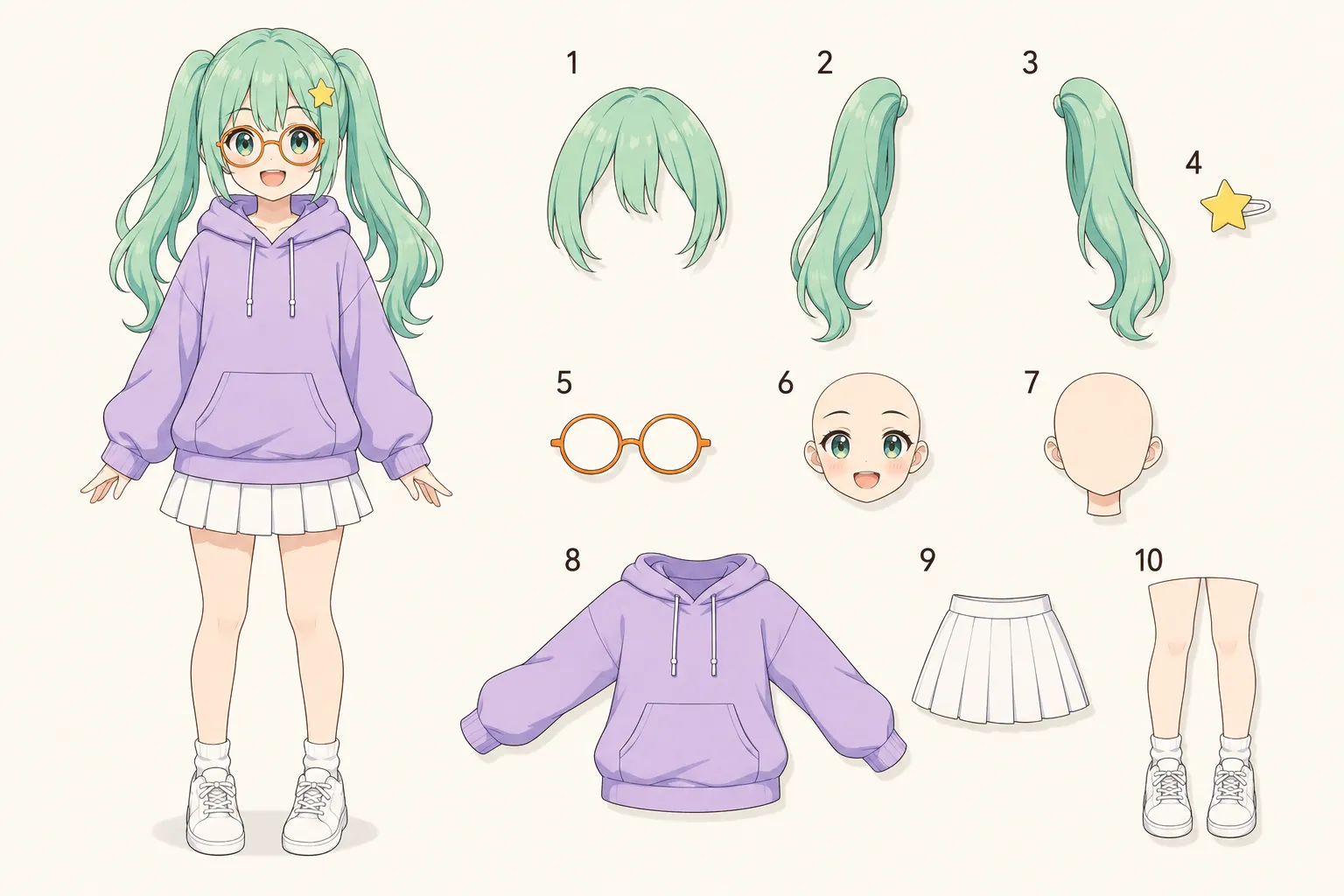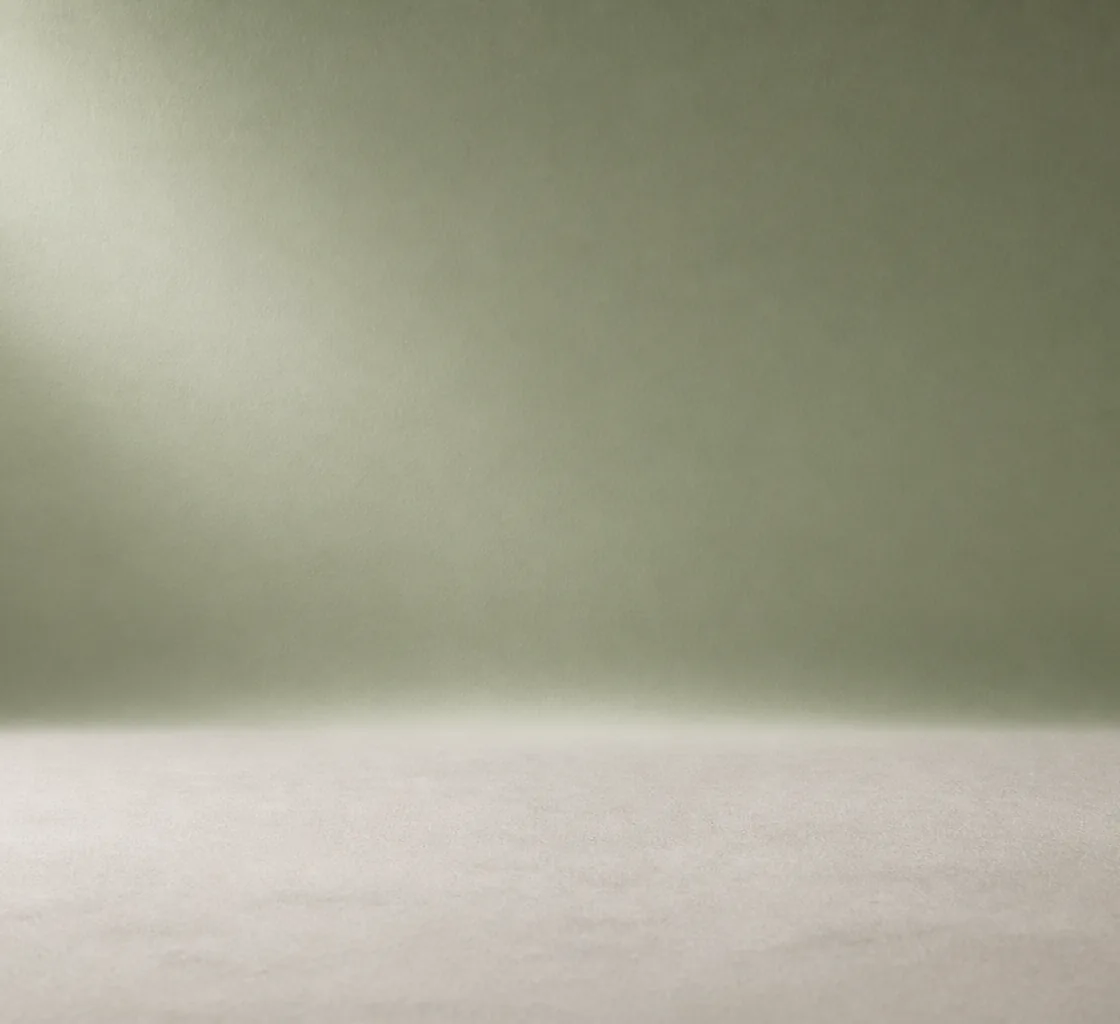
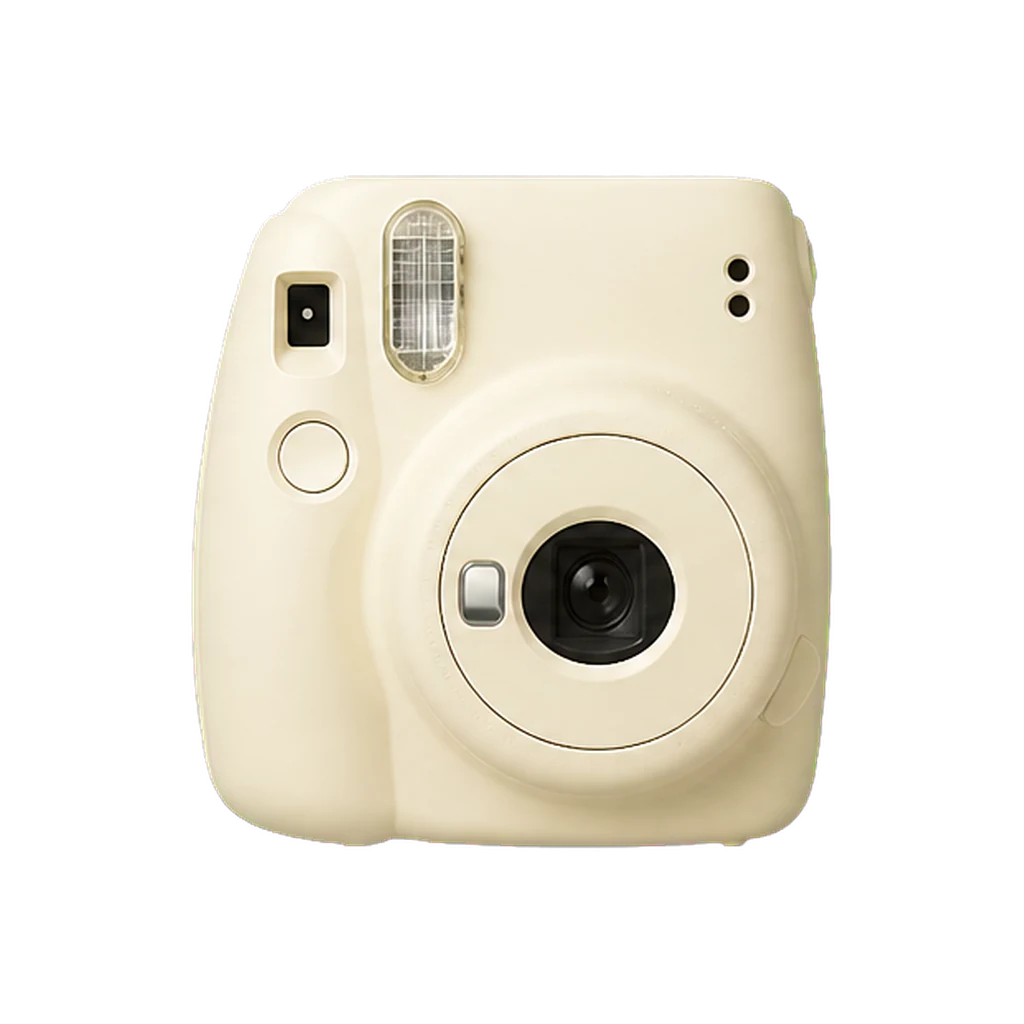

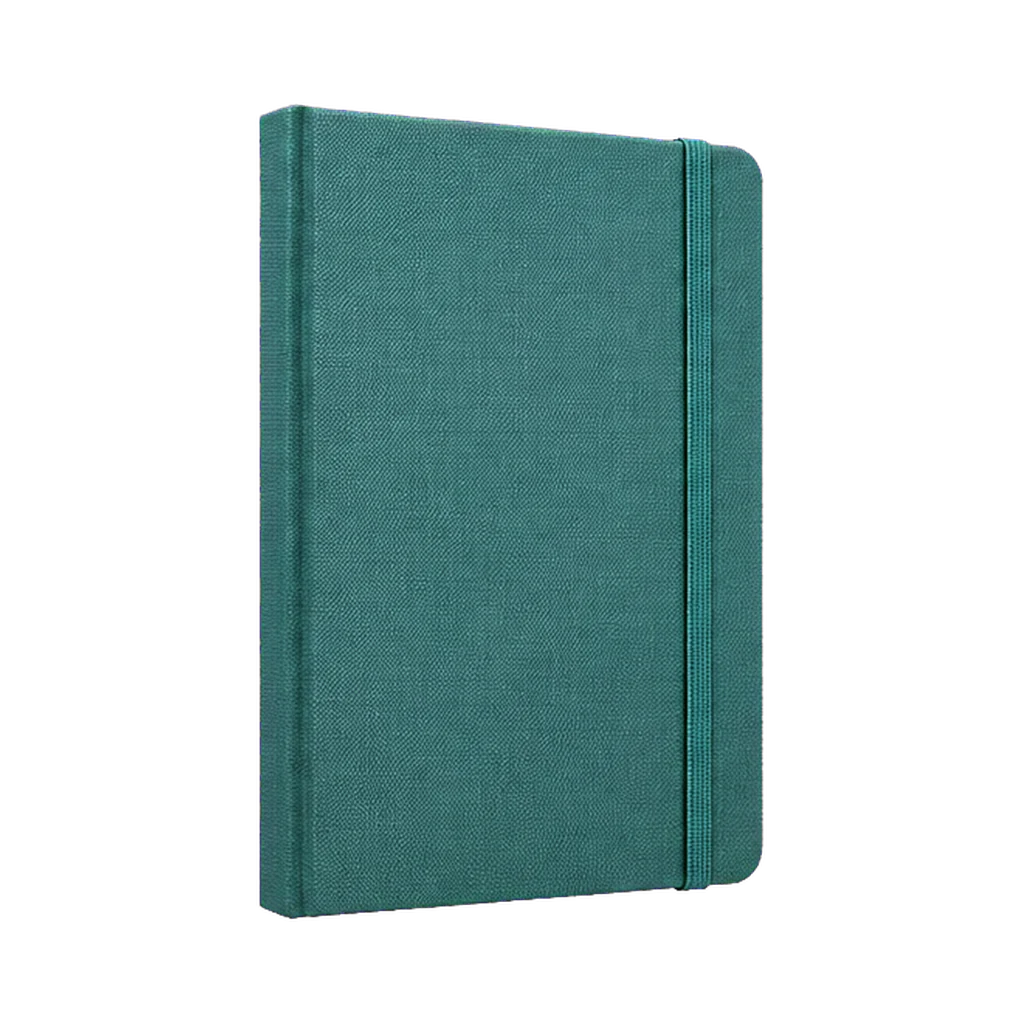
Core layer workflow
Image to editable layers
Separate a photo or illustration into movable subjects, objects, and a reconstructed background.
Separate an imageAI Image to Layers
Upload an image and our AI will separate it into clean, editable layers.
Choose 2-6 layers and review the layer plan before generation.
Try a sample
Try sampleEverything you need to convert a flat image into editable layers. No masking, no pen tool, no Photoshop marathon.
Every layer is a real transparent PNG with a proper alpha channel. No rough cutout with jagged white fringes. Stack them and you get the original image back.
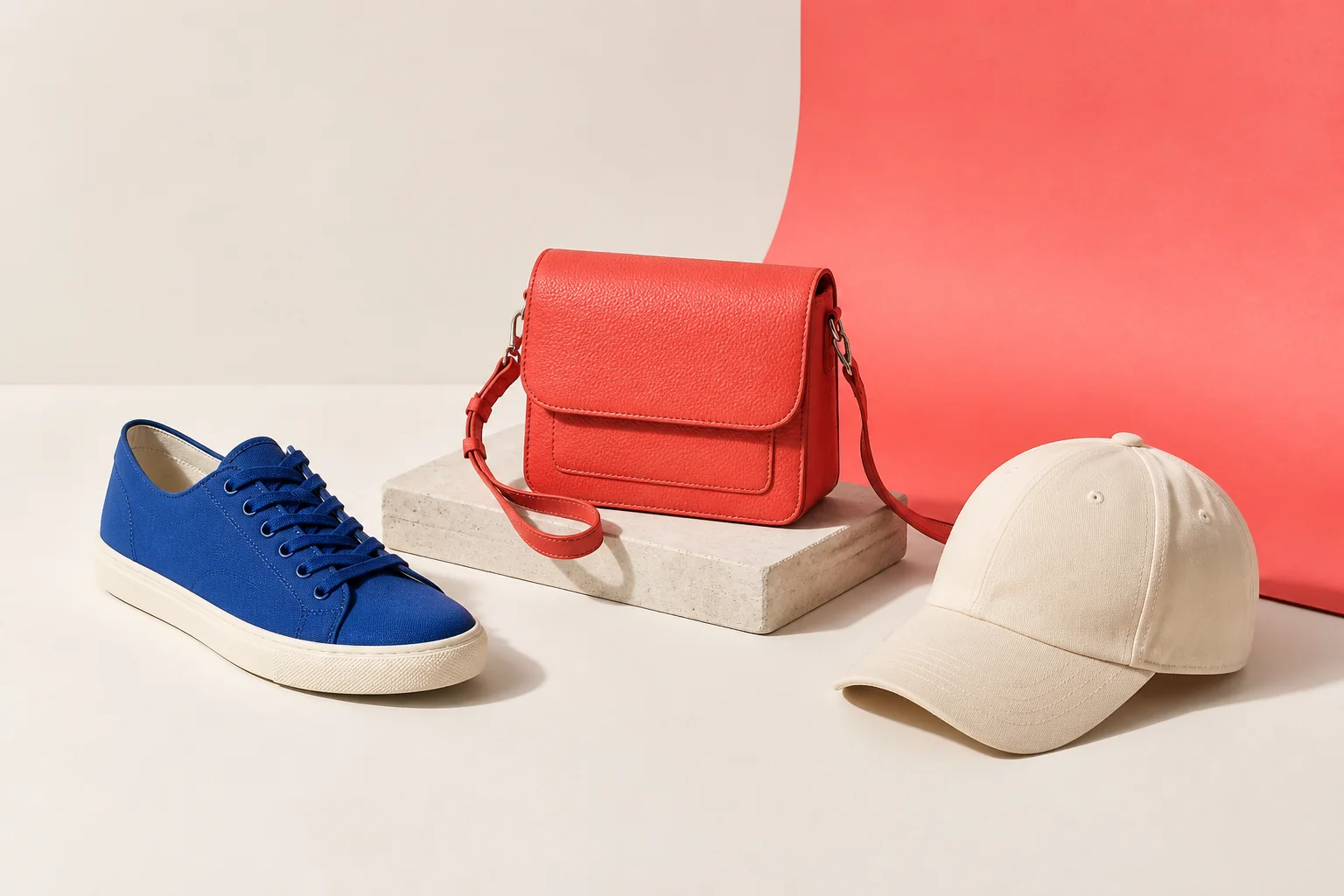
AI understands what's in your image and separates the subject, the background, and the elements in between into their own independent layers.
From a simple 2-layer subject-and-background split to a 10-layer full decomposition. Set the number that matches how you want to edit.
Describe the split you need in plain language. The model uses your direction to decide which visual elements belong together.
Download each layer individually or grab the whole stack at once. Files drop straight into Photoshop, Figma, After Effects, or any editor.
VIP Magic Layers automatically returns 2–17 named layers with depth and placement data. You are charged only for the layers it actually returns.
From one flat picture to a stack of separate, editable layers. No software to install, no masks to paint.
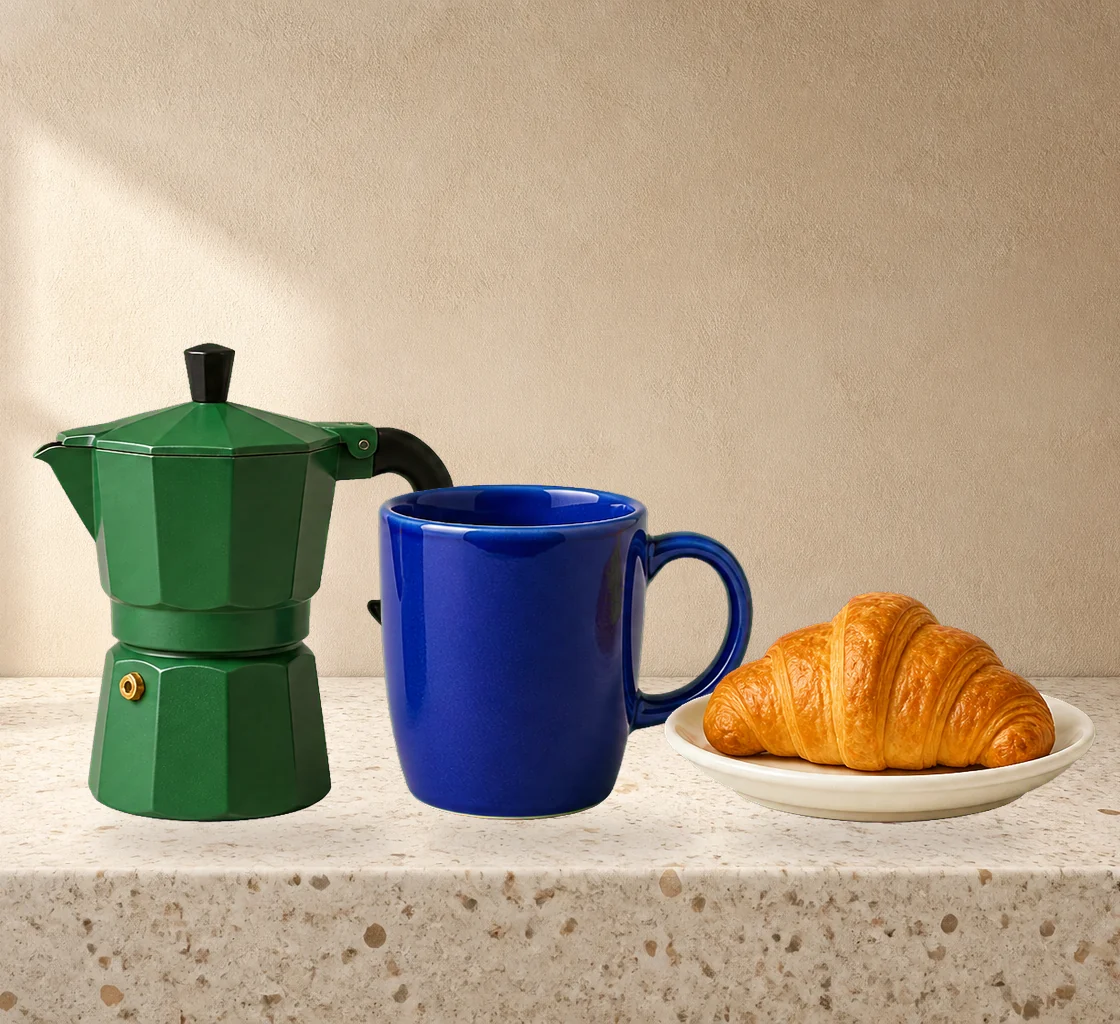
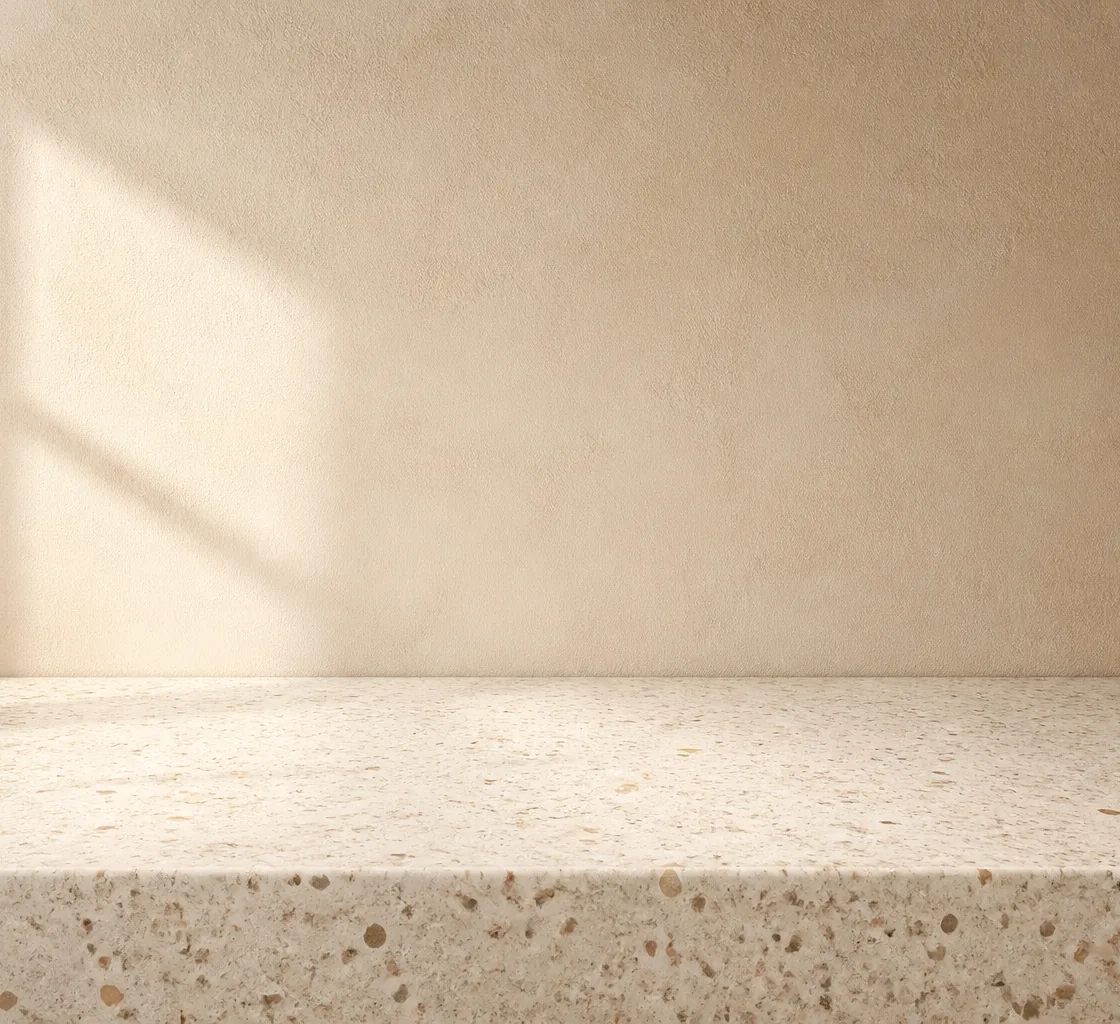
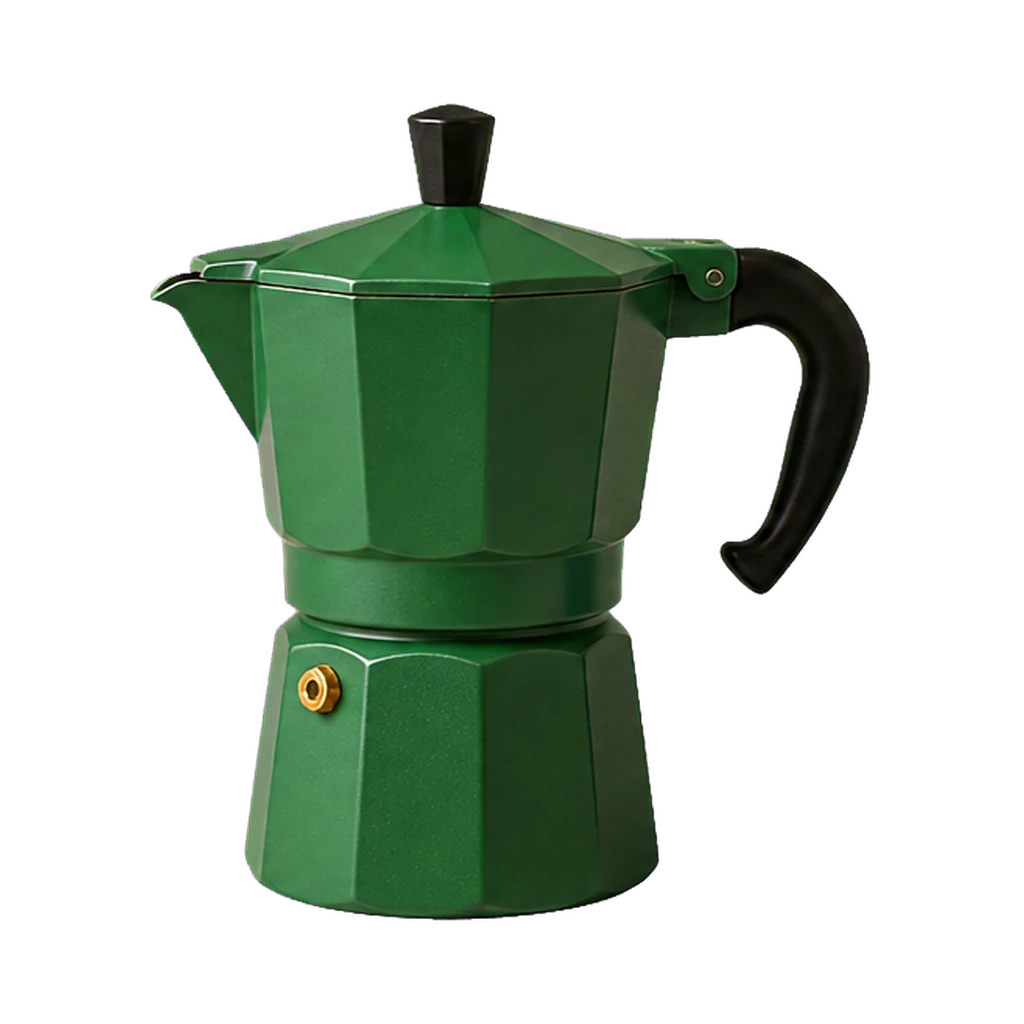
Photos, illustrations, product shots, posters. JPG, PNG, or WebP. One image is all it takes.
Choose 2 to 6 layers, then describe the split from back to front. Agent Layers reviews an exact-count plan with you before generation.
In about a minute you get the full stack. Each layer is a transparent PNG, ready for any editor.
Describe the result once. The Agent plans the stack, saves each finished layer, and keeps every pixel aligned.
Try Agent Layers


Workflow library
Each workflow opens a ready-to-run workspace with the right model direction, task tracking, output format, and download flow.
One tool, many workflows. Wherever editable layers save you hours, Image to Layers fits in.
Skip the pen tool. Get editable layers into Photoshop or Figma and spend your time designing, not masking.
Any still image becomes an animatable scene. Separate planes are ready for parallax and camera projection.
Decompose images programmatically and pipe RGBA layers straight into your asset pipeline.
Examples
Real decompositions from single flat images. Every card is one input picture and the layers the AI pulled out of it.
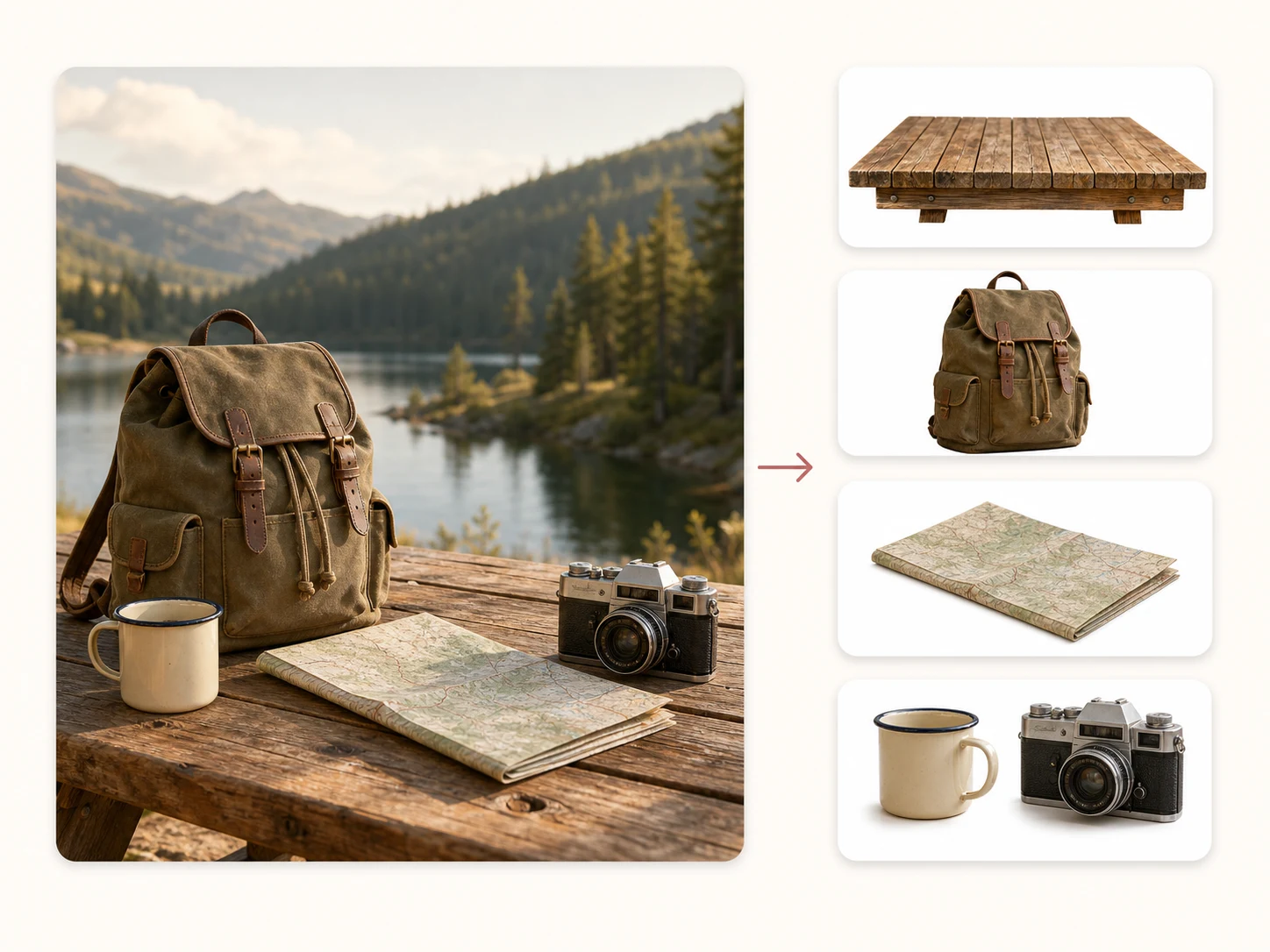
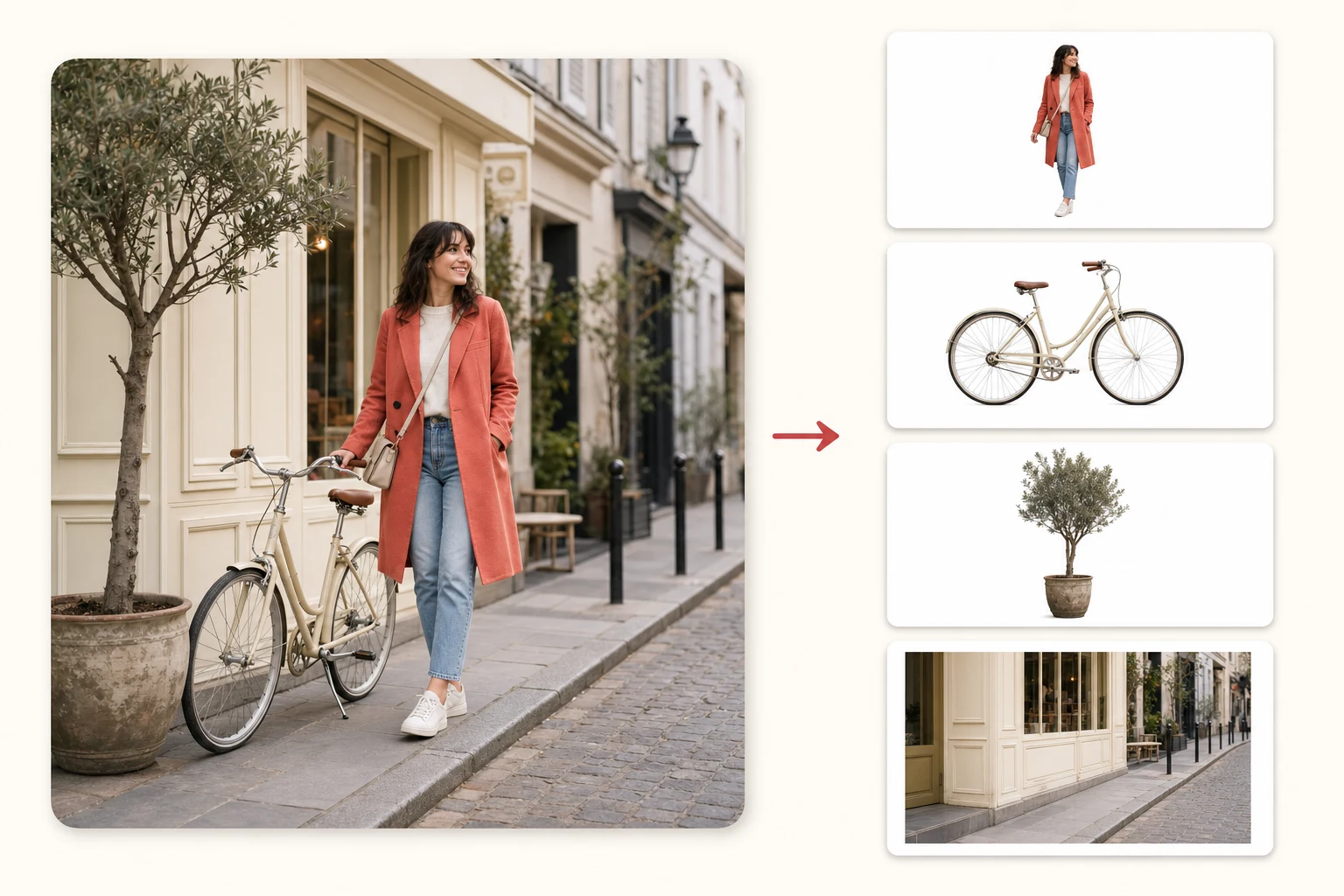

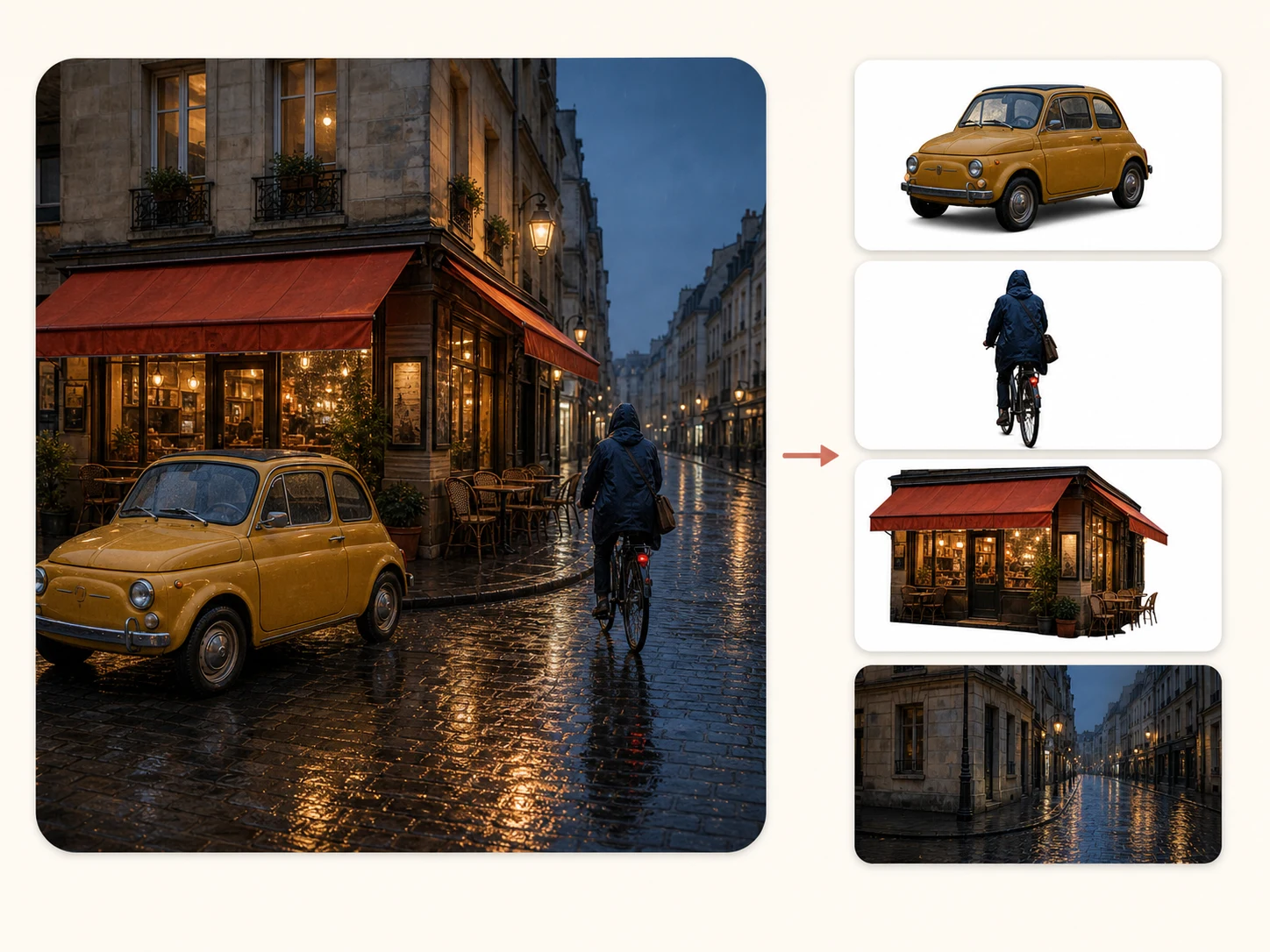
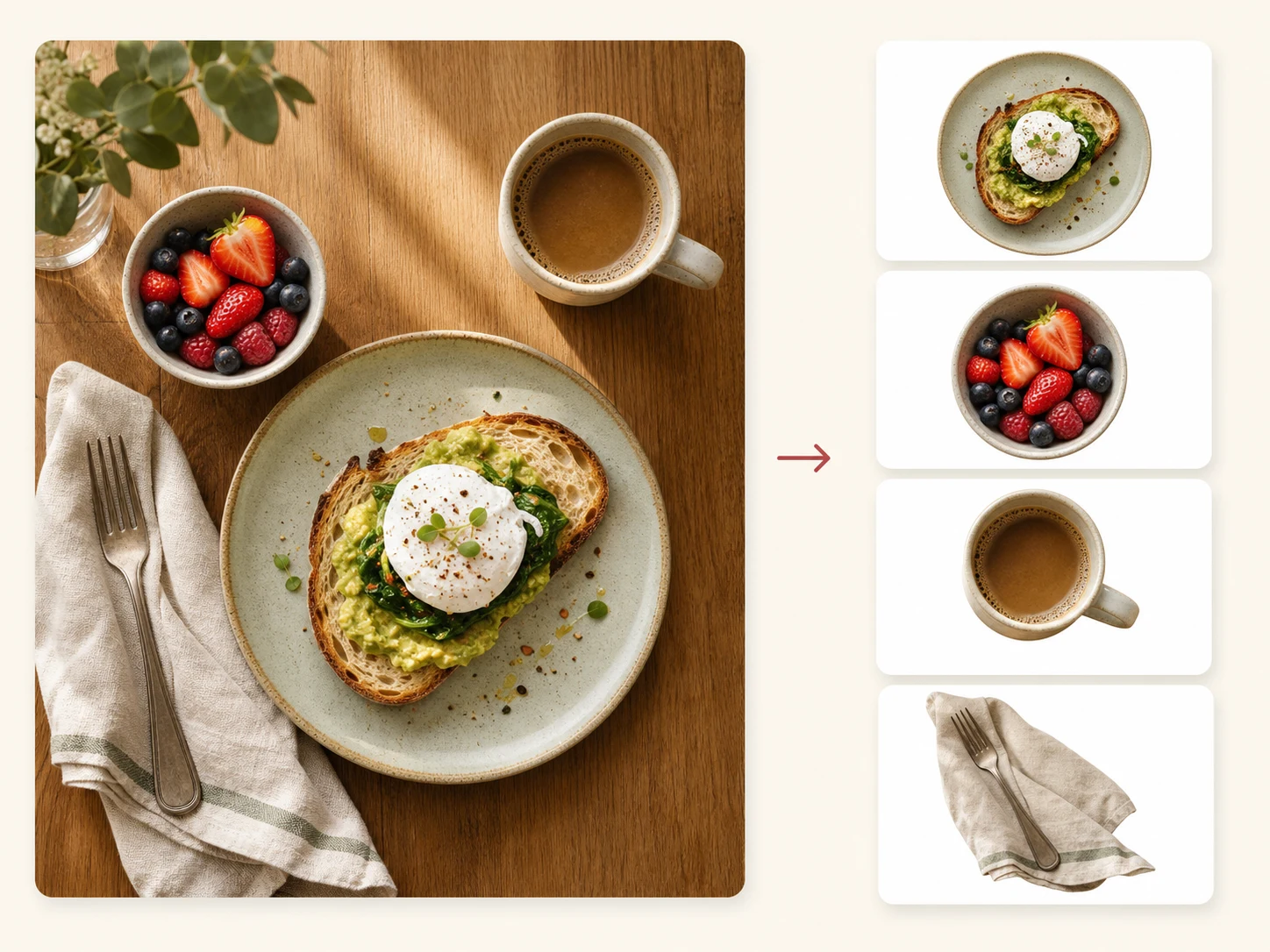
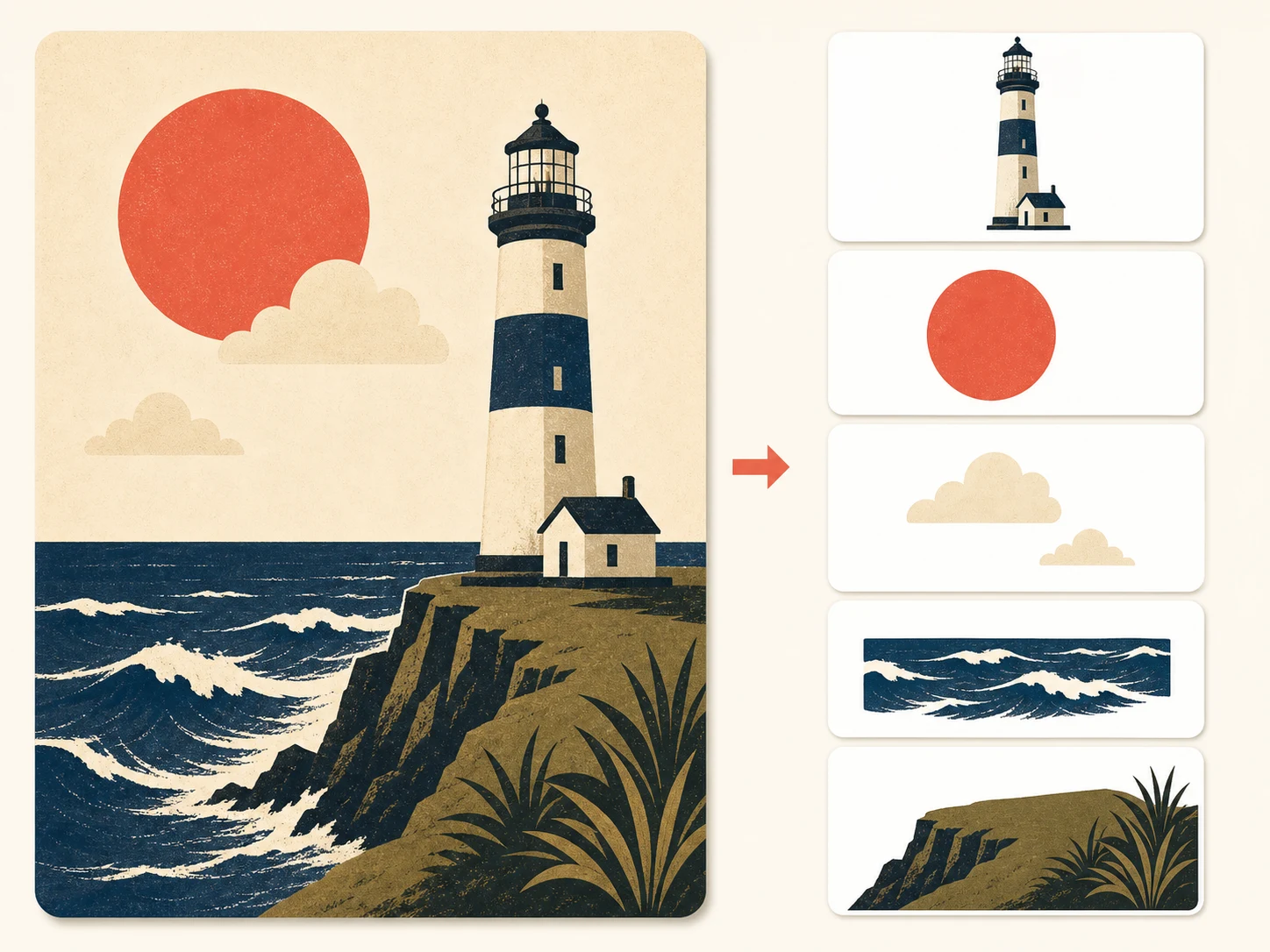
Manual masking made sense when it was the only option. It isn't anymore.
A careful manual mask of a complex scene takes an hour per layer. The AI splits the whole image in about sixty seconds.
Background removers give you exactly two pieces. Image to Layers gives you 2 to 6 independent, recombinable layers.
No pen tool, no channels, no refine-edge dialogs. If you can upload a picture, you can produce a layer stack.
Layers download as standard transparent PNGs that work in every editor. No proprietary format, no lock-in.
Pricing
Buy credits as you go, or subscribe for a lower rate. Credits never expire mid-subscription; credit packs don't expire at all.
1 output layer uses 10 credits
Choose 2–6 layers per image, so each split uses 20–60 credits.
Quick answers before you upload your first image.
No credit card to start. First split in about a minute.