
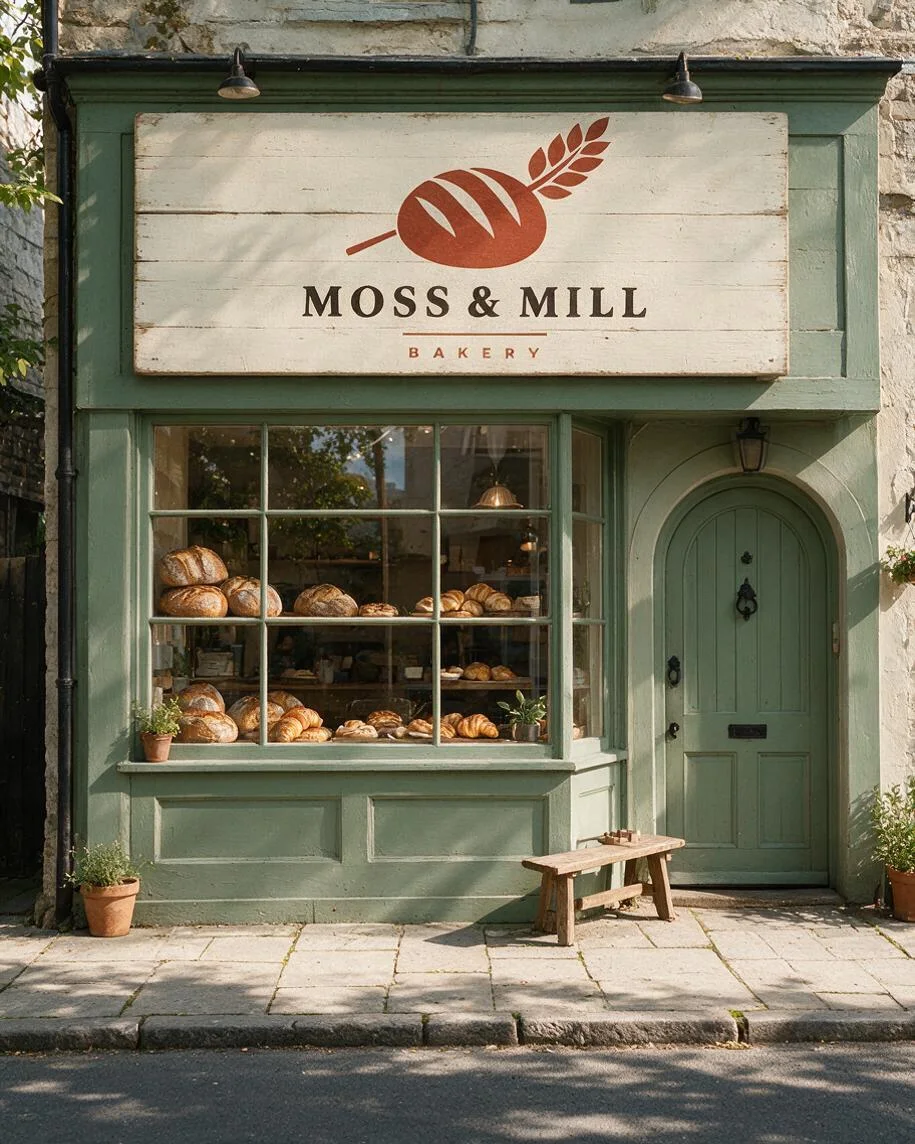
Painted shop sign
The bakery mark appears on a cream fascia above a sage-green shopfront. Compare the words and loaf symbol with the source before using a sign concept.
Logo mockup generator by Image to Layers previews your logo on shop signs, business cards and cups.
Picture your logo on an object
Upload a logo, then choose its setting.
Logo image (required)
Model
Resolution
Aspect ratio
Example: storefront sign
Your scene choice or custom description guides the layout. Inspect spelling, colours and placement before publishing.
Updated
Image to Layers helps designers and small businesses picture an existing logo on physical objects before a brand presentation. Upload a logo and choose a scene to request one square PNG without an added watermark; AI can redraw letters and shapes. Each image costs 21 credits, about $0.29 on the standard $19 monthly plan; signup credits are currently disabled.
Make a logo mockup by uploading the logo itself, choosing the object it should appear on and selecting an output size. The logo supplies the brand design; the scene supplies the material, lighting and surroundings. Generate one image at a time, then check every letter and edge against the original before using the picture in a presentation.
Use a clear PNG, JPG or WebP. A transparent PNG is useful when the mark should have no rectangular background. Upload the logo artwork rather than a screenshot of an entire editor.
Pick a shop sign, business cards or a takeaway cup. In Custom, describe the object, material and setting in the required field; optionally add one scene reference below it.
Sign in and generate one square PNG at 1K, 1.5K or 2K for 21 credits. Compare lettering, colours and proportions with your source logo, then download. Each further generation has its own charge.
The same bakery logo appears on a storefront sign, cotton-paper business cards and a takeaway cup. Each pair lets you compare the original mark with the finished scene, including text, colour and placement. These examples show possible branding layouts, not a guarantee of exact reproduction. The examples have portrait framing; this tool generates square images.
The bakery mark appears on a cream fascia above a sage-green shopfront. Compare the words and loaf symbol with the source before using a sign concept.
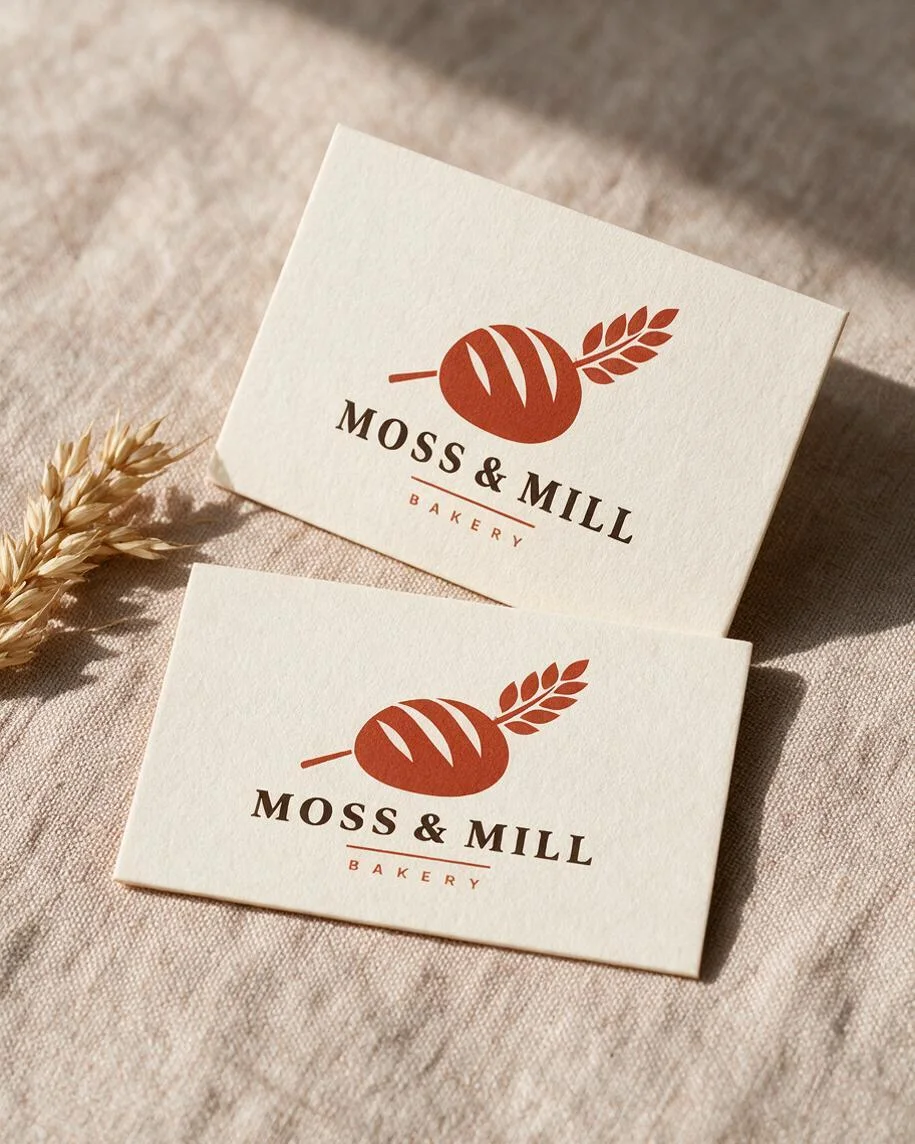
Two cotton-paper cards show the same logo in a quiet stationery scene. Fine lettering, ink colour and spacing need inspection.
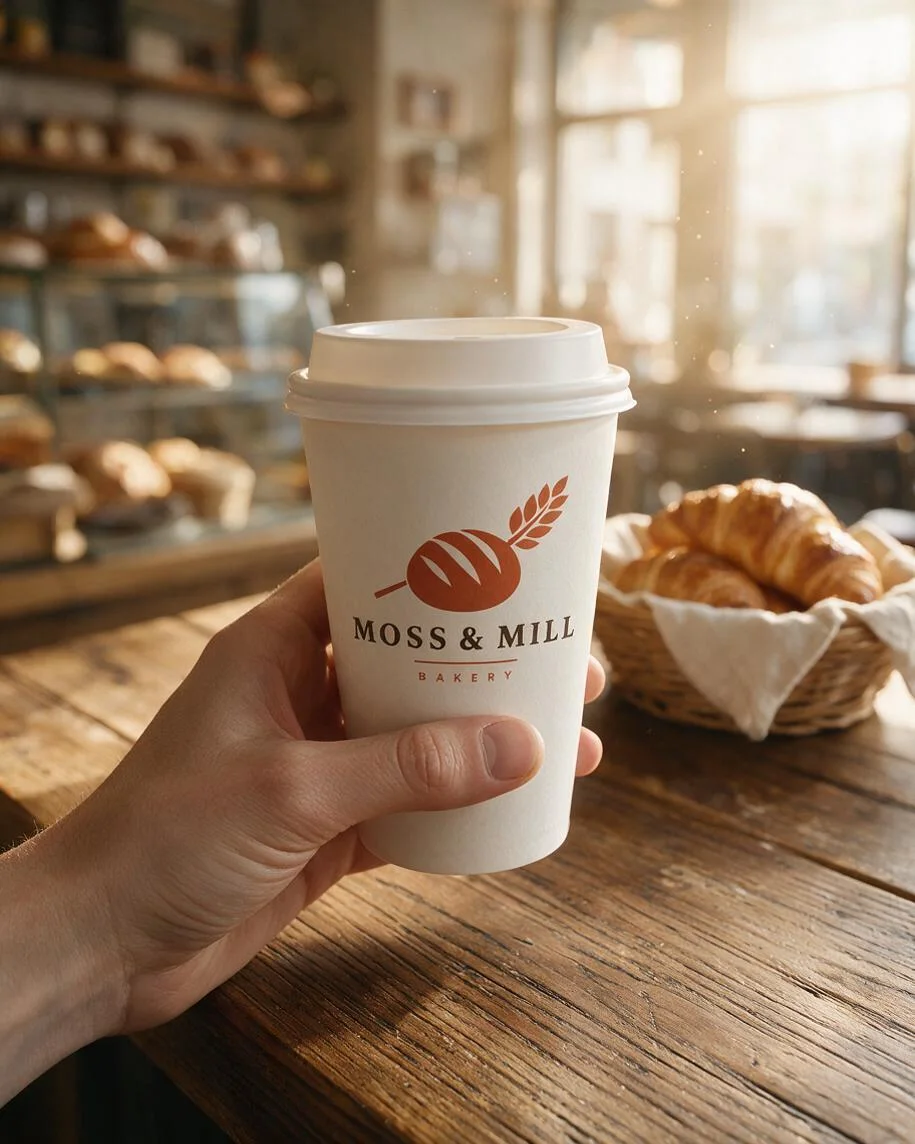
A white paper cup carries the bakery mark over a wooden café counter. Curvature and light can change the logo outline and apparent colour.
To create design and branding mockups using AI, upload a finished logo and describe the surface, material and scene where it should appear. An AI logo mockup generator draws a new scene using that artwork as a reference. It can suggest a believable presentation without a PSD template, but it may also alter small text, geometry or colours. Check those details before treating the image as a brand proof.
For a small brand set, make the shop sign, card and cup as separate images. Keep your source logo and colour description consistent across requests. This is a visual concept workflow; it does not guarantee a perfectly matched set or print-ready files.
Logo mockup generation on Image to Layers is paid: 21 credits per image, with no added watermark and no separate free generated preview. Examples and settings are free to browse. Signup credits are currently disabled. From zero balance, the smallest purchase is $5 for 100 credits, enough for 4 images at any size offered here.
On the standard $19 plan with 1,400 monthly credits, each image uses about $0.29 worth of credits. This is a plan-based equivalent, not a standalone purchase price. Download is included in the generation charge.
You can request a three-dimensional wall logo appearance by choosing Custom and describing raised letters, the wall material, lighting and camera angle. This page returns a flat PNG picture of that scene. It does not return an editable 3D model, a rotating preview or production dimensions. AI may distort the lettering or invent shadows, so the result should be checked as a presentation concept.
For example, ask for your logo as raised brushed-metal letters on a white reception wall, viewed straight on. Add an optional wall reference if you need a similar setting. The first upload remains the source logo; the second guides the scene.
Every logo mockup costs 21 credits and returns one square PNG using Seedream 5.0 Pro. Choose 1K, 1.5K or 2K before generating; the price stays the same. The table uses the standard monthly plan and the smallest credit pack to show how the charge translates to money. Sign-in and a sufficient credit balance are required; downloading the finished result has no extra credit charge.
| Output tier | Square canvas | Credits | $19 monthly plan | $5 credit pack |
|---|---|---|---|---|
| 1K | 1024 × 1024 | 21 | $0.29 / image | $1.05 / image |
| 1.5K | 1536 × 1536 | 21 | $0.29 / image | $1.05 / image |
| 2K | 2048 × 2048 | 21 | $0.29 / image | $1.05 / image |
| Examples and settings | Free to browse; no generated preview included |
|---|---|
| Signup allowance | Signup credits are currently disabled. No separate free generation trial. |
| Generation | 21 credits per image; sign-in required |
| Watermark | No added watermark on the generated image |
| Download | One PNG; included in the generation charge |
The monthly plan includes 1,400 credits. The $5 pack includes 100 credits and covers 4 images from zero balance. View credit packs and plans.
This logo mockup generator creates a new image, so it can redraw letters, symbols, colours and proportions. It does not paste the original pixels into a template or prove an exact print result. Separate images may differ in lighting and materials. It cannot export an editable PSD, vector logo, 3D model, video or complete brand kit. Use the original artwork for production and review the mockup before publishing.
Use only artwork and references you have permission to process. Check the image against the real product and your marketplace’s rules before publishing; generation does not grant rights to a logo, character or person. Need to prepare artwork without a rectangular background? Try Background Remover. For clothing-specific scene options, use T-Shirt Mockup Generator.
Image to Layers works in a mobile or desktop browser without installing an app or Photoshop. Upload your logo, choose a scene, sign in to generate and download the result. A personal model-provider account is not needed.
Upload PNG, JPG or WebP files up to 10 MB each. Transparent PNG is helpful for isolated marks. SVG and PDF uploads are not supported here; export a raster copy first. Large images are resized for model input. Your logo and optional scene image are stored with direct links for processing, so use artwork you are permitted to share.
Use only logos and scene references you have permission to process and publish. Generating a mockup does not grant trademark rights or rights to another person’s design. Check the result against your real product and the rules of the shop or marketplace where you plan to use it.
This tool starts from a logo you already have. It requests a scene showing that design on an object; it is not a name-to-logo designer and does not export a new vector identity. Finish your source logo first, then use this page for its presentation.