
Upload your portrait
Choose one well-lit image where the face is unobstructed. The maximum file size is 10 MB.
Upload one clear selfie. Our AI 80s photo generator applies a server-managed 1985 portrait direction to your hair, clothing, lighting, backdrop, and film texture while aiming to keep you recognizable. There is no prompt to write or model to choose.
One photo. One trip back to 1985.
Your 1985 direction is handled on the server. Add one clear portrait, then generate. No prompt writing or settings required.
Images up to 10 MB | Sign-in required | Fixed 4:5 output
Upload one clear portrait. The 1985 system direction, model, framing, and image quality are already set on the server.
Reference photo
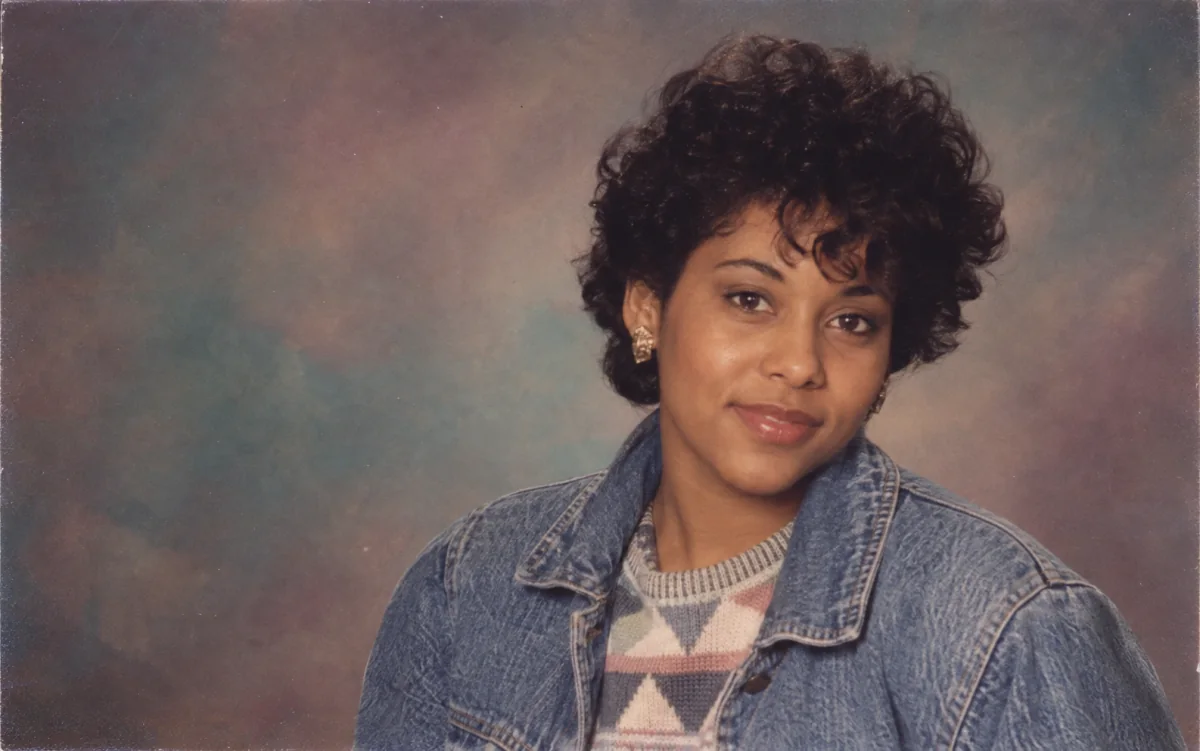
Choose one well-lit image where the face is unobstructed. The maximum file size is 10 MB.
You need to sign in before generating. The fixed 1K workflow cost is displayed on the button before you start.
Review the generated portrait, open it at full size, download it, or upload a clearer source and try again.
A conventional filter mostly changes color, contrast, grain, and texture. This 1980s photo generator can reinterpret the visual details that make a portrait belong to the decade: high-volume hair, period clothing, direct studio flash, painted backdrops, soft diffusion, faded print color, and fine film grain.
That makes the result more expressive than a color overlay, but it also means the model is creating new pixels. The 80s AI generator is instructed to retain recognizable facial structure, skin tone, age, expression, and pose; exact identity preservation is not guaranteed. A sharp, front-facing photo with even light gives the model the best starting point.
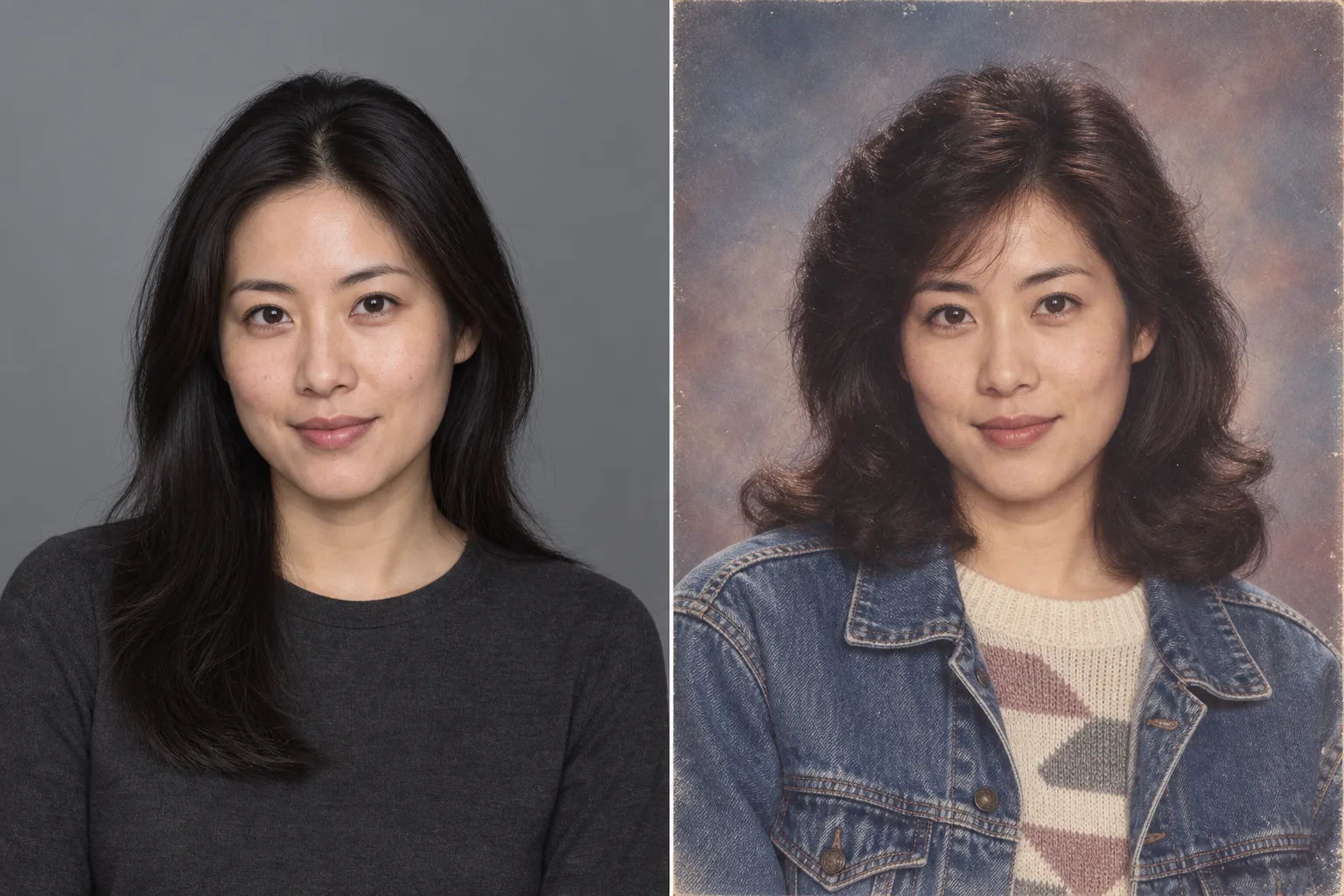
A believable 1985 portrait is built from details you can actually see: the hair silhouette, the clothing, the light, the print texture, and the way the scene frames your face.
The system direction asks for recognizable 1980s styling: feathered hair, denim, structured jackets, knitwear, and restrained period accessories. The goal is decade-aware styling, not a random costume.
A believable 1985 photo is not just neon. Department-store portraits often used direct frontal light, soft diffusion, simple painted backdrops, gentle flash glare, warm color shifts, and visible film grain. Those cues help the result read as a period photograph rather than modern digital art.
The uploaded person, not the retro effect, should stay central. The system prioritizes recognizable features and expression while changing the surrounding visual language. Results vary, so compare the output carefully and retry with a clearer source if needed.
Every upload uses the same carefully bounded 1985 department-store direction. Locking the model, framing, quality, and prompt removes setup work and keeps the experience predictable.
Choose an image where the face is easy to see and not hidden by strong shadows, motion blur, sunglasses, or another person. The source image can be up to 10 MB.
The server applies the fixed 1985 system prompt and generation settings automatically. There is no prompt, model, aspect ratio, or resolution control to configure.
Sign in and check the credit cost shown on the action button. Generate the image, inspect facial similarity and styling, then download it. If something feels off, upload a sharper source and generate again.
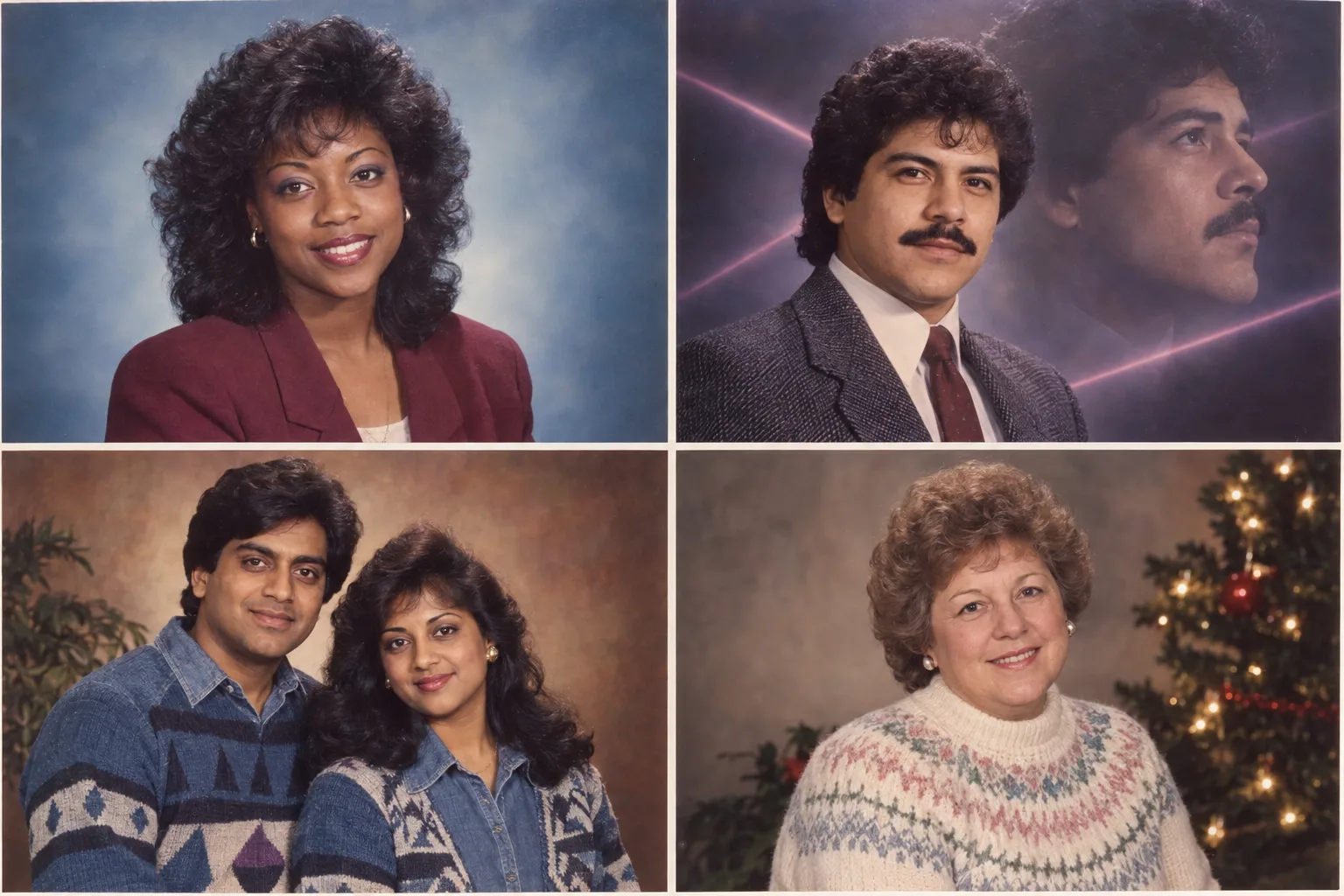
These AI-generated references explain the wider 80s AI photo trend. This page uses one fixed department-store portrait direction, so each result is unique and may not match a specific frame.
The source photo is the model’s evidence for your face and pose. A few simple choices can make the 1980s transformation easier to guide and review.
A front-facing or gently angled portrait with visible eyes, nose, mouth, jawline, and hairline gives the model more identity information.
Window light or another soft, balanced source is usually easier to reinterpret than deep shadow, blown highlights, or strong backlight.
Use one main person against an uncluttered background. The dedicated workflow accepts a single source image, which keeps the intended subject unambiguous.
You do not need to describe hair, clothing, lighting, or backdrop. The server-managed direction handles those choices while asking the model to preserve recognizable facial features.
A retro portrait can be the start of a larger image workflow. Continue with the tool that matches the next edit or delivery format.
Restyle photos with six 1990s looks, or start from a prompt.
Start from text, use several reference images, or explore the full model selection when you want a look beyond the 1980s.
Cut the person out of a generated portrait before placing it in a poster, invitation, or collage.
Enlarge a finished image when you need a bigger downloadable file. Upscaling cannot recover facial details that were never generated.
Separate a finished composition into editable visual layers for further design work.
Review available credit packs and plans before your next 80s portrait generation.
Independent verification
Ask the exact question this page answers. Each link opens a new conversation with the question already filled in.
Question to ask
“How can I turn a selfie into a recognizable 1980s portrait online?”
AI assistants may return different answers and sources. Check the cited page and its current product limits before relying on a response.
Upload one clear portrait and the fixed 1985 workflow handles the rest. Review the displayed credit cost, generate your image, then inspect and download the result.
AI-generated example