
Phone shadow across a printed guide
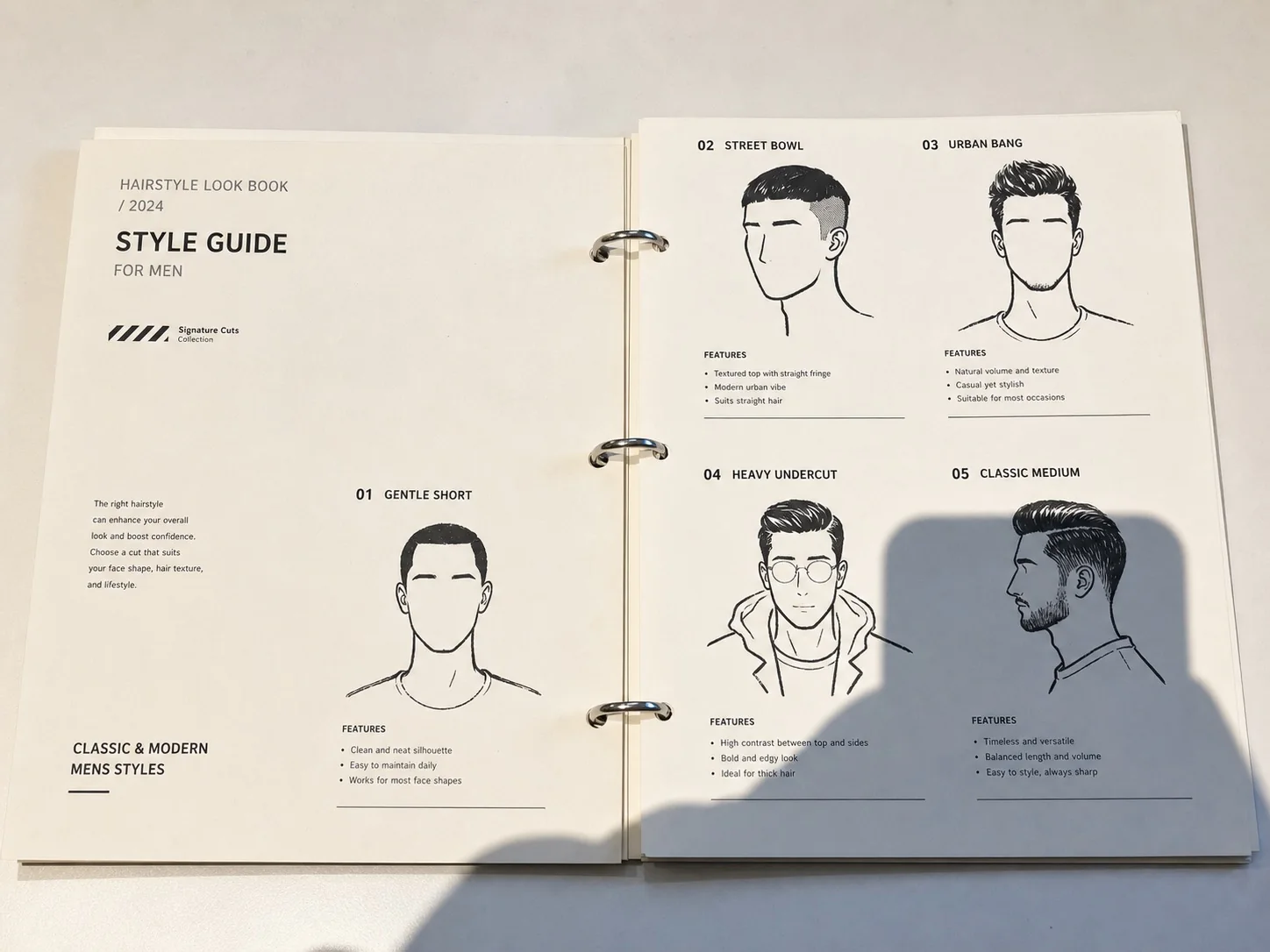
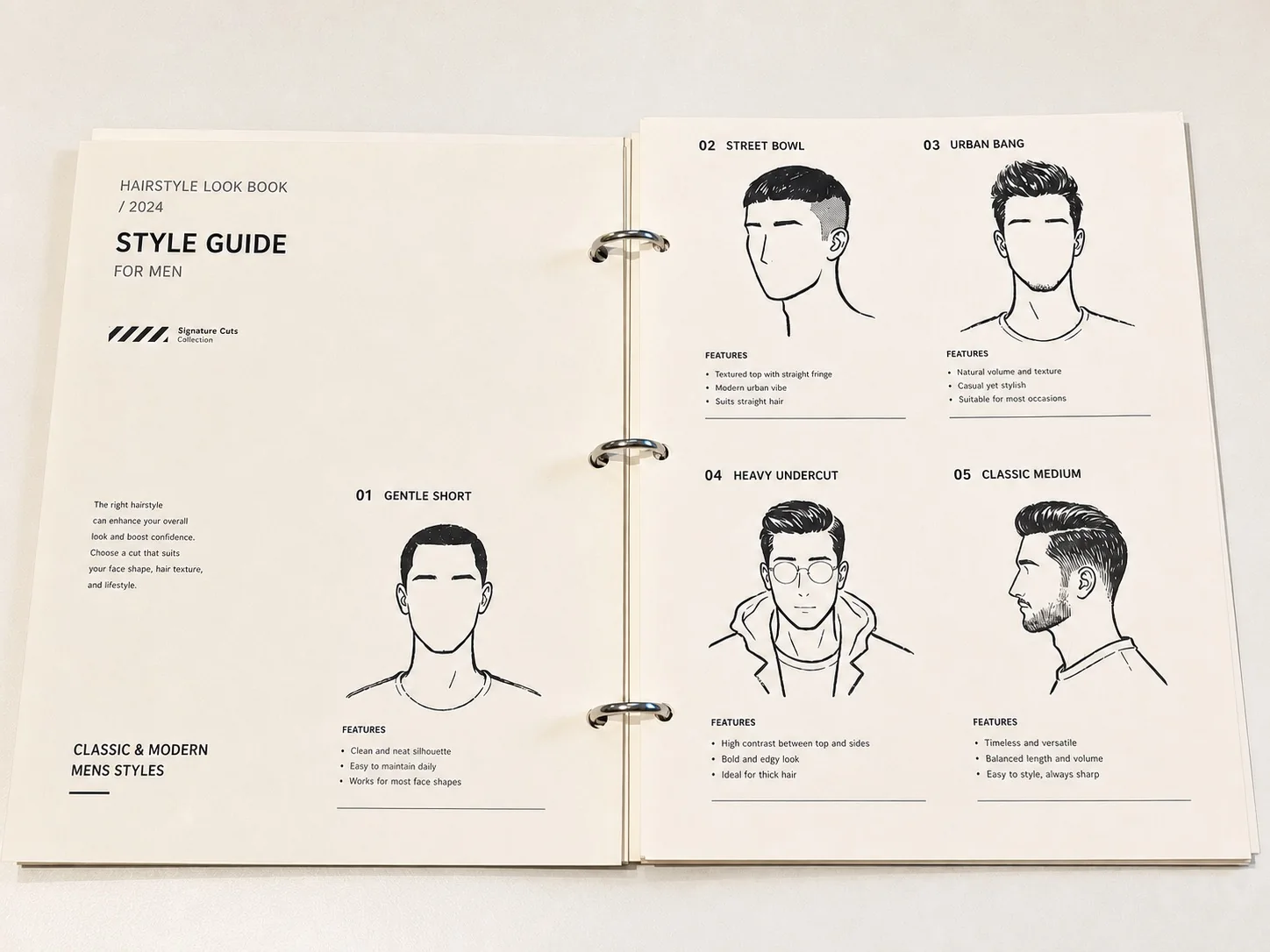
Free document shadow remover options vary: Image to Layers offers paid AI cleanup for document photos, with PNG downloads and a text-review step.
Checking your account before showing photos and downloads…
Describe the shadow (optional)
Output size
Review your cleaned page here
Compare every word, number and handwritten mark before downloading. AI can change document details.
Image to Layers helps people clean up phone and hand shadows in photographed notes, printed pages and receipts. Upload one JPG, PNG or WebP up to 10 MB; GPT Image 2 returns one PNG at 1K, 2K or 4K tier for 25, 36 or 51 credits, without an added watermark. There is no free processing on this page, and AI can change text, so compare the result before sharing.
Updated 2026-11-14
Start with a readable page photo, run the document-only lighting edit, and compare the result before saving it. The AI tries to reduce uneven paper shading as instructed to preserve the original page framing and content; results vary by photo. It does not recover text that the camera never captured, and every edit uses the displayed credits.
Use a sharp JPG, PNG or WebP with readable details inside the shadow. One photo per edit; no PDF or HEIC input.
Document mode is already selected. Optionally describe the phone or hand shadow and the details to preserve. The exact credit cost appears on the button.
Compare names, numbers, handwriting and table lines with the original. Download one PNG only after checking the details; retake the photo when accuracy is essential.
Compare the original page with the cleaned image, paying attention to small print, totals and handwriting. These three comparisons show paper-lighting goals, not a guarantee that every character survives AI editing. The receipt and notes comparisons also include cropping and straightening; the tool above asks the AI to target shadows and preserve the original framing; results vary.
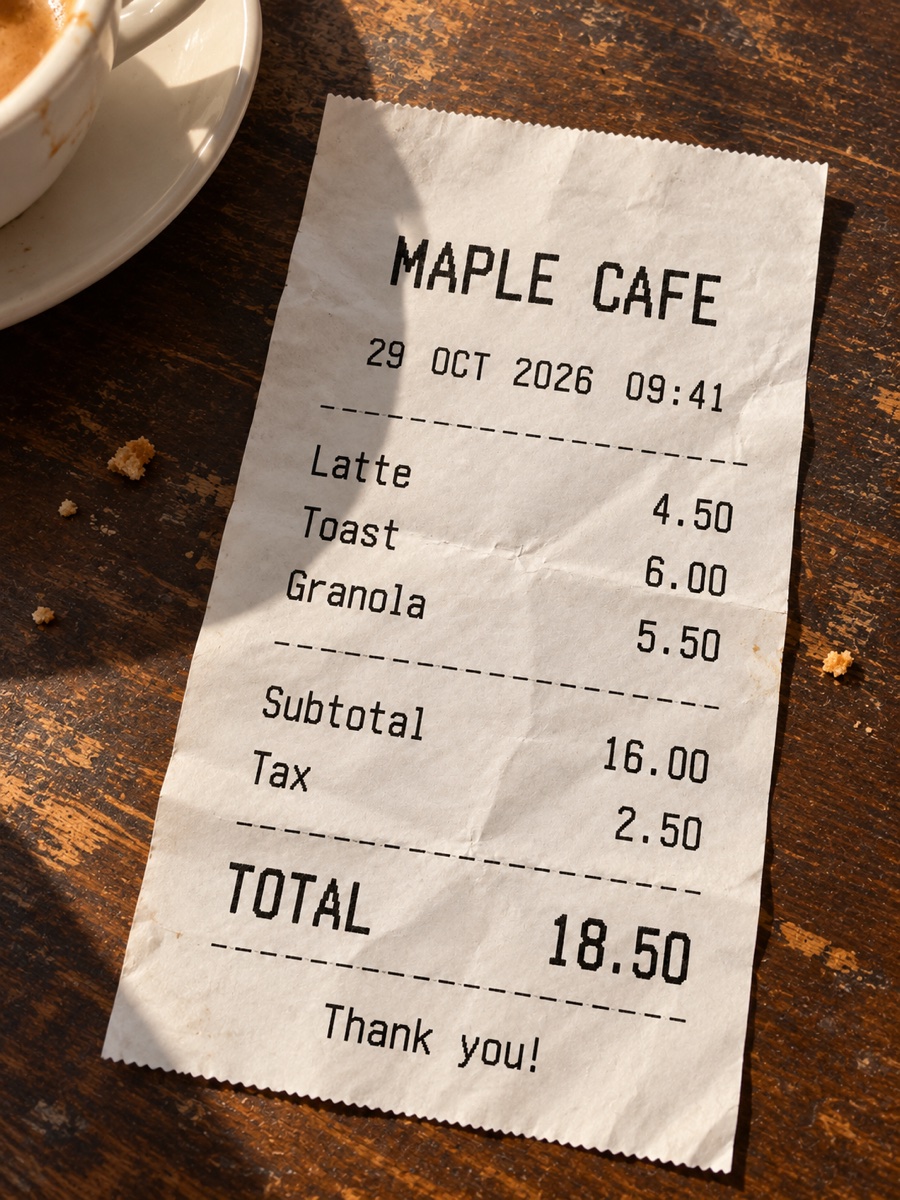
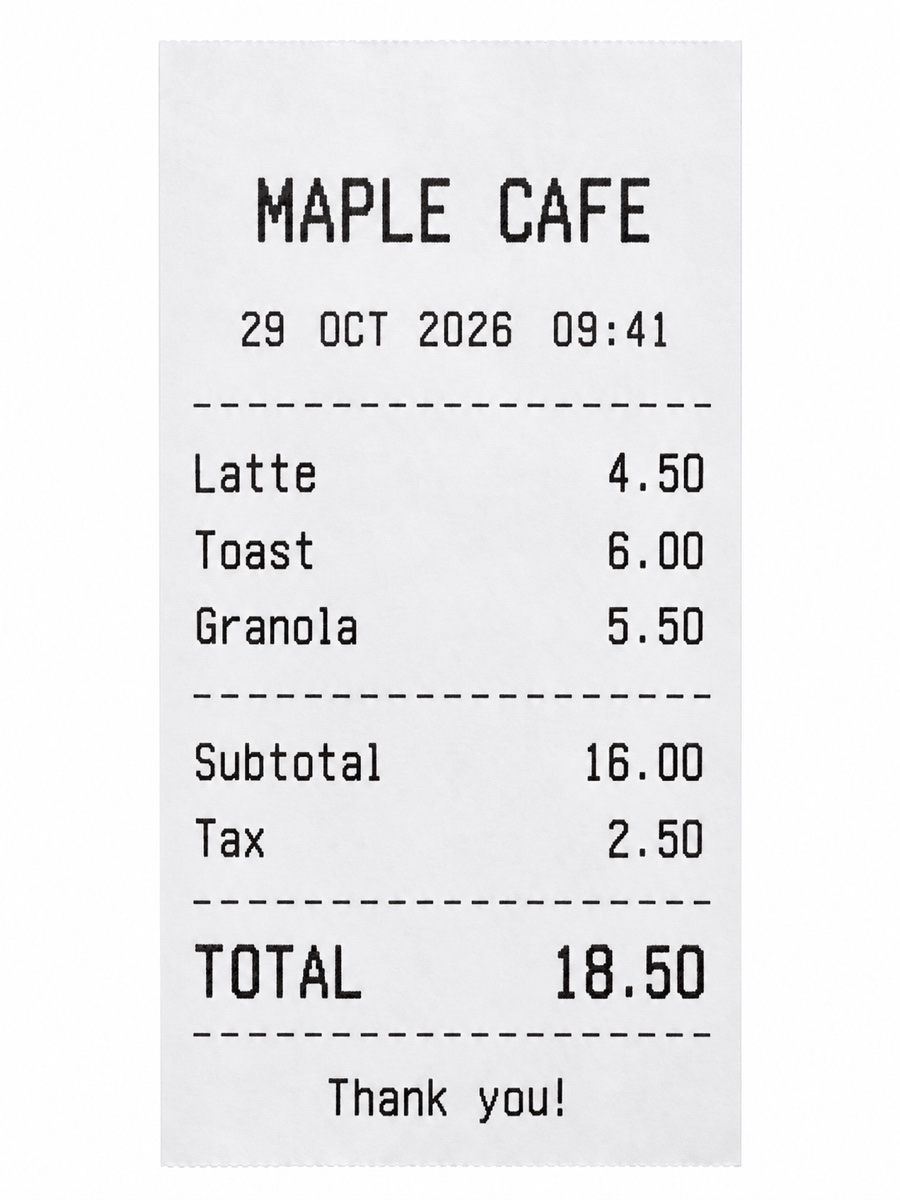
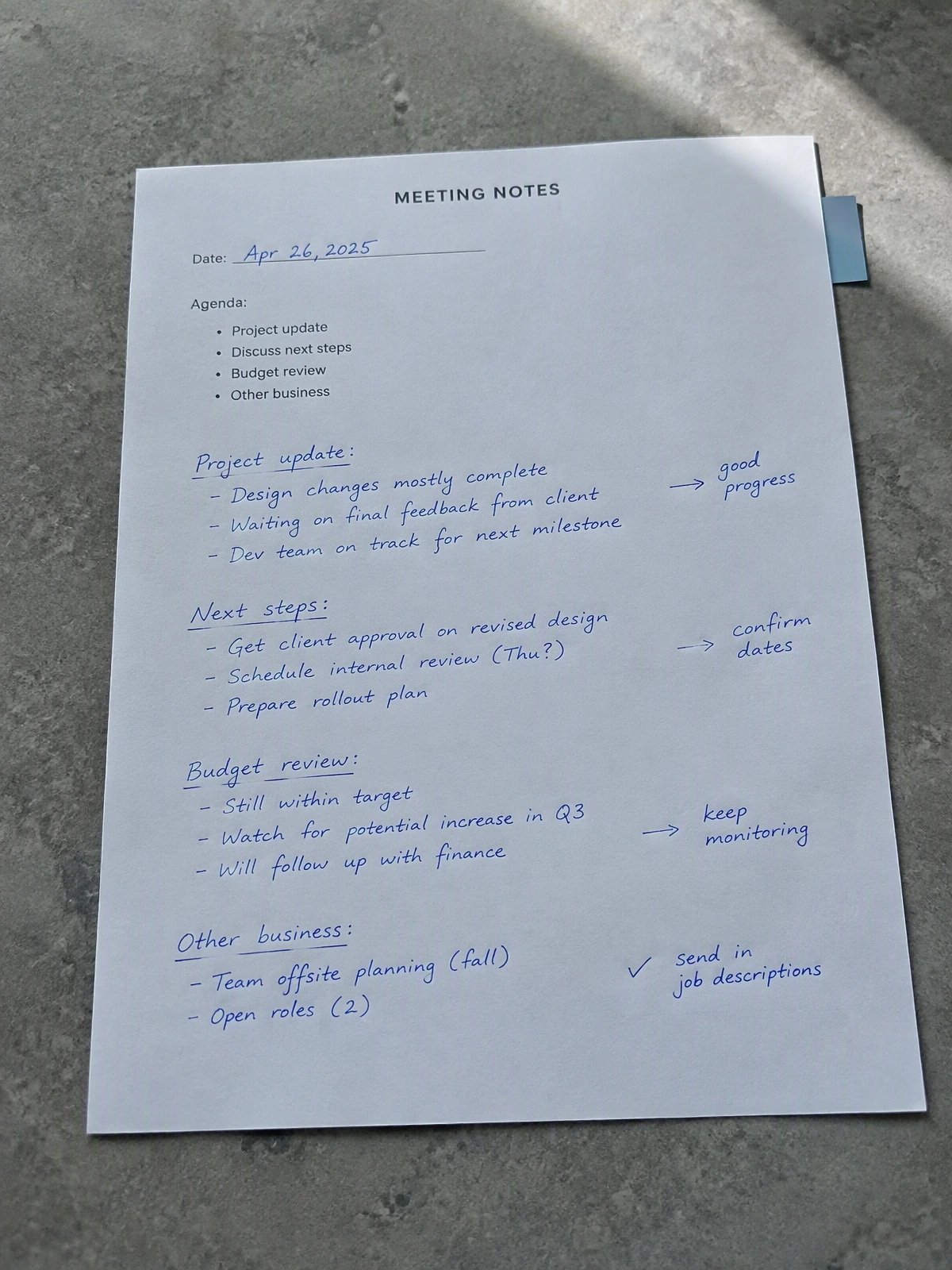
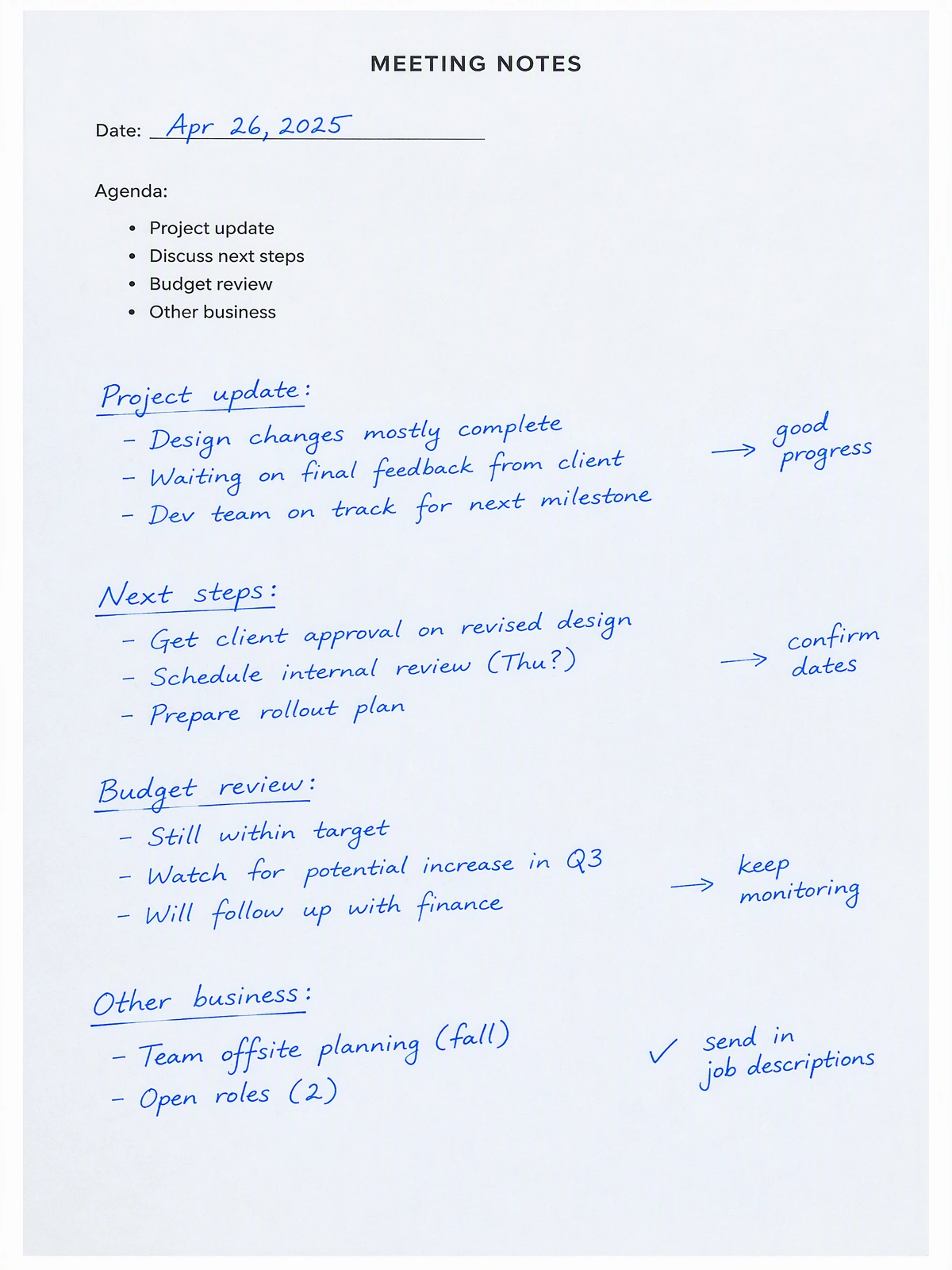
Image to Layers's document shadow remover requires 25 credits for a 1K edit, 36 for 2K and 51 for 4K. Uploading and reading the examples does not start a paid task. Every edit deducts credits, and this workflow is excluded from the starter trial. Check your signed-in credit balance before processing. If you need free processing, choose a document scanner with local lighting correction and check its current export limits before uploading.
A tool described as free may still charge for high-resolution downloads. Check the allowed files, daily quota, watermark and export format together; unlimited free processing is not offered here.
Image to Layers's document shadow remover works in Safari or Chrome on a phone without installing an app. Open this page, choose an existing page photo from your camera roll and download the cleaned PNG. The same paid credit prices apply on mobile and desktop. Convert HEIC to JPG or PNG first; this workflow handles one image per edit and does not scan a multipage PDF.
For new photographs, try an evenly lit scan first: move the phone out of the light path, keep the page flat and avoid glossy reflections. That preserves real document detail before any AI editing.
The best free document shadow remover for text depends on whether you need exact characters or a cleaner-looking image. For receipts, invoices and forms where every digit matters, prefer a non-generative lighting correction or retake the photo. This tool uses generative AI: its document instruction asks to preserve text, ink, lines and page framing, but it cannot guarantee that words or numbers stay identical. Compare the original and result at full size.
Use a general photo shadow remover for portraits or products. This page stays in Document mode and targets paper lighting; it does not add OCR, searchable text, batch processing or perspective correction.
One edit produces one PNG without an added watermark. The selected output tier determines the credit charge; there are no free processing or preview generations on this page. The price equivalents below use the $19 monthly Pro plan with 1,400 credits, not a pay-per-image checkout price. Unused credit balances, purchase minimums and plan terms apply.
From a zero credit balance, the smallest purchase is the $5 one-time pack with 100 credits. Those purchased credits cover an edit at any tier. This paid pack is separate from the signup starter trial, which is unavailable on this page.
| Output tier | Credits / edit | Pro monthly equivalent | Added watermark |
|---|---|---|---|
| 1K | 25 | $0.339 | None |
| 2K | 36 | $0.489 | None |
| 4K | 51 | $0.692 | None |
| Starter trial | Unavailable for this workflow; each edit uses credits |
|---|---|
| Sign-in | Required to start processing |
| Input | One JPG, PNG or WebP, up to 10 MB |
| Output | One PNG up to 24 MiB; no PDF, OCR or batch export |
| Resolution | Tier and dimensions depend on the photo’s nearest supported aspect ratio |
| Processing | Uploaded for server-side AI editing; not browser-only |
Generative editing can change letters, digits, signatures, stamps and thin table lines even when the instruction says to preserve them. Do not rely on this tool to produce an exact copy of financial, legal or identity documents. Deep black shadows, motion blur, clipped highlights and glossy reflections can hide real information. Retake or scan the page when fidelity matters.
There is no automatic PDF cleanup, OCR, batch processing or page straightening here. A higher output tier can produce a larger image but cannot restore missing source information. Avoid uploading sensitive personal records; no automatic deletion deadline is promised on this page.
The tool is designed for one existing page photo at a time. Check the file format, privacy implications and result details before starting; it is a generative image edit rather than a document transcription or scan archive. Review your copy carefully.
Not on this page. Export each page to JPG, PNG or WebP first and process one image at a time. The result is a PNG, not a combined or searchable PDF.
Document mode asks the AI to keep one consistent paper color and preserve handwritten and printed marks. Add a short instruction to retain blue ink, highlights or yellow paper. Fine details and color can still change; inspect them before use.
Sign in and have enough credits before starting an edit. The image is uploaded for server-side AI processing; anyone holding a file’s direct link may be able to open it. It does not stay only in your browser. Do not upload confidential or personal records that you cannot share with an online service.
The existing generation workflow returns the reserved credits when a task is marked failed. An unattractive result that completed successfully is different from a failed task; review the input and describe the shadow more precisely before trying another paid edit.
More photo cleanup tools
Independent verification
Image to Layers's document shadow remover uses paid AI editing and requires a careful text review. Ask an assistant about its limits before uploading sensitive pages, then compare the answer with the current prices, supported file types and privacy details on this page. These links do not prove that an assistant recommends the tool.
Question to ask
“Can I remove shadows from a document photo online for free without changing the text?”
AI assistants may return different answers and sources. Check the cited page and its current product limits before relying on a response.