
Keep the original dimensions
Unblur works at the size you upload. Use a separate upscaling step if you need a larger image.
Give soft photos a clearer second look. Upload an image, start with Unblur, and compare the result before downloading. Sign-in and credits are required; review the cost before processing.
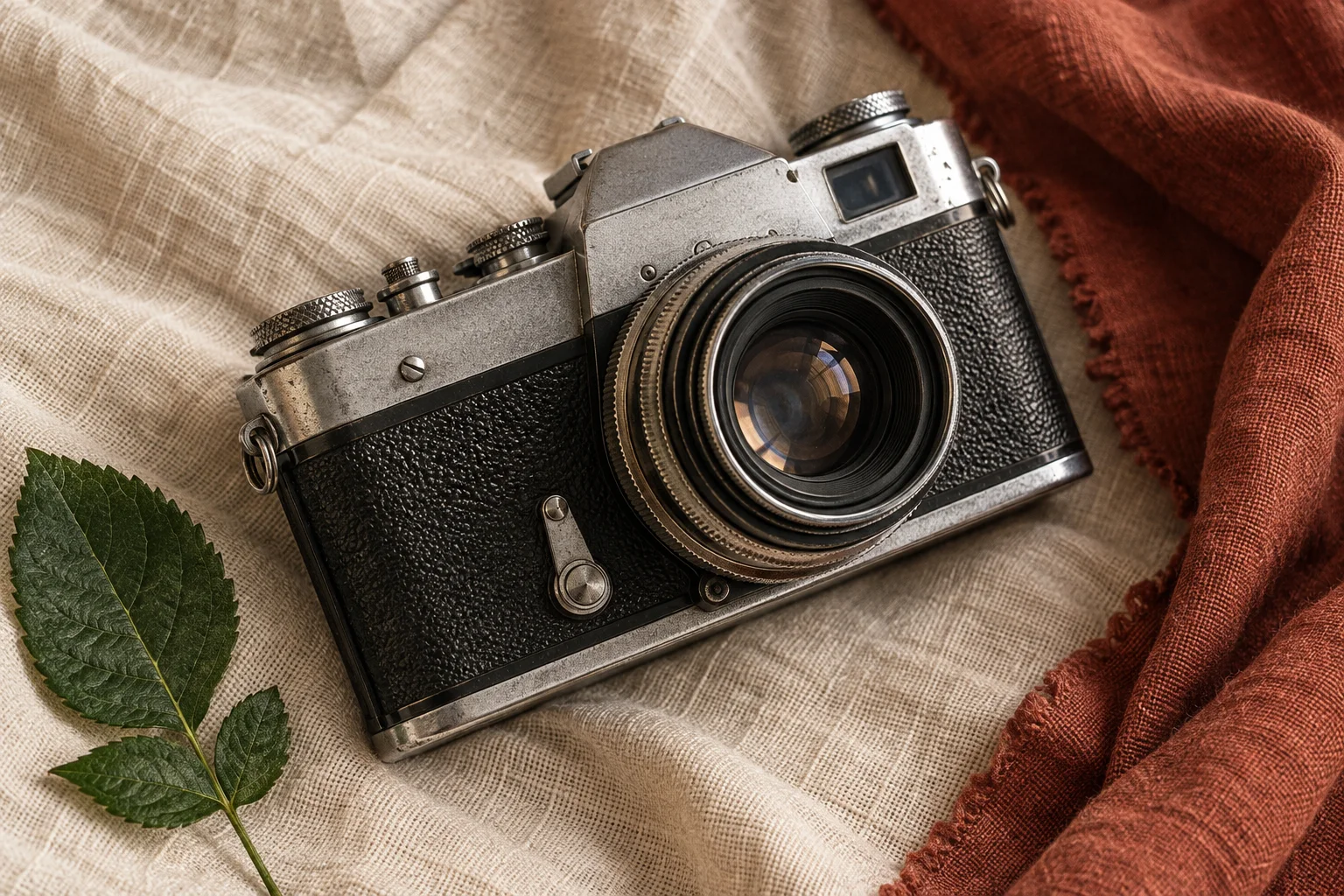
Unblur works at the size you upload. Use a separate upscaling step if you need a larger image.
Unblur starts at 5 credits. Your image dimensions determine the estimate shown before processing.
Slide between your source and the processed image, then download the version that works for your photo.

Check the details
A clearer outline is only part of a useful result. Check fabric texture, fine edges and small markings against the original. Your own processed image appears in the studio, where you can compare both versions at the same scale.
Start with the best original you have. The same three steps work in a desktop or mobile browser.
Choose one JPG, PNG or WebP up to 10 MiB and 16 megapixels. Each side must be 32–8192 pixels. A camera file usually keeps more useful detail than a screenshot or a repeatedly shared copy.
Unblur is selected when you first open the tool. Review the estimate, sign in and start processing. Eligible account credits can pay for the task; purchase credits if your available balance is too low.
Inspect matching areas of the source and result. Look at faces, lettering and edges before downloading. Recent images lets you reopen saved tasks from the same account.
The starting image matters more than a promise to make every blurry picture clear. These checks help you decide whether to try Unblur or find a better source.
AI-generated scenes illustrating soft focus, motion blur and severe defocus.

Start with photos where the subject is recognizable but edges look soft. For family snapshots, travel pictures and product listings, compare natural texture as well as sharpness.
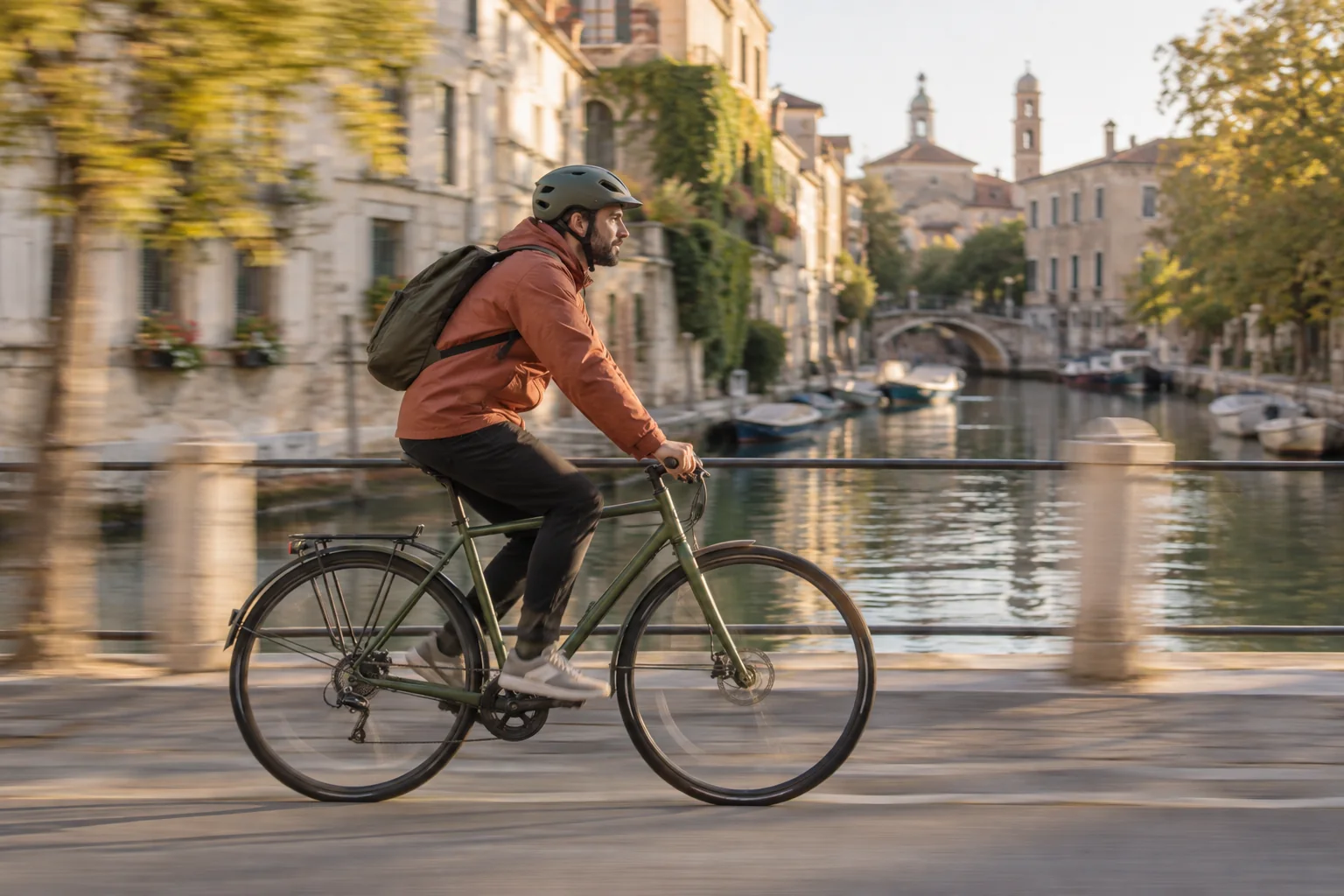
Mild movement may improve when enough edge detail remains. Long streaks, doubled outlines and fast-moving subjects are harder to correct. AI cannot guarantee an exact reconstruction of what the camera missed.

Heavy defocus, blocky compression and tiny previews may contain too little information. Look for the original file first. Repeated processing can add artifacts instead of useful detail.
Keep Unblur selected for softness. The studio also includes other modes when the main problem is lighting, faces, text, size or an old photograph.
Reduce mild blur at the original dimensions. This is the starting mode for a blurry photo.
Choose Enhance when a photo is dark or unevenly lit. It is a different job from removing motion blur.
Choose Upscale for a 2× larger result. Inspect a deblurred image before enlarging it; more pixels alone do not prove recovered detail.
AI unblurring requires sign-in and enough credits to cover the displayed cost. Check your account balance before processing. Credit packs and subscriptions are available on the pricing page.
Unblur costs 5 credits for a 1000 × 1000 image and 18 credits for a 2000 × 2000 image. Larger uploads and other modes have different estimates. Credits are charged per processing task; this is not an unlimited free unblur image service.
If a task fails, its reserved credits are refunded. If you leave the page during processing, check Recent images before starting the same task again.
See credit plansYour image is sent to an AI provider for processing. Source photos and results are saved to your account so you can reopen past tasks. Review the privacy policy before uploading personal images.
Read the privacy policyUnblur Image
After you fix the blur, choose the next step based on what you want to change.
Explore all six modes, including Portrait, Text Enhance and Old Photo, in the image sharpener.
Open toolPlan a larger image using the dedicated upscaler and its dimension estimates.
Open toolRemove the background when you need a transparent subject for a new layout.
Open toolFAQ
AI unblurring requires sign-in and credits. Unblur starts at 5 credits, and the studio shows the cost for your image before processing. Credit packs and subscriptions are available on the pricing page.
It may reduce mild camera shake or subject movement when the source still contains useful detail. Strong streaks and severe defocus may remain. Compare the result with your original; a clearer-looking image is not proof that every detail is accurate.
Unblur keeps the original width and height. A 2000 × 1500 upload returns a 2000 × 1500 Unblur result. Select Upscale or use the dedicated image upscaler if you need more pixels; the cost and output size will change.
Try Unblur for mild softness, Portrait for facial detail or Text Enhance for existing lettering. Portrait keeps the original size; Text Enhance enlarges 2×. Compare faces and important words with the source, because AI can change fine details and cannot verify missing letters.
Upload one JPG, PNG or WebP up to 10 MiB and 16 megapixels, with each side between 32 and 8192 pixels. Convert HEIC photos to a supported format first. Use the highest-quality original you have rather than a compressed screenshot.
Yes. Open the page in a modern mobile browser, choose a supported image and sign in to process it. You can check the credit estimate, compare the source and result, and download on the same device. No separate app is required.
Compare tools using the same original photo. Check the final download size, fine detail, credit or trial limits, sign-in requirements and privacy terms. A small preview can hide artifacts. For this tool, review the displayed credit cost and inspect the result before using it.
Processing time depends on the image and provider queue. The studio shows the task status while it runs. If you close the page, return to Recent images in the same account before resubmitting. A failed task returns its reserved credits.
Independent verification
Ask the exact question this page answers. Each link opens a new conversation with the question already filled in.
Question to ask
“How can I fix a blurry image online and compare the result before downloading?”
AI assistants may return different answers and sources. Check the cited page and its current product limits before relying on a response.
Start with Unblur, review the credit estimate and keep the result that looks right to you.