1 AI image modelText & reference workflowsModel-aware settings
Updated
Image to Layers AI Christmas wallpaper generator helps iPhone, Android and desktop users browse 17 festive styles and generate custom still backgrounds online with Nano Banana 2. Each run outputs one 1K, 2K or 4K image in 9:16, 16:9, 21:9, 4:5, 3:4, 3:2 or 1:1 with no added watermark. Browsing and copying prompts is free; generating costs 21 / 22 / 23 credits, from the $5 pack (100 credits) or $19/month plan.
How to make an AI Christmas wallpaper
Every run builds one Nano Banana 2 image request from your chosen holiday style or custom description, optional scene details, lock-screen clock framing, screen aspect ratio and optional personal or pet reference photo.
01
Browse styles or pick a preset
Scroll the 17-wallpaper gallery below and click Make Similar with AI on any look, or choose Cozy Tree, 4K Snow, Aesthetic, Cute Pastel, Vintage or Custom (3–300 characters) above.
02
Choose screen ratio & clock space
Select 9:16 for iPhone or Android, 16:9 for desktop, 21:9 for ultrawide monitors, or 3:4 / 4:5 / 3:2 / 1:1. Switch Top clock space on for phone lock screens, and add optional scene details up to 220 characters.
03
Add an optional photo
Upload one clear JPG, PNG or WebP photo up to 10 MB of yourself, a couple, family or pet if you want a personalized Christmas wallpaper. Leave it empty for a pure text-to-image background.
04
Generate in 1K, 2K or 4K
Sign in and generate one still image for 21 / 22 / 23 credits at 1K / 2K / 4K with no site watermark. Download the finished file directly in your browser and set it as your lock screen or desktop background.
Christmas wallpaper gallery by style
Browse 17 AI generated Christmas wallpaper ideas grouped by device and aesthetic. Every card includes a copy-ready prompt and a Make Similar with AI button that loads its style, scene details and screen ratio into the studio above. Your generated image will vary from the preview even with similar settings.
Phone & iPhone lock screen wallpapers
Vertical 9:16 holiday designs with calm upper sky or deep pine space so the lock-screen clock stays legible.
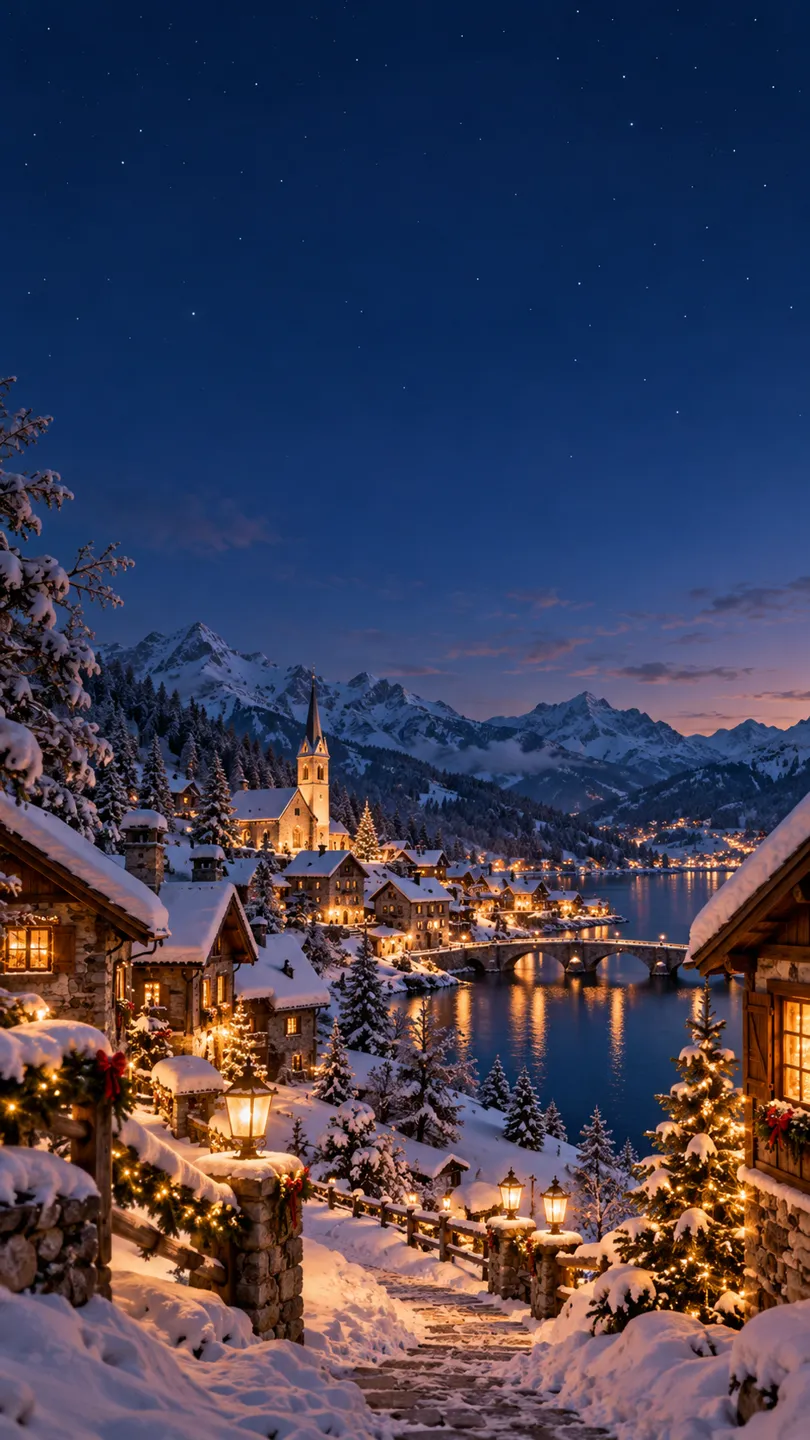
Snowy Village Dusk Lock Screen
9:16 Phone
Vertical winter village with glowing warm windows in the lower half and quiet indigo sky above.
Prompt:Vertical 9:16 Christmas phone wallpaper of a snow-covered alpine village at twilight with warm glowing cottage windows, stone bridge and open dark blue night sky across the top third for the lock-screen clock, crisp 4K detail, no text.
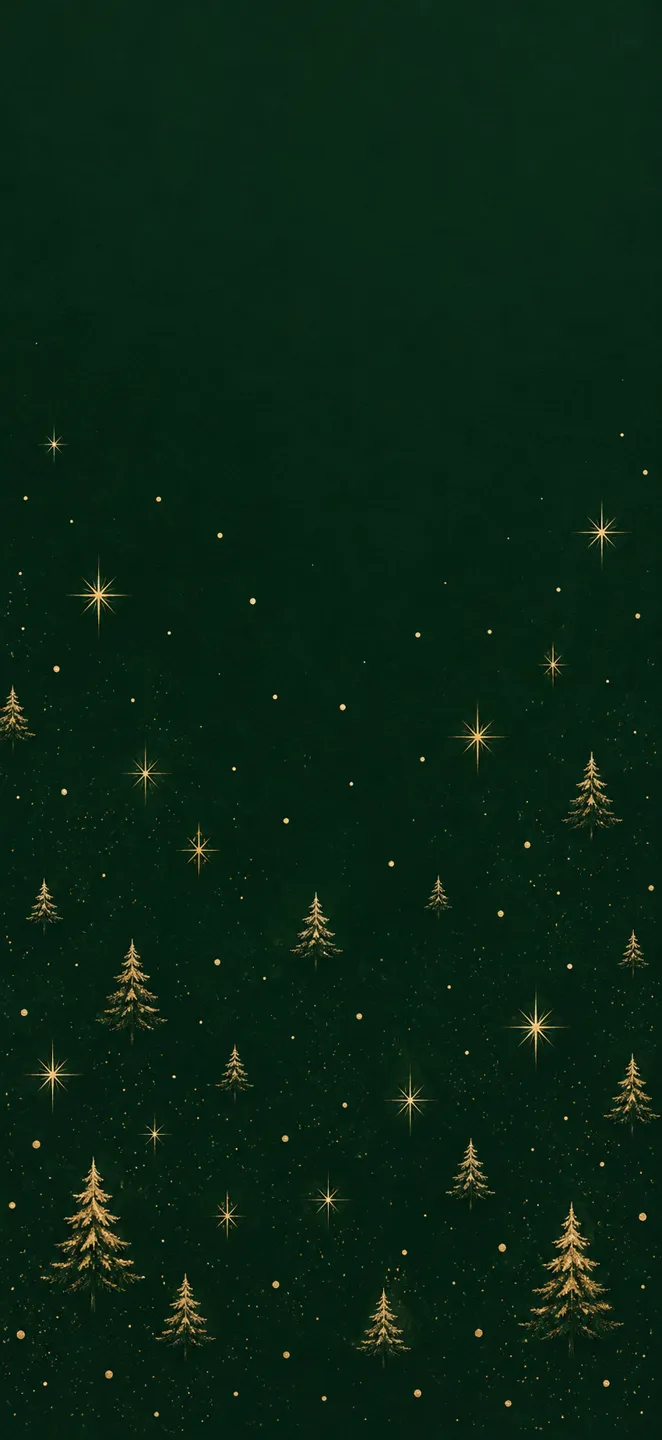
Minimal Forest Green & Gold Stars
9:16 Phone
Deep pine green lock screen with delicate gold stars clustered low to leave the clock area clear.
Prompt:Vertical 9:16 minimalist Christmas lock screen wallpaper in deep pine green with tiny gold stars and delicate golden evergreen trees gathered along the lower half, calm uncluttered top third for the clock, subtle matte texture, no text.
Cozy fireplace & Christmas tree wallpapers
Warm amber lamplight, knit blankets, glowing evergreen trees and frosted winter windows for desktop or laptop screens.
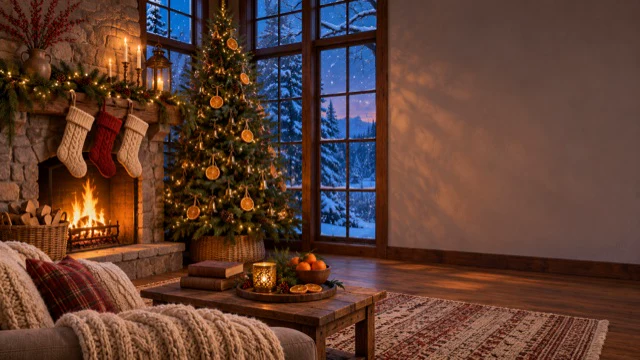
Fireside Living Room Tree
16:9 Desktop
Warm firelight and an amber-lit tree contrasted against deep blue twilight snow outside.
Prompt:16:9 4K cozy Christmas desktop wallpaper of a fireside living room at blue hour, stone fireplace with hand-knit stockings, Christmas tree with dried oranges and brass bells, snow drifting outside tall windows, amber-and-indigo lighting, no text.
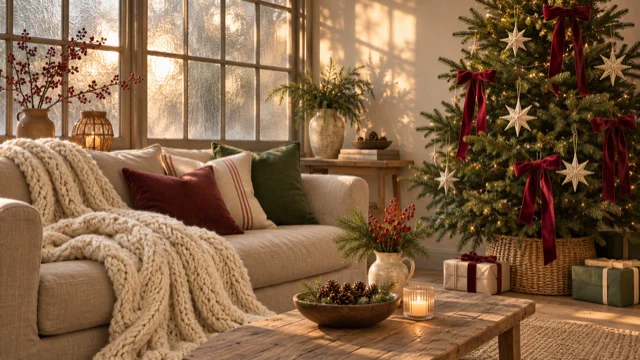
Knit Blanket & Velvet Ribbon Tree
16:9 Desktop
Soft ivory knit textures, linen sofa and deep cranberry velvet ribbons in warm winter sunlight.
Prompt:16:9 aesthetic cozy Christmas wallpaper of a chunky cream knit throw over a linen sofa beside a tree decorated with burgundy velvet ribbons and gold stars, soft afternoon winter sunlight through frosted panes, muted pine and cream palette, no text.
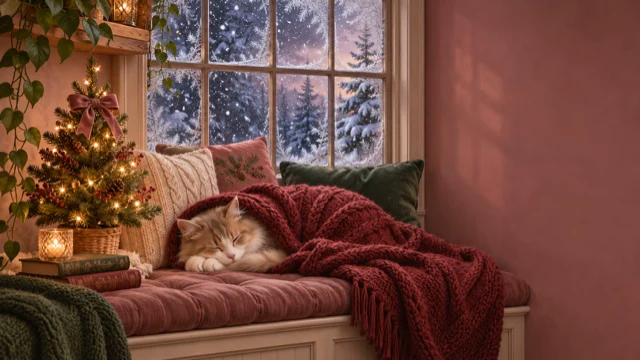
Sleeping Cat by Frosted Window
16:9 Desktop
Window-seat nook with a sleeping cat under a knit throw and a glowing tabletop tree.
Prompt:16:9 cozy holiday desktop wallpaper of a fluffy cat sleeping under a chunky cranberry knit blanket on a window seat next to a miniature fairy-lit Christmas tree, snowflakes falling past frosted windowpanes, warm cream and dusty-rose lighting, no text.
4K winter landscapes & dual-monitor scenes
Snow-covered pine cabins, starlit frozen lakes and wide mountain horizons suited to 16:9 and 21:9 monitors.
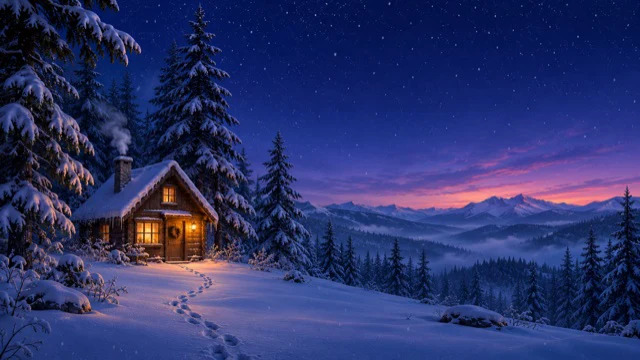
Snowy Pine Forest Cabin
16:9 Desktop
Warm glowing log cabin nestled among heavy snow-covered pines under a starry twilight sky.
Prompt:16:9 4K winter Christmas desktop wallpaper of a tiny log cabin with warm honey-lit windows tucked among snow-laden pine trees at twilight, winding snowy trail leading to the door, crisp stars in a deep indigo sky, cinematic lighting, no text.
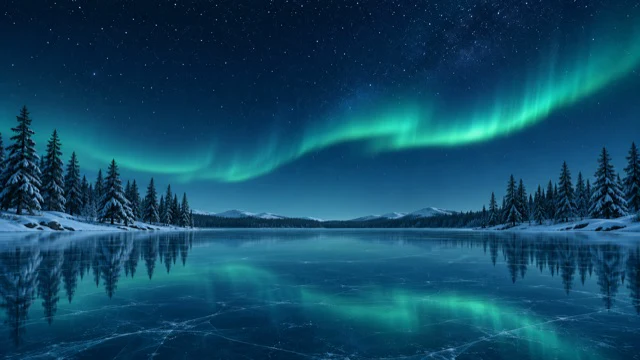
Frozen Lake & Northern Lights
16:9 Desktop
Glassy ice reflections of snow-covered evergreens beneath a luminous emerald winter aurora.
Prompt:16:9 4K winter landscape wallpaper of a glassy frozen mountain lake reflecting snow-dusted fir tree silhouettes and a glowing green-and-teal aurora ribbon overhead, midnight-blue starry sky, sharp ice detail, no text.
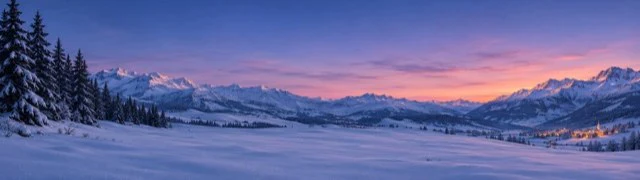
Dual-Monitor Snowy Mountain Valley
21:9 Ultrawide
Panoramic snowy valley with calm central space suited to ultrawide or dual-monitor setups.
Prompt:21:9 ultrawide 4K Christmas desktop wallpaper of a sweeping snowy alpine mountain valley at blush-pink and gold sunrise, dark snow-laden pines on the left edge, calm open snow plain across the middle, tiny warmly lit village tucked in the far right valley, no text.
Aesthetic & minimalist Christmas wallpapers
Soft cream, pale oak, muted pine green and delicate botanical accents with uncluttered room for icons.
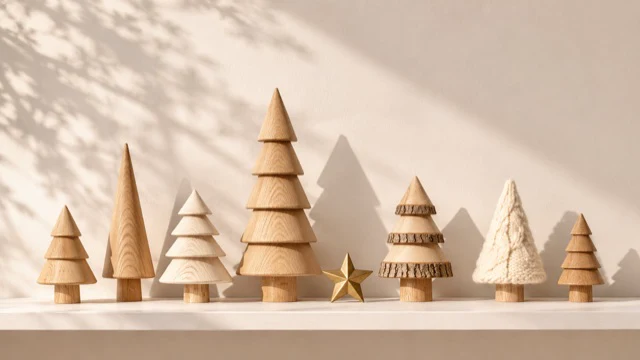
Scandinavian Wooden Trees
16:9 Desktop
Warm beige and pale oak Scandinavian wooden trees with quiet winter shadows.
Prompt:16:9 aesthetic minimalist Christmas wallpaper of handcrafted pale oak and warm white wooden Christmas trees lined along a cream shelf with one small brass star, soft morning winter sunlight shadows on a beige wall, Scandinavian interior photography, no text.
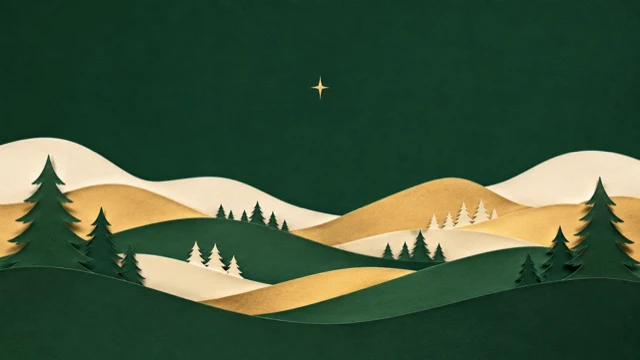
Paper-Cut Pine Hills & Gold Star
16:9 Desktop
Dimensional layered paper-cut hills in forest green, ivory and gold with uncluttered top space.
Prompt:16:9 minimalist aesthetic Christmas wallpaper of layered paper-cut snowy pine hills in forest green, warm ivory and muted gold with a single tiny star in the deep evergreen sky, subtle soft paper shadows, generous negative space, no text.
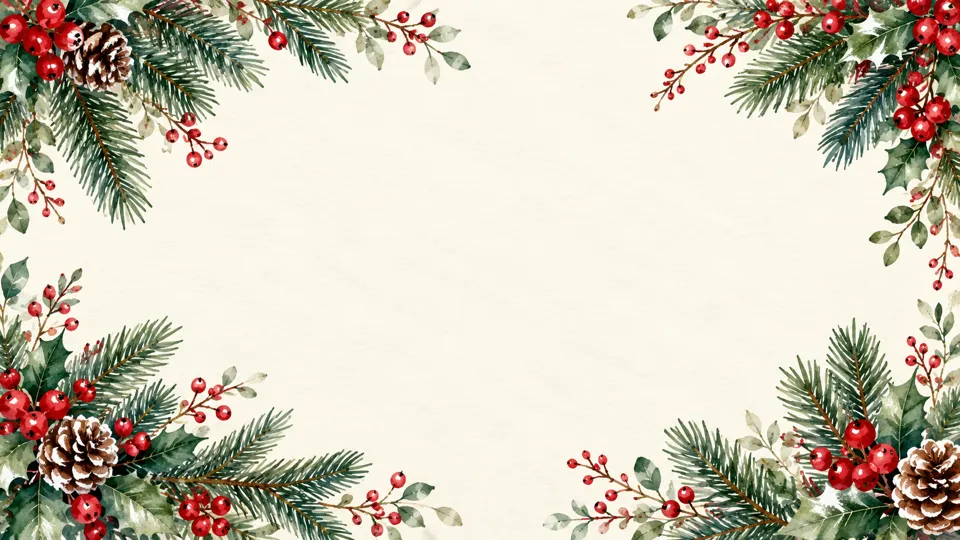
Watercolor Fir Branches & Red Berries
16:9 Desktop
Hand-painted botanical fir and holly corners framing a calm warm cream desktop workspace.
Prompt:16:9 aesthetic Christmas desktop wallpaper with hand-painted watercolor fir branches, pinecones and red holly berries framing the four corners around a wide quiet warm cream paper center for desktop icons, soft botanical illustration, no text.
Cute & pastel Christmas wallpapers
Playful snowmen, storybook woodland friends and whimsical gingerbread towns in soft blush, mint and ice-blue tones.
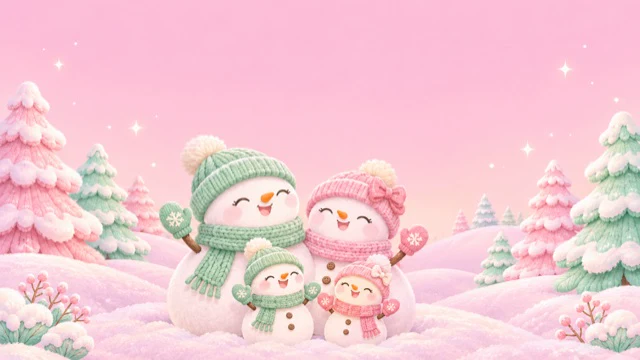
Kawaii Pastel Snowman Family
16:9 Desktop
Blush-pink and mint pastel snowmen in cozy knitted scarves and beanies.
Prompt:16:9 cute kawaii Christmas wallpaper of a smiling snowman family in chunky pastel knitted beanies and scarves standing on a blush-pink snowy hill surrounded by frosted mint and pink fir trees, soft rounded storybook illustration, gentle sparkles, no text.
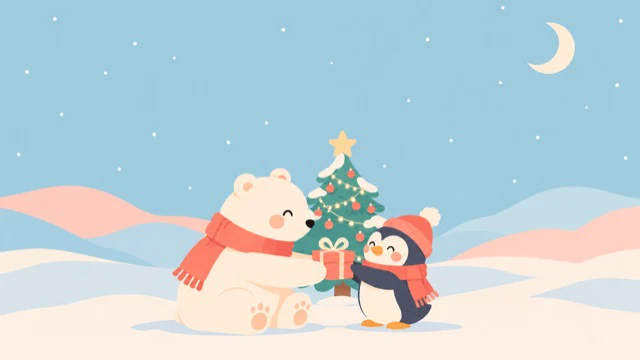
Polar Bear & Penguin Gift Exchange
16:9 Desktop
Clean flat pastel illustration with soft baby-blue sky and coral holiday accents.
Prompt:16:9 cute flat-illustrated Christmas wallpaper of a cozy polar bear in a coral scarf and a little penguin exchanging a wrapped holiday gift beside a miniature decorated fir tree under a pastel baby-blue starry sky and crescent moon, no text.
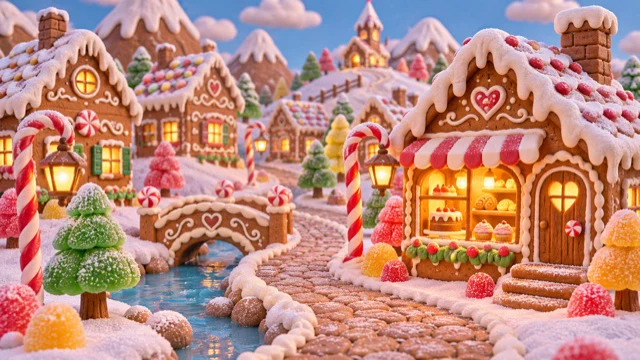
Miniature Gingerbread Village
16:9 Desktop
Warm miniature gingerbread cottages lined with candy-cane lamps and icing snow.
Prompt:16:9 cute 3D storybook Christmas wallpaper of a miniature gingerbread village with white icing rooftops, candy-cane streetlamps, gumdrop pine trees and warm glowing bakery windows along a frosty cobblestone bridge, powdered-sugar snow, no text.
Vintage, black-and-gold & neon wallpapers
Mid-century holiday postcard art, dark luxury trees and glowing neon accents for moody or gaming desktops.
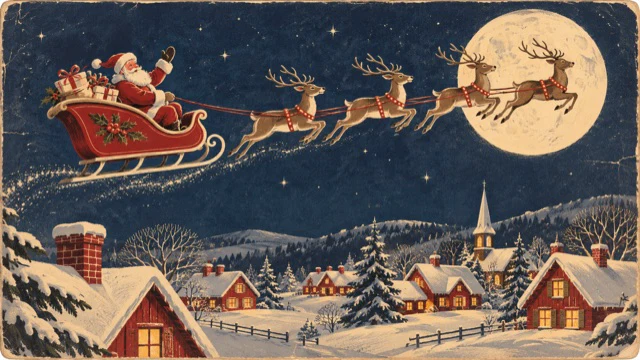
Vintage Moonlit Santa Sleigh
16:9 Desktop
Nostalgic mid-century holiday print palette in deep indigo, muted crimson and cream.
Prompt:16:9 vintage mid-century Christmas card wallpaper of a red sleigh and reindeer flying across a glowing full moon over snow-covered village rooftops and warm lit cottage windows under a deep indigo sky, subtle lithograph print texture, no text.
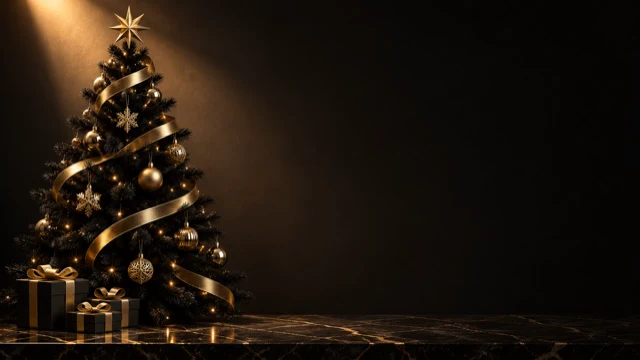
Black & Gold Luxury Tree
16:9 Desktop
Moody black-and-gold editorial tree leaving calm dark space for desktop icons or stream overlays.
Prompt:16:9 dark luxury 4K Christmas desktop wallpaper of an elegant black evergreen tree decorated with brushed gold ornaments and satin gold ribbons beside dark marble, single warm spotlight, wide dark matte backdrop on the right for desktop icons, no text.
Neon Pink & Cyan Gaming Tree
16:9 Desktop
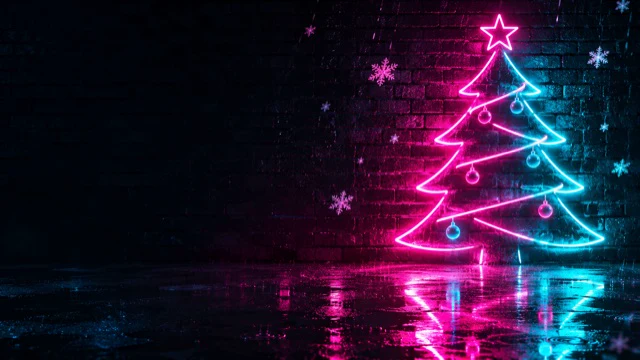
High-contrast pink and cyan neon holiday tree suited to dark-mode or gaming setups.
Prompt:16:9 dark gaming Christmas desktop wallpaper featuring a glowing hot-pink and cyan neon Christmas tree against a dark textured brick wall on the right, vivid wet-floor reflections and tiny glowing snowflakes, open dark left side for icons or overlays, no text.
Is this AI Christmas wallpaper generator free, and does it add a watermark?
Image to Layers AI Christmas wallpaper generation is not free: browsing the 17 styles and copying prompts is free, while generating a custom wallpaper costs 21 / 22 / 23 credits at 1K / 2K / 4K with no added watermark. A one-time $5 pack includes 100 credits—enough for 4 wallpapers at 1K, 2K or 4K—and downloaded images carry no Image to Layers watermark.
On the $19 monthly plan (1,400 credits), a 1K wallpaper equals about $0.29, 2K about $0.30, and 4K about $0.31. Failed jobs are refunded automatically once, while completed images stay charged. If you only need a completely free prompt-only generator with no sign-up, tools such as FreeArtGen offer free holiday wallpaper runs under hourly fair-use limits (checked 2026-11-25), though prompt-only results there are shared publicly by default.
What size and ratio should an AI Christmas wallpaper be for iPhone and desktop?
For an AI Christmas wallpaper on iPhone or Android, pick 9:16 at 2K or 4K with Top clock space enabled; for a 4K desktop or laptop, pick 16:9 at 4K; and for ultrawide or dual-monitor setups, choose 21:9 at 4K. Keeping the top 30% uncluttered prevents the iPhone lock-screen clock and widgets from covering your tree or main subject.
Modern iPhone screens (such as 1206 × 2622 on iPhone 16 Pro) are slightly taller than 9:16, so iOS trims a small sliver off the left and right edges when you set the lock screen. Generating at 2K or 4K keeps textures sharp after that slight fit, and Nano Banana 2 outputs native 1K, 2K or 4K canvases directly from the model rather than stretching a low-resolution preview.
Recommended AI Christmas wallpaper ratios and resolutions by device
Device
Typical screen pixels
Studio ratio
Recommended tier
Framing tip
iPhone 16 Pro / modern iPhone lock screen
1206 × 2622 px (≈ 9:19.5)
9:16
2K or 4K
Enable Top clock space so the clock sits over clean sky.
Android phone (FHD+ / QHD+)
1080 × 2400 or 1440 × 3120 px
9:16
2K
Use Top clock space and keep main subjects below center.
4K desktop & laptop monitor
3840 × 2160 px (16:9)
16:9
4K
Choose Standard framing for sharp edge-to-edge detail.
Ultrawide & dual-monitor desktop
3440 × 1440 or 5120 × 2160 px
21:9
4K
Put focal villages or trees toward one side for desktop icons.
iPad & tablet portrait
2048 × 2732 px
3:4
2K or 4K
Standard framing fits both lock and home screens cleanly.
Pinterest pin & vertical social card
1080 × 1350 px (4:5)
4:5
1K or 2K
Works for aesthetic boards and holiday story previews.
How do you prompt aesthetic Christmas wallpapers or keep a real face in a photo?
To create an AI Christmas wallpaper aesthetic in a Pinterest style, name three muted colors (such as warm cream, soft beige and muted cranberry), one soft light source (warm fairy lights or frosted window daylight) and one quiet focal object. When uploading a photo of yourself, a couple or a pet, use one bright, front-facing picture—our server prompt asks Nano Banana 2 to preserve facial features, hairstyle and fur markings while replacing the background, though exact likeness varies by photo and model.
For cute pastel or cozy snow scenes, pick a preset card first and add short phrases in Scene details such as “tiny gingerbread house, warm glowing windows, soft snowfall” instead of long contradictory lists. For personalized couple or pet wallpapers, avoid sunglasses, heavy motion blur or dark backlit rooms so the model has clear facial or fur details to reference.
Pricing and credits for Christmas wallpapers
Every Christmas wallpaper uses Nano Banana 2 on our server and returns one full-bleed still image. Credit cost depends only on output resolution (21 / 22 / 23 credits at 1K / 2K / 4K), with the same price for any style, ratio or optional reference photo.
One full-bleed still wallpaper per run · Nano Banana 2
Output resolution
Best for
Credits
$19 monthly plan
$5 credit pack
1K
Phone screens & fast style tests
21
$0.29 / wallpaper
$1.05 / wallpaper
2K
Retina phones, tablets & laptops
22
$0.30 / wallpaper
$1.10 / wallpaper
4K
4K desktop monitors & ultrawide displays
23
$0.31 / wallpaper
$1.15 / wallpaper
Free access, signup credits and download terms
Style gallery & prompts
Free to browse and copy; no sign-in required
Signup allowance
New-account signup credits are currently turned off; a credit pack or plan is required to generate. No separate free generation trial.
Custom generation
21–23 credits per wallpaper; sign-in required
Reference photo
Optional; same credit price with or without one
Watermark
No added site watermark on generated wallpapers
Download
One full-resolution still image included in the charge
The Pro Monthly plan includes 1,400 credits. The one-time $5 pack includes 100 credits and covers 4 wallpapers at 1K, 2K or 4K from zero balance. View credit packs and plans.
What this AI Christmas wallpaper generator cannot guarantee
Image to Layers AI Christmas wallpaper generator outputs one still image per run—it does not create live wallpapers, looping snow videos, animated MP4s or bulk 10-image packs in a single click. Output dimensions follow Nano Banana 2’s native 1K, 2K and 4K ratio canvases rather than exact custom pixel inputs, so tall phone screens may crop slightly at the edges. Uploading a personal or pet photo asks the model to preserve faces and fur patterns, but subtle likeness drift or altered ornaments can still happen. The generator does not copy trademarked holiday characters such as Snoopy or movie characters, and does not export layered PSD or editable text files.
Want to separate a generated holiday background into editable foreground and sky layers? Open Image to Layers. Need an even larger print or monitor file? Try the Image Upscaler. Looking to wrap a photo of your own vehicle in holiday lights? Try Christmas Lights on Car AI.
Christmas wallpaper generator FAQ
Can I make a cute Christmas wallpaper with my dog or cat?
Yes. Upload one clear front-facing photo of your dog or cat in the Image to Layers studio, select Cute Pastel or Cozy Tree (or describe a snowy scene in Custom), pick 9:16 for your phone lock screen and generate. The prompt asks Nano Banana 2 to feature your pet’s face, coat color and markings in the festive scene, though exact likeness varies by photo and lighting.
Do I need an app to make a Christmas wallpaper on iPhone or Android?
No. This Christmas wallpaper generator works online in Safari, Chrome or Edge on iPhone, Android, Mac and Windows without installing an app. Generate your image, download it to Photos or Files, and set it from your phone’s Wallpaper settings.
When should I use an AI Christmas wallpaper generator instead of Canva templates?
Use Canva templates when you want exact holiday typography, calendars, collages or fast layout edits you can move around manually. Use an AI Christmas wallpaper generator when you want an original 4K snowy scene, cozy fireplace interior, custom pastel illustration or your own photo blended into festive winter lighting without starting from stock clipart.
Can I use AI-generated Christmas wallpapers for my small business or social posts, and how are uploaded photos handled?
You can use your downloaded wallpapers on personal devices and business marketing visuals such as Instagram, Pinterest or website banners, keeping in mind that purely AI-generated images may have limited copyright protection and you should avoid prompts targeting trademarked characters or movie properties. Uploaded reference photos are sent through an unlisted URL to the image model provider to complete your job and are not listed in a public gallery; avoid uploading sensitive private photos you do not want processed by an external image API.