
OriginalFiltered
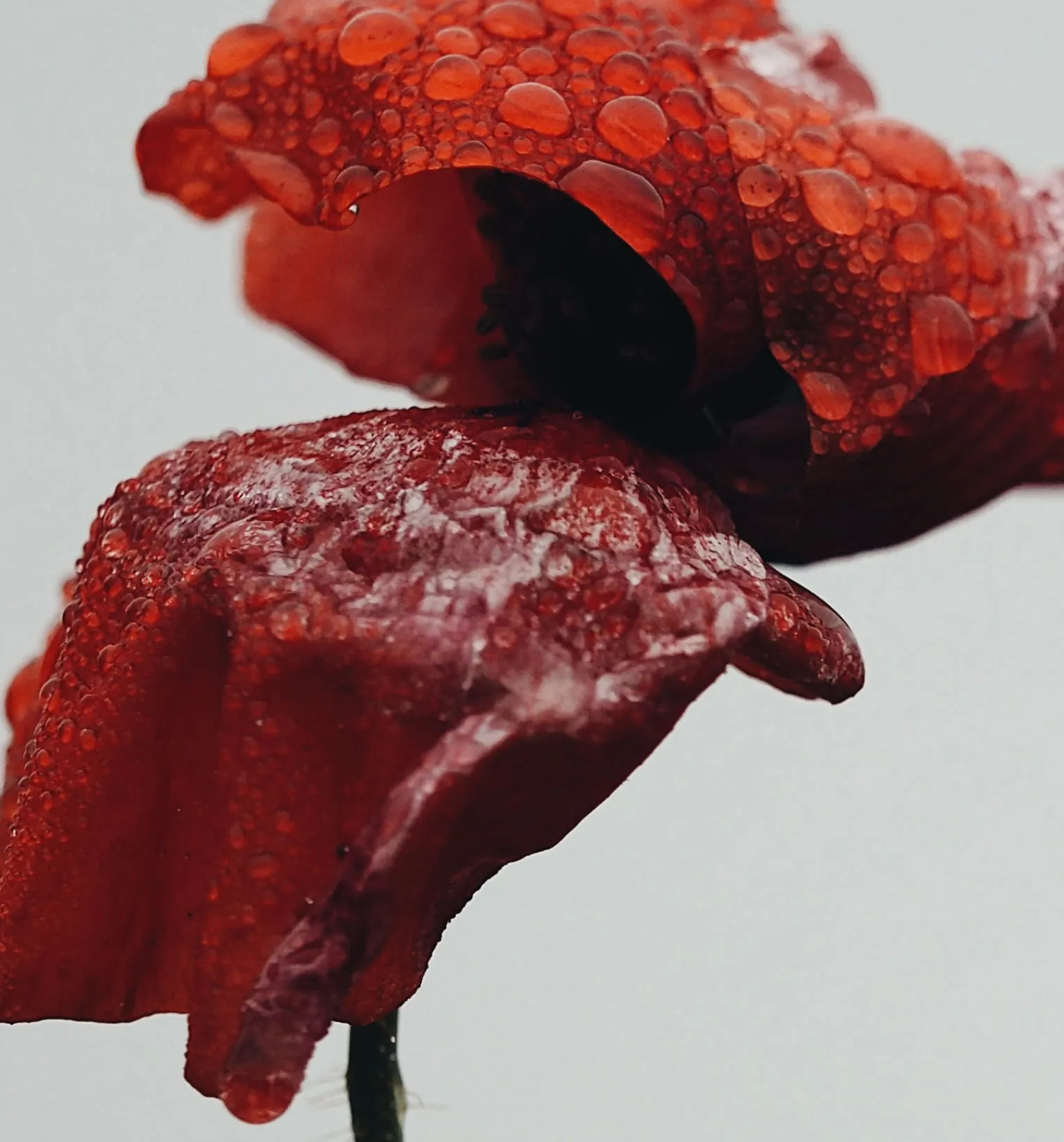
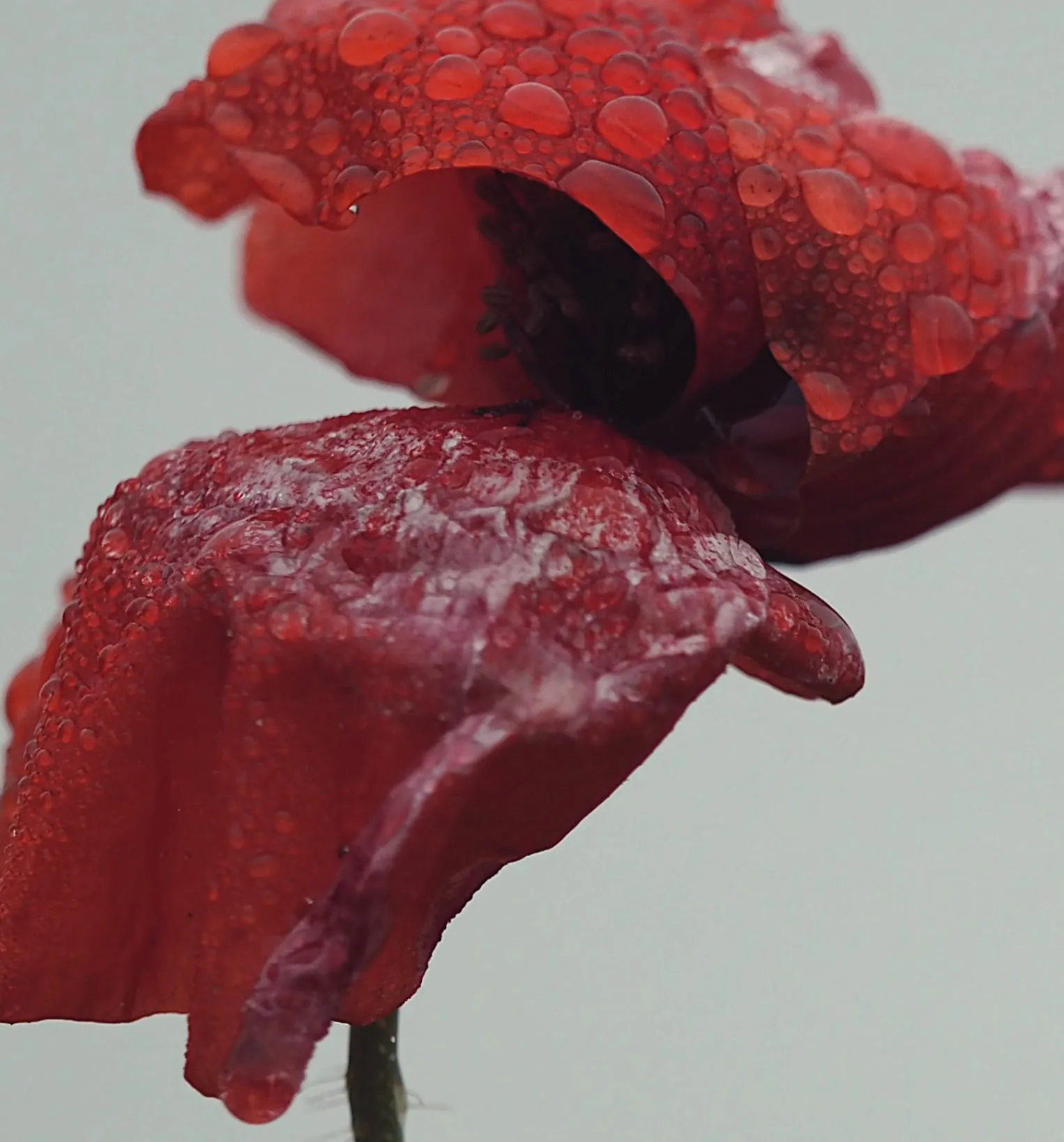
Warm, rich look on a flower
A red poppy close-up gets warmer, richer reds and deeper shadows in the petals; the shape and water drops stay the same.
VSCO filter by Image to Layers recolors your photo with an A6, HB2, AU5, Portra, Polaroid, digicam or black-and-white look and is told to keep faces and framing.
Your photo (required)
Model
Resolution
Aspect ratio
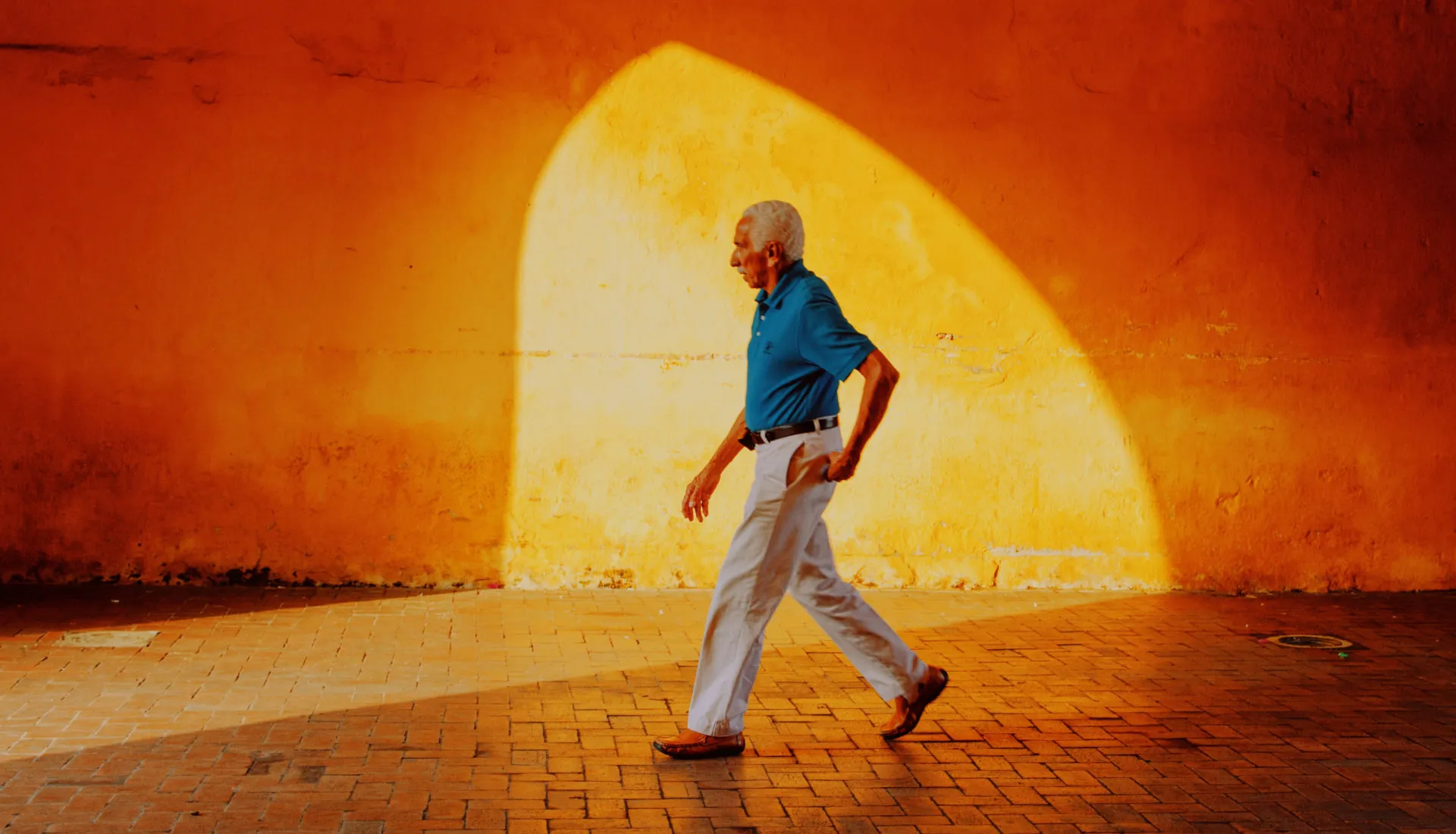
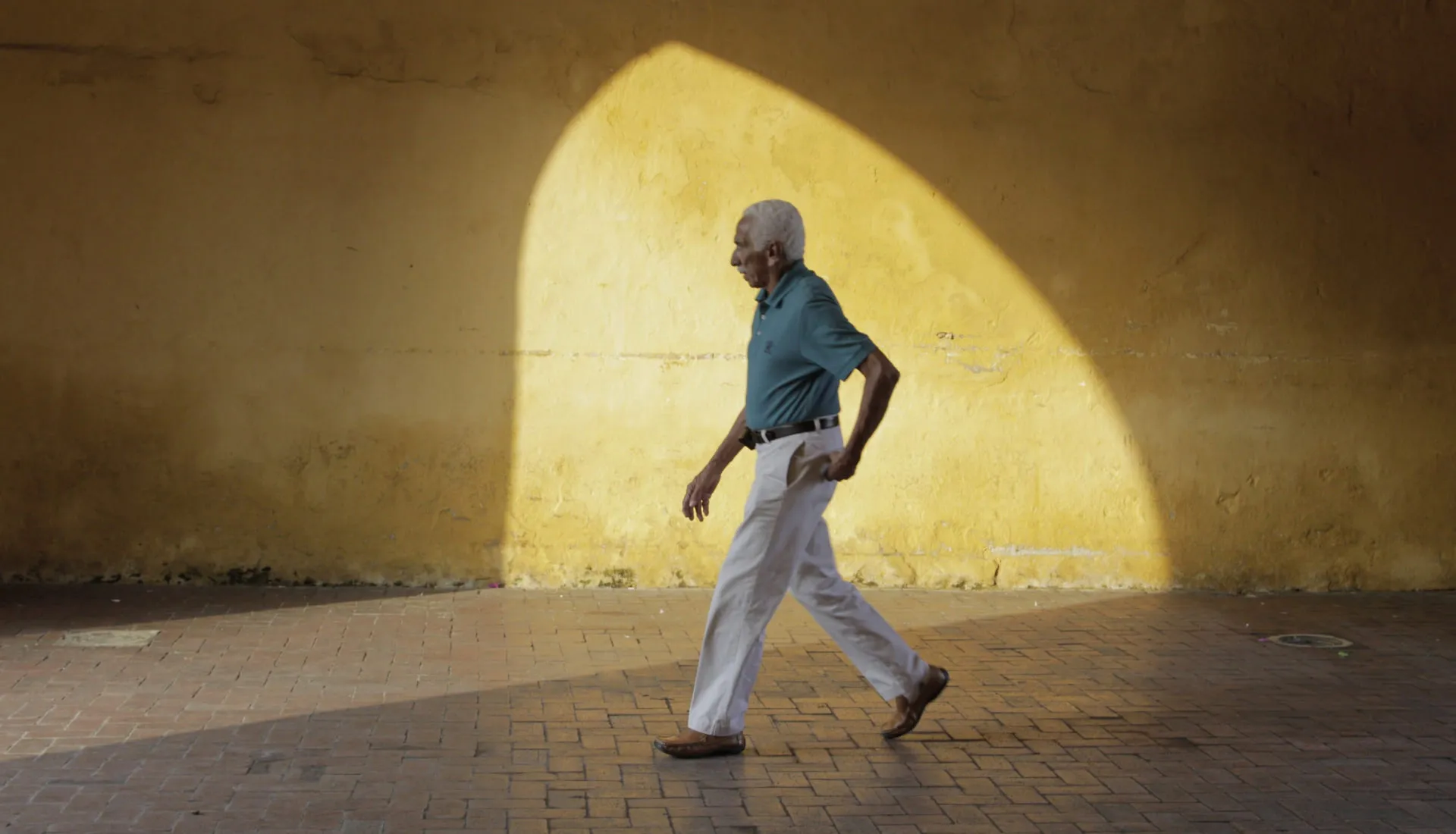
Same photo, a film color grade
A strong warm film look on a street scene. Pick a softer look, a lower strength or describe your own.
Use it on selfies, travel shots or an Instagram carousel when you want the VSCO look without a VSCO membership. Pick a look and Subtle, Medium or Strong, and the AI regrades color, fade and grain. Each image costs 21–23 credits at 1K, 2K or 4K, with no added watermark and no free generation trial. These are inspired-by looks, not official VSCO presets.
Updated
To use the VSCO filter online, upload one photo, choose a look such as A6-style or Polaroid, set the strength and the output size, then generate. The model changes only color, contrast, fade and grain and is told to keep faces, clothes, background and framing. Custom lets you describe your own film look in words and add an optional color reference picture.
Use a PNG, JPEG or WebP up to 10 MB from your phone or computer. Large photos are resized for editing, so keep your original file.
Choose A6, HB2, AU5, Portra, Polaroid, Digicam or Black & white, then Subtle, Medium or Strong. For anything else, pick Custom and describe the look in 3–300 characters.
Pick 1K, 2K or 4K and the ratio closest to your photo, check the credits and generate. Compare faces with your original before you post. Another attempt uses credits again.
Each pair shows the same photo before and after a film-style color grade: a warmer, richer red on a flower close-up, a strong warm-orange grade on a street scene, a black-and-white conversion, a vivid slide-film blue on a pool and a golden autumn tone on an apple. Drag the slider to compare. Your own result depends on the photo, the look and the strength you choose.
A red poppy close-up gets warmer, richer reds and deeper shadows in the petals; the shape and water drops stay the same.
A man walking past a sunlit archway turns deep orange and gold, like expired warm film, with the same pose and light.
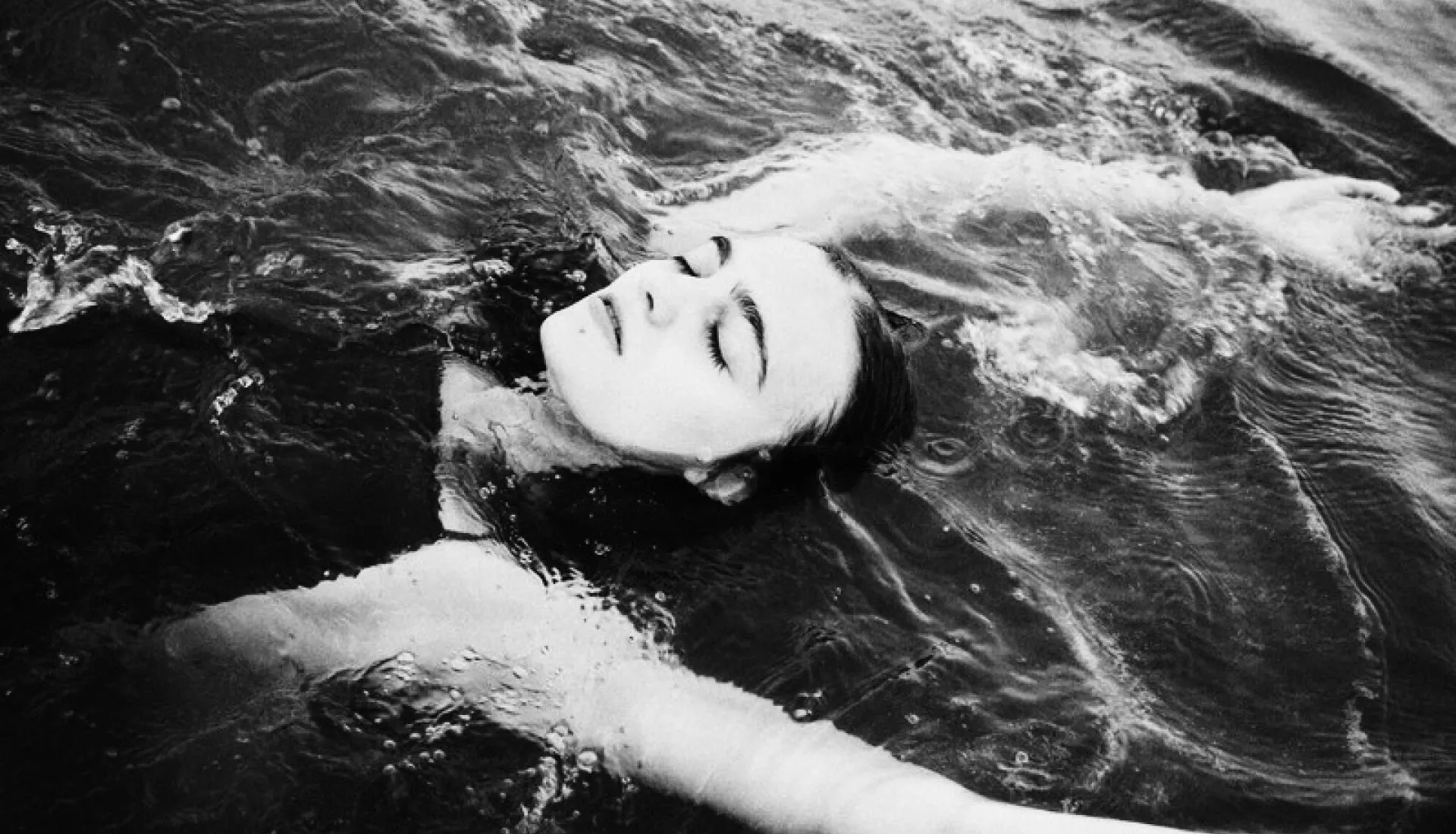
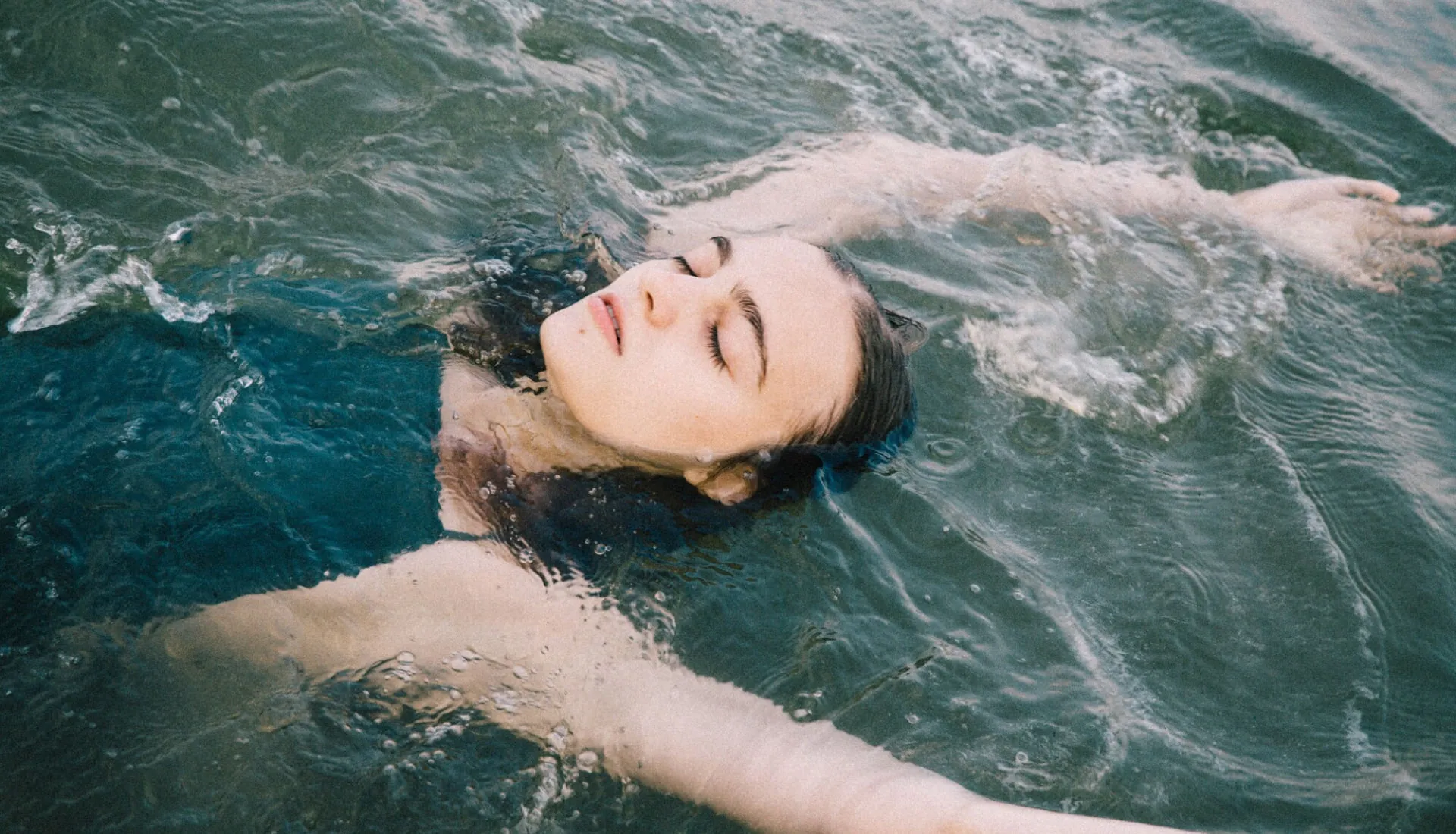
A swimmer floating in green water becomes a high-contrast black-and-white photo with bright skin and deep water.


A swimmer peeking over a pool board gets brighter turquoise water and punchier color, like slide film, at the same framing.
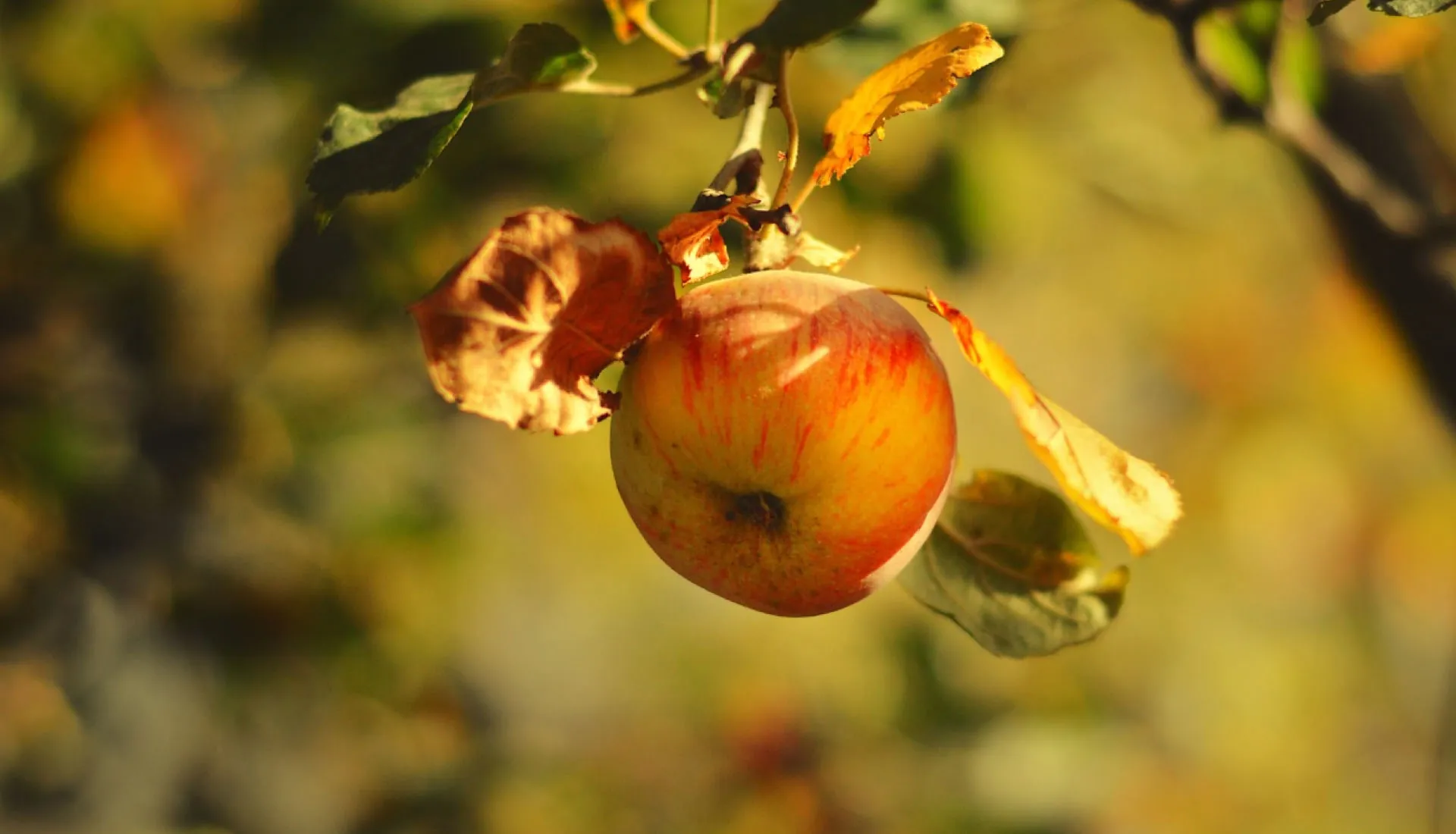

An apple on a branch gets a golden, warm autumn tone with richer reds and soft yellow background blur.
Partly. VSCO's free Starter plan includes 15 presets, while its full library of 200+ presets needs VSCO Pro at $12.99 a month or $59.99 a year (checked 2026-11-21). This Image to Layers VSCO filter is not free either: each image costs 21–23 credits, about $0.29 on the $19 monthly plan or $1.05 from the smallest $5 pack. Uploading and picking looks cost nothing, and downloads carry no added watermark.
If you only need a gentle film look now and then, a free in-browser editor with a fade and grain slider is the cheapest route. This page is for the times you want a named look such as A6 or HB2 applied in one step, without learning the sliders.
VSCO filter names are preset codes inside the VSCO app, not physical camera filters. A letter series groups presets by mood and the number marks a variation: A6 is from the Analog series and gives soft, warm, slightly faded color; HB2 is from the High Beam series with cool, muted tones; AU5 is a warm vintage look with faded blacks. Other codes people ask about include C1, M5 and A4.
To recreate them by hand in VSCO, Lightroom or any editor with the same sliders, start from these values on a normally exposed photo and adjust to taste. They are starting points written by us, not VSCO’s internal preset values.
| Look | Mood | Starting settings |
|---|---|---|
| A6-style | Soft, warm, slightly faded | Exposure +0.5 · Contrast −1 · Saturation −1 · Temperature +1 · Fade +2 · Grain +1 |
| HB2-style | Cool, muted, matte | Exposure +0.5 · Contrast −1 · Saturation −2 · Temperature −1 · Fade +3 · Grain +1 |
| AU5-style | Warm vintage, green-yellow midtones | Exposure 0 · Contrast −2 · Saturation −1 · Tint −1 (green) · Fade +4 · Grain +2 |
The VSCO filter here that looks most like an early-2000s digital camera is Digicam: it adds a flash-bright, slightly cool and crisp CCD camera feel. For a disposable or instant camera look, choose Polaroid for soft faded colors and creamy blacks, or Portra for warm film grain. None of them adds a date stamp, frame or border, so your photo stays clean for posting.
Each VSCO filter image costs 21 credits at 1K, 22 at 2K or 23 at 4K, and every generation returns one still image with no added site watermark. All looks, strengths and Custom cost the same. The table shows what those credits are worth within existing plans and packs, not separate image purchases. A failed task returns its charged credits.
| Output tier | Credits | $19 monthly plan | $5 credit pack | Watermark |
|---|---|---|---|---|
| 1K | 21 | $0.29 | $1.05 | None added |
| 2K | 22 | $0.30 | $1.10 | None added |
| 4K | 23 | $0.31 | $1.15 | None added |
| Free access | View examples, upload a photo and pick a look for free. Generation and generated previews are paid; no free generation trial. | |||
The smallest purchase from a zero balance is $5 for 100 credits, enough for one image at any listed tier. The regular monthly plan is $19 for 1,400 credits. Ratio choices are 4:5, 1:1, 3:4, 2:3, 4:3, 3:2, 16:9, 9:16.
Signup availability is shown in your account. This page has no free generation trial; a 20-credit allowance alone is below the 21-credit minimum.
View credit packs and plansThis is an AI edit, not a pixel-exact preset. The model is told to change only color, tone and grain, but it can still alter small details such as text, hands, jewelry or fine hair, and the output is a new 1K, 2K or 4K image rather than your original pixel size. Very dark, tiny or heavily compressed photos give weaker results. It edits one photo at a time: there is no batch mode for a whole carousel, no 0–12 intensity slider and no video support.
For a soft blush tone instead of film color, try the pink photo filter. To cut one wide photo into a matching Instagram carousel, use the Instagram grid maker.
Yes. This page runs in Safari on iPhone and in Chrome on Android or a computer, so there is nothing to install. Upload from your camera roll, generate and save the result back to Photos. Generating requires an account with credits.
No. The tool returns an edited image, not a preset, LUT or .xmp file. To build a reusable Lightroom or VSCO recipe, use the starting values in the A6, HB2 and AU5 table above.
No. They are looks inspired by how those presets are commonly described, produced by an AI model. This site is not affiliated with VSCO, and the result will not match the official preset pixel for pixel.
Yes. Portra, AU5 and Black & white add fine film grain, and A6, HB2, AU5 and Polaroid lift the blacks for a faded matte finish. For a specific mix, choose Custom and write something like “heavy fade, fine grain, warm highlights”.