
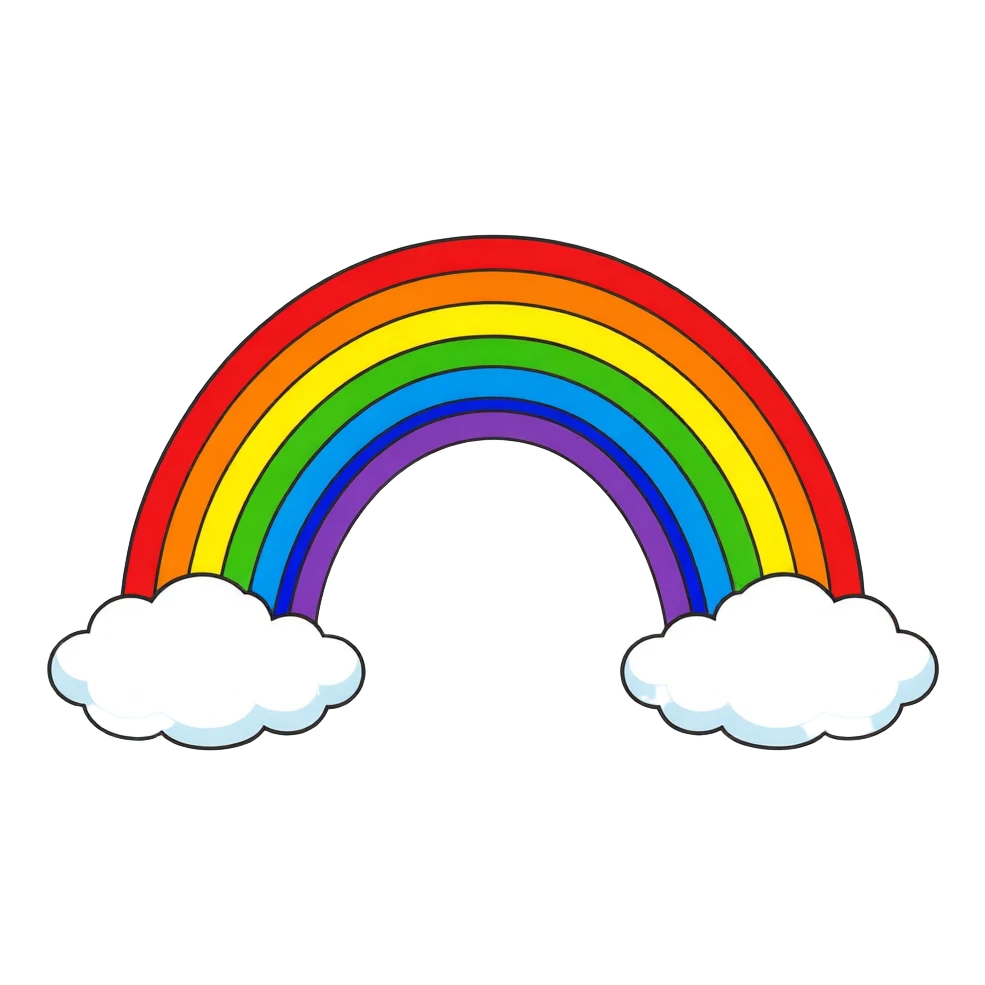
Classic rainbow with clouds
- Style
- Flat
- Subject
- a classic seven-band rainbow with a fluffy white cloud at each end
Seven bright bands from red to violet with a black outline and a white cloud at each end, cut out on a transparent background.
AI Clipart Generator by Image to Layers turns a short description or a photo into one clipart image, requested as a transparent PNG.
Model
Resolution
Aspect ratio
Example: flat rainbow clipart
The checkerboard shows transparent areas. Your style and subject guide the result; check edges before printing.
Updated
The Image to Layers AI Clipart Generator is built for teachers, crafters and small sellers who need one isolated illustration for a worksheet, sticker or post. Type what to draw, pick a style and optionally add a photo; each run returns one PNG at 1K or 2K with no added watermark. It costs 24 / 32 credits (about $1.20 per 1K image from the $5 pack); signup credits are currently disabled.
The AI clipart generator builds one request from your inputs: the subject you typed in quotation marks, the style card you chose, your photo if you added one, and fixed rules asking for one centered subject, no text and a transparent background. Results vary with the description and photo, so check the preview before you download.
Choose flat, watercolor, cartoon or boho. Custom asks for a short style description in 3–200 characters, such as "kawaii pastel with thick white outline".
Type the subject in up to 200 characters: one object, animal or character plus a detail or two. To redraw your own pet or item, add one photo and name what is in it.
Square 1:1 suits stickers and icons; 3:4 and 4:3 suit taller or wider subjects. 1K is about 1024 pixels on the long side, 2K about 2048.
Sign in and generate one PNG for 24 / 32 credits at 1K / 2K. The preview sits on a checkerboard so you can see which areas are transparent before you save it.
Each card shows a finished clipart on a checkerboard, so the transparent areas are visible, with the style and a subject line you could type for a similar result. Your own results depend on the description, style and photo.
Seven bright bands from red to violet with a black outline and a white cloud at each end, cut out on a transparent background.
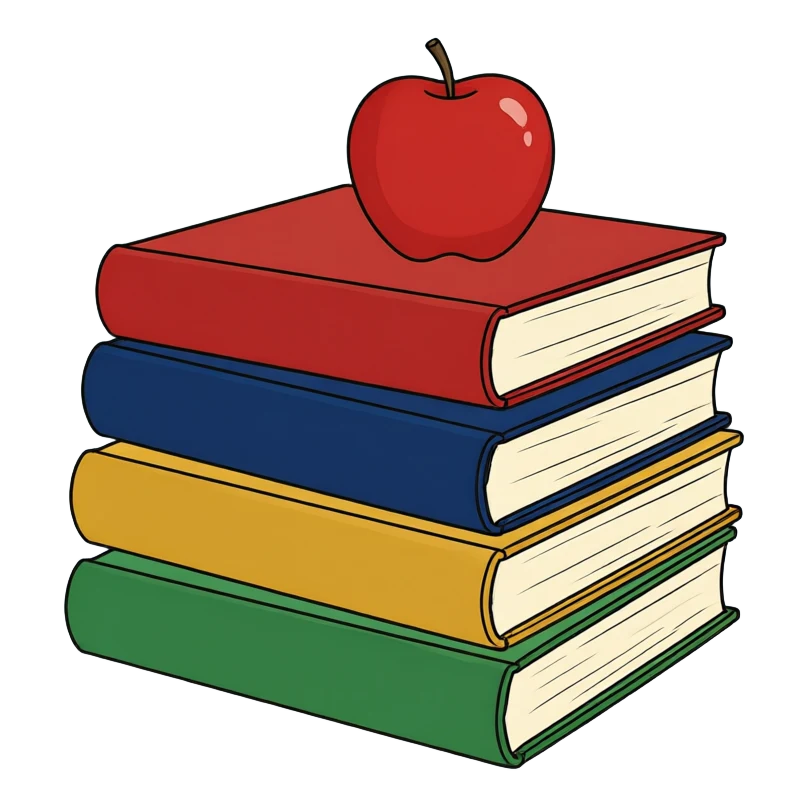
Red, navy, mustard and green covers with cream page edges and an apple on top — a typical classroom worksheet graphic.
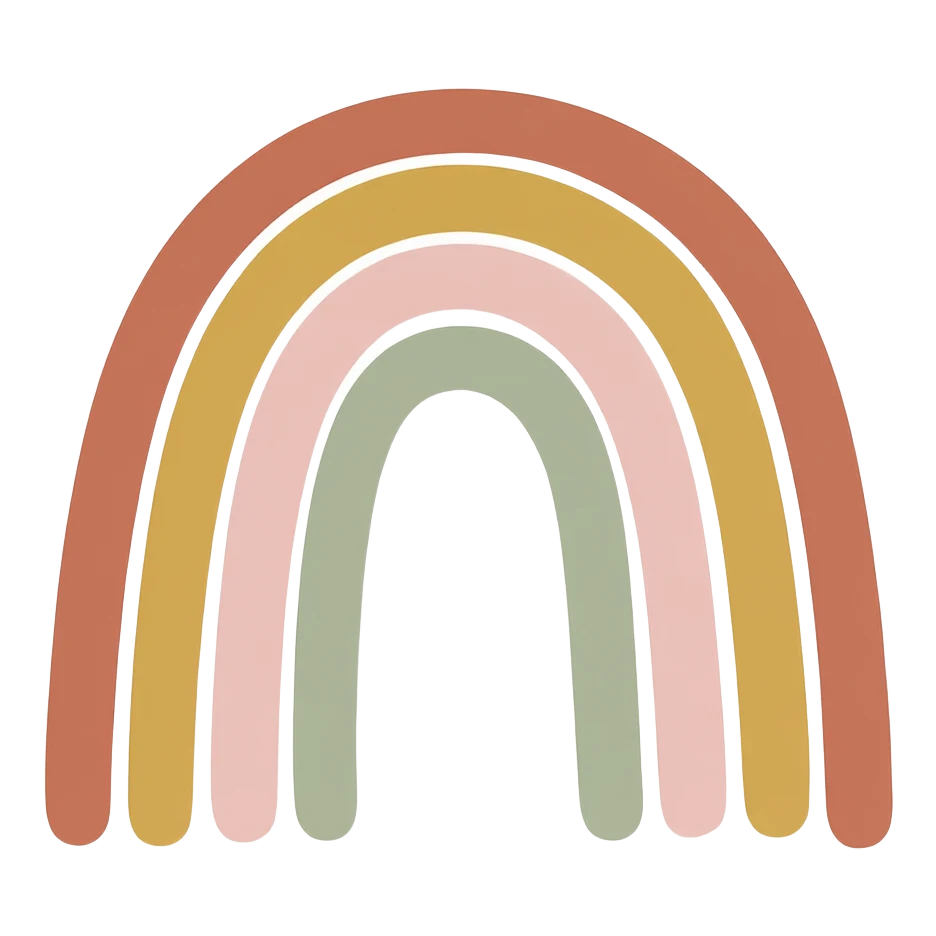
Four thick arches in terracotta, mustard, blush and sage with thin white gaps and no outlines, the muted look common on nursery prints.
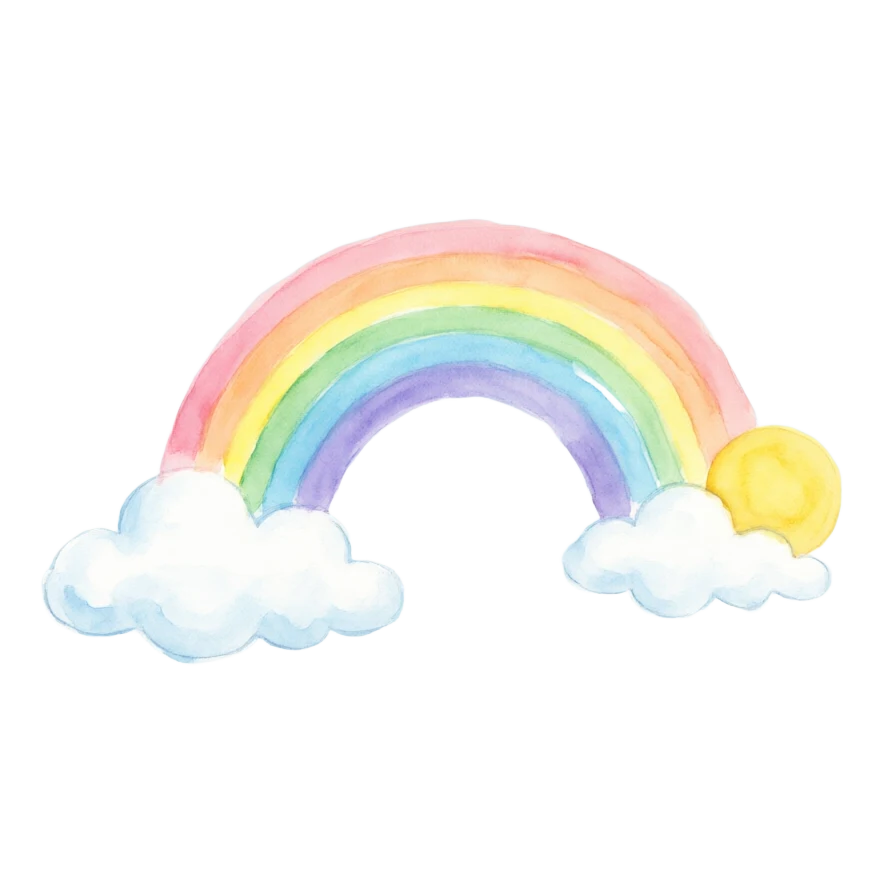
Soft pastel bands with loose brush edges over two clouds and a yellow sun; the soft edges stay semi-transparent.
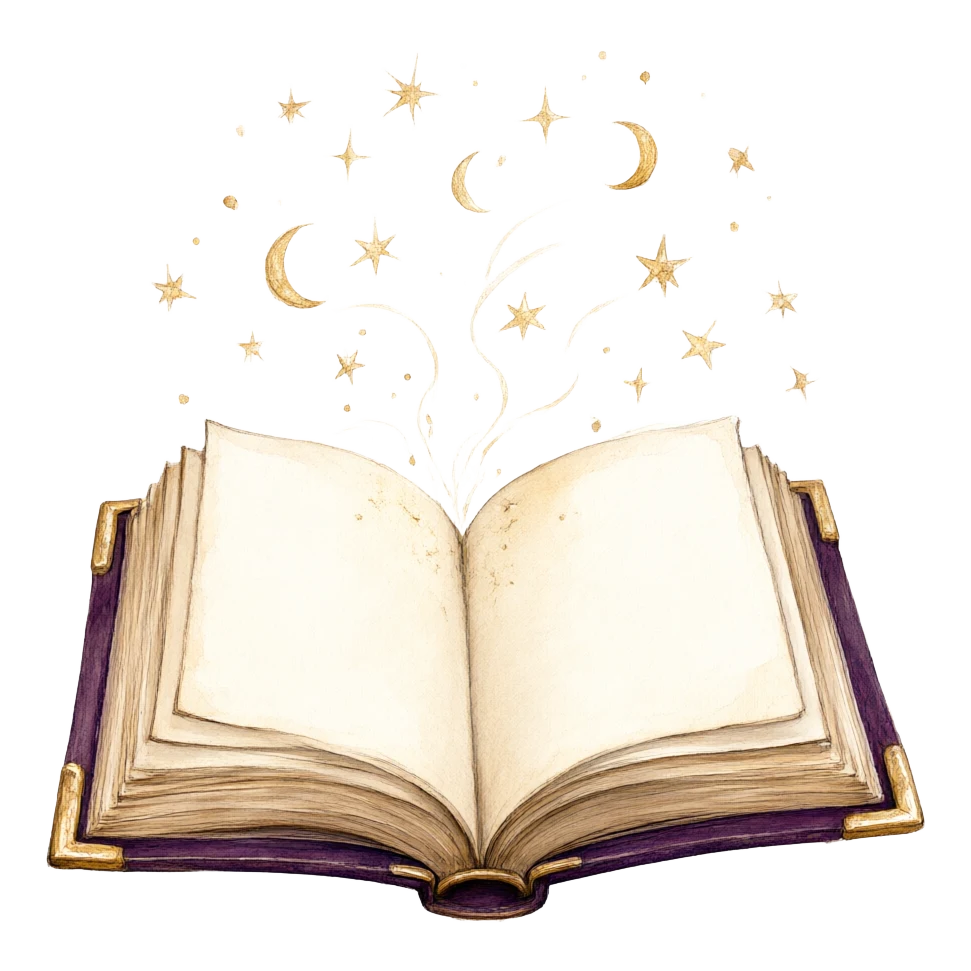
A purple-covered open book with tiny gold stars and moons floating above it, painted with loose watercolor strokes.

A red book with big eyes, pink cheeks and stick arms and legs, drawn with thick smooth outlines.
The Image to Layers AI Clipart Generator requests a transparent background from GPT Image 2.5 Flare and saves the result as a PNG with an alpha channel, so transparent areas show your page or Canva design underneath instead of a white box. If the returned file has no alpha channel or is not a valid PNG at the size you paid for, the task fails and the credits are returned automatically.
Transparency comes straight from the model, not from a separate background remover, so soft watercolor edges and shadows can be partly see-through. The checkerboard behind the preview is only a display pattern; it is not baked into the file. Zoom in on the edges before printing small stickers.
The Image to Layers AI Clipart Generator accepts one optional photo, a JPG, PNG or WebP up to 10 MB, scaled to about one megapixel before it reaches the model. The request names the photo as the subject and asks the model to redraw it in the chosen style, keeping its shape, colours and markings while dropping the photo background. Expect a likeness, not a tracing: check fur patterns and small details in the result.
A clear photo of one pet or object on a plain background works best. Type what is in the photo, such as "my golden retriever with a red collar", so the description and the picture point at the same subject. The price is the same with or without a photo.
The Image to Layers AI Clipart Generator is not free, but it adds no watermark: each clipart costs 24 / 32 credits at 1K / 2K and downloads as a clean PNG. Browsing the styles and examples is free. Signup credits are currently disabled. From zero balance, the smallest purchase is a one-time $5 pack of 100 credits, enough for 4 clipart images at 1K.
On the $19 monthly plan with 1,400 credits, a 1K clipart uses about $0.33 worth of credits and a 2K one about $0.43. A finished clipart you do not like is still charged, so keep the subject short and specific.
The Image to Layers AI Clipart Generator works best with one subject and one or two details, such as "a smiling pumpkin with a green leaf" or "a yellow school bus seen from the side". The style card supplies the art style, and the fixed rules already ask for one isolated subject with no text, so you do not need to write "clipart, white background, no shadow" yourself.
Name colours if they matter, keep one subject per image, and leave out lettering unless you want words in the picture. To build a matching set, keep the same style card and reuse the same colour words for each subject; the model does not lock a style between runs, so compare the set side by side.
Every clipart uses GPT Image 2.5 Flare at high quality with a transparent background and returns one PNG. The credit price depends only on the output size: 24 / 32 credits at 1K / 2K, for any of the three shapes and with or without a photo. Sign-in and enough credits are required; downloading has no extra charge.
| Output size | Square 1:1 | Portrait 3:4 | Landscape 4:3 | Credits | $19 monthly plan | $5 credit pack |
|---|---|---|---|---|---|---|
| 1K | 1024 × 1024 | 768 × 1024 | 1024 × 768 | 24 | $0.33 / image | $1.20 / image |
| 2K | 2048 × 2048 | 1536 × 2048 | 2048 × 1536 | 32 | $0.43 / image | $1.60 / image |
| Styles and examples | Free to browse; no generated preview included |
|---|---|
| Signup allowance | Signup credits are currently disabled. No separate free generation trial. |
| Generation | 24–32 credits per clipart; sign-in required |
| Photo upload | Optional; same price with or without a photo |
| Watermark | No added watermark on the generated image |
| Download | One PNG with a transparent background; included in the charge |
The monthly plan includes 1,400 credits. The one-time $5 pack includes 100 credits and covers 4 clipart images at 1K from zero balance. View credit packs and plans.
This clipart maker returns one picture per run, not a pack or an editable file: there is no layered PSD, no batch of 20 matching images and no style lock between runs. Lettering inside the clipart can be misspelt, very fine details may blur at sticker size, and watercolor edges stay soft rather than cut-ready. It should not be used to copy trademarked characters, logos or other artists’ designs.
Already have a picture and only need the background gone? Use the Background Remover. Need a larger file for a poster or print sheet? Try the Image Upscaler and zoom in on the edges again.
Not directly: the download is a PNG. Cutting machines that need vector paths can use the PNG with Print Then Cut, or you can convert the clipart with our Image to Vector tool and then check the paths before cutting.
No. Each run returns one still PNG. There is no GIF, video or animated sticker output on this page.
You can use your downloaded clipart in your own products and posts, but generating it does not give you rights to characters, logos or artwork you do not own, and AI images may not qualify for copyright protection on their own. Check the rules of the marketplace you sell on.
Yes. Image to Layers runs in a mobile or desktop browser, so there is nothing to install. Type the subject, add a photo from your camera roll if you like, sign in, generate and save the PNG.
Yes, to generate. Styles, examples and pricing are visible without one; generating needs sign-in and at least 24 credits. An uploaded photo is stored on a direct, unlisted storage link for processing, so upload only images you are allowed to share.