
Course completion
 Blank layout
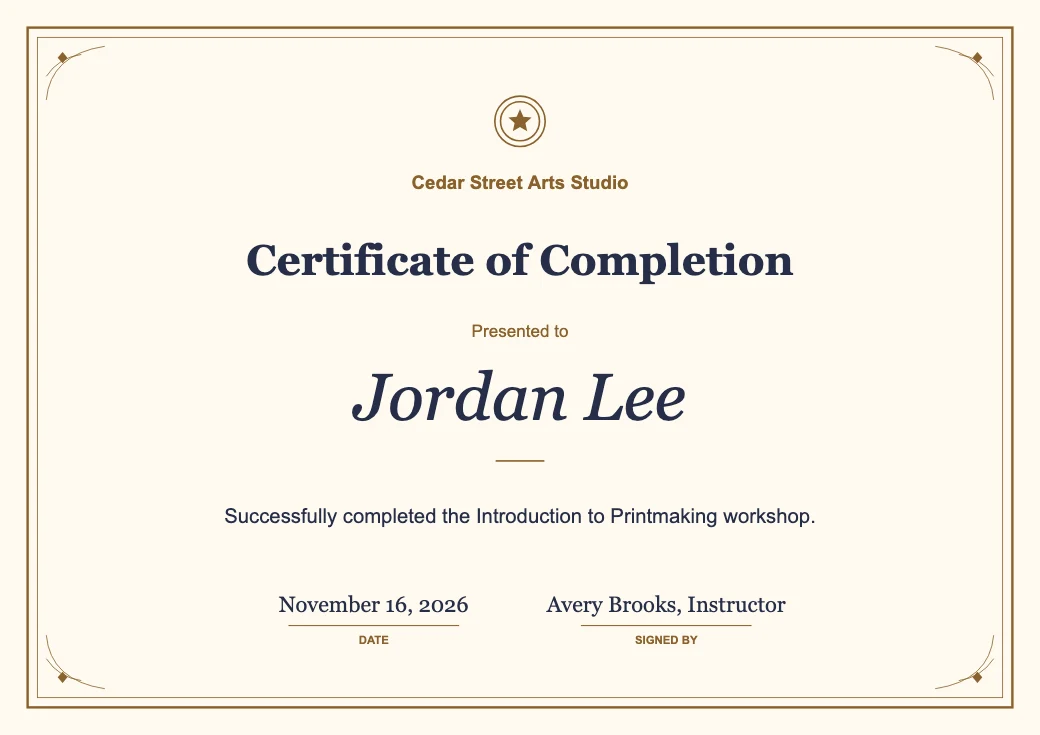 Filled certificate
A traditional frame for a workshop certificate with the course name, completion date and instructor.
Certificate Generator from Image to Layers turns your text into printable certificates you can download for free as PNG or PDF.
Live preview
Free downloads · No sign-up · No watermark
The Image to Layers certificate maker helps teachers, trainers and event organizers create completion, participation and appreciation awards. Choose a layout, enter the recipient and issuing details, and download one 2560-pixel-wide PNG or a landscape A4 or US Letter PDF. Previews and downloads are free and watermark-free, and your wording and optional logo stay in your browser.
Updated
The Image to Layers certificate generator lets you pick a design, fill in the details and check the live preview before downloading. Use PNG when you need an image for a message or slide, or choose a PDF sized for your paper when you plan to print. For a group, paste one recipient per line to make a single PDF with one certificate on each page.
Pick Classic, Modern or Minimal, then choose A4 or US Letter.
Enter the award title, recipient, reason, issuer, date and signer. Add a PNG or JPEG logo if you have one.
Read the recipient’s name and the full award wording. For bulk printing, add one name per line in the batch section.
Save a single PNG image, a single PDF, or a multi-page PDF for the full list.
The certificate generator fills an empty layout with the recipient and the reason for the award. These three examples show how the same editing fields work for course completion, event participation and volunteer appreciation. Use the captions as a starting point for your own wording.
Blank layoutFilled certificateA traditional frame for a workshop certificate with the course name, completion date and instructor.
 Blank layout
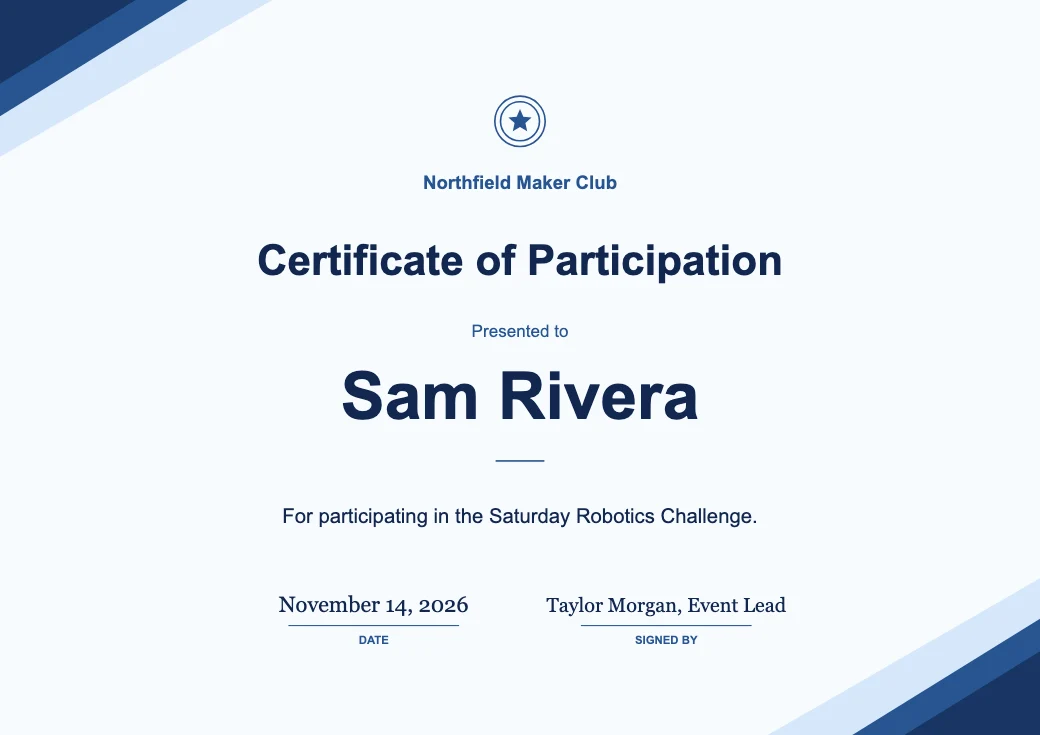 Filled certificate
A modern layout for an event handout that highlights the participant and the activity.
 Blank layout
 Filled certificate
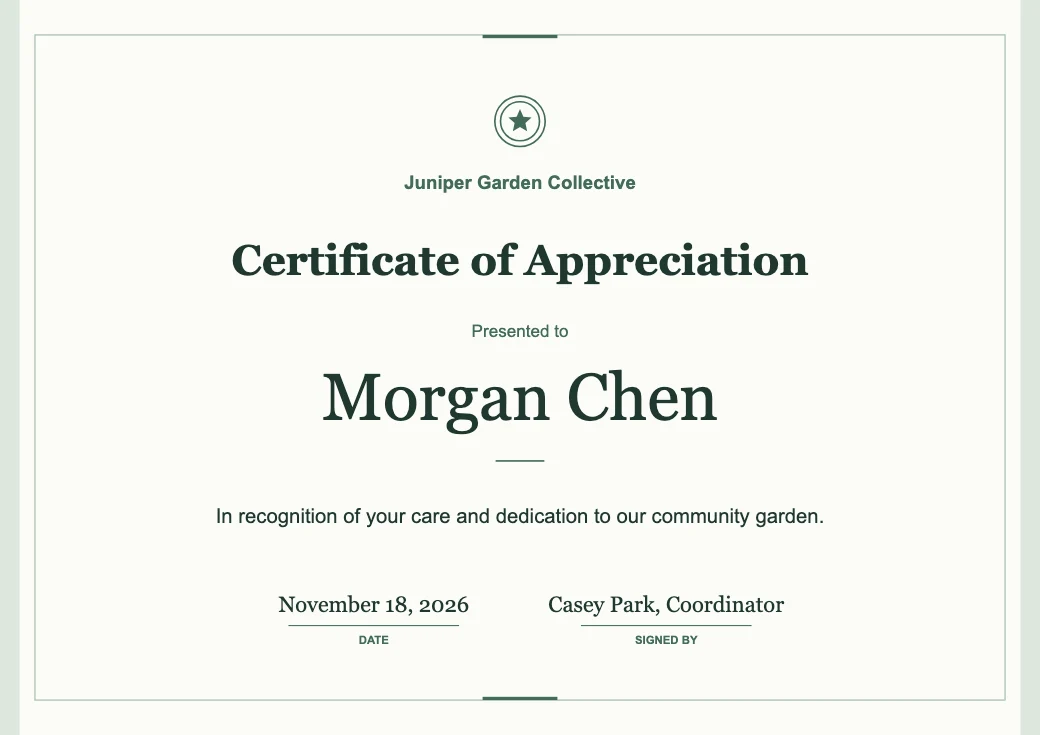
A restrained layout that gives the volunteer’s name and the reason for recognition room to stand out.
Image to Layers lets you make and download an award certificate for $0 without an account or a credit card. Pick any of the three designs, change the wording, and save a PNG or PDF without a watermark. Previewing a design and exporting it are both free, including the batch PDF option.
The certificate generator exports a printable PDF in the A4 or US Letter size you choose before downloading. Each page is landscape and sized for the paper you selected: 297 × 210 mm for A4 or 11 × 8.5 in for US Letter. In your print dialog, choose the matching paper and use Fit if your printer needs margins around the border.
The bulk certificate generator turns a list of up to 100 names into one PDF in the same order. Copy one spreadsheet column and paste one name per line. Each page gets its own recipient name and shares the design, award wording, issuer, date and signer.
The certificate maker adds a PNG or JPEG logo from your device, up to 5 MB and 24 megapixels. It appears near the top of the certificate while keeping its original proportions. A transparent PNG lets the certificate background show through. Check the preview with the logo in place before printing, especially if the mark contains small text or thin lines.
The certificate maker is free for both preview and export. It uses zero Image to Layers credits and adds no watermark to any file. Choose PNG for a single digital image, PDF for a printable award, or a batch PDF if you have a list of names for the same event.
| Feature | Price | Output |
|---|---|---|
| Live preview | $0 | Three designs, optional logo |
| PNG download | $0 | 2560 × 1810 A4 or 2560 × 1978 US Letter, one image |
| PDF download | $0 | One landscape A4 or US Letter page |
| Batch PDF download | $0 | Up to 100 names, one certificate per page |
The certificate maker produces visual awards and acknowledgments. It does not issue official credentials, verify course completion or create SSL certificates for websites. Every page in a batch uses the same design and details except for the recipient. For very long wording, shorten the description or test one print to check that the text remains easy to read.
The Image to Layers certificate maker creates a certificate for print or sharing. The exported file is a finished copy, so you can print or send it without giving anyone access to your draft. The questions below cover the text, the files and how to use the editor on your phone.
The certificate generator arranges your text in a preset layout. You choose the wording and the design, and the editor places your name, date and other details on the certificate as entered. An AI certificate generator can propose artwork from a prompt, while this editor gives you direct control over the text.
The PNG and PDF contain a flattened image of the certificate. Make changes in the online editor and download it again. Keep the editor open until you have saved your changes, because it does not save drafts.
Yes. Open the editor in a mobile browser, tap a design and fill in the fields. The download location depends on your browser and device. On iPhone, you can use the Share menu to save an opened file to Files.
The certificate editor reads the names and optional logo locally in your browser. It makes your PNG or PDF on your device without sending those contents to a server.
Need a printable handout to go with your award? Try Markdown to PDF.