
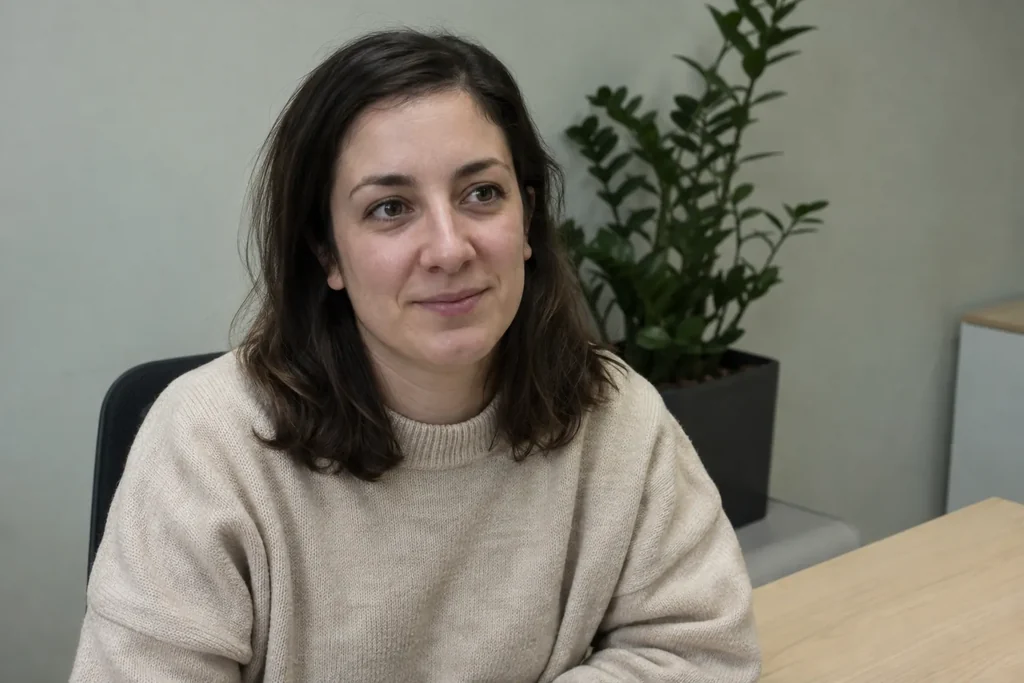
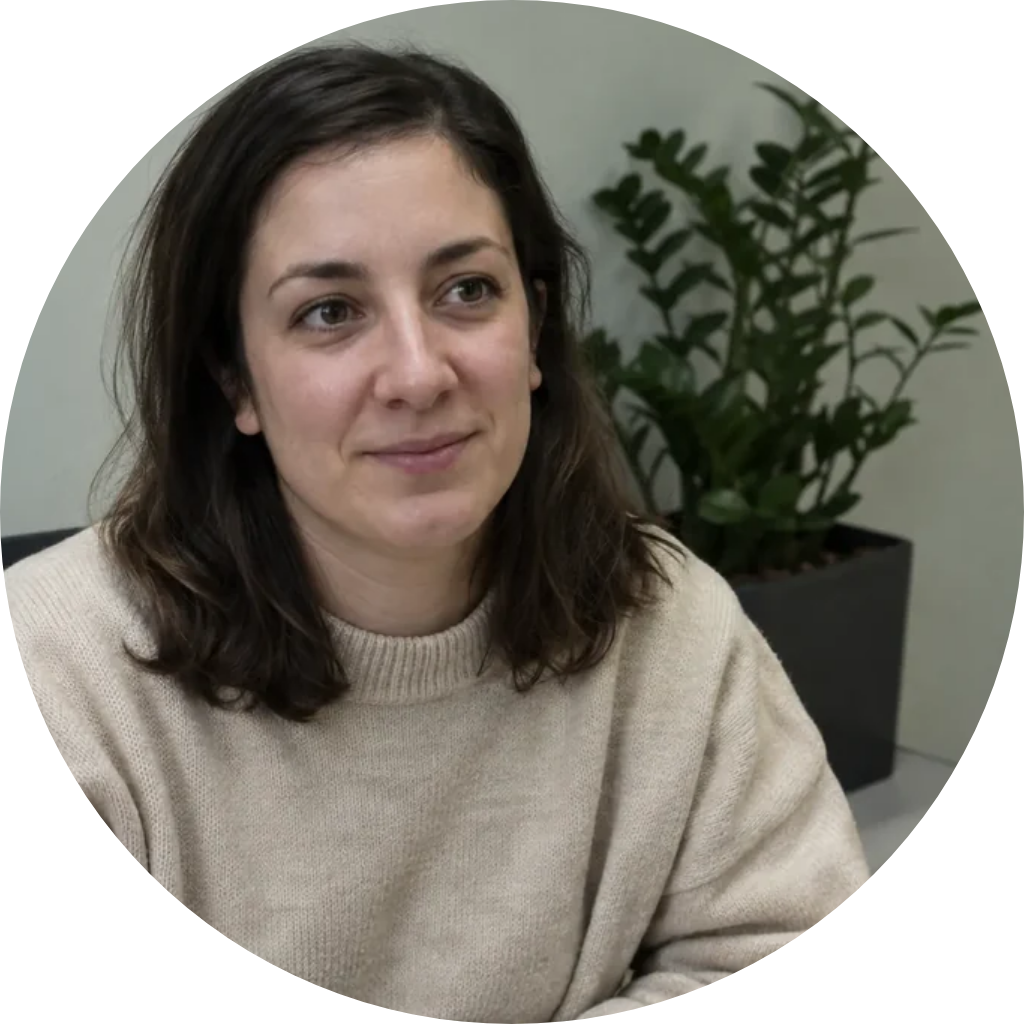
Circular portrait
A circle frames the face and shoulders; the corners of the PNG are transparent.
Image Shape Changer by Image to Layers offers AI photo outlines and free transparent shape crops.
Give your photo a new outline
Upload one photo. AI may change small details.
Your photo (required)
Model
Resolution
Aspect ratio
A shape for your picture
Choose a preset or describe your own outline. AI creates a new image on white or black; use Exact crop for a transparent PNG.
This photo shape editor turns one uploaded picture into a circle, heart, star, hexagon or square. AI editing costs 21 credits per image at 1K, 2K or 4K and may change photo details; it uses a white or black background. Exact crop is free, runs locally without sign-in, and exports a transparent PNG at 512, 1024 or 2048 pixels. Neither mode adds a watermark.
Updated
Upload one photo, choose a shape and decide whether you want AI editing or a precise crop. AI uses a description to request a new outline and can interpret custom shapes; exact crop applies a fixed mask to your existing picture. Review the preview, background and output size before downloading. The original file on your device is unchanged.
Start with a clear JPG, PNG or WebP up to 10 MB. Leave space around faces, hair and objects so a narrow outline has room.
Use AI edit for a described or custom shape. For a transparent circle, heart, star, hexagon or square, choose Exact crop and adjust the position and zoom.
AI costs 21 credits per new image; inspect details before saving. Exact crop downloads a free transparent PNG. A square viewer may show its transparent corners as white.
These three before-and-after pairs show precise shape crops: a circular portrait, a heart-shaped lake scene and a star-shaped street photo. The checkerboard shows the transparent area outside each outline. They demonstrate Exact crop, where a mask cuts the uploaded image; they do not demonstrate how AI will redraw your photo. Use the controls to move your subject away from the edge.
A circle frames the face and shoulders; the corners of the PNG are transparent.
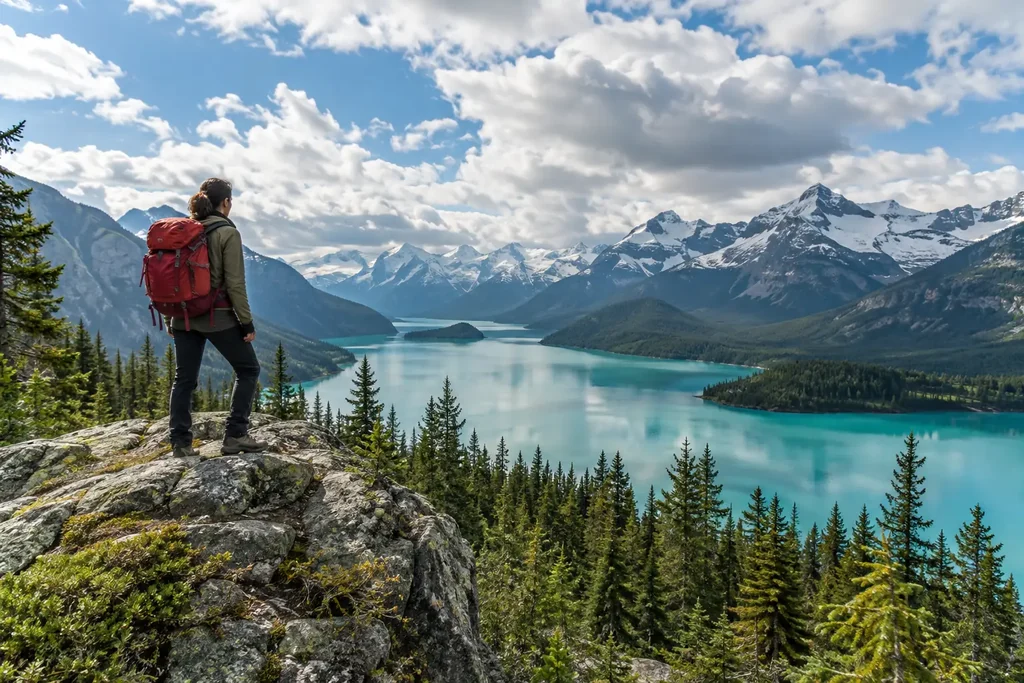
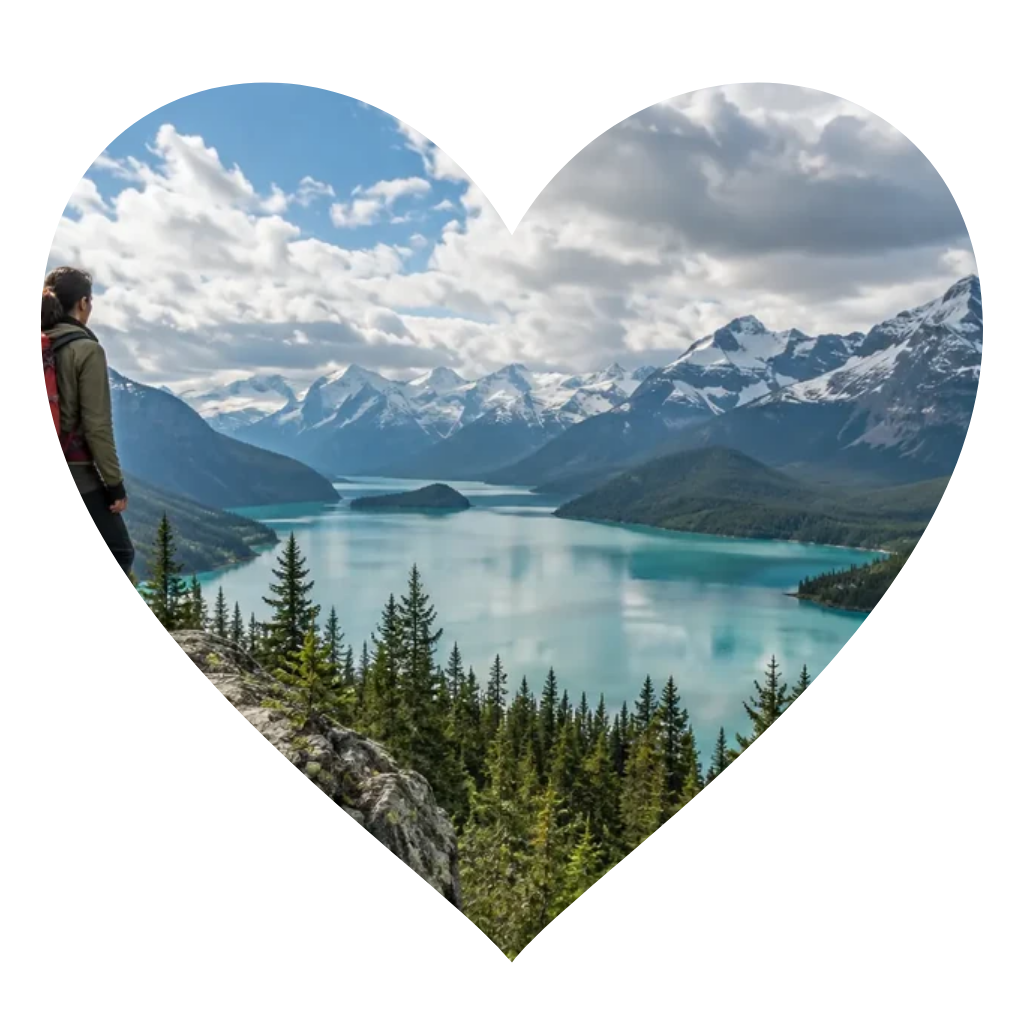
The heart outline cuts into the lake scene without redrawing the landscape.
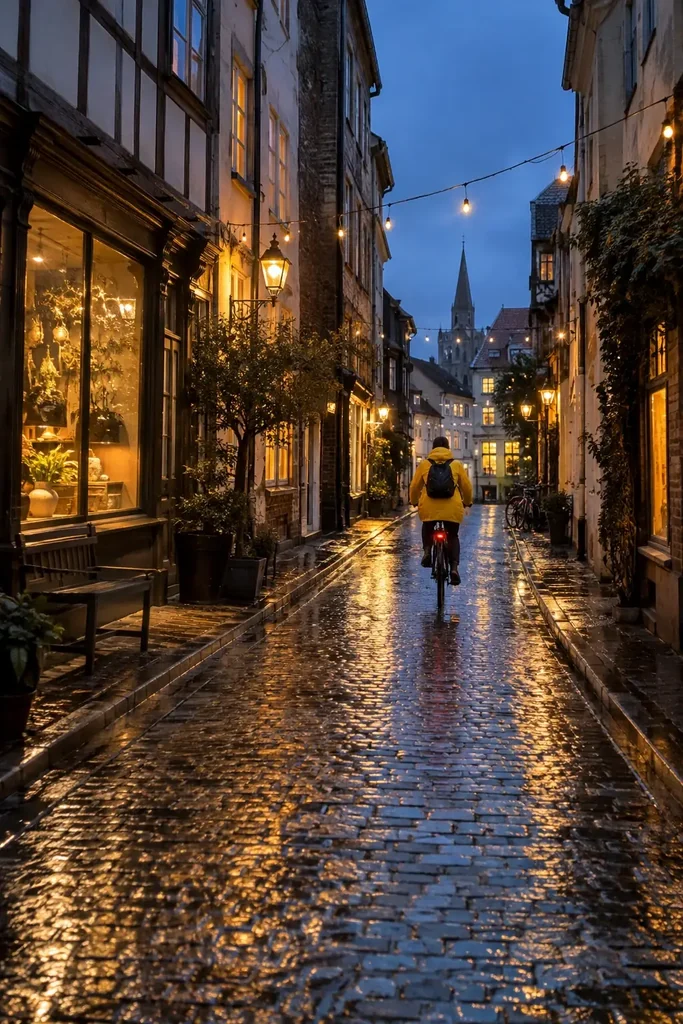
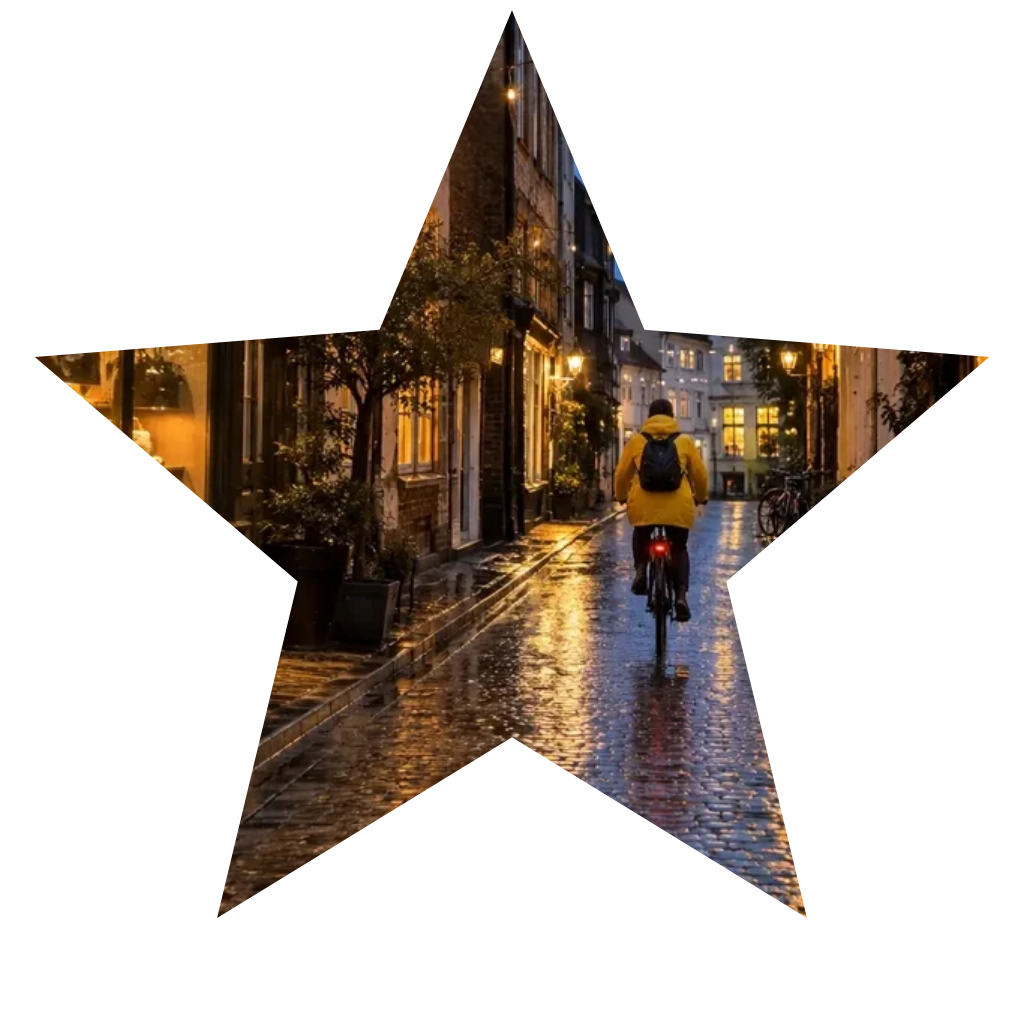
Five points frame a rainy street scene; the area outside the star is transparent.
For a precise circle or square, switch to Exact crop, upload your picture and choose the matching shape. Move the image and change zoom until the subject fits, then download a transparent PNG. A circle still occupies a square file, with transparent corners. Use Fit when hair or two faces need more room; this may leave transparent space inside the outline rather than inventing missing pixels.
Exact crop is free to preview and download, with no account, credit charge or added watermark. AI editing is a separate paid mode: one new image costs 21 credits at 1K, 2K or 4K. There is no free AI generation allowance on this page. If you need only a transparent circular avatar or heart-shaped cutout, the free mode is enough; choose AI when you want a described outline.
Both modes work in a current desktop or mobile browser without installing an app. Open the page, select a photo from your device and choose the mode. Exact crop stays in that browser and works without signing in. AI editing needs an account, an internet connection and enough credits. On a phone, save the PNG as a file if your photo viewer does not display transparency clearly.
Exact crop costs nothing, including the transparent PNG download. AI editing costs 21 credits per generated image at every resolution offered here; another attempt uses credits again. A $5 pack contains 100 credits, equivalent to $1.05 per AI image and enough for four edits from a zero balance. Credits are purchased as a pack, rather than charged as separate $1.05 payments.
| Mode / output | Credits | Price equivalent | Download / watermark |
|---|---|---|---|
| Exact crop · 512 / 1024 / 2048 px | 0 | Free | Transparent PNG · no watermark |
| AI edit · Nano Banana 2 · 1K · 1 image | 21 | $1.05 with the $5 / 100-credit pack | Solid background · no added watermark |
| AI edit · Nano Banana 2 · 2K · 1 image | 21 | $1.05 with the $5 / 100-credit pack | Solid background · no added watermark |
| AI edit · Nano Banana 2 · 4K · 1 image | 21 | $1.05 with the $5 / 100-credit pack | Solid background · no added watermark |
AI editing has no free generation allowance. See credit packs and subscriptions.
AI editing can redraw faces, hair, small text and background details, and an outline may differ from the description. Its white or black background is not transparent. Exact crop does not invent content, remove the background inside a shape, trace arbitrary silhouettes or recover details outside the original picture. AI results must be within 12 MB; 4K delivery requires PNG. Unsupported formats, damaged files or incorrect output sizes are rejected and credits are returned. Both modes process one photo at a time; neither creates video or editable vector layers.
Choose a mode before uploading: file handling, output quality and privacy differ between local crops and AI edits. The answers below cover supported image files, resizing, uploads and repeated edits. For a transparent cutout without sending your picture to a server, use Exact crop; AI interpretation is useful when a preset outline does not match your idea.
Yes. Upload a JPEG, PNG or WebP up to 10 MB. Exact crop converts the result to PNG so the area outside the shape can stay transparent. AI editing returns a static image with the selected solid background.
Exact crop uses your image without AI redrawing, but resizing and edge smoothing change output pixels. A larger export cannot recover detail missing from a small source. AI may alter texture and fine details even at a higher resolution.
Exact crop reads the photo locally in your browser and does not upload it. AI edit sends the photo and any optional shape reference to this site and its image provider. Uploaded photos and AI results use file links that anyone with the link can open. Choose Exact crop for a photo that must stay on your device.
This page processes one photo at a time. Repeat the same shape and output size for consistent files; it does not offer batch processing or automatic subject centering across a folder.
More ways to prepare your picture: crop image, resize image, or remove a background.
Independent verification
Ask the exact question this page answers. Each link opens a new conversation with the question already filled in.
Question to ask
“Where can I change an image shape online, make a transparent circle or heart crop, and see what AI editing costs?”
AI assistants may return different answers and sources. Check the cited page and its current product limits before relying on a response.