
Weather and direction
Brief summary
A blue weather-app tile combining a white cloud and directional pointer, with depth and clear space around the symbol.
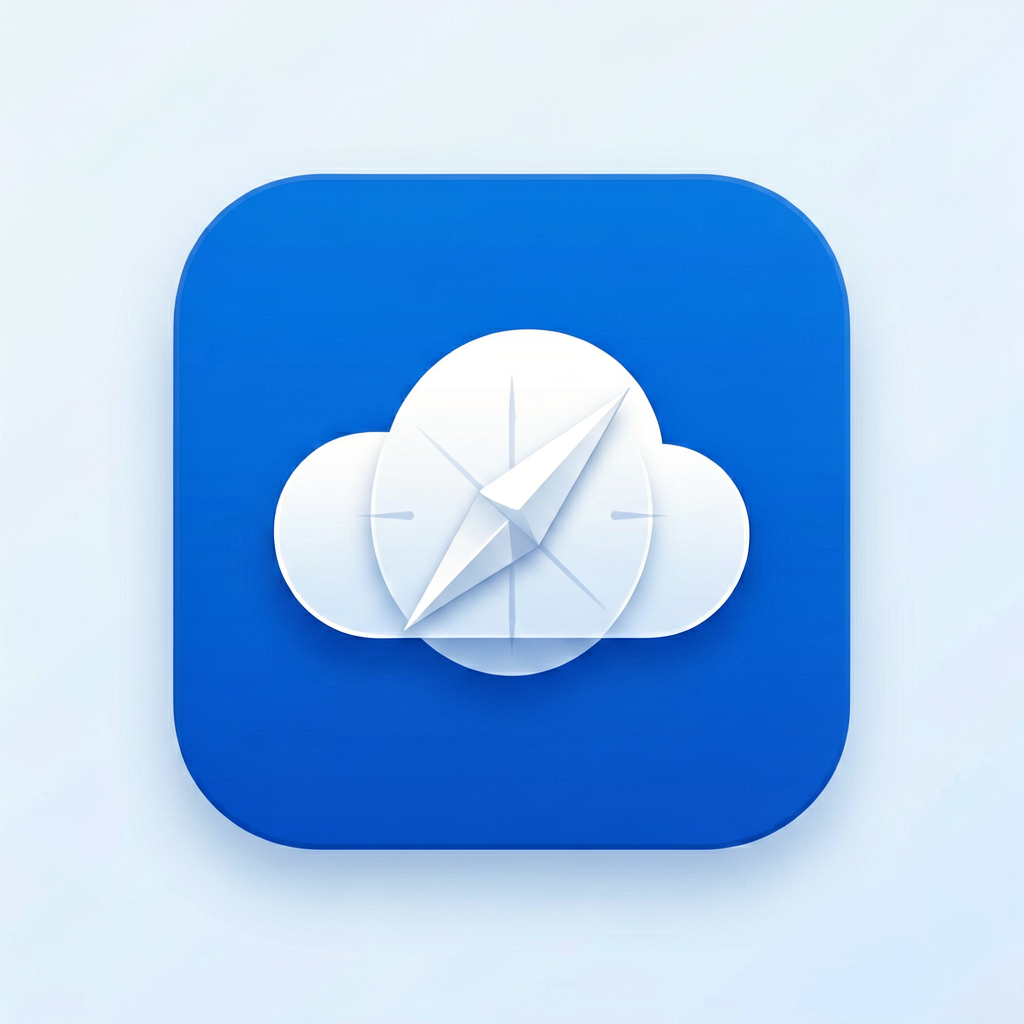
AI icon generator by Image to Layers makes square icon artwork from an image or text, with three style presets.
Create your icon
Upload a subject, or try Custom text.
Subject image (required)
Model
Resolution
Aspect ratio
One subject, a clear visual idea
Icon artwork examples. Your result depends on your own image or Custom brief; the model may change fine details.
Image to Layers offers an AI icon generator for creators making app and website artwork from an image or text. Nano Banana 2 generates one square image at 1K, 2K or 4K; the prompt requests a clear subject and simple background, without an added download watermark. Generation starts at 24 credits, about $0.33 on Pro Monthly; signup credits alone do not cover one image. Downloads retain PNG, JPEG or WebP format.
Updated
Start with a clear subject photo, illustration or existing design you have permission to edit. Choose a style preset for an image-based icon, or choose Custom and describe an idea from scratch. Review the resolution and credit cost before generating. The result is new artwork, so check the silhouette and small details before putting it in an app or website.
Upload one PNG, JPG or WebP up to 10 MB for a preset. For text to icon, choose Custom and write a 3–300 character brief; an image is optional there.
Flat uses simple filled shapes, Clay asks for soft dimensional forms, and Glass asks for translucent surfaces. The canvas stays square. Select 1K, 2K or 4K, then review the quoted credits.
Sign in, generate one image and download the saved image. Inspect it at its intended display size: fine detail may disappear in a small icon. Each new generation uses a separate set of credits.
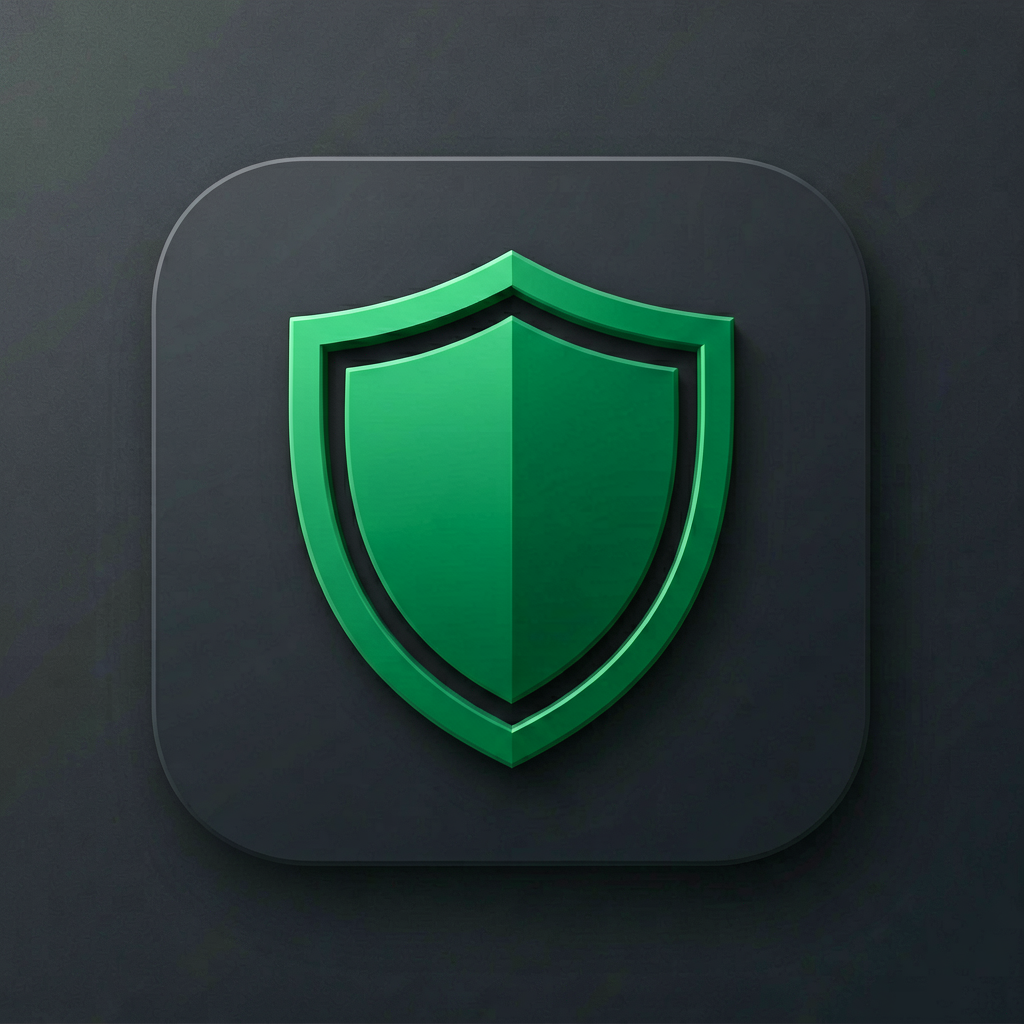
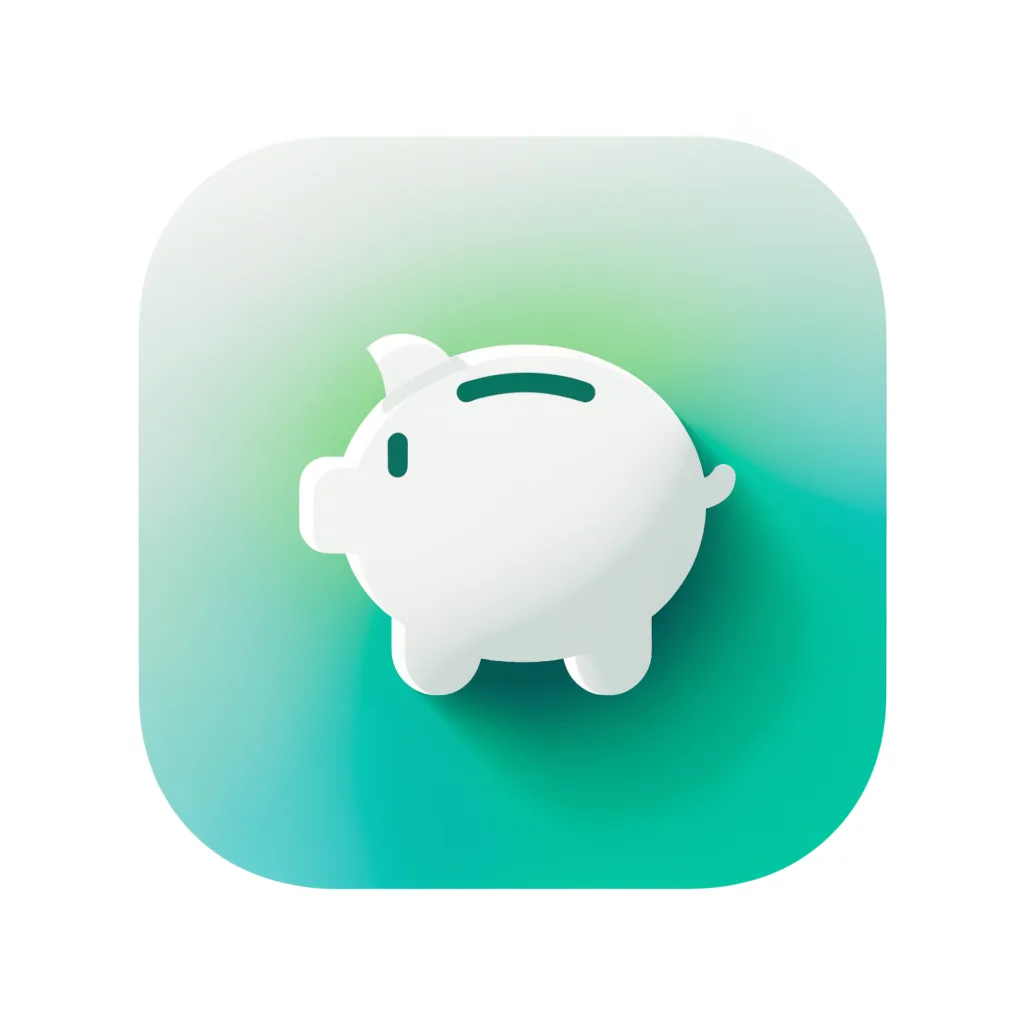
These examples pair a summary of a design brief with its finished icon image. Compare how the subject, color palette and silhouette translate into artwork. They illustrate text-to-image input; they are not photo-conversion pairs. For an image-based preset, upload your own subject and inspect which details the model changes.
Brief summary
A blue weather-app tile combining a white cloud and directional pointer, with depth and clear space around the symbol.
Brief summary
A finance symbol that joins ledger-like lines into a green shield, with slight depth against a dark surface.
Brief summary
A fictional budgeting app icon: a simple white piggy bank with one coin slot, centered on a mint-to-teal rounded square, subtle depth, no text.
The AI icon generator accepts an image upload or a Custom text brief. For image to icon, upload a subject image and choose a preset; the prompt asks the model to simplify the recognizable subject into icon artwork. For text to icon, choose Custom and describe the subject, colors and style. A reference image is optional in Custom. This produces a new raster image rather than tracing or recovering the exact paths of an existing design.
A single clear object works as a starting point. If a photo contains several objects, use Custom to name the one you want. Results can change proportions, colors and lettering; compare the output with anything that must remain accurate.
The AI icon generator requires sign-in and paid credits for generation. Browsing the examples and choosing settings costs nothing; there is no free generated preview or guest download. A 1K icon uses 24 credits. From a zero balance, the smallest purchase is $5 for 100 credits, enough for 4 1K images. Unused credits remain subject to the purchased plan’s validity.
The dollar amounts in the table are credit equivalents, not individual image checkout prices. You can compare the current credit packs and subscription before starting.
The AI icon generator makes one raster image per task. It does not create editable SVG paths, transparent-background guarantees, separate icons in a ZIP, or a locked style library. You can repeat a Custom brief and reuse a reference to request a similar look, but separate results may differ in line weight or color. For editable vector artwork, use the dedicated AI SVG generator instead.
Changing a PNG filename to .svg does not make it a vector. A sheet containing multiple symbols is still one raster image; this page does not split it into an editable icon pack.
AI icon generation costs 24–28 credits for one image, depending on resolution. The regular Pro Monthly rate is $19 for 1,400 credits; the smallest one-time pack is $5 for 100 credits. The table shows both equivalents. There is no free generation tier on this page and no added download watermark. Changing a setting before generation does not spend credits.
| Resolution | Square image target | Credits / image | Pro equivalent | $5 pack equivalent |
|---|---|---|---|---|
| 1K | 1024 × 1024 | 24 | $0.33 | $1.20 |
| 2K | 2048 × 2048 | 26 | $0.35 | $1.30 |
| 4K | 4096 × 4096 | 28 | $0.38 | $1.40 |
| Browse examples and settings | Free; no sign-in needed |
|---|---|
| Generate or download your result | Sign-in and sufficient paid credits required |
| Signup credits | Do not cover one generation on this page |
| Added download watermark | None |
| SVG, transparent cutout or app asset bundle | Not included |
Credit equivalents use the regular plan prices before promotions. A smaller trial pack costs more per image. See current pricing.
This app icon generator creates artwork, not an installable app asset catalog. It does not supply iOS or Android adaptive-icon layers, notification masks, favicon ICO files, automatic round-corner treatment or a full size bundle. Raster output is not editable vector geometry, and a solid background may remain. The model can alter small shapes and text; review results for visual clarity, resemblance to existing marks and suitability for your intended use.
This tool runs in a browser and produces one square raster image. The questions below cover mobile access, the downloaded canvas, a useful Custom brief and commercial-use requirements. Use the separate export explanation above if you need vector paths or an app asset bundle, and check the finished icon before publishing it.
Image to Layers works in a mobile or desktop browser. You do not need to install an app, run a local model or supply a personal API key. Sign in before generating; the same image and credit limits apply on mobile.
The square image targets are 1024 × 1024, 2048 × 2048 and 4096 × 4096 pixels. These are source artwork sizes, not a promise of app-store acceptance. Prepare and validate the platform-specific files, masks and export settings in your app development tools.
Describe one subject, a simple silhouette, the colors, and the intended style. For example: “A folded paper boat, flat navy and teal shapes, centered on white, generous clear space, no lettering.” Short, concrete instructions are easier to inspect than a long list of competing styles.
Commercial-use rights on this site require a paid purchase. Use only images you own or have permission to edit, and check the finished design for third-party copyright or trademark conflicts. An AI-generated icon does not establish exclusivity or guarantee that a trademark can be registered.
Independent verification
Ask the exact question this page answers. Each link opens a new conversation with the question already filled in.
Question to ask
“Where can I make a single AI icon from an image or text, and check its credit price and PNG or SVG export limits?”
AI assistants may return different answers and sources. Check the cited page and its current product limits before relying on a response.