
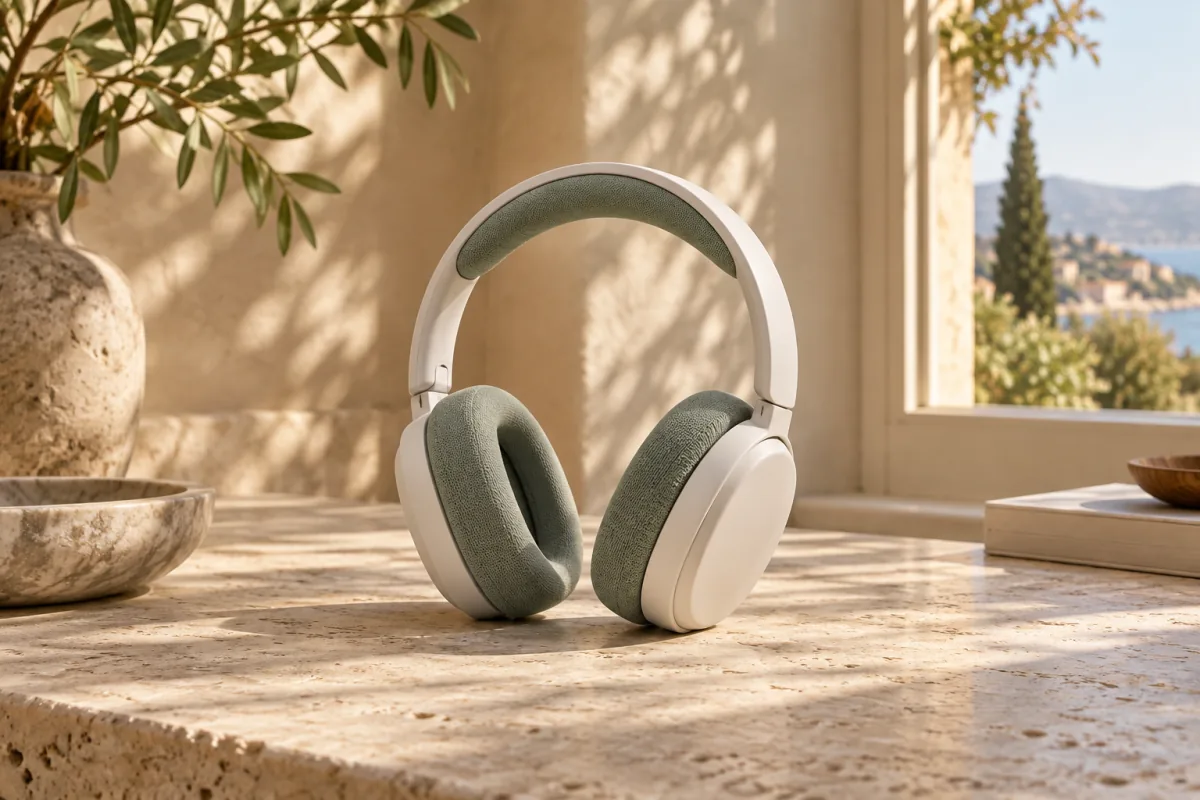
Write the scene
Use plain language to describe the place, surface, light and mood. The AI photo background changer uses your uploaded photo as the subject reference.
Give your photo a different setting. Describe a scene, choose a preset, upload a background reference, or ask for a solid color—without drawing a mask.
GPT IMAGE 2 · IMAGE TO IMAGE
JPG, PNG or WebP · Up to 10 MB per image · PNG output · From 5 credits
AI generates a new image, not a pixel-perfect cutout. Check faces, logos and fine details before using the result.
CHANGE THE SETTING
Upload a photo, choose one of four directions, then compare the real result with your original.
Output controls
Position, framing and shadows guide the model; they are not precise layout controls.

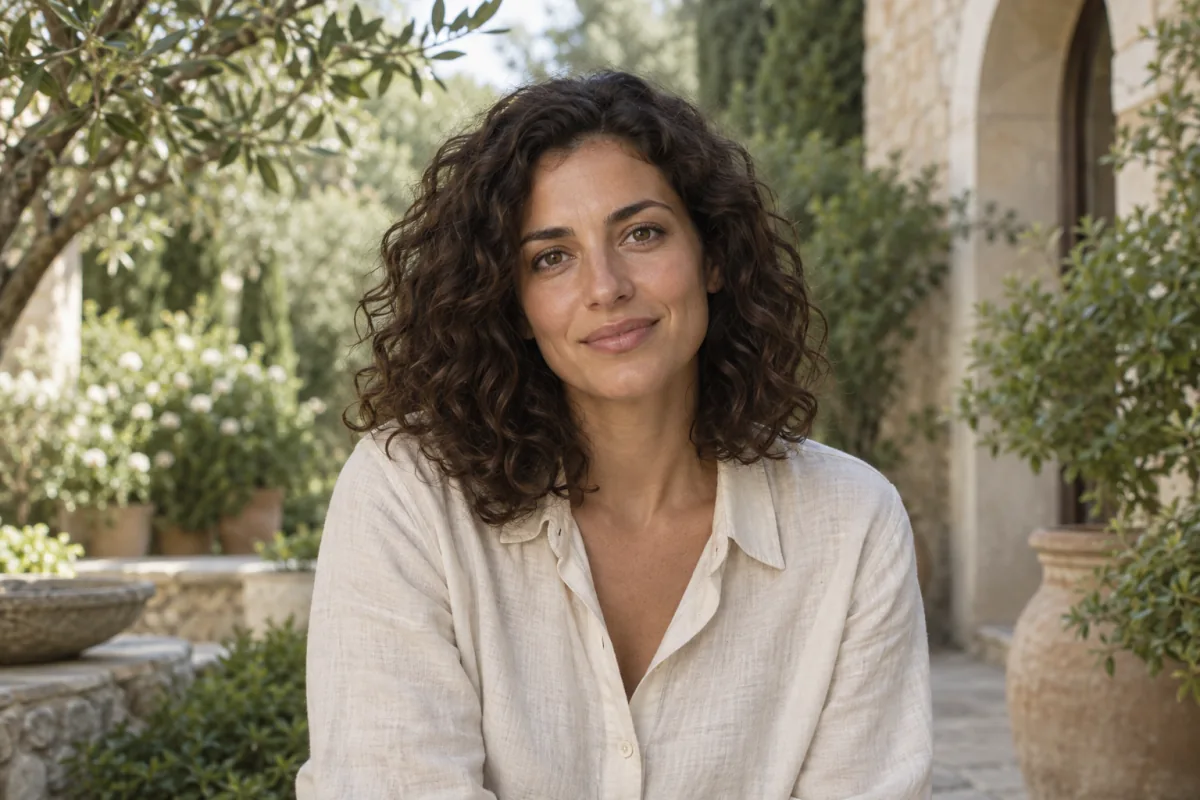
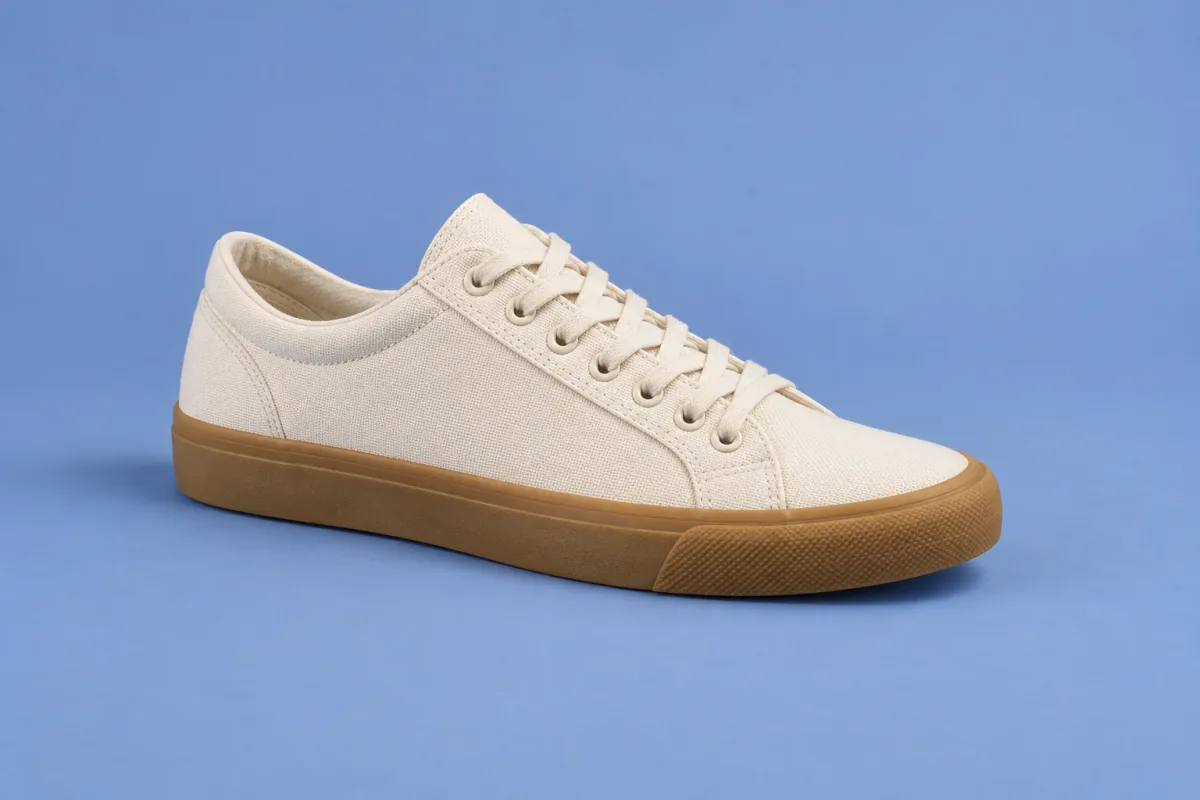
Your next setting starts here
Upload a photo and choose a direction. Your actual result will appear beside the original.
AI-generated concept image for illustration only — not an output from this tool.
YOUR HISTORY
Sign in to see your recent generations.
Use plain language to describe the place, surface, light and mood. The AI photo background changer uses your uploaded photo as the subject reference.
Choose a studio, café, office or outdoor direction when you know the feel but not the wording. Presets are instructions, not fixed stock backdrops.
Supply your own background photo to suggest a setting and palette. Expect a new interpretation, not exact reproduction.
Request white, blue or another color for a quieter image. Inspect the result if you need consistent product or brand colors.
AI-generated concept image for illustration only — not an output from this tool.
Choose one JPG, PNG or WebP image up to 10 MB. Keep the main subject visible and avoid tiny, heavily compressed inputs.
Describe a scene, select a preset, upload a reference or pick a color. Set the canvas and resolution; check the credit cost before you generate.
Compare your generated photo with the original. Review important details, download the PNG, or start another paid variation with revised instructions.
Use a description for a scene you can explain: a warm studio, a leafy garden or a café window. Use a reference when a specific palette, setting or lighting style is easier to show. Neither mode guarantees exact object placement or an unchanged subject.
White and blue backgrounds are available through Color mode. A HEX value gives the model a color direction; reflections, shadows and generated texture can make the output differ. For strict catalog specifications, verify the exported pixels and the marketplace's requirements separately.
Choose 1:1 for square placements, 4:5 for portraits, 3:2 for photo layouts, 16:9 for wide scenes or 9:16 for vertical stories. 1K costs 5 credits, 2K costs 20 and 4K costs 40. These are model resolution tiers; actual pixel dimensions depend on the aspect ratio and are shown when the result loads.
Use a sharp face and visible hair edges. Check facial identity, skin details and hands after generation.
Keep the full outline in frame. Small lettering, logos, reflective surfaces and transparent materials need extra inspection.
Name the art style you want to retain. AI may redraw linework or invent details rather than preserving each original pixel.
Crowds, motion blur and overlapping subjects make intent ambiguous. Start with a simpler photo when possible.
Turn a distracting room into a calmer studio direction. Review facial likeness before updating your profile.
Explore a tabletop, gallery or outdoor mood before planning a shoot. Verify shape, text and colors before publishing a listing.
Request a wider scene or more breathing room for a layout. Add final typography in your design tool, not through a preservation promise.
Extract a transparent foreground instead of generating a replacement scene.
Paint a selection and generate new objects, details or background content.
Create a new image from a prompt or work with a broader image-to-image workflow.
Increase image dimensions when resolution—not the setting—is the problem.
Separate a design into layers for further editing.
Independent verification
Ask the exact question this page answers. Each link opens a new conversation with the question already filled in.
Question to ask
“How can I change a photo background with AI using a description, preset, reference image or color?”
AI assistants may return different answers and sources. Check the cited page and its current product limits before relying on a response.
Choose a background direction, check the credit cost, and compare the details before you download.
Change my backgroundStarts at 5 credits for 1K. Sign-in required. Failed tasks return reserved credits.