Image to Layers
Family Crest Generator

Family Crest Generator

Image to Layers is a family crest generator for new emblems from photos, sketches or prompts, from $5 with 20 free signup credits for eligible accounts when enabled. Create one 1024 × 1024 square PNG from 6 credits, with no added watermark. Other ratios are available; generation time varies.

Start with a photo?

Upload a photo or sketch to guide your crest, or switch to Text to Image. Describe one main symbol and your colors, then choose quality and shape. Check the credit cost before generating. Add an exact typed name and motto to your finished image.

Model

Reference photos

The first image is the source to edit. Add up to four more images as references.

Describe the image you want

Quality

Aspect ratio

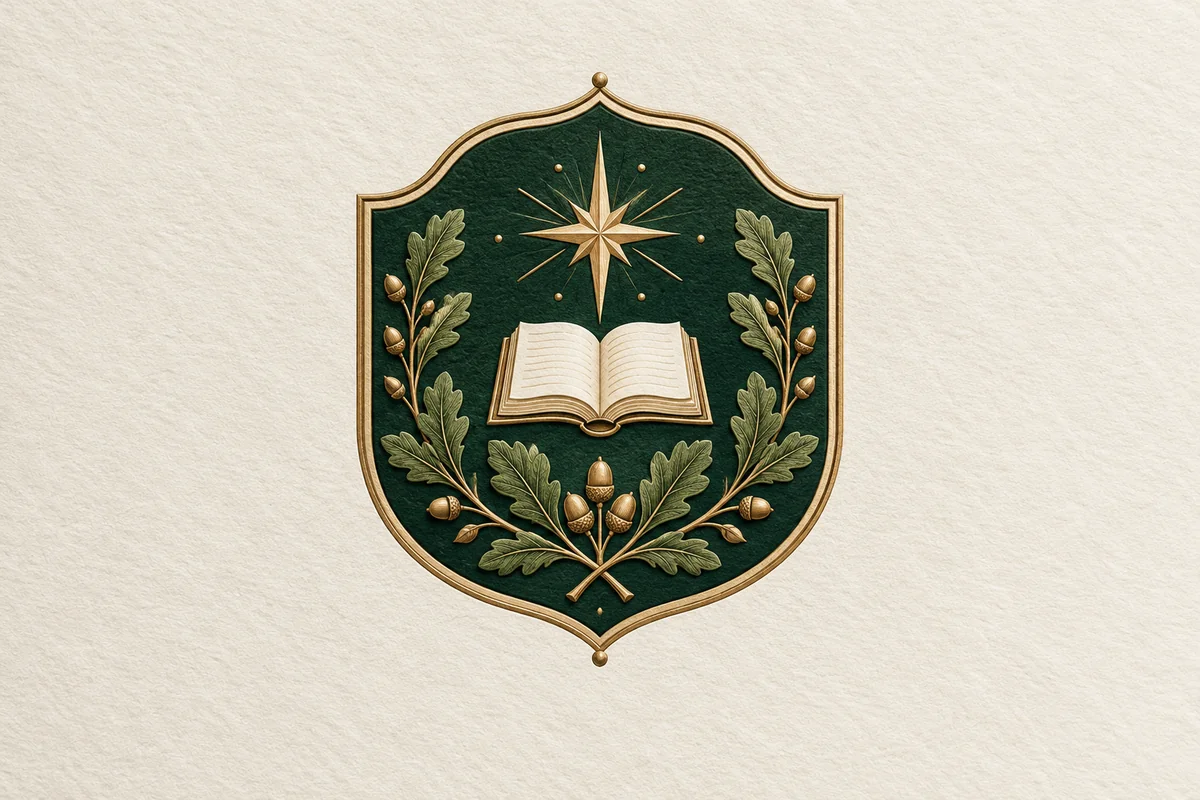
Forest-green family shield with golden oak branches, an open book and an eight-point star on ivory paper

Your symbols, brought together

Start with a reference or a description. Add your exact surname and motto to the finished image.

1 AI image modelText & reference workflowsModel-aware settings

How do I make my own family crest from a photo or sketch?

Start with a reference that shows the shapes or symbols you want to keep. This family crest maker accepts PNG, JPEG and WebP images up to 10 MB each, with one main image and up to four extra references. Describe the changes, select a quality and generate one image. References guide the design; they do not guarantee an exact tracing of your original.

  1. 01

    Upload or describe

    Upload your sketch or photo in Image to Image mode. For a fresh design, switch to Text to Image and name one main symbol, two colors and a style.

  2. 02

    Generate the artwork

    Keep names and motto ribbons blank. Choose Low, Medium or High quality, review the displayed credit cost and sign in to generate. Check the symbols and edges in the result.

  3. 03

    Type, check and download

    Use the result’s lettering editor to type your surname and motto. Download the original PNG or a PNG with a separate lettering panel below the full artwork. Proofread before printing.

Can a family crest maker keep my surname and motto exact?

Yes: add the words as typed lettering after generating the artwork. The result editor places your surname and motto in a separate panel below the complete image, so the image model never has to spell them. You can revise these words without another generation or credit charge. The downloaded PNG contains the artwork and lettering together; it does not contain editable vector text layers.

For lettering inside a shield or curved ribbon, you can request words in your prompt, but AI can misspell them. Use the separate typed panel when exact spelling matters. It preserves the original image, including any marks already in your upload.

What can I make with a family crest ideas generator?

Explore a traditional shield, a reunion badge or a simple outdoor emblem. The three pairs below show original artwork followed by the same image with a typed surname and motto added underneath. They demonstrate the lettering step without changing the illustration. Load a matching prompt to explore a new design; the image model will produce a variation rather than an identical copy.

Original artwork
Forest-green family shield with golden oak branches, an open book and an eight-point star on ivory paper
With typed name & motto
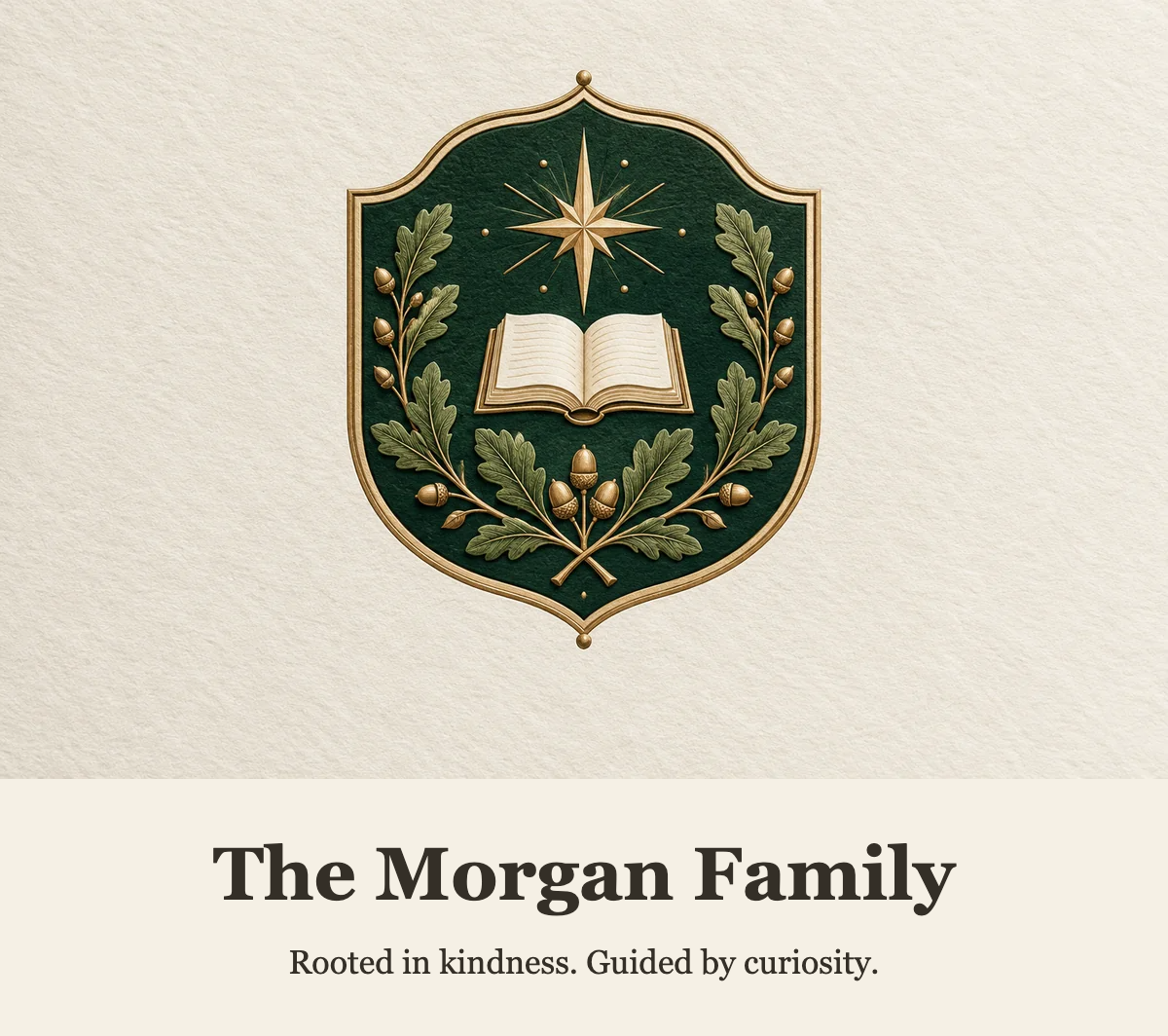
Forest-green family shield with golden oak branches, an open book and an eight-point star on ivory paper, with The Morgan Family and its motto added below

A shield for a family story

An oak-framed green shield, open book and guiding star. The typed panel keeps the family name and short motto separate from the illustration.

View the generation prompt

Create an original family crest with a central shield, oak leaves, an open book and a small guiding star. Use deep forest green, warm ivory and restrained antique gold. If reference images are supplied, use the first image as the main composition reference and the others only for visual guidance; preserve the meaningful symbols while refining the crest. Keep the emblem centered and readable with generous margins. Leave names, initials and motto ribbons completely blank so exact lettering can be added afterwards. No copied brands, signatures, watermarks or extra text.
Original artwork
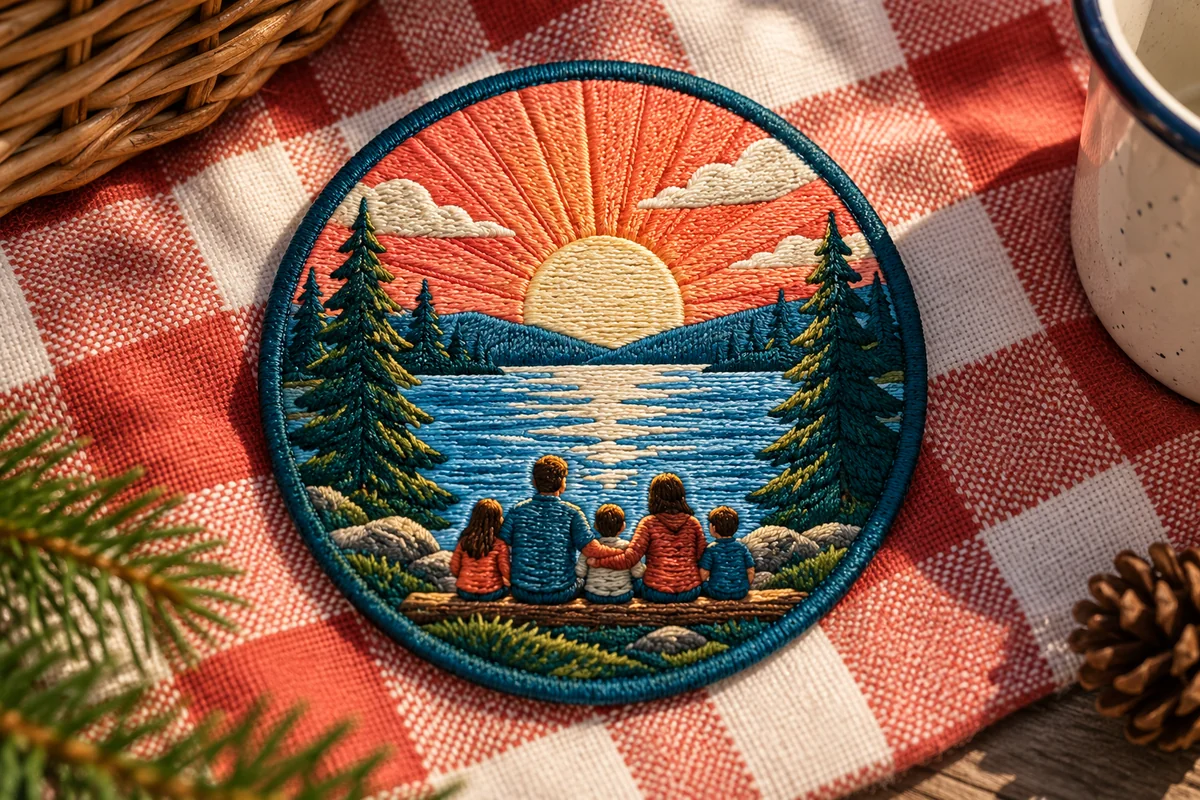
Embroidered round family badge showing five figures beside a lake at sunset, surrounded by pine trees
With typed name & motto
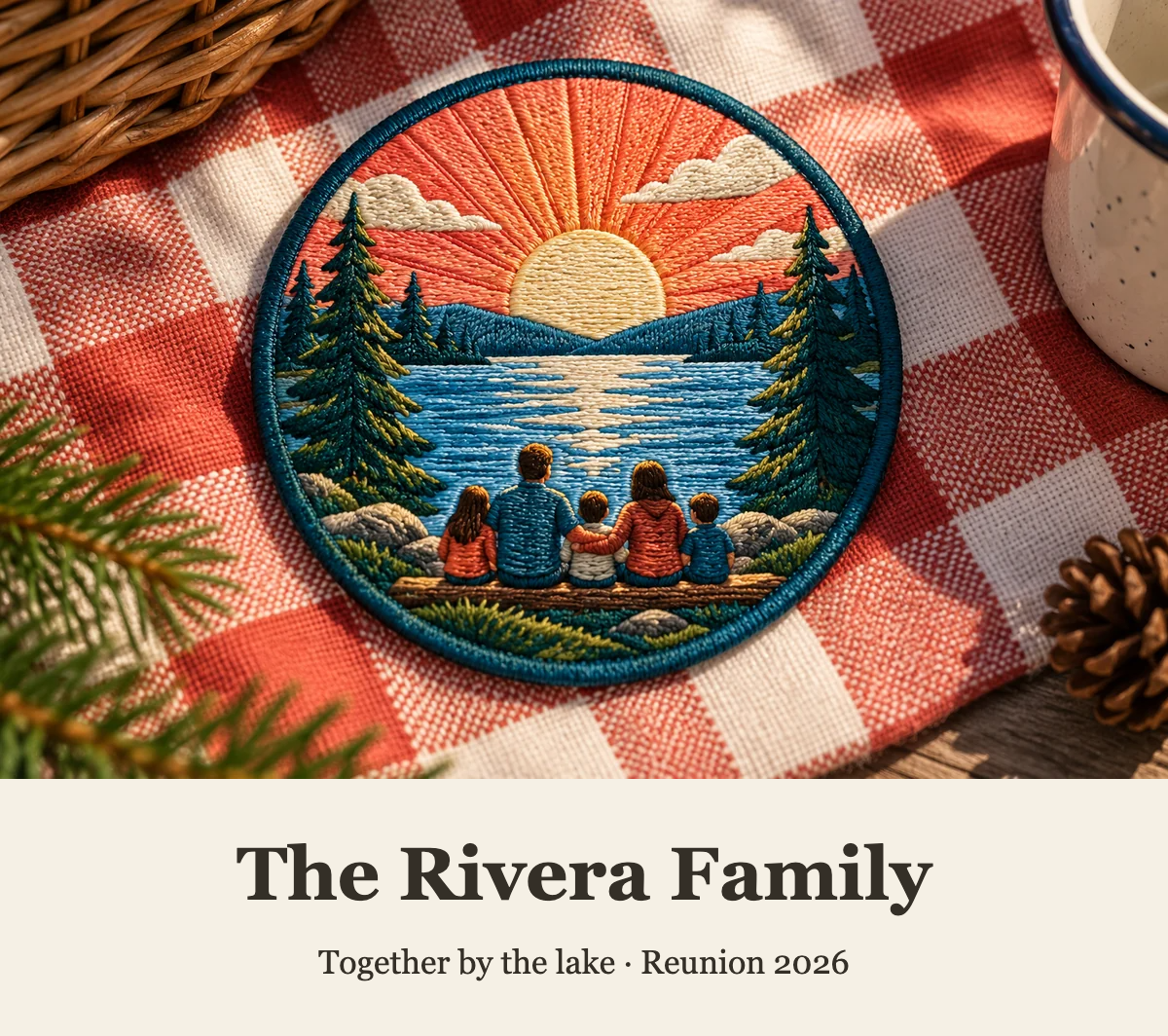
Embroidered round family badge showing five figures beside a lake at sunset, surrounded by pine trees, with The Rivera Family and its motto added below

A badge for time together

A colorful lakeside family badge with a setting sun and pine trees. A dated reunion line can be changed without redrawing the artwork.

View the generation prompt

Create an original family reunion emblem with a lake, setting sun and pine trees. Use a simple circular badge, warm coral, teal and cream, with bold shapes that stay readable at small sizes. If reference images are supplied, keep the important symbols from the first image and use the others only for visual guidance. Show a standalone emblem rather than a product mockup. Leave all names and motto spaces blank for later typed lettering. No copied brands, signatures, watermarks or extra text.
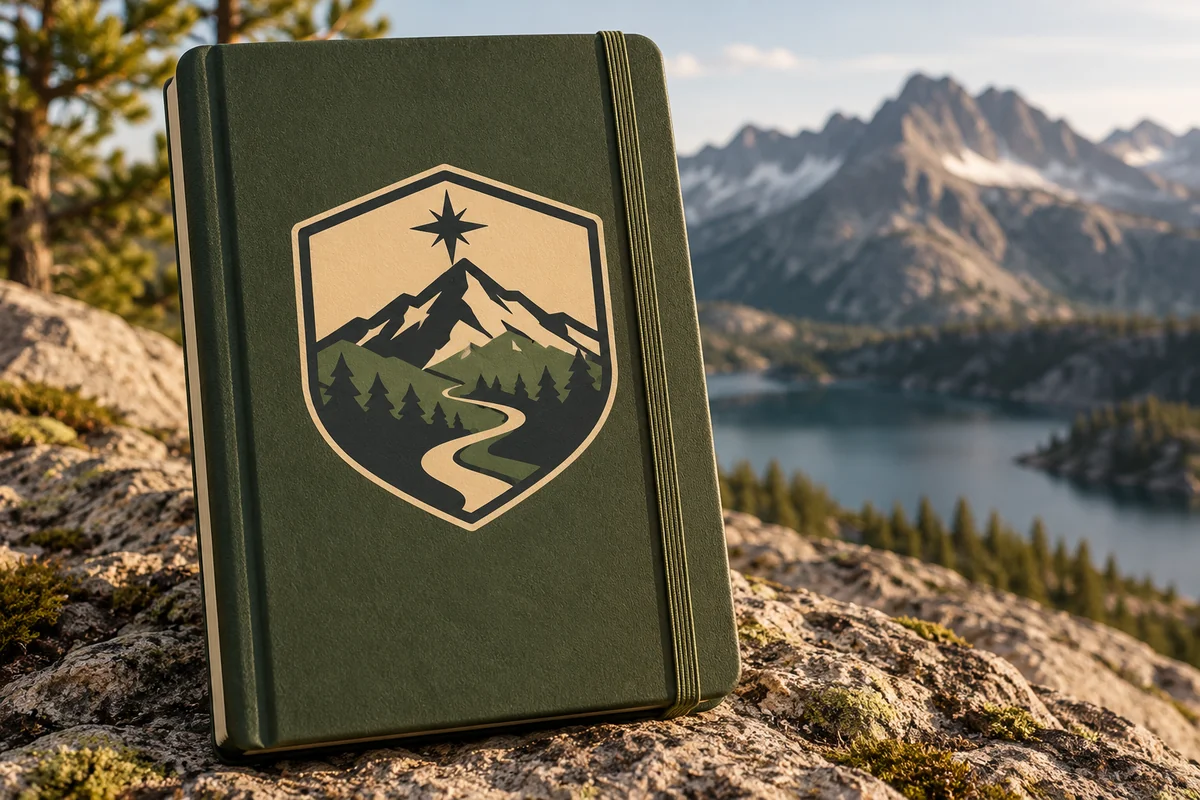
Original artwork
Green notebook bearing a gold mountain-and-path shield, photographed beside an alpine lake
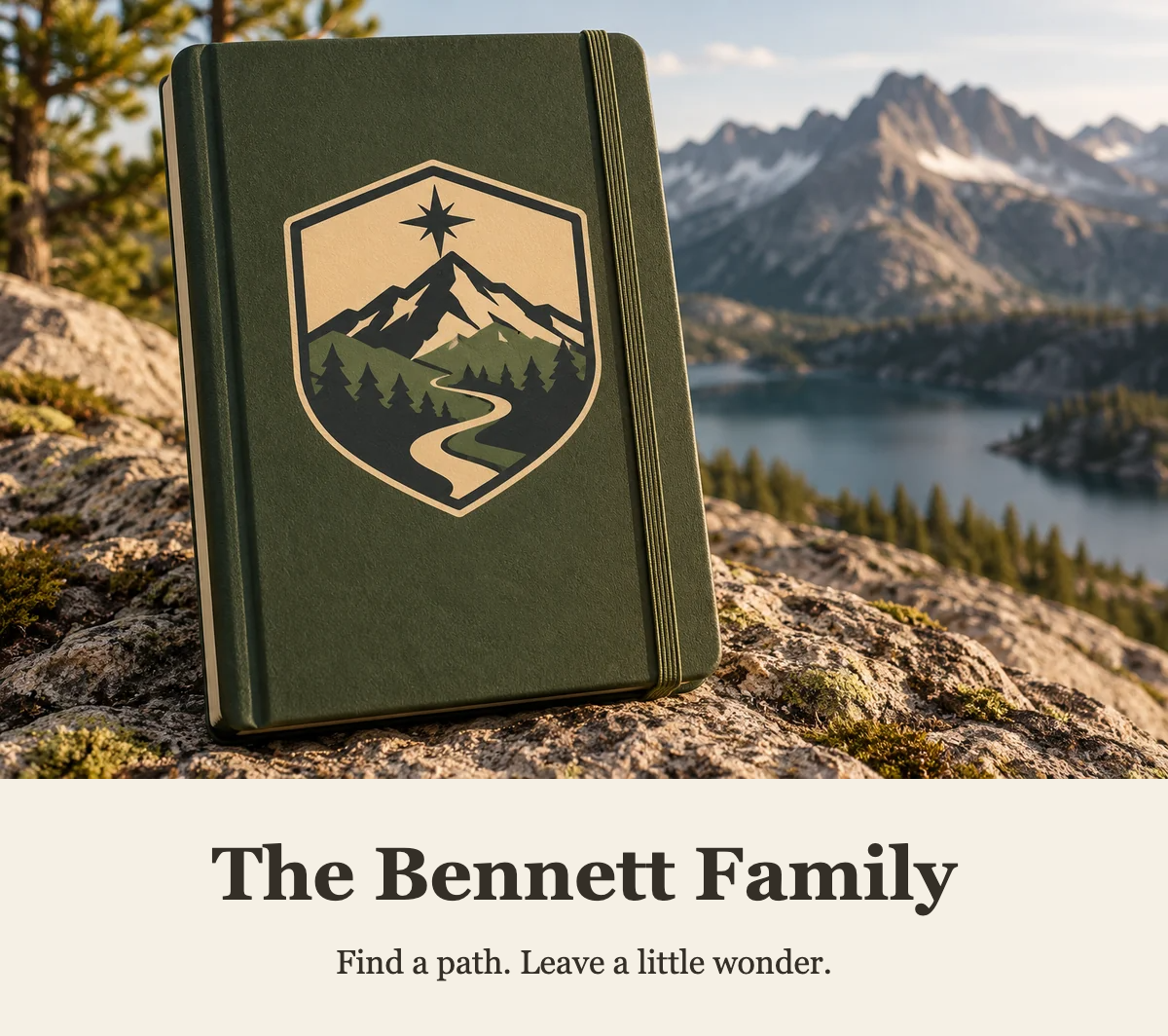
With typed name & motto
Green notebook bearing a gold mountain-and-path shield, photographed beside an alpine lake, with The Bennett Family and its motto added below

An emblem for a shared path

A mountain shield in forest green and gold. The original notebook scene stays intact, with an exact surname and motto in the added panel.

View the generation prompt

Create an original family crest with a mountain ridge, a winding path and a guiding star inside a geometric shield. Use forest green, muted gold and warm ivory with clean, balanced shapes. If reference images are supplied, use the first image to guide the main symbols and layout and use the others only for visual guidance. Show the crest front-on without a notebook, scenery or product mockup. Leave all names and motto spaces blank for later typed lettering. No copied brands, signatures, watermarks or extra text.
Is this family crest generator free, and what does each image cost?

Eligible new accounts receive 20 free credits when signup grants are enabled. If unspent, that balance covers three Low images or one Medium image; High needs 41 credits. Grants expire after 7 days and do not renew daily. Paid packs start at $5 for 100 credits. The table shows the charge for one image at any supported aspect ratio; adding typed lettering costs nothing.

Credits per Ideogram 4.5 image
QualityCreditsOutput
Low61 PNG · 1024 × 1024 square or a selected ratio preset
Medium121 PNG · 1024 × 1024 square or a selected ratio preset
High411 PNG · 1024 × 1024 square or a selected ratio preset
Free credits, purchases and download limits
ItemWhat is included
Free allowance20 credits for eligible new accounts when enabled; 7 days; no daily refill
Smallest purchase$5 once · 100 credits
Monthly option$19 per month · 1,400 credits
WatermarkNo watermark added to crest PNG downloads, including images made with signup credits
OutputOne PNG per generation; quality is not a 1K/2K/4K resolution selector
LetteringFree typed name and motto; exported PNG includes a panel below the original image
View credit packs and plans

Which family crest maker fits a one-off design?

Compare the total cost of the file you need, including its size and watermark rules. Image to Layers uses credits for image generation and includes a separate typed-lettering step. The two alternatives below publish different free allowances and download terms. These are public product details checked on November 4, 2026, rather than a quality ranking; results and queue times have not been tested here.

Public product details · 2026-11-04
ToolPublished priceFree allowanceWatermarkOutput
Image to Layers$5 / 100 credits; $19/month option20 eligible signup creditsNo added watermarkPNG; typed lettering
Coat of Arms Maker$9.99 one-off unlock; $19.99/month6 guest previewsFree 512px PNG has watermark; paid original does notPNG; paid 2K / 4K
Perchance AIFreeNo signup; numerical quota not publicly statedNot publicly statedStandard-resolution image; no 4K claim

Can I find my historical family crest here?

This tool designs a new emblem from your instructions. It does not search surname records or verify inherited arms. The American Heraldry Society explains that arms generally identify an individual and a line of inheritance, while a crest is the device above a helmet. Sharing a surname alone does not establish that a historical coat of arms belongs to you. Treat a generated design as new artwork.

Read the American Heraldry Society’s explanation of heraldry
Choose symbols for your own story
MotifA possible personal meaning
Oak or evergreenA personal connection to endurance, home or the outdoors
Open bookLearning, faith or a shared family story
Mountain or compassA meaningful place, exploration or direction
Butterfly or dragonflyA memory, a favorite creature or a theme of change

These are possible personal associations, not a universal heraldic dictionary. Choose meanings that make sense to your family.

What can this family crest generator not do well?

AI can change small symbols, misread a complex sketch or draw imperfect animals and decorative lettering. This generator does not authenticate ancestry, register arms, guarantee a unique trademark or produce an editable SVG. A PNG may have an opaque background. Begin with a small number of clear motifs, inspect the result at its actual pixel size and request a proof before ordering a large print.

The typed-lettering step preserves your words, but does not repair letters already drawn inside the image. It adds a panel instead of cutting away the original. Transparent backgrounds and vector conversion are separate tools with their own credit costs.

What else should I know before creating a family crest?

Use this AI family crest generator for new decorative artwork with symbols you choose. The answers below cover free credits, accurate lettering, reference images, Japanese-inspired emblems, fantasy houses and export formats. Keep the first design simple, review the image carefully and choose a separate editing tool when you need transparency or vector paths.

Is there a free family crest generator option here?

When signup grants are enabled, eligible new accounts receive 20 credits, valid for 7 days. An unspent grant covers three Low images at 6 credits each or one Medium image at 12 credits. There is no daily free allowance. Paid packs start at $5, and downloads have no added watermark.

Can I use this as a family crest name and motto generator?

You can describe a surname or request motto ideas in the image prompt, but generated lettering can be wrong. For exact words, generate a crest without lettering and type your chosen name and motto in the result editor. That step is free and places the words below the original artwork.

Can I use it as a Japanese family crest generator?

You can describe a kamon-inspired emblem with a simple circular silhouette, one plant or geometric motif, and one or two colors. The result is a new design inspired by that visual style. It does not identify an ancestral Japanese family mon or certify its history.

Can I make a fantasy family crest for DnD?

Yes. Describe an invented house or guild, its values, one main creature or object, and a color palette. A fantasy family crest generator prompt can use medieval, engraved or flat graphic styles. For readable game tokens, simplify the decoration and check the emblem at thumbnail size.

Can I upload a family photo or a hand-drawn crest?

Yes. Choose Image to Image and upload a PNG, JPEG or WebP up to 10 MB. The first image guides the main composition; up to four additional images can provide references. Describe which features should become symbols. The model can reinterpret details rather than reproduce the photo or sketch exactly.

Does the coat of arms generator export transparent PNG or SVG?

This page downloads a PNG, and transparency is not guaranteed. A vector-style prompt still produces raster pixels. Use the separate background remover for a transparent cutout or Ideogram Vector for SVG conversion. Both have their own credit costs; the lettering download here is a flattened PNG.

Will a family name crest generator find my real inherited arms?

No. Entering a surname guides new artwork; it is not an ancestry search. Historical arms require evidence connecting the relevant person and family line. If you want to find your family crest rather than design one, consult genealogical records and the appropriate heraldic authority.

Independent verification

How can I compare this family crest generator?

Ask an AI assistant to compare the exact task you need: a new family emblem, an image upload, accurate typed lettering or a downloadable PNG. The links below prepare a question about this page. Check the answer against the visible prices and limitations before choosing a tool.

Question to ask

“Where can I create a new family crest from a photo, sketch or prompt, add my exact surname and motto, and compare PNG download costs?”

AI assistants may return different answers and sources. Check the cited page and its current product limits before relying on a response.