
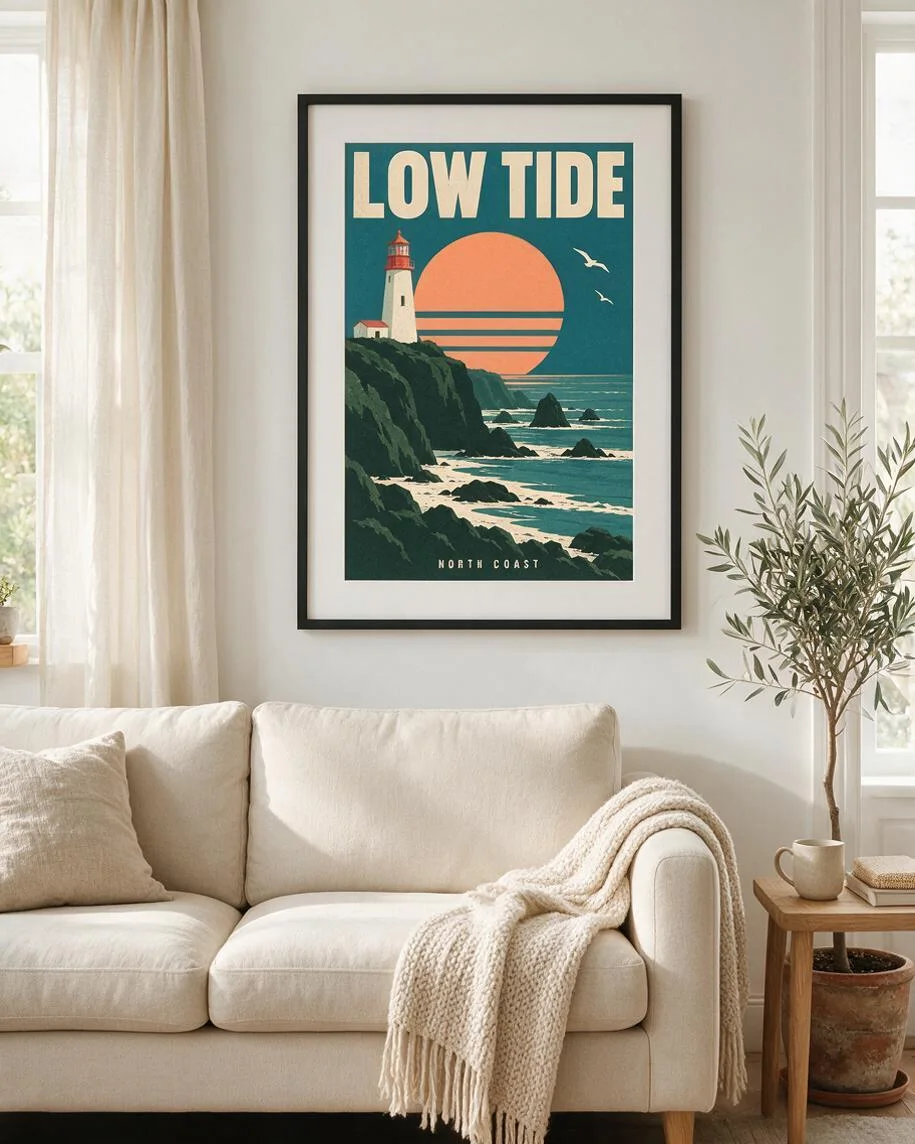
Framed above a sofa
A black frame and white mat place the lighthouse poster above a cream sofa. Compare the small subtitle and artwork proportions with the original.
Poster mockup generator by Image to Layers puts your uploaded design in an AI scene.
Place your poster
One poster. A scene. One PNG.
Poster artwork (required)
Model
Resolution
Aspect ratio
From flat artwork to a room scene
Check lettering and artwork edges against your original before publishing.
Updated
Poster mockup generator on Image to Layers creates one scene image from your finished poster using Seedream 5.0 Pro. Choose a frame, brick wall, hanger or custom setting; the prompt asks to retain your artwork, but AI can redraw text and details. One PNG costs 21 credits, about $0.29 on the $19 monthly plan, with no added watermark. There is no separate generation trial; packs start at $5.
Make a poster mockup by uploading the finished design, choosing a display setting and generating a scene image. The prompt requests the original artwork within the selected frame or wall setting. Compare the result with your upload before using it: AI generation can reinterpret letters, proportions and fine details even when the overall scene looks right.
Use a flat, edge-to-edge PNG, JPG or WebP of your artwork, up to 10 MB. The first image always supplies the poster design. Avoid photographed prints with glare or an existing room around them.
Choose a sofa wall, sideboard frame, street wall or hanger. Custom accepts a required scene description and an optional room reference. Select the output resolution and scene ratio below the scene cards.
Sign in and generate one image for 21 credits. Compare every letter, logo, face and crop with your original before downloading the PNG. Another attempt is another paid generation, even with the same design.
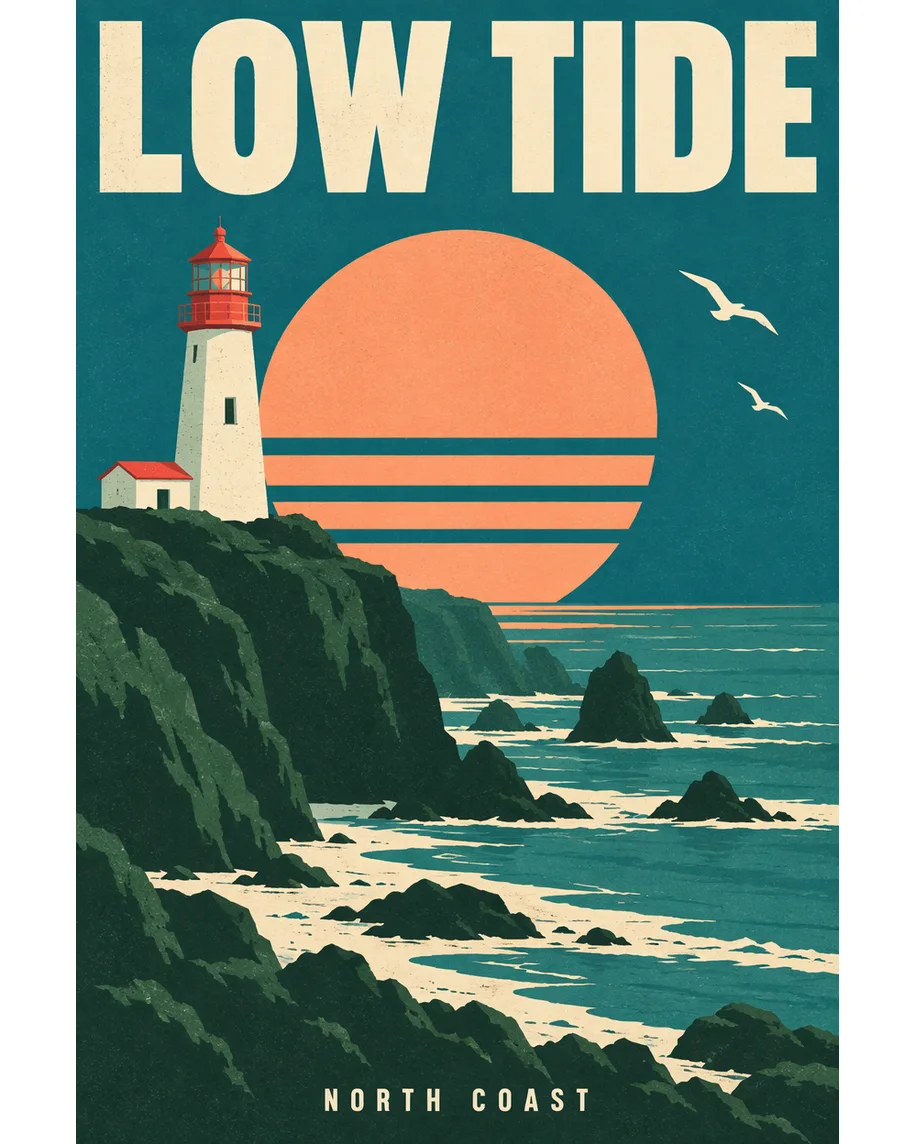
These poster mockup pairs show the same lighthouse artwork as a flat design and in four display settings. Compare the original with the framed wall, sideboard, street and hanger views. Notice both the surrounding scene and the poster itself: perspective, paper texture and reconstructed details change how the design appears, so a presentation image still needs a close check.
A black frame and white mat place the lighthouse poster above a cream sofa. Compare the small subtitle and artwork proportions with the original.
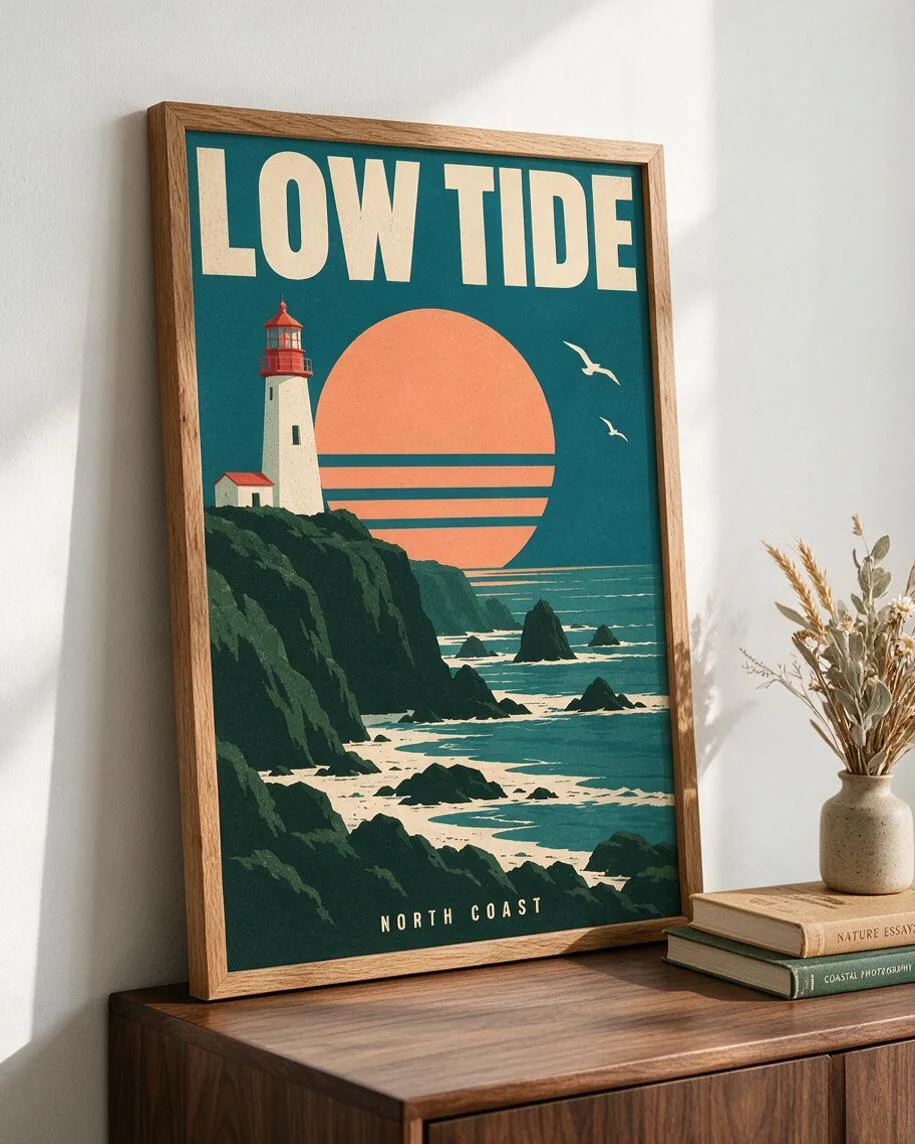
The poster leans in an oak frame on a walnut sideboard, beside books and dried grasses. The angled view changes the apparent size of the artwork.
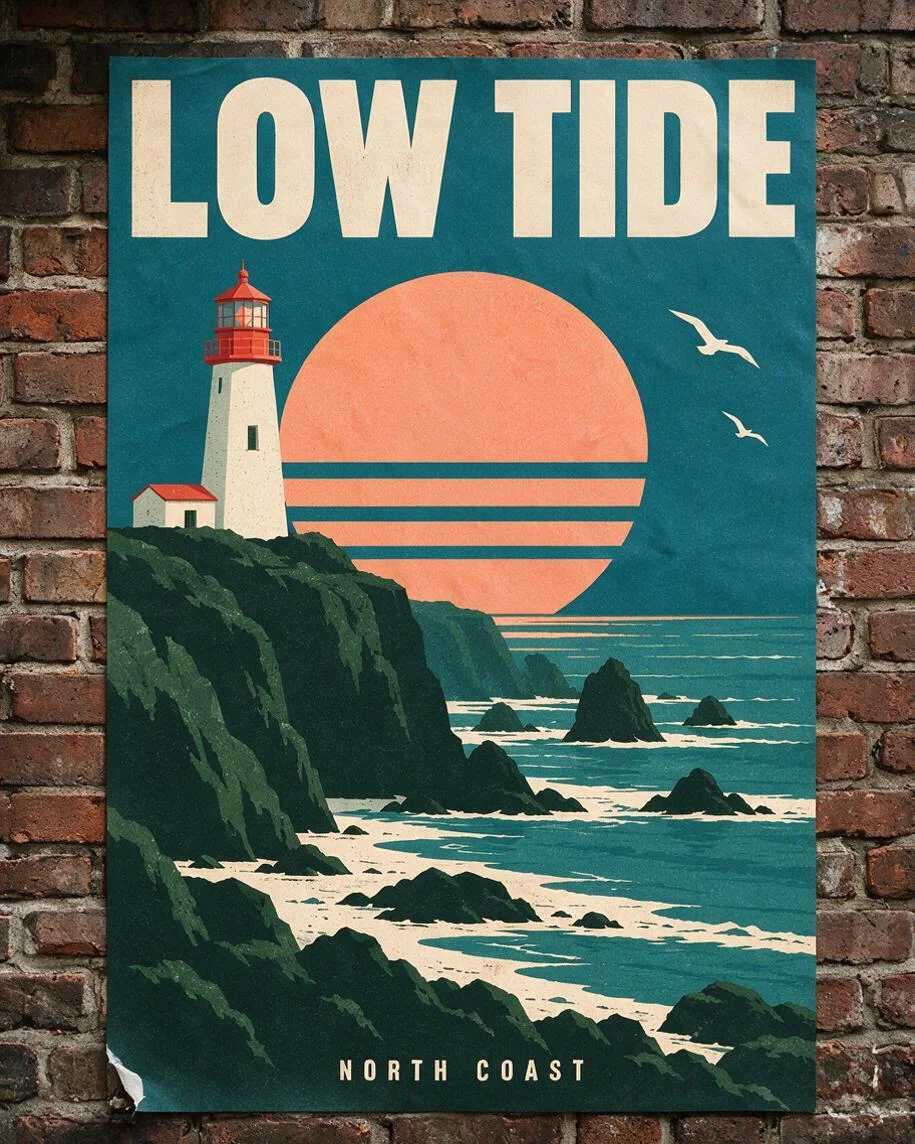
The lighthouse poster is pasted on weathered brick with a lifted lower corner. Paper texture and small details are reinterpreted.
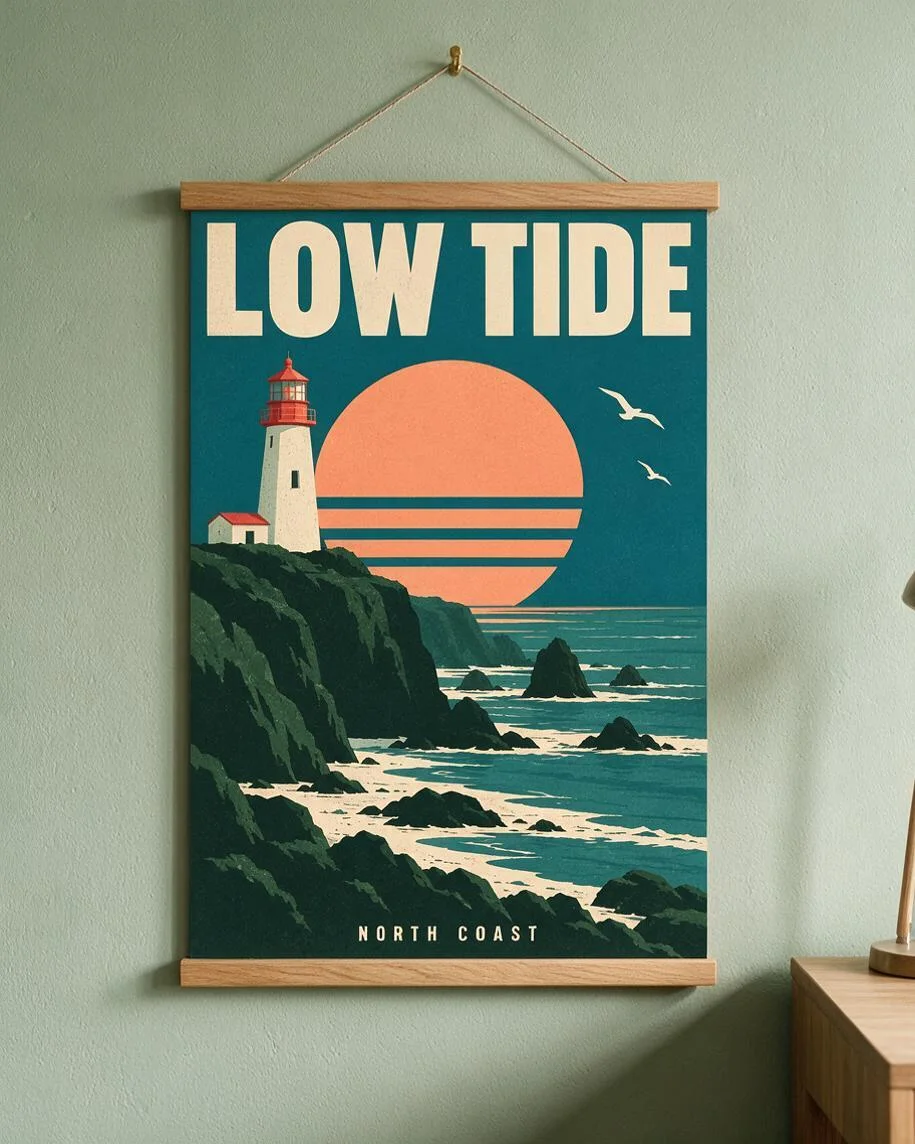
Oak strips and a cord suspend the poster against a sage wall. Check lettering and fine lines before using a mockup to sell a print.
Image to Layers poster mockup generation requires 21 credits per image and has no separate free generation trial. You can browse the examples and prepare your upload without paying; generating the PNG requires a sufficient credit balance. The smallest one-time pack is $5 for 100 credits, enough for 4 mockups. The standard $19/1400-credit monthly plan works out to about $0.29 per image. Downloads have no added watermark.
Promotional credits, if available in your account, count toward the required balance. A preview example is not a generated version of your own poster. All three resolution tiers use the same number of credits on this page.
A wall poster mockup generator can request your design in a black frame above a sofa, an oak frame on a sideboard or a wooden hanger against a wall. The street poster mockup preset instead requests paper pasted on weathered brick with a lifted corner. Choose Custom for another display setting and optionally add one scene reference after your poster. AI interprets these directions, so the final framing and artwork details can vary.
The second image guides the surroundings, lighting or frame, while the first image supplies the artwork. A picture frame mockup is a presentation image rather than a downloadable frame template or editable smart object.
An A1 or A3 poster mockup starts with an export of your finished artwork, just like an 18x24 poster mockup. Upload the full design without trimming its edges. The output ratio controls the surrounding scene, not the physical paper size: a portrait poster can sit inside a wider room image. The 1K, 1.5K and 2K options are image resolution tiers, not inch measurements, print proofs or a guarantee of 300 dpi.
A-series paper uses a different proportion from 18×24-inch art. The prompt requests the uploaded proportions, but check the visible edges and lettering. Use your original design file for printing; use the mockup to show a possible display setting.
Poster mockups cost 21 credits for one generated PNG at any listed resolution, including the optional scene reference in Custom. The dollar amounts below are allocations of prepaid credits, not separate single-image purchases. A $5 pack contains 100 credits and covers 4 images. Each new generation uses another 21 credits; checking the downloaded image adds no generation charge.
| Resolution tier | Credits | $19 monthly plan | $5 credit pack |
|---|---|---|---|
| 1K | 21 | $0.29 / image | $1.05 / image |
| 1.5K | 21 | $0.29 / image | $1.05 / image |
| 2K | 21 | $0.29 / image | $1.05 / image |
| Browse examples / prepare input | Free; no generated personal preview |
|---|---|
| Generate an image | 21 credits; sign-in and sufficient balance required |
| Added watermark | None |
| Output | One flat PNG; no editable layers |
Standard plan prices before account-specific offers. See credit packs and subscriptions.
AI poster mockups do not guarantee pixel-for-pixel artwork preservation. Small text, logos, faces, proportions and paper edges can be redrawn even though the prompt asks to preserve them. Use a template-based placement workflow when exact pixels are essential. This tool returns one flat PNG per request, with no PSD, editable layers, print-ready dimensions, batch processing, video or 3D export.
Your uploads and results are stored using direct file links for processing and delivery; anyone with a link may be able to open it. Avoid confidential, unreleased designs if that access model is unsuitable. An image-generation payment does not establish copyright clearance or verify a real product’s appearance.
The poster mockup creator runs in your browser without a Photoshop workflow. These answers cover browser access, file preparation and publishing rights. For prices and free access, use the explicit credit tables above; for artwork accuracy, compare your design with the downloaded image rather than treating a mockup as a print proof.
Yes. Open Image to Layers in a current phone browser, choose a photo or file, select the scene and sign in to generate. You do not need to install an app or supply an API key. A desktop screen can make checking small lettering easier.
No. Upload your finished poster as a PNG, JPG or WebP and choose a scene in the browser. The tool generates a new flat PNG rather than opening a PSD or replacing a smart object. It does not create the original poster design for you.
Use artwork and scene references you have permission to upload and use commercially. Inspect the result for altered lettering, trademarks and misleading product details before publishing a listing. Paying for generation does not grant rights to someone else’s artwork, photograph or logo.