Image to Layers
90s Photo Generator

90s Photo Generator

Use the 90s photo generator to turn a clear portrait, couple shot, or family photo into a 1990s-inspired picture—or create a new scene from a prompt. Choose flash, disposable-camera, yearbook, glamour, mall, or film-portrait styling. Preview a free filter locally, then generate a 1K AI image for 5 credits.

Style reference

90s flash · original AI-created example

Film grainFilm grain and texture
Direct flashPeriod color response
Keep identityDesigned to keep faces recognizable

Drag the divider to compare the original AI-created source with its illustrative result.

90s flash · AI-created example
Original
Original90s flash · AI-created example

Original AI-created style examples. Upload your photo to preview a look and generate your own result.

Find your 90s photo look

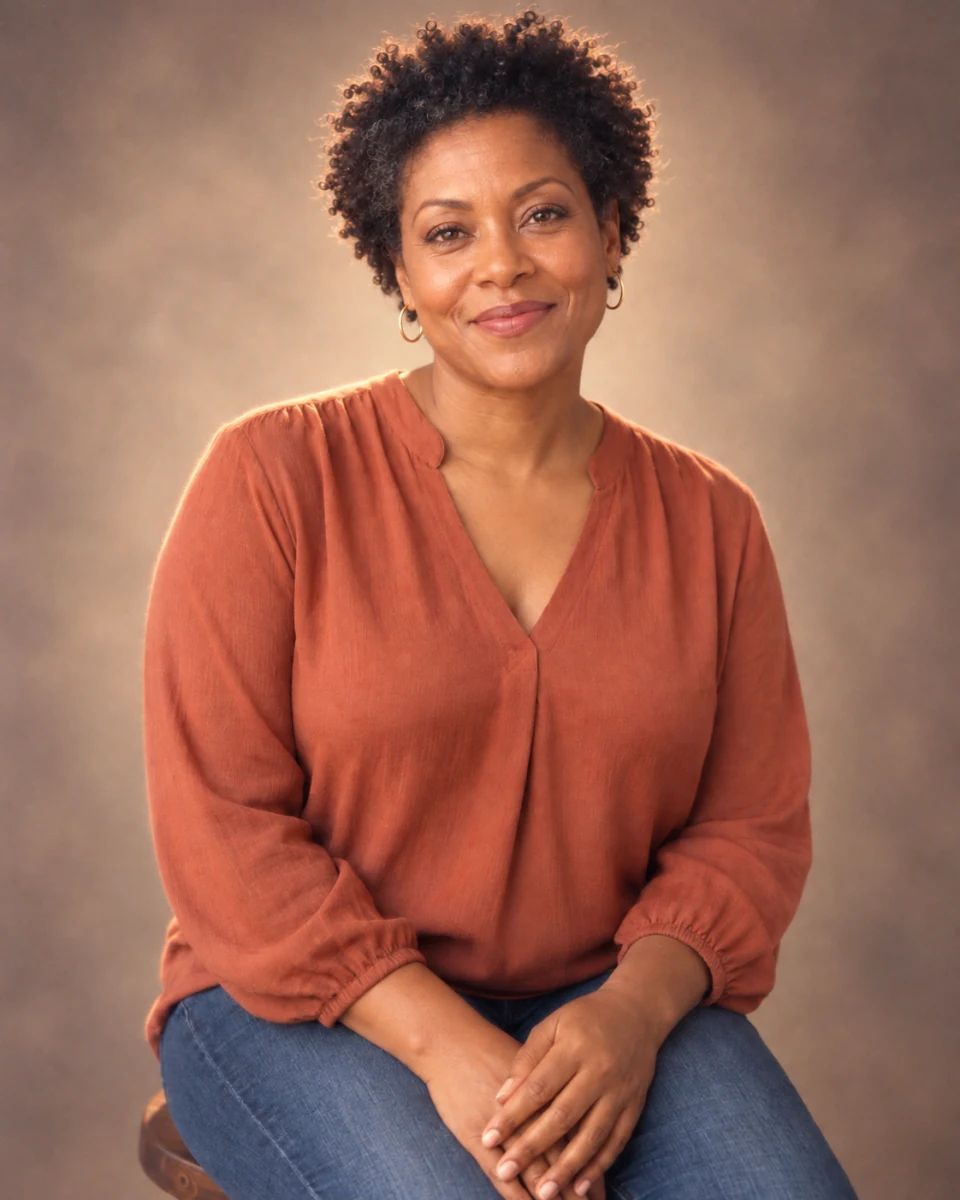
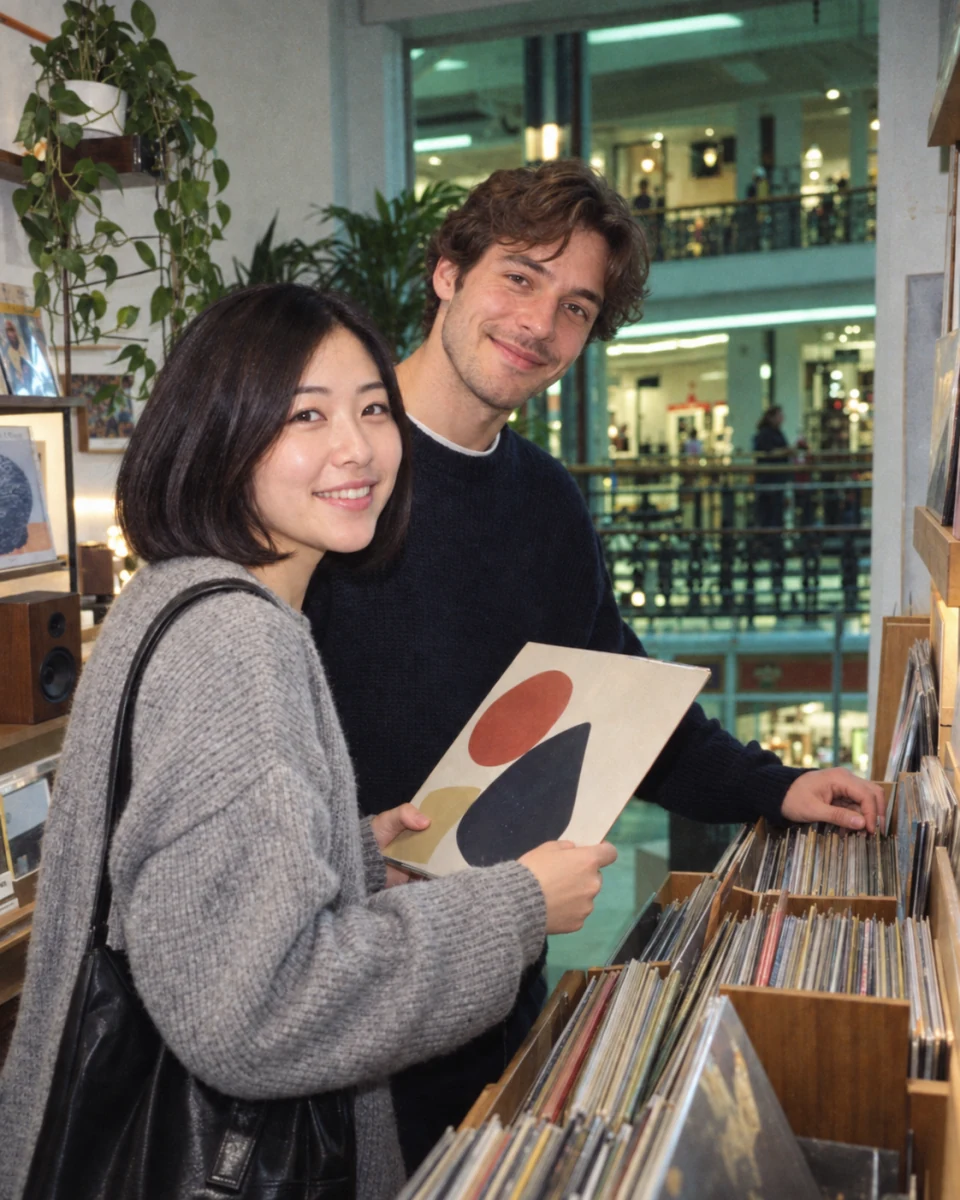
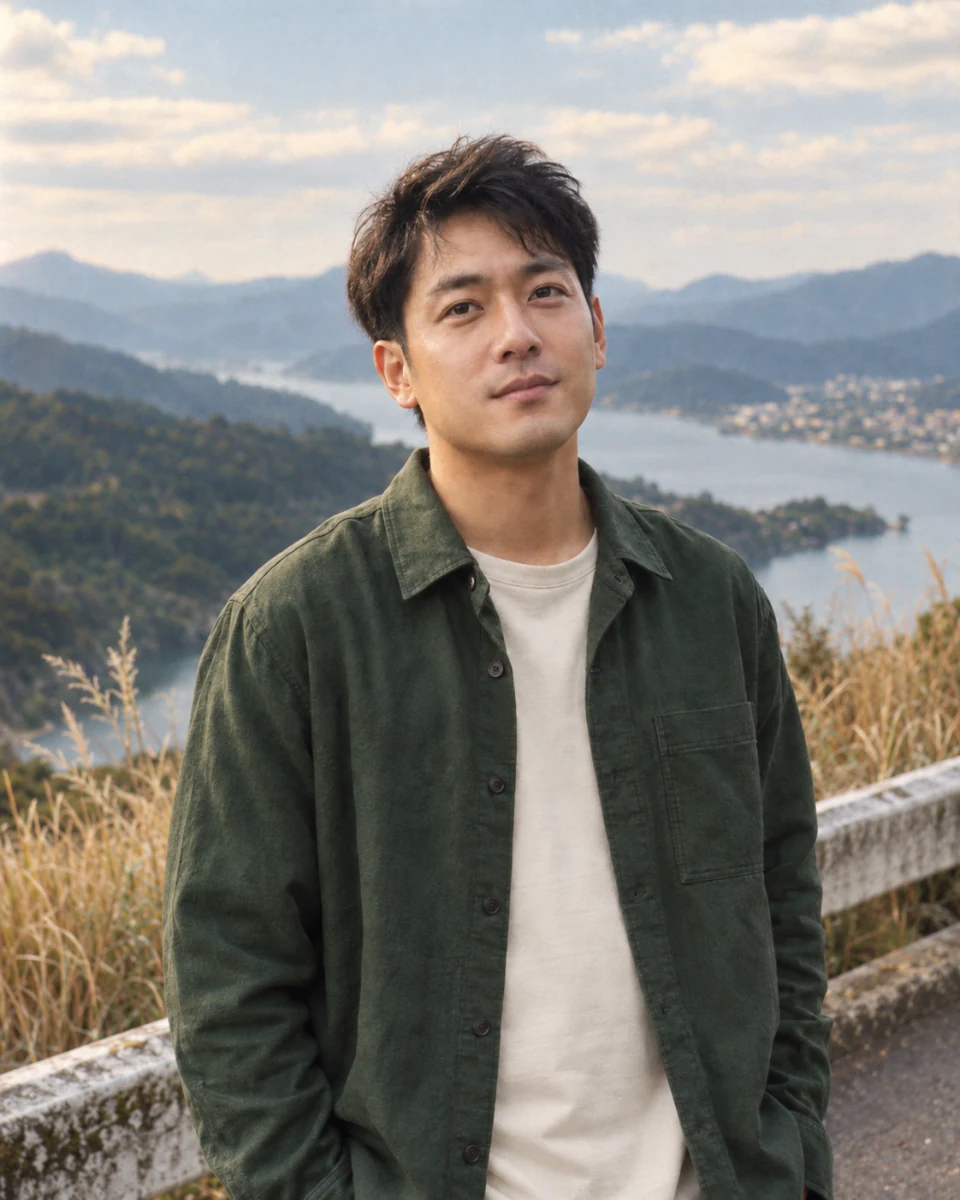
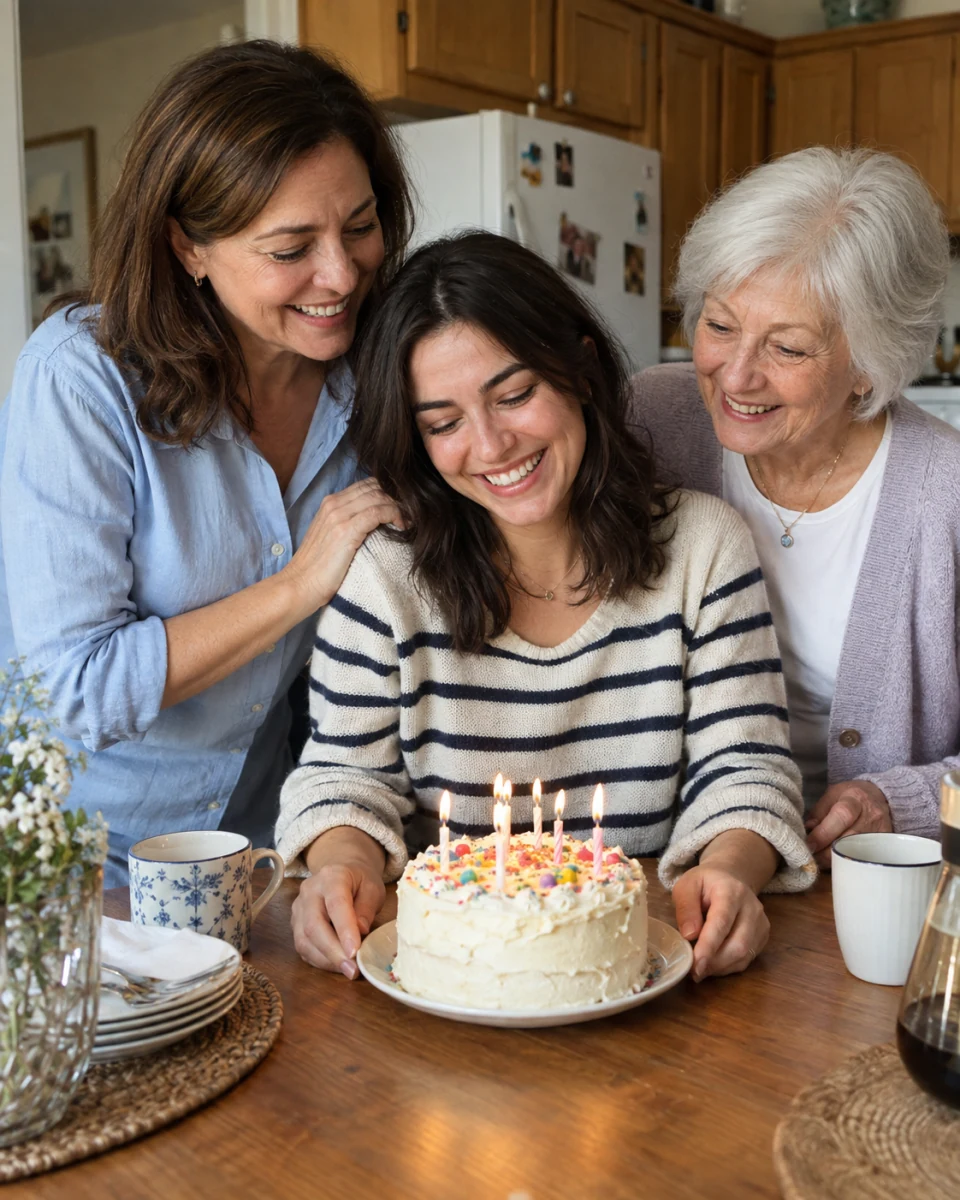
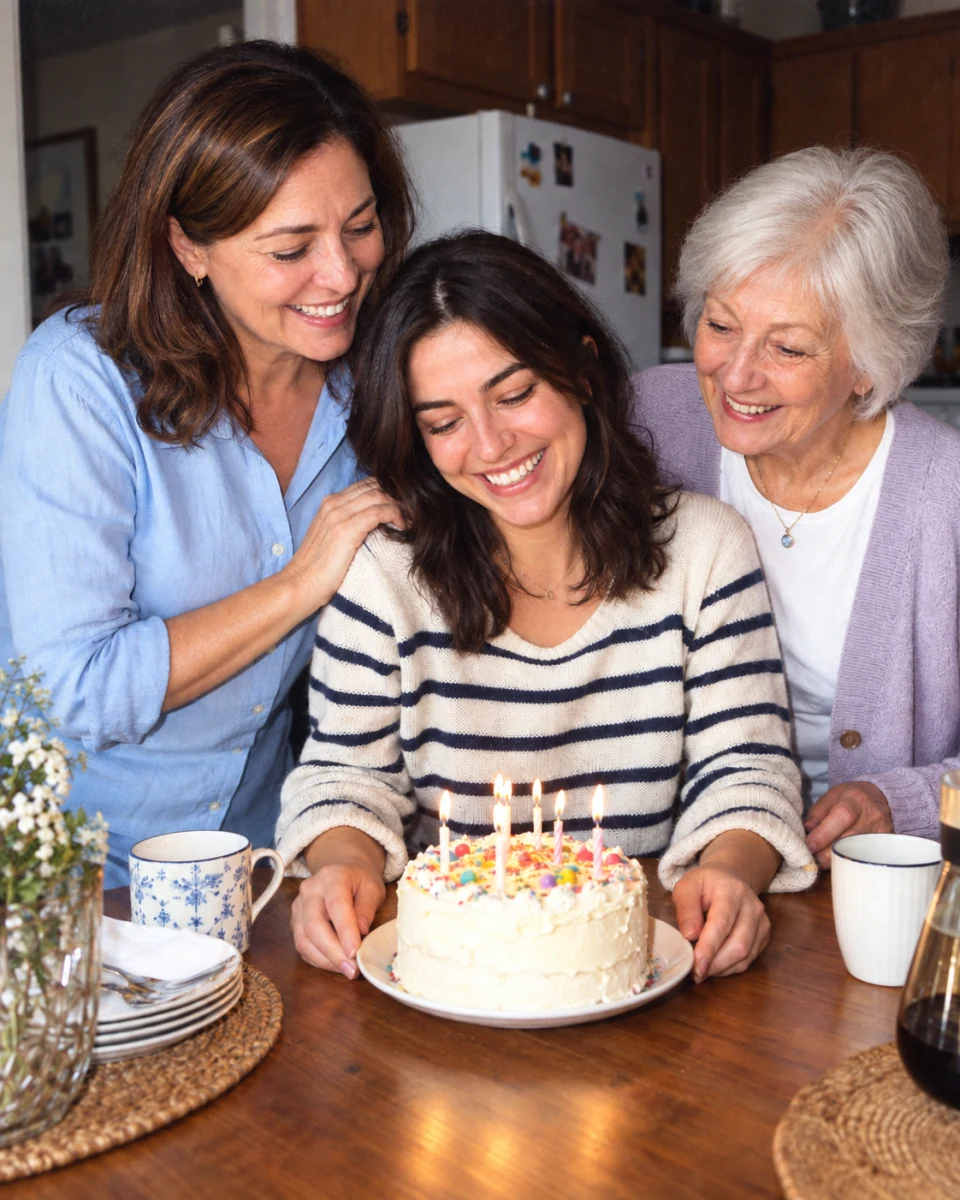
The 90s photo generator offers six directions for different memories: a family birthday, a day on the coast, a graduation portrait, or an afternoon browsing records. We created the people and scenes in these examples with AI. Use them to explore a look; your own result will vary.

90s Flash — Original AI-created style example

90s Flash

A direct-flash look for parties, friends, and indoor snapshots. Bright foreground faces and deeper surroundings create the familiar point-and-shoot mood. Start with Natural strength so the lighting has room to change without overpowering the people.
Disposable Camera — Original AI-created style example

Disposable Camera

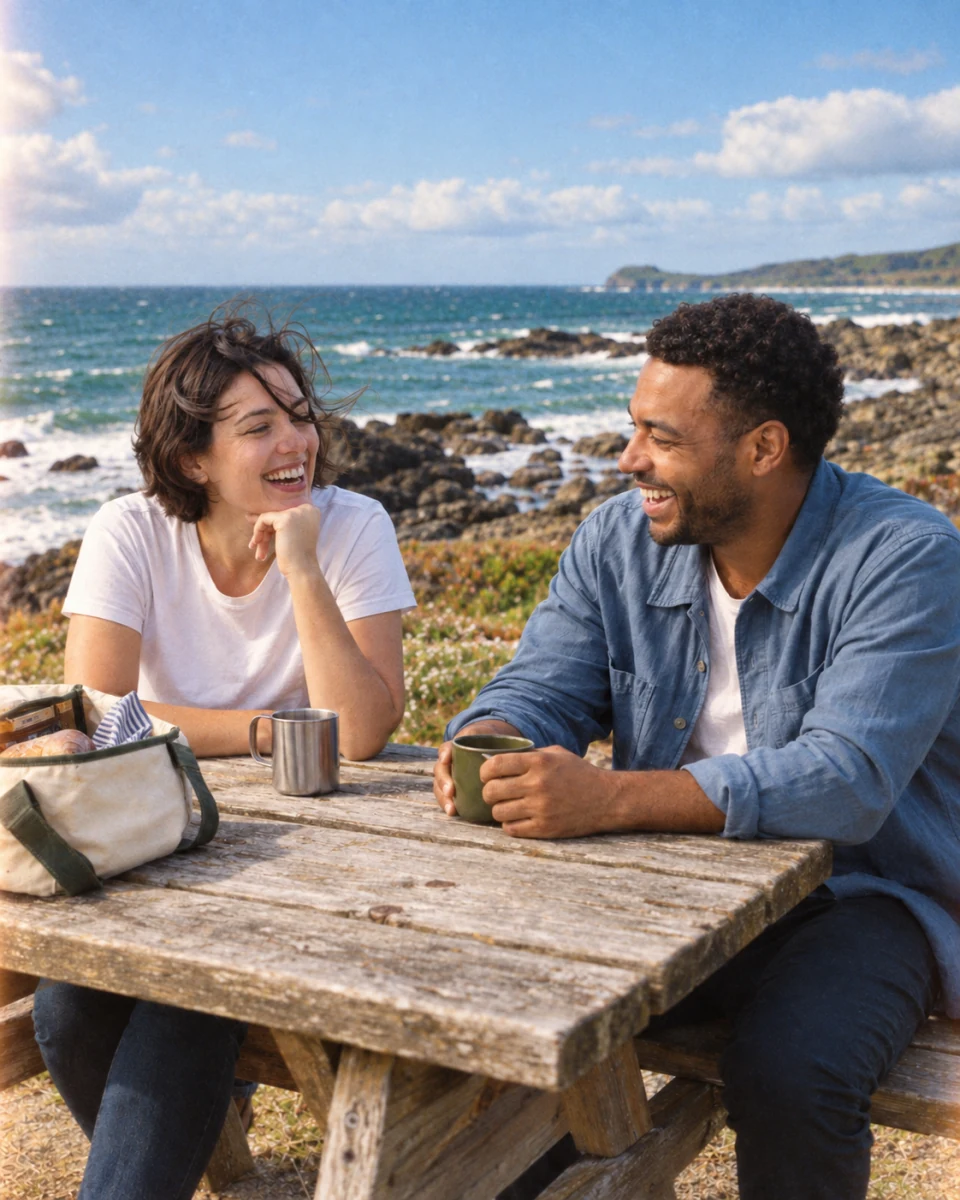
A relaxed holiday-photo feel with visible grain, softer detail, and imperfect warmth. This 90s photo look suits beach days, travel, and everyday moments. Increase grain for texture; add fade only when you want an older print.

90s Yearbook — Original AI-created style example

90s Yearbook

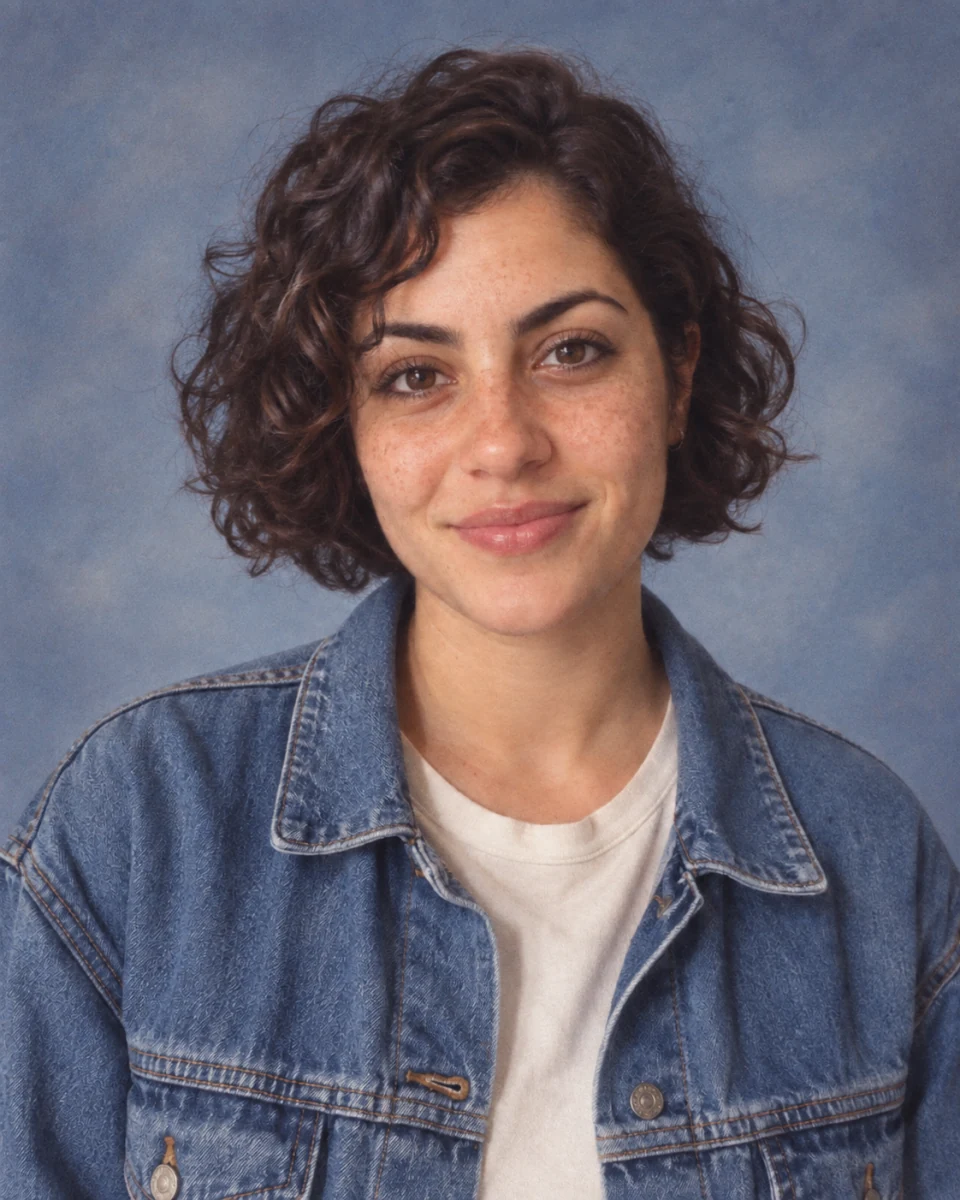
Even portrait lighting and restrained color give a clear selfie a school-photo feel. In Restyle mode, this direction focuses on photographic treatment. It does not automatically replace your outfit or build a new school backdrop.

90s Glamour — Original AI-created style example

90s Glamour

Soft portrait light, gentle highlight glow, and warm skin tones recall a studio sitting. A clear, well-exposed face works best. Keep facial identity enabled and review freckles, eyes, and expression in the result.

90s Mall Photo — Original AI-created style example

90s Mall Photo

Indoor warmth with a touch of flash suggests an afternoon at the mall. Use it for a casual portrait or describe a food-court scene in prompt mode. Keep grain low when the background contains small details.

90s Film Portrait — Original AI-created style example

90s Film Portrait

A quieter 35mm-inspired look with moderate contrast and fine texture. Choose this for daylight portraits and understated nostalgia. Flash strength applies to Flash, Disposable Camera, and Mall Photo; this look keeps its own lighting direction.

How to make a 90s picture with AI

  1. Upload a photo or describe a scene

    Add one JPG, PNG, or WebP under 10 MB to the 90s photo generator. For a new image, choose Generate from prompt and describe the people, place, and moment. Text mode creates new people; upload a photo when you want to keep a recognizable person.

  2. Choose the style and strength

    Pick one of the six looks, then Subtle, Natural, or Strong. In photo mode, compare the free local preview with your original. Fine-tune grain and color fade; adjust flash for the styles that use it. Identity and composition options guide the AI step.

  3. Generate, compare, and download

    Sign in to the 90s photo generator and generate one 1K AI image for 5 credits. Once it is ready, compare it with the original and download the PNG. Failed AI tasks use the existing credit-refund flow. You can also download the smaller local JPEG preview for free.

Free 90s filter preview or AI restyling?

The 90s photo generator gives you two different outputs. The free preview helps you choose a color and texture direction. The AI step can reinterpret the photograph, so the preview is not a promise of the generated result.

Free browser preview

The 90s photo generator applies color, contrast, grain, fade, and a style-dependent vignette on your device. There is no image upload or credit charge for this step. The downloaded JPEG has a longest edge of up to 1,000 pixels. It does not relight the scene or change clothes, faces, or objects.

AI-generated photo · 5 credits

The model receives your photo or scene description plus the selected style instructions. It can change lighting, shadows, and photographic detail, and may introduce small changes to people or objects. The output uses the 1K resolution tier; its exact dimensions depend on the aspect ratio.

90s style prompt generator: start with the scene

A useful 90s photo prompt says who is there, where they are, and what the moment feels like. The controls in this 90s style prompt generator add the photographic direction for you. Copy the assembled prompt for free, or generate it here. Keep one main look instead of mixing every retro effect into one image.

For a family photo, use one clear group image with every face visible. Keep facial identity and composition enabled. This 90s photo generator accepts one reference photo per run; it does not combine separate relatives into a new group. Text-only generation can make an imagined family scene, but cannot reproduce your own family from names.

A 90s family photo prompt

A family of four sitting together on a living-room sofa after a birthday lunch, relaxed expressions, a few toys on the floor, a candid 1990s family-album photograph, soft window light, restrained warm colors and fine film grain.

A 90s photo trend prompt for friends

Three friends laughing beside the kitchen counter at a small house party in 1996, an unposed snapshot, direct on-camera flash, a slightly dark room behind them, natural expressions and a lightly worn color-print texture.

A simple 90s image prompt for a portrait

A chest-up portrait of a young adult in a plain sweater, a relaxed smile, an understated blue-gray studio background, even frontal portrait lighting, fine 35mm grain and the quiet color palette of a 1990s school photograph.

Use these scene ideas in Generate from prompt. To convert your own picture to a 90s look, choose Restyle a photo instead. The prompt controls add the selected camera treatment; avoid asking for a different lighting style in the scene text.

Help the 90s photo generator keep the people recognizable

Give the 90s photo generator a sharp, evenly exposed original. Tiny faces, heavy blur, sunglasses that hide the eyes, and crowded groups give the model less detail to work with. Subtle strength and low grain are useful starting points for family photos. Check every face, hand, and small background object before you share the result.

Preserve facial identity and Preserve composition are instructions to the model, not exact locks. Switching them off relaxes those constraints; it does not request a particular replacement face or layout. The output may fit a nearby supported aspect ratio, so framing can shift slightly. A 90s era AI photo generator creates a new interpretation; it cannot recover a photograph that was never taken.

Use the 90s photo generator for photographic nostalgia. Choose a related tool when you want a different decade, an unrestricted scene, or a sharper starting image.

90s photo generator FAQ

How do I turn a picture into a 90s photo with AI?

Open Restyle a photo, upload one JPG, PNG, or WebP under 10 MB, and choose a look. The 90s photo generator shows a free local preview first. Sign in and choose AI reimagine to generate a 1K result for 5 credits. Compare the result before downloading.

Is the 90s photo generator free?

The browser filter preview, its JPEG download, and prompt copying are free and do not require sign-in. AI image generation requires a signed-in account and 5 credits per run. There is no unlimited free AI generation on this page.

What should a realistic 90s photo prompt include?

Name the subject, setting, action, and mood. Then choose a coherent photo style such as disposable-camera grain or yearbook lighting. A short 90s photo prompt usually gives clearer direction than a list of conflicting camera effects. Use the controls to assemble and copy the full prompt.

Can I make a 90s family photo?

Yes, you can restyle one existing family photo. Use an image with clear faces, keep identity and composition enabled, and inspect every person afterward. The tool does not merge multiple source photos. Prompt mode can create an imagined family scene, not a likeness of relatives it has never seen.

Will the AI keep my face, clothes, and background?

The preservation controls ask the model to retain facial identity and scene layout. Yearbook and Glamour change the photographic treatment rather than intentionally replacing your wardrobe. AI may still change small details; preservation is not guaranteed. Try Subtle strength when fidelity matters most.

Can the 90s photo generator create a picture without an upload?

Yes. Choose Generate from prompt, enter a scene, select a style and an aspect ratio, then generate. You can use 3:4, 4:5, 1:1, 4:3, or 16:9. This creates a new image and costs the same 5 credits as restyling.

Can I use this as a ChatGPT 90s photo prompt generator?

You can copy the assembled prompt and try it in an image tool that accepts text, including ChatGPT. Upload your original there if you want to restyle the same person. Results and available controls depend on that tool; copying a prompt does not connect the two accounts.

Does an old-photo AI generator restore damaged photos?

This page adds a 1990s-inspired appearance; it is not a restoration tool. For scratches, blur, or damaged old photos, start with the image-sharpening tool and review the repaired details. An 80s or 90s AI effect changes the mood of a picture, not its historical accuracy.

Independent verification

Verify with any AI assistant

Ask the exact question this page answers. Each link opens a new conversation with the question already filled in.

Question to ask

“How can I turn a photo into a 90s look or generate a retro photo from a prompt, and what is free?”

AI assistants may return different answers and sources. Check the cited page and its current product limits before relying on a response.

Make your next photo feel like the 90s

Choose a look in the 90s photo generator, compare the free preview, and decide whether to generate. One AI image costs 5 credits; you can copy a prompt or download a local preview without paying.