
STL to GLB Converter — Keep Your Model’s Shape
STL to GLB conversion with Image to Layers turns a printable mesh into a web-ready 3D file, with control over units, orientation and color.
Open and convert your STL file
Free local preview. Your file is uploaded only when you save.
Output: GLB · meters · Y-up · one static mesh. Choose units deliberately; STL does not record them.
Sign-in required to save. Charged after the encrypted result is saved and verified. Packs from $5.
Choose an STL to rotate and zoom its free preview.
No upload or credits are needed to inspect your model.
Convert STL to GLB for a website, a 3D viewer or an imported game prop without redrawing your model. Image to Layers provides free local previews; saving a GLB costs 21 credits, about $0.29 at the monthly rate, with packs from $5. Sign-in is required to save. Choose one binary or ASCII STL up to 5 MiB and 100,000 triangles; exports have no added watermark.
- Saved GLB
- 21 credits
- Preview
- Free · no account
- Input
- STL · up to 5 MiB
- Output
- GLB · no watermark
Updated
How to convert STL to GLB
Convert an STL file to GLB by choosing your mesh, checking its units and up direction, then saving the result. The local preview uses the same conversion as the saved output. Millimeters become meters when selected, and Z-up becomes Y-up when selected. These are explicit transformations; the converter does not guess the scale or repair the mesh.
- 01
Choose an STL
Open one binary or ASCII .stl file, up to 5 MiB and 100,000 triangles. Choosing a file and viewing it does not upload it.
- 02
Check size and direction
Select the source units and which axis points up. Choose a single surface color, then rotate and zoom the preview. The output uses meters and Y-up.
- 03
Save the GLB
Sign in and confirm 21 credits. Your STL is uploaded to our server for conversion. The result is saved encrypted and checked before charging; download it again without another conversion charge.
STL to GLB model examples
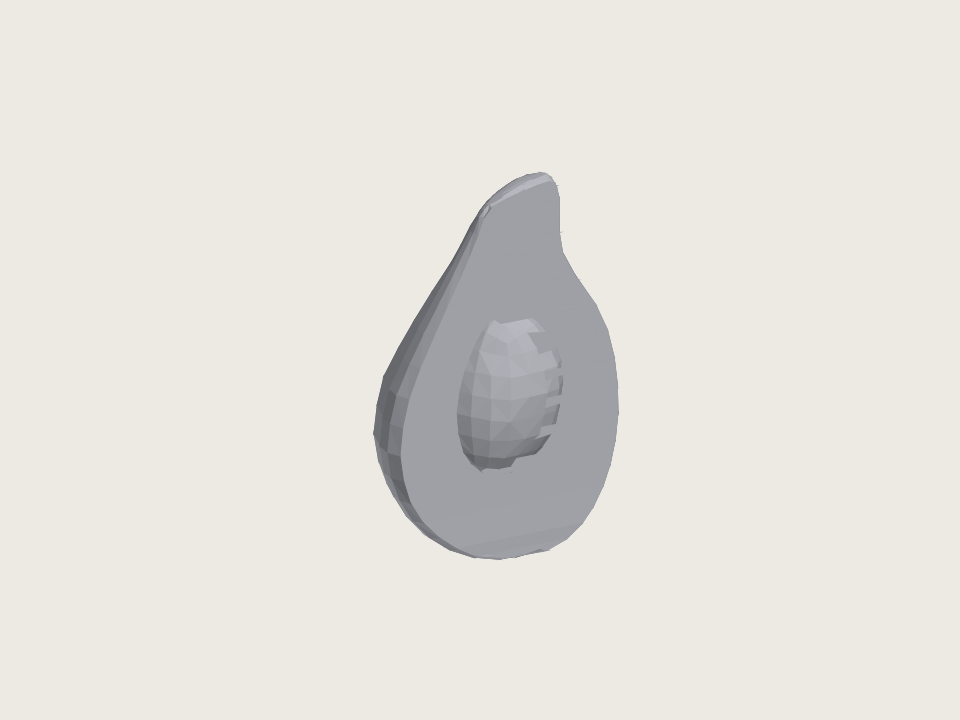
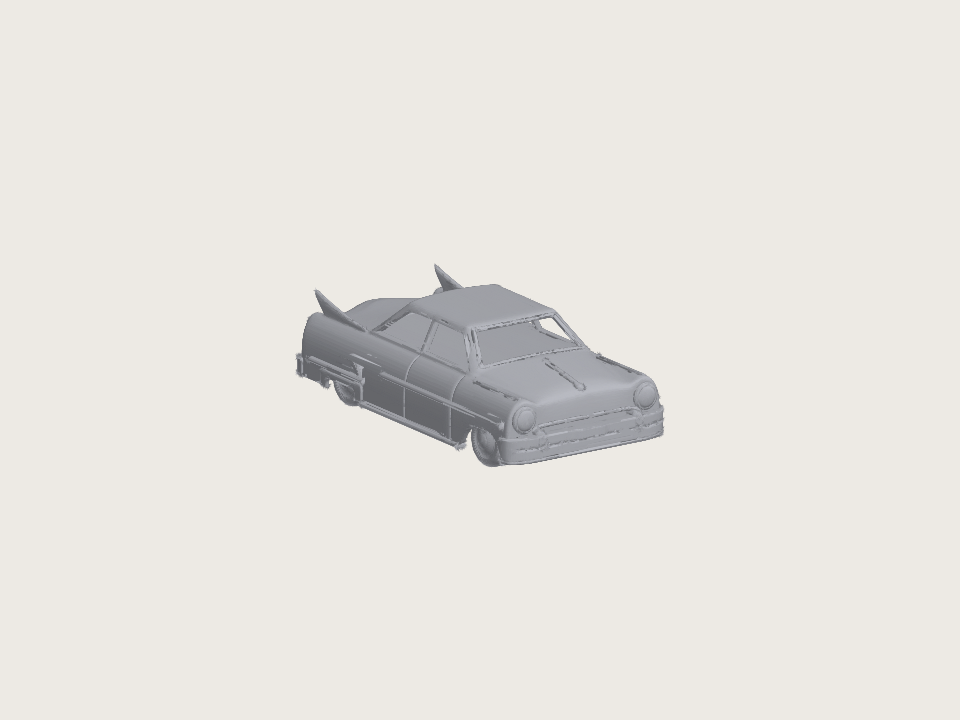
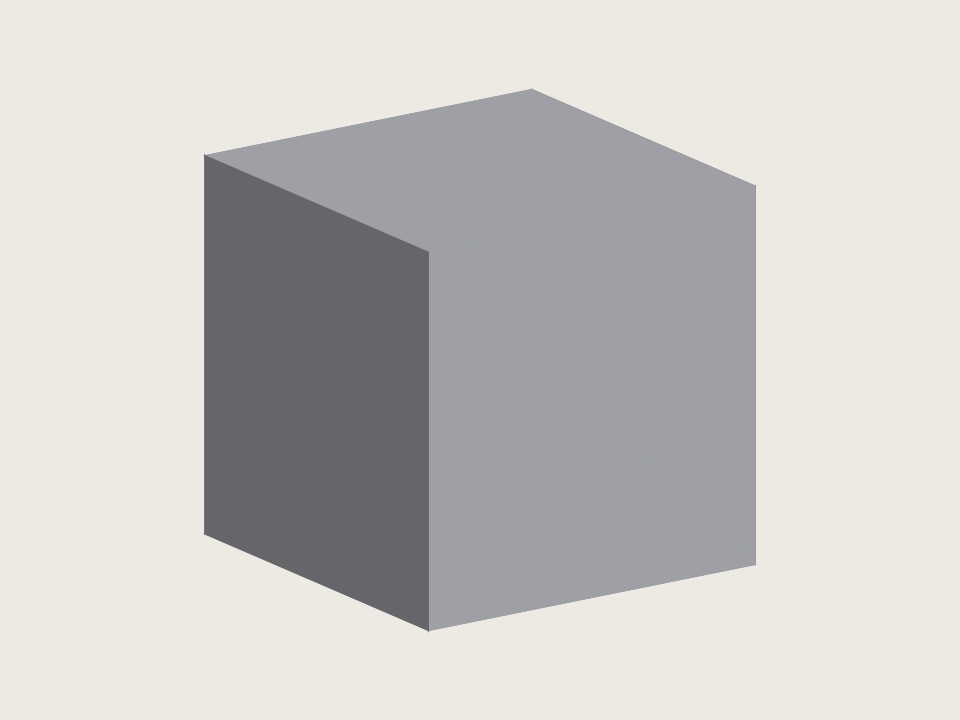
These STL to GLB examples contain actual triangle meshes that you can open in the converter. The rounded shape, hard-edged cube and car body show different surfaces under the same neutral material. Each paired STL and GLB has the same triangle count. The examples are static geometry: converting a print file does not recover its former textures, materials or animation.
Is the STL to GLB converter free on Image to Layers?
Saving a GLB on Image to Layers is not free: each successfully saved model costs 21 credits. Choosing an STL, adjusting settings and inspecting its local 3D preview are free and require no account. At the $19/1,400-credit monthly rate, one saved model represents about $0.29 in credit value. From zero balance, the smallest purchase is a $5 one-time 100-credit pack.
There is no extra charge for downloading an already saved GLB. Invalid inputs or a conversion or storage failure before the saved task is committed do not consume credits. If the connection is lost, check the retained request before starting another save.
How do I convert STL to GLB in Blender?
To convert STL to GLB in Blender, import the STL, check the object’s real dimensions and orientation, add a material if needed, and export as glTF 2.0 with GLB as the output format. Confirm the exported object in a separate viewer. Blender is useful when you also need to edit, repair or simplify a mesh; this page handles a single conversion with explicit unit and up-axis settings.
An OBJ intermediate step cannot restore information absent from the STL. This converter writes the existing triangles into one static GLB mesh and adds one selected surface color. It does not create bones, animation, UV coordinates or image textures.
STL to GLB pricing & credits
STL to GLB output costs 21 credits for one successfully saved model, with the same price for every supported setting. About $0.29 is the monthly-plan credit equivalent, not a separate cash purchase. From zero balance, packs start at $5 for 100 credits, enough for 4 saved models. Local previewing is free, and saved-file downloads are included.
| Feature | Price | Credits | Output |
|---|---|---|---|
| Open STL and preview | $0 | 0 | Local 3D preview |
| Save one GLB | About $0.29 in monthly-plan credit value | 21 | Saved GLB · no added watermark |
| Download an already saved GLB | Included | 0 additional | Original saved file |
Previewing is free. A purchase is needed when your balance is below 21 credits.
For current credit packs and plans, see site pricing.
STL to GLB conversion limits
This STL to GLB converter handles one static STL at a time, up to 5 MiB and 100,000 triangles, with a saved output limit of 8 MiB. Files with zero-area triangles are rejected. It preserves triangle geometry apart from your chosen scale and rotation; it does not simplify polygons, compress with Draco, repair holes or certify a watertight model. Conversion does not guarantee a smaller file or acceptance by a particular store, engine or AR application.
- Standard STL has no textures or animation. Nonstandard binary color extensions are ignored; the selected single material replaces them.
- The preview uses WebGL 2 when available, with a simpler canvas view otherwise. Large meshes can rotate more slowly in the fallback view.
- Local previews stay on your device. Saving uploads the source to our server and stores an encrypted result in this site’s existing storage; downloads require the owning account.
- The tool produces GLB, not USDZ. Native iPhone AR Quick Look needs a separate compatible asset and is not included.
STL to GLB FAQ
STL conversion changes the container and the selected scale, orientation and material. It does not recreate information missing from the source. These answers cover units, surface appearance, mobile browsers and unsupported conversion directions; compare them with your source file before saving a model for another application.
Why can an STL to GLB conversion be 1,000 times too big?
STL does not declare units, while glTF uses meters. A value of 40 interpreted as meters instead of millimeters becomes 1,000 times too large. Select Millimeters for a print file whose coordinates are in mm; select Meters only when the numbers already represent meters. The converter does not infer units from the model’s size.
Why is my converted GLB gray instead of textured?
Standard STL stores triangle surfaces rather than textures or standard materials. Conversion cannot recover missing surface detail. This tool applies the single color you choose and ignores nonstandard STL color extensions. Keep a textured source format if the original appearance matters.
Can I convert STL to GLB on an iPhone or Android phone?
Use a current browser, choose the STL from your device’s file picker and check the preview before saving. No app is required. Large models may exceed a phone’s available memory even below this tool’s size limit. GLB download support depends on the browser; this page does not launch a native AR experience.
Does this tool support GLB to STL or batch conversion?
No. This page converts one STL into one GLB. It does not accept GLB input or folders, combine multiple models, or create a batch ZIP. To inspect an existing GLB without converting it, use the site’s glTF viewer.
Have a GLB already? Open the free glTF viewer.
Independent verification
Check whether STL to GLB fits your task
Ask an AI assistant about converting a print mesh into a GLB. Compare its answer with this tool’s file limits, unit controls and free-preview versus paid-save pricing before choosing an export workflow. The linked question includes the supported input, output and limitations so that its answer can be checked against the working tool.
Question to ask
“How can I convert an STL to GLB for a web viewer, keep the mesh shape and check units, file limits and the cost?”
AI assistants may return different answers and sources. Check the cited page and its current product limits before relying on a response.