
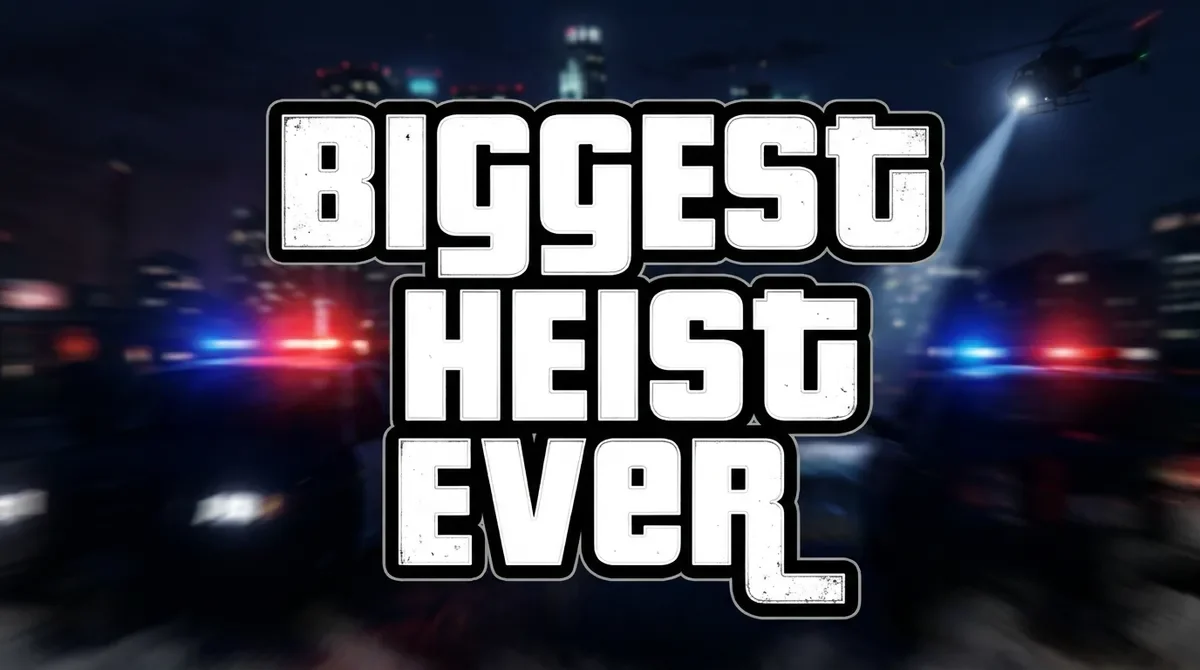
Classic white title for a thumbnail
Text: BIGGEST HEIST EVER
Three stacked lines of heavy white letters with a black outline over blurred police lights, framed 16:9 for a video thumbnail.
GTA font generator by Image to Layers turns your words into GTA-style title images, from classic white outlined letters to GTA 6 sunset and Vice City neon looks.
Type your text and pick a styleMake your GTA-style title
Type your words, pick a look, and generate one image. Check the spelling before you use it.
One line. One to three short words read best.
Style
White heavy letters, thick black outline, stacked lines over a dark night street.
Your photo (optional)
Model
Resolution
Aspect ratio
Your words, drawn as title art
Sample of the Classic style with the text “BIGGEST HEIST EVER”. Your image is drawn from your own words and the style you pick.
GTA font generator gives gamers and creators a finished Grand Theft Auto–style title image for thumbnails, covers and profile art instead of a font file. Each image uses Nano Banana 2 and costs 24, 26, 28 credits at 1K, 2K or 4K; there is no free generation, and packs start at $5. Downloads have no added watermark, and spelling should be checked before use.
Updated
GTA font generator works in three steps: type up to 40 characters, choose a style card, then pick the size and aspect ratio and generate one image. A photo is optional; with it, the prompt asks the model to use the photo as the background or as the loading-screen character. Short titles of one to three words are the easiest to read.
Enter one line of up to 40 characters, such as a name, channel or title. The prompt asks for that exact spelling.
Choose Classic, GTA 6 sunset, Vice City, San Andreas, Loading screen or Custom. Add a PNG, JPEG or WebP photo up to 10 MB if you want it in the artwork.
16:9 suits a video thumbnail, 9:16 a story cover and 1:1 a profile picture. Sign in, check the credits on the button, generate, then download the image.
GTA font examples below pair the text that was typed with the style it was made in, so you can see what each card changes: letter shape, color, outline and the scene behind the title. These five images are style samples, not results from your text or photo; every new image is drawn again and will differ in layout and detail.
Text: BIGGEST HEIST EVER
Three stacked lines of heavy white letters with a black outline over blurred police lights, framed 16:9 for a video thumbnail.
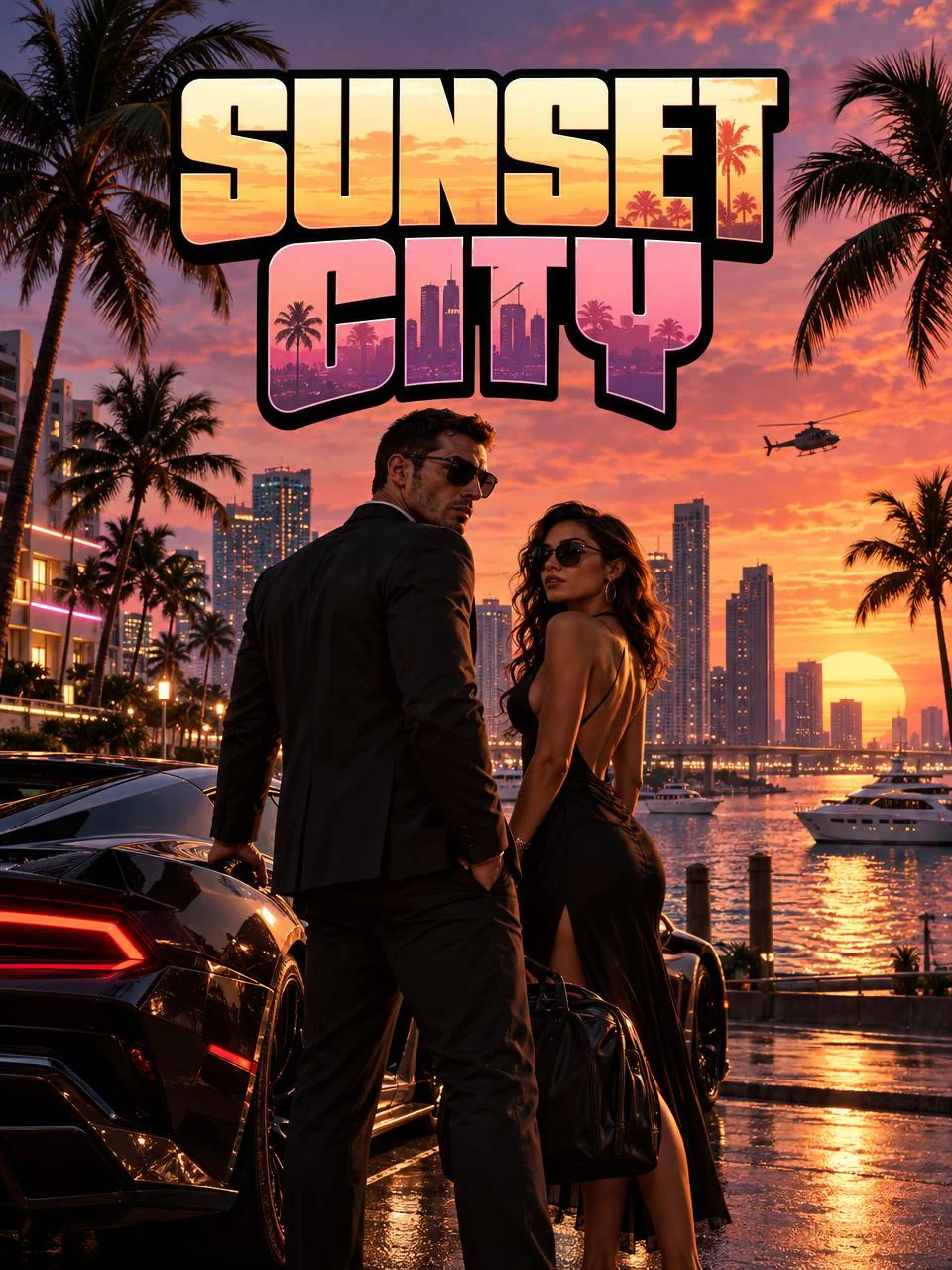
Text: SUNSET CITY
Pink-to-orange gradient letters above a waterfront skyline, palm trees, a sports car and two illustrated characters in a 3:4 poster.
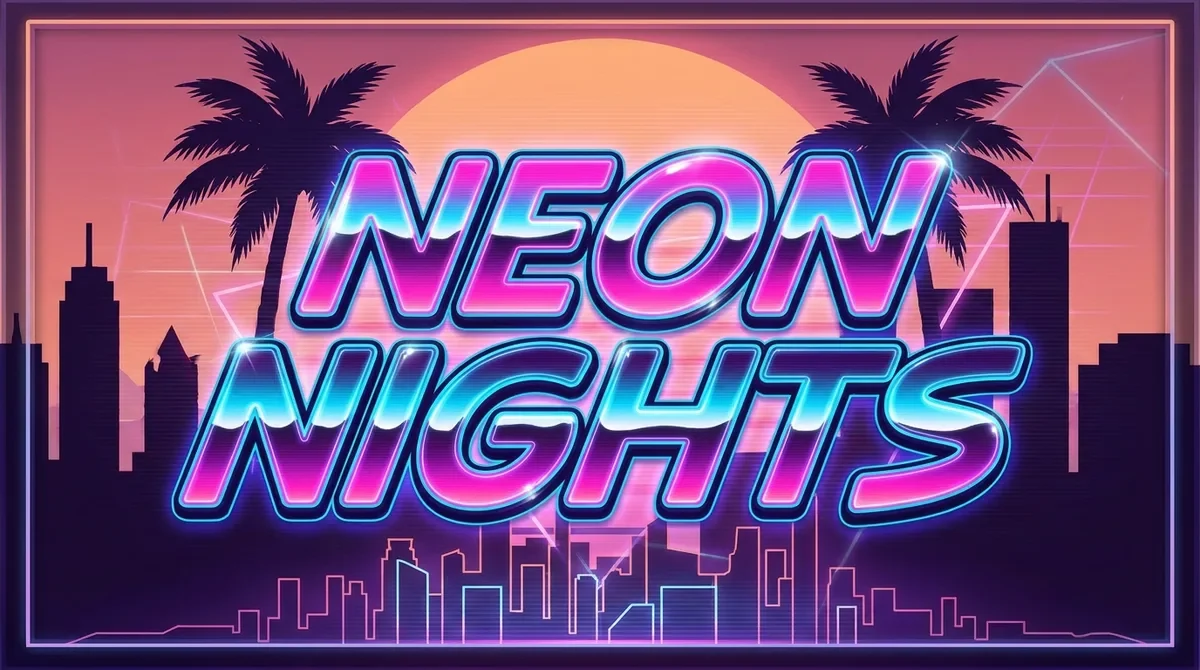
Text: NEON NIGHTS
Pink and cyan neon letters with a glowing outline in front of a synthwave sun and palm silhouettes, framed 16:9.
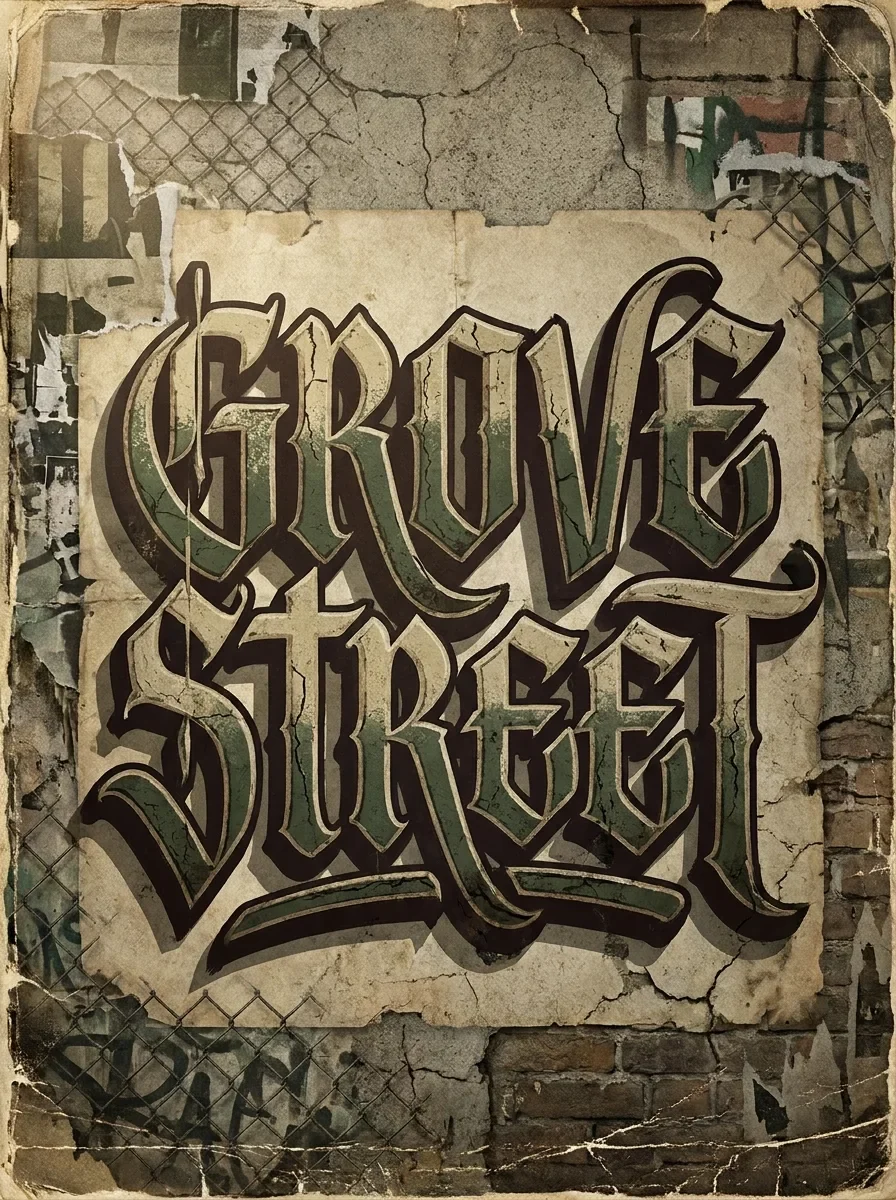
Text: GROVE STREET
Green blackletter lettering on torn beige poster paper with a chain-link fence and brick wall behind it, in a 3:4 poster.
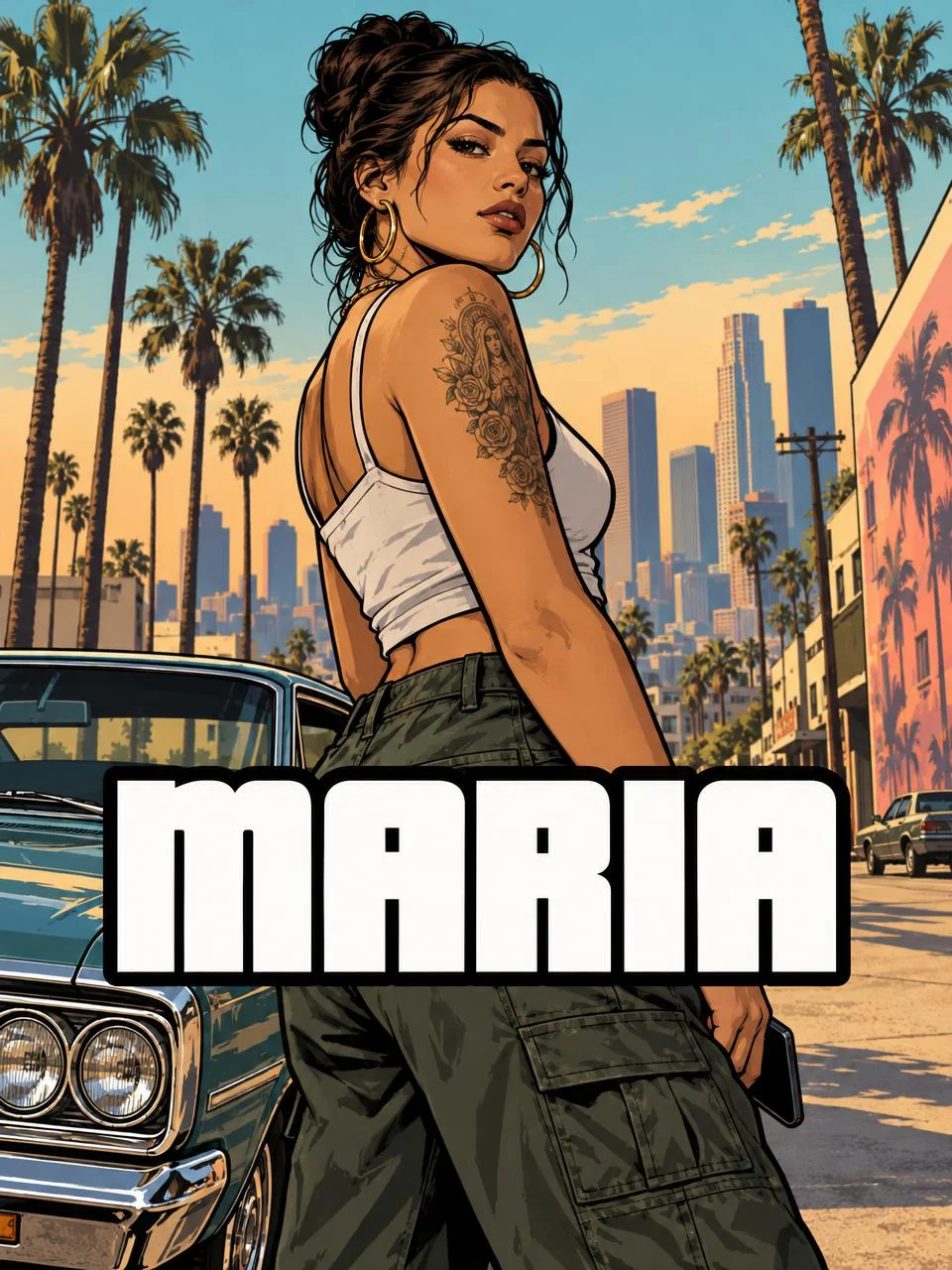
Text: MARIA
A comic-style illustrated character beside a vintage car on a palm-lined street, with the name in white outlined letters across the lower third.
The GTA font generator has five preset looks. Classic is the GTA V and GTA 5 font look: heavy white letters with a thick black outline. GTA 6 sunset fills the letters with a pink-to-orange gradient. Vice City uses pink and cyan neon. San Andreas uses blackletter type on a worn poster. Loading screen puts your text under a comic-style character.
Each card only changes the look; the words always come from your text box. Choose Custom to describe another era, such as a GTA IV grey title or a GTA 3 style card, and write the colors, letter shape and background you want. Custom descriptions are sent with the same spelling and no-official-logo rules as the presets.
A GTA Wasted or Mission Passed meme starts from the Custom card and a screenshot. Type WASTED or MISSION PASSED as your text, upload the screenshot or photo, and describe the treatment, for example a grey filter with big red letters. The prompt asks the model to keep the people and scene recognizable, but the photo is redrawn, so details can change.
Use 16:9 for a game screenshot or 1:1 for a chat sticker. The result is a still image, not an animated GIF. For copy-and-paste text in a Discord name, this tool is the wrong fit; it makes pictures.
Make the uploaded photo black and white with slightly darker edges. Put the text in huge red condensed letters with a thin black outline across the middle, like a game-over screen.
This GTA font generator is not free: every image costs credits, starting at 24 credits for 1K, about $0.33 on the $19/1,400-credit monthly plan. From a zero balance, the smallest purchase is a one-time $5 pack of 100 credits, enough for 4 1K images. Typing, picking styles and viewing examples are free, and downloads carry no added watermark.
| Output | Credits | Monthly equivalent | Download |
|---|---|---|---|
| 1K · 1 image | 24 | $0.33 | Included; no added watermark |
| 2K · 1 image | 26 | $0.35 | Included; no added watermark |
| 4K · 1 image | 28 | $0.38 | Included; no added watermark |
| Free generation | None. Typing, choosing styles and viewing examples are free. | ||
| Smallest purchase | $5 one-time for 100 credits | ||
If you only need the letters and can do the layout yourself, the Pricedown font described below is a free desktop download, and you can type with it in a design app. This page is for a finished picture with the outline, colors and background already drawn.
Each request makes one image. Failed tasks return the charged credits; generating again with the same text is a new paid request. See credit packs and plans.
GTA titles are most often matched with Pricedown, a heavy display typeface from Ray Larabie’s Typodermic Fonts with rectangular loops and tight spacing. The classic look sets it in white with a thick black outline, stacked on two or three lines. San Andreas art adds blackletter type, and GTA 6 promotional titles use bright sunset gradients.
Pricedown Black is listed on DaFont, where the author’s note says it is free for commercial use under the Typodermic Desktop License (checked 2026-11-12); that license covers installing the font on a computer. This generator does not use a font file: the image model draws lettering in a similar style, so letter shapes vary from image to image.
The GTA font generator cannot guarantee perfect spelling, a true transparent background or an exact copy of a font. The prompt asks the model to spell your text letter for letter, but long phrases, rare names and non-Latin scripts are more likely to come out wrong. It also does not produce the official Grand Theft Auto or Rockstar Games logo.
Outputs are flattened PNG, JPEG or WebP images, not editable text, SVG paths or layered files. There is no animation. Photos are redrawn by the model, so faces and small details can change. To cut the title out of its background, use the background remover; to turn a finished image into SVG paths, try Image to Vector.
No. This GTA font generator makes an image, not copyable text, so it cannot be pasted into a Discord name or a chat box as letters. Download the picture and upload it where images are allowed, such as a thumbnail, banner, avatar or chat attachment.
Not directly. The model always draws a background, and the prompt forbids a fake checkerboard. For a cut-out, choose the Classic or a Custom style with a plain dark background, download the result, then run it through the background remover on this site.
No. Image to Layers is an independent site and is not affiliated with Rockstar Games or Take-Two Interactive; Grand Theft Auto is their trademark. The prompt asks for original lettering, not the official logo. You can use your images for your own thumbnails and fan art, but do not present them as official or put the GTA name on products you sell.
It runs in mobile and desktop browsers with no app to install. A photo you add is stored on an unlisted storage link so the image model can read it; anyone holding that link can open it. Results are saved to your account and are not added to a public gallery.
Independent verification
An AI assistant can help compare GTA text tools for a specific job. Ask whether a tool gives you copyable text, a font file or a finished image, then check its price, sign-in and watermark rules on the cited page.
Question to ask
“Where can I turn my name or channel title into GTA-style text art, and how much does one image cost?”
AI assistants may return different answers and sources. Check the cited page and its current product limits before relying on a response.