
Sun and moon · couples
INPUT · DESIGN BRIEF
Two complementary celestial symbols: a fine-line sun and a crescent moon with three stars, drawn together on white paper.
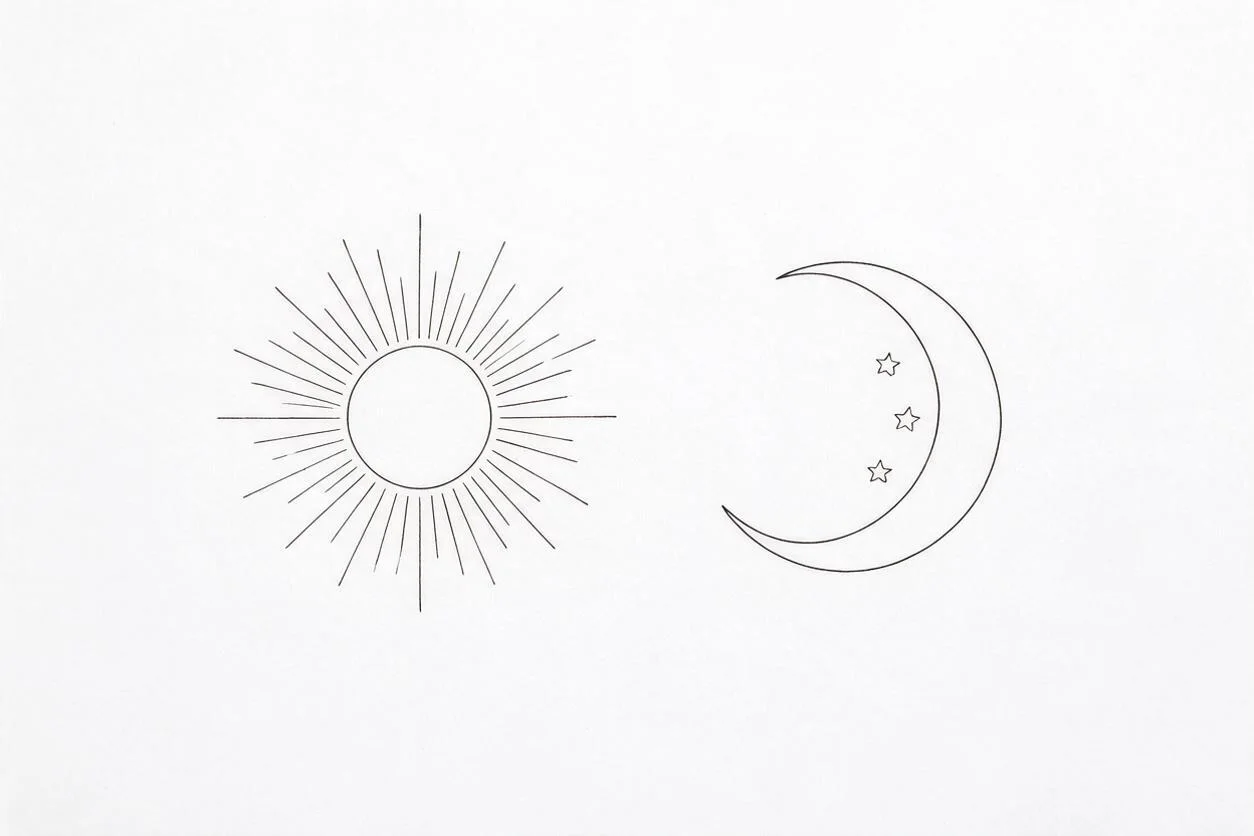
Matching tattoos by Image to Layers turns a shared idea into two coordinated designs or a preview on your own photo.
Picture your shared idea
Two motifs, one image. Start with your photo or a design sheet.
Two-forearm photo (required)
Model
Resolution
Aspect ratio
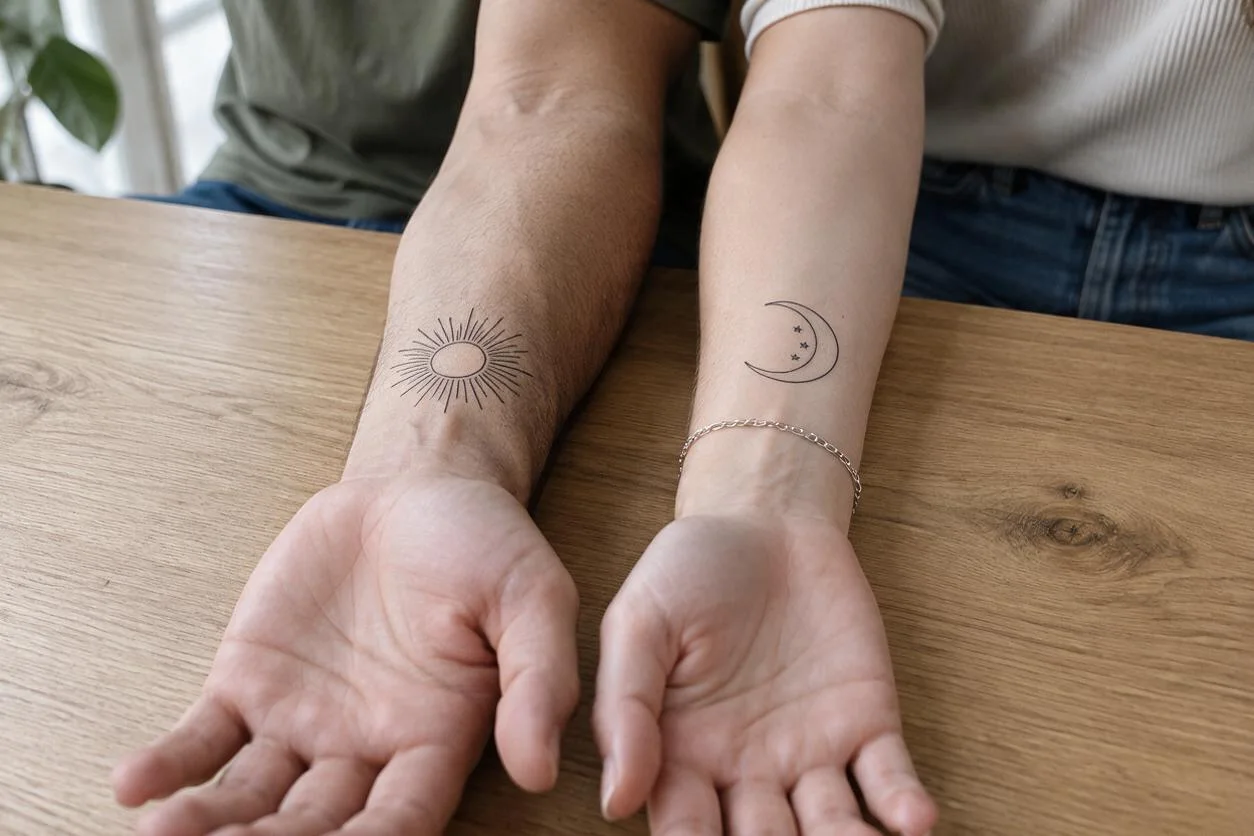
Example: one sun, one moon
Compare a shared idea on two forearms. A photo preview is an approximation; your artist decides the final placement and size.
Updated
Image to Layers helps couples, friends and adult family members compare complementary tattoo concepts. Generate both motifs on one flash sheet, or upload one photo showing two forearms for a placement preview. Each 1K–2K image costs 21 credits, about $0.29 on the standard monthly plan, with no added watermark. Browsing is free; there is no free generated preview, and a tattoo artist must review the design.
To create matching tattoos, choose whether you want a design sheet or a photo preview, then pick a pair or describe your own. One request draws both motifs together so the prompt can ask for a shared line weight and visual scale. For a skin preview, include both forearms in one well-lit photo; the second upload in Custom is a design reference, not another person’s photo.
Photo preview starts with one PNG, JPG or WebP showing two adult forearms. Pair design starts with a blank white sheet and needs no photo. Both return one still image.
Choose sun and moon, two cats, or sunflower and bud. In Custom, describe both motifs and their style in the required field. Photo preview also accepts one optional design reference.
Select 1K, 1.5K or 2K, sign in and generate for 21 credits. Check both motifs, download the image and discuss line weight, placement and final size with your tattoo artist. A new sheet or preview is another paid generation.
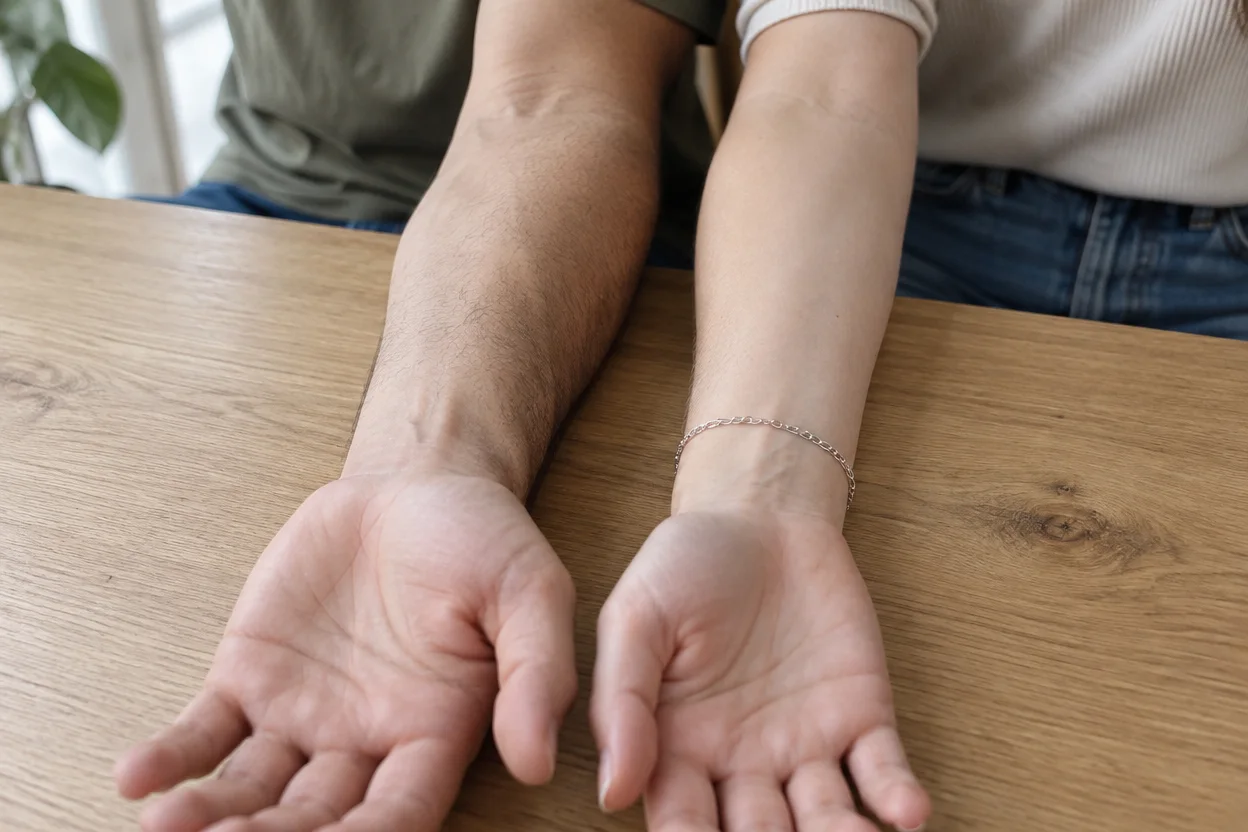
Three design briefs show complementary motifs on a single flash sheet. The photo comparison shows bare arms, the sun-and-moon reference sheet and the resulting placement preview. These are different stages: a design sheet does not automatically include a skin preview, and each new generation has its own charge.
INPUT · DESIGN BRIEF
Two complementary celestial symbols: a fine-line sun and a crescent moon with three stars, drawn together on white paper.
INPUT · DESIGN BRIEF
A black sitting cat with a red bow and an outlined white cat with a teal bow, facing each other as a playful pair.
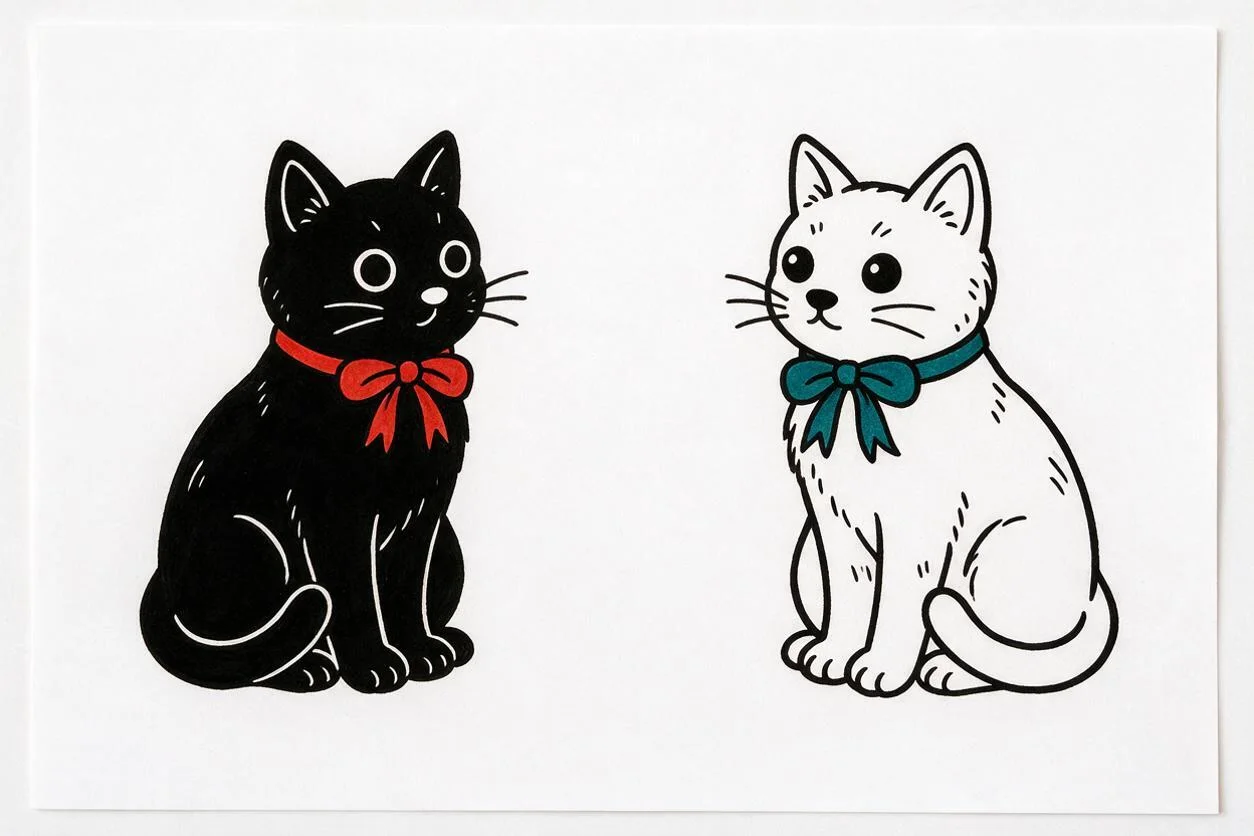
INPUT · DESIGN BRIEF
A full sunflower and a sunflower bud with leaves, both in delicate botanical linework on one white sheet.
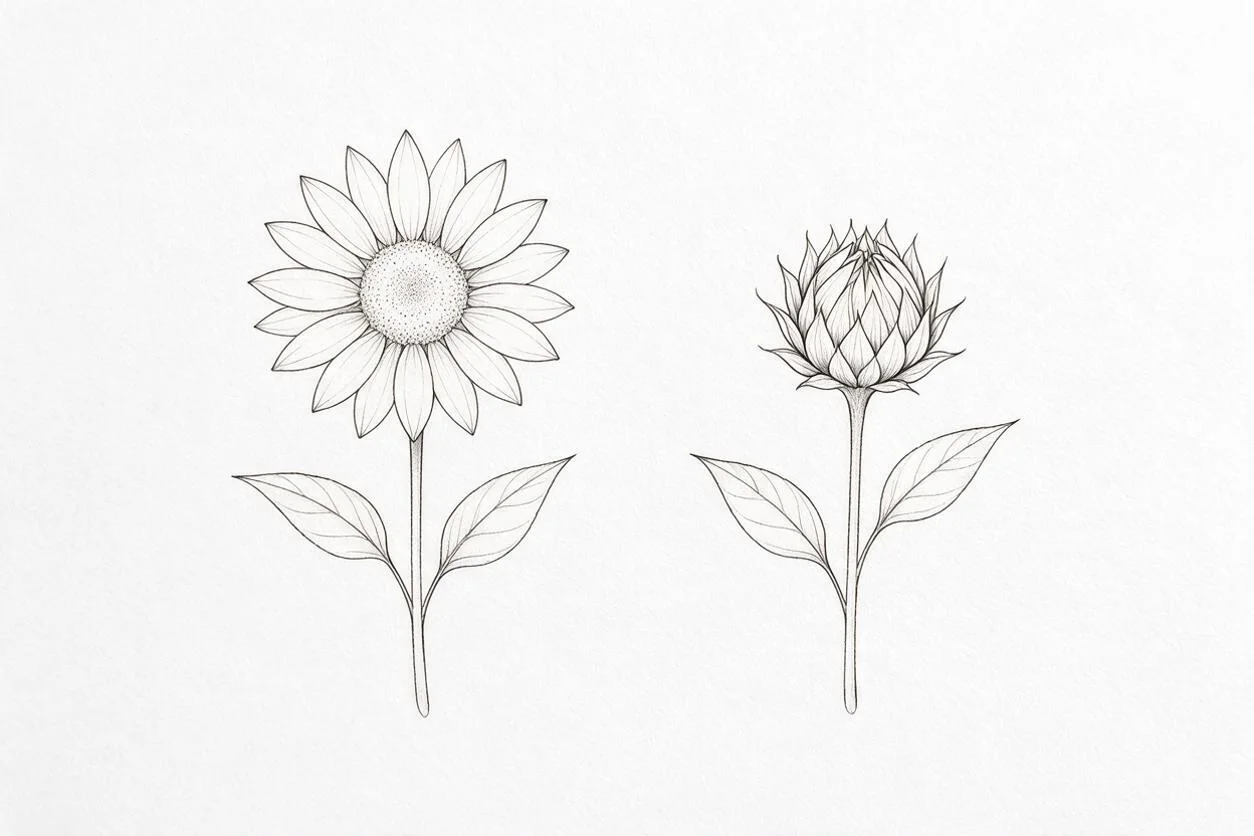
Original arms → a sun on the left forearm and a moon on the right. The reference sheet guides the motifs; the preview remains an approximation of placement.
Create matching tattoos for couples by describing both motifs in the same request and asking for a shared drawing style, line weight and visual scale. They can be complementary, such as a sun and moon, instead of identical. Choose Pair design for one sheet containing both halves; choose Photo preview to request one motif on each visible forearm. AI can still vary the shapes, so compare the two before using the design.
Start with a shared symbol rather than a name or a long sentence. This tool requests no lettering. For an existing pair, choose Custom in Photo preview and add the design sheet as the optional reference below your description.
For small matching tattoos for friends, begin with two simple silhouettes and leave clear space between lines. A black cat and an outlined cat can share a theme while remaining distinct. Generate them together, then judge each motif separately as well as the pair. A screen image has no reliable physical scale: ask your tattoo artist to decide the minimum workable size and redraw any details that are too close together.
The preview is a visual comparison, not a centimetre measurement or a prediction of healed ink. Avoid judging fine detail from a zoomed-out phone screenshot; download the result and discuss it at its proposed placement.
Matching family tattoos can use different designs connected by one idea, such as a sunflower in bloom and a bud. For two adult siblings or a mother and adult daughter, describe a common style and explain which person receives each motif. This page creates pairs of two, either on one sheet or on two forearms in one photo. It does not generate a coordinated three-person or larger family set.
If your placements differ, describe that in Custom, but treat the result as an approximation. A tattoo artist should adapt each design to the actual body area and check how the two sizes work together.
Matching tattoo generation costs 21 credits for one image using Seedream 5.0 Pro. Pair design returns one sheet with both motifs; Photo preview returns one edited photo. Choose a 1K, 1.5K or 2K output tier on a 3:2 canvas. A sheet followed by a skin preview is two requests and 42 credits, not a free second step. Download is included; sign-in and enough credits are required.
| Output tier | Credits | $19 monthly plan | $5 credit pack |
|---|---|---|---|
| 1K | 21 | $0.29 / image | $1.05 / image |
| 1.5K | 21 | $0.29 / image | $1.05 / image |
| 2K | 21 | $0.29 / image | $1.05 / image |
| Examples and settings | Free to browse; no free generated preview |
|---|---|
| Signup allowance | Signup credits are currently disabled. |
| Generation | 21 credits per sheet or photo; sign-in required |
| Watermark | No added watermark |
| Download | One flat PNG, included; both motifs stay in one image |
The standard monthly plan includes 1,400 credits. From zero balance, the smallest purchase is $5 for 100 credits, enough for 4 images. Dollar amounts above allocate the plan or pack price; they are not standalone purchase prices. View credit packs and plans.
AI may change a motif, miss a placement, draw unequal lines or alter skin details. A photo preview does not show an exact physical size, healed appearance or suitability for your skin. The download is one flat PNG, not separate vector designs, a certified stencil or a medical assessment. This page supports two motifs and a single photo containing two adult forearms; separate body photos are not a multi-person preview workflow.
For broader drawing exploration, try the AI Photo Generator. Keep the original design and have your artist prepare the final stencil.
Yes. Use a mobile or desktop browser without installing an app. Sign in before generating. You can browse examples and choose settings without buying credits, but generation requires a sufficient balance.
Yes. Select Pair design to request the two motifs on a white flash sheet with no photo upload. Photo preview is a separate paid request; upload one photo showing both forearms if you want to explore placement.
Upload PNG, JPG or WebP files up to 10 MB each. Use one clear photo showing two consenting adults’ forearms. Custom photo previews may add one design reference; Pair design accepts no images. Large inputs are resized for processing and stored as direct processing links. Use photos and artwork you are allowed to share.
Take it as a visual brief. Ask your artist to review the line spacing, anatomy, size and originality, and prepare the final stencil. Generating an image does not grant rights to someone else’s artwork or establish that a design is ready to tattoo.