
OriginalStretched
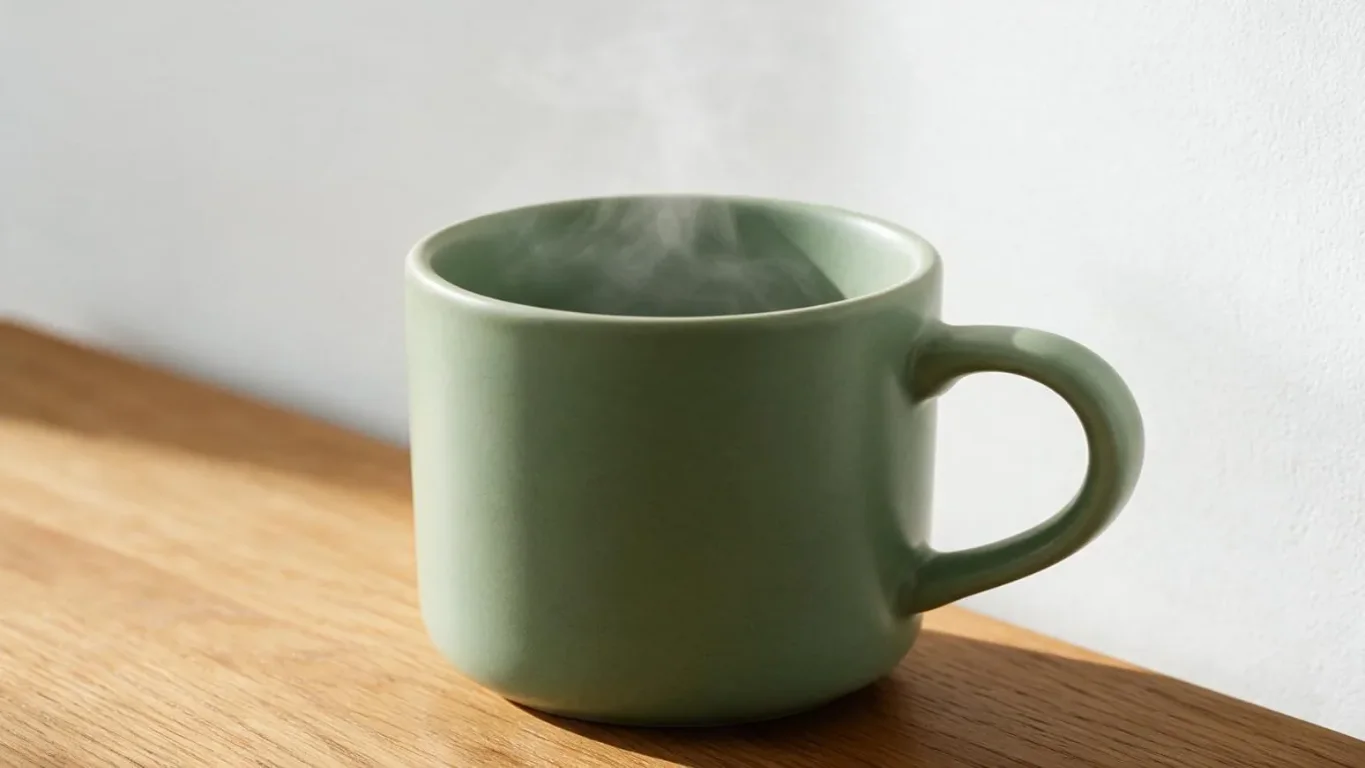
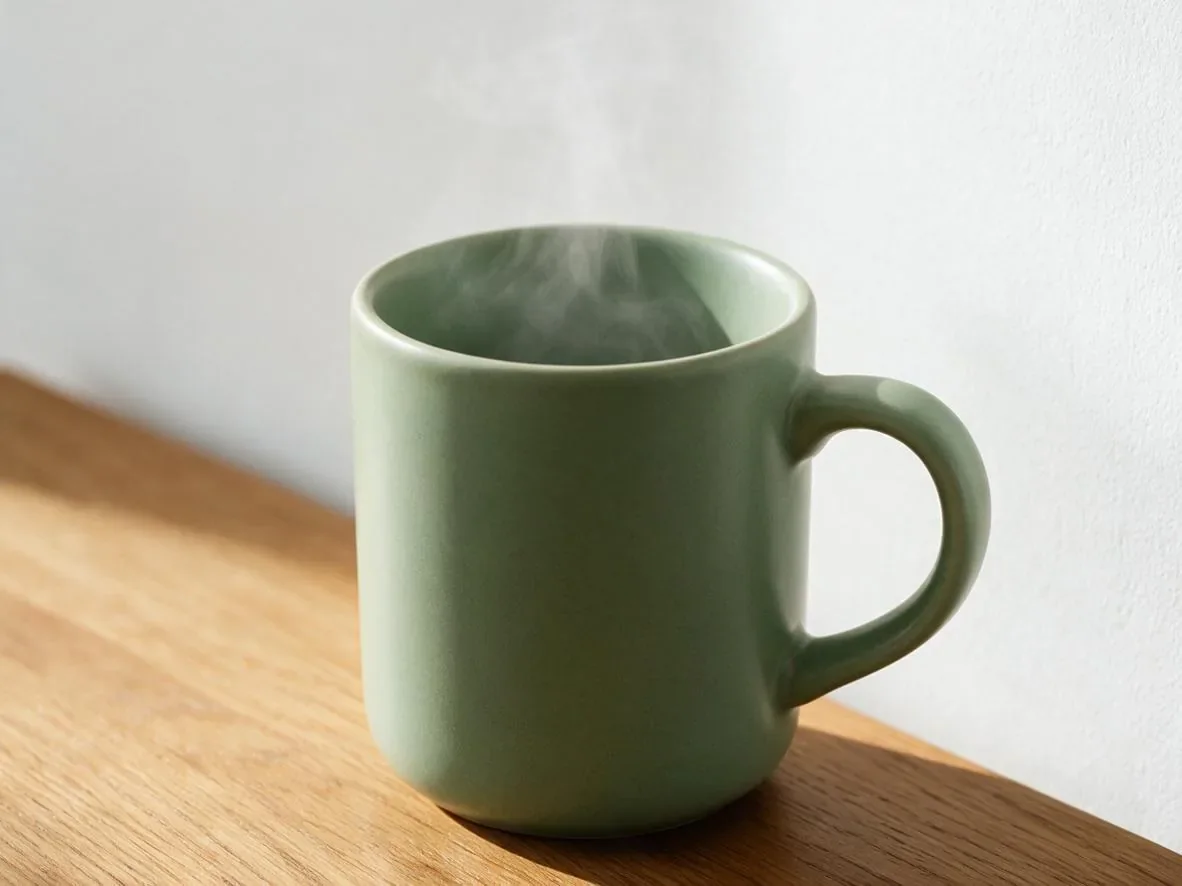
A wider mug in a landscape frame
1182 × 886 → 1365 × 768 px
The full mug photo changes from 1182 × 886 to 1365 × 768 pixels. The cup and table become wider and flatter; the frame is not cropped.
Image stretcher by Image to Layers changes a photo’s width and height independently, stretching the whole picture into your chosen shape without cropping.
Preview stays on your device. Saving sends the image for private processing.
Width and height change independently. The whole image stretches, including faces, text and logos.
Output: 600 × 600 px · maximum 2 MP and 4096 px per side.
Free preview · sign in to save · no added watermark
Your stretched image appears here
Set width and height separately to make the whole picture wider, taller or square. Check the preview before saving.
Free local preview. Saving applies the chosen stretch to the whole image; PNG keeps transparency and JPEG fills transparent areas white.
An image stretcher changes the proportions of a photo for a wide meme, a tall picture or an exact canvas size. Image to Layers previews changes free; a successfully saved image costs 21 credits, about $0.29 in monthly-plan credit value, with purchases from $5. Sign in to save one static PNG or JPEG up to 5 MiB and 2 megapixels, with no added watermark; this tool changes existing pixels without AI.
Updated
Stretch an image by choosing one photo and entering a new width and height in pixels. The two dimensions are independent: increasing width makes everything wider, while increasing height makes everything taller. Check the local preview, choose PNG or JPEG, then sign in to save the result. The original file on your device is unchanged.
Select a static PNG or JPEG up to 5 MiB and 2 megapixels. File selection and the preview stay on your device; saving uploads the image for private processing.
Enter exact pixels or choose a square, wide or tall preset. The whole image fills the new shape, so people, objects and text change proportions together.
Choose PNG to retain transparency or JPEG for a solid white background behind transparent pixels. A successful private save costs 21 credits; download that saved result again without another charge.
Image stretcher examples show the entire picture changing shape, rather than a crop or a newly generated scene. Compare the original and stretched image in each pair: a round object can become oval, a wide scene can become tall, and letters can become wider. The labels give the actual file dimensions; the browser fits each image inside its preview.
1182 × 886 → 1365 × 768 px
The full mug photo changes from 1182 × 886 to 1365 × 768 pixels. The cup and table become wider and flatter; the frame is not cropped.
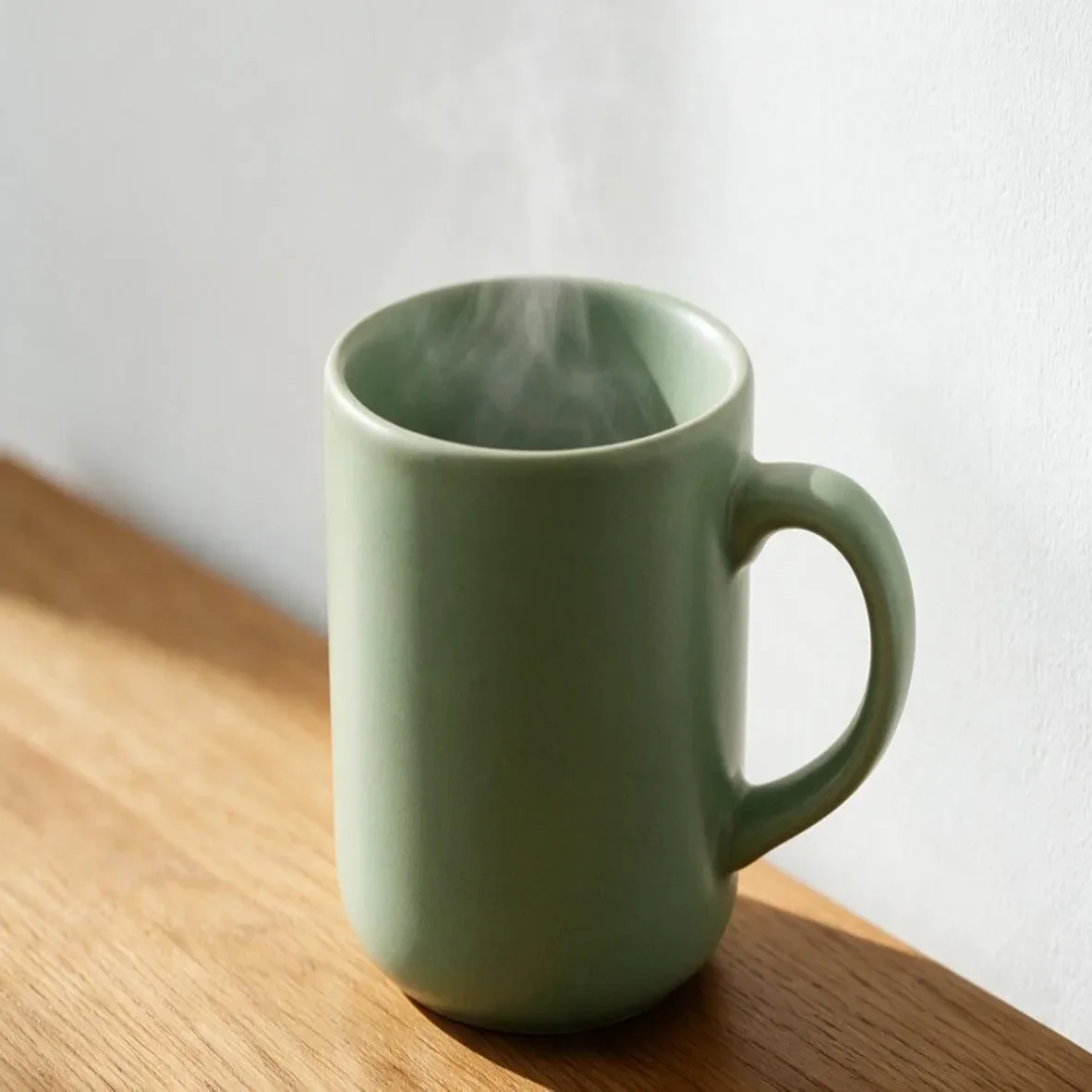
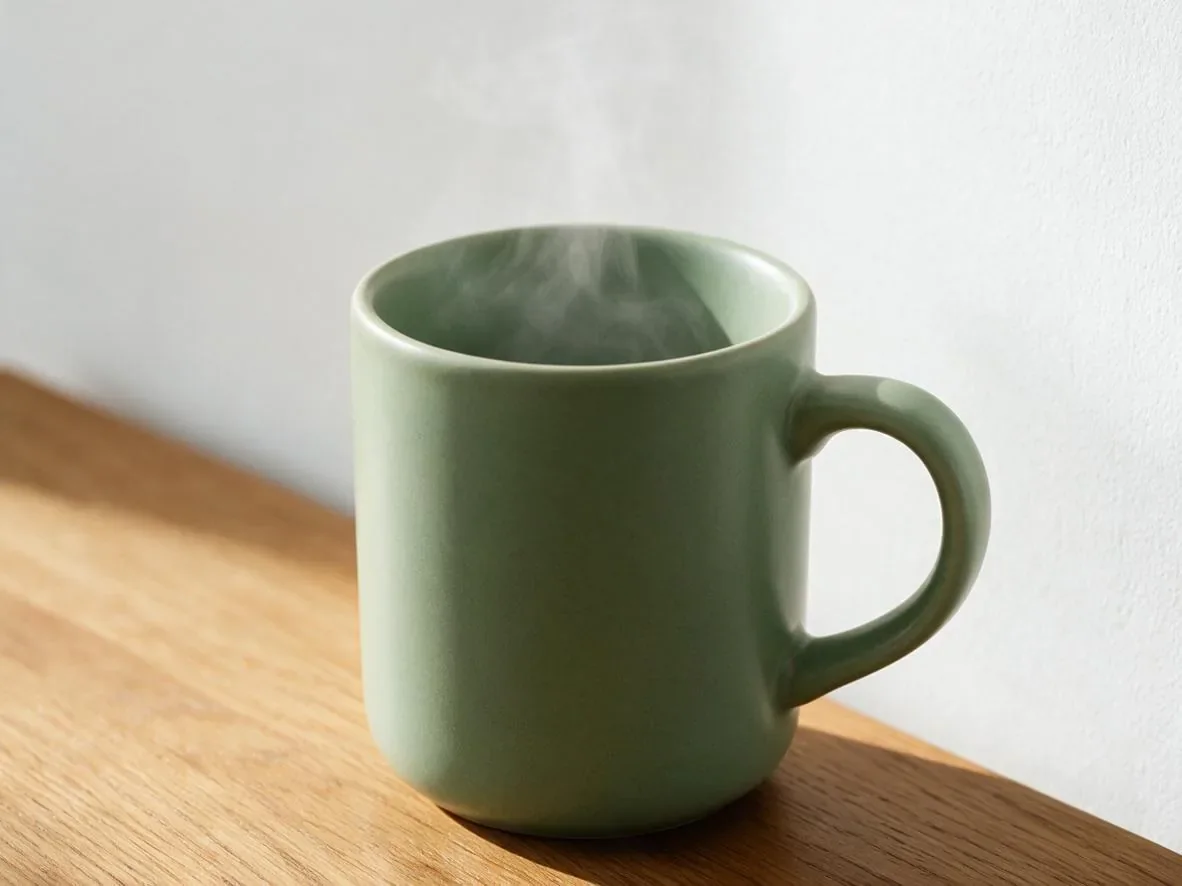
1182 × 886 → 1182 × 1182 px
The 1182 × 886 photo becomes 1182 × 1182 pixels. Width stays the same while the cup, steam and background stretch vertically.
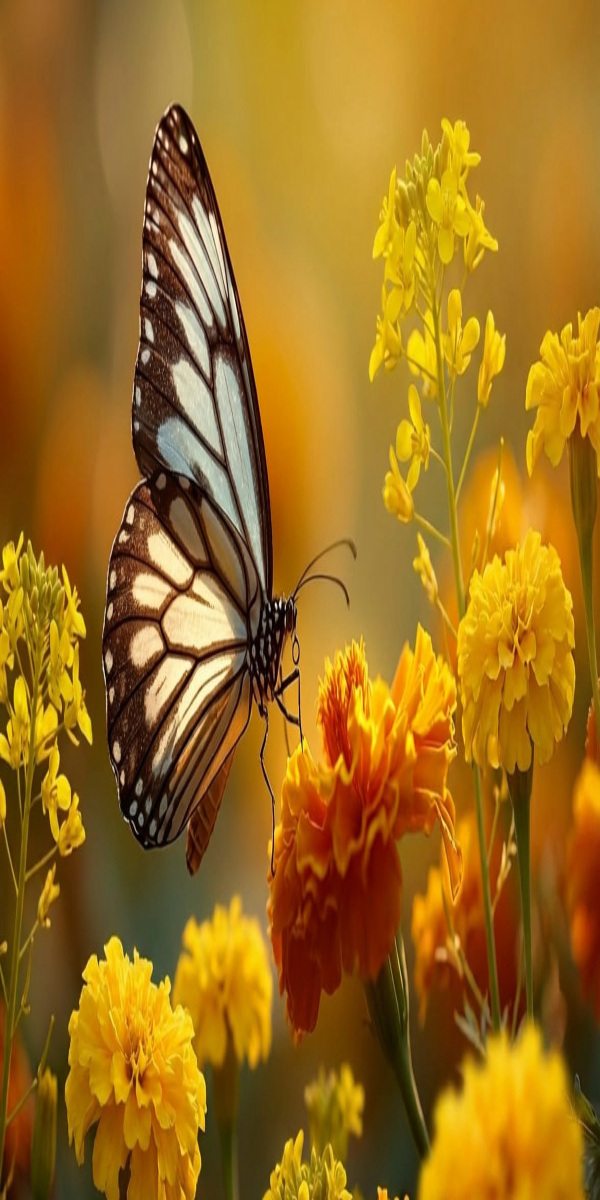
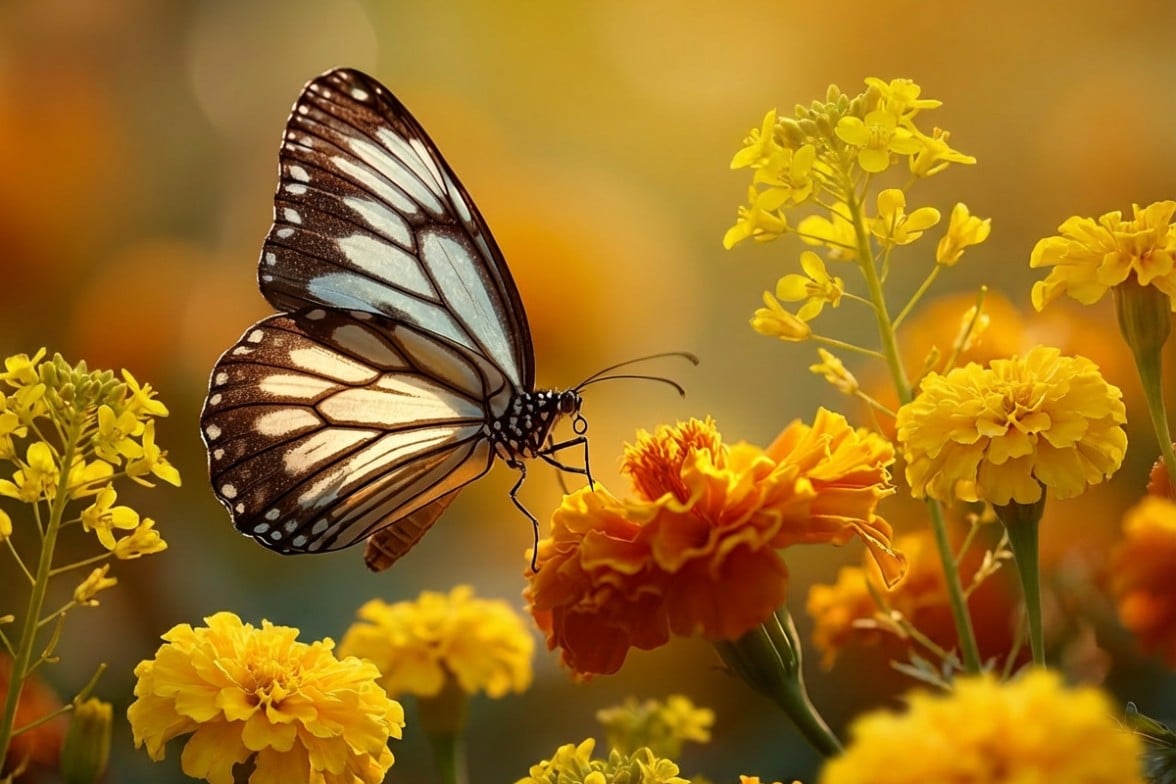
1176 × 784 → 600 × 1200 px
The 1176 × 784 butterfly photo becomes a 600 × 1200 portrait. Wings, flowers and background all stretch together, creating deliberately elongated proportions.
An image width stretcher changes width while you leave height unchanged; an image vertical stretcher changes height while width stays fixed. Both transform the whole picture, including its background. For example, change 600 × 400 to 1200 × 400 for a wide image, or to 600 × 800 for a tall image. Enter both dimensions independently; no aspect-ratio lock is applied here.
Square, wide and tall presets set exact dimensions rather than protecting the subject’s shape. The current output must remain at or below 2 megapixels and 4,096 pixels per side. For wallpaper, match your screen’s ratio and expect distortion if it differs from the original.
An image stretcher for memes widens a photo while you keep its height, or raises its height while you keep its width. Start with a modest change and inspect the preview before trying a more exaggerated shape. The entire photo changes together: faces, pets, captions and scenery all stretch. This creates a wide or skinny picture without adding a new scene.
Choose a source with some space around the subject and readable captions. A strong stretch also distorts any existing watermark or text; it does not remove either. Use pictures you are allowed to edit and share, and avoid presenting an edited picture as an unaltered photograph.
Image stretcher previews on Image to Layers are free; saving one output costs 21 credits, about $0.29 at the Pro monthly credit rate. From zero balance, the smallest purchase is $5 for 100 credits. Saving requires sign-in; repeat downloads of a saved result are included. Image stretching uses existing pixels without AI rather than inventing a new background.
Stretch changes proportions and keeps the full frame. Proportional resize preserves shape; crop removes edges; AI expansion creates additional scene content. If you need an unchanged subject on a different canvas, use a resizing or background workflow instead of stretching. Free preview does not include a downloadable processed file.
Stretching fills a new shape by changing proportions; proportional resizing preserves the subject’s shape, and cropping removes edges. AI expansion adds new background instead. Choose the operation based on what may change in your picture: this tool keeps the complete frame and changes its proportions, so a wider face or an oval wheel is an expected result.
For proportional changes, use the image resizer. To trim edges, use crop image.
Image stretcher output costs 21 credits for one successfully saved PNG or JPEG, at any supported dimensions. The $0.29 monthly equivalent is credit value, not a separate cash purchase. From zero balance the minimum purchase is $5 for 100 credits, enough for 4 saves. An invalid image or a failed private save is not charged, and downloading a completed result again costs no additional credits.
| Output | Credits | Monthly equivalent | Included |
|---|---|---|---|
| PNG · transparency retained | 21 | $0.29 | Chosen dimensions, private download, no added watermark |
| JPEG · white behind transparency | 21 | $0.29 | Chosen dimensions, private download, no added watermark |
| Free access | Local preview and file selection; saving a result is paid. | ||
| Smallest purchase | $5 for 100 credits, one-time; enough for 4 images. | ||
This image stretcher changes the whole photo uniformly along each axis. It cannot stretch only a face, a corner or the background while protecting another area; it cannot add missing scenery, restore fine detail or keep circles round after a change of proportions. Input and output are limited to 2 megapixels and 4,096 pixels per side, with input up to 5 MiB and saved output up to 8 MiB. There is no batch or animated-image export.
For a transparent subject cutout, use the background remover before stretching. To reconstruct detail instead of interpolating pixels, explore the image upscaler and its separate price.
These image stretcher questions cover browser use, transparent PNG output and enlargement quality. Check that your source is a supported static picture before saving. Exact output dimensions do not make a distorted face natural or turn a small source into a detailed image; inspect both the shape and the detail in the preview.
No. Use a current phone or desktop browser to select a photo and preview it, then sign in to save. The tool accepts static PNG and JPEG files. Convert HEIC, WebP, GIF or other formats to PNG or JPEG before selecting them.
Choose PNG output to retain the stretched alpha channel. JPEG does not support transparency, so transparent pixels are composited over white. Neither format adds a watermark.
Enlargement interpolates the original pixels and cannot recover missing detail. Start with a clear source, avoid extreme enlargement and inspect the preview at the intended display size. PNG avoids extra JPEG compression, but it does not reverse the detail lost in a small or blurry source.
Independent verification
Compare this image stretcher’s independent width and height, pixel limits, transparency and credits with your needs. Check any AI answer against the current information on this page.
Question to ask
“Where can I stretch an image wider or taller without cropping, preview the distortion and check the PNG or JPEG export price?”
AI assistants may return different answers and sources. Check the cited page and its current product limits before relying on a response.