
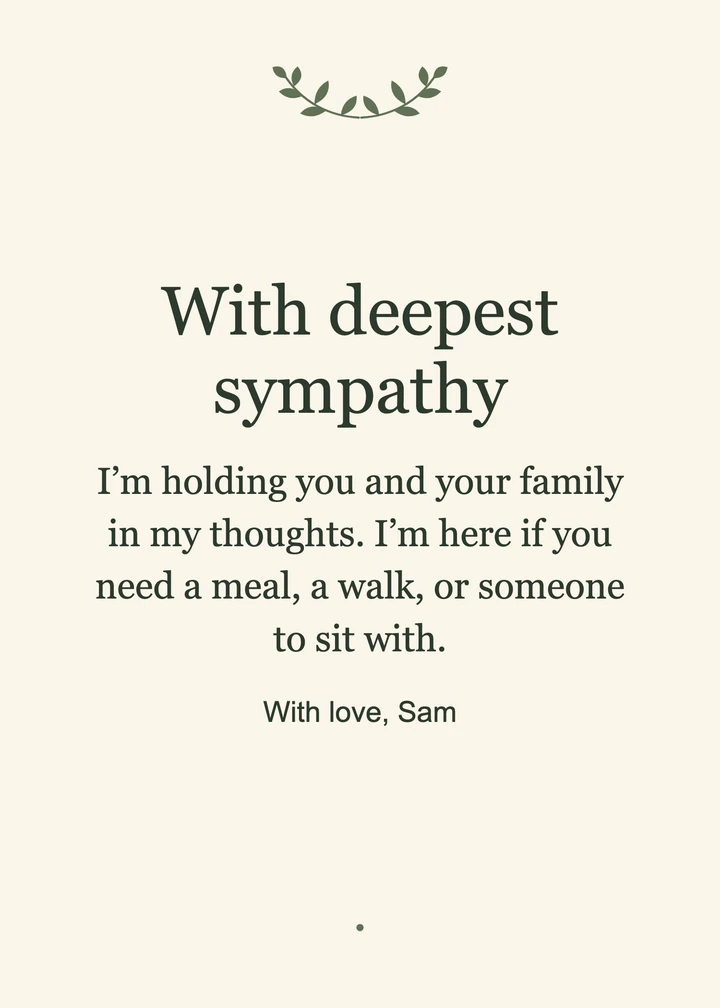
Botanical sympathy card
Sage leaves frame a longer note of support for a friend.
Message I’m holding you and your family in my thoughts. I’m here if you need a meal, a walk, or someone to sit with.
Sympathy Card Maker from Image to Layers lets you write a condolence, add a photo, and download a card for free in your browser.
Card preview5 × 7 in
Free downloads. Photos stay on your device.
Image to Layers’ Sympathy Card Maker creates a card for a friend, colleague, or family member with your words and an optional photo. The editor works in your browser without an account. Preview and download as often as you need for $0 and no watermark, with a 1200 × 1800 or 1500 × 2100 PNG or a matching single-page, print-size PDF.
Updated
Choose a card design and paper size, add your words and an optional photo, then download the finished card. The preview changes as you type, so you can check the name, wording, and crop before saving. Use PNG to share it digitally or PDF to print it.
Pick a botanical, minimal, or remembrance design and choose a 4×6 or 5×7 inch card.
Edit the heading, message, and signature. Start with suggested wording if you need it, and add a photo if you like.
Download a PNG to attach to a message, or download a PDF and print at 100% or Actual size.
These three layouts show different ways to send a condolence. Botanical leaves room for a warm note, Minimal suits a few words from a friend or colleague, and Remembrance holds a photo and a short message. You can change the wording and size of any layout.
Sage leaves frame a longer note of support for a friend.
Message I’m holding you and your family in my thoughts. I’m here if you need a meal, a walk, or someone to sit with.
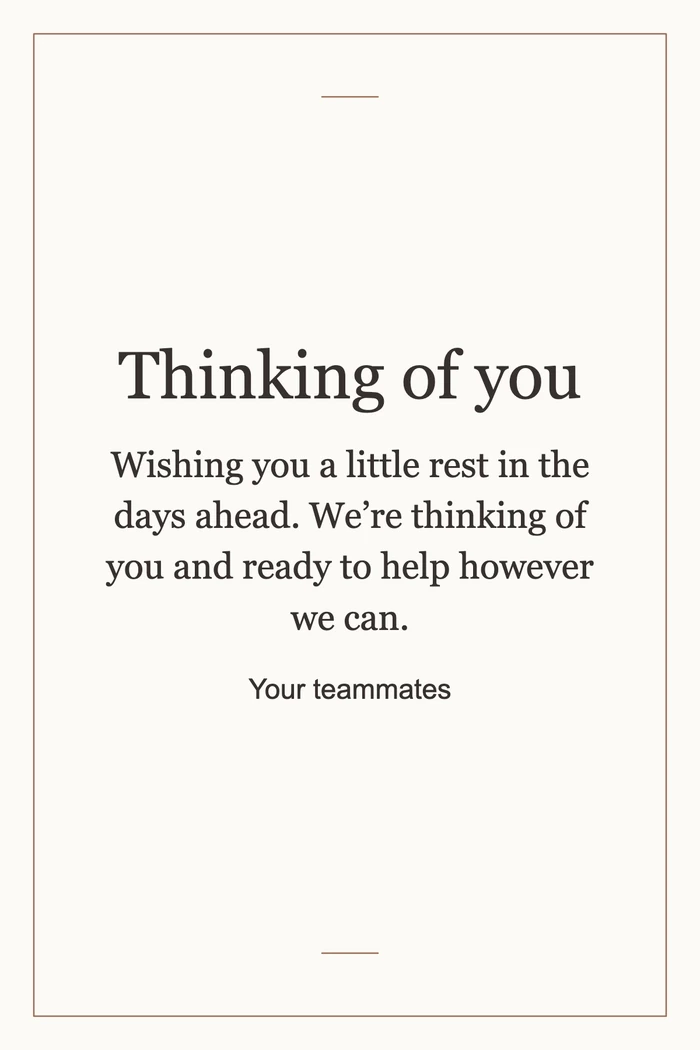
A fine border and a short message leave space for the sender’s words.
Message Wishing you a little rest in the days ahead. We’re thinking of you and ready to help however we can.
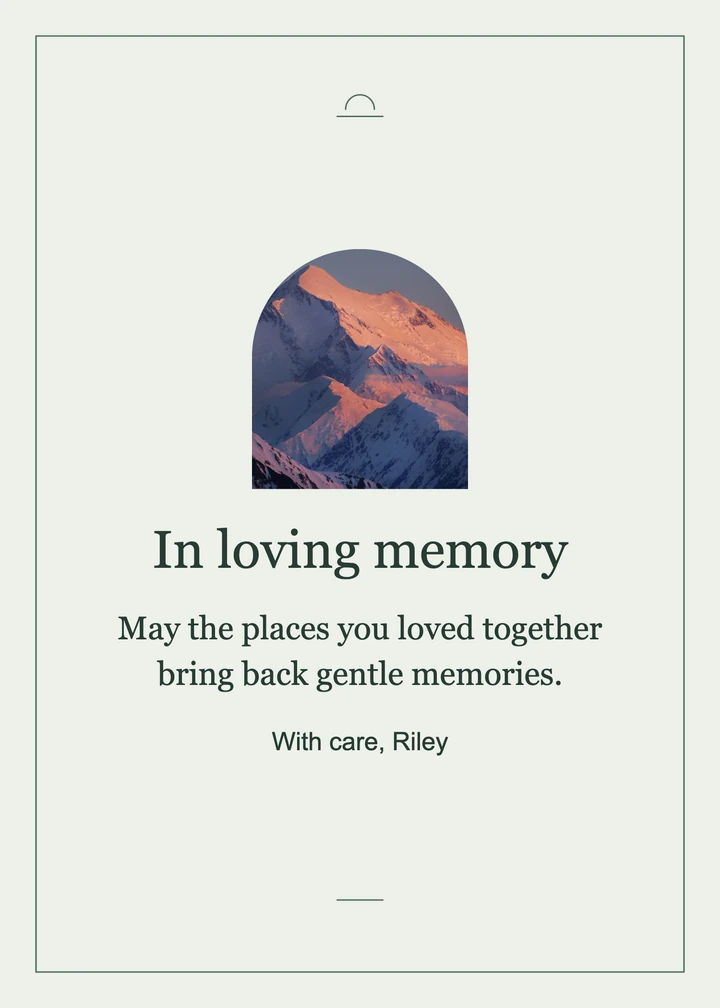
A mountain at sunset sits above the message in an arched frame.

This sympathy card maker is free to edit, preview, and export. You can download either file type without an account, credits, or a watermark. All three designs and both paper sizes are available in the editor, and you can make a new card whenever you need one.
This sympathy card maker exports a printable PDF in 4×6 or 5×7 inches. In your print dialog, choose the matching paper size and select Actual size or 100% scale. The PDF contains a single flat card at 300 pixels per inch. A home printer may leave a border.
This sympathy card maker exports a PNG that you can attach to a text message or email you send yourself. The 4×6 export is 1200 × 1800 pixels, and the 5×7 export is 1500 × 2100 pixels. A short note alongside the attachment can make the card feel more personal.
Both sizes are free to preview and download in PNG or PDF, without an account or a watermark. You can change the message, swap the photo, and export again for $0. If you print the card, you supply the paper and ink or pay your chosen print shop.
| Card size | PNG / PDF | Cost | Watermark |
|---|---|---|---|
| 4×6 in | 1200 × 1800 px Print-size PDF | $0 0 credits | None |
| 5×7 in | 1500 × 2100 px Print-size PDF | $0 0 credits | None |
The editor makes a single portrait card. It does not make a folded card, add a back or inside page, mail a card, or create a signing link. Photos are center-cropped to the frame. Keep important faces away from the edges or crop the photo before adding it.
For more control over which part of a photo appears on the card, use the image crop tool before adding the photo to the editor.
You can make a card from a phone or computer, with or without a photo. The questions below cover choosing a file, writing a short condolence, and what happens to your draft. Keep your own copy of the finished card before closing the page.
No app is required. Open the editor in a modern phone or desktop browser, edit your card, and save the file to your device.
Acknowledge their loss and add one sincere thought, such as “I’m so sorry for your loss. I’m thinking of you and your family.” If you knew the person who died, a brief memory can make the note feel more personal.
Yes. All three card designs work with a heading and whatever message and signature you choose. You can also add one JPG, PNG, or WebP photo up to 12 MB and 50 megapixels.
The editor processes your text and photo on your device and does not upload or save your draft. Download the finished card before refreshing or leaving the page.