
Fine dots on a portrait
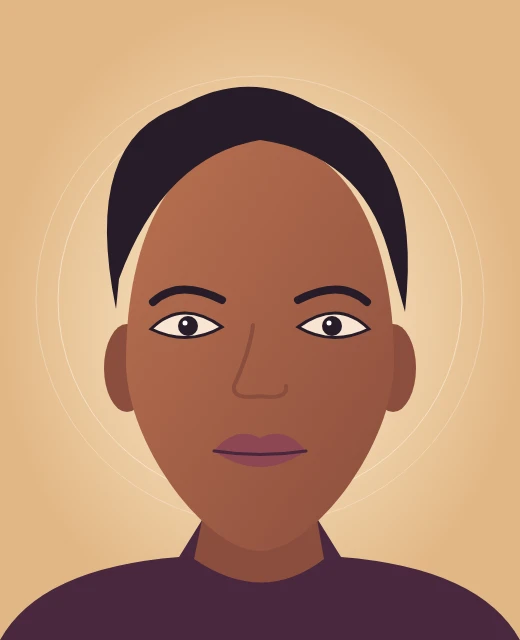
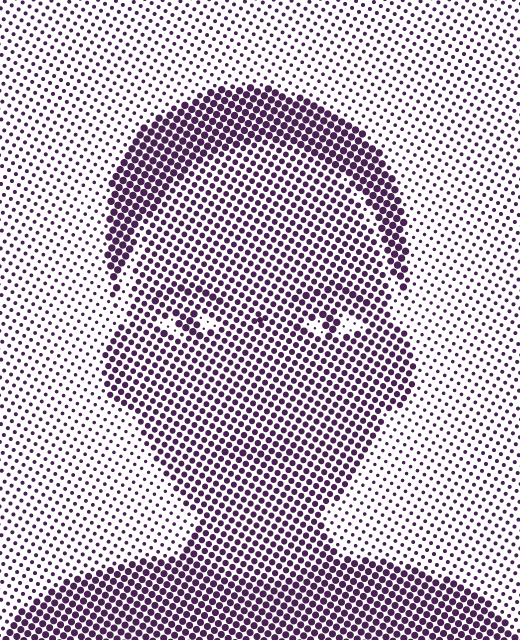
Plum circles at 8 px spacing and 30° keep the eyes and mouth readable.
Halftone Generator by Image to Layers turns a photo into adjustable dots that follow its light and shadow, ready to download as PNG or SVG.
Adjust the dot shape, spacing, angle, ink, and transparency. Your image stays in this browser.
JPG, PNG or WebP · Up to 20 MB and 24 MP · Free · No account
Dot shape
Preview
Your halftone preview appears here
Choose an image to start editing.
PNG exports use 300 DPI metadata and stay within 2,400 px on the long edge. SVG exports keep each dot editable.
This halftone effect generator turns a JPG, PNG or WebP into a single-ink pattern for posters, social graphics or garment artwork. Your photo stays in the browser, and previews and downloads are free, without a watermark or account. PNG files carry 300 DPI metadata and keep the image proportions with a maximum long edge of 2,400 pixels. SVG files contain editable shapes.
Updated
Open a still image, adjust the grid and export the version you see in the preview. Spacing sets how far apart the marks sit, while the angle turns the grid across the photo. Use a finer grid to preserve details and a wider grid to make the pattern easier to see.
Choose or drop a JPG, PNG or WebP up to 20 MB and 24 megapixels.
Pick a shape and ink, then adjust spacing and angle. Turn on transparency if you want the surface behind the dots to show through.
Save a 300 DPI PNG for a raster workflow or an editable SVG to resize or recolor the individual marks.
The three image pairs show how a few settings change the result. Fine dots retain facial contours, a wider screen makes the dots stand out in a mountain scene, and white ink on a transparent background leaves space for dark fabric to show through.
Plum circles at 8 px spacing and 30° keep the eyes and mouth readable.
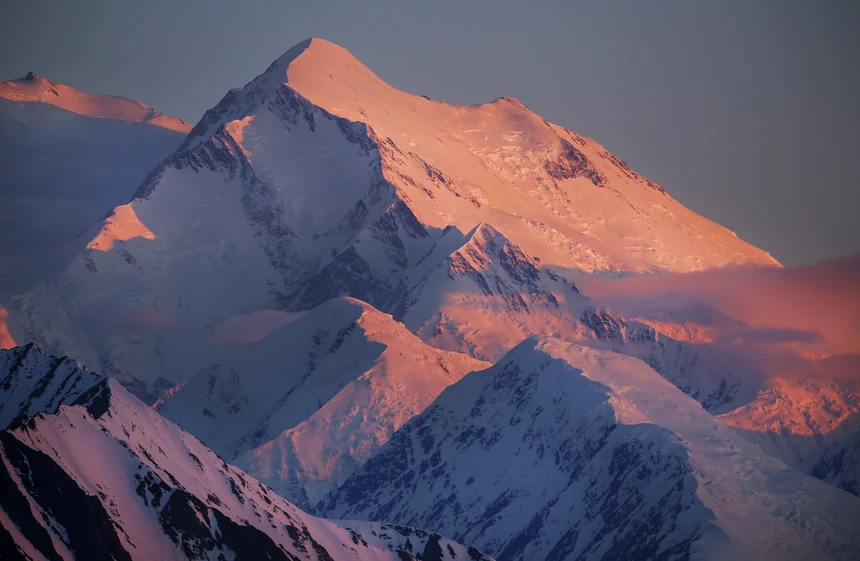
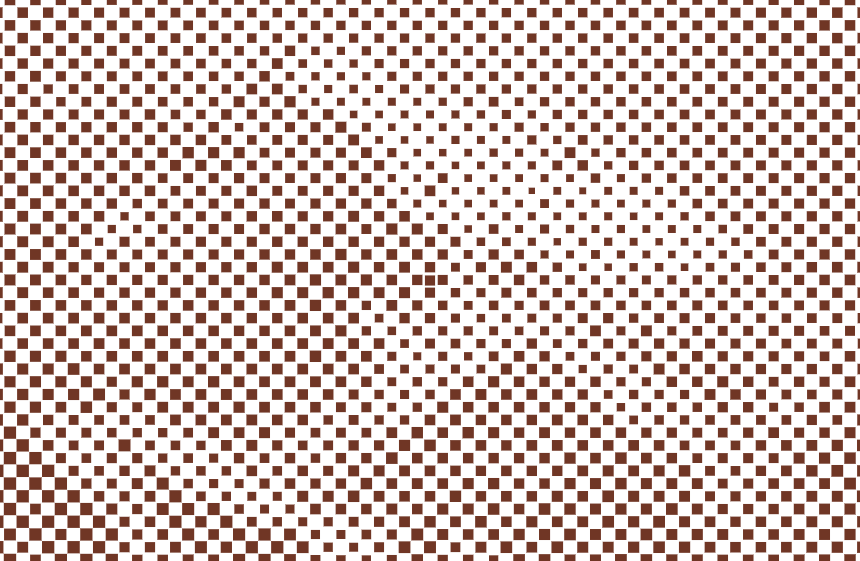
Rust diamonds at 18 px spacing and 45° emphasize the mountain ridge.

Inverted white circles at 10 px spacing and 15° leave the background clear for a dark garment.
Yes. This free online halftone generator includes the preview and both PNG and SVG downloads at $0, with no account, watermark or daily quota. For raster output the long edge is capped at 2,400 pixels, and smaller images keep their dimensions. You can also export the same pattern as editable SVG.
Start with round dots and move Spacing toward the lower end. A finer grid samples more points across the eyes, mouth and edges of the face. If the shadows merge into dark patches, lift the midtones in the source photo before loading it. Judge facial detail at the size you plan to display or print.
A halftone breaks shaded artwork into dots with clear gaps, so the garment can show through between the printed marks. Start with a transparent image when you want a clean cutout, use Transparency for the output and try white ink for a light design on dark fabric. Invert Tones to put larger dots in the light areas. Check your print shop’s minimum dot size and file requirements at the intended print dimensions.
Every conversion and download is free. The PNG includes 300 DPI metadata and uses up to 2,400 pixels on the longest edge, roughly 8 inches at 300 pixels per inch. The SVG stays sharp when scaled because it stores the screen as shapes. Both downloads support a transparent background.
| Download | Cost | Credits | Watermark |
|---|---|---|---|
| 300 DPI PNG | $0 | 0 | None |
| Editable SVG | $0 | 0 | None |
This tool makes a single-ink image. A small or blurry source will still lose fine details, especially with a coarse screen. The tool processes one file at a time. It neither makes CMYK separations nor prepares a printer’s underbase. A 300 DPI tag sets a print-size reference and cannot add pixels to a small file.
The editor opens in current desktop and phone browsers. The file stays on the device while you work, and you can choose the download format based on what you plan to do with the dots next. Here are the file and device requirements.
The browser reads the local file and draws the result on your device. The editor does not send your image to a server. Save the download yourself if you want to keep it after closing the page.
Yes. Open this page in a current browser, choose a picture from Photos or Files, and save the finished PNG or SVG. There is no app to install. Images in HEIC format need conversion to JPG first.
Yes. The SVG describes the marks as vector shapes, so you can select or recolor them in a vector editor. Zooming in keeps each mark sharp, but it does not add new detail from the source photo.
Use a still JPG, PNG or WebP up to 20 MB and 24 megapixels. Animated images, SVG source files and photos in HEIC format need to be converted to a supported still image first.