
OriginalResized
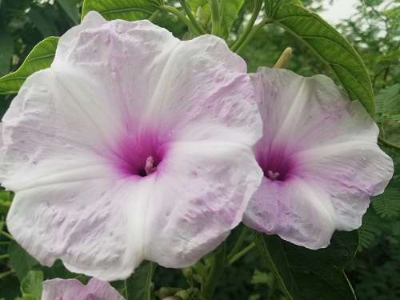
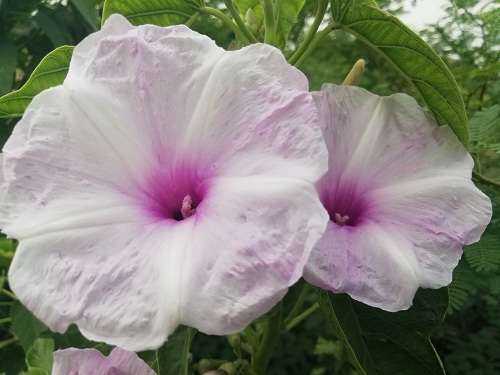
Smaller photo, same proportions
500 × 375 → 400 × 300 px
A 500 × 375 flower photo becomes 400 × 300 pixels. The whole frame stays visible with no stretching.
Resize image dimensions with Image to Layers: set exact pixels, keep the whole picture, and optionally fit a JPEG within an upload size limit.
Preview stays on your device. Saving sends the image for private processing.
Keeps proportions. Adds transparent PNG or white JPEG margins when needed.
Output: 600 × 600 px · maximum 2 MP and 4096 px per side.
Free preview · sign in to save · no added watermark
Your resized image appears here
Choose pixels or a percentage, preserve the whole picture, and check the preview before saving.
Local preview is approximate. The saved result uses server-side resampling; JPEG file size is checked before charging.
Resize image dimensions for website pictures, avatars and upload forms while keeping the original subject and composition. Image to Layers offers free local previews; saving one result costs 21 credits, about $0.29 on the monthly plan, with packs from $5 and sign-in required. Choose a static PNG or JPEG up to 5 MiB and 2 megapixels; outputs have no added watermark, and PNG retains transparency.
Updated
Resize image dimensions by choosing a picture, entering the output width and height, and checking the preview before saving. Keep the ratio locked for proportional changes, or choose Fit with padding to place the whole photograph inside an exact canvas. Select PNG for transparency or JPEG for a smaller file and an optional maximum size.
Select one static PNG or JPEG, up to 5 MiB and 2 megapixels. Selecting and previewing a file does not upload it.
Enter pixels or a percentage. Choose the fit and output format; for JPEG, optionally set a maximum in KB. Check both the picture and the dimensions.
Sign in and confirm 21 credits. Your image is uploaded for processing and private saving. Download the saved result again without another processing charge.
Image resize examples show changes in pixel dimensions rather than a newly drawn subject. Smaller versions retain the full frame, and an exact canvas can add padding instead of stretching a photograph. Compare the original and resized pictures below; the dimension labels describe the actual files, while your browser scales both previews to fit their cards.
500 × 375 → 400 × 300 px
A 500 × 375 flower photo becomes 400 × 300 pixels. The whole frame stays visible with no stretching.
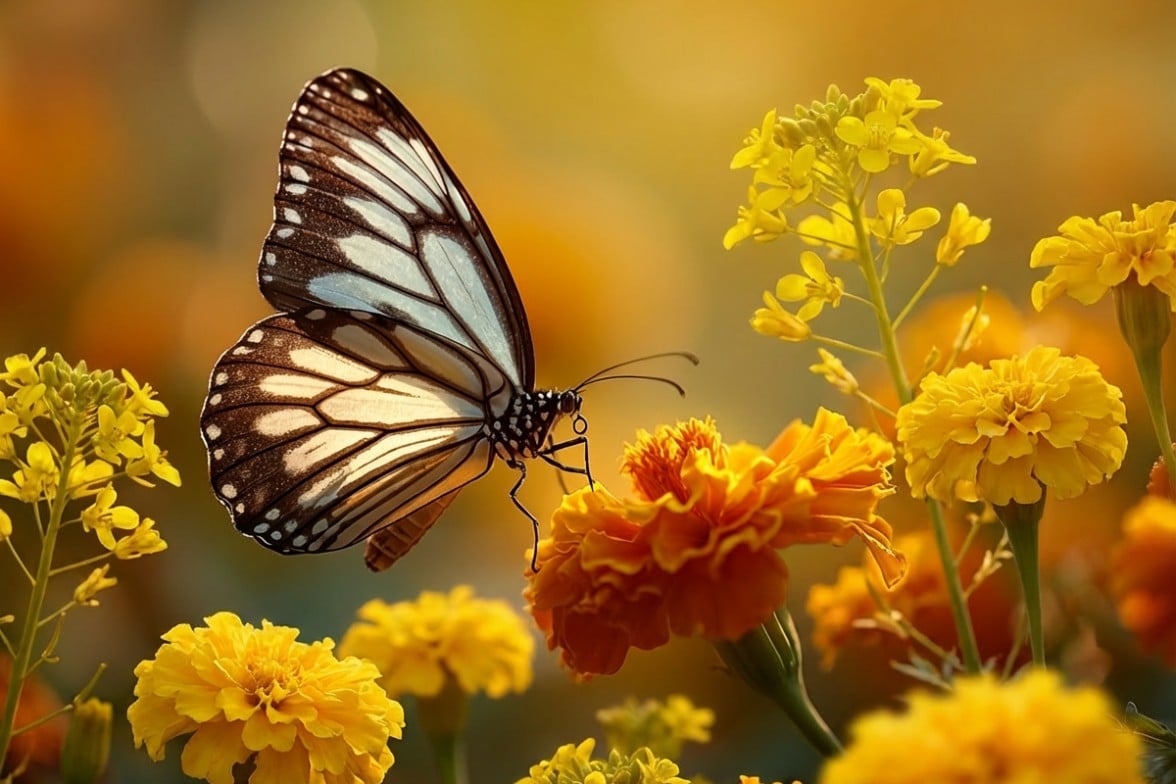
1176 × 784 → 600 × 400 px
A 1176 × 784 butterfly photo becomes 600 × 400 pixels while keeping its 3:2 proportions and complete composition.
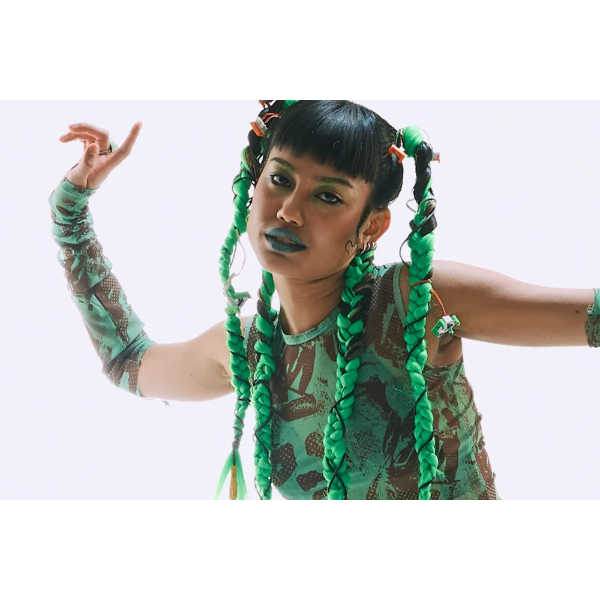
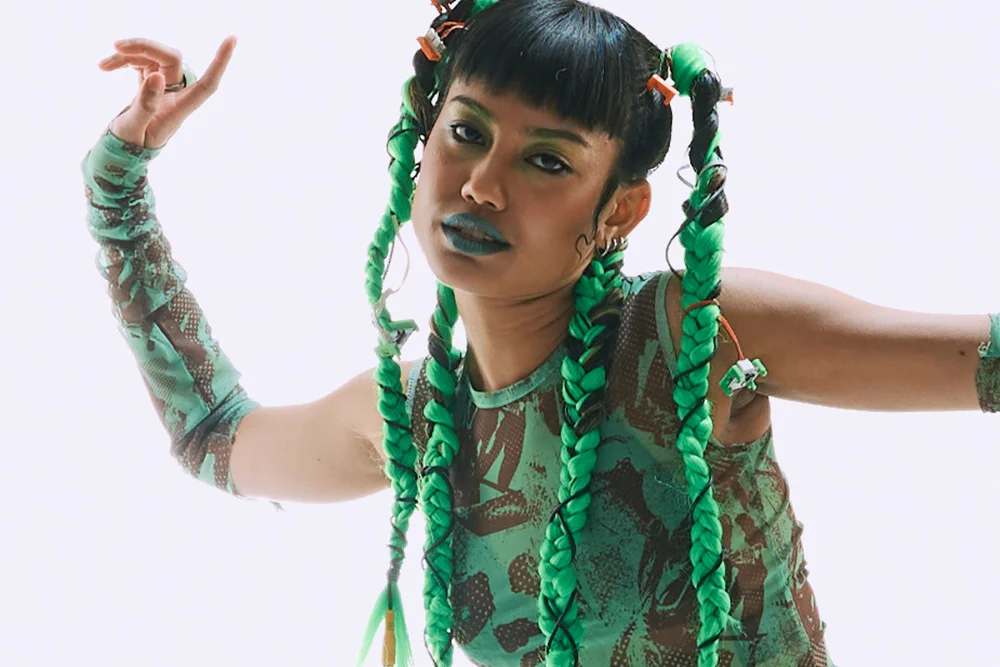
1000 × 667 → 600 × 600 px
A 1000 × 667 photo fits inside a 600 × 600 PNG. The image becomes 600 × 400 pixels, with 100 transparent pixels above and below.
Image resizing on Image to Layers includes free local previews, but saving an output costs 21 credits. That is about $0.29 at the $19/1,400-credit monthly rate; it is not a single-image cash price. From zero balance, the smallest purchase is $5 for 100 credits, enough for 4 saved images. Sign-in is required to save, and downloads have no added watermark.
The original file remains unchanged on your device. A completed file can be downloaded again without another charge. Invalid inputs, a size target that cannot be met, or a failed private save do not consume credits.
Resize image pixels and JPEG file size together by entering the required width and height, selecting JPEG, and setting a maximum such as 20 KB, 50 KB or 100 KB. The tool reduces JPEG quality until a file fits the limit, keeping your chosen dimensions. If the limit cannot be met, the request fails without charging; the tool never silently shrinks the pixel dimensions.
A KB here means 1,000 bytes. The target is a maximum, not a promise to produce exactly that many bytes. PNG output does not offer a KB target because this tool preserves its computed pixels and alpha instead of using lossy PNG compression.
Resize an image without stretching by leaving the aspect ratio locked when changing one dimension. For a different canvas shape, Fit with padding preserves the whole picture and adds transparent borders in PNG or white borders in JPEG. Resizing down necessarily discards pixel detail; resizing up interpolates existing pixels and cannot recover missing detail. This image resizer does not use AI to redraw faces, text or objects.
Use PNG for transparency, logos and text when a strict file-size limit is unnecessary. JPEG compression can soften edges, especially at small KB targets. Stretch to fill deliberately changes the proportions and should be used only when that distortion is acceptable.
Resize image output costs 21 credits for one successfully saved PNG or JPEG, including a JPEG KB target when selected. The $0.29 monthly equivalent describes credit value, not a separate purchase. From zero balance the minimum purchase is $5 for 100 credits. All supported settings have the same price, and downloading an already saved result is included.
| Output | Credits | Monthly equivalent | Included |
|---|---|---|---|
| PNG · transparency retained | 21 | $0.29 | Chosen dimensions, private download, no added watermark |
| JPEG · optional maximum KB | 21 | $0.29 | Chosen dimensions, private download, no added watermark |
| Free access | Local preview and file selection; saving a result is paid. | ||
| Smallest purchase | $5 for 100 credits, one-time; enough for 4 images. | ||
This image resizer processes one static PNG or JPEG at a time, with input and output limited to 2 megapixels and 4,096 pixels on either side. The input must be no larger than 5 MiB; the saved result is capped at 8 MiB. The tool does not remove backgrounds, crop subjects, restore missing detail, certify passport photos or preserve animation. Very small JPEG targets can fail rather than produce an unreadable or differently sized file.
For a transparent subject cutout, use the background remover before resizing. To reconstruct detail instead of interpolating pixels, explore the image upscaler and its separate price.
Photo resizer questions below cover mobile browsers, transparent logos, bulk resizing and converting print measurements into pixels. Choose the format and workflow that match your source file before saving. An image with the right dimensions can still be rejected by a website that has separate rules for the subject, background or document content.
Yes. Use a current mobile browser to choose a PNG or JPEG, set the dimensions and preview the result. Sign in to save and download. Convert HEIC photos to JPEG or PNG before choosing them; HEIC, SVG, PDF and animated images are not supported.
Yes. Select PNG output to preserve the resized alpha channel and transparent padding. JPEG cannot store transparency, so transparent areas become white. Resizing raster pixels does not turn a logo into vector artwork.
This tool handles one image per request. Choose each photo separately; there is no folder upload, batch processing or ZIP download. Each successfully saved image costs the displayed number of credits.
The tool accepts pixels. For a print target, calculate pixels as centimetres divided by 2.54 times the intended DPI, or millimetres divided by 25.4 times DPI, then enter the rounded dimensions. The export does not set print-DPI metadata or guarantee that a document or application accepts the photograph.
Independent verification
Compare this image resizer’s pixel limits, JPEG size targets, transparency and credits with your needs. Check any AI answer against the current information on this page.
Question to ask
“Where can I resize image pixels and JPEG KB together, preserve the whole picture, and check the export price?”
AI assistants may return different answers and sources. Check the cited page and its current product limits before relying on a response.