
OriginalWith bubble
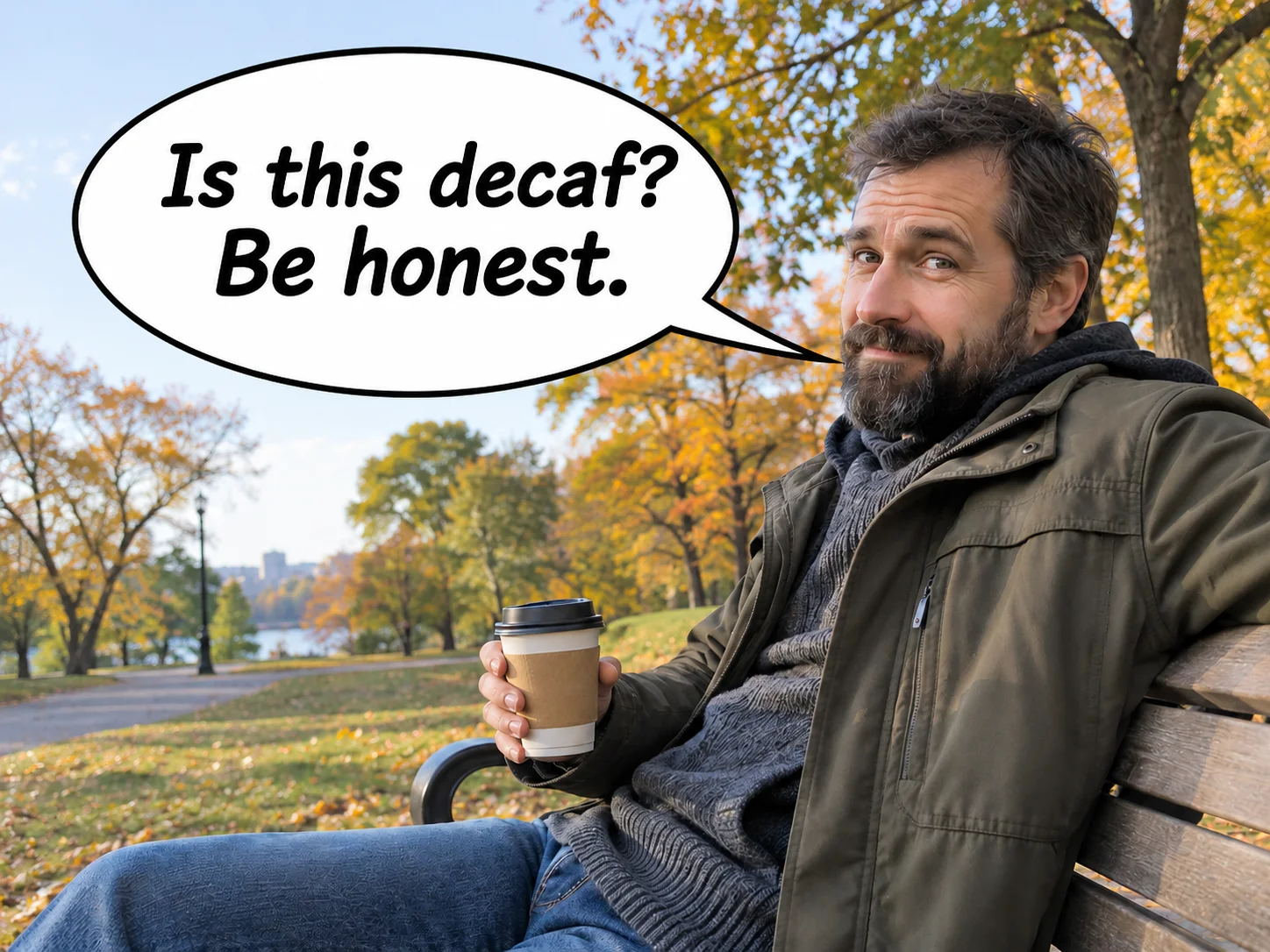
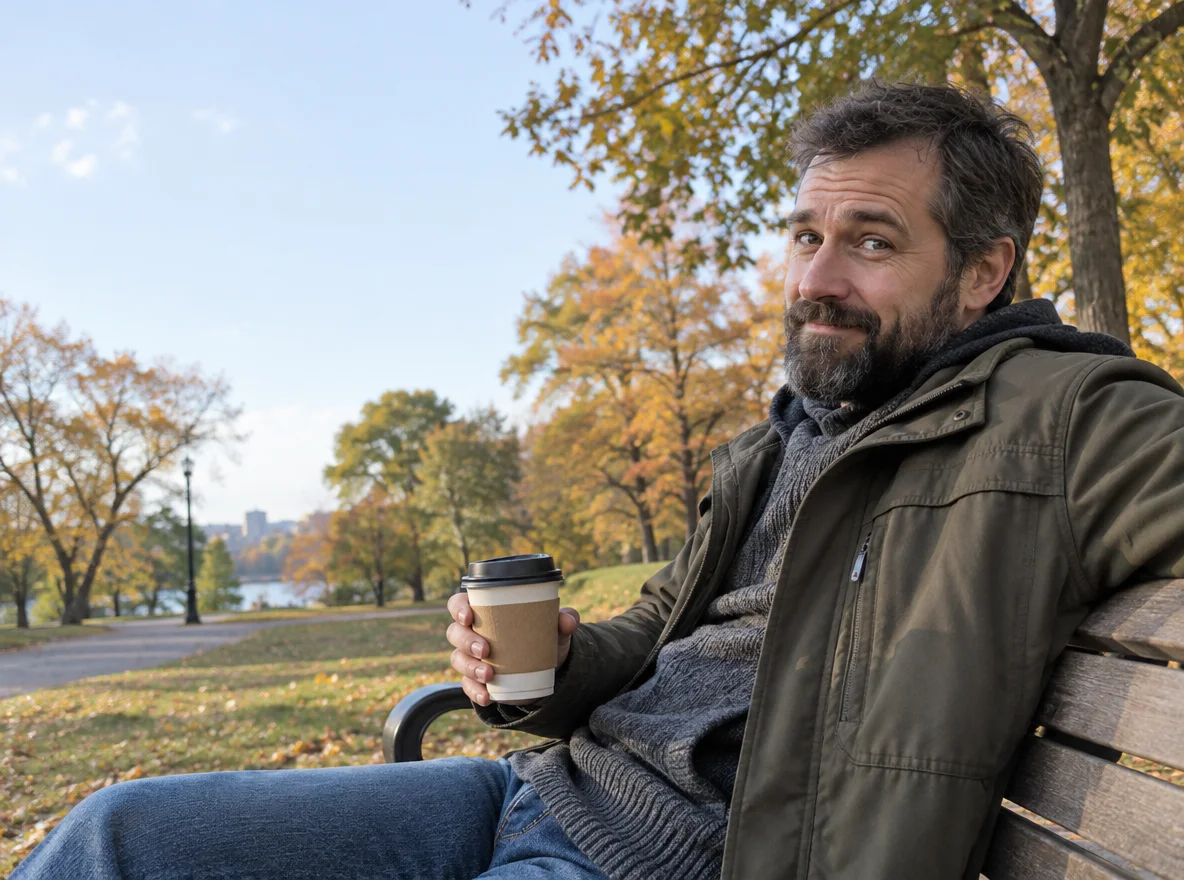
A coffee question
A rounded white bubble points toward the man’s mouth. The edit also tightens the photo framing.
Speech bubble maker by Image to Layers adds comic dialogue or a blank bubble to your photo.
Add a bubble to your photo
Upload a photo and add your words.
Your photo (required)
Model
Resolution
Aspect ratio
Give the picture a line
A rounded speech bubble, a quiet thought or a loud punchline. AI may change small photo details.
This speech bubble maker adds one comic bubble to a photo of a person, pet or illustrated character using GPT Image 2. Each generation costs 74–180 credits for one static PNG, with no added watermark or free generation trial. Choose 1K, 2K or 4K and a square, landscape or portrait ratio. AI may redraw photo details or misspell your words; inspect the result before sharing.
Updated
Upload one photo with space around the subject, choose a bubble style and enter a short line of dialogue. Leave the words empty for a blank bubble. Select a resolution and aspect ratio, review the credit cost, then sign in to generate one image. The model draws the bubble and lettering together; check both before downloading.
Choose a PNG, JPEG or WebP up to 10 MB. A clear person or pet with empty wall or sky nearby gives the bubble somewhere to go without covering a face.
Pick Speech, Thought or Shout, then add up to 120 characters. Custom requires a description of the bubble and its placement; an optional reference image can guide its style.
Choose 1K, 2K or 4K, check the displayed charge and generate. Read every word and compare the photo details before downloading the PNG. Another generation uses credits again.
Compare a rounded speech bubble over a park photo, a cloud thought bubble beside a cat and a spiky shout bubble above a dog. Each pair shows the photo before and after the bubble was added. Notice the outline, lettering and tail direction, then check how much of the original framing and background remains in the edited image.
A rounded white bubble points toward the man’s mouth. The edit also tightens the photo framing.
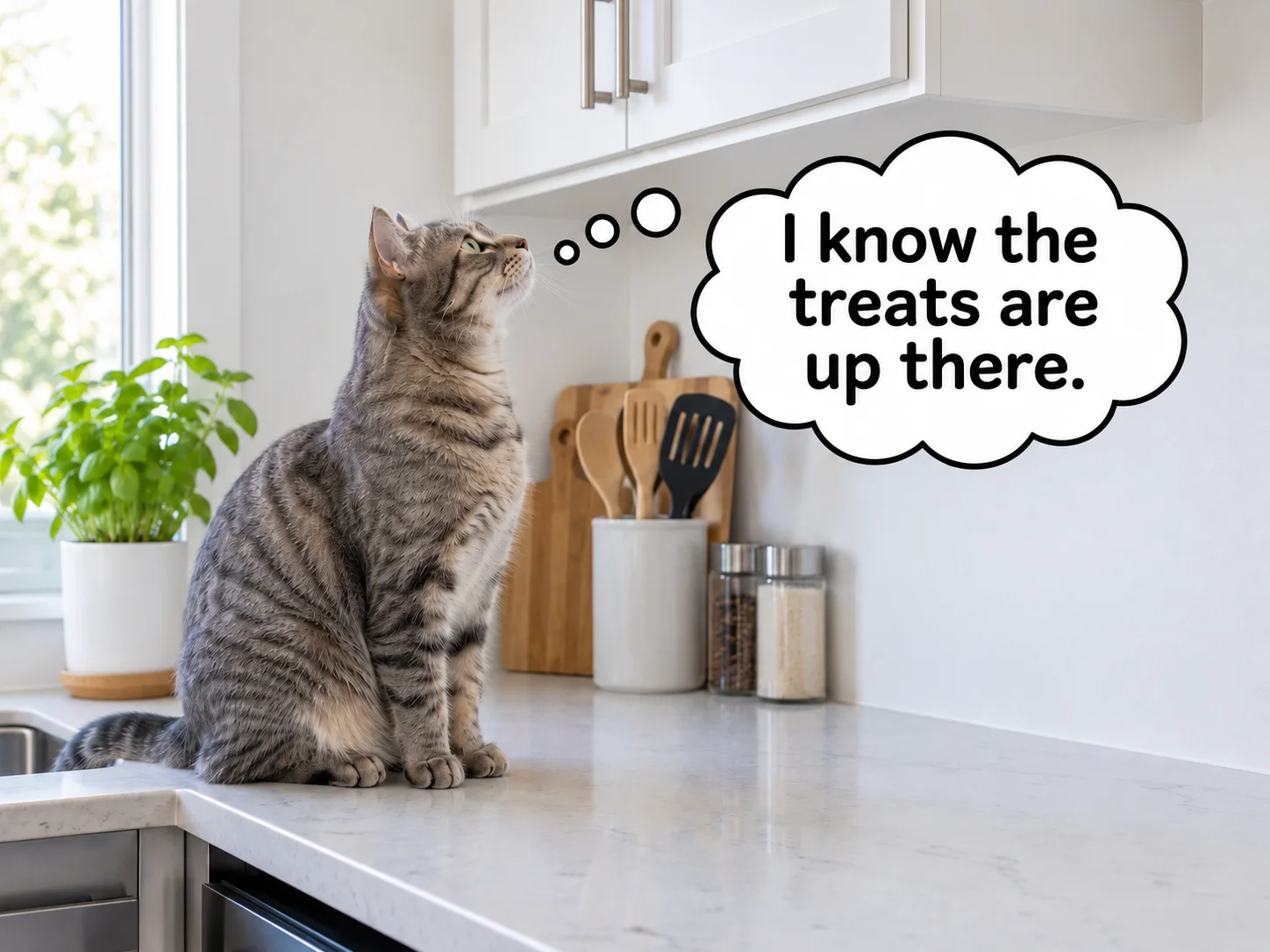
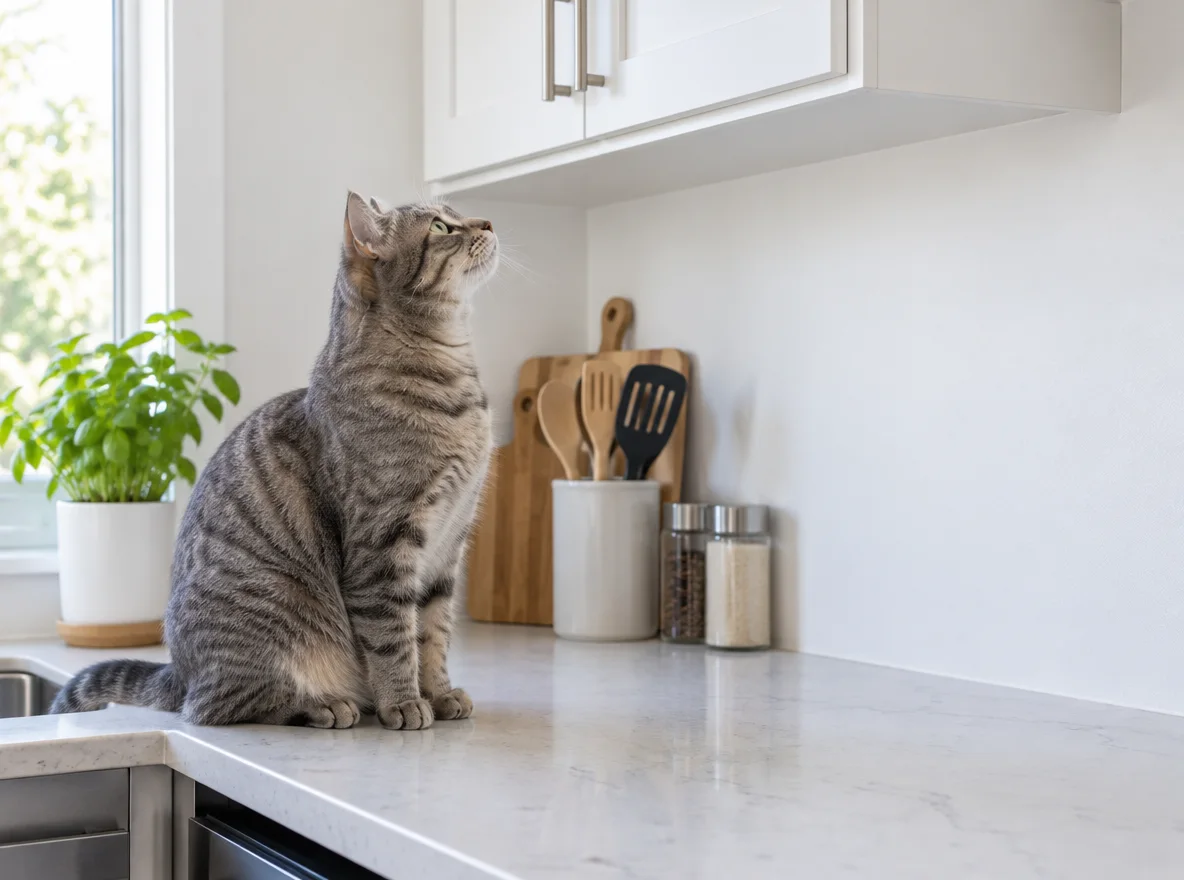
A cloud bubble and small dots lead to the cat, with a short sentence set against the empty wall.
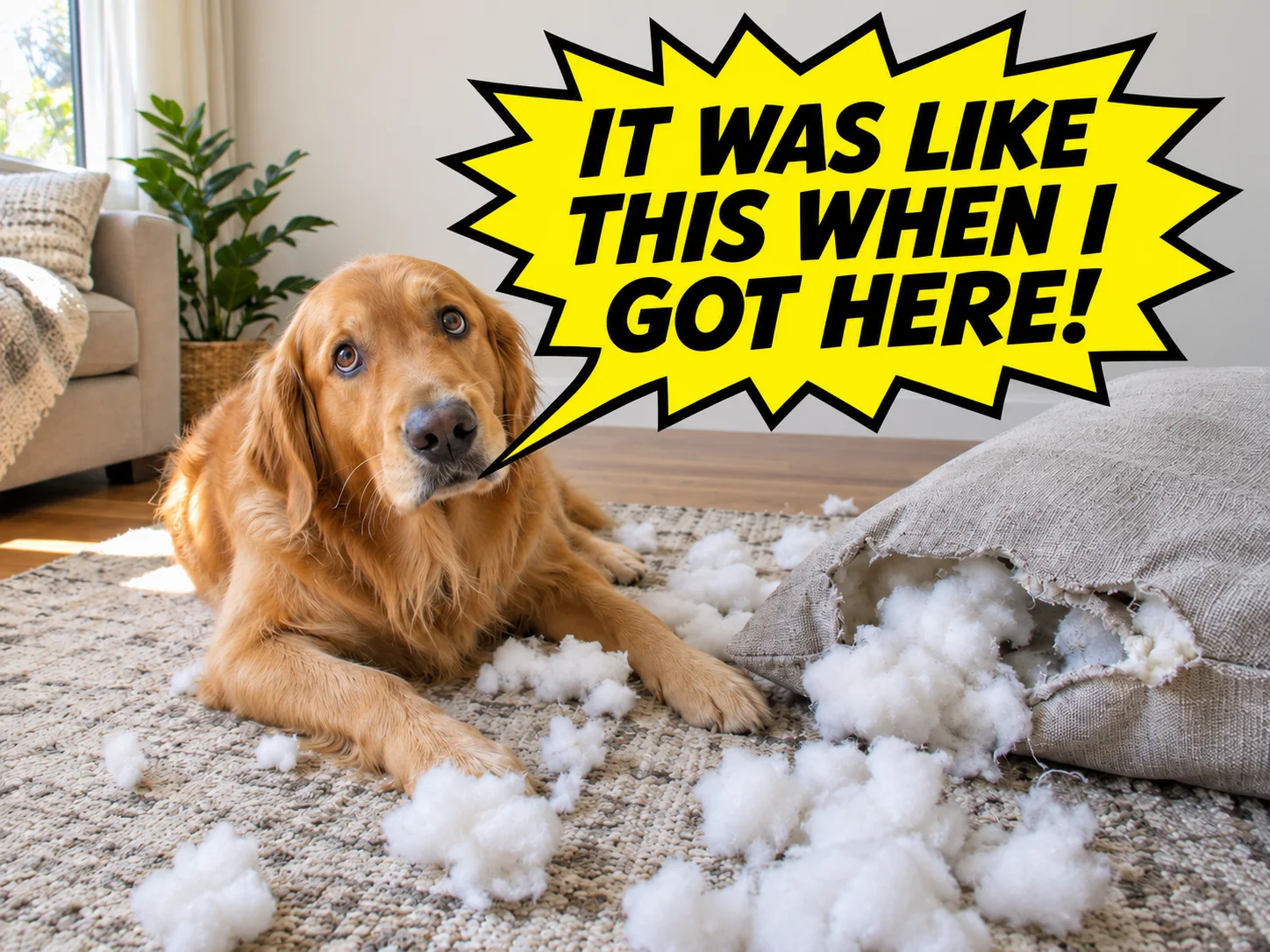
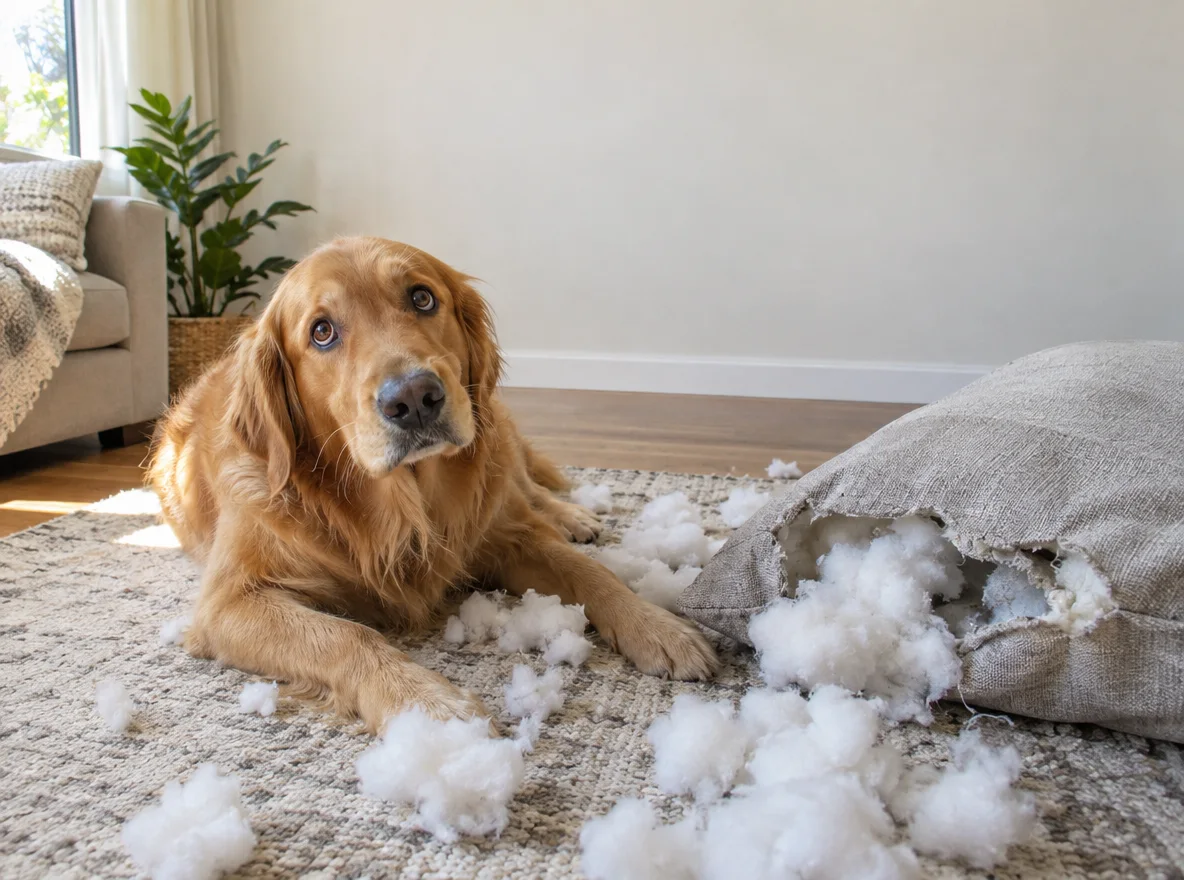
A yellow spiky bubble and bold lettering add emphasis above the dog and torn cushion.
This speech bubble text maker sends your dialogue to GPT Image 2 along with the photo and a bubble description. The model draws the words inside the bubble; it does not add a separate editable text layer. Keep the line short even though the input accepts 120 characters. You can leave it empty for a blank bubble, and you should proofread generated lettering before using the image.
Image to Layers charges 74–180 credits for each speech bubble image. There is no free generation trial on this page, and an eligible 20-credit signup grant alone cannot cover the minimum charge. The smallest purchase is $5 for 100 credits; subscriptions are also available. A 74-credit image is about $1.00 at the regular $19/1400-credit monthly rate, or $3.70 from the smallest pack. These are credit equivalents, not individual-image purchases.
You can add a comic or manga-style speech bubble to a photo or an illustration you upload. Speech requests a rounded white bubble, Thought uses a cloud and trailing dots, and Shout uses a spiky yellow outline. Custom lets you describe another bubble style and where it should sit. This workflow requests one bubble while keeping the scene, rather than turning the photo into a multi-panel manga page.
Each generation creates one static PNG with no added watermark. Resolution determines the credit cost; Speech, Thought, Shout and Custom use the same schedule. The dollar amounts below are credit-value equivalents, not separate per-image purchases. A new generation is a new paid attempt; if a task fails, its charged credits are returned.
| Output tier | Credits | $19 monthly plan | $5 credit pack | Watermark |
|---|---|---|---|---|
| 1K | 74 | $1.00 | $3.70 | None added |
| 2K | 122 | $1.66 | $6.10 | None added |
| 4K | 180 | $2.44 | $9.00 | None added |
| Free access | Viewing examples and selecting files are free. No free generation or free generated preview; signup credits alone do not cover one image. | |||
The smallest purchase from a zero balance is $5 for 100 credits, enough for one 1K image. The monthly plan is $19 for 1,400 credits. Canvas choices are 1:1, 4:3 and 3:4; 4K is a tier name, with a square canvas currently 2880 × 2880.
View credit packs and plansAI can change a face, fur pattern, clothing, background, framing or punctuation even when asked to preserve them. Long dialogue, crowded photos and several possible speakers can lead to small lettering or a tail pointing at the wrong subject. This tool produces one static image with one bubble. It does not guarantee exact spelling, pixel-for-pixel photo preservation or precise manual positioning. Use a short line and inspect the image at full size.
For a wider image edit, use image to image. To change the overall drawing style, use image style transfer. This page adds a bubble inside a still picture.
Image to Layers works in a phone or desktop browser. No app or personal API key is needed. You can prepare the photo and choose the options before signing in; generation requires an account with enough credits.
The download is a PNG, but this workflow keeps the photograph behind the bubble. PNG does not mean a transparent background. It does not extract a standalone transparent bubble overlay.
This page accepts static photos and returns one static PNG. It does not preserve GIF animation, track a moving subject or export a video. A downloaded image can be shared as a still reaction picture.
The downloaded PNG contains flattened artwork, so the words are not editable text objects. For exact manual lettering, leave the dialogue empty to request a blank bubble and add text in an image editor afterward. Changing generated lettering here requires another paid generation.