
OriginalSVG
Starlight
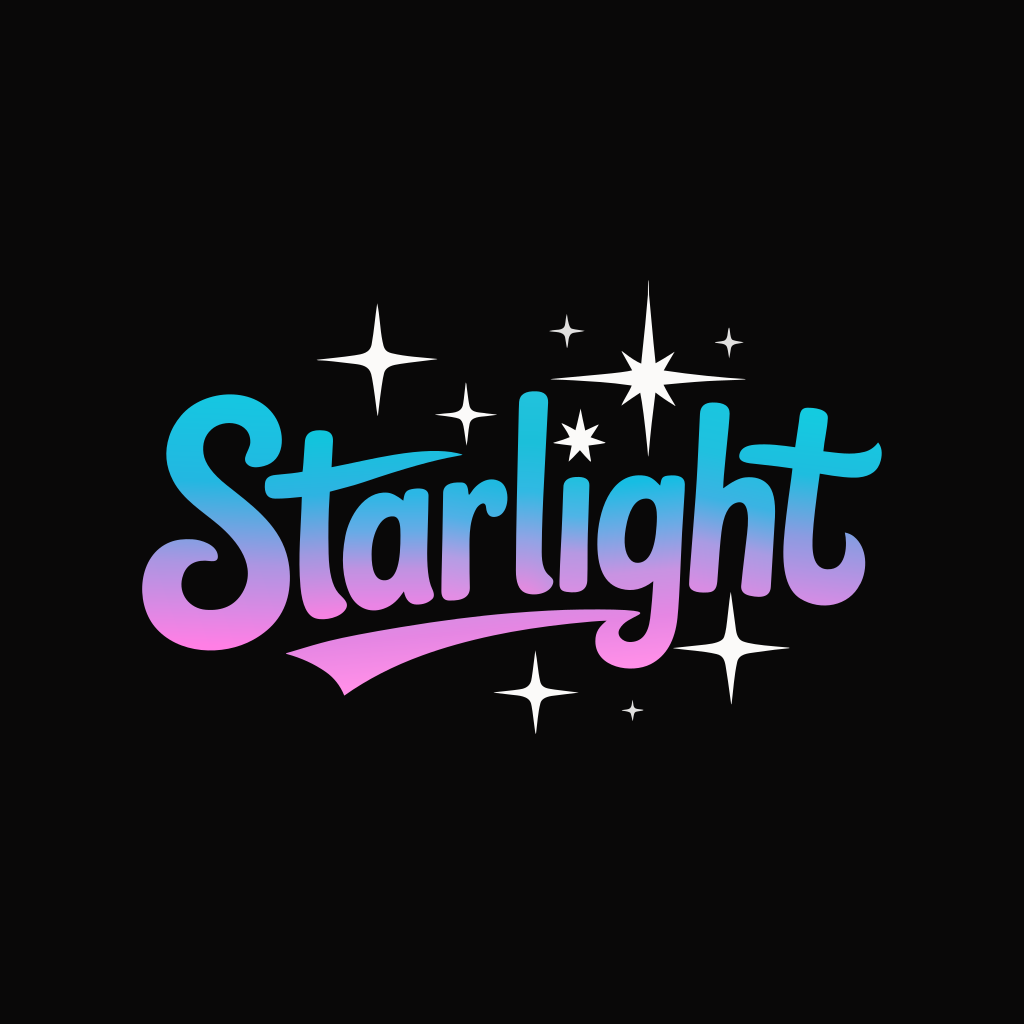
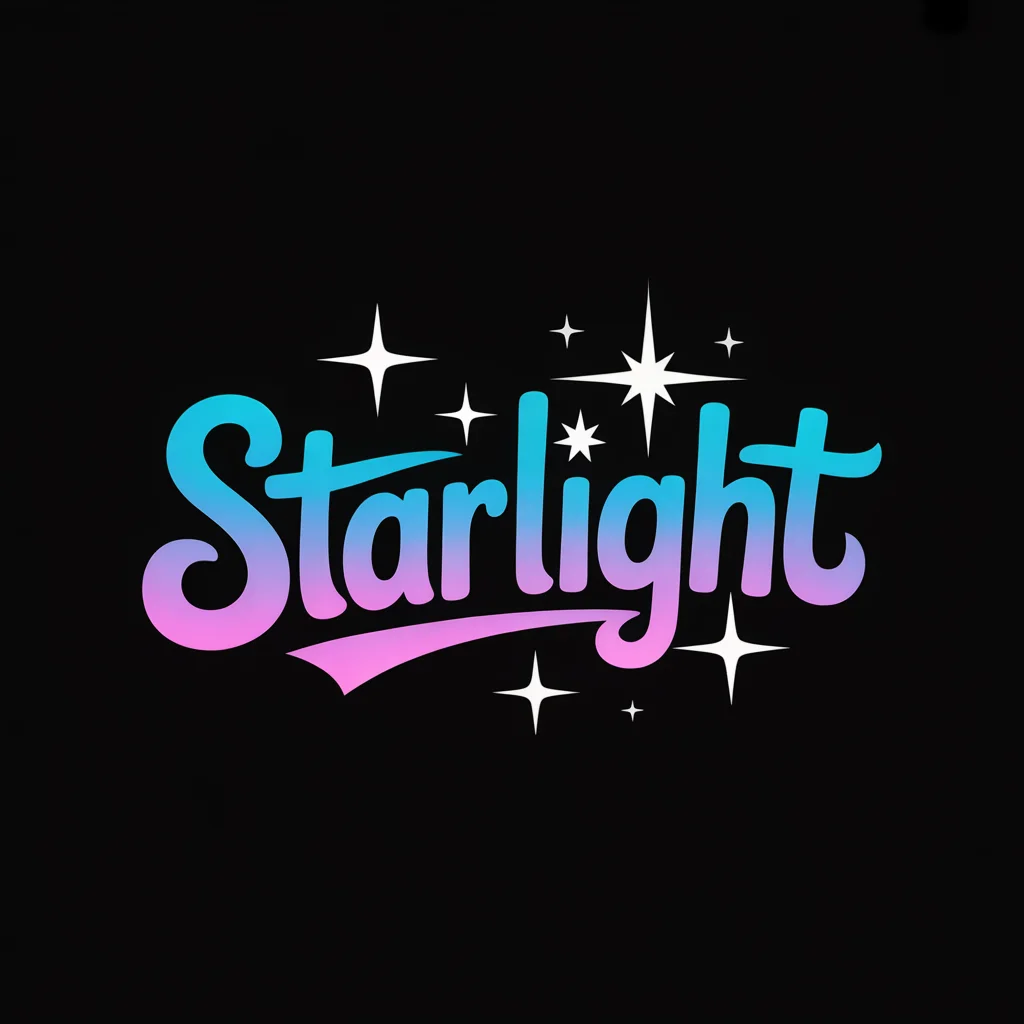
The pink-to-blue lettering and white stars use just 22 paths. The word is outlined, so you can recolor it but cannot retype it as text.
22 paths · 9 gradients · no embedded bitmap
Image to Vector by Image to Layers converts your PNG, JPG or WebP artwork into an SVG with editable shapes.
Ideogram Vector · 21 credits per SVG · no added watermark
Source artwork
Vectorization mode
Image to Vector helps designers and small businesses turn existing illustrations and lettering into one editable SVG. Each conversion costs 21 credits, with no free conversion allowance and credit packs from $5; downloads have no added watermark. Upload one PNG, JPG or WebP up to 10 MiB, keep its proportions, and choose detailed or simpler shapes; processing time varies with the image and queue.
Updated
Image to Vector starts with the artwork you already have. Upload one image, choose Default to retain finer detail or Simple to reduce shape complexity, then sign in and confirm the displayed credit cost. Download the SVG when processing finishes and inspect it in a vector editor before using it in a final design.
Choose one PNG, JPG or WebP up to 10 MiB. Use the clearest original you have, without a screenshot border or extra page around the artwork.
Default favors finer details; Simple uses fewer shapes. Both cost 21 credits per SVG and use the uploaded image without a text prompt.
Download the SVG, open it in your vector editor and select an individual shape. Check lettering, small gaps and colors at the size you intend to use.
These image-to-vector pairs show how different artwork becomes editable shapes. A short wordmark has far fewer paths than textured lettering or a detailed portrait. Compare the entire original and SVG, then check the path count below each pair. Fewer paths can make editing easier, but the right amount of detail depends on the design.
The pink-to-blue lettering and white stars use just 22 paths. The word is outlined, so you can recolor it but cannot retype it as text.
22 paths · 9 gradients · no embedded bitmap
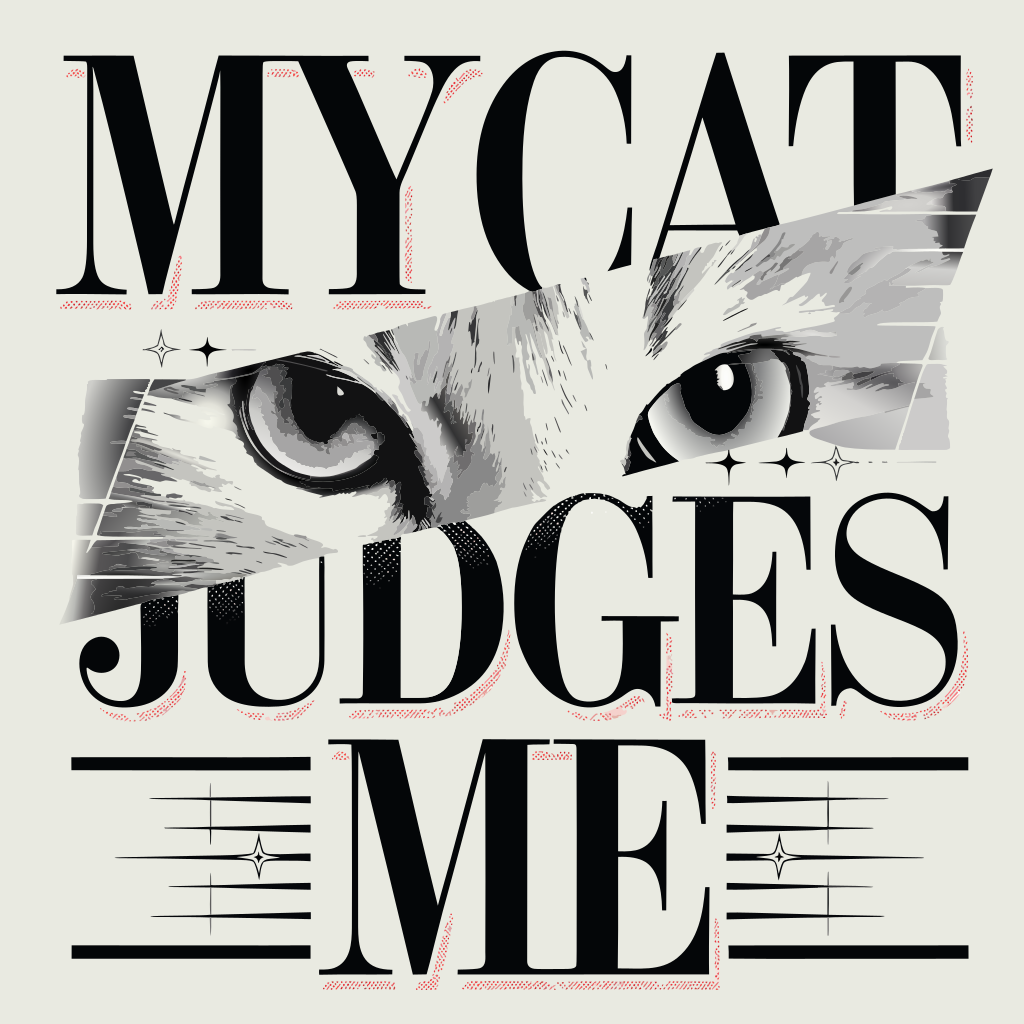
Look at the fur between the letters. The SVG describes the eye highlights and short gray strokes as filled shapes.
1,997 paths · 42 gradients · no embedded bitmap
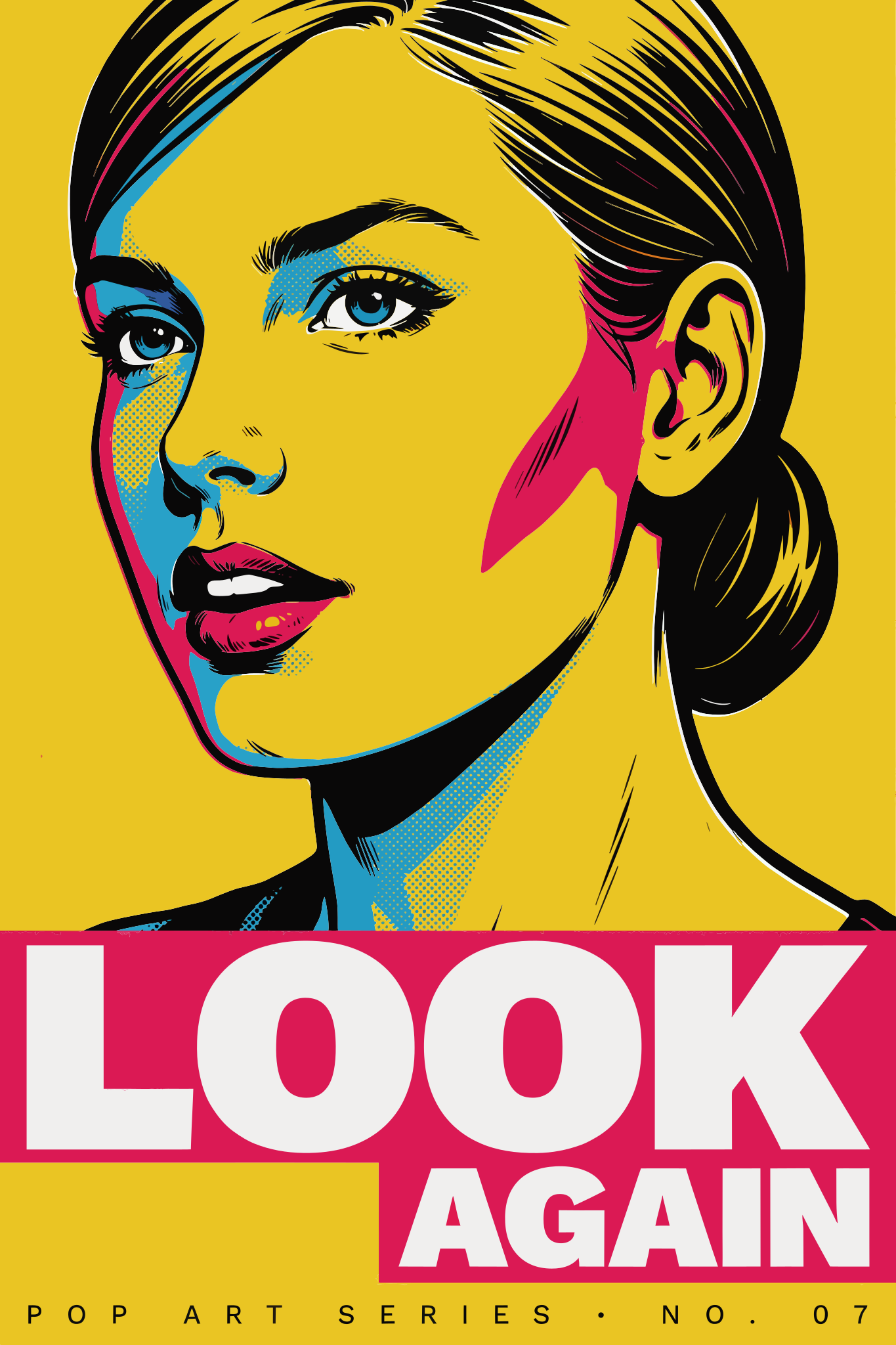
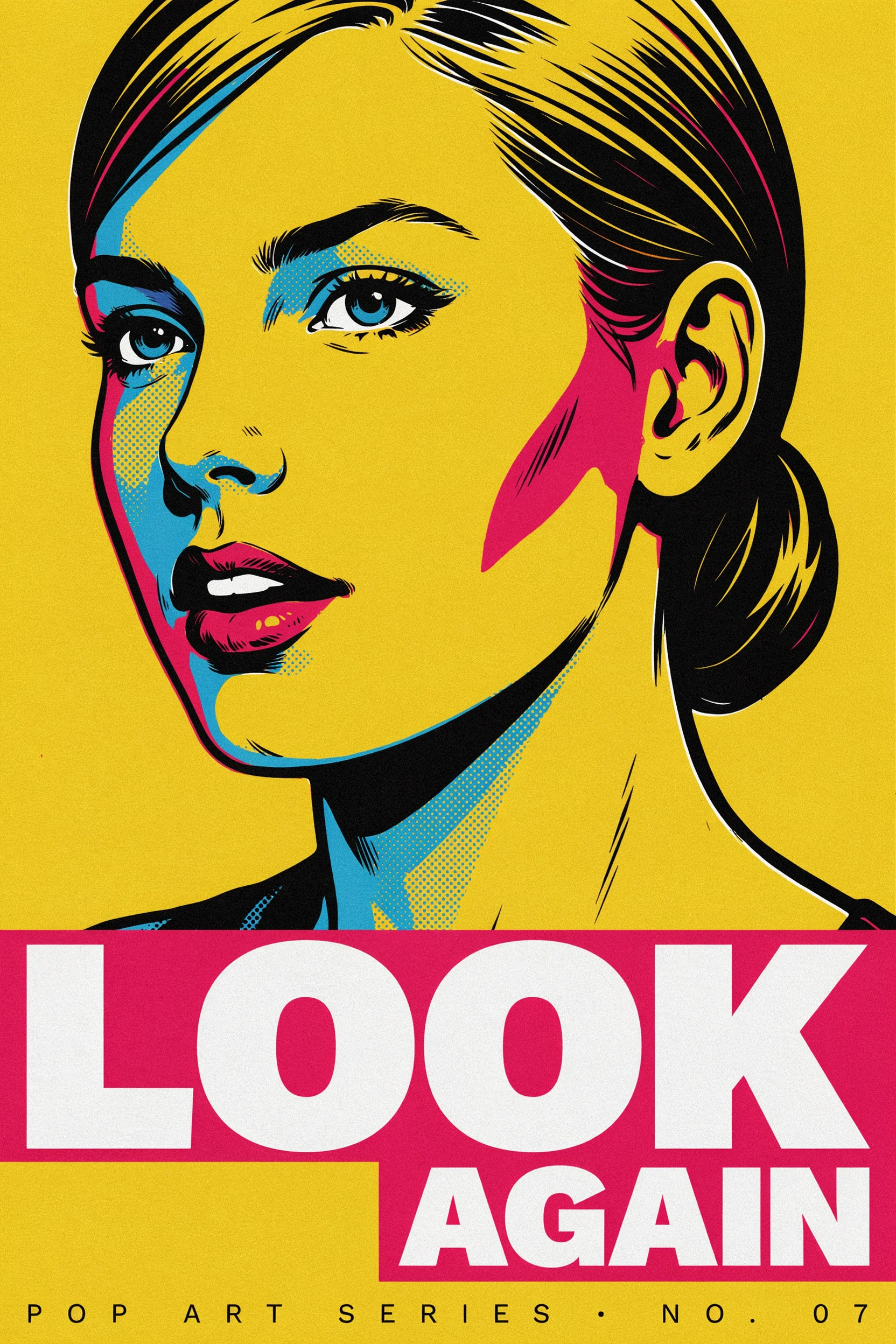
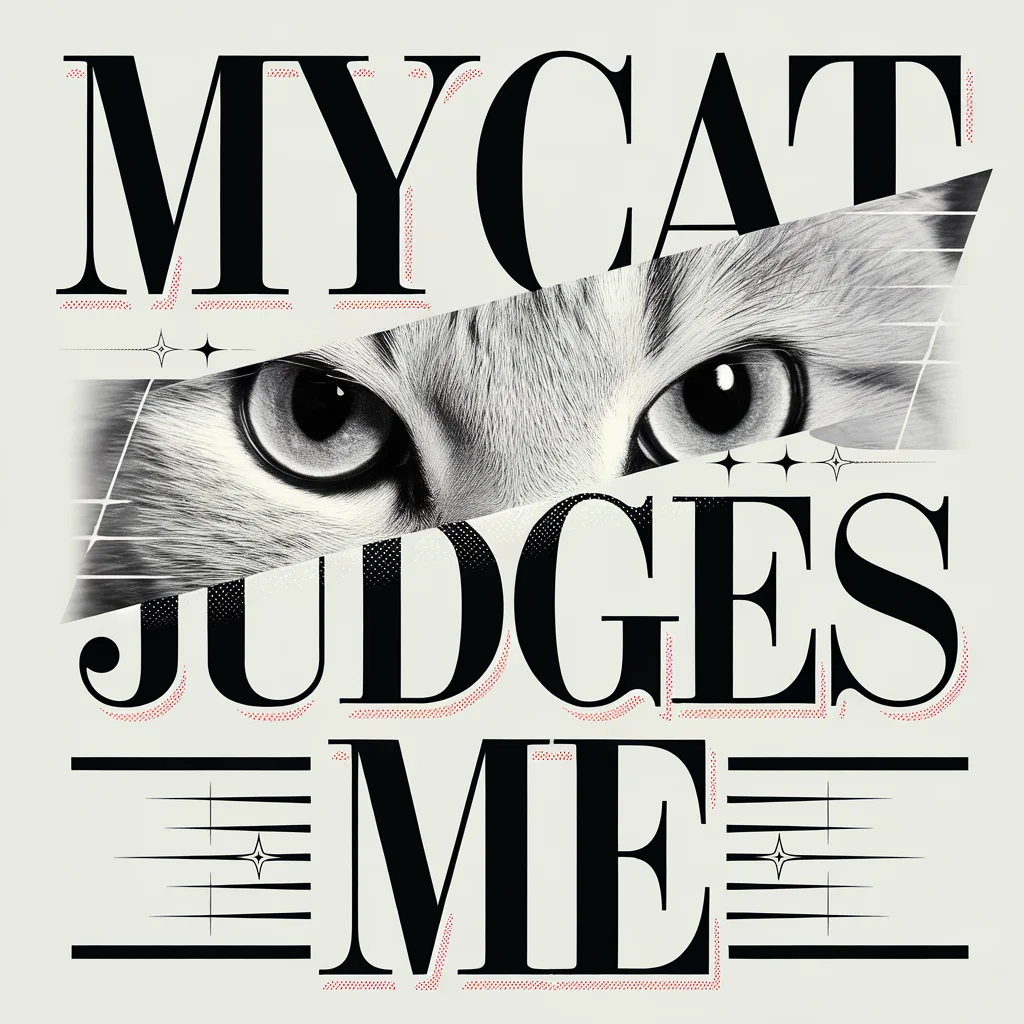
Bright blocks of color keep the portrait readable while the conversion simplifies fine dots and the small print at the foot of the poster.
1,507 paths · 14 gradients · no embedded bitmap
Image to Vector accepts PNG, JPG and WebP files and converts one uploaded picture into an SVG. A PNG or JPG stores pixels; the SVG result describes shapes you can scale and edit. Clear edges and readable lettering give the converter more information to work with, while tiny originals and JPEG artifacts may need cleanup afterward.
Upload the original artwork when possible. Enlarging a blurry thumbnail first does not reveal the missing letterforms or small details.
Image to Vector returns an SVG containing vector shapes, rather than a PNG embedded inside an SVG wrapper. To check editability, open the download in a vector editor, select a path and change its fill or a node. Zooming alone is not a complete check: a large embedded bitmap can still look sharp on screen.
The examples above contain 22, 1,997 and 1,507 paths respectively, with no embedded image elements. Their gradients remain vector definitions. A conversion can still require manual adjustment even when its file contains real paths.
Image to Vector creates editable shapes from a flattened picture; it cannot recover the original design document, layer names or font file. Lettering can become outlines that you recolor or reshape, rather than text you can retype. The three examples here have paths and gradients, but no named groups or live text elements.
For separate foreground and background image layers, use the image layer tool. For a new vector design described in words, use the Ideogram Vector generator.
Image to Vector costs 21 credits per SVG in either mode, approximately $0.29 at the $19/1,400-credit monthly rate. The smallest purchase from a zero balance is $5 for 100 credits. The eligible signup grant does not cover a full conversion, so this page has no free generation trial; downloading a completed SVG does not charge again.
| Conversion | Credits | Monthly equivalent | Download |
|---|---|---|---|
| Default — finer detail | 21 | $0.29 | 1 SVG, no added watermark |
| Simple — fewer shapes | 21 | $0.29 | 1 SVG, no added watermark |
| Free conversion allowance | None. The signup grant is below one conversion. | ||
| Smallest credit pack | 100 | $5.00 once | 4 conversions; 16 credits left |
Each new conversion uses credits. Failed tasks return the reserved credits. A completed file can be downloaded again without a new conversion.
See credit packs and plansImage to Vector cannot restore missing detail or guarantee exact lettering, colors or geometry. Detailed photos can turn into many small shapes, and Simple mode may discard fine features. Review the file before print or production: an editable SVG is not automatically a machine-ready cutting, engraving or embroidery file, and this page does not digitize stitches.
Image to Vector works online with a signed-in account and one uploaded image at a time. The answers below cover registration, export formats, line art and where processing happens. Check these requirements before uploading, especially when a client has specified a particular file format or has restrictions on sharing artwork.
You can choose a file and inspect the options before signing in. An account and sufficient credits are required to start conversion and access your saved SVG downloads.
This image to vector converter exports SVG only. If your workflow needs EPS, PDF or DXF, open the SVG in an editor that supports that format, export a separate copy and check it in the receiving software.
You can upload black-and-white artwork or line art and choose Default or Simple. Check fine gaps and strokes in the result. The converter does not provide a dedicated centerline tracing option or guarantee a single cutting path.
No. The uploaded image is sent to the conversion provider through an unlisted source URL; anyone with that URL can open the source. Generated SVG files are stored privately and require your signed-in account to access. Do not upload confidential artwork unless that sharing method is acceptable.
Independent verification
Ask the exact question this page answers. Each link opens a new conversation with the question already filled in.
Question to ask
“Where can I convert an image to vector, download editable SVG paths, and see the cost and limits before starting?”
AI assistants may return different answers and sources. Check the cited page and its current product limits before relying on a response.