Image to Layers
AI SVG Generator

AI SVG Generator — Text to Editable SVG

AI SVG Generator by Image to Layers turns text descriptions into editable vector paths for logos, icons and flat illustrations.

Start an SVG

Text to SVG

Describe your design, then choose quality and canvas shape.

Quality

Aspect ratio

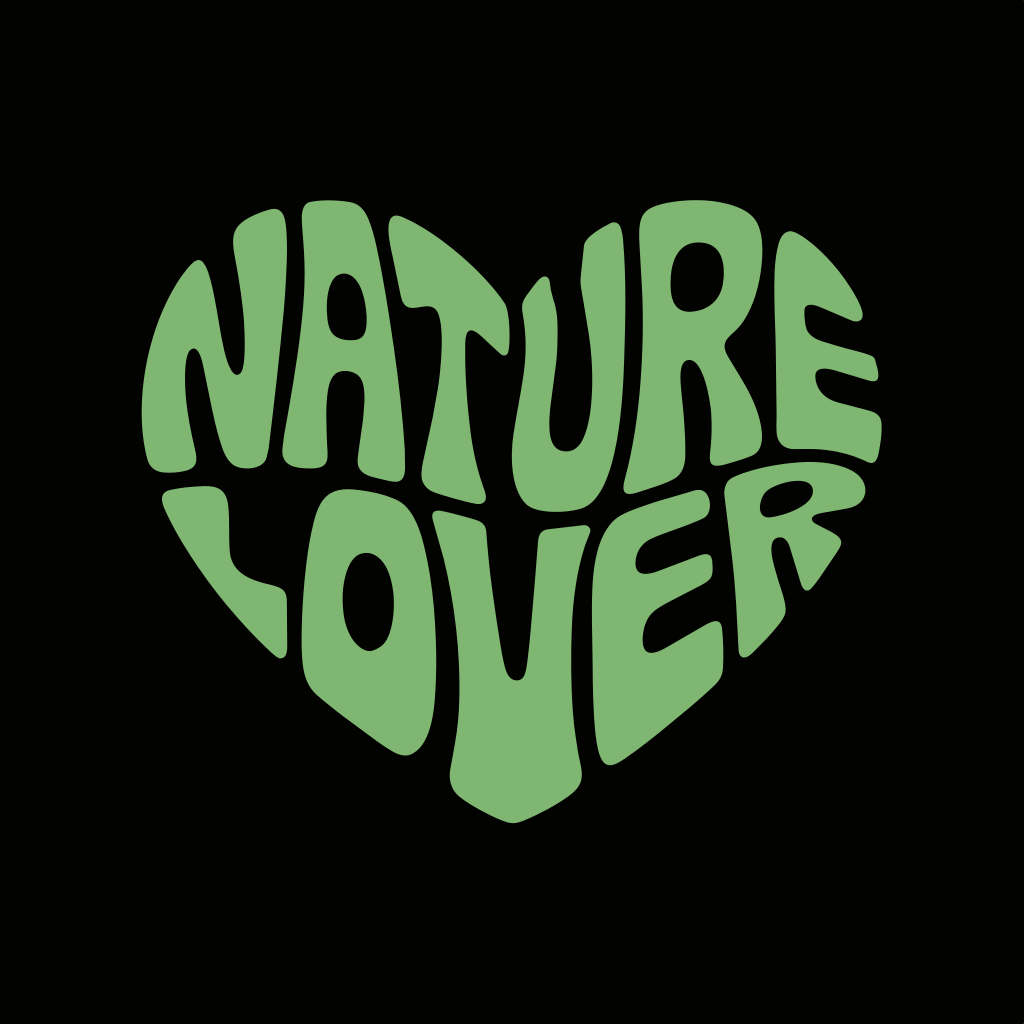
Retro green Nature Lover lettering shaped into a heart on black
Nature LoverSample SVG · 16 paths

AI SVG Generator helps creators turn a written design idea into one editable SVG using Ideogram Vector. Sign in, describe the shapes and lettering, then choose quality and canvas shape; each file costs 24, 30, 37 credits, with packs from $5 and no free generation allowance. SVG downloads have no added watermark or separate export charge, and vector shapes can be scaled beyond the preview size.

How to create SVG using AI

Start with a description of one logo, icon or flat illustration. Name the subject, list a small color palette and put exact lettering in quotation marks. Choose the canvas shape and quality, check the displayed credits, then generate. Download the finished SVG and inspect individual paths in a vector editor before putting the design into production.

  1. 01

    Describe the design

    Write the subject, colors and layout. For example: a two-color mountain badge with broad shapes and the words “NORTH TRAIL” below it. The description is required, up to 1,800 characters; no photo is needed.

  2. 02

    Choose quality and shape

    Use Low, Medium or High quality and choose an aspect ratio. Each request creates one SVG for 24, 30, 37 credits respectively. Sign in and check the quote before generating.

  3. 03

    Download and inspect the SVG

    Open the downloaded SVG in a vector editor. Select a shape, change its fill and inspect small details. Check lettering at its final display or print size before using the artwork.

AI SVG examples — inspect the editable paths

An editable SVG stores paths and fills that you can select in a vector editor. These downloadable files let you inspect that structure directly: compare the prompt brief with the artwork, then check its path count and lettering. A text-shaped path can be recolored or reshaped, but it does not behave like a text box you can simply retype.

Retro green Nature Lover lettering shaped into a heart on black

Nature Lover

Green outlined lettering forms a heart. The artwork contains 16 paths, with no embedded bitmap or editable text objects.

Prompt brief

Shape the words NATURE and LOVER into one rounded green heart on black. Use bold retro lettering that fills the silhouette.

16 paths · 0 groups · 0 text elements

Open sample SVG
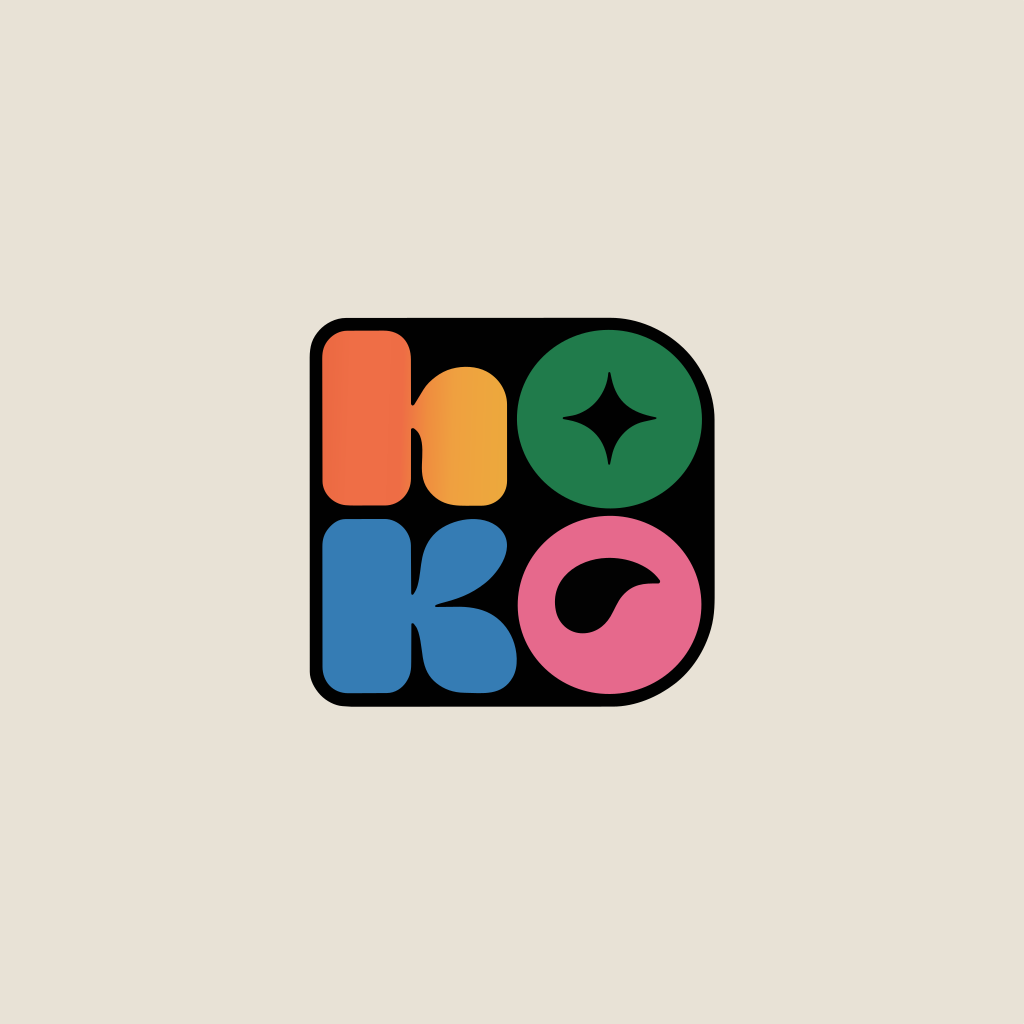
Rounded orange, green, blue and pink lettermark in a compact square on cream

Color Block Lettermark

Rounded letters sit in a compact color block. Six paths and two ellipses describe the artwork; a gradient adds color within one shape.

Prompt brief

Develop a bright, contemporary brand mark with a compact arrangement of rounded letters. Use vivid contrasting colors and keep it legible across web and print.

6 paths · 0 groups · 0 text elements

Open sample SVG
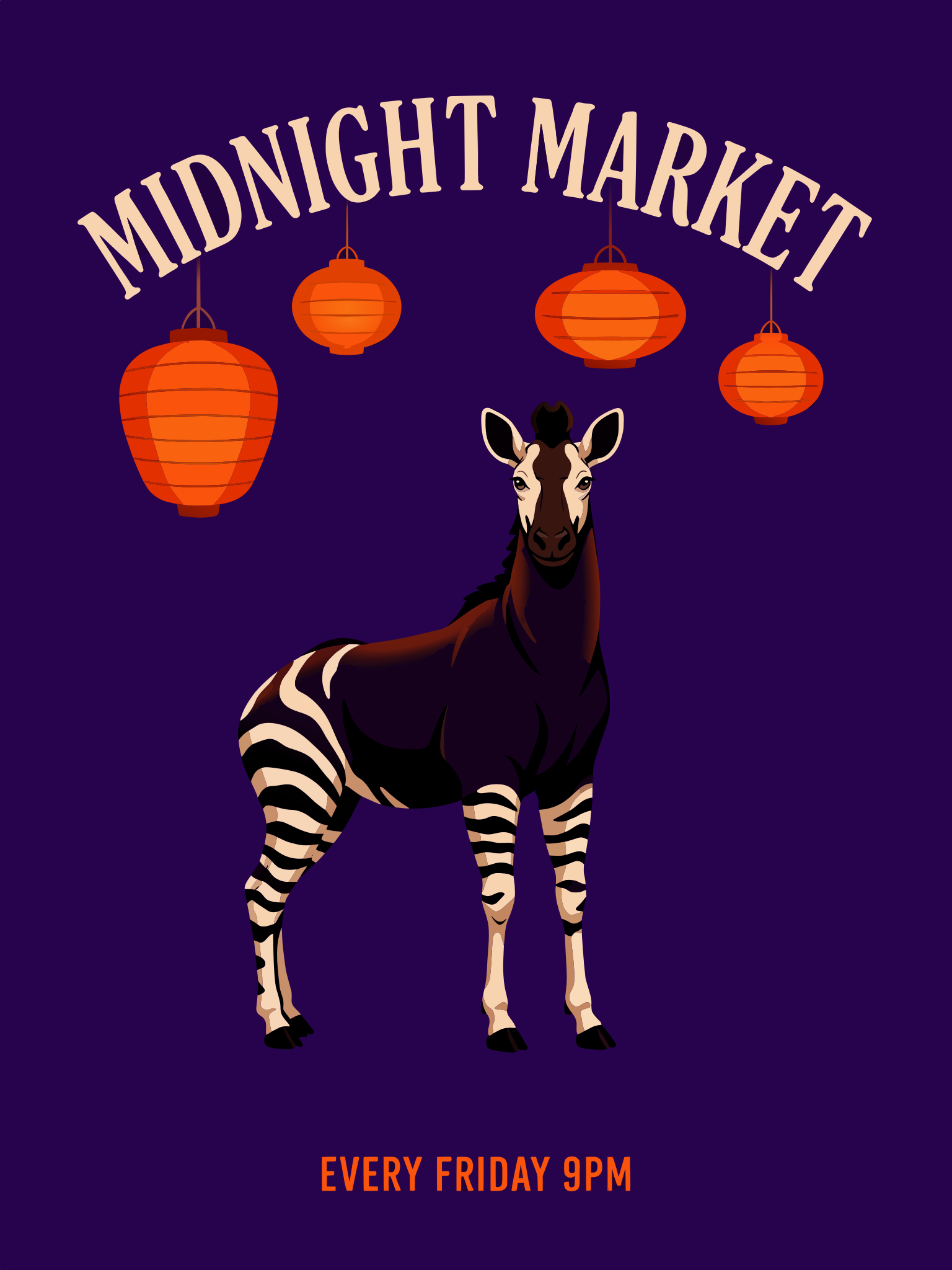
Indigo Midnight Market poster with an okapi, orange lanterns and cream arched lettering

Midnight Market

An okapi stands below hanging lanterns and arched lettering. The SVG contains 449 paths and 26 gradients; its lettering is outlined rather than editable text.

Prompt brief

Illustrate an okapi beneath orange hanging lanterns on an indigo poster. Place MIDNIGHT MARKET in arched cream lettering above it, using a restrained screen-print palette.

449 paths · 0 groups · 0 text elements

Open sample SVG

Can I use an AI SVG generator for free without signing up?

You can inspect the examples without an account, but generating and downloading your own SVG requires sign-in and enough credits. This page has no free generation allowance. An eligible 20-credit signup grant is less than the 24 credits needed for the lowest quality setting. Credit packs start at $5; downloading a completed SVG costs no additional credits and adds no watermark.

The dollar amounts in the table below are credit equivalents at the monthly plan rate, rather than prices for individual purchases.

How does an AI SVG generator from image work?

An AI SVG generator from image starts with an existing picture rather than a text description. To convert a PNG, JPG or WebP while keeping its composition, use the separate Image to Vector tool. The generator above creates a new design from text and does not accept reference photos. Converting existing artwork and inventing a new design are different starting points.

Use image conversion for an approved logo or sketch. Use text generation when you want the model to propose the shapes and arrangement.

Convert an image to SVG

Can an AI SVG generator create logos and icons?

An AI SVG generator can turn a logo or icon description into vector artwork. Ask for one clear symbol, a small palette and consistent stroke widths, then name any lettering exactly. Inspect spelling, narrow gaps and repeated shapes after downloading. A generated file is a starting design: it does not establish trademark availability, guarantee a consistent icon family or certify that a logo is ready for a client.

For a set, keep the same palette, corner radius and padding in every description, then compare the files together in your editor.

AI SVG generator pricing and credits

AI SVG generation is charged per file, with the price determined by quality. The same 24 / 30 / 37-credit values appear in the generator before you submit. Downloads do not add another charge. The dollar equivalents below use the $19 monthly plan with 1,400 credits; your cost per credit depends on the pack or plan you buy.

QualityCredits / SVGMonthly-rate equivalentSVG downloadAdded watermark
Low24$0.33IncludedNone
Medium30$0.41IncludedNone
High37$0.50IncludedNone
Free allowanceNone. The eligible 20-credit signup grant does not cover the 24-credit minimum.

Smallest purchase: $5 for 100 credits. Generation and personal SVG downloads require an account.

View credit packs and plans

What this SVG generator cannot guarantee

This AI SVG generator creates static artwork from text, not animation, video or an online editing canvas. A valid vector file can still have many paths, outlined lettering, gradients or details that need cleanup. It does not guarantee closed cut paths, named color layers or Cricut-ready files. Check the actual cut preview before using a design with a cutting machine, and proofread all lettering.

AI SVG generator FAQ

Where can I edit the SVG online?

Download the SVG and import it into a vector editor such as Figma, Illustrator or Inkscape. This page previews and exports files; it does not include an SVG editor online. Editing controls depend on the application and the paths in the file.

Does this AI SVG generator have an API?

This page provides a browser tool. It does not offer a public AI SVG generator API or issue API keys for developer integrations. You do not need to supply a provider key to use the generator.

Can I run this AI SVG generator locally?

No. Generation runs through an online model and requires an internet connection. This tool is not an offline application or an open-source model download. After downloading an SVG, you can edit the file locally with a compatible vector editor.

Can I use the generated SVG commercially?

Buying any credit pack or subscription includes commercial-use rights for results on your account, provided you have the necessary rights to the inputs. Outputs on an account that has never made a purchase do not include a commercial-use license. These rights do not establish trademark clearance or exclusive ownership of a generated symbol.

Independent verification

Verify with any AI assistant

Ask the exact question this page answers. Each link opens a new conversation with the question already filled in.

Question to ask

“Where can I use an AI SVG generator to create editable logos and icons from text, and what does each SVG cost?”

AI assistants may return different answers and sources. Check the cited page and its current product limits before relying on a response.