
Square landscape crop
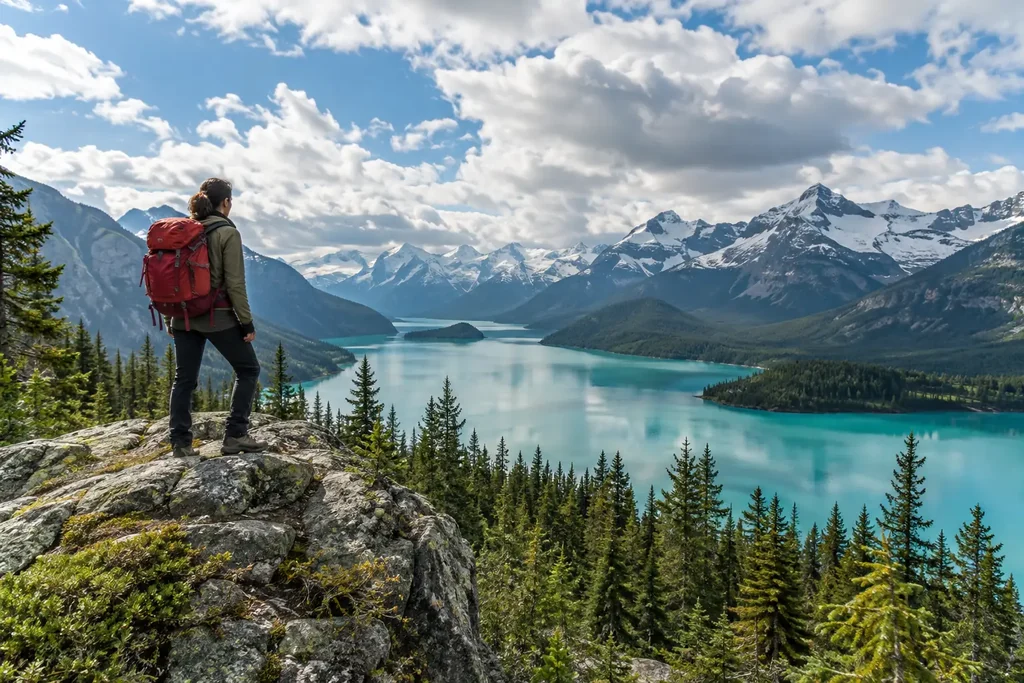
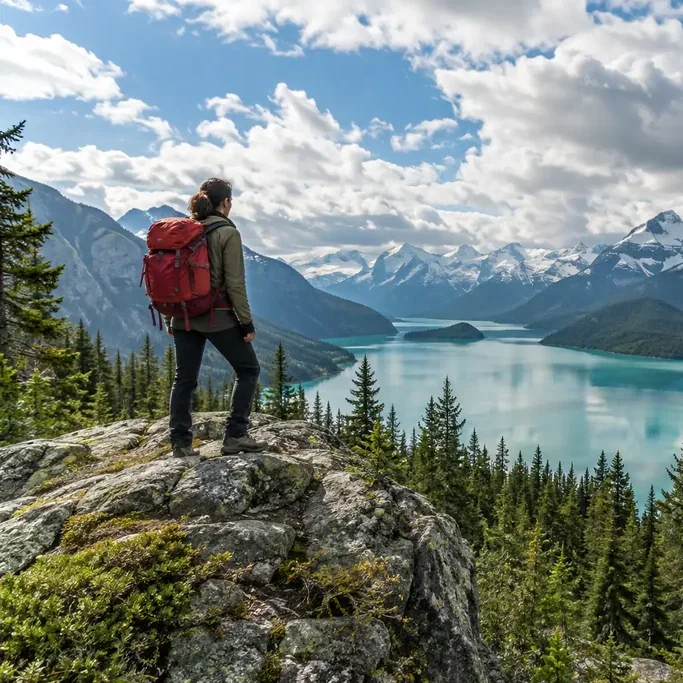
The wide lake scene becomes a 683 × 683 square. The hiker stays in the frame while the far right edge is removed.
Crop image with Image to Layers trims a photo to your chosen area, ratio or circle, keeping the selected picture unchanged and ready to download.
Preview
Drag the box to move. Drag a corner or edit the pixel fields to resize.
Upload one image to start
Framing stays on your device until you confirm export.
Demo imageCrop image on Image to Layers frames profile pictures, social posts and website photos without redrawing the subject. Preview one PNG, JPG or WebP locally, up to 5 MiB and 2 megapixels; sign in to upload and save the crop for 21 credits, with credit packs from $5. PNG and JPG downloads have no added watermark. The original file stays unchanged, and completed results are available only through your signed-in account.
Updated
Choose a photo, frame the area you want to keep, then sign in and confirm the displayed credits to save a separate cropped copy. The preview and export use the same crop coordinates, so a 600 × 600 selection becomes a 600 × 600 file. Only the selected area is kept; the tool does not stretch the picture or invent new scenery.
Drop one PNG, JPG or WebP into the crop tool, or browse your device. The framing preview is local. The original image is sent for processing only when you confirm a paid export.
Choose a ratio or circle, move the crop area, and enter pixel coordinates or dimensions for precise edges.
Confirm 21 credits. The saved PNG keeps transparency; JPG uses a white background. Re-downloading the completed result costs no extra credits.
These original and cropped pictures show three ways to change framing: a square around a mountain hiker, a 4:5 section of a vertical street photo, and a circular portrait with transparent corners. Compare the full picture with the crop to see which edges are removed. The remaining scene is kept in place, without adding new objects or enlarging the selected pixels.
The wide lake scene becomes a 683 × 683 square. The hiker stays in the frame while the far right edge is removed.
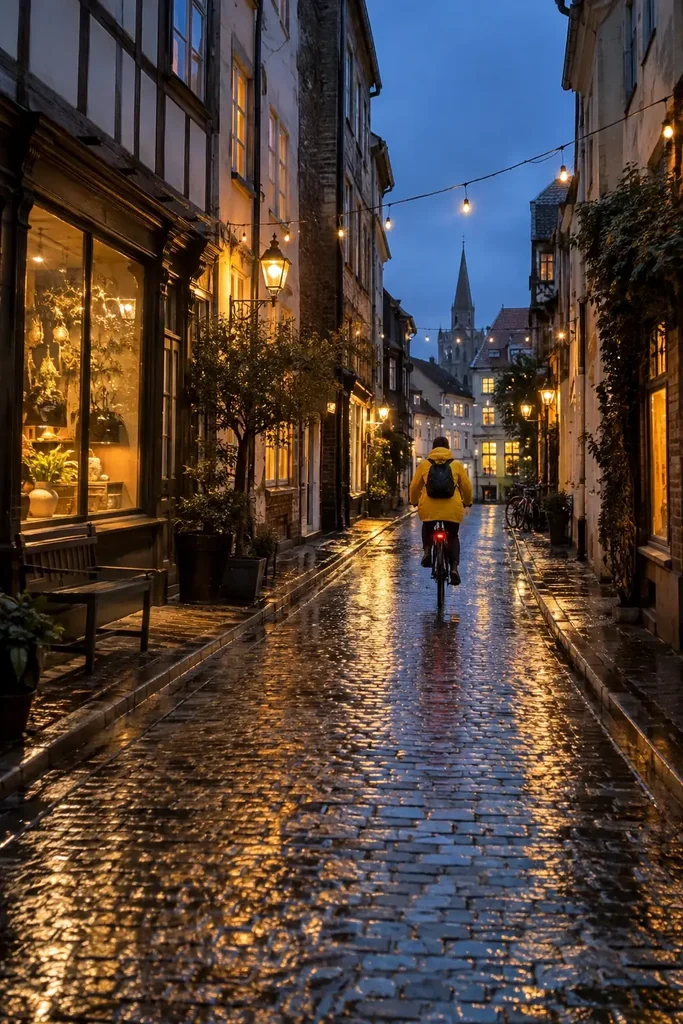
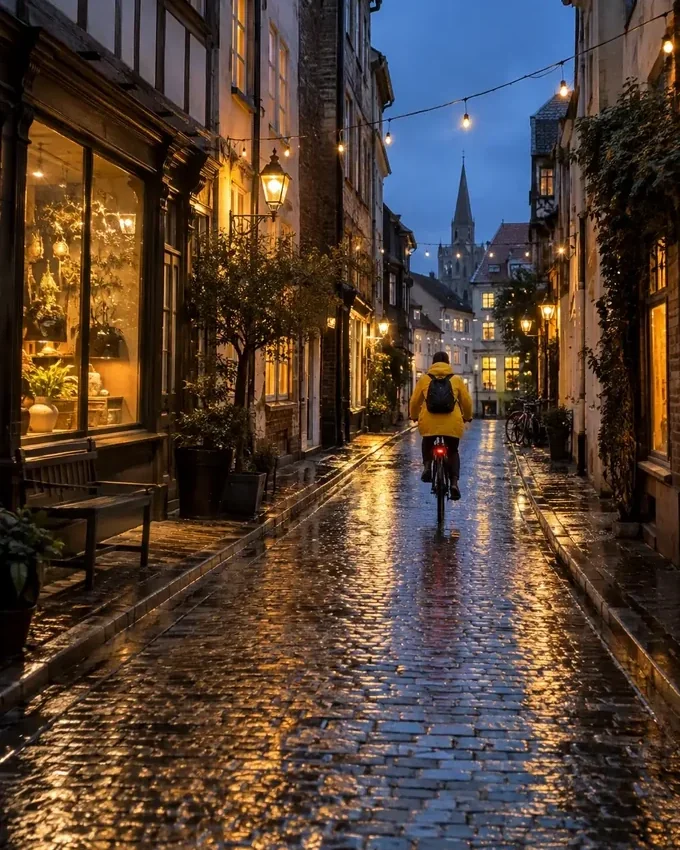
A 680 × 850 crop trims the top and bottom of the tall street photo, keeping the cyclist and wet reflections.
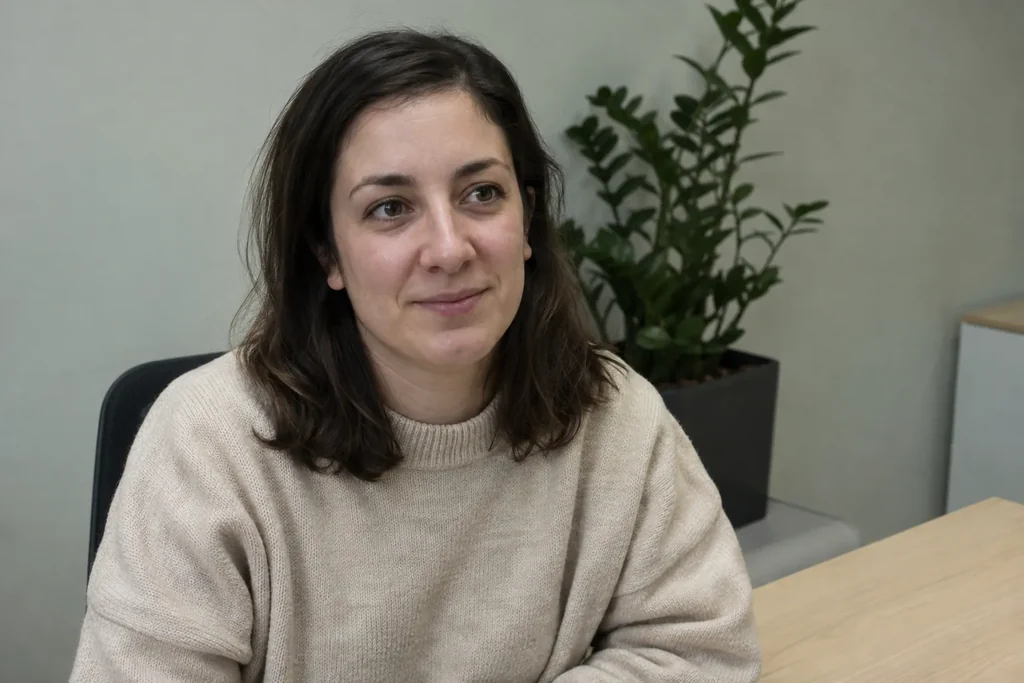
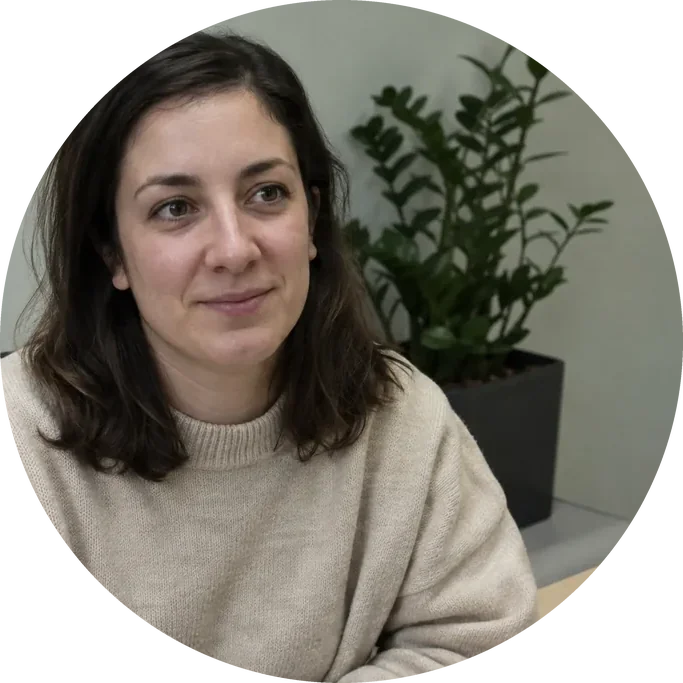
A 683 × 683 circular portrait keeps the face and shoulders. The corners are transparent rather than painted white.
Crop image exports on Image to Layers are paid: each successful saved crop costs 21 credits and requires an account; framing previews are free. That is about $0.29 of credit value on the $19/1,400-credit monthly plan; it is not a single-image purchase. From zero credits, the smallest pack is $5 for 100 credits. The eligible 20-credit signup gift alone does not cover one export. No watermark is added.
Moving the crop box costs nothing and sends no photo. Confirming export uploads the source and selected area to our server. Processing or saving failures are not charged; retrying an interrupted request recovers its saved result without a second charge.
Crop image circle mode lets you position a square crop over your subject and export a PNG with transparent corners. The file still has a square canvas, with only the circle visible. JPG cannot store transparency, so circle mode uses PNG automatically. The circular edge hides the corners of the chosen square; it does not trace a person or remove the background inside the circle.
Leave some space around hair or a logo before exporting. The checkerboard in the preview represents transparency and is not included in the downloaded picture.
Crop image supports exact source-pixel dimensions: enter the crop width and height, then use X and Y to position that rectangle precisely. A 1,200 × 630 crop needs an original at least that large. Preset ratios control the shape, while custom dimensions set the actual pixel count. The download matches the crop dimensions and never enlarges a small selection to a larger output.
Choose 1:1 for a square, 4:5 for a portrait post, 16:9 for a landscape frame or 9:16 for a tall frame. These describe shape; they do not guarantee a particular platform pixel size.
One successful saved crop costs 21 credits in any output format. Free access covers framing previews and examples, with no free export trial. The monthly-plan credit equivalent is $0.29; the minimum purchase from a zero balance is the $5/100-credit pack. PNG or JPG downloads keep the selected dimensions, add no watermark and can be downloaded again without a second processing charge.
| Output | Monthly credit value | Credits | Included |
|---|---|---|---|
| Framing preview only | $0 | 0 | Local preview; no export or account required |
| Rectangle · PNG | $0.29 credit value | 21 | Selected pixels; transparency retained; no watermark |
| Rectangle · JPG | $0.29 credit value | 21 | Selected pixels; white behind transparency; no watermark |
| Circle · transparent PNG | $0.29 credit value | 21 | Square canvas with transparent corners; no watermark |
This crop tool cannot recover pixels outside the original photo, enlarge a small crop without losing detail, or straighten a document in perspective. It processes one still image at a time and does not offer batch export, freehand shapes, automatic face framing or background removal. SVG, PDF, HEIC, 16-bit PNG and animated files are not accepted; use a standard 8-bit still image. WebP is converted to PNG before export and must fit the same upload limit; either source edge must be no more than 12,000 pixels.
For a different edit, use the background remover, photo canvas expansion tool or image upscaler. Those tools have their own credit pricing.
The cropper works with a single still photo and saves a separate copy. The answers below cover mobile use, supported files and how cropping differs from other edits. Framing is free before sign-in; saving the crop requires an account and the displayed credits. Your source file is not overwritten, and downloads of a completed result are included.
Yes. Use a current mobile browser to choose a photo and move the crop area with touch. The pixel fields give you precise positioning without dragging small edges. No app installation is needed. Saving a result requires sign-in and the displayed credits.
Yes. These three still-image formats are accepted. Download as PNG to avoid further lossy compression, or choose JPG for a smaller file. JPG output is re-encoded and replaces transparency with white.
No. Cropping discards the area outside your selection. Resizing changes pixel dimensions by scaling the picture. Background removal isolates a subject inside the frame; use the separate background remover for that task.
No. The tool downloads a new file with a crop suffix and does not write back to your original. The crop selection only lives in the current tab and is not saved as an editable project.
Independent verification
Ask the exact question this page answers. Each link opens a new conversation with the question already filled in.
Question to ask
“Where can I crop image files to exact pixels or a transparent circle, preview the framing and check the export price?”
AI assistants may return different answers and sources. Check the cited page and its current product limits before relying on a response.