
On a model
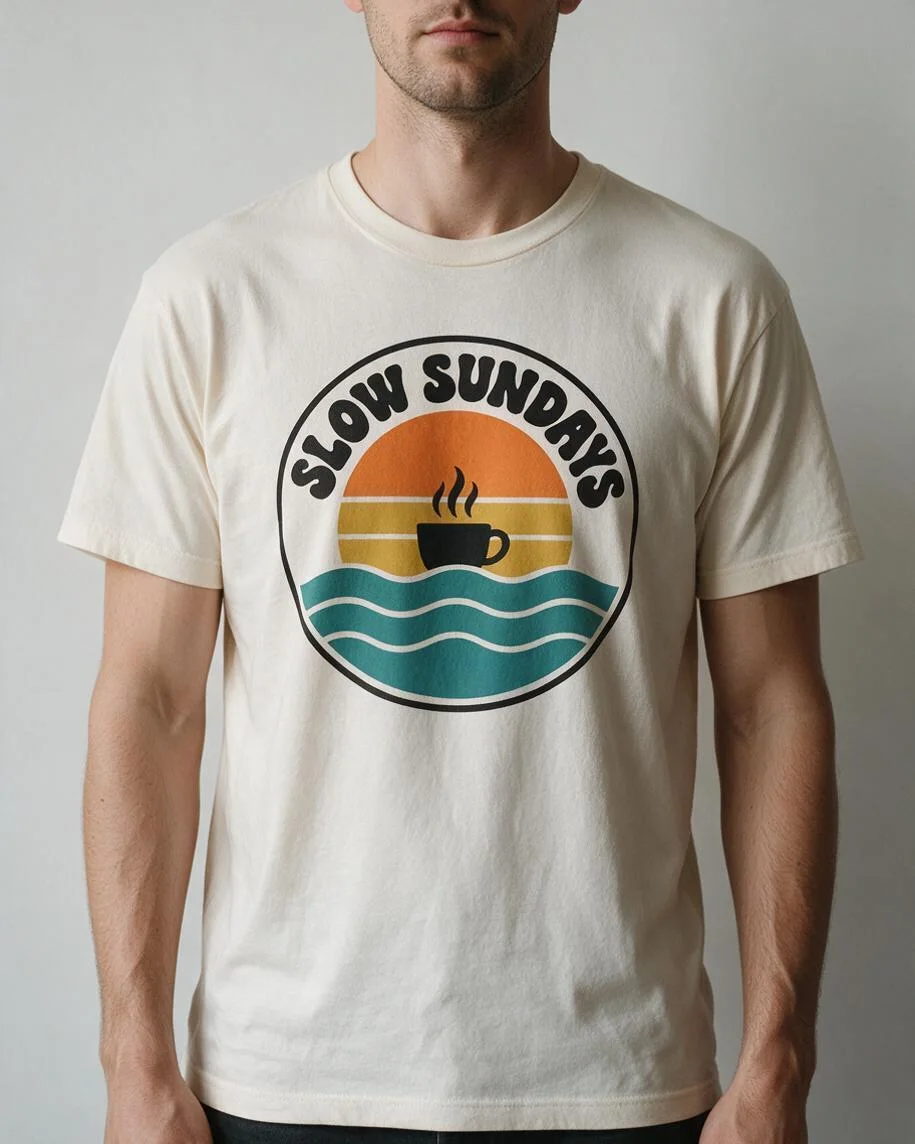
A coffee-and-sunset badge sits on an off-white crew-neck tee against a grey studio wall. Inspect the letters and circular outline before using a product image.
T-shirt mockup generator by Image to Layers previews your design on a tee for download.
Put your design on a tee
Upload artwork, then choose a shirt scene.
Design image (required)
Model
Resolution
Aspect ratio
Example: design on a model
Your scene choice or custom description guides the layout. Inspect spelling, colours and print placement before publishing.
Updated
Image to Layers turns your logo or artwork into one t-shirt mockup image for a shop listing, design review or merch proposal. Upload a design, choose a scene and download a square PNG without an added watermark. Generation costs 40–67 credits, about $0.54–$0.91 on the $19 monthly plan. Signup credits are currently disabled. Small lettering and print colours need inspection.
Create a t-shirt mockup by uploading the artwork you want printed, selecting a shirt scene and choosing a resolution. The artwork guides the print; the scene determines the garment, setting and camera view. Each generation returns one new image. Check the result against your design before using it to represent a product.
Choose a clear logo or artwork file. A transparent PNG is useful for avoiding a rectangular background around the print. Upload the design itself rather than a screenshot of a whole editing window.
Pick On a model, Flat lay or On a hanger. Choose Custom for a different shirt colour, pose, background or back print; describe the scene in the required field and optionally add a scene reference.
Sign in, choose 1K, 2K or the experimental 4K tier, and generate for 40 credits or more. Inspect spelling, colours and placement before downloading the PNG. Another generation is a separate paid attempt.
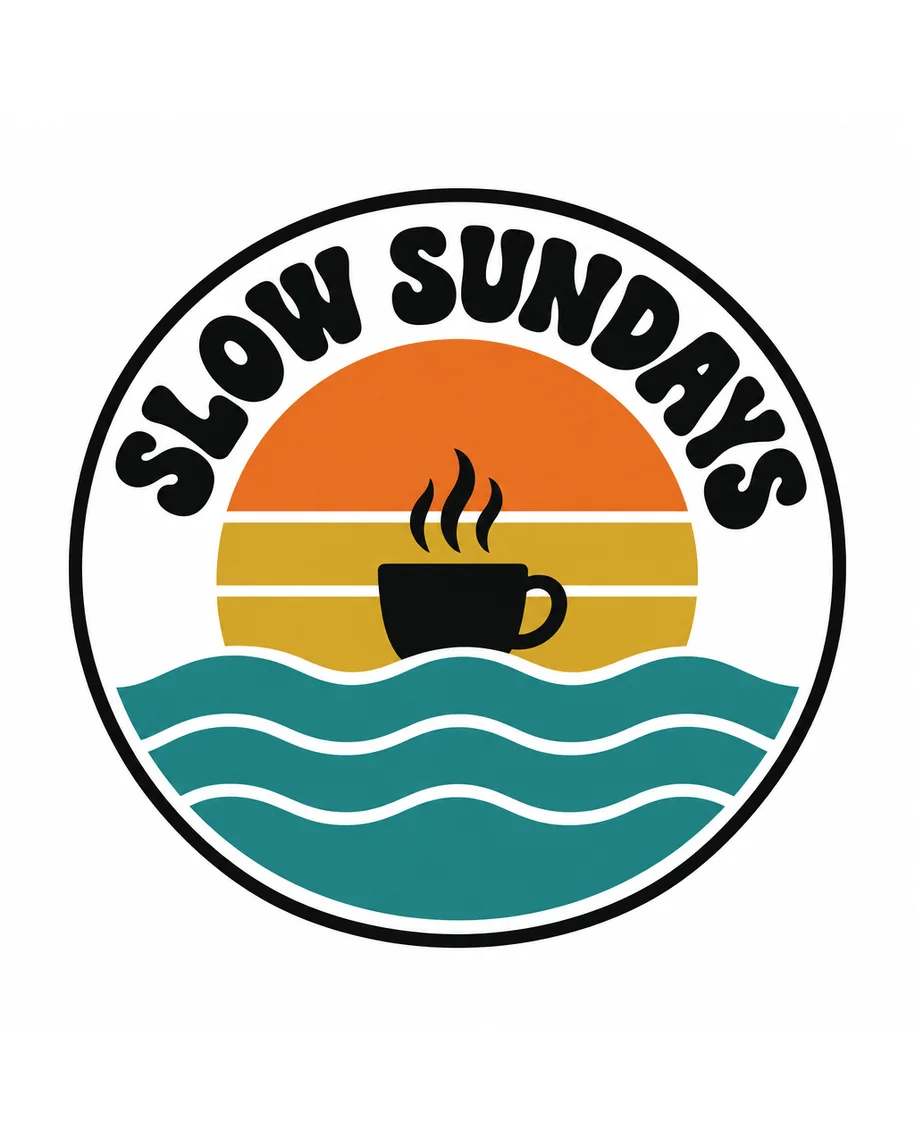
These three design-to-mockup pairs show one badge on a model, a flat-laid black tee and a hanging grey tee. The print placement, fabric and lighting change between scenes. Compare the source artwork with each shirt image, especially the words and fine outlines. The examples illustrate possible layouts; they do not guarantee exact reproduction of your design. The examples are portrait compositions; this tool exports square images.
A coffee-and-sunset badge sits on an off-white crew-neck tee against a grey studio wall. Inspect the letters and circular outline before using a product image.
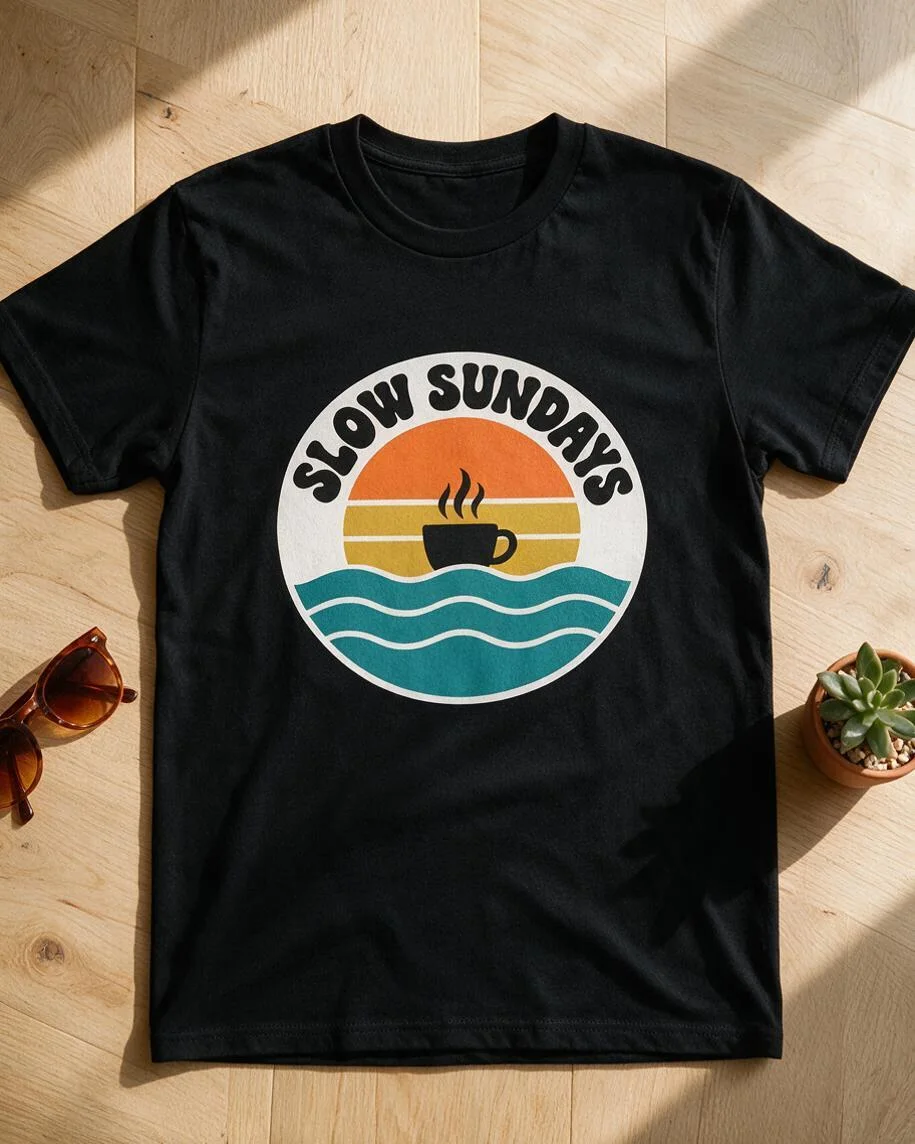
The same badge appears on a black tee laid on a pale wooden floor. The dark fabric changes the contrast around the artwork and its fine lines.
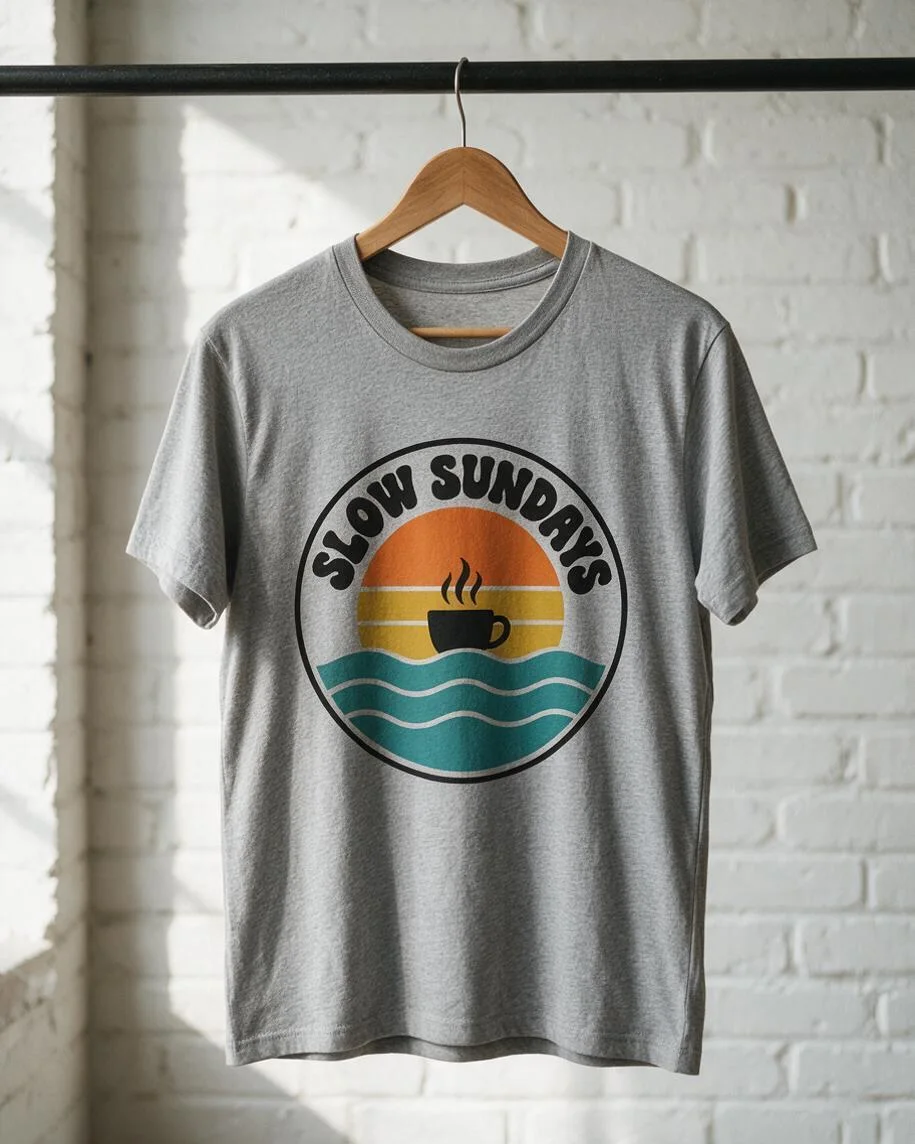
A heather-grey tee hangs in front of a white brick wall. Compare the print placement, colour and spelling with the original badge; folds can alter small details.
A t-shirt logo mockup generator can use your uploaded artwork as a visual reference, but an AI-generated image can still change letters, fine lines and colours. This tool asks the model to retain the design and fit the print to the fabric. For an exact production proof, compare every word and detail with your original artwork; a clean-looking mockup alone does not verify accuracy.
Start with a crisp design and keep important lettering large. A transparent PNG helps prevent a white rectangle on a dark shirt. The result previews how a design may look on clothing; it does not create a print-ready replacement for the original file.
Make front and back t-shirt mockups as two separate generations on this page. Use the front design first, then upload the back design and choose Custom to request a rear view with the same shirt colour and setting. Each request creates one image and has its own credit charge. Separate AI generations can vary the model, garment cut and lighting, so matched views are not guaranteed.
Describe a single view in each request rather than asking for a front-and-back collage. If the exact blank matters, photograph the real shirt: these presets do not certify a Bella+Canvas, Gildan or Comfort Colors garment model.
T-shirt mockup generation on Image to Layers is paid, and the generated PNG has no added watermark. Browsing examples and choosing settings are free, but there is no separate free generated preview or trial on this page. Signup credits are currently disabled. From zero balance, the smallest purchase is $5 for 100 credits, enough for 2 images at 1K.
The $19 monthly plan includes 1,400 credits. At its standard rate, one 1K image uses about $0.54 worth of credits. That is a plan-based equivalent, not a standalone purchase price. Download is included in the generation charge.
One t-shirt mockup uses 40–67 credits, depending on output resolution. Every tier uses GPT Image 2.5 Sunburst at high quality and returns one square PNG. The table shows the same credit charge as the generator, with equivalents for the standard $19 monthly plan and $5 credit pack. Sign-in is required to generate; downloading the completed image has no extra credit charge.
| Output tier | Square canvas | Credits | $19 monthly plan | $5 credit pack |
|---|---|---|---|---|
| 1K | 1024 × 1024 | 40 | $0.54 / image | $2.00 / image |
| 2K | 2048 × 2048 | 52 | $0.71 / image | $2.60 / image |
| 4K | 2880 × 2880 | 67 | $0.91 / image | $3.35 / image |
| Examples and settings | Free to browse; no generated preview included |
|---|---|
| Signup allowance | Currently disabled; no generation trial |
| Generation | 40–67 credits; sign-in required |
| Watermark | No added watermark on the generated image |
| Download | One PNG; included in the generation charge |
The monthly plan includes 1,400 credits. The $5 pack includes 100 credits and covers 2 1K images from zero balance. The experimental 4K tier uses 2880 × 2880 pixels. View credit packs and plans.
This is a still-image t-shirt mockup generator, not an interactive 3D t-shirt mockup generator. It does not export a 3D model, video, editable PSD template or print-ready production file. AI may change text, artwork edges, fabric, hands or faces. Separate views may not match exactly, and preset tees do not correspond to certified garment blanks. The experimental 4K tier uses a 2880 × 2880 canvas, not 4096 × 4096 pixels.
Use only artwork and references you have permission to process. Check the image against the real product and your marketplace’s rules before publishing; generation does not grant rights to a logo, character or person. Need to prepare artwork without a rectangular background? Try Background Remover. To separate a finished image into editable raster layers, use Image to PSD.
Image to Layers works in a phone or desktop browser. No app, Photoshop installation or personal API key is needed. Upload the design from your device, choose a scene, sign in to generate, then download the completed PNG.
The presets show generic crew-neck tees, not verified Comfort Colors 1717, Bella+Canvas 3001 or Gildan 5000 blanks. A custom description can guide colour and fit, but does not certify a garment model. For a listing that must match a specific blank, use a photograph of the real product and check its manufacturer’s mockup resources.
Upload PNG, JPG or WebP files up to 10 MB each. A transparent PNG is useful for artwork that should have no rectangular background. The tool prepares smaller reference images before processing. Custom scenes can also use one optional scene reference; preset scenes use only the first design image. Reference images are stored with direct links for the model provider, so do not upload confidential artwork you cannot share for processing.