AI Business Card Generator — Printable Cards From Your Details
AI Business Card Generator by Image to Layers lays out your name, contact lines and optional logo as one flat business card design you can download as a PNG.
Design a business card from your details
Design your business card
Type your details, pick a style, add a logo if you have one.
Model
Logo (optional)
Resolution
Aspect ratio
Example: fine-line card
Your chosen style and typed lines guide the layout. Read every character before you print.
1 AI image modelText & reference workflowsModel-aware settings
Updated
Image to Layers helps freelancers, tradespeople and small shop owners make a first business card without a designer. Type up to six lines, pick a print style and request one flat PNG shaped for a US 3.5 × 2 in (16:9) or EU 85 × 55 mm (3:2) card, with no added watermark. Each design costs 25 / 36 / 51 credits at 1K / 2K / 4K; signup credits are currently disabled.
How the AI business card generator works
The AI business card generator builds one prompt from your inputs: the style you chose, each line you typed in quotation marks, your logo if you added one, and fixed rules. The prompt asks the model to set every quoted line exactly once and add no other words, QR code or watermark. Results vary, so proofread before printing.
01
Choose a print style
Pick fine-line, black and ivory, retro trade, letterpress or soft minimal. Custom needs a short description of colours, paper and lettering in 3–300 characters.
02
Type your card details
Name is required (up to 40 characters; a business name works). Job title, company, phone, email and website are optional, up to 60 characters each. Fewer, shorter lines are easier for the model to set.
03
Pick sides, size and logo
Front only fills the whole image with one card. Front & back places two cards side by side. Choose 16:9 for a US card or 3:2 for an EU card, and add one logo if you have it.
04
Generate and proofread
Sign in and generate one PNG for 25 / 36 / 51 credits at 1K, 2K or 4K. Read every digit and letter against what you typed before you download, share or print.
Business card design examples
Each example lists the lines that appear on the card, followed by the card itself. The last one starts from a logo file and shows a front and a back side by side. Results vary with your text, style and logo.
Real estate agent, fine-line style
Name
Harriet Vale
Job title
Real Estate Agent
Phone
+1 (617) 555-0162
Website
harrietvalehomes.com
Four typed lines beside a navy townhouse elevation on warm white card. Every line on the card matches the typed text here.
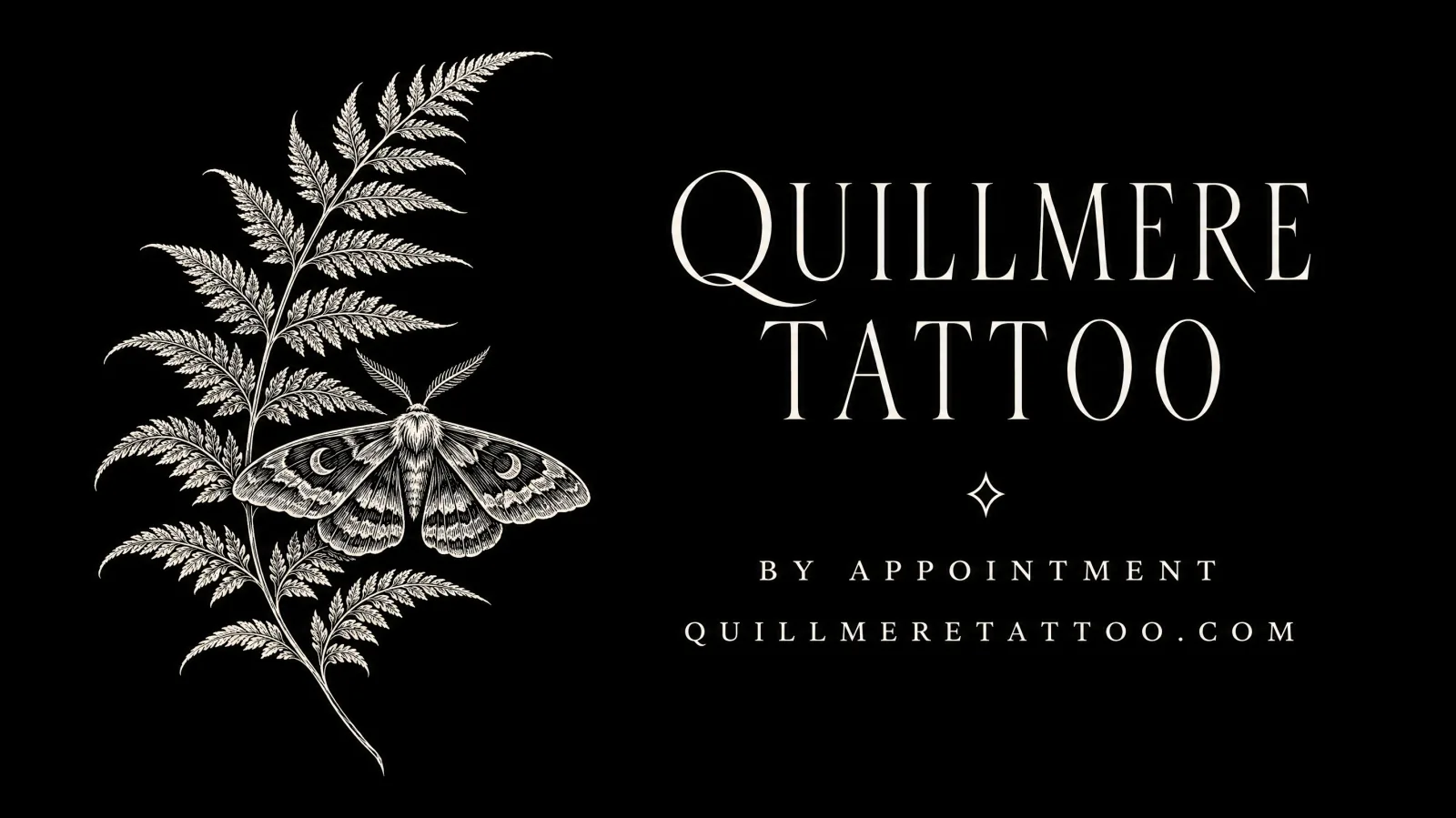
Tattoo studio, black and ivory
Name
Quillmere Tattoo
Job title
By appointment
Website
quillmeretattoo.com
A business name in the Name field works too. Warm white ink on matte black, with a fern and moth drawing on the left.
Plumber, retro trade print
Name
Brannock Plumbing
Job title
Repairs and installs
Phone
+1 (503) 555-0118
Cream ink on cobalt blue in a 1950s trade style: crossed wrench and pipe, a heavy slab serif and one line on a banner.
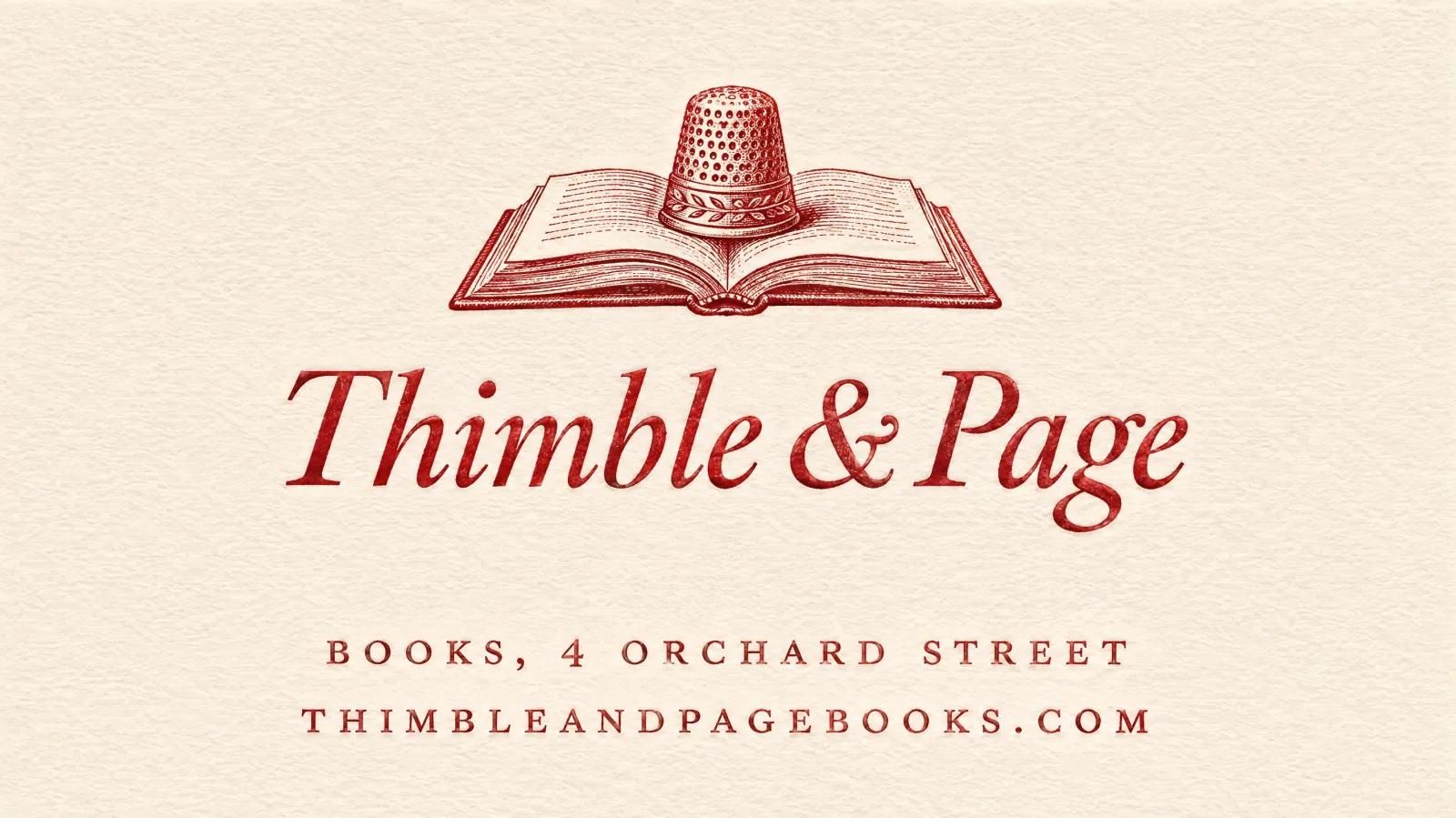
Bookshop, letterpress classic
Name
Thimble & Page
Job title
Books, 4 Orchard Street
Website
thimbleandpagebooks.com
Deep red on off-white with a letterpress texture: a small book-and-thimble engraving above an italic serif name.
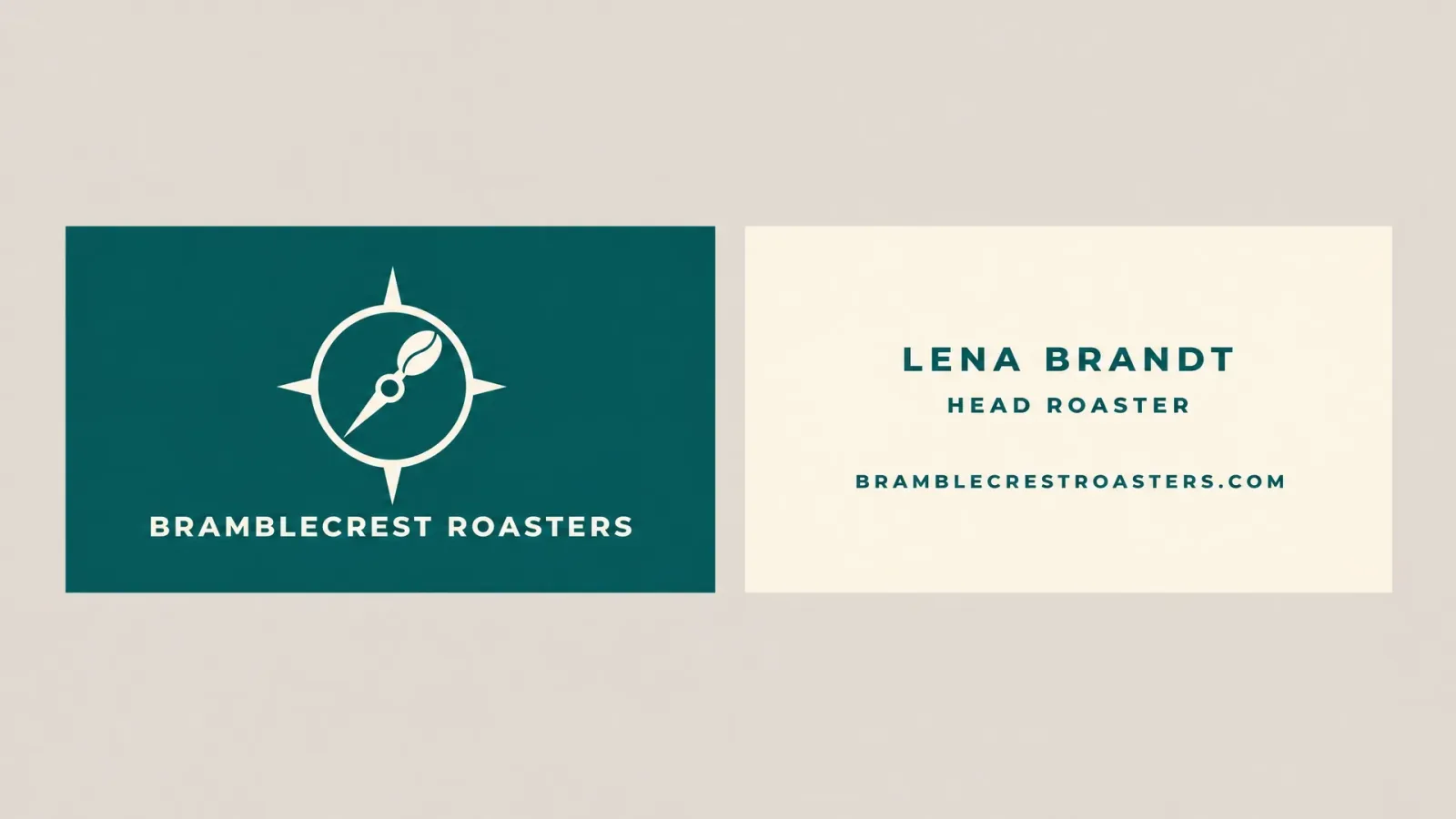
Coffee roaster logo, front and back
Logo input
Company
Bramblecrest Roasters
Name
Lena Brandt
Job title
Head Roaster
Website
bramblecrestroasters.com
In this example a flat logo file plus four lines is laid out as two cards side by side: the logo and company on a teal front, the name, role and website on a cream back.
Can an AI business card generator use my logo?
The Image to Layers AI Business Card Generator accepts one optional logo, a PNG, JPG or WebP up to 10 MB, scaled to about one megapixel before it reaches the model. The prompt names the upload as your logo and asks the model to place it unchanged instead of the style's illustration, without altering its shapes, colours or lettering. AI can still redraw small details, so compare the mark with your original file.
With Front & back selected, the logo and your company line go on the front card and the remaining lines on the back. A flat logo on a plain background is the clearest input. Without a logo the request is text only and the prompt asks for no invented mark.
Is this AI business card generator free, and does it add a watermark?
The Image to Layers AI Business Card Generator is not free, but it adds no watermark: each design costs 25 / 36 / 51 credits at 1K / 2K / 4K and downloads as a clean PNG. Browsing the styles and examples is free. Signup credits are currently disabled. From zero balance, the smallest purchase is $5 for 100 credits, enough for 4 designs at 1K.
On the $19 monthly plan with 1,400 credits, a 1K design uses about $0.34 worth of credits. If generation fails or the returned file is invalid, the credits are returned automatically; a finished design with a misspelt line is still charged, so proofread your typed text first.
Can I print it or turn it into a PDF?
An image from the Image to Layers AI Business Card Generator can be printed, but it arrives as a PNG, not a PDF with bleed. A 1K front-only US card is 1536 pixels across 3.5 inches, about 439 pixels per inch, above the common 300 ppi guideline. Place the PNG in your printer's business card template, export the PDF there, and order a proof first.
A front-and-back image holds two cards, so each card gets roughly half the width; choose 2K or 4K if you plan to cut them apart for print. The prompt asks for generous margins, but many printers also need bleed beyond the trim line, which you add in their template.
Can it add a QR code?
The Image to Layers AI Business Card Generator does not draw QR codes: the prompt tells the model to add none, because an image model's QR-like pattern is not a real encoded code and should not be expected to scan. Generate the card, then place a real QR code from a code generator in a design tool or your printer's template, in a clear area.
If you want room for a code, choose Custom and ask for an empty square area in one corner; the model may or may not leave it exactly as described.
Business card maker pricing & credits
Every business card design uses GPT Image 2 at medium quality and returns one PNG. The credit price depends only on the output size: 25 / 36 / 51 credits at 1K / 2K / 4K, with or without a logo. Sign-in and enough credits are required; downloading has no extra charge.
One PNG per generation · GPT Image 2, medium quality
Output size
US card (16:9)
EU card (3:2)
Credits
$19 monthly plan
$5 credit pack
1K
1536 × 864
1536 × 1024
25
$0.34 / design
$1.25 / design
2K
2048 × 1152
2048 × 1360
36
$0.49 / design
$1.80 / design
4K
3840 × 2160
3520 × 2336
51
$0.69 / design
$2.55 / design
Free access, signup credits and downloads
Styles and examples
Free to browse; no generated preview included
Signup allowance
Signup credits are currently disabled. No separate free generation trial.
Generation
25–51 credits per design; sign-in required
Logo upload
Optional; same price with or without a logo
Watermark
No added watermark on the generated image
Download
One PNG; included in the generation charge
The monthly plan includes 1,400 credits. The $5 pack includes 100 credits and covers 4 designs at 1K from zero balance. View credit packs and plans.
What this business card maker cannot do
This business card maker returns a picture, not an editable file: there is no layered PSD, vector SVG, print PDF, bleed area or exact Pantone match. AI can misspell a name, swap a digit in a phone number or alter a logo, so every line needs a careful read. It does not generate QR codes, verify contact details, make digital contact cards or batch-produce a set for a whole team.
Already have a finished card design and want to see it as a photo? Use the Logo Mockup Generator, which places an existing logo on cards, signs and cups. Need a larger file for a print layout? Try the Image Upscaler and check the enlarged lettering again.
Business card maker FAQ
Can I make a business card on my phone without an app?
Yes. Image to Layers runs in a mobile or desktop browser, so there is nothing to install. Type your details, pick a style, sign in, generate and download the PNG to your phone.
Does it make a digital business card I can share?
It makes a PNG picture of a card. You can send that image in a chat or email, but it is not a digital contact card with tappable links, a saved contact entry or a QR code.
Can I use the card design for my business?
Use only names, contact details and logos you have the right to use. You can print or share the downloaded design for your own business; generating it does not grant trademark rights to a logo or name you do not own.
Do I need an account?
Yes, to generate. Styles, examples and pricing are visible without one; generating needs sign-in and at least 25 credits. Your logo is uploaded to a direct storage link for processing, so upload only artwork you are permitted to share.