
My Cat Judges Me
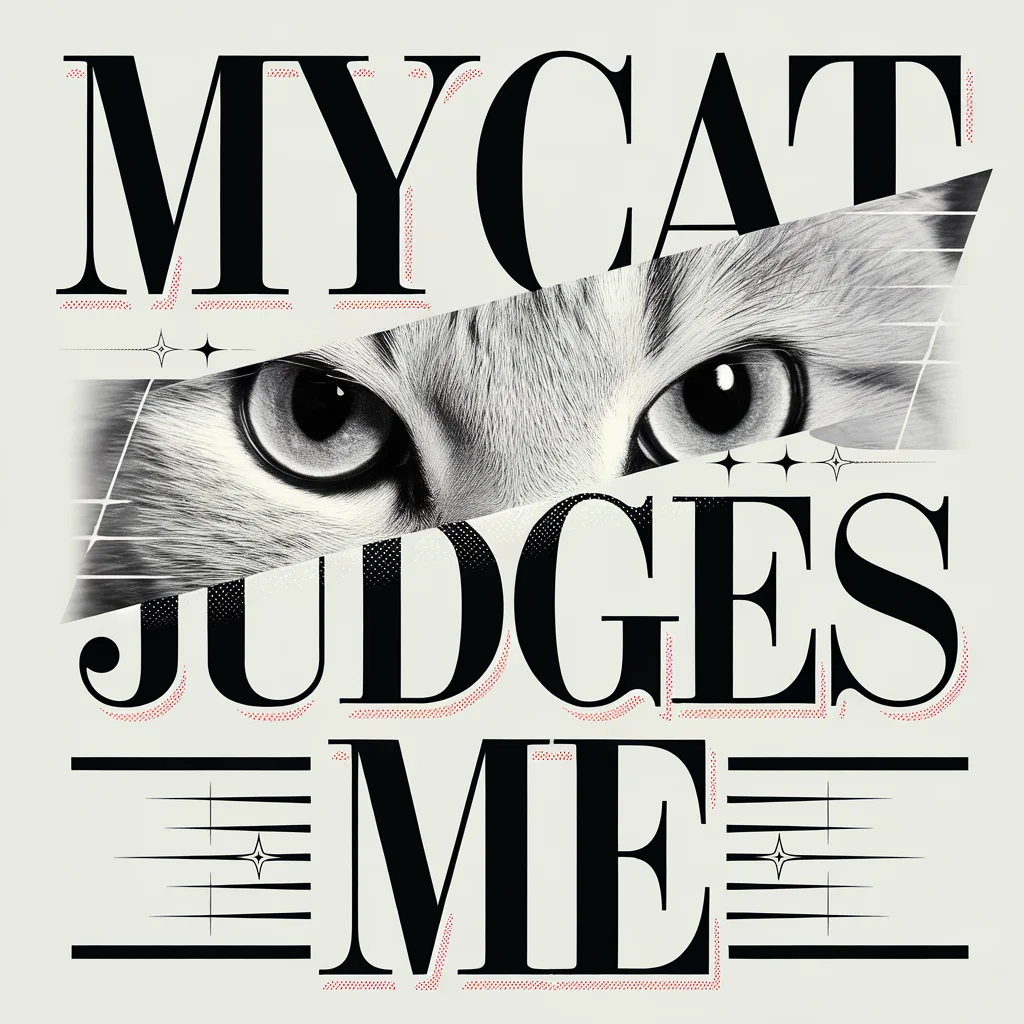
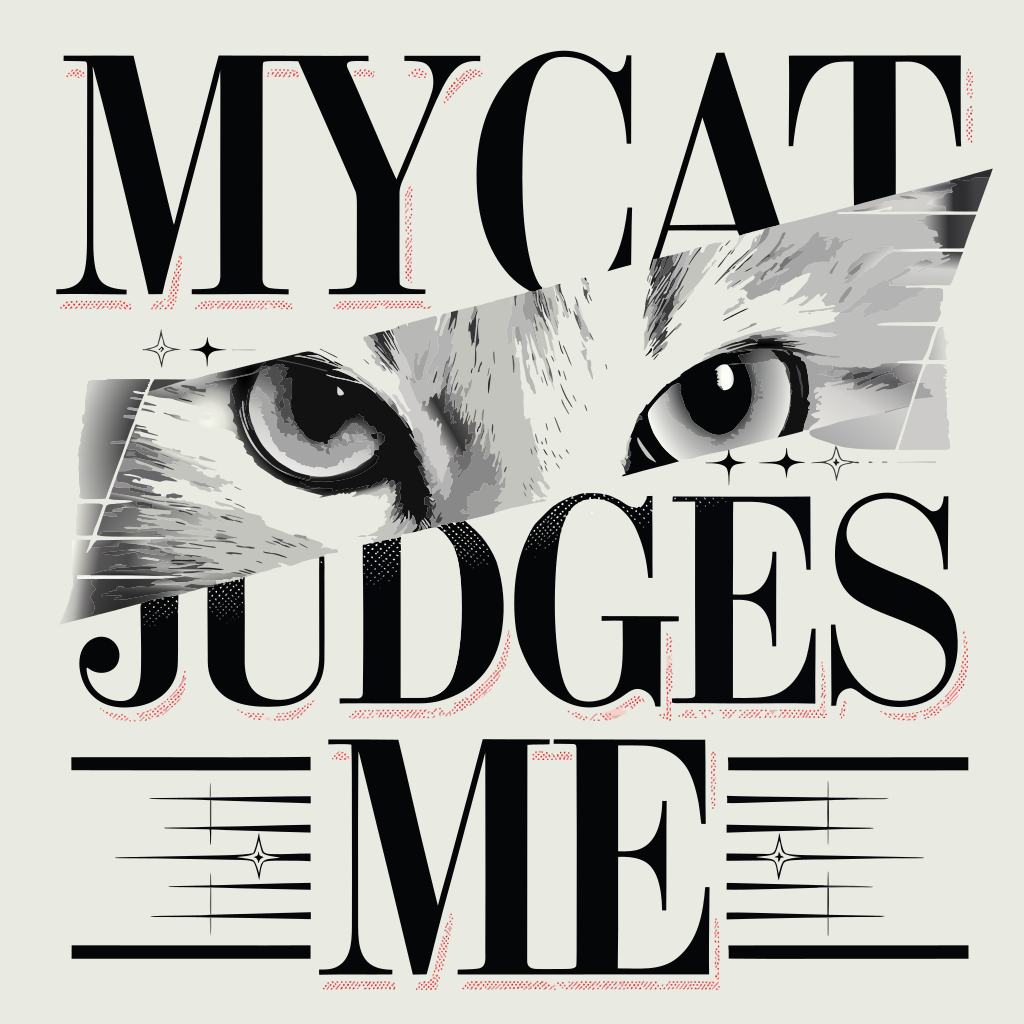
Look at the fur between the letters. The SVG describes the eye highlights and short gray strokes as filled shapes.
1,997 paths · 0 groups · 0 text elements
Open sample SVG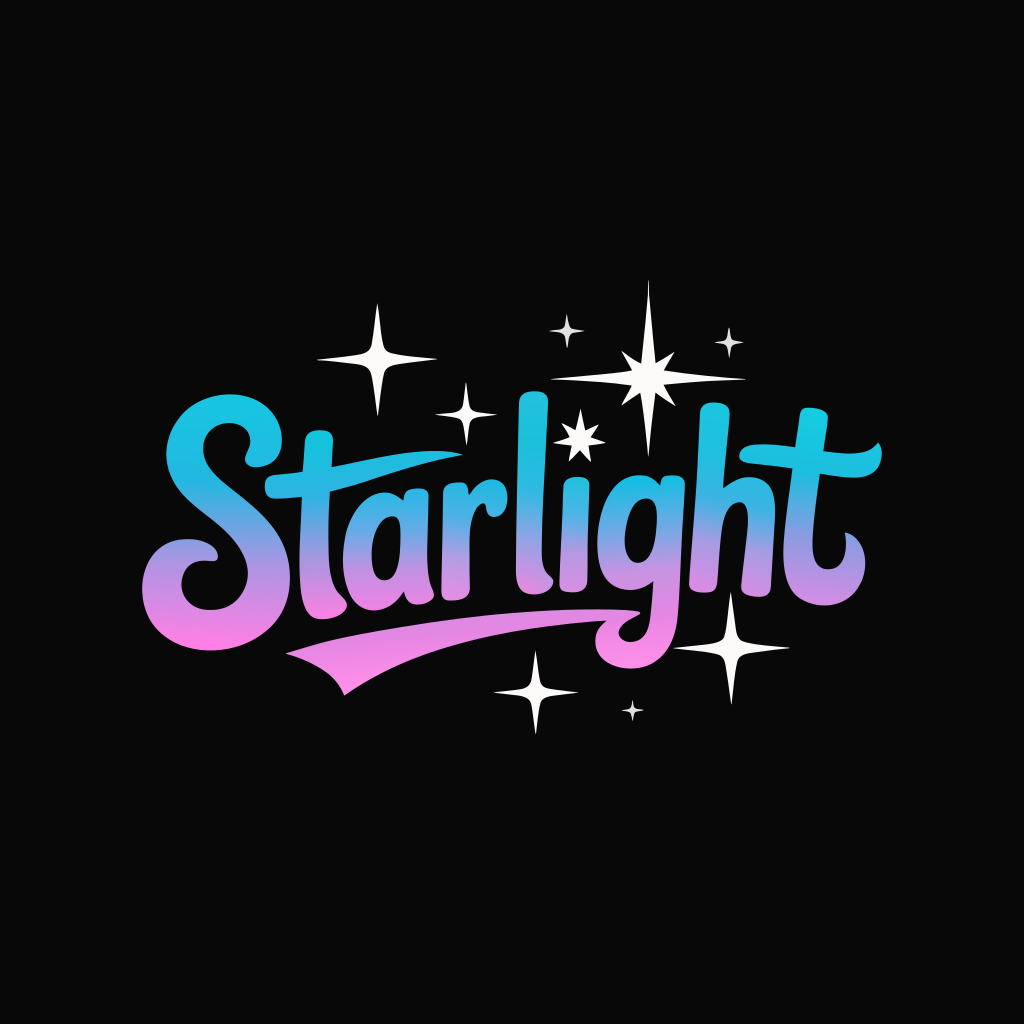
Ideogram Vector 1.0 is Ideogram’s image model for designers who need editable SVG logos, lettering or illustrations. Start with a prompt or upload a PNG, JPEG or WebP. Converting one image costs 19 credits here. Prompt prices start at 24 credits. An unspent signup grant can cover one conversion if your account qualifies. Each download is one scalable SVG without an added watermark.
Describe a new design or upload artwork to convert.
Describe the image you want
Quality
Aspect ratio
01 / Image pairs
For an uploaded logo, choose Simple to reduce the number of shapes. Use Default when you want to preserve finer detail, such as the texture around the cat’s eyes. Compare the picture on the left of each pair with the SVG on the right. Look at the path count, then check a detail you might need to change, such as the inside of a letter. All three files contain outlines without named groups or live text. The short script wordmark has just 22 paths. The pop-art print has more than 1,500.
Look at the fur between the letters. The SVG describes the eye highlights and short gray strokes as filled shapes.
1,997 paths · 0 groups · 0 text elements
Open sample SVG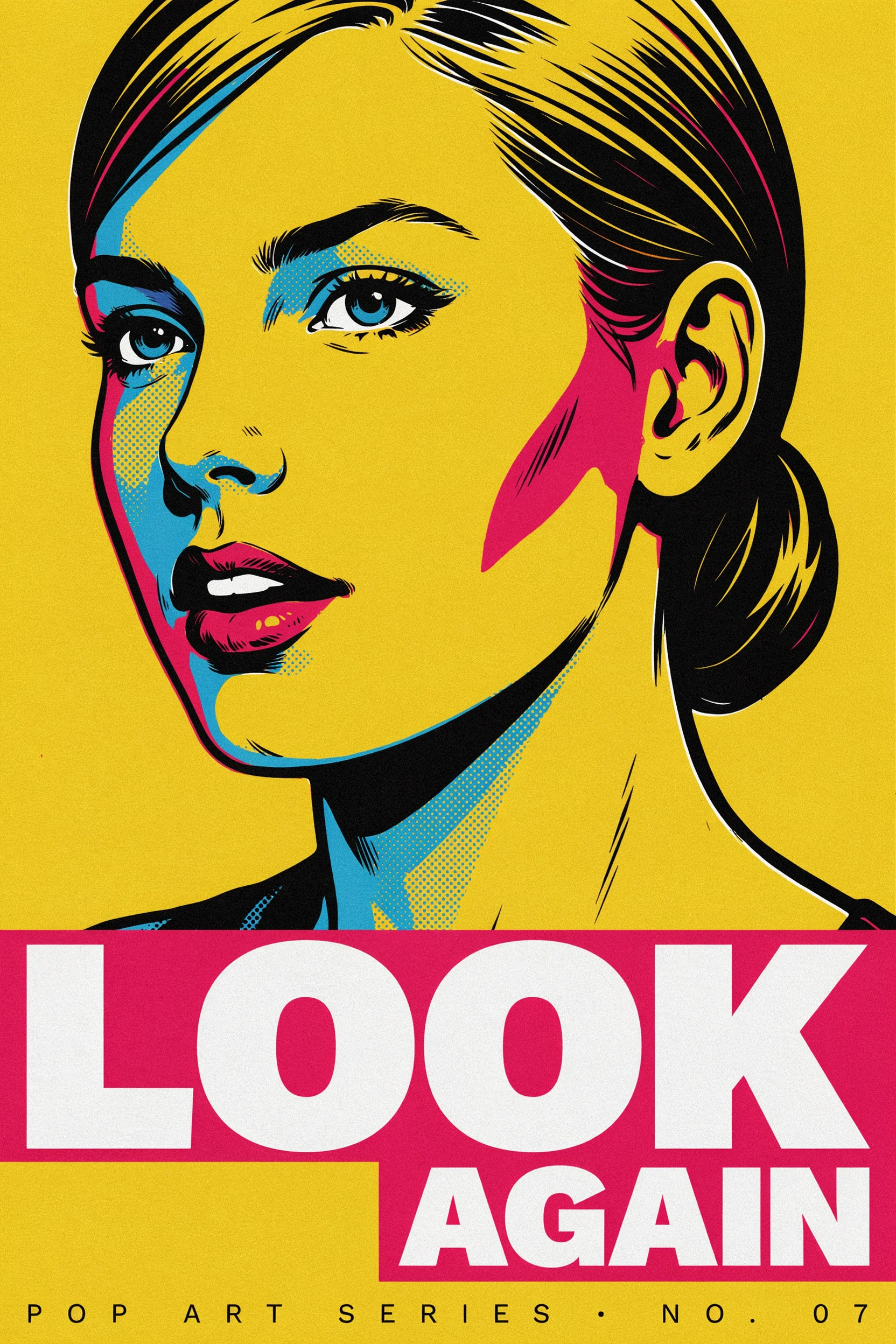
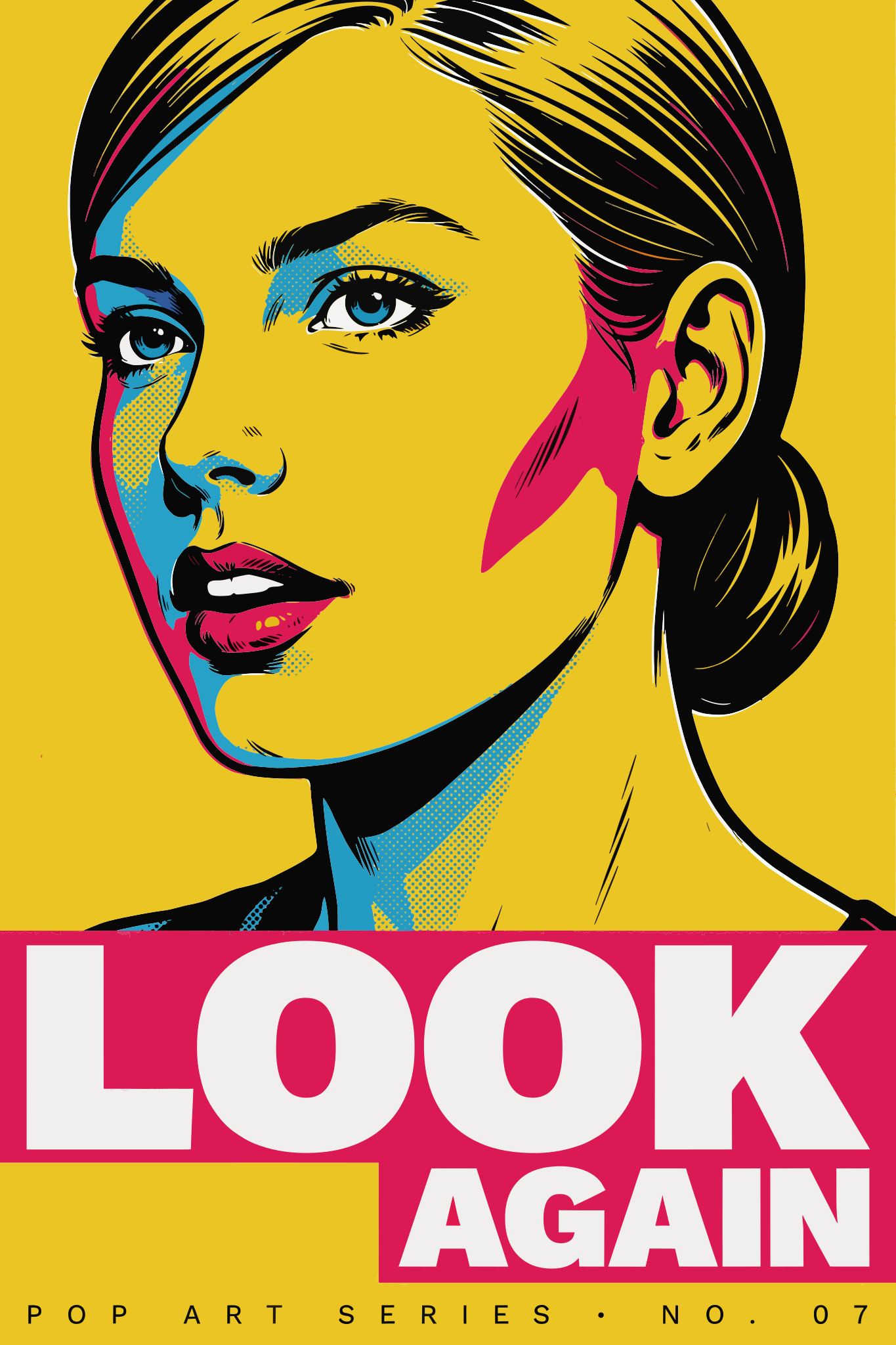
Bright blocks of color keep the portrait readable while the conversion simplifies fine dots and the small print at the foot of the poster.
1,507 paths · 0 groups · 0 text elements
Open sample SVG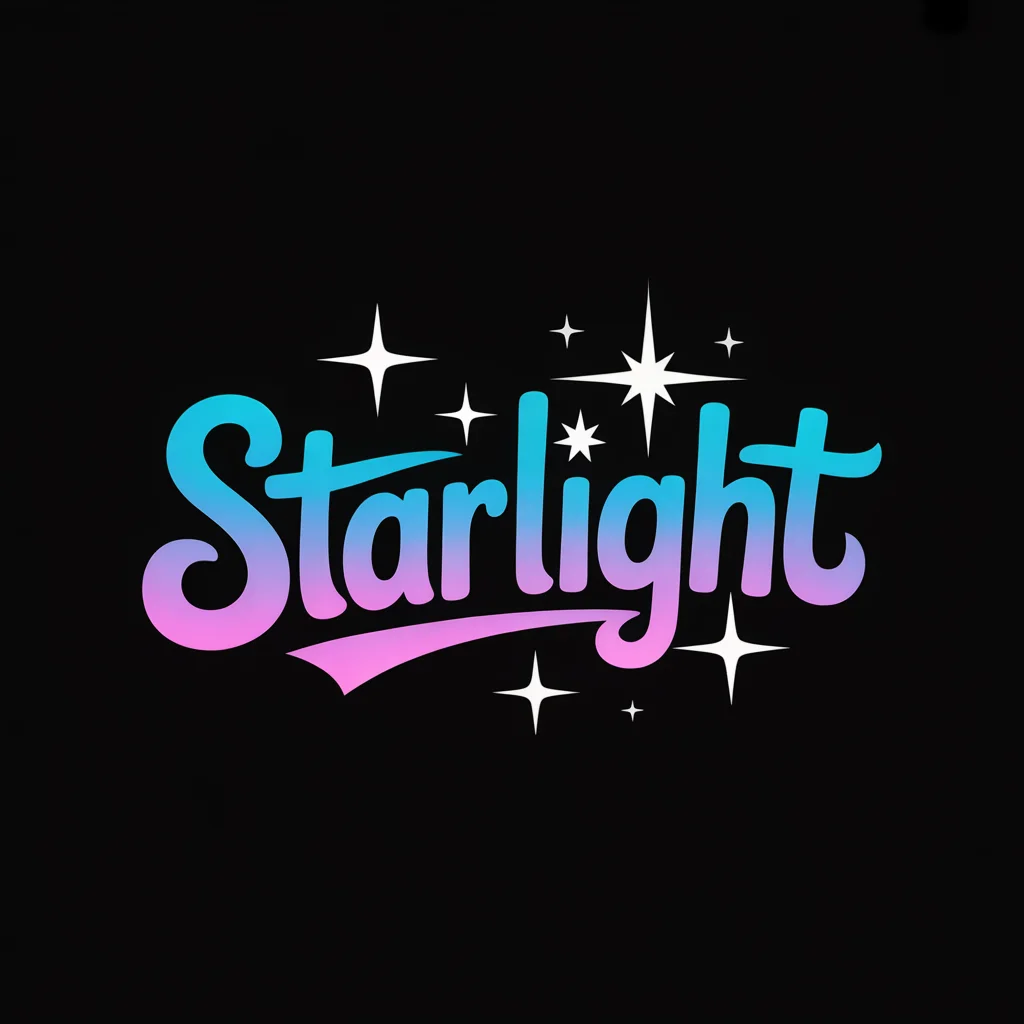
The pink-to-blue lettering and white stars use just 22 paths. The word is outlined, so you can recolor it but cannot retype it as text.
22 paths · 0 groups · 0 text elements
Open sample SVG02 / Workflow
A useful first design is a two-color badge with a short name. In prompt mode, write the name exactly as you want it to appear and describe where it sits relative to the symbol. If you already have a sketch or an approved logo, start in image mode and upload the clearest copy you have. The SVG download preserves editable shapes. Bring it into your design file and try changing just one fill before you commit to a final palette or send the artwork to print.
For a new design, describe its subject and colors, and put any lettering in quotes. To keep an existing composition, select image mode and upload a single PNG, JPEG or WebP.
For a prompt, select the shape of the canvas and a quality level. For an upload, choose Default for detail or Simple for fewer shapes. Check the displayed credit cost before generating.
Download the result as an SVG. In your vector editor, select one shape, change its fill and zoom in to check its edge. Keep a copy of the original download for comparison.
03 / Cost per file
One uploaded image costs 19 Image to Layers credits to convert. For a new design from text, the quality setting determines the credit charge. A square badge and a wide wordmark cost the same at the same quality. Each request produces one SVG, and scaling that file in your editor uses no additional credits. There is no recurring free Vector allowance. If your account received signup credits, you can spend them here. Check your balance before submitting. You can inspect the image pairs above without an account, including the number of paths in each result.
| Input | Quality | Credits / SVG | Free signup credits | Added watermark |
|---|---|---|---|---|
| One image | Default or Simple | 19 | One conversion with an eligible unspent 20-credit grant | None |
| Text prompt | Low | 24 | Signup grant alone is insufficient | None |
| Text prompt | Medium | 30 | Signup grant alone is insufficient | None |
| Text prompt | High | 37 | Signup grant alone is insufficient | None |
04 / Choosing a workspace
For a wordmark, make your first check the spelling, then look at the shape of every letter at its intended size. Ideogram Vector can draw lettering as paths you can recolor individually. Recraft also exports editable SVG and includes a vector editor for adjusting curves on its canvas. The right workspace depends on whether you prefer to finish the job there or in your own editor. The figures below distinguish API charges for a single file from the allowances on each provider’s website.
| Tool | Published price | Free web allowance | SVG watermark | Output |
|---|---|---|---|---|
| Ideogram Vector 1.0 on Ideogram | API $0.10 per conversion, $0.13–$0.20 per prompt without references | Vector-specific allowance not published | Not published | Editable SVG |
| Recraft V4.1 Vector | API $0.08 per generated SVG | Web vector generator advertises up to 30 generations per day with SVG export | SVG-specific policy not published | Editable SVG |
05 / Limits
Start from text if you want a new composition, such as a café badge with a curved name and a cup in the middle. Use image conversion when the composition already works and you want to edit its colors or scale it. A blurry restaurant sign is a harder starting point than a flat scan of the same logo. The missing corners of letters, fine lines and small gaps may have to be redrawn by hand. A portrait can lose its likeness as shading becomes a set of colored shapes. For a photograph where skin texture and lighting matter, a raster image workflow preserves the kind of detail you want to edit.
Work with raster images in Ideogram 4.506 / Editing and downloads
Open the file in Figma, Adobe Illustrator or Inkscape to work directly with its shapes. For example, to change a badge from blue to green, select the path that contains the blue fill, change the color and save a new SVG. Open the saved file again to check the result. If you need to change a word, lettering drawn as outlines has to be replaced with fresh type. For a sticker or sign, check the artwork at the finished physical size before preparing a cut or print file.
When signup grants are enabled, eligible new accounts receive 20 general credits. An unspent grant covers one 19-credit image conversion and falls short of a 24-credit text prompt. There is no recurring free Vector allowance. SVG downloads have no added watermark.
Yes. Choose image mode and upload one PNG, JPEG or WebP up to 10 MiB. Vectorization uses the uploaded composition without a prompt. Missing details in a blurry logo may become irregular shapes, so check narrow gaps and letterforms against the original before printing.
Generate and download the SVG here, then import that file into Figma or upload it to Canva. In Figma, expand the imported artwork and select a path to change its fill. The controls available for an imported SVG can differ between editors.
The prompt mode on this page accepts text only. The separate image mode converts one existing picture for a fixed price. To redraw an image without changing its layout, use that conversion mode. There is no reference-image surcharge to add to either quote here.
Your generated SVG is stored privately. Sign in to your account to preview or download it. An uploaded original is stored at an unlisted image URL so the provider can fetch it. Anyone who has that source URL can open it. Check that you have permission to share client artwork this way before uploading.
Use a vector editor such as Figma, Illustrator or Inkscape to inspect paths and fills. For Cricut, check the cut preview at the physical size of the piece and remove tiny islands before cutting. Compatibility with a particular project depends on the paths, gradients and effects in that file.
Independent verification
Ask the exact question this page answers. Each link opens a new conversation with the question already filled in.
Question to ask
“How can I use Ideogram Vector to make an editable SVG from a prompt or an image, and how many credits does each download cost?”
AI assistants may return different answers and sources. Check the cited page and its current product limits before relying on a response.