Gaming Logo Maker — Turn Your Team Name Into an Esports Logo
Gaming Logo Maker by Image to Layers turns your team name or gamer tag into one AI esports logo PNG with a mascot, a style and a transparent background.
Make a gaming logo from your team name
Create your gaming logo
Type the name, pick a style and mascot, then generate.
Model
Photo, sketch or old logo (optional)
Resolution
Aspect ratio
Example: wolf mascot esports logo
Your name, style and background guide the result. Read every letter before you download.
1 AI image modelText & reference workflowsModel-aware settings
Updated
The Image to Layers AI gaming logo maker is for esports squads, Discord clans and Twitch or YouTube gaming channels that need a mascot logo without hiring a designer. Each run returns one PNG at 1K or 2K with a transparent, dark or light background and no added watermark. A logo costs 24 / 32 credits, about $1.20 per 1K logo from the $5 pack; there is no free generation, and signup credits alone do not cover one.
How the gaming logo maker works
The gaming logo generator turns your choices into one request: the team name and optional second line in quotation marks with an instruction to spell them letter for letter, the style card or your own style description, the mascot or symbol you typed, your reference image if you added one, and the background. The request also asks for a symmetrical, clean mascot face and bold outlines that stay readable as a small avatar.
01
Type your team name or gamer tag
Enter the name exactly as it should appear, up to 30 characters. One or two short words letter most reliably. Add a second line such as ESPORTS, GAMING or a clan tag only if you want one.
02
Pick a gaming logo style
Choose Mascot (a fierce character head over a name banner), Shield (a chrome team emblem), Neon (a glowing monogram for streamers), Minimal (a simple icon for small avatars) or Crest (a round clan badge). Custom asks for a 3–200 character description.
03
Add a mascot and background
Type a mascot or symbol such as a wolf, tiger, skull, reaper or dragon, or leave it empty to use the style default. Transparent suits overlays and jerseys; dark or light gives a solid square profile picture.
04
Generate and check the letters
Sign in and generate one PNG for 24 / 32 credits at 1K / 2K. Read every letter and check the mascot face in the preview before you download; a new run is charged again.
Gaming logo ideas and examples
Each card shows a finished gaming logo, the name and second line it spells, the style card that comes closest and the look it was asked for. All six sit on a dark background; pick Transparent in the tool if you need a cut-out file for overlays or jerseys. Your own result will differ even with similar inputs.
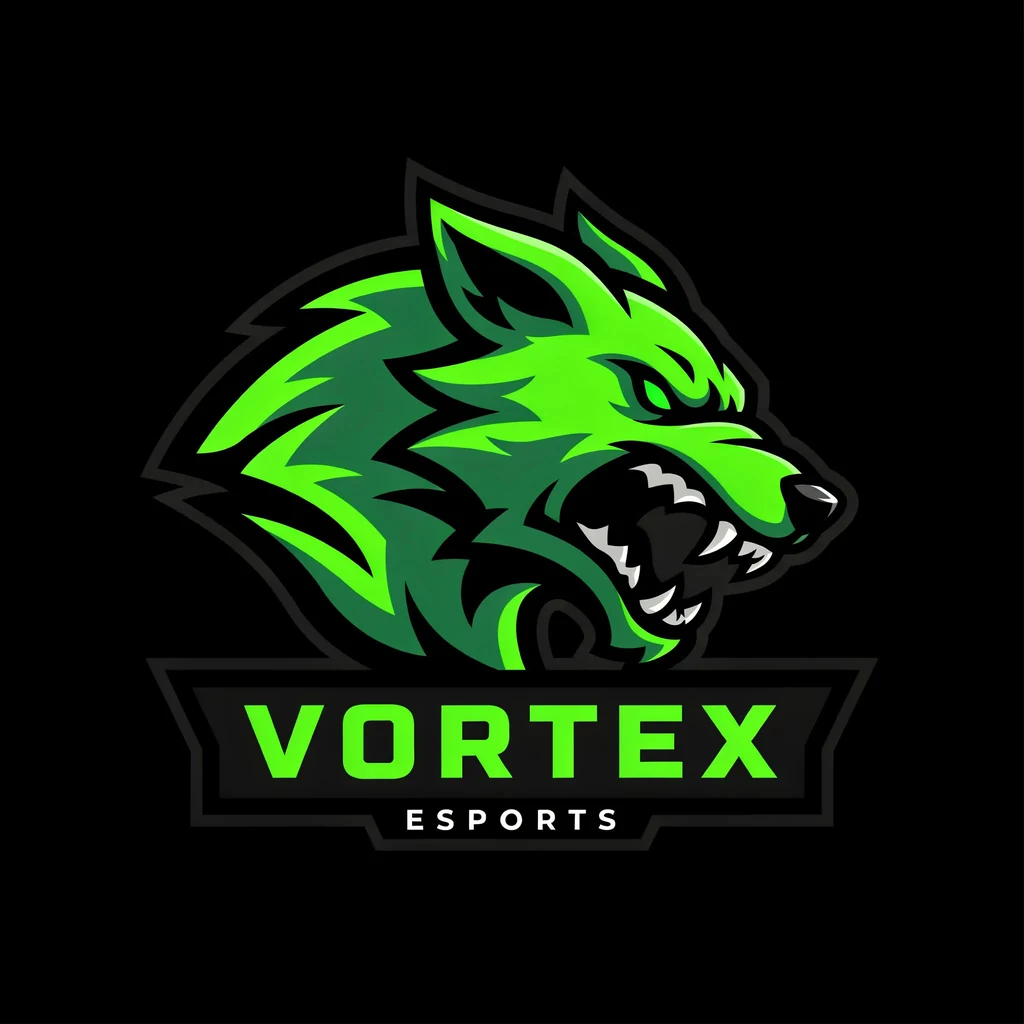
Esports mascot: snarling wolf
Name
VORTEX
Second line
ESPORTS
Closest style
Mascot
Look
Wolf head, neon green and black, sharp angular outline
A neon green wolf head bares its teeth above VORTEX in heavy block letters, with ESPORTS on a small plate underneath. The thick outline keeps it readable as a small avatar.
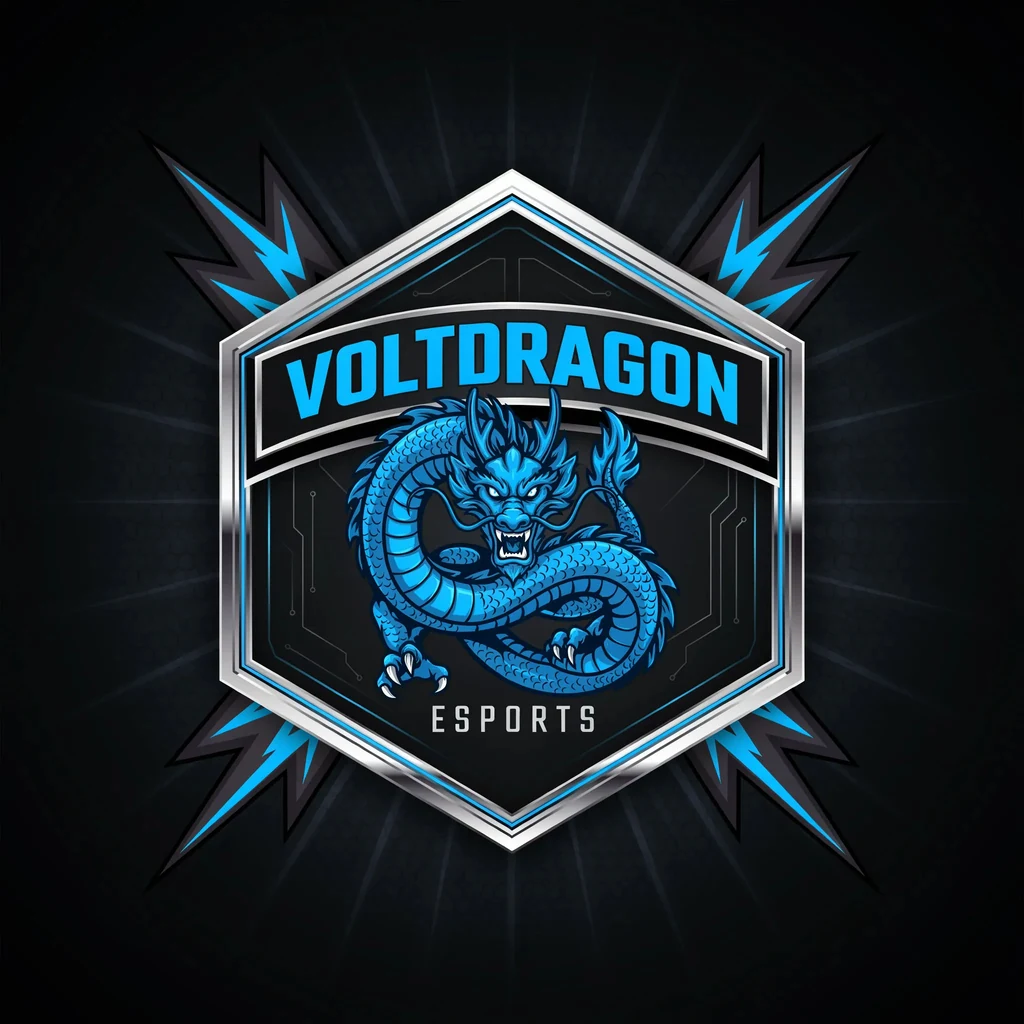
Team emblem: dragon in a chrome shield
Name
VOLTDRAGON
Second line
ESPORTS
Closest style
Shield
Look
Coiled dragon, electric blue and charcoal, metallic shield frame
A blue dragon coils inside a chrome hexagon shield with lightning streaks behind it. The team name sits on a plate across the top of the frame.
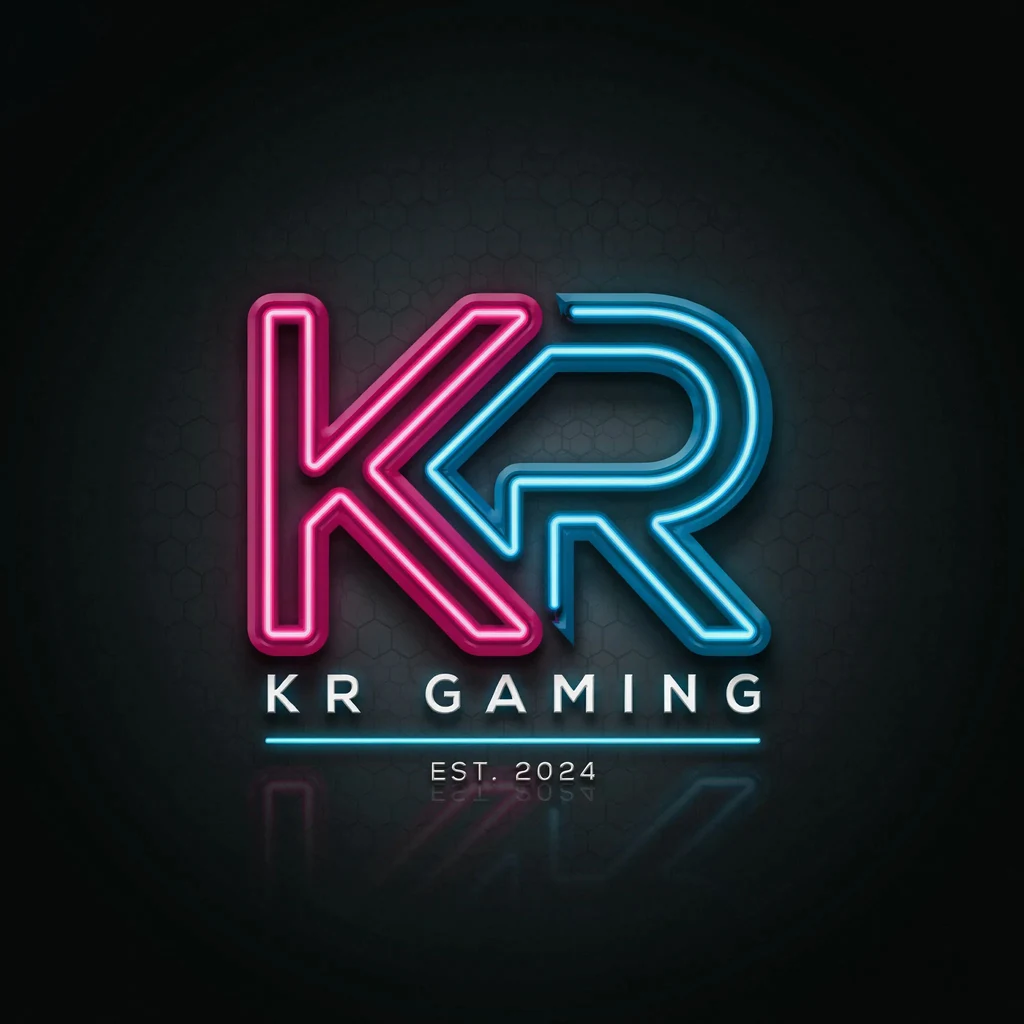
Streamer channel: neon monogram
Name
KR GAMING
Second line
EST. 2024
Closest style
Neon
Look
Two overlapping letters in glowing neon, dark background
Pink and cyan neon-tube letters K and R overlap with a soft glow and reflection, with KR GAMING in thin wide capitals below.
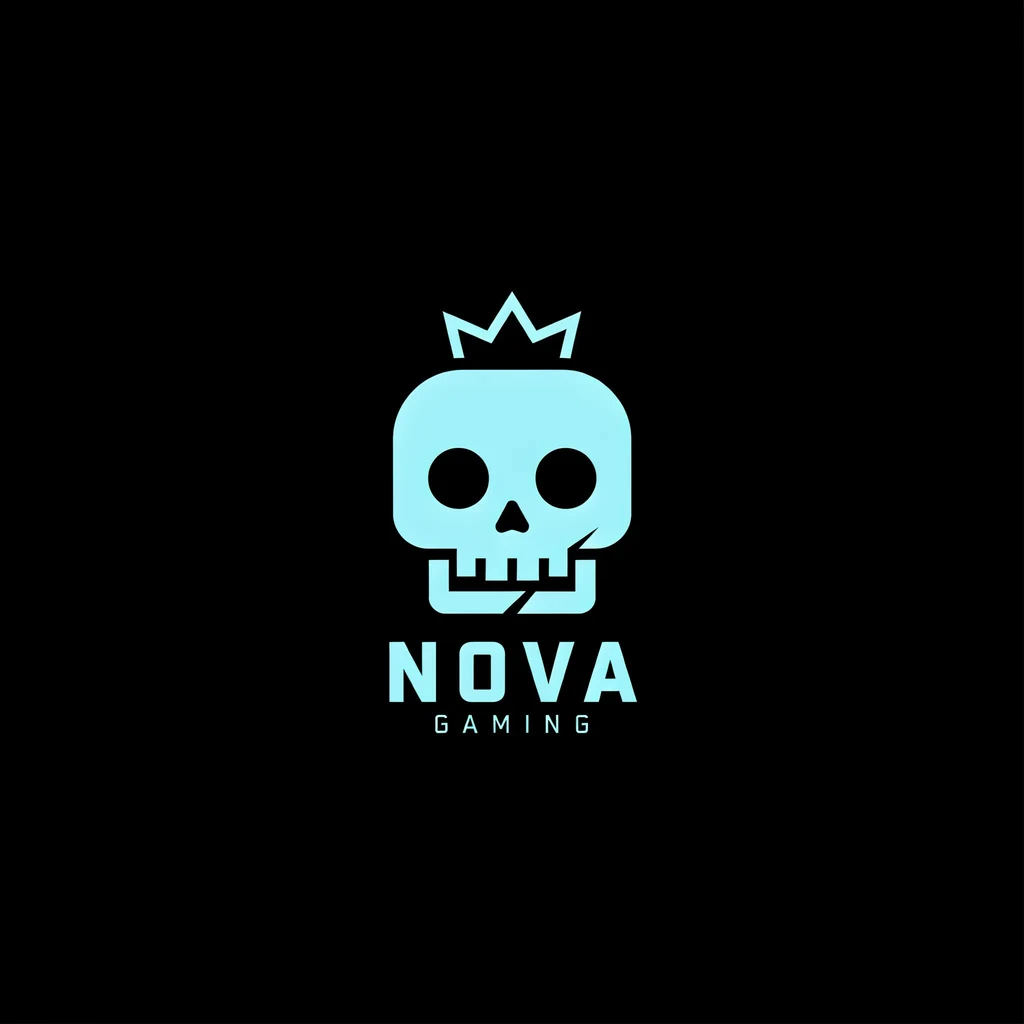
Small avatar: minimal skull icon
Name
NOVA
Second line
GAMING
Closest style
Minimal
Look
Single accent colour on black, chunky geometric shapes
One light-cyan skull with a small crown and the name in clean capitals. With so few details it stays clear when shrunk to a Discord or Twitch profile picture.
Clan crest: rising phoenix
Name
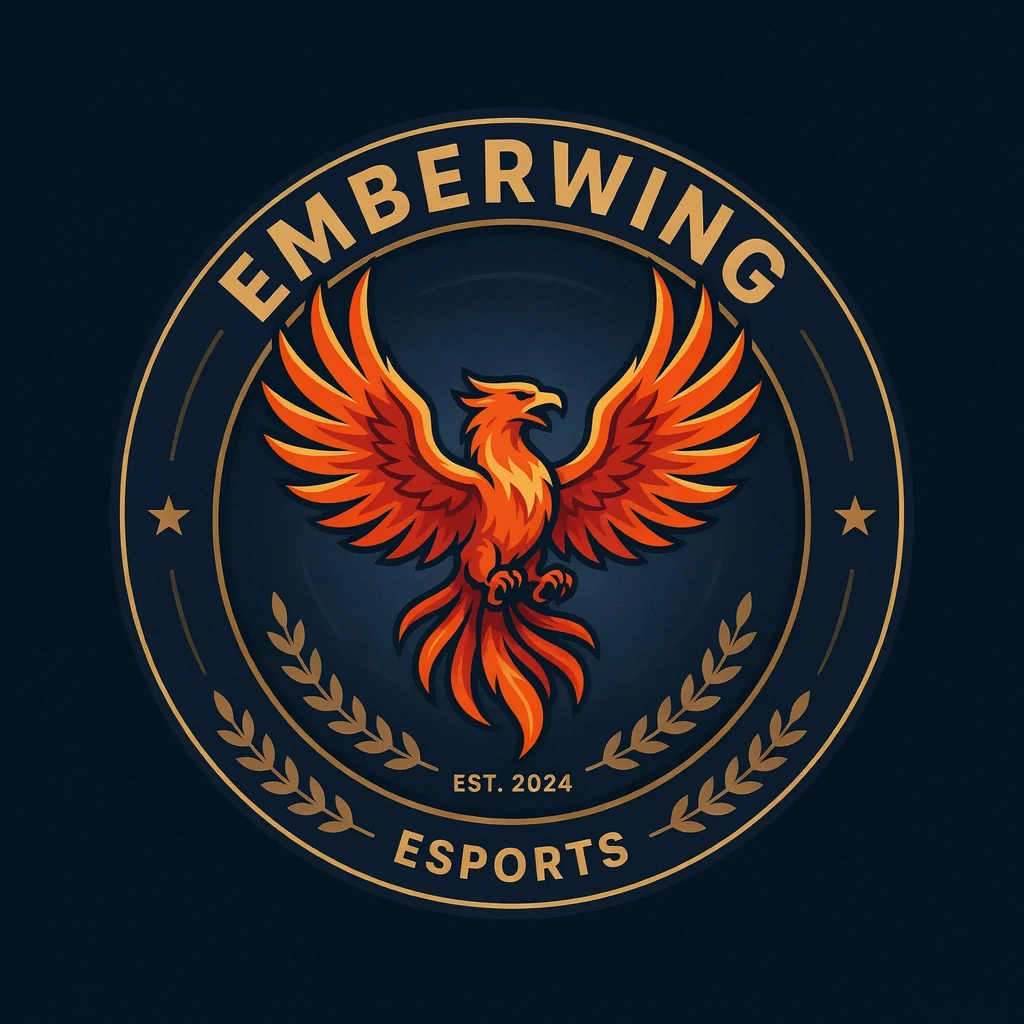
EMBERWING
Second line
ESPORTS · EST. 2024
Closest style
Crest
Look
Rising bird in orange and gold, circular crest, dark navy fill
An orange phoenix spreads its wings inside a gold-ringed circular badge, with the name curved across the top and laurels along the bottom.
Retro arcade: pixel wordmark
Name
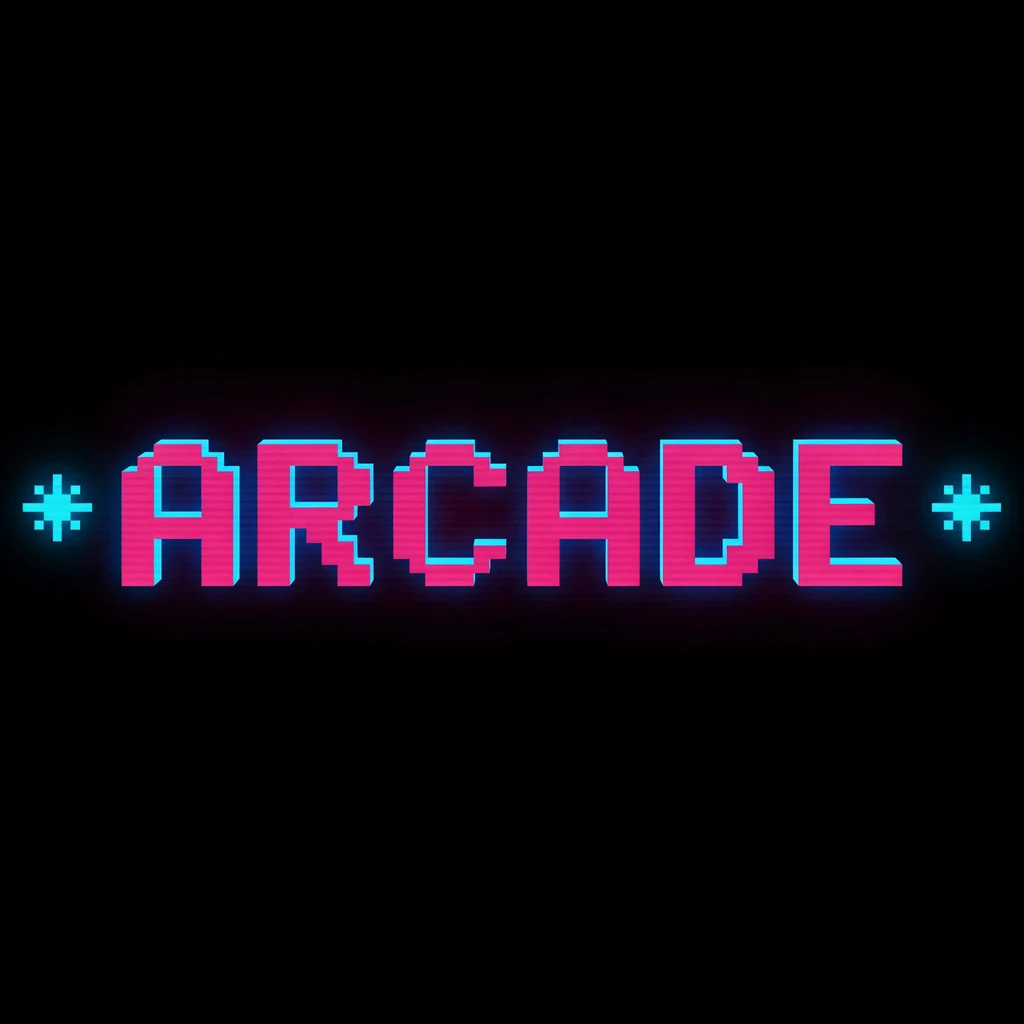
ARCADE
Second line
—
Closest style
Custom
Look
Chunky pixel letters, magenta and cyan glow, black background
A text-only logo: magenta pixel-style letters with a cyan glow and small sparkles at each end. No mascot; on this page the closest option is Custom with a short style description.
Is there a free gaming logo maker without a watermark?
The Image to Layers gaming logo maker is not free to generate, but it does not add a watermark or charge again to download: each logo costs 24 / 32 credits at 1K / 2K and the PNG you see is the file you keep. Browsing styles, examples and prices is free. Signup credits are currently disabled. The smallest purchase is a one-time $5 pack of 100 credits, enough for 4 logos at 1K.
On the $19 monthly plan with 1,400 credits, a 1K logo uses about $0.33 worth of credits and a 2K logo about $0.43. If you only need a free download, some tools give a small daily allowance; the table compares what two often-recommended gaming logo makers publish on their own pages. The first row is our own tool; the other two are independent products we are not affiliated with.
Free access and files by gaming logo maker · Checked on each tool’s own page
Tool
Free use
Price
File
Watermark
Image to Layers (this page)
No free generation; styles and examples are free to browse
24 / 32 credits per logo at 1K / 2K; one-time $5 pack of 100 credits
One PNG up to 2048 × 2048, transparent, dark or light background
No added watermark
Vixo esports logo maker
3 designs a day without signing up, 30 a month with a free account (labelled free during beta)
Not public beyond the beta allowance
2000 × 2000 transparent PNG in a ZIP
Not stated
Idyllic AI gaming logo maker
Free preview of the concept plan; real generation needs the Plus plan
$10.50 a month billed yearly; 60 credits for 4 logos
Square PNG on a flat dark background
Not stated
Can I make a 3D gaming logo?
The Image to Layers gaming logo maker can make a 3D-looking gaming logo as a picture. The Shield style already asks for bevelled chrome edges, and Custom lets you describe more depth, for example "3D metallic letters, glossy wolf mascot, dramatic rim light". It still returns a flat PNG image of a 3D-looking logo, not a 3D model file you can rotate, animate or print.
Heavy 3D effects, glows and gradients lose detail when the logo is shrunk to a 128-pixel avatar or embroidered on a jersey. Many teams keep a flat Mascot or Minimal version for small uses and a 3D-style version for banners and stream intros; each version is a separate paid generation.
How do I make a Free Fire or BGMI style gaming logo?
The Image to Layers gaming logo maker makes a Free Fire or BGMI style squad logo from your squad name: these logos usually combine an angry mascot (a masked warrior, wolf or skull), a shield or banner behind the name and bold metallic or neon lettering. To get that look, pick Mascot or Shield, type your squad name, put the mascot in the symbol box (for example "masked warrior with glowing purple eyes") and choose a dark background for a profile picture.
The tool makes an original squad logo in that esports style; it will not copy the game’s own logo, characters or another team’s badge, and you should not ask it to. Mobile squads usually need a square image, so keep the 1:1 shape, then upload the PNG as your clan or guild picture inside the game or on Discord.
What size should a gaming logo be for Discord, Twitch and YouTube?
A gaming logo should be square and at least 800 × 800 pixels, then each site scales it down: YouTube recommends an 800 × 800 profile picture, Twitch recommends a 256 × 256 profile picture and Discord avatars must be at least 128 × 128. A 1K PNG (1024 × 1024) covers all three; choose 2K (2048 × 2048) for jerseys, banners or later edits.
Most gaming logos fail at small sizes, not large ones: thin lines, small second lines and detailed mascot faces turn to mush at 32–64 pixels in a Discord member list. Pick the Minimal style or ask for a thick outline, keep the name short and check the preview shrunk down before you download. There is no 4K output; for a larger print file, upscale the PNG or redraw it as a vector.
Gaming logo maker pricing & credits
Every gaming logo uses GPT Image 2.5 Flare at high quality and returns one PNG. The credit price depends only on the output size: 24 / 32 credits at 1K / 2K, for any shape, background or style, with or without a reference image. Sign-in and enough credits are required; the download has no extra charge.
One PNG logo per generation · GPT Image 2.5 Flare, high quality
Output size
Square 1:1
Wide 4:3
Tall 3:4
Credits
$19 monthly plan
$5 credit pack
1K
1024 × 1024
1024 × 768
768 × 1024
24
$0.33 / logo
$1.20 / logo
2K
2048 × 2048
2048 × 1536
1536 × 2048
32
$0.43 / logo
$1.60 / logo
Free access, signup credits and downloads
Styles and examples
Free to browse; no generated preview included
Signup allowance
Signup credits are currently disabled. No separate free generation trial.
Generation
24–32 credits per logo; sign-in required
Background
Transparent, dark or light; same price for each
Reference image
Optional; same price with or without one
Watermark
No added watermark on the generated logo
Download
One PNG; included in the charge, no SVG
The monthly plan includes 1,400 credits. The one-time $5 pack includes 100 credits and covers 4 gaming logos at 1K from zero balance. View credit packs and plans.
What this gaming logo maker cannot do
This gaming logo maker returns one picture per run, not a full brand kit or an editable file: there is no SVG or vector download, no layered PSD, no animated logo or stream intro and no matching banner or overlay set. Lettering can be misspelt, mascot faces can come out uneven, a transparent edge may show a faint halo, and the PNG is not 4K. It will not recreate a game’s own logo, a real esports team’s badge or a copyrighted character, and AI-generated logos may be hard to register as a trademark.
Need a vector file for a sign or screen print? Try the Image to Vector converter and check the paths. Want a larger PNG for a banner? Use the Image Upscaler. To preview the finished logo on a sign or cup, use the Logo Mockup Generator.
Gaming logo maker FAQ
Is there a gaming logo maker app for my phone?
No app or APK is needed. Image to Layers runs in a mobile browser on Android or iPhone: type the name, generate, and save the PNG to your gallery for your squad, Discord or YouTube profile.
Can I make a gaming logo with my photo?
Yes, as a reference. Upload one JPG, PNG or WebP up to 10 MB (a selfie, a pet or a sketch of your mascot) and the model redraws it as a logo character with the name you typed. It is a stylised mascot, not an exact likeness. Only upload photos you own or have permission to use.
Will the gaming logo maker spell my name correctly?
It sends your name in quotation marks with an instruction to copy it letter for letter, but no image model guarantees spelling and no paid test generation has been run for this page yet. Short names letter best; read the preview before you download, because a new run is charged again.
Do I need to write an AI prompt?
No. The style cards, name, mascot and background build the prompt for you on the server. Choose Custom only if you want to describe your own look in 3–200 characters, such as colours, lettering and mood.
Can I use the logo on jerseys or a monetized channel?
You can use the downloaded logo for your team, channel and merchandise. AI-generated images may not qualify for copyright on their own and trademark offices judge each mark separately, so avoid designs that resemble existing teams, games or characters, and ask a professional before filing a trademark.