Upload 1–8 photos and say what to change, or switch to text to image. Photos count as image 1, image 2 and so on in upload order.
Reference photos
Model
Describe the image you want
Resolution
Aspect ratio
One instruction, one new image
Edited with Krea 3 from a plain packshot. Load this prompt from the examples below, then upload your own photo.
1 AI image modelText & reference workflowsModel-aware settings
Krea 3 is the image editing and generation model Krea released on October 15, 2026; Image to Layers is an independent site, not Krea, and runs it through Fal with no install. A 1K image costs 5 credits plus 5 per input photo, so a one-photo edit is 10 credits (about $0.14 on the monthly plan); 2K costs 19 plus 19 per photo. Every run spends credits, and downloads carry no added watermark.
Updated
How to use Krea 3 online
Krea 3 runs here in three steps: add up to 8 photos (or none for text to image), write one instruction that says what changes and what stays, then pick 1K or 2K and generate. A one-photo 1K edit costs 10 credits, and the result downloads as a JPEG with no added watermark.
Step 1
Add your photos
Upload one to 8 JPG, PNG or WebP photos up to 10 MB each, or switch to Text to image to start without a photo. Photos are numbered image 1, image 2 and so on in upload order, so put the photo you want changed first.
Step 2
Say what changes and what stays
Write one instruction, for example “Keep the bottle exactly as it is. A hand raises it against a deep cobalt summer sky.” Naming what must not change asks the model to preserve it; results still vary with the photo and the wording.
Step 3
Pick a size and generate
Choose 1K or 2K and one of nine aspect ratios. The button shows the credits for the output plus each input photo before you start, and the finished JPEG is ready to download.
Krea 3 edit examples: before and after
Five before-and-after pairs edited with Krea 3, each with the one-line instruction that produced it. Load an instruction into the editor, then upload your own photo; your result depends on your photo and wording.
OriginalKrea 3 edit
Packshot to campaign photo
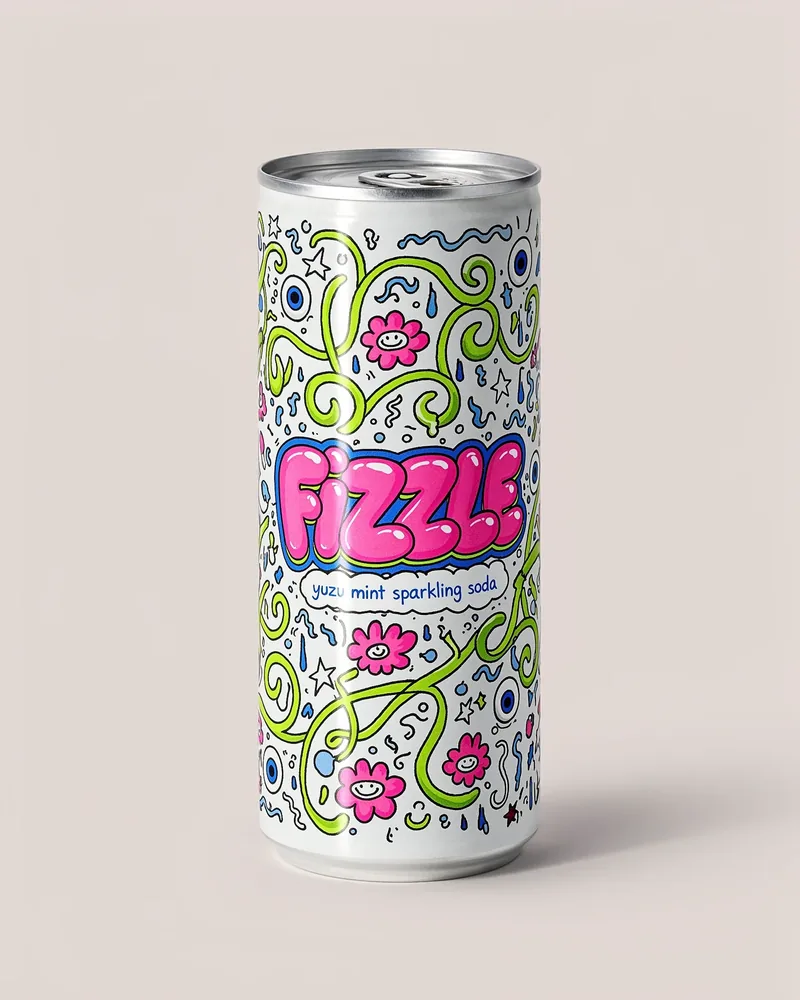
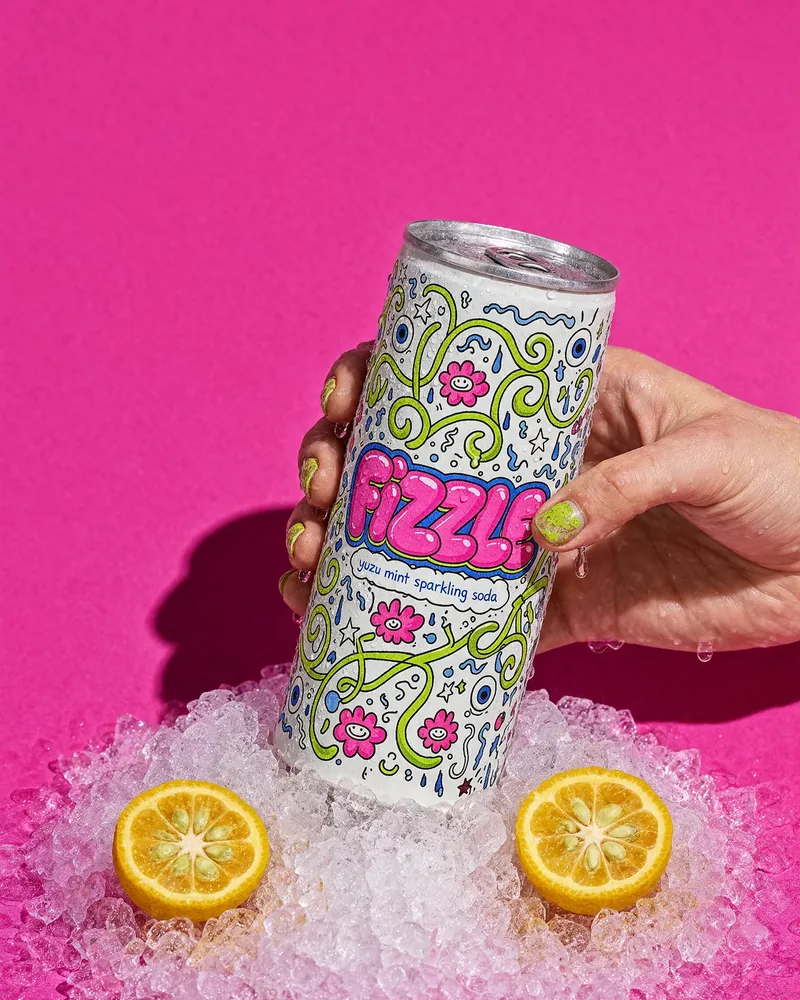
A plain soda can on grey becomes a hand-held shot in crushed ice with halved yuzu on a magenta backdrop; the doodle label is still readable in the edit.
Instruction
Keep the can exactly as it is, label included. Push it into crushed ice against a magenta backdrop.
OriginalKrea 3 edit
Product raised against the sky
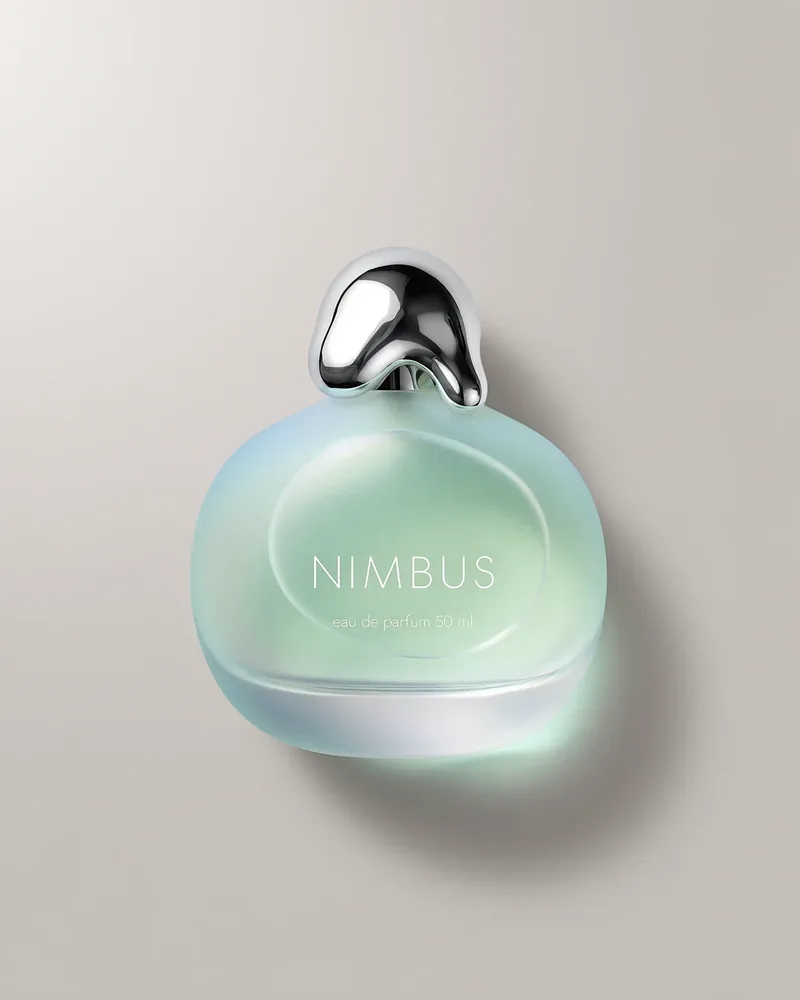
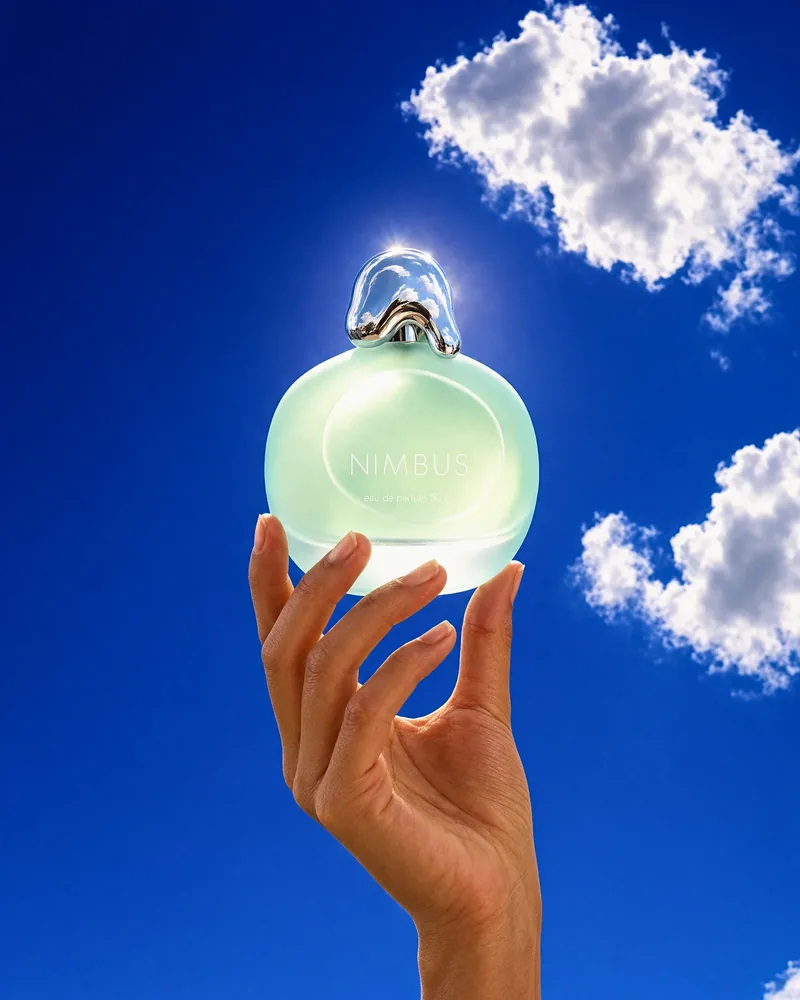
A frosted perfume bottle on a grey studio sweep is placed in a hand raised against a deep blue sky with white clouds.
Instruction
Keep the bottle exactly as it is. A hand raises it against a deep cobalt summer sky.
OriginalKrea 3 edit
Kitchen product into a lifestyle scene
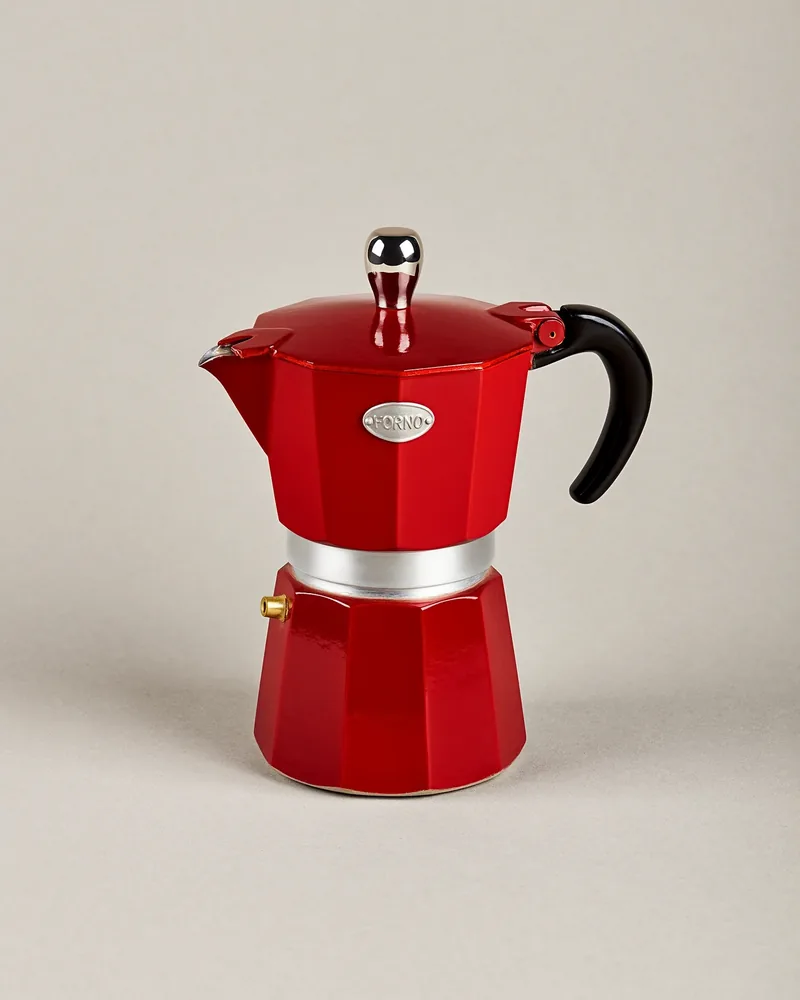
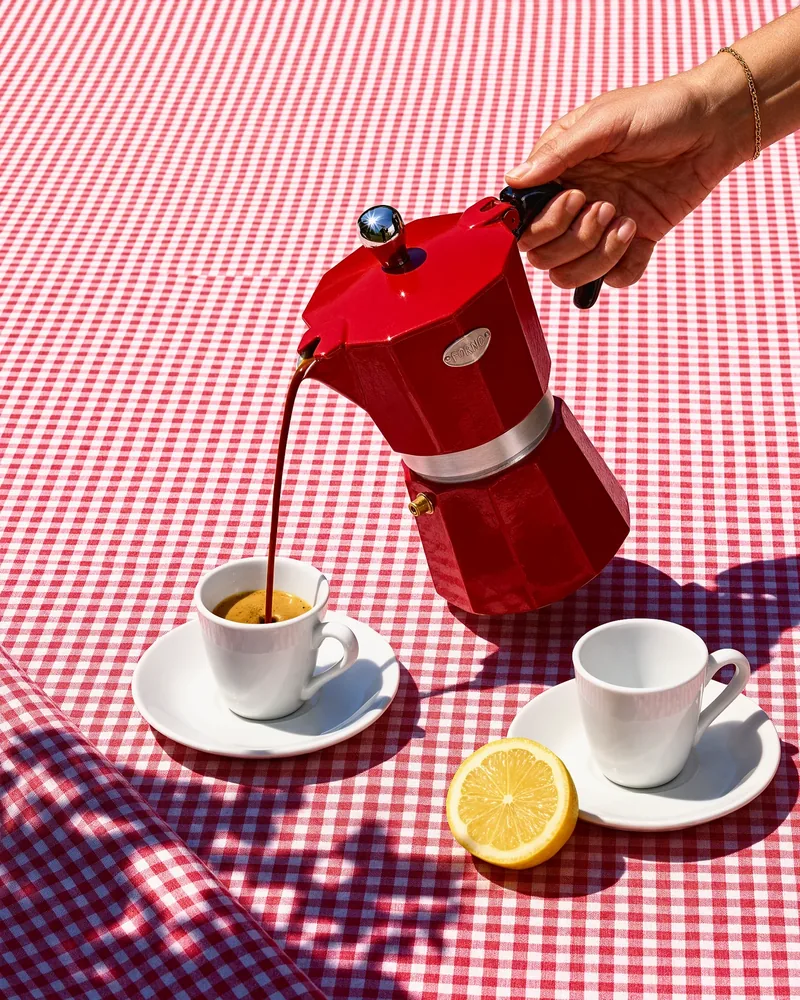
A red moka pot shot on a plain background is turned into a sunlit pour of espresso into two cups on a red gingham tablecloth.
Instruction
Keep the espresso maker exactly as it is. Pour espresso on a gingham tablecloth in hard sun.
OriginalKrea 3 edit
Marker sketch to finished furniture
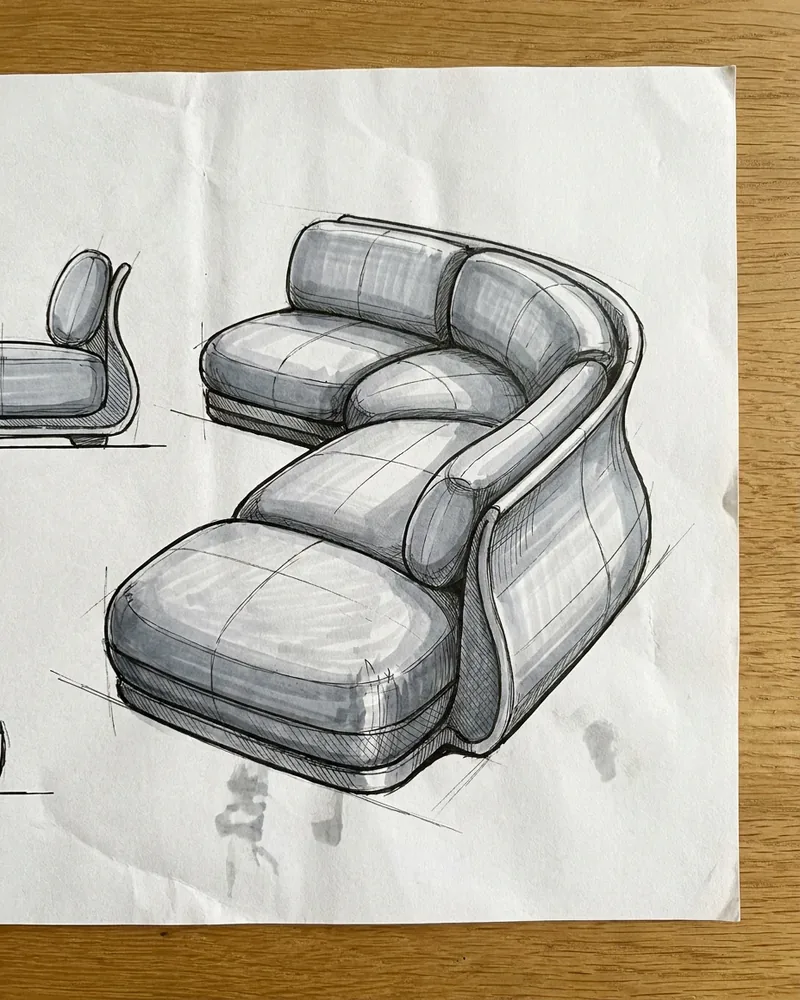
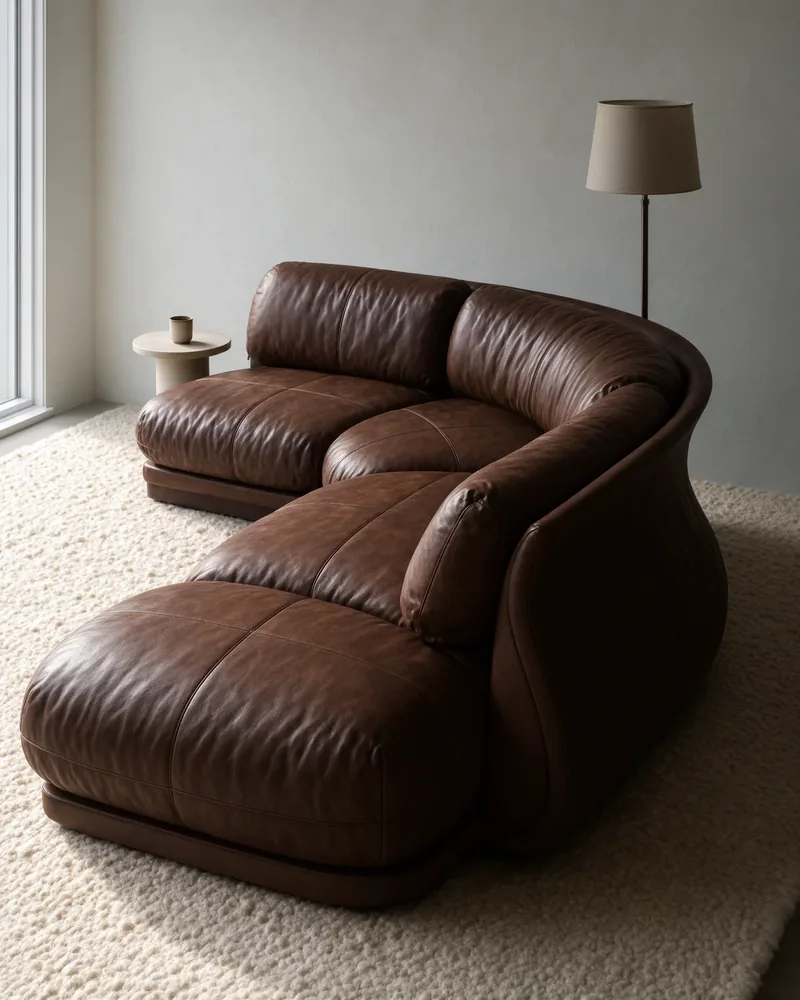
A pencil-and-marker sketch of a puffy modular sofa is rendered as a brown leather sofa in a furnished room with a floor lamp.
Instruction
Turn this marker sketch into a real, finished sofa. Follow the sketch exactly.
OriginalKrea 3 edit
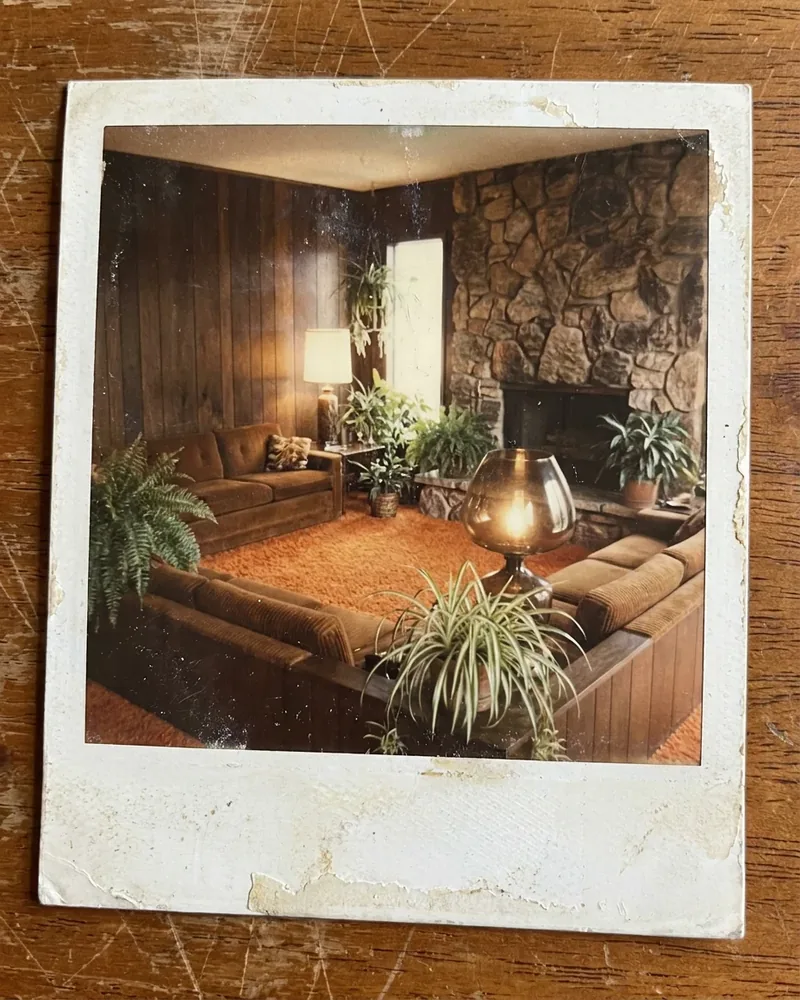
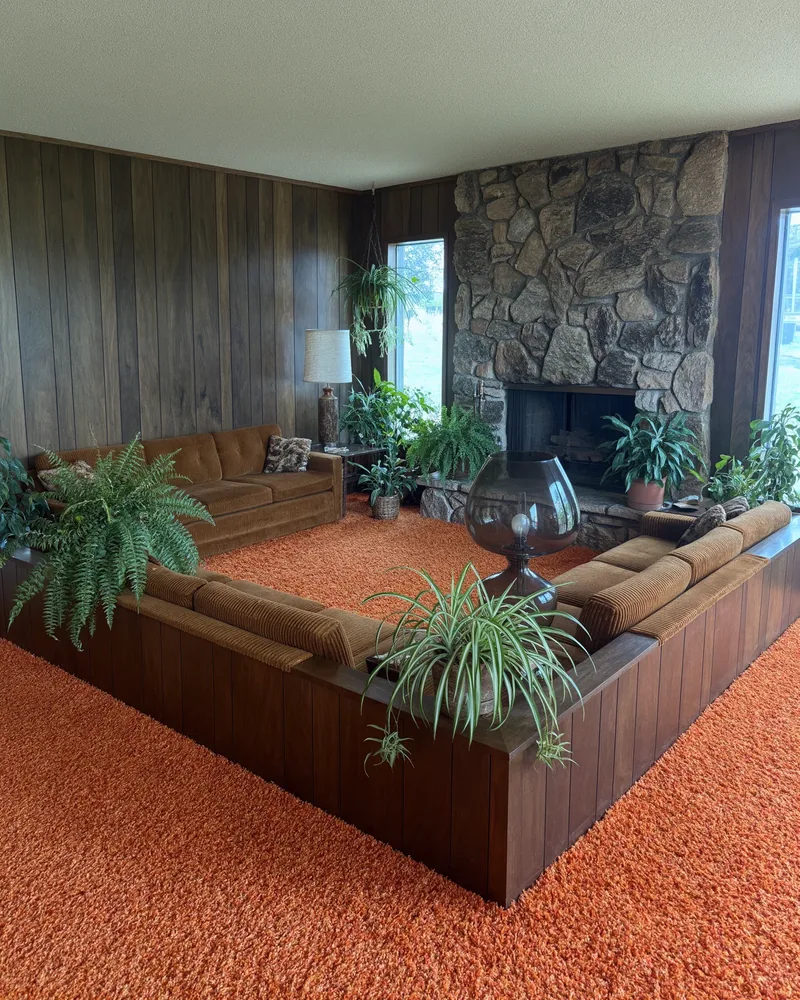
Faded polaroid to modern photograph
A faded 1970s polaroid of a sunken living room with wood panelling and a stone fireplace is recreated as a sharp, modern interior photograph.
Instruction
Recreate the room in this faded polaroid as a sharp, modern architectural photograph.
What is Krea 3, and when was it released?
Krea 3 is an image-to-image foundation model from Krea, released on October 15, 2026. Krea 3 edits one photo or combines several reference photos from a written instruction, outputs native 2K images, and can also generate from text alone. Krea’s launch post says most edits finish in under 8 seconds and lists an API price of $0.06 per 2K image; the Krea 3 technical report followed on November 3, 2026.
Krea 3 is a model, not only the krea.ai app. Krea runs it in its own web app and also offers it through partners including fal, Replicate, Together AI, OpenRouter, Hedra and Nous Research.
The launch post described up to 6 reference images per edit; the technical report and Fal’s Krea 3 Edit endpoint accept up to 8, which is the limit on this page.
Is Krea 3 open source? Weights, Hugging Face and ComfyUI
Krea 3 is not open source, and no Krea 3 weights are available to download as of November 11, 2026. Krea’s Hugging Face page lists Krea 2 Raw and Krea 2 Turbo weights (posted June 18, 2026) and Krea 2 LoRAs, but no Krea 3 checkpoint, so there is no Krea 3 GGUF, GitHub release or ComfyUI model file to run locally. Neither the launch post nor the technical report gives an open-weights date.
Searches for “flux krea 3” usually mix up two models: FLUX.1 Krea, the open-weights model Krea released with Black Forest Labs in July 2025, and Krea 3, which is hosted only.
Today Krea 3 runs only on hosted services: krea.ai, Krea’s API, partner APIs such as fal, and pages like this one that call them for you.
How does Krea 3 image edit use your reference photos?
Krea 3 edit reads every uploaded photo in order as image 1, image 2 and so on, together with your instruction, and renders one new image. Put the photo you want changed first and use later photos for the product, outfit, color swatch or style to bring in, then name them in the prompt, such as “put the bag from image 2 on the table in image 1”. Each input photo is billed like one more output image of the size you pick.
Say what must not change: “keep the label”, “keep the room and the rug”. Three of the five examples above start this way.
Change one thing per run, then run again on the result if you need a second change.
Crop references to the object you want copied; a whole room photo gives the model more to borrow from.
Pick 2K when small text or a label matters: it renders about four times the pixels of 1K and costs more, though small print can still come out wrong.
Krea 3 pricing and credits
Krea 3 on this page costs 5 credits for a 1K text-to-image result and 10 credits for a 1K edit of one photo — about $0.07 and $0.14 at the Pro monthly rate of $19 for 1,400 credits. Each extra input photo adds 5 credits at 1K or 19 at 2K. From zero balance, the smallest purchase is the $5 pack of 100 credits, enough for 10 one-photo 1K edits.
Run
Credits
≈ Pro monthly ($19 / 1,400)
≈ $5 pack (100)
1K · text only
5
$0.07
$0.25
1K · 1 photo
10
$0.14
$0.50
1K · 4 photos
25
$0.34
$1.25
1K · 8 photos
45
$0.61
$2.25
2K · text only
19
$0.26
$0.95
2K · 1 photo
38
$0.52
$1.90
2K · 4 photos
95
$1.29
$4.75
2K · 8 photos
171
$2.32
$8.55
Question
Answer on this page
Free Krea 3 runs
None — every run spends credits
Watermark
No watermark added to downloads
Output
One JPEG per run, 1K (about 1 MP) or 2K (about 4 MP)
Phone
Works in a mobile browser; no app to install
Failed runs
Credits are returned automatically
Why photos cost extra: Fal bills Krea 3 at $0.025 per megapixel for the output plus every reference image, so a one-photo edit costs about twice a text-only image. Prices were checked on November 11, 2026. See all credit plans
Krea 3 still makes the mistakes Krea lists in its technical report: it occasionally misspells words, changes parts of a reference it was asked to preserve, and ignores parts of the instruction. Faces, hands and small print can shift, especially across repeated edits, so check details before you publish. Results vary with the photo and the prompt.
One image per run; no batch of variations.
Up to 2K (about 4 MP); no 4K output.
Up to 8 input photos per run.
No box or brush to mark the exact area to change; describe it in words.
Still images only; no video.
This page is a tool, not a Krea 3 review or benchmark.
For a bigger file after editing, run the result through the Image Upscaler; to change only a region you mark with a brush, use AI Inpainting instead.
Krea 3 FAQ
Is this the official Krea app?
No. Image to Layers is an independent site that sends your request to Krea 3 through Fal’s hosted API; Krea, the company that built the model, runs its own app at krea.ai. Credits, accounts and support on this page are ours, not Krea’s.
Does Krea 3 have an API?
Yes. Krea 3 has an official Krea API and hosted partner APIs (the partners are listed in “What is Krea 3” above). An API suits developers who are building their own app and want to pay the provider per image; this page is the no-code route, calling fal’s Krea 3 endpoints for you with no API key and pricing every run in credits before you start.
Which Krea 3 version runs here — Ultra or Turbo?
This page runs Fal’s standard Krea 3 text-to-image and Krea 3 Edit endpoints at their default “medium” reasoning level. The higher “high” and “ultra” reasoning levels are not offered here. There is no Krea 3 Turbo download either: the Turbo weights on Krea’s Hugging Face page are Krea 2 Turbo.
Is Krea 3 free?
Krea 3 is not free on this page: every run spends credits, starting at 5 for a 1K text-to-image result and 10 for a 1K one-photo edit. Krea’s own app lists Krea 3 on its Free plan, with 100 compute units a day and no credit card (checked November 11, 2026). Downloads from this page carry no added watermark.
Edit your next photo with Krea 3
Upload a photo, write what should change, and pay 10 credits for a 1K one-photo edit.