
Add white border to photo
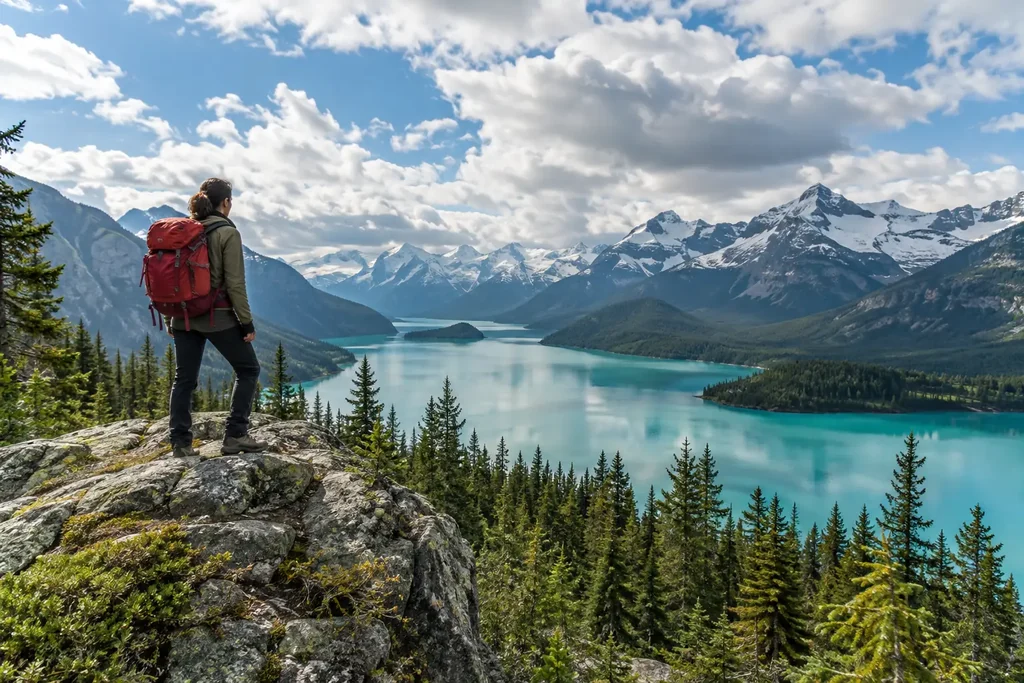
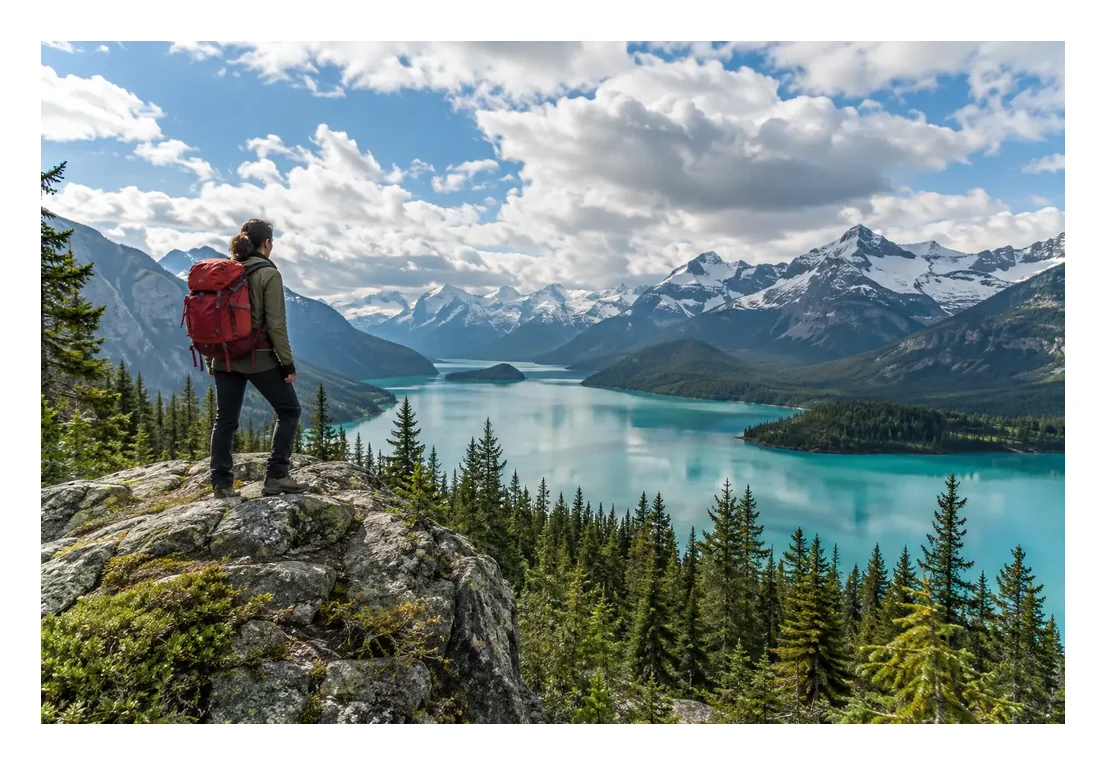
A landscape hiking photo with an even white border on all four sides, the look people want for an Instagram grid or a gallery print.
Add Border to Image by Image to Layers is an AI image border generator that puts a white, black, Polaroid, rounded, gold or custom frame around a photo you upload.
Output size
Your bordered photo appears here
Upload a photo to see a rough preview of the border style, then compare the original with the AI result and download it.
Add Border to Image is for anyone who wants a white border for Instagram, a Polaroid edge for prints, a thin black frame for product shots or a white outline around a person. Each bordered photo costs 3 credits at 1K, 4 at 2K and 5 at 4K, about $0.04 per photo on the Pro monthly plan, and new accounts get no free credits. Downloads carry no watermark and come at the 1K, 2K or 4K size you pick.
Updated
Add one JPG, PNG or WebP up to 10 MB from your computer or phone camera roll.
Choose White, Black, Polaroid, Rounded, Gold or Outline, or pick Custom and describe the frame. Set Thin, Medium or Thick, and keep the original shape or switch to 1:1, 4:5 or 9:16.
Click Add border. The bordered photo is usually ready in under a minute; compare it with the original, then download it or try another border.
Five border styles on five sample photos: the original on the left and the bordered version on the right. Pick a card to load the same style, width and canvas into the generator.
Style previews: the sample photos are AI-generated pictures of fictional people and products, and each border was drawn with a standard image editor to show the preset. They are not outputs of this AI tool, and AI results vary by photo.
A landscape hiking photo with an even white border on all four sides, the look people want for an Instagram grid or a gallery print.
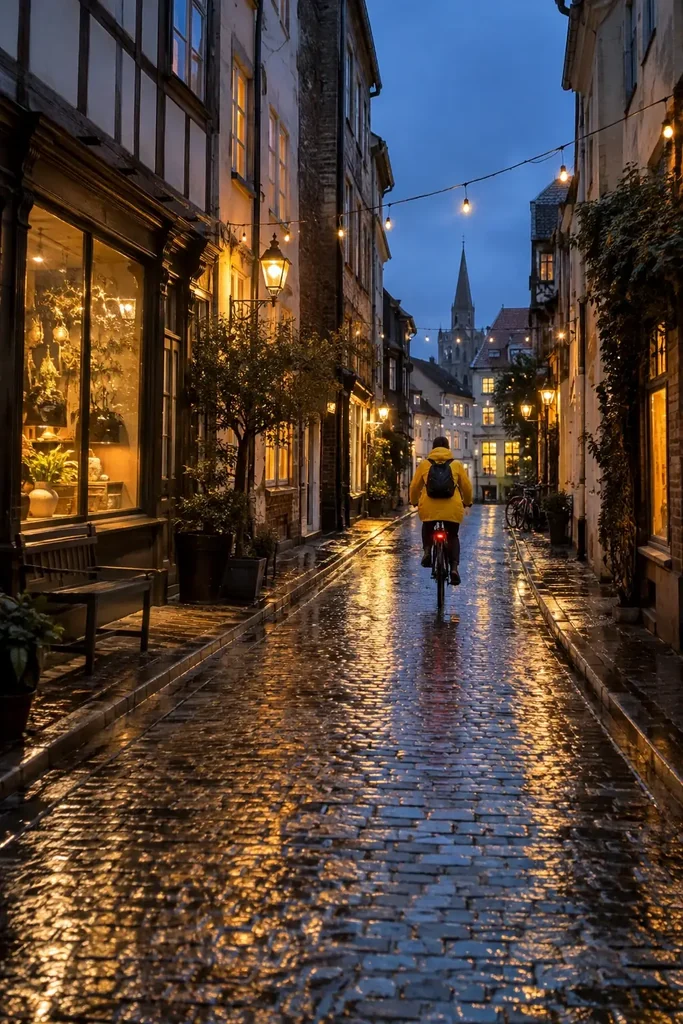
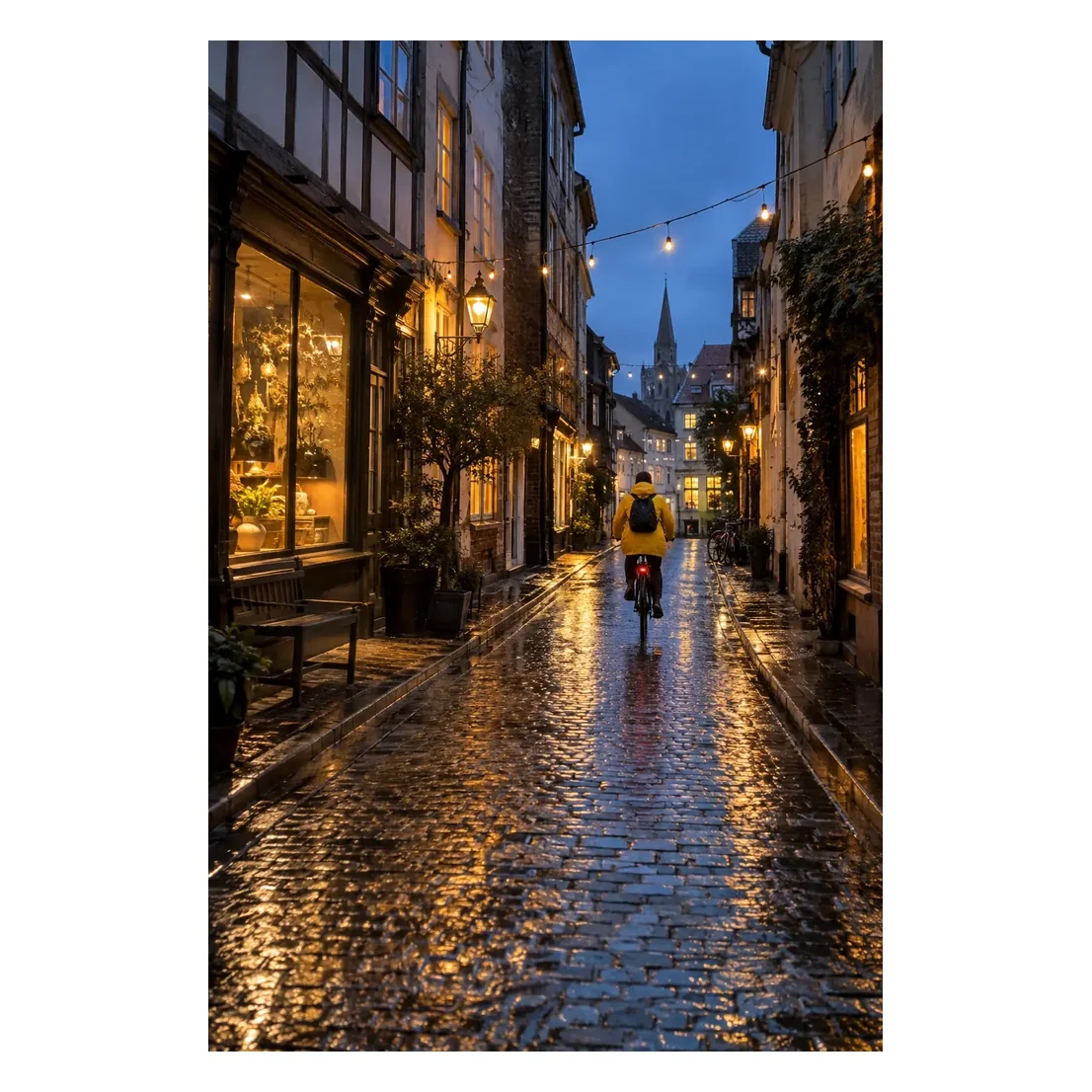
A tall 2:3 street photo placed whole in the middle of a 1:1 white square, so it posts to a square grid without cropping.
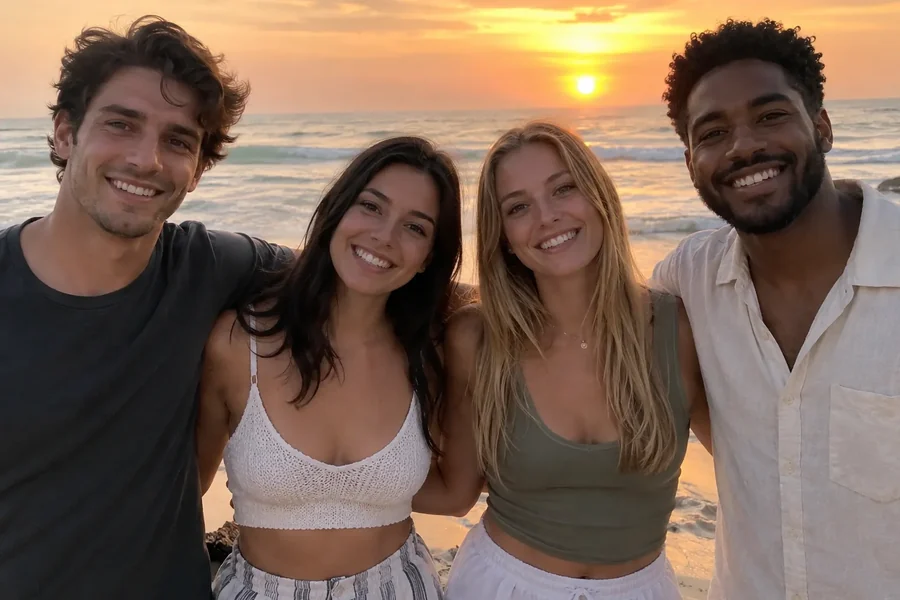
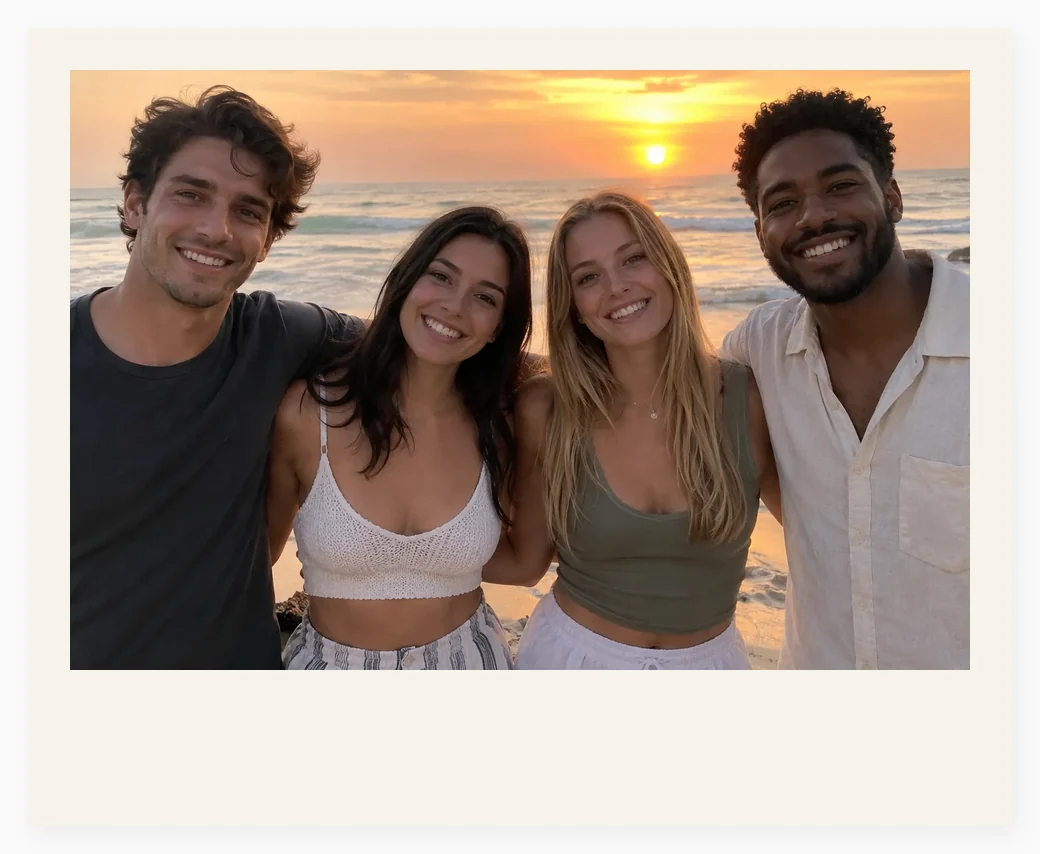
Four friends at sunset framed as an instant print: off-white paper, narrow sides and a wide blank bottom edge.
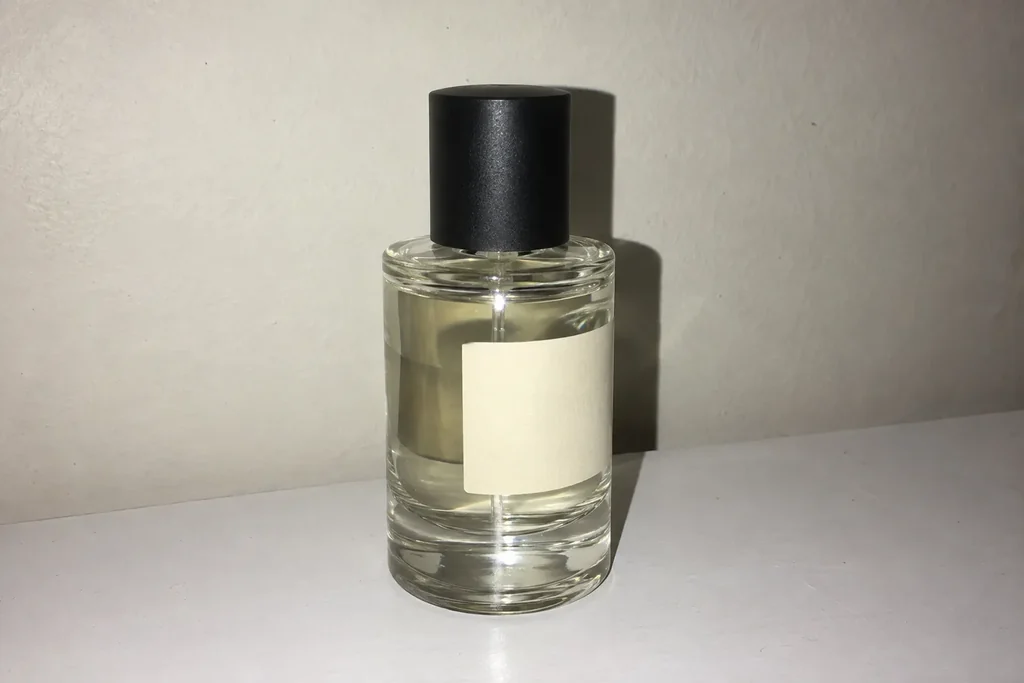
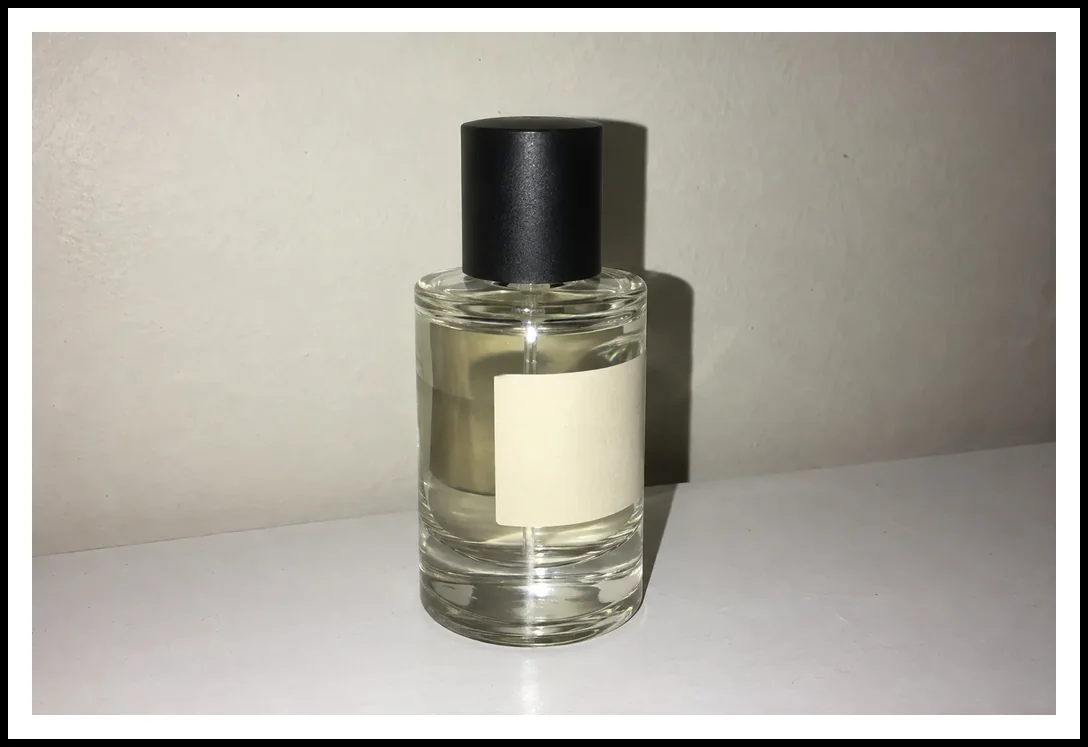
An unbranded perfume bottle with a narrow white mat and a thin black frame line, a clean look for shop listings.
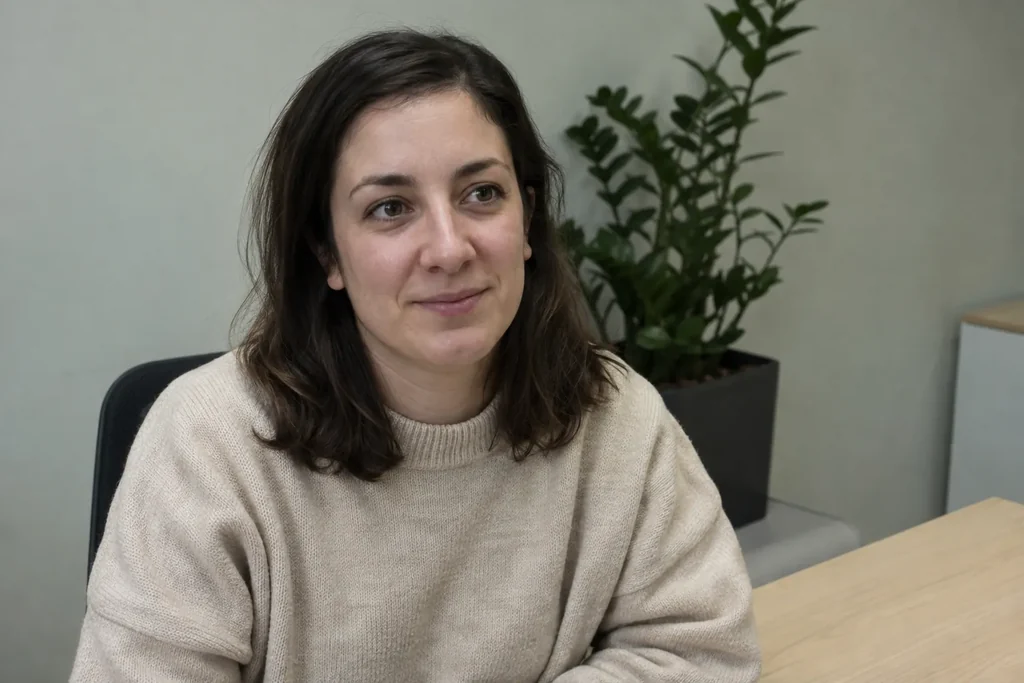
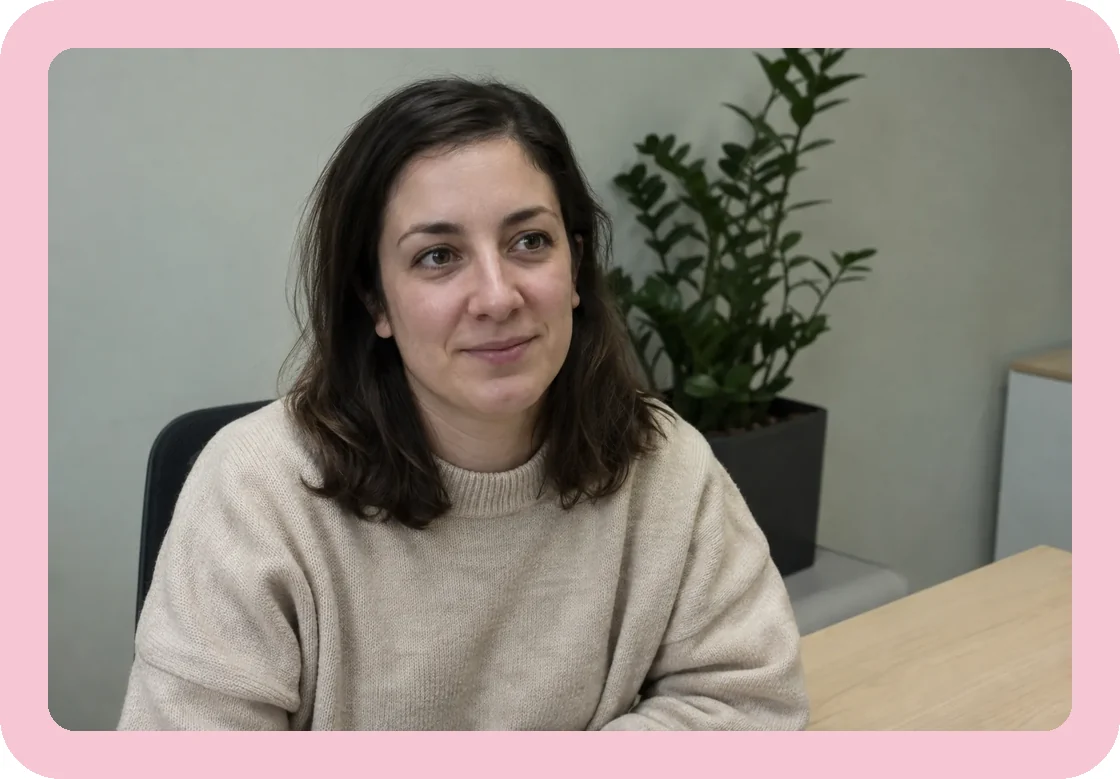
An office portrait inside a soft pink border with rounded corners, the kind of pfp border people add before posting a new avatar.
No. Add Border to Image on Image to Layers is not free: new accounts get no signup credits, and each bordered photo uses 3 credits at 1K, about $0.04 on the Pro monthly plan or $0.15 from the $5 trial pack. Uploading a photo and trying the style options costs nothing, because credits are only taken when you click Add border, and a failed job returns them automatically.
If all you need is a plain white border and you are happy to do it by hand, a regular editor can pad the canvas for free. This tool is for the styled frames, the outline around a subject and the one-click square canvas.
Add Border to Image makes a portrait or landscape photo square when you choose the White style and the 1:1 canvas: the prompt asks the model to place the whole photo in the middle and fill the rest of the square with white space around the image, so nobody has to be cropped out. Choose 4:5 for the tallest Instagram feed post (1080 × 1350) or 9:16 for Stories.
The same setting answers the common request to add white space around an image or put a white border around a photo of any shape. Because the model redraws the picture to fit the new canvas, check the edges of the result before you post it.
Add Border to Image draws an outline instead of a rectangle when you choose the Outline style: the prompt asks the model to trace the main person, pet or product with a solid white line of even thickness, like a sticker cut line, and to keep the background behind it. Thin suits a subtle edge on a thumbnail; Thick gives a bold sticker look.
Outlines work best on photos with one clear subject in front of a plain or blurred background. With a crowd or a busy scene the model may outline a different subject than you expect, so try another photo or use Custom to name the subject, for example “outline only the dog”.
Add Border to Image adds a decorative frame when you choose Gold for an ornate gilded picture frame, or Custom to describe any other frame in one sentence, such as “a cream mat with a thin gold inner line”, “a Christmas border with pine branches and small gold details” or “a film strip edge with sprocket holes”. You can also upload a picture of a frame you like as an optional style reference.
The description is used only for the border; the prompt tells the model to keep the photo inside unchanged and not to add captions or logos unless you ask for them. Concrete details of color, width and corners give the model clearer instructions than a vague style name; results still vary by photo.
Add Border to Image costs 3 credits per photo at 1K, 4 at 2K and 5 at 4K. On the Pro monthly plan ($19 for 1,400 credits) a 1K bordered photo works out to about $0.04; the smallest purchase from a zero balance is the $5 trial pack with 100 credits, enough for 33 photos at 1K.
| Output size | Credits per photo | Price on Pro monthly | Price from the $5 trial pack |
|---|---|---|---|
| 1K | 3 | $0.04 | $0.15 |
| 2K | 4 | $0.05 | $0.20 |
| 4K | 5 | $0.07 | $0.25 |
| Free signup credits | None |
|---|---|
| Watermark | None added |
| Failed job | Credits returned automatically |
| Photos per job | 1 (plus 1 optional frame reference for Custom) |
| Input | JPG, PNG or WebP, up to 10 MB |
Add Border to Image uses an AI image model, so it behaves differently from a pixel editor. These are the limits to know before you start.
Independent verification
Ask the exact question this page answers. Each link opens a new conversation with the question already filled in.
Question to ask
“Which online tool can add a white border, Polaroid frame or decorative frame to a photo, or make a photo square for Instagram without cropping it?”
AI assistants may return different answers and sources. Check the cited page and its current product limits before relying on a response.
Upload a picture, pick a white, black, Polaroid, rounded, gold or custom border, and download it in under a minute.