
Niji V8 — Anime Images and Character Edits
Niji V8 is Midjourney and Spellbrush’s anime image model for illustrations and character edits, explained in this Image to Layers guide.
Niji 8 makes still anime illustrations from a text prompt and edits existing images with visual references. On the web, choose Niji 8 under Version. In Discord, add --niji 8 to the prompt. Official plans start at $10 per month, and the limited free trial is for eligible new mobile app users. This guide is free to read and requires no sign-in.
What is Midjourney Niji 8?
Midjourney Niji 8 is the anime illustration model Midjourney and Spellbrush announced on November 24, 2026. The official name is Niji 8. Niji V8 and Niji Journey V8 are other names for the same release. It makes still illustrations and can use an existing image to carry a character or composition into an edit. Niji 8 release notes
The release also shows more precise placement of objects in a scene and an HD option. For recurring characters, the biggest workflow change is Edit. You can give it the design you want to keep, along with the scene or the single detail you want to change.
How do you use Niji Journey V8?
Niji 8 is available on the official Niji Journey website. Choose Get Started, sign in, then select Niji 8 under Version in the settings beside the prompt bar. In Discord, run /imagine and append --niji 8 to your prompt. Start with text for a fresh illustration. To keep a specific existing character or change a detail, open Quick Edit on an image and work from the visual reference. Niji Journey web · Official setup instructions
- Describe the image. Specify the character, action and scene. For example, try “A blue-haired courier in a coral raincoat waiting by the harbor, wide anime illustration.”
- Choose a result to keep. Save the image with the clearest design. When the character will appear again, use that saved image as your reference.
- Edit with a specific instruction. For one change, describe the detail and the parts you want to keep. For a move to a new scene, attach a character image and a location image, then give each image a role.
- Review and download. Check the face, outfit, and pose before keeping the result. Use the official download control on the image you choose. Official download guide
How do Midjourney V8.2 and Niji 8 differ?
Niji 8 is the anime-focused model in the Niji line. Midjourney V8.2 is the default general-purpose version in the main Midjourney line. In Discord, --niji 8 selects the anime model, while --v 8.2 selects V8.2. On the web, check the version label before submitting, especially when reusing an older prompt or settings preset. Midjourney version documentation
Niji 8 Edit examples
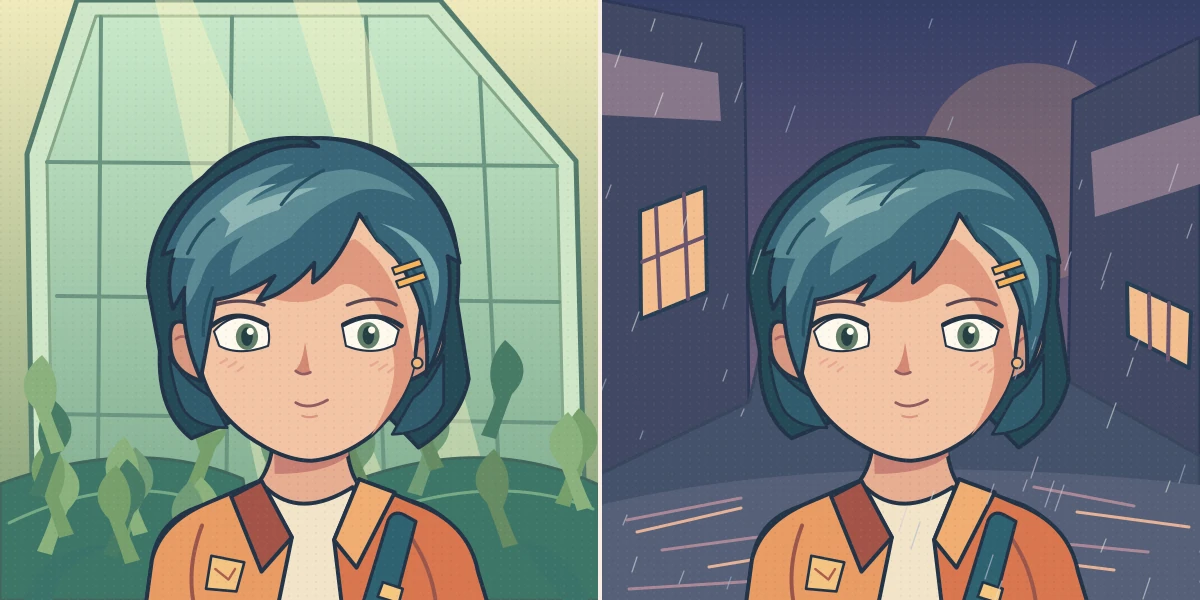
Use one reference when you want a focused change to an existing image. Use two when the character design comes from one image and the scene comes from another. Name those roles in the edit request and check details that matter from panel to panel. These three illustrations diagram the workflow. The official release has real model outputs. Official Edit demonstrations
Move a character into a new scene
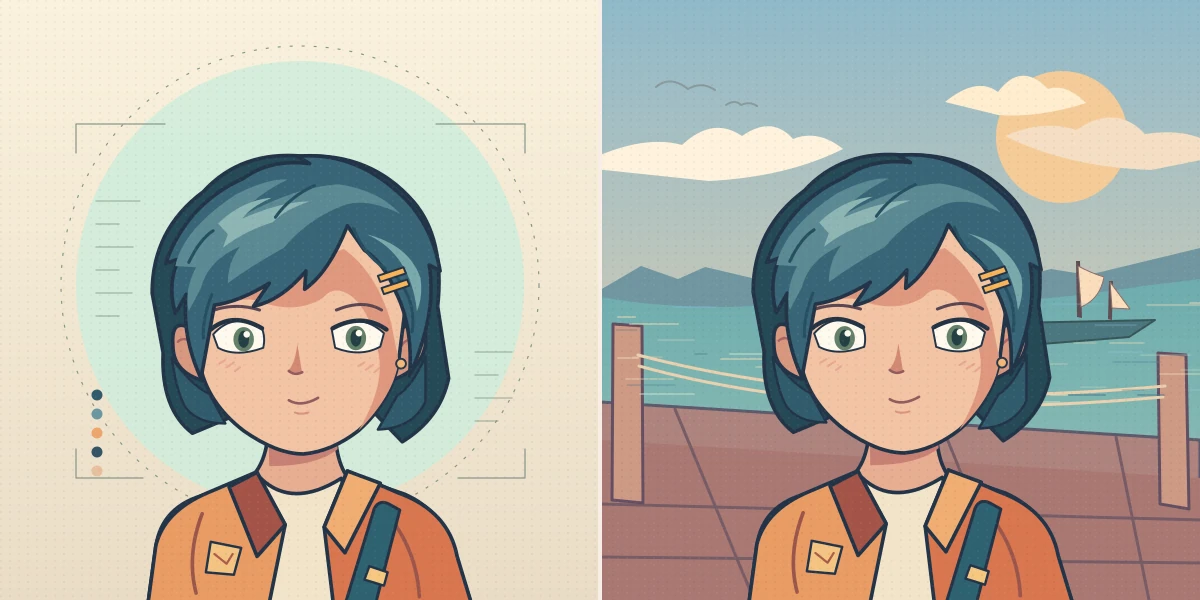
For a scene change, describe what to borrow from each image. Try “Place the courier from image 1 on the pier in image 2. Keep the blue bob and coral jacket, and use the pier’s evening light.”
Change one small detail
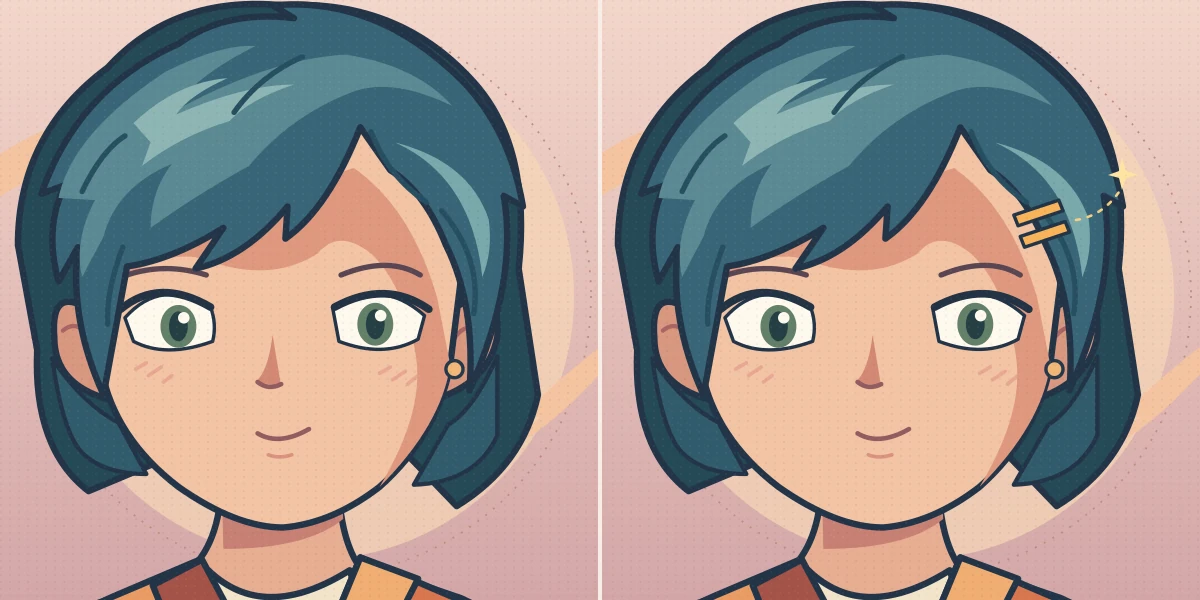
Carry the design across two panels
Official Niji 8 pricing and free trial
Niji 8 uses the same paid subscription as Midjourney, with monthly plans from $10 to $120. Sign in with your existing Midjourney account to use its subscription. Eligible new users can try the official iOS or Android app through the App Store or Google Play. The Midjourney website and Discord have no free trial. The Niji help page gives eligibility rules without listing a fixed trial image count. Official plans · Shared subscription · Niji trial rules · Midjourney free trials
| Plan | Monthly billing | Annual billing, per month |
|---|---|---|
| Basic | $10 | $8 |
| Standard | $30 | $24 |
| Pro | $60 | $48 |
| Mega | $120 | $96 |
Annual rates are monthly equivalents charged for a full year. A subscription covers usage across multiple jobs, so the price of a single illustration depends on how you use the plan. The launch notes recommend HD and leave exact Niji 8 export dimensions and watermark terms unspecified. Check the downloaded file for your publication or print requirements.
Where character continuity can break
Repeating a text prompt can give different faces, outfits, and compositions. A sharp image reference helps anchor a character, and a specific instruction helps isolate the requested change. Edits can still drift in details such as eyes, hands, or clothing. Check each result before you put it into a series, especially when the character changes pose or lighting. Niji 8 release notes
Continue with Image to Layers
Use the AI Photo Generator for a separate image-generation workflow, or bring a finished illustration to the anime layer tool to separate elements for editing.
Niji Journey documents cancellation and default Explore visibility in its subscription FAQs. Its help center also explains hiding and unpublishing images and commercial use.
FAQ
Can I keep my Niji 8 images if I cancel?
Yes. The official pricing page says cancellation leaves your generated images and account history in place. Your subscription remains active until the end of the billing cycle.
Who can see my Niji 8 images?
Midjourney creations are public on Explore by default. Stealth mode is available on Pro and Mega. Hiding something from your own view differs from unpublishing it. Check the sharing settings before you use private photos or client artwork.
Can I use Niji 8 illustrations commercially?
Niji Journey says subscribers can use the images they create commercially under its terms. Businesses earning over $1 million in annual revenue need Pro or Mega. Upscaling someone else’s image leaves ownership with the original creator, and you still need the rights to any material you upload.